
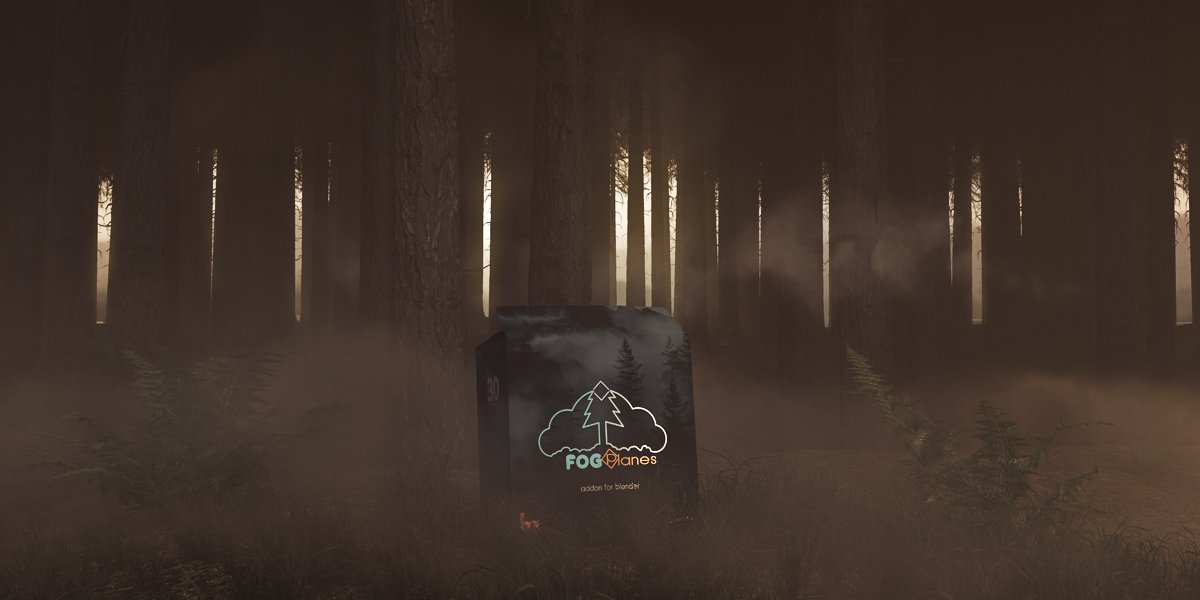
Fog Planes for Blender
Fog Planes Addon v1.0.1 for Blender – The Ultimate Volumetric Atmosphere & Depth Tool
Version: V1.0
File Size: 200 MB
Download Fog Planes Addon v1.0.1 for Blender on Windows and Mac, a lightweight yet powerful utility designed to instantly generate customizable fog planes, mist layers, and atmospheric depth cards directly within your 3D scene. By simplifying the creation of volumetric atmosphere without complex node setups or heavy simulation domains, Fog Planes transforms how artists add mood, scale, and cinematic depth to renders, eliminating the need for manual plane modeling, shader wiring, or expensive volumetric baking for static or animated scenes.
Key Features of Fog Planes v1.0.1:
- One-Click Fog Plane Generation: Instantly adds a pre-configured fog plane object to your scene with optimized volumetric shader settings for both Cycles and Eevee, ready to render in seconds.
- Height & Density Gradient Control: Intuitive sliders to adjust fog thickness, vertical falloff, and ground-level density, allowing you to create everything from subtle morning mist to dense, immersive fog banks.
- Animated Fog Movement: Built-in noise drivers to simulate gentle drifting, swirling, or rising fog motion with adjustable speed, scale, and direction—no keyframing required.
- Color & Tint Customization: Full control over fog color, absorption tint, and scattering anisotropy, enabling realistic atmospheric haze, colored magical mist, or eerie environmental effects.
- Camera Depth Awareness: Optional setting to fade fog intensity based on camera distance, enhancing depth perception and preventing “flat” looking atmospheric layers in wide shots.
- Multiple Plane Support: Stack multiple fog planes at different heights, densities, and colors to simulate complex atmospheric stratification (e.g., ground fog + mid-level haze + high-altitude mist).
- Object Exclusion Masking: Easily exclude specific objects (characters, vehicles, props) from fog occlusion or scattering, ensuring main subjects remain clear while the environment fades naturally.
- Eevee Optimization: Specialized shader variants for Eevee that leverage Screen Space Reflections and Volumetrics for real-time preview without sacrificing visual quality.
- Light Interaction Tuning: Dedicated controls for how fog scatters light from sun, lamps, or emissive objects, enabling realistic god rays, volumetric shadows, and atmospheric glow effects.
- Export-Ready Geometry: Fog planes generate clean, lightweight mesh geometry that can be easily duplicated, arrayed, or converted for game engine export or real-time applications.
Perfect For:
- Architectural Visualizers adding atmospheric depth to exterior renders, site plans, and landscape presentations.
- Environment Artists creating moody forests, haunted swamps, sci-fi alien worlds, or post-apocalyptic scenes with controlled fog layers.
- Cinematic Artists enhancing short films, animations, and VFX shots with professional-grade atmospheric effects.
- Game Developers generating performant fog assets that can be baked or adapted for Unity, Unreal, or Godot real-time engines.
- Product Designers using subtle haze to separate subjects from backgrounds and highlight lighting setups in studio renders.
- Beginners who find Blender’s native volumetric shader nodes confusing or overwhelming.
System Requirements:
- Blender: 3.6, 4.0, 4.1, 4.2, 4.3+ (Latest LTS recommended).
- OS: Windows 10/11 (64-bit) or macOS 10.15+.
- Render Engine: Fully compatible with Cycles (path-traced volumes) and Eevee (Volumetrics must be enabled in Render Properties).
- GPU: Recommended for fast volumetric preview and rendering.
Installation:
- Download the Fog Planes Addon v1.0.1
.zipfile. - Open Blender and go to Edit > Preferences > Add-ons.
- Click Install…, select the downloaded file, and enable the checkbox next to World: Fog Planes.
- Access via the Add Menu > Mesh > Fog Plane or the dedicated Fog Planes panel in the 3D Viewport Sidebar (N-panel) under the Atmosphere tab.
Note:
Version 1.0.1 introduces a critical “Wind Direction” parameter that allows fog animation to drift along a customizable vector, creating more natural, dynamic atmospheric movement. It also adds a “Preset Library” with saved configurations for common scenarios like “Dawn Mist,” “Industrial Smog,” “Underwater Murk,” and “Magic Spell Haze,” enabling instant stylistic switches. This update includes improved handling of multiple light sources and better performance when stacking many fog planes in large scenes. The addon is designed to be non-destructive and lightweight, making it an ideal companion for both quick concept renders and final production shots.
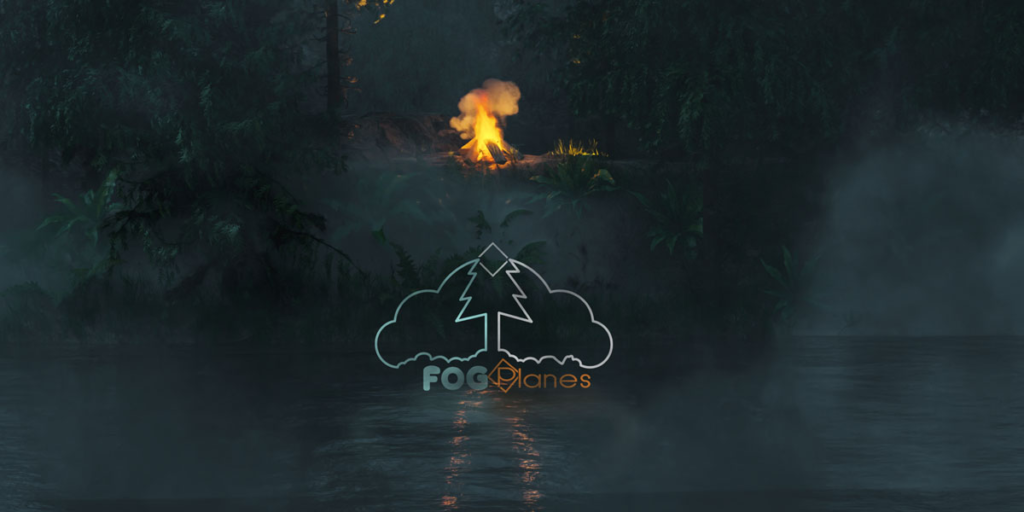
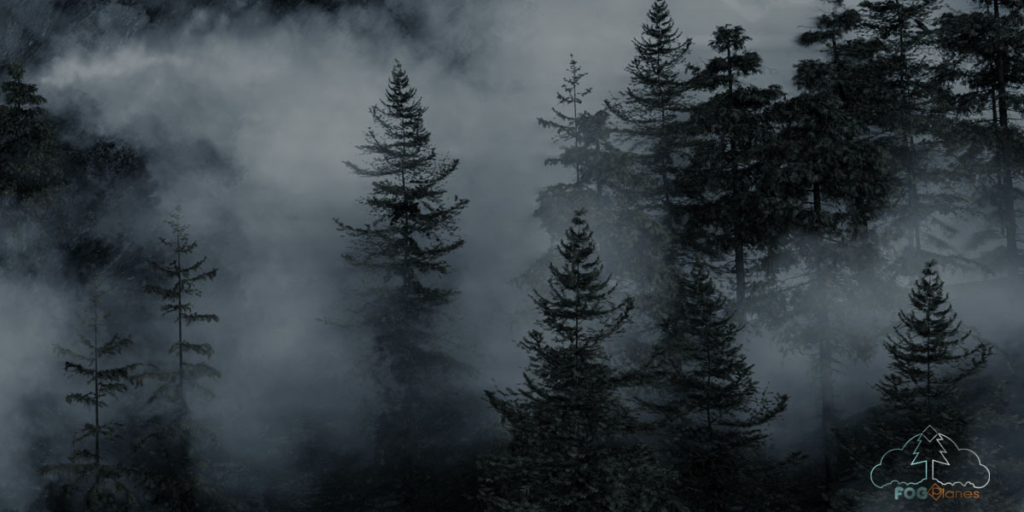
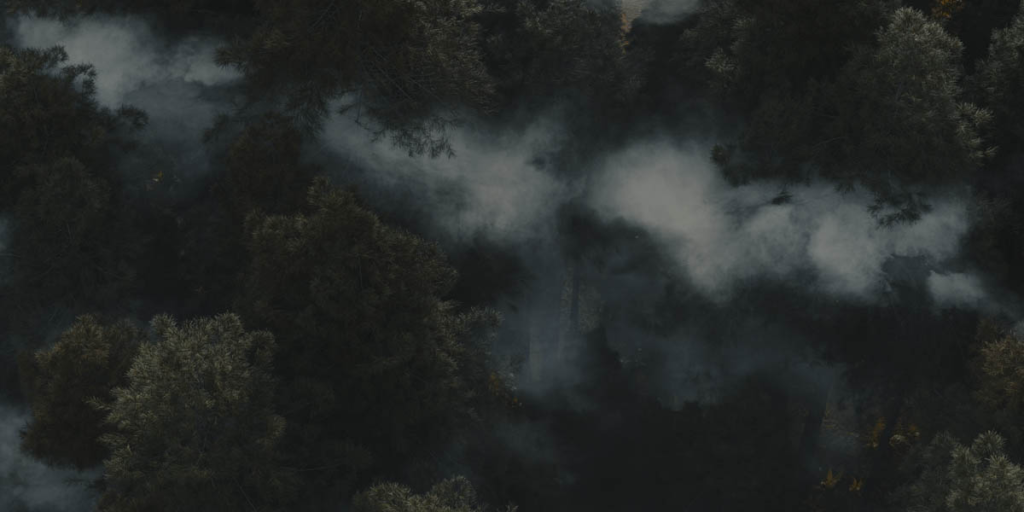
Fog Planes
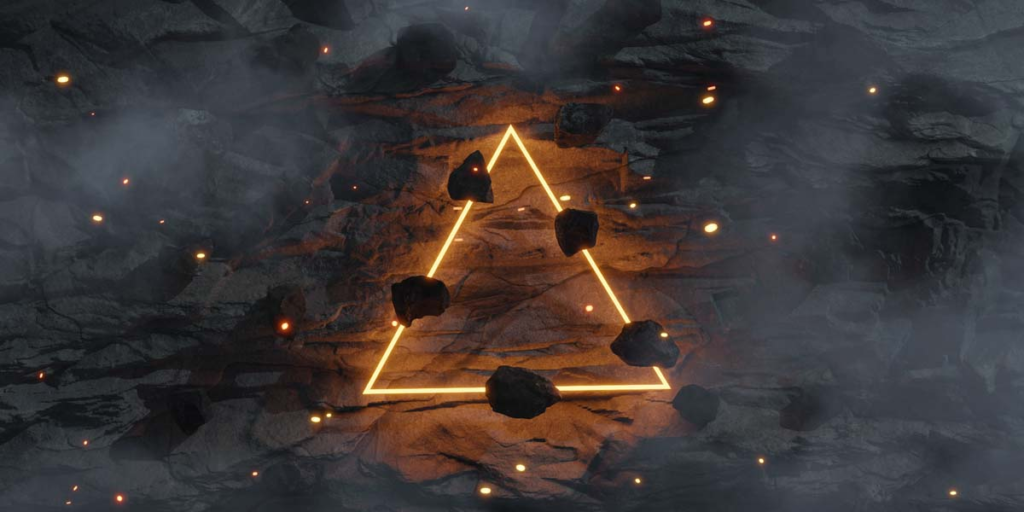
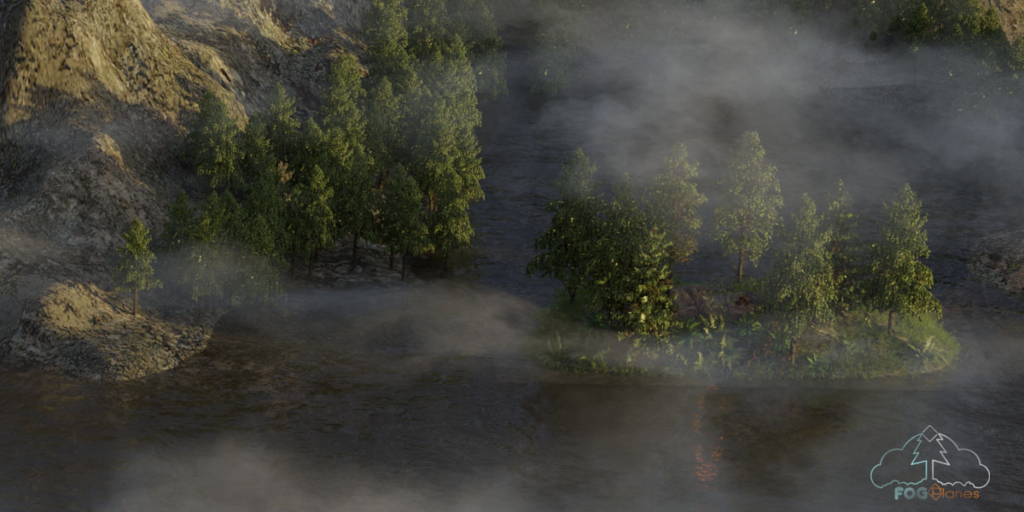
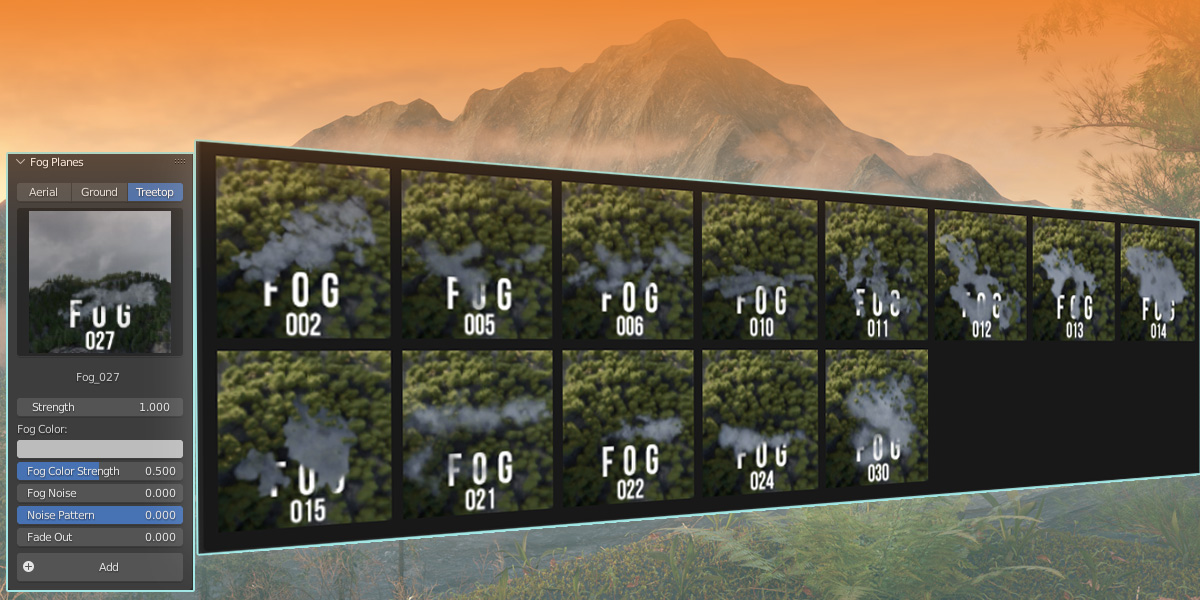
This Fog Planes addon completes the work with fog in the 3d environment. It provides you with a large gallery of fog textures which come with advanced shader for the necessary individual adjustments in the fog planes.
It’s easy to use and with a few clicks you can create realistic fogs that give your renderings the right mystical atmosphere.
Whether you need it for still renderings or for animations, with the Fog Planes you can quickly add a detail to nature scenes that gives great results and don’t unnecessarily increase the rendering time.
What can you expect from the addon?
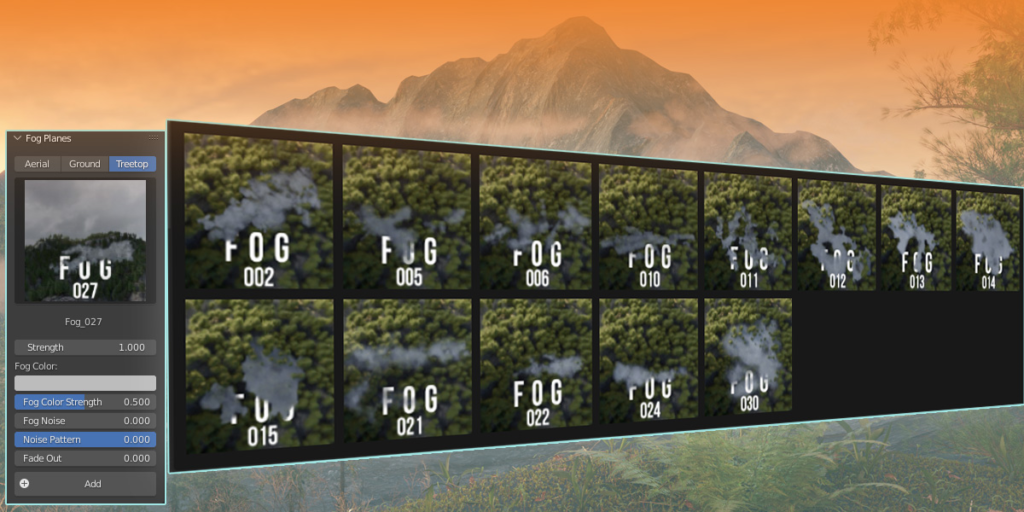
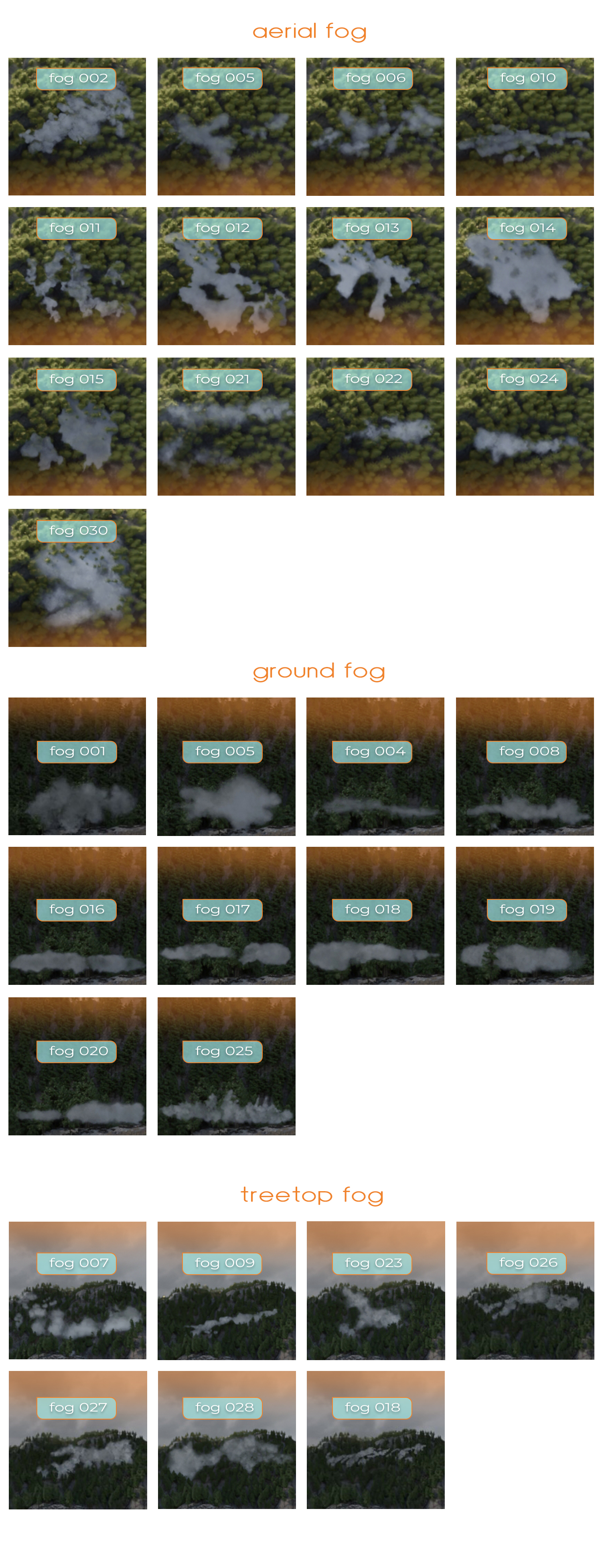
– A categorised library with all the fog planes
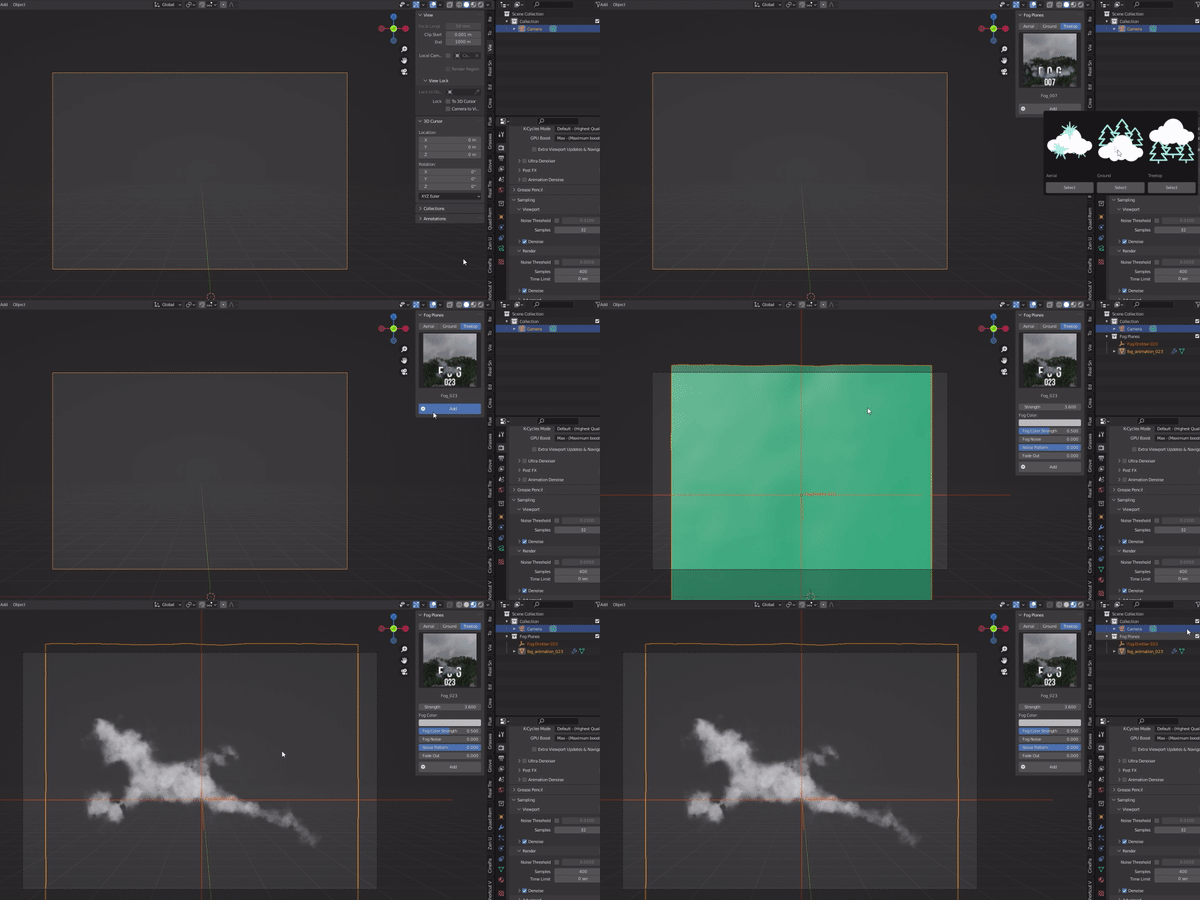
– The fog node shader is integrated into the addon panel. No more new workspace window for the shader.
– All fog textures have been edited: more noise, more depth for more realistic results.
– 10 new realistic fog planes have been added to the library, in total now 30 planes are in the library.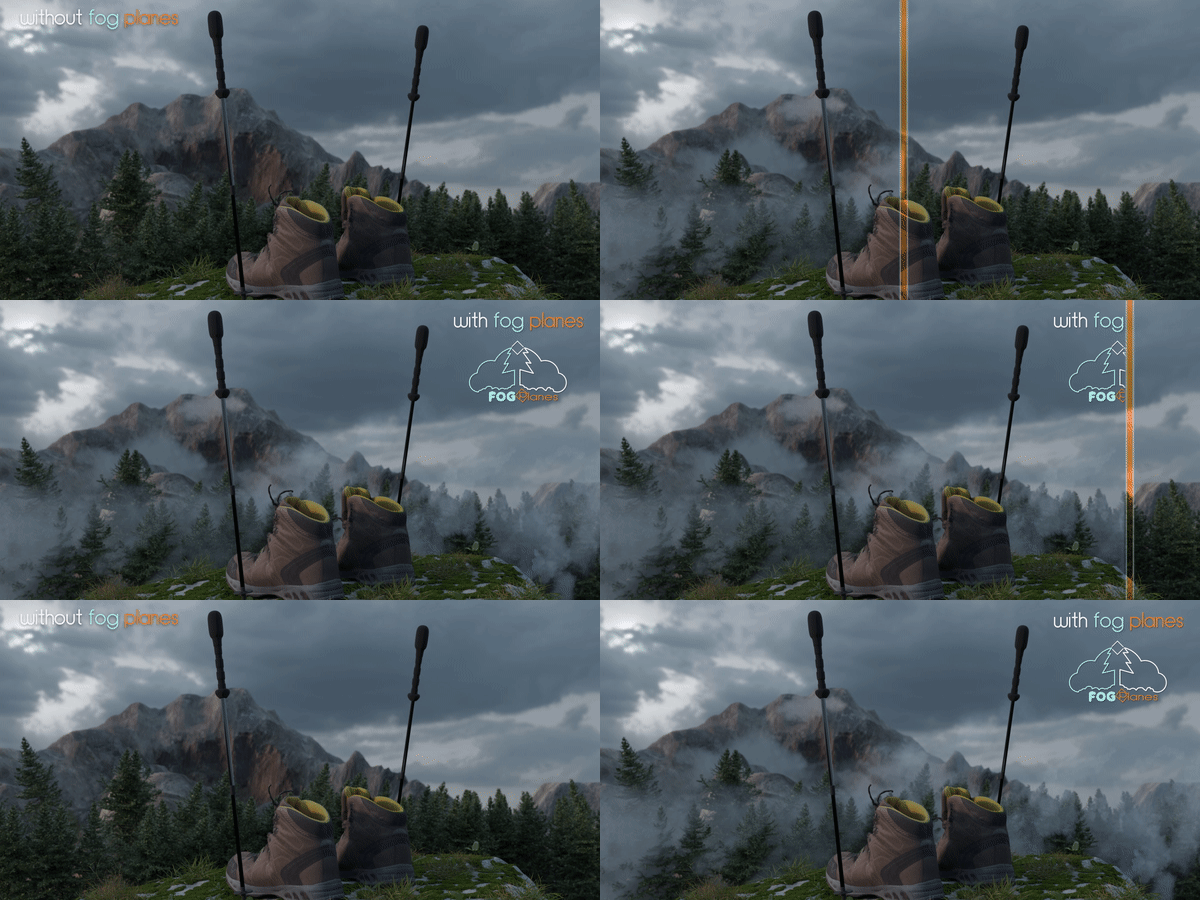
What speaks for Fog Planes
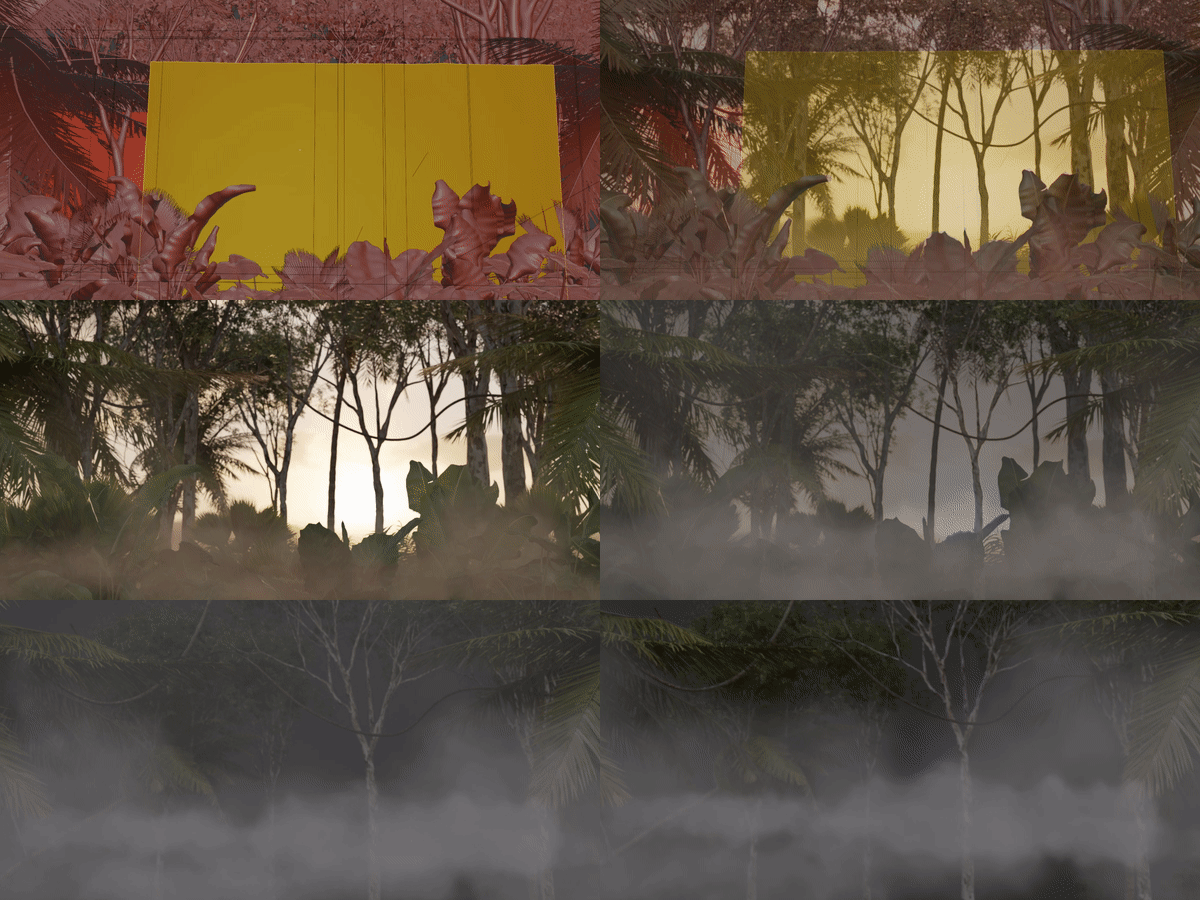
Fog planes are thin like cheese slices. Therefore they need far less machine resources and don’t slow your workflow down.
Realistic 2D generated textures wich are subdivided and completed by modifiers, provide the necessary depth and motion effect when you move it.
With the advanced shader you can also change the outer look of the fog planes and all the changes can be keyframed for a breathtaking animation.
What is included?
30 fog planes arranged and categorised in the designated area of use. The addon allows you to switch quickly within the library. For the smoother workflow, the shader is part of the addon panel. The fog emitter can be used to make manual motions or loopings in the fog planes.
For Whom is Fog Planes Addon
Especially 3D environment artists will enjoy the benefits of this add-on. With a few clicks and changes in the shader, you can create a completely different atmosphere for the whole nature scene.
Limitations
The Fog Places can’t replace ultra realistic vdb fogs. You need to hide their 2D look and that is the case when the camera angle shows the thin character of the plane. You only need to fit the angle of camera with the angle of the plane.
Supercharge your 3D creation workflow with premium selection of Blender Add-ons. Whether you are modeling intricate characters, sculpting realistic environments, or animating cinematic sequences, the right add-on can transform how you work inside Blender. Our curated collection includes powerful tools for UV unwrapping, procedural texture generation, rigging automation, rendering optimization, and more—each rigorously tested for compatibility with the latest Blender versions. Eliminate tedious manual processes and unlock advanced functionality that lets you focus on what matters most: bringing your creative vision to life. Explore our full range of professional Blender plugins today and take your 3D projects to the next level.
➡️ ➡️ For more Blender Plugins 😀 😀
Reviews
There are no reviews yet.