
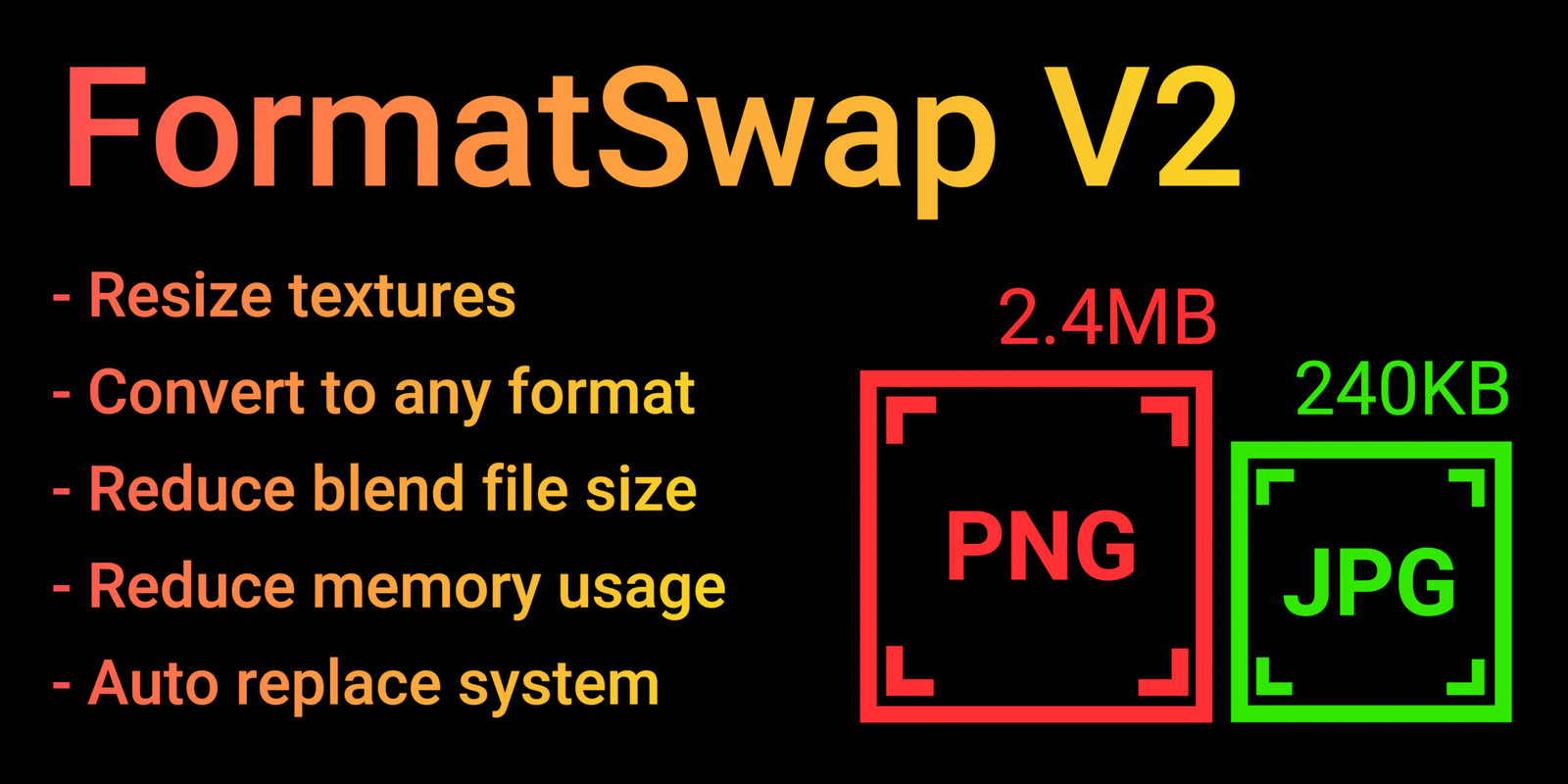
FormatSwap for Blender
FormatSwap v1.0.9.3 for Blender – The Ultimate Batch File Conversion & Data Standardization Tool
Versions: v1.0.9.3
File Size: 1.36 MB
Download FormatSwap v1.0.9.3 for Blender on Windows and Mac, a specialized pipeline utility designed to streamline the exchange of 3D assets between different software, game engines, and collaborators. By automating the conversion of file formats (FBX, OBJ, GLTF, USD) and standardizing internal data structures (meshes, curves, transforms), FormatSwap transforms how technical artists manage asset libraries, eliminating the tedious manual process of opening, exporting, and re-configuring files for different destinations.
Key Features of FormatSwap v1.0.9.3:
- Batch File Conversion: Select multiple Blender files or objects and export them simultaneously to FBX, OBJ, GLTF/GLB, USD, or STL with a single click, preserving hierarchy, materials, and animations.
- Data Type Standardization: Automatically converts non-mesh data (Curves, Text, Metaballs) into mesh geometry during export, ensuring compatibility with game engines or software that don’t support native Blender data types.
- Transform & Scale Normalization: Applies location, rotation, and scale to all objects before export, preventing common issues like skewed models or misaligned pivots in Unity, Unreal, or Godot.
- Pipeline Presets: Pre-configured export profiles for major engines (e.g., “Unreal Engine 4/5,” “Unity URP,” “Godot 4”), automatically setting correct axes, up-direction, and smoothing options.
- Instance Realization: Option to convert linked duplicates or geometry nodes instances into real geometry during export, ensuring all data is baked into the final file without dependencies.
- Material & Texture Handling: Automatically collects and copies external texture files into a dedicated export folder, updating paths to ensure materials don’t break when moving to a new directory or engine.
- LOD & Naming Cleanup: Includes tools to batch-rename objects based on clean naming conventions and verify LOD groups before export, reducing import errors in target software.
- Non-Destructive Workflow: Creates exports without altering the original Blender file, allowing you to maintain a master source while generating multiple format variations for different uses.
- Conversion Log & Report: Generates a detailed text report after each batch operation, listing successful exports, warnings, and any skipped objects for easy troubleshooting.
- Drag-and-Drop Queue: Simply drag multiple
.blendfiles into the FormatSwap queue to process entire asset libraries overnight without manual intervention.
Perfect For:
- Game Developers needing to export large libraries of props, characters, and environments to engine-ready formats quickly.
- Pipeline TDs automating the handoff between modeling, rigging, and lighting departments with standardized file outputs.
- Freelancers exchanging assets with clients who use different software (Maya, 3ds Max, Cinema 4D) without compatibility issues.
- Architectural Visualizers exporting models to CAD software or real-time viewers for client presentations.
- Studio Artists ensuring all team members adhere to consistent scale, axis, and naming conventions across projects.
System Requirements:
- Blender: 3.6, 4.0, 4.1, 4.2, 4.3+ (Latest LTS recommended).
- OS: Windows 10/11 (64-bit) or macOS 10.15+.
- RAM: 8GB minimum (16GB+ recommended for large batch operations).
- No external dependencies required.
Installation:
- Download the FormatSwap v1.0.9.3
.zipfile. - Open Blender and go to Edit > Preferences > Add-ons.
- Click Install…, select the downloaded file, and enable the checkbox next to Import-Export: FormatSwap.
- Access via the File Menu > Export > FormatSwap or the dedicated panel in the 3D Viewport Sidebar (N-panel) under the Pipeline tab.
Note:
Version 1.0.9.3 is a critical maintenance update that resolves a pathing issue on macOS Ventura/Sonoma where texture maps were occasionally lost during batch GLTF exports. It also introduces a new “Animation Bake” toggle that ensures all bone transforms are baked into the export file, fixing rotation glitches when importing rigged characters into Unreal Engine. This patch also improves memory management when processing folders with 100+ files, preventing crashes during large library migrations.
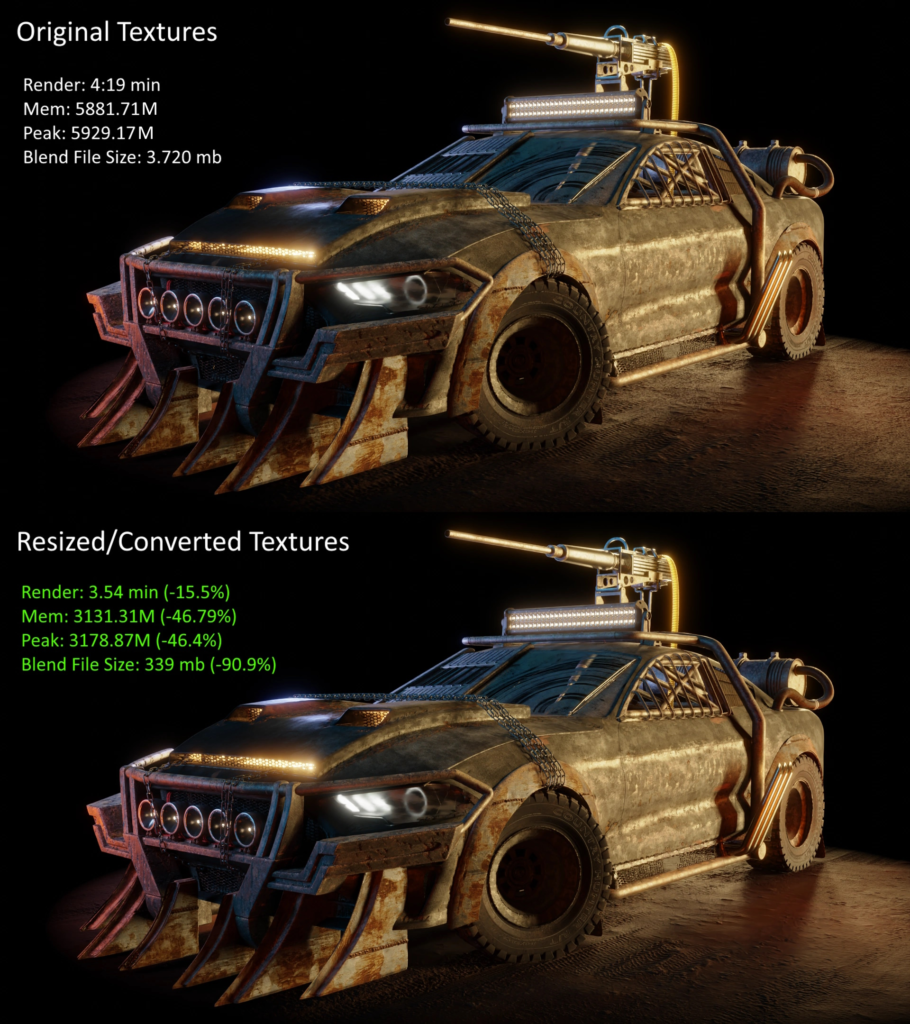
Supercharge your 3D creation workflow with premium selection of Blender Add-ons. Whether you are modeling intricate characters, sculpting realistic environments, or animating cinematic sequences, the right add-on can transform how you work inside Blender. Our curated collection includes powerful tools for UV unwrapping, procedural texture generation, rigging automation, rendering optimization, and more—each rigorously tested for compatibility with the latest Blender versions. Eliminate tedious manual processes and unlock advanced functionality that lets you focus on what matters most: bringing your creative vision to life. Explore our full range of professional Blender plugins today and take your 3D projects to the next level.
➡️ ➡️ For more Blender Plugins 😀 😀
Reviews
There are no reviews yet.