
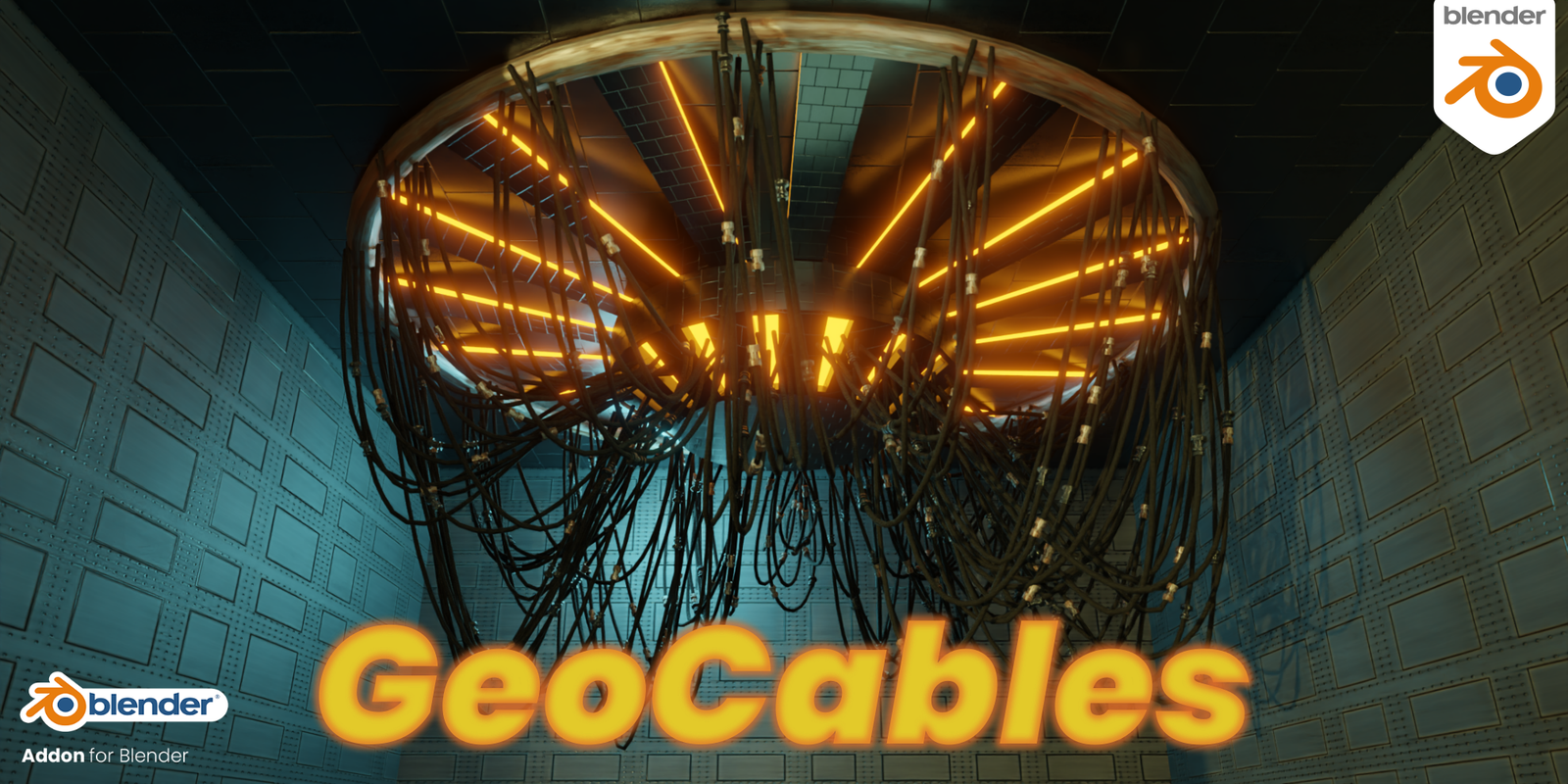
GeoCables for Blender
GeoCables v2.3.0 for Blender – The Advanced Procedural Wire, Rope & Hose Generator
Versions: v2.3.0
File Size: 1.4 MB
Download GeoCables v2.3.0 for Blender on Windows and Mac, the latest evolution of the premier Geometry Nodes-based cable creation toolkit. Building on the success of v2.1, this version introduces groundbreaking features for complex braiding patterns, dynamic tension simulation, and real-time collision avoidance, allowing artists to generate everything from delicate headphone wires to massive industrial suspension bridges with unprecedented speed and realism.
Key Features of GeoCables v2.3.0:
- Advanced Braiding Engine: A completely rewritten system allowing for multi-layered braided sheaths (e.g., steel wire over rubber core) with customizable weave angles, strand counts, and pattern types (Diamond, Hercules, Maypole), perfect for high-end automotive or aerospace visualization.
- Dynamic Tension & Slack Control: New “Smart Slack” algorithm automatically calculates realistic sag based on cable weight and anchor distance, with interactive handles to pull cables taut or let them droop naturally without manual curve editing.
- Real-Time Collision Avoidance: Cables now dynamically react to obstacle objects in the scene, wrapping around pipes, beams, or machinery automatically as you move anchors, eliminating inter-penetration artifacts.
- Procedural Connector Library: Expanded library of 50+ parametric connectors (XLR, HDMI, USB-C, Industrial Plugs, Hydraulic Fittings) that auto-align to cable ends and can be swapped instantly without breaking the node chain.
- Wear & Tear System: New procedural noise inputs to simulate aging effects like frayed insulation, kinks, dirt accumulation, and localized deformation where cables bend sharply or rub against surfaces.
- Animation Drivers 2.0: Enhanced drivers for wind sway, vibration (motor hum), and “plug/unplug” sequences, including a new “Snap-Back” physics simulation for when a cut cable retracts.
- LOD & Game Export Optimization: One-click generation of low-poly collision meshes and simplified visual LODs, with automatic UV unwrapping optimized for trilinear filtering in game engines.
- Multi-Cable Bundling: Easily create organized cable looms and harnesses by grouping multiple GeoCables instances, with options for spiral wrapping, tape binding, or zip-tie spacing.
- Material Preset Expansion: Includes 40+ new PBR shaders covering silicone, braided nylon, rubber, copper, gold-plated contacts, and weathered plastics, fully compatible with Cycles and Eevee.
- Performance Boost: Optimized node structure reduces evaluation time by 40% compared to v2.1, allowing for hundreds of active cables in a single scene without viewport lag.
Perfect For:
- Environment Artists creating dense urban infrastructure, server rooms, and industrial plants with realistic wiring.
- Hard-Surface Modelers adding detailed mechanical cabling to robots, vehicles, and sci-fi props.
- Product Designers visualizing consumer electronics, audio equipment, and charging accessories with photorealistic cables.
- Architectural Visualizers rigging modern lighting fixtures, cable railings, and structural tensile elements.
- Game Developers generating optimized, animated cable assets ready for Unity or Unreal Engine export.
- VFX Artists simulating dynamic wire breaks, swinging pendulums, or electrical hazards.
System Requirements:
- Blender: 3.6, 4.0, 4.1, 4.2, 4.3, 4.4+ (Geometry Nodes required; optimized for Blender 4.x).
- OS: Windows 10/11 (64-bit) or macOS 10.15+.
- RAM: 8GB minimum (16GB+ recommended for complex braided bundles).
- Render Engine: Fully compatible with Cycles and Eevee.
Installation:
- Download the GeoCables v2.3.0
.zipfile. - Open Blender and go to Edit > Preferences > Add-ons.
- Click Install…, select the downloaded file, and enable the checkbox next to Geometry Nodes: GeoCables.
- Access via the Add Menu > Curve > GeoCables or the dedicated panel in the 3D Viewport Sidebar (N-panel) under the Cables tab.
What’s New in v2.3.0?
- True Braiding Geometry: Unlike previous versions that used texture tricks, v2.3 generates actual geometry for braided strands, allowing for correct silhouette and parallax in close-ups.
- Obstacle Wrapping: Cables now physically wrap around cylindrical obstacles rather than just pushing away, creating realistic contact points.
- Connector Snapping: Connectors now snap to specific vertex groups or empty targets, making it easier to route cables into specific ports on a device.
- Fraying Animation: A new “Damage” slider animates the unraveling of cable ends over time, perfect for destruction sequences.
- Blender 4.4 Compatibility: Full support for the latest Geometry Nodes features and performance improvements in Blender 4.4.
Note:
GeoCables v2.3.0 represents a major leap forward in procedural cabling, moving from simple line generators to full-scale virtual manufacturing tools. The new Braiding Engine is particularly powerful for product designers who need to show off the build quality of premium cables. The addon remains fully non-destructive, meaning you can adjust the cable length, swap connector types, or change the braid pattern at any stage before final rendering. For game developers, the new LOD generator automatically creates impostor sprites for distant cables, ensuring high performance in large scenes.
Some of the new Features in the RanTools(and P-Cutter) Addon Include:
New HDRI Library, Fast Cutter Mode for P-Cutter , Better Cloth and Cable Simulations, and asset browser support for material Library.

For more details you can check it out here:
~~V1.0.4 Released! High polycount issue fixed!
~~V1.0.3 Released! It fixes the normals issue on some connectors and also the issue that the addon was creating unnecessary geometry nodes node tree(called ‘Geometry Nodes’ every time new cables were created.
~~V1.0.2 Released and it fixes a bug where applying the geometry nodes modifier would delete the connectors.
~~V1.0.1 Released and it fixes the crash that happened when switching to the Cycles Render engine.
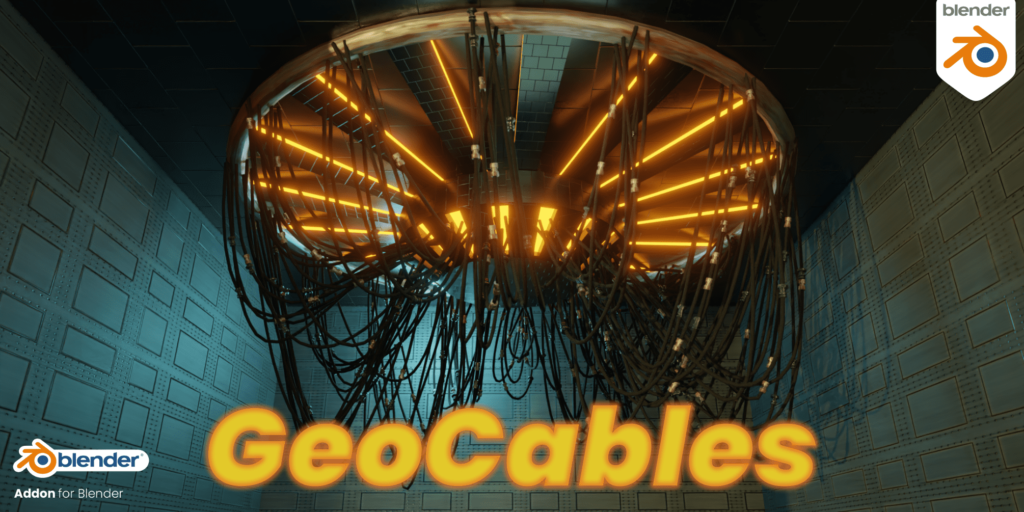
GeoCables is a Blender Addon that allows you to generate procedural hanging cables by using Geometry Nodes.
The core of the addon is Geometry Nodes but the addon makes it much more convenient by offering functions like Drawing in the Object mode by simply clicking on surfaces or converting objects to cables.
Node Setup:
Inputs:
Usage:
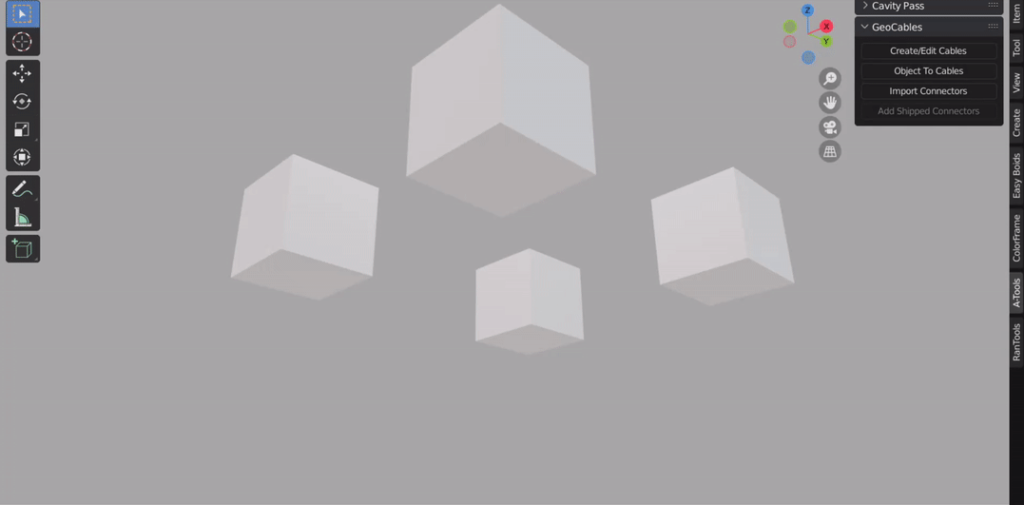
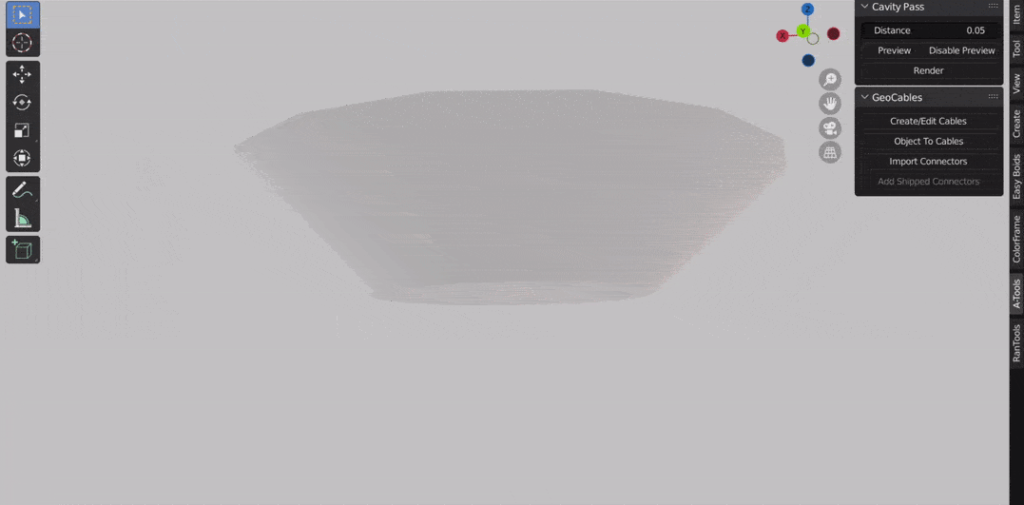
GeoCables Panel is located under the ‘A-Tools’ section of the N-Panel
Click the ‘Create/Edit Cables’ button to start the drawing mode.
Click on any face to place a point and keep clicking to add more points.
Hold down CTRL to snap the point to the center of the face.
Hold down ALT while clicking to split the cable.
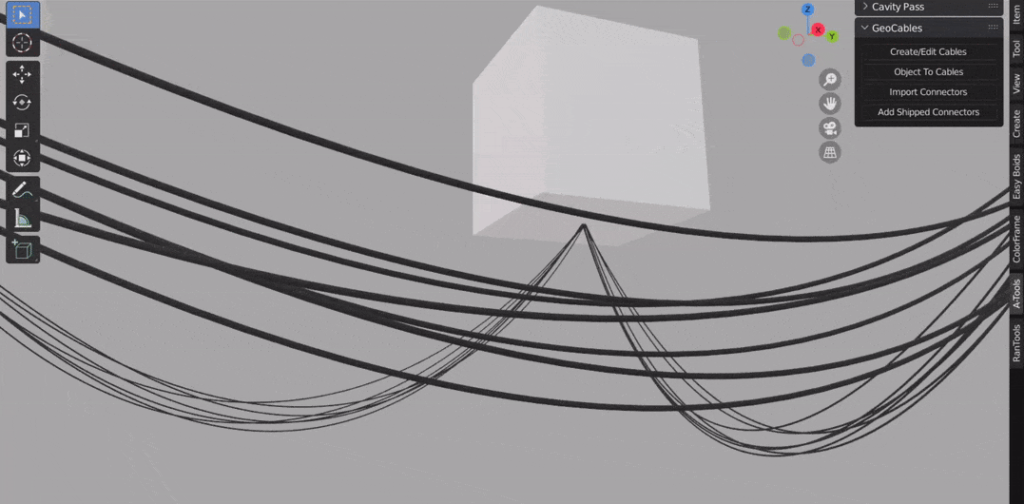
With any GeoCable object selected click ‘Add Shipped Connectors’ to add the 5 connectors shipped with the addon to your cable.
GeoCables comes with these 5 Connectors.
Select any object and click the ‘Object to Cables’ button to convert all the edges of the object to cables.
For more controls, you can use the GeoCables modifier which is added to all GeoCable objects.
More Examples:
Change Count
Randomize drip on each segment
Switch between Parallel and radial distribution.
Convert cables to multicables and add twisting.
Add your own connectors
Requires Blender 3.0+
Supercharge your 3D creation workflow with premium selection of Blender Add-ons. Whether you are modeling intricate characters, sculpting realistic environments, or animating cinematic sequences, the right add-on can transform how you work inside Blender. Our curated collection includes powerful tools for UV unwrapping, procedural texture generation, rigging automation, rendering optimization, and more—each rigorously tested for compatibility with the latest Blender versions. Eliminate tedious manual processes and unlock advanced functionality that lets you focus on what matters most: bringing your creative vision to life. Explore our full range of professional Blender plugins today and take your 3D projects to the next level.
➡️ ➡️ For more Blender Plugins 😀 😀
Reviews
There are no reviews yet.