
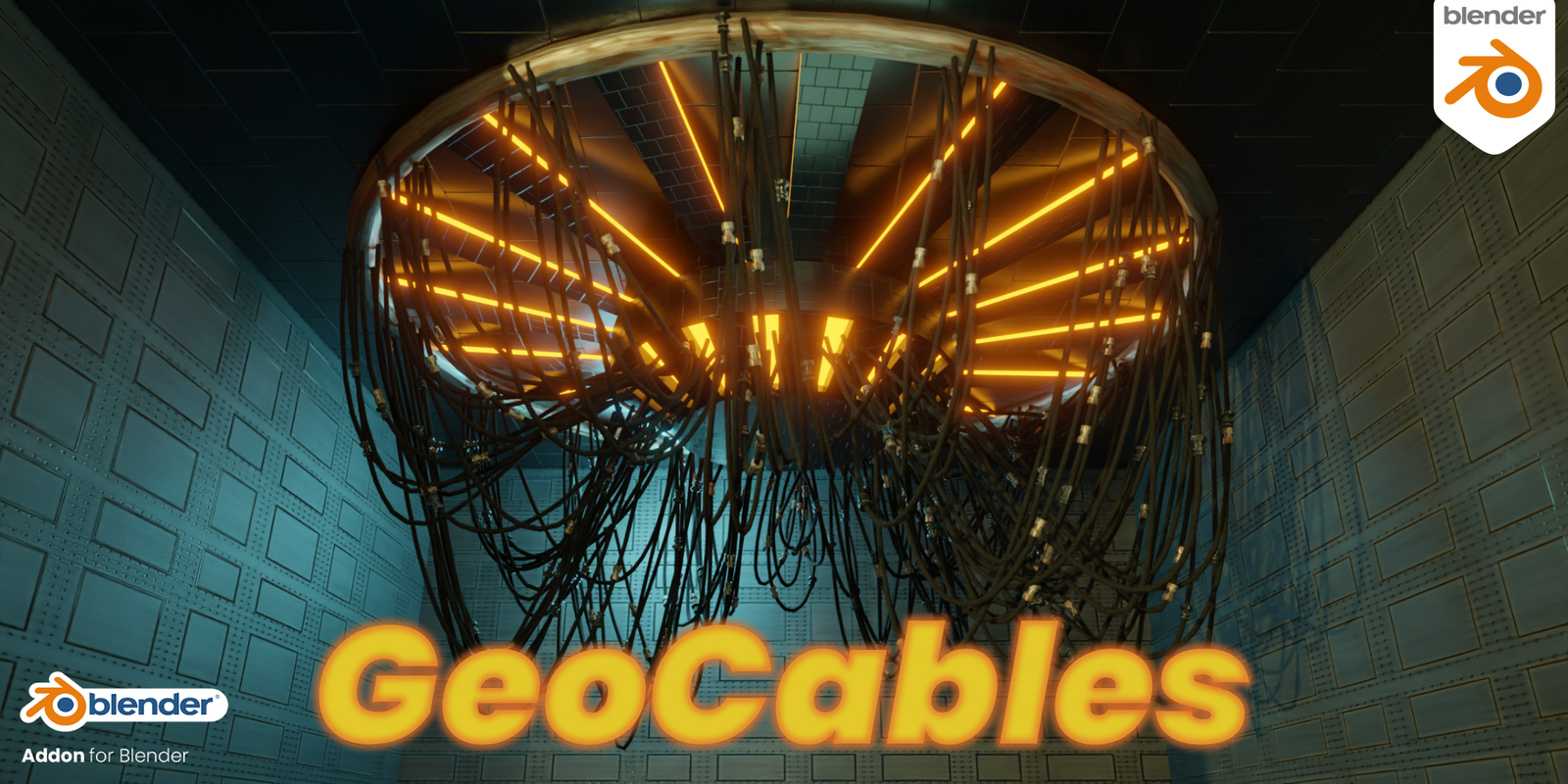
GeoCables for Blender
GeoCables v2.1.0 for Blender – The Ultimate Procedural Wire & Cable Generator
Version: V2.1.0
File Size: 30 MB
Download GeoCables v2.1.0 for Blender on Windows and Mac, a powerful Geometry Nodes-based addon designed to instantly create realistic cables, wires, ropes, chains, and hoses with physics-accurate sag, tension, and detailing. By automating the complex process of modeling twisted strands, insulation layers, and connector endpoints, GeoCables transforms how artists populate scenes with technical details, eliminating the need for manual curve modeling, cloth simulations, or tedious array modifiers to achieve convincing linear assets.
Key Features of GeoCables v2.1.0:
- Procedural Cable Generation: Creates complex multi-strand cables entirely through Geometry Nodes, allowing for infinite length variations and resolution without bloating scene file size.
- Physics-Accurate Sag & Tension: Built-in catenary curve simulation automatically calculates realistic droop based on cable length and anchor point distance, with sliders to adjust tension, gravity, and stiffness.
- Multi-Layer Construction: Generate cables with separate inner core, insulation sheath, and braided outer layers, each with independent material assignment and geometric detail controls.
- Smart End Connectors: Automatically caps cable ends with customizable connectors (plugs, sockets, terminals, frayed ends) that align perfectly to the cable normal, ready for animation or static renders.
- Dynamic Animation Drivers: Includes ready-to-use animation setups for wind sway, hanging movement, and connection/disconnection sequences without manual keyframing or cloth cache baking.
- Curve & Mesh Anchoring: Attach cables between any two objects, vertices, or curve points; the system updates dynamically as anchors move, perfect for rigging hanging lights or moving machinery.
- Material Preset Library: Over 20+ pre-configured shaders for rubber, braided metal, plastic, fabric rope, and neon tubing, optimized for both Cycles and Eevee.
- Collision Avoidance: Optional simple collision logic prevents cables from intersecting with designated obstacle objects, pushing the geometry outward for cleaner routing around pipes or beams.
- LOD & Optimization: Adjustable segment count allows you to create high-poly hero cables for close-ups or low-poly versions for background scattering and game engine export.
- Non-Destructive Workflow: All parameters remain editable; change cable thickness, length, material, or anchor points at any time before final conversion to static mesh.
Perfect For:
- Environment Artists creating power lines, telephone wires, and urban infrastructure for games and film.
- Hard-Surface Modelers adding detailed computer cables, hydraulic hoses, and mechanical wiring to robots, vehicles, and sci-fi props.
- Architectural Visualizers rigging hanging pendant lights, cable railings, and structural tension rods for interior scenes.
- Product Designers prototyping electronics, headphones, and chargers with realistic cable management and strain relief details.
- Game Developers generating optimized, animated cable assets that can be baked or exported to Unity/Unreal Engine.
- Anyone tired of modeling every single wire by hand or dealing with unstable cloth simulations for hanging ropes.
System Requirements:
- Blender: 3.6, 4.0, 4.1, 4.2, 4.3+ (Geometry Nodes required).
- OS: Windows 10/11 (64-bit) or macOS 10.15+.
- RAM: 8GB minimum (16GB+ recommended for scenes with hundreds of procedural cables).
- Render Engine: Compatible with Cycles and Eevee.
Installation:
- Download the GeoCables v2.1.0
.zipfile or.blendasset. - If an addon: Go to Edit > Preferences > Add-ons, click Install, select the file, and enable Geometry Nodes: GeoCables.
- If a node group: Open the file, append the “GeoCables” node group, and connect it to a Curve or two Empty objects defining the start/end points.
- Access via the Modifier Properties panel or the Add Menu > Curve > GeoCables.
Note:
Version 2.1.0 introduces a revolutionary “Braided Pattern” generator that allows you to customize the weave angle and density of outer cable layers for hyper-realistic industrial hoses and high-end audio cables. It also includes a new “Strain Relief” feature that automatically generates flexible rubber guards at connector junctions, adding a crucial layer of detail often missed in standard CG cables. This update also improves performance by 30% when handling large quantities of cables in dense urban environments and fixes alignment issues with rotated anchor points reported in v2.0.
Some of the new Features in the RanTools(and P-Cutter) Addon Include:
New HDRI Library, Fast Cutter Mode for P-Cutter , Better Cloth and Cable Simulations, and asset browser support for material Library.

~~V1.0.4 Released! High polycount issue fixed!
~~V1.0.3 Released! It fixes the normals issue on some connectors and also the issue that the addon was creating unnecessary geometry nodes node tree(called ‘Geometry Nodes’ every time new cables were created.
~~V1.0.2 Released and it fixes a bug where applying the geometry nodes modifier would delete the connectors.
~~V1.0.1 Released and it fixes the crash that happened when switching to the Cycles Render engine.
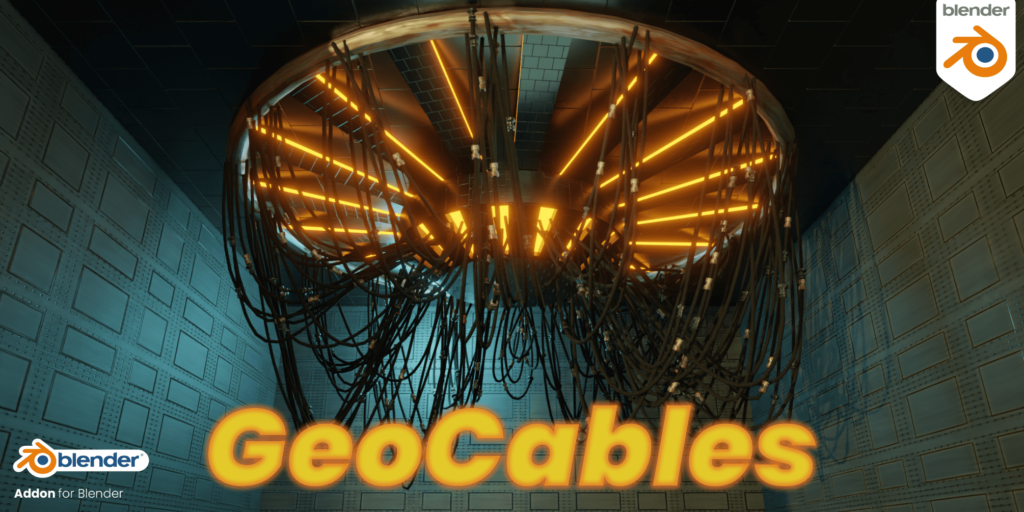
GeoCables is a Blender Addon that allows you to generate procedural hanging cables by using Geometry Nodes.
The core of the addon is Geometry Nodes but the addon makes it much more convenient by offering functions like Drawing in the Object mode by simply clicking on surfaces or converting objects to cables.
Node Setup:
Inputs:
Usage:
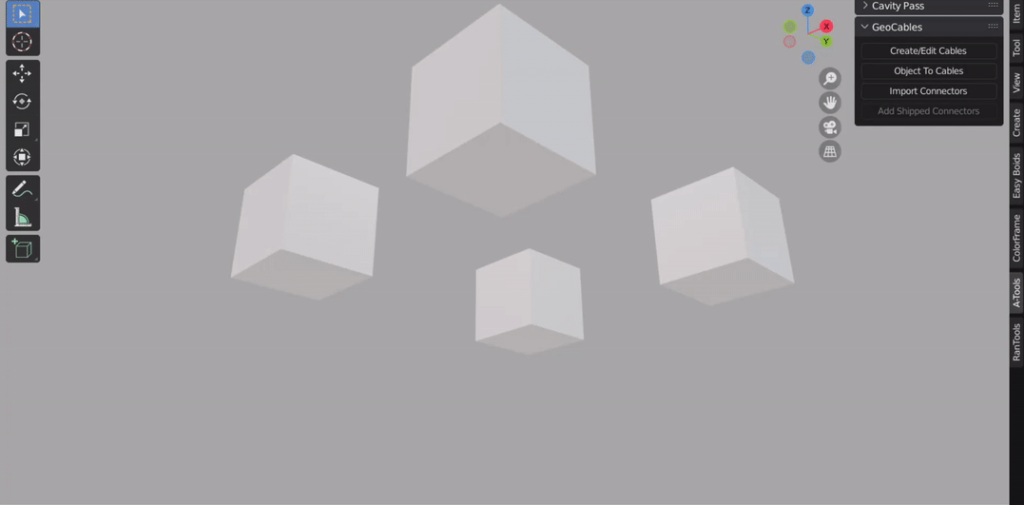
GeoCables Panel is located under the ‘A-Tools’ section of the N-Panel
Click the ‘Create/Edit Cables’ button to start the drawing mode.
Click on any face to place a point and keep clicking to add more points.
Hold down CTRL to snap the point to the center of the face.
Hold down ALT while clicking to split the cable.
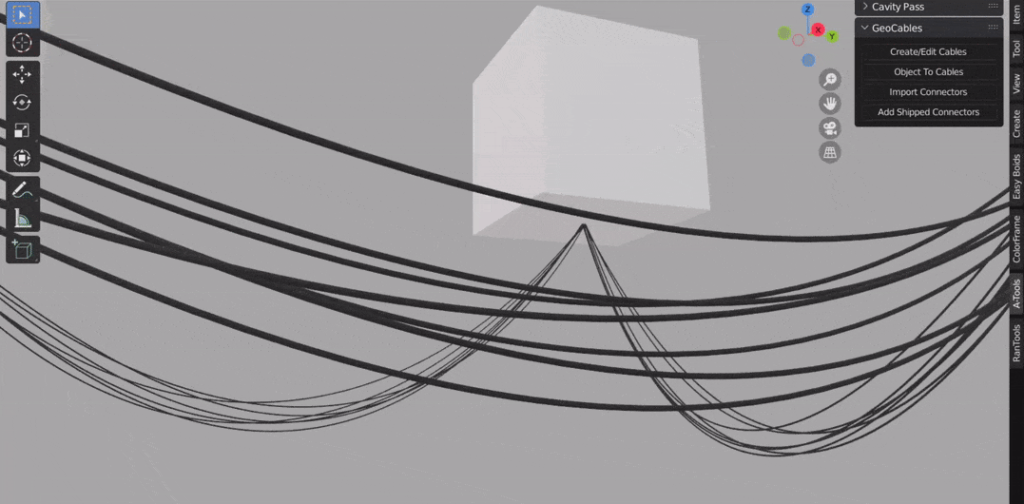
With any GeoCable object selected click ‘Add Shipped Connectors’ to add the 5 connectors shipped with the addon to your cable.
GeoCables comes with these 5 Connectors.
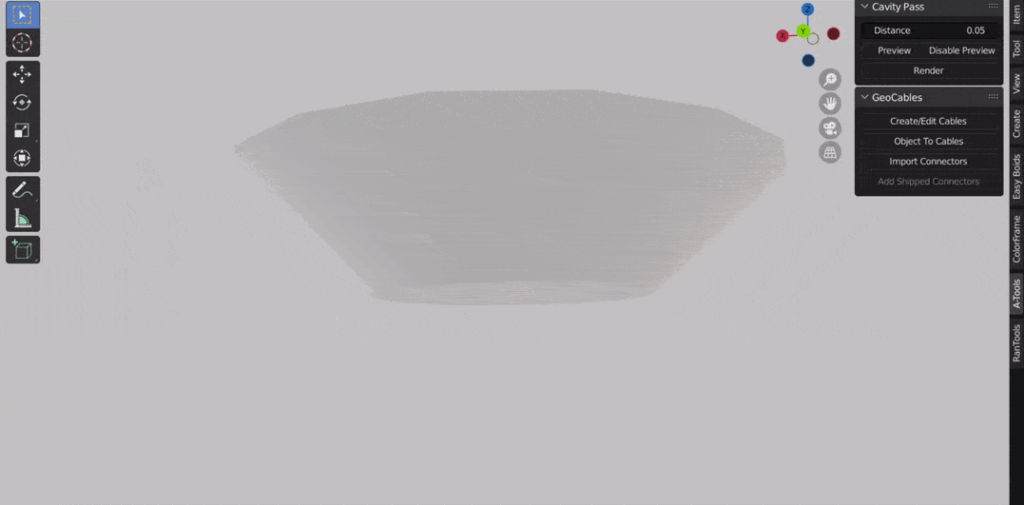
Select any object and click the ‘Object to Cables’ button to convert all the edges of the object to cables.
For more controls, you can use the GeoCables modifier which is added to all GeoCable objects.
More Examples:
Change Count
Randomize drip on each segment
Switch between Parallel and radial distribution.
Convert cables to multicables and add twisting.
Add your own connectors
Requires Blender 3.0+
Supercharge your 3D creation workflow with premium selection of Blender Add-ons. Whether you are modeling intricate characters, sculpting realistic environments, or animating cinematic sequences, the right add-on can transform how you work inside Blender. Our curated collection includes powerful tools for UV unwrapping, procedural texture generation, rigging automation, rendering optimization, and more—each rigorously tested for compatibility with the latest Blender versions. Eliminate tedious manual processes and unlock advanced functionality that lets you focus on what matters most: bringing your creative vision to life. Explore our full range of professional Blender plugins today and take your 3D projects to the next level.
➡️ ➡️ For more Blender Plugins 😀 😀
Reviews
There are no reviews yet.