
GeoLights Pro for Blender
GeoLights Pro for Blender – The Ultimate Procedural Lighting & Geometry Integration Suite
Versions: v1.0
File Size: 1 MB
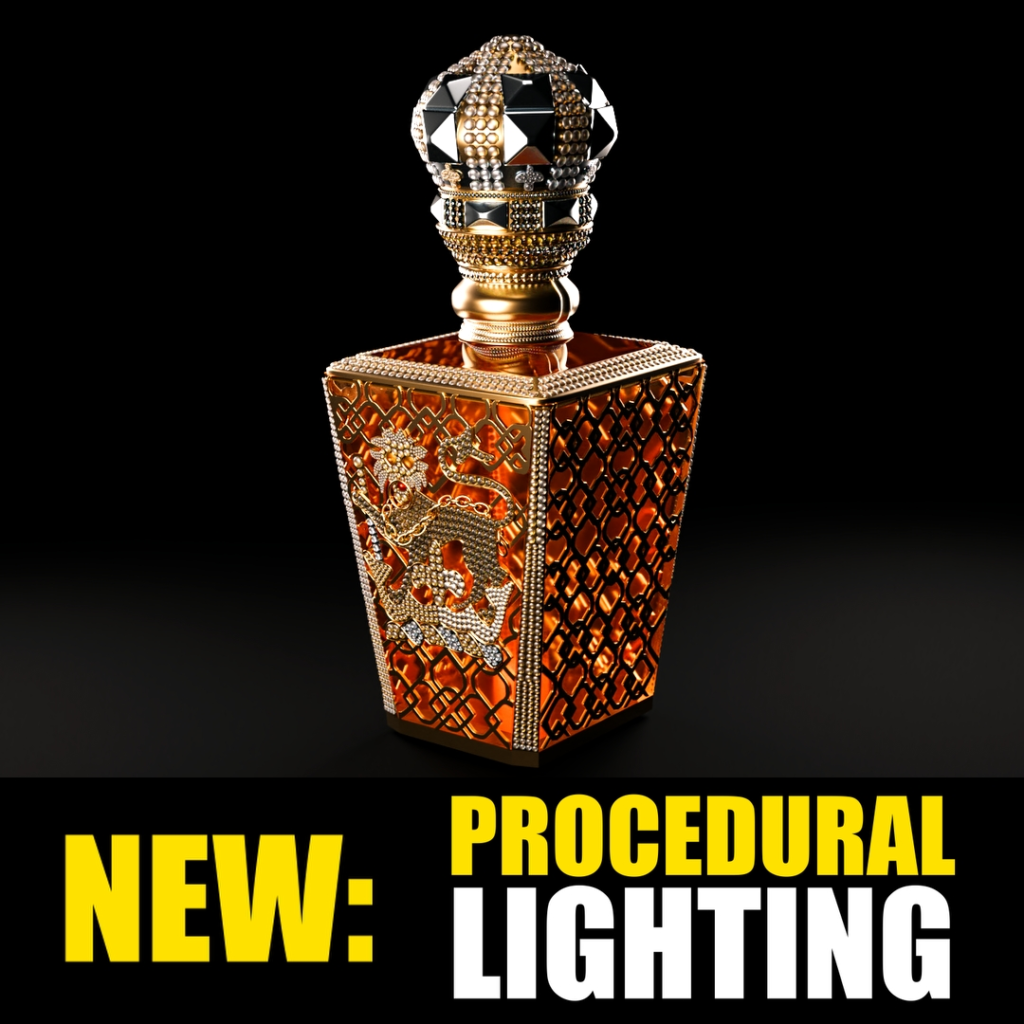
Download GeoLights Pro for Blender on Windows and Mac, a cutting-edge Geometry Nodes-based addon that merges procedural modeling with advanced lighting control to create dynamic, intelligent light fixtures, emissive structures, and animated illumination systems. By treating lights as editable geometry with parametric controls, GeoLights Pro transforms how artists design sci-fi environments, architectural installations, and motion graphics, eliminating the disconnect between modeling light housings and configuring their emission properties.
Key Features of GeoLights Pro:
- Procedural Light Fixture Generator: Instantly create complex light objects—neon tubes, LED panels, spotlights, volumetric emitters—with fully adjustable geometry, materials, and emission properties through a unified node interface.
- Geometry-Driven Emission: Control light intensity, color, and animation directly through mesh attributes (vertex groups, UVs, normals), enabling effects like gradient-fading strips, pulsing panels, or directionally masked beams without manual shader wiring.
- Smart Array & Pattern Tools: Distribute lights along curves, grids, or mesh surfaces with automatic spacing, rotation alignment, and randomized variation for creating architectural facades, stage rigs, or abstract light sculptures.
- Animated Light Sequences: Built-in time drivers and noise modifiers allow lights to flicker, chase, pulse, or respond to audio input, perfect for signage, concert visuals, or cyberpunk cityscapes—no keyframing required.
- Volumetric Beam Integration: Automatically generates light cones and god-ray effects for spotlights and projectors, with controls for density, falloff, and dust particle scattering, optimized for both Cycles and Eevee.
- Material & Shader Presets: Includes 30+ pre-configured emission shaders (neon glow, soft LED, strobe, bioluminescent) with physically accurate intensity units (Lumens, Candela) and color temperature (Kelvin) controls.
- Instance Optimization: Uses Blender’s instancing system to manage thousands of light objects efficiently, ensuring smooth viewport performance even in dense urban or VFX scenes.
- Collision-Aware Placement: Optional logic to prevent lights from intersecting with architecture or props, automatically adjusting position or scale for clean integration into complex environments.
- Export-Ready Workflow: Convert procedural light setups to standard Blender objects or baked meshes for game engine export, with automatic UV unwrapping and material slot assignment.
- Non-Destructive Editing: All parameters remain editable; adjust geometry, emission, animation, or distribution at any stage before final rendering or baking.
Perfect For:
- Architectural Visualizers designing dynamic facade lighting, interior fixture arrays, and urban streetscapes with parametric control.
- Sci-Fi Environment Artists creating futuristic control panels, spaceship corridors, and cyberpunk city lights with animated, emissive details.
- Motion Designers building energetic title sequences, logo reveals, and abstract light animations for broadcast and social media.
- Game Developers generating optimized, animated light assets that can be baked or adapted for real-time engines like Unity and Unreal.
- Stage & Event Designers prototyping concert lighting rigs, LED walls, and interactive installations with procedural flexibility.
- Anyone seeking to bridge the gap between modeling light fixtures and configuring their illumination behavior in a single, streamlined workflow.
System Requirements:
- Blender: 3.6, 4.0, 4.1, 4.2, 4.3+ (Geometry Nodes required).
- OS: Windows 10/11 (64-bit) or macOS 10.15+.
- RAM: 8GB minimum (16GB+ recommended for scenes with heavy instancing and volumetrics).
- Render Engine: Fully compatible with Cycles (for accurate light transport) and Eevee (with Bloom and Volumetrics enabled for real-time preview).
Installation:
- Download the GeoLights Pro
.zipfile or.blendasset library. - If an addon: Go to Edit > Preferences > Add-ons, click Install, select the file, and enable Geometry Nodes: GeoLights Pro.
- If an asset library: Add the folder to Blender’s Asset Browser preferences, then drag-and-drop light presets directly into your scene.
- Access via the Add Menu > Curve/Mesh > GeoLights Pro or the dedicated panel in the 3D Viewport Sidebar (N-panel) under the Lighting tab.
Note:
GeoLights Pro introduces a unique “Light Logic Nodes” system that allows you to create conditional behaviors—such as lights that activate when a character approaches, flicker when damaged, or change color based on time of day—using a visual node interface familiar to Geometry Nodes users. It also features a “Real-World Scale” mode that automatically converts procedural parameters to physical units (meters, lumens, kelvin), ensuring consistency when collaborating with architects or lighting designers. While powerful out of the box, the addon is designed to be fully extensible: advanced users can open and modify the underlying node groups to create custom light behaviors tailored to specific project needs.
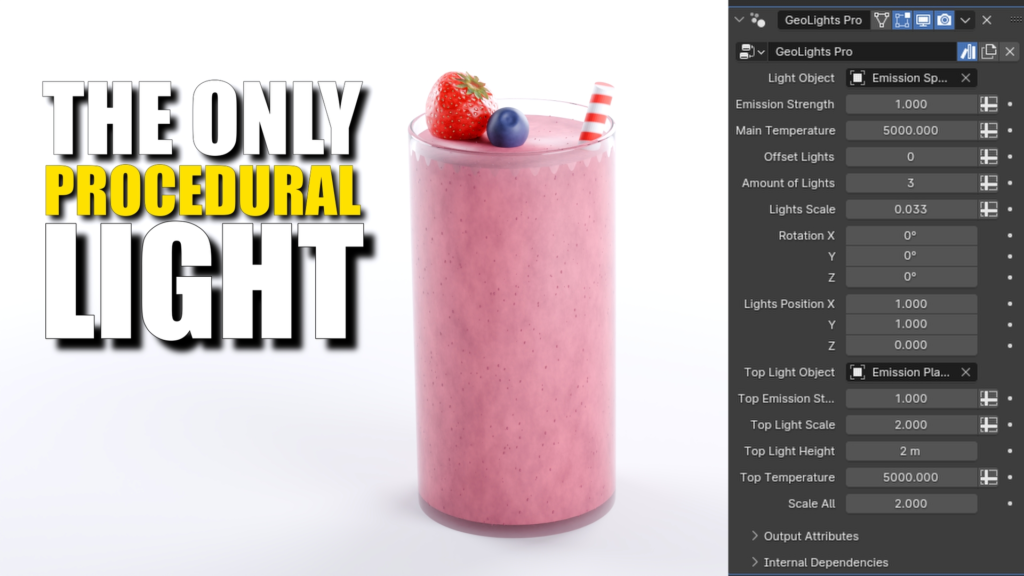

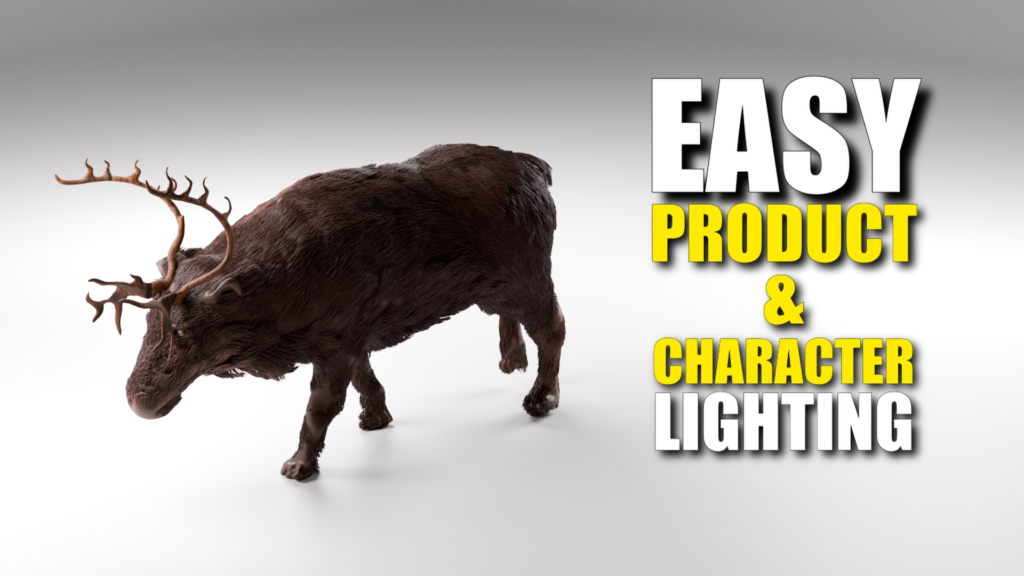
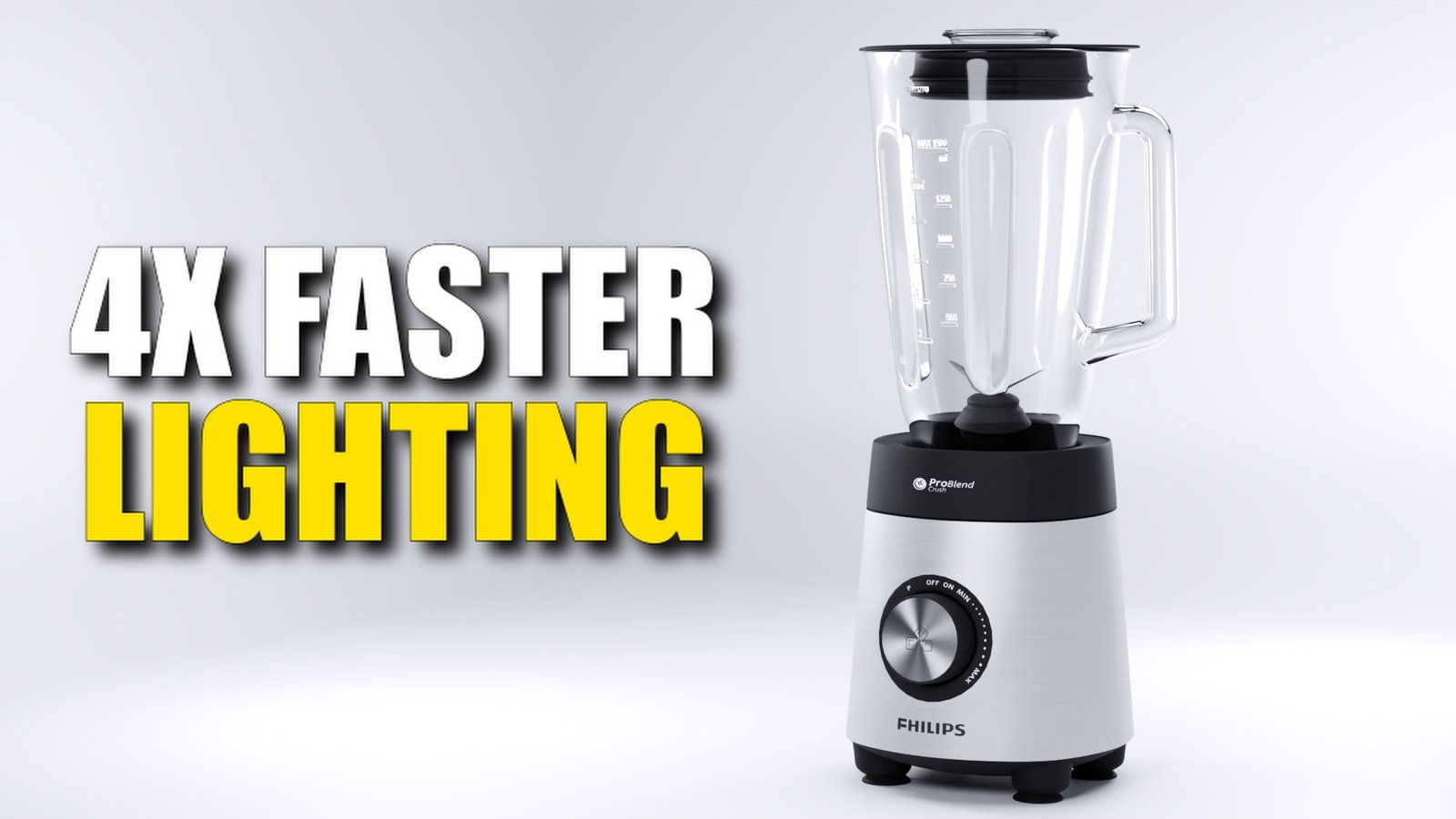
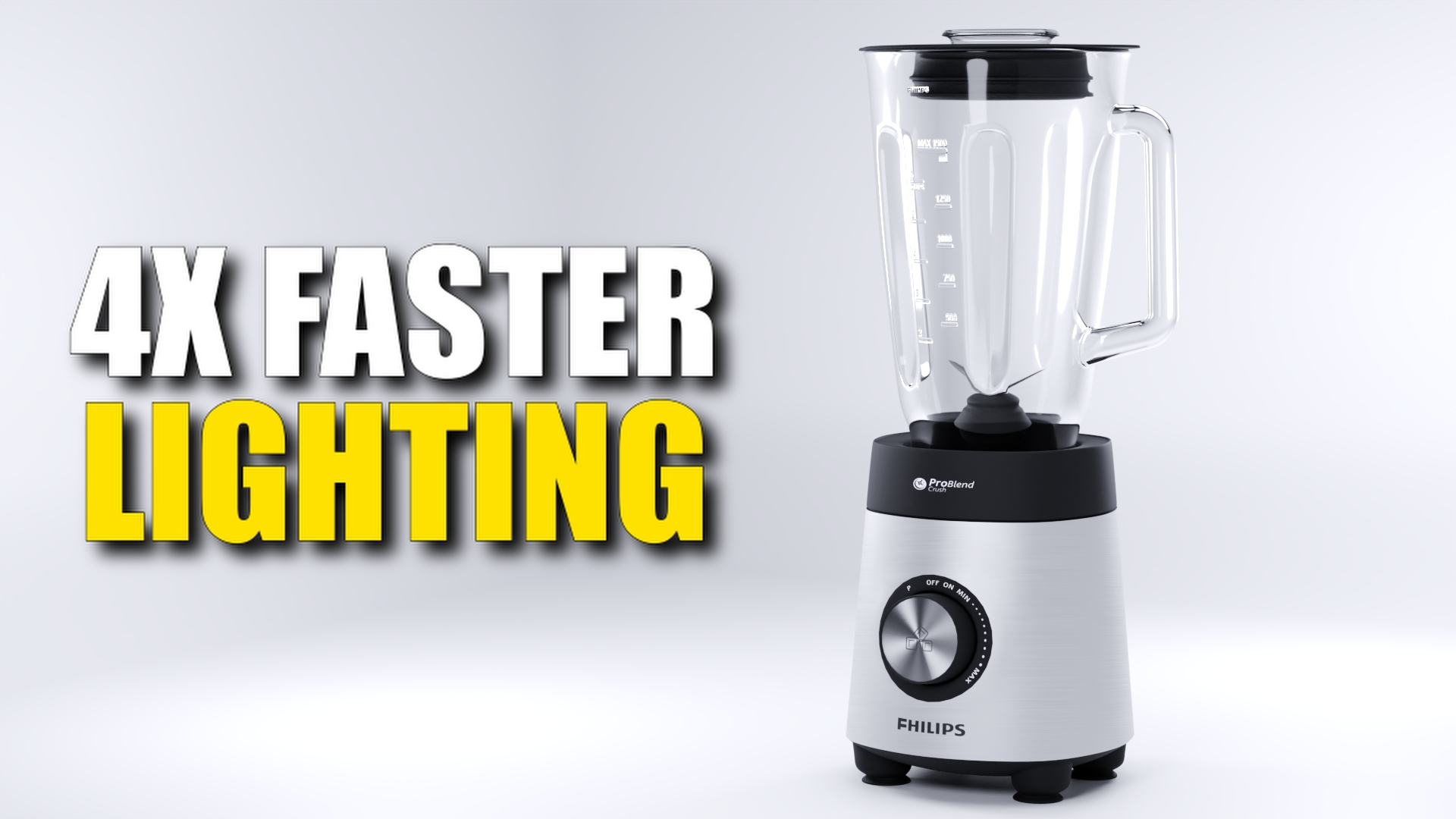
The New Way Of Lighting Your Products In Blender“Make Lighting 4x Faster in Blender, Without Years of Experience”
 Try this and your lighting will be smoother than 5 subdivisions on a smooth-shaded UV Sphere…
Do you still make different lighting setups and move everything around?
Then go into each lamp seperately to change the power?
And when you’re not happy with the result, you have to do everything again?
And then in the next project you have to do it all AGAIN?!
Well, not anymore!All of this is history with Geolights Pro
Forget about:
– Robotic Tasks
– Mediocre Lighting
– Pre-made lighting setups.
If you want professional lighting in a matter of seconds…
Take back control
Do You Want:
– The Fastest Lighting Setup in Existence?
– Full Control with 6x Less Clicking?
– More Time For Meaningful Creations?
– Ready-Made Lighting With The Click of A Button?
Then GeoLights Pro is for you...

Case Study Proofs Speed:
GeoLights Pro is a Geometry node setup that makes it easy to achieve professional lighting setups, without doing all the hard work.
I timed the difference with a stopwatch.
These are the results:
Making a single lighting setup with three area lamps and blackbody added costs 97 seconds. I did it as quickly as possible.
With Geolights pro I did it in 25 seconds. (which is approximately 4x Faster)
Now imagine if I had to make changes in these setups…
Geolights Pro would probably be 10 or 20 times faster.
The more changes, the more time you’ll save.
This means that it’s also easier to play around with your lighting to see what you like.
There’s less emotional attachment to a specific lighting setup, because you haven’t spent much time on it.
This is what it looks like in the modifiers: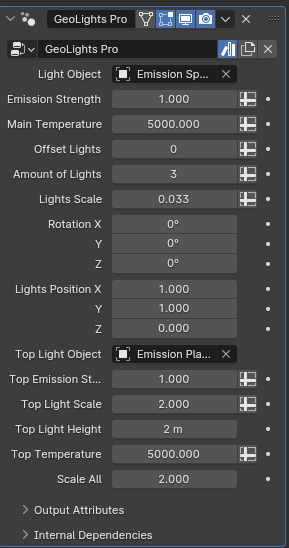
– No more useless tasks to move lights around.
– No more endless clicking and adjusting.
– No more recreating the same single lighting setup again and again.
Simply use the sliders to create your beautiful scenes faster than ever before!
This will help:
– Save time
– Create Professional Lighting
– Make Changes Easily
– Make Multiple Setups to Compare Results
– Proceduralize Your Lighting Workflow
I personally use this Lighting Add-on for 75% percent of my Product Renders.
Sure there are times I need to call in some help from a Gobo, but this works smoother a bevel with 17 segments…
I now work creatively on projects I love that feel fulfilling.
Okay, what can it do?
1. Add lights with the click of a button
2. Rotate and move your lights around with easy sliders
3. Change the position of all lights with a single click.
4. Change the strength and temperature all in one place
5. Add an extra light on top for hairlight or other purposes
6. Everything is customizable!
Fast & Easy
Nothing gives you a faster lighting setup than GeoLights Pro.
The ease-of-use is also a big plus for anybody doing product- or characterlighting.
The usual lighting process was way to slow. GeoGeoLights Pro will skyrocket your lighting speed.
This is how it works:
Supercharge your 3D creation workflow with premium selection of Blender Add-ons. Whether you are modeling intricate characters, sculpting realistic environments, or animating cinematic sequences, the right add-on can transform how you work inside Blender. Our curated collection includes powerful tools for UV unwrapping, procedural texture generation, rigging automation, rendering optimization, and more—each rigorously tested for compatibility with the latest Blender versions. Eliminate tedious manual processes and unlock advanced functionality that lets you focus on what matters most: bringing your creative vision to life. Explore our full range of professional Blender plugins today and take your 3D projects to the next level.
➡️ ➡️ For more Blender Plugins 😀 😀
Reviews
There are no reviews yet.