
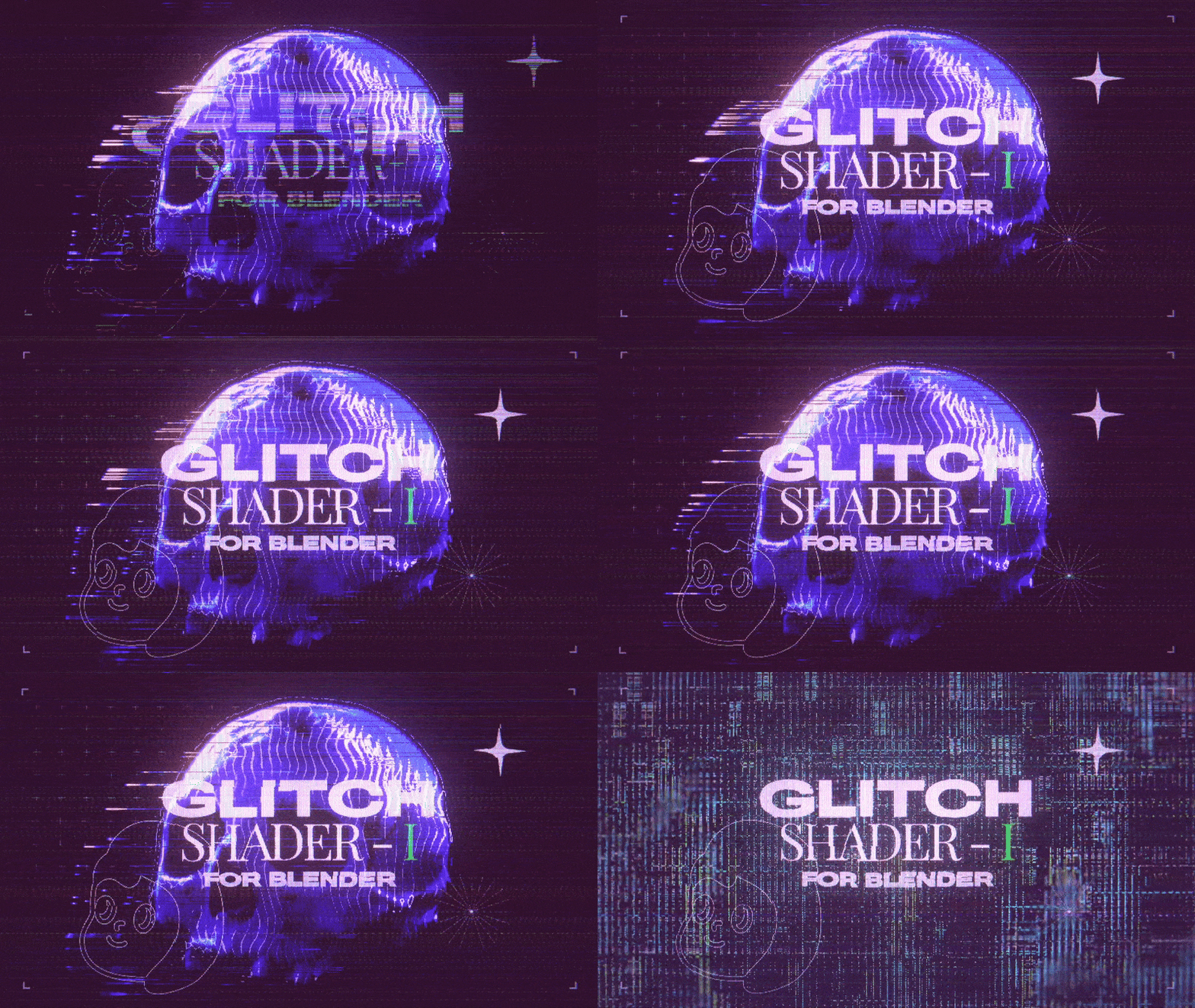
Glitch Shader I for Blender
Glitch Shader I for Blender – The Ultimate Digital Distortion & Cyberpunk Effect Suite
Download Glitch Shader I for Blender on Windows and Mac, a specialized node-based shader pack designed to instantly apply realistic digital artifacts, data corruption effects, and cyberpunk aesthetics to any 3D object or scene. From CRT monitor scanlines and RGB channel separation to pixel sorting and holographic flickering, Glitch Shader I transforms how artists create sci-fi interfaces, music visualizers, and horror VFX, eliminating the need for complex manual node wiring or post-production compositing in external software.
Key Features of Glitch Shader I:
- RGB Channel Separation: Instantly split Red, Green, and Blue channels with independent offset controls (X/Y/Z) to simulate signal interference, bad cables, or 3D anaglyph looks.
- Dynamic Scanline & CRT Effects: Procedurally generate horizontal scanlines, screen curvature, vignette, and phosphor glow patterns adjustable by resolution and intensity for authentic retro-tech vibes.
- Pixel Sorting & Displacement: Advanced noise drivers that “melt” or sort pixels vertically/horizontally based on brightness or velocity, creating datamoshing and corruption effects directly on the mesh surface.
- Holographic Flicker & Noise: Built-in time-based drivers to animate transparency, emission intensity, and color shifts, simulating unstable holograms, dying batteries, or hacking sequences.
- Block Corruption Artifacts: Generate random rectangular blocks of displaced texture or color inversion that scroll across the surface, mimicking video codec errors or GPU crashes.
- Chromatic Aberration & Fringing: Realistic lens distortion effects that separate colors at high-contrast edges, enhancing the “digital camera” or “surveillance footage” aesthetic.
- Audio Reactive Ready: Parameters are pre-configured to accept audio driver inputs, allowing glitches, scans, and color shifts to pulse in sync with music or sound effects.
- Masking & Vertex Group Support: Apply glitch effects selectively using vertex groups or texture masks, enabling partial corruption (e.g., only the left side of a robot is glitching).
- Eevee & Cycles Optimized: Lightweight procedural nodes ensure real-time performance in Eevee for animation preview, while maintaining high fidelity in Cycles for final renders.
- Non-Destructive Workflow: All effects are fully parametric; adjust glitch intensity, speed, color palette, and pattern density at any time without baking textures.
Perfect For:
- Sci-Fi Artists creating HUDs, holographic displays, corrupted AI robots, and cyberpunk cityscapes.
- Motion Designers animating title sequences, logo reveals, and music visualizers with high-energy digital distortion.
- Horror VFX Artists simulating possessed electronics, haunted surveillance tapes, and reality-breaking phenomena.
- Game Developers designing damage states, hacking mini-games, and glitch-themed levels for indie or AAA titles.
- Music Video Directors producing trippy, abstract visuals that react dynamically to audio tracks.
- Anyone looking to add a distinct “digital decay” or “retro-future” style to their renders without learning complex shader math.
System Requirements:
- Blender: 3.6, 4.0, 4.1, 4.2, 4.3+ (Latest LTS recommended).
- OS: Windows 10/11 (64-bit) or macOS 10.15+.
- Render Engine: Fully compatible with Cycles and Eevee (Bloom recommended for glow effects).
- No external image textures required (100% procedural).
Installation:
- Download the Glitch Shader I
.zipfile or.blendasset library. - If an addon: Go to Edit > Preferences > Add-ons, click Install, select the file, and enable Shader: Glitch Shader I.
- If a node group/library: Open the file, append the “Glitch Shader” node group, or add the folder to your Asset Browser preferences.
- Access via the Shader Editor Add Menu > Shader > Glitch or drag-and-drop from the Asset Browser.
Note:
Glitch Shader I includes a unique “Severity Slider” that acts as a master control, simultaneously increasing noise, displacement, and color separation to ramp up the chaos level from a subtle signal hum to a total system crash. It also features a “Random Seed” generator, allowing you to instantly cycle through infinite variations of the glitch pattern until you find the perfect look for your shot. Whether you need a clean, futuristic UI or a gritty, corrupted nightmare, this shader pack provides the tools to achieve it procedurally.
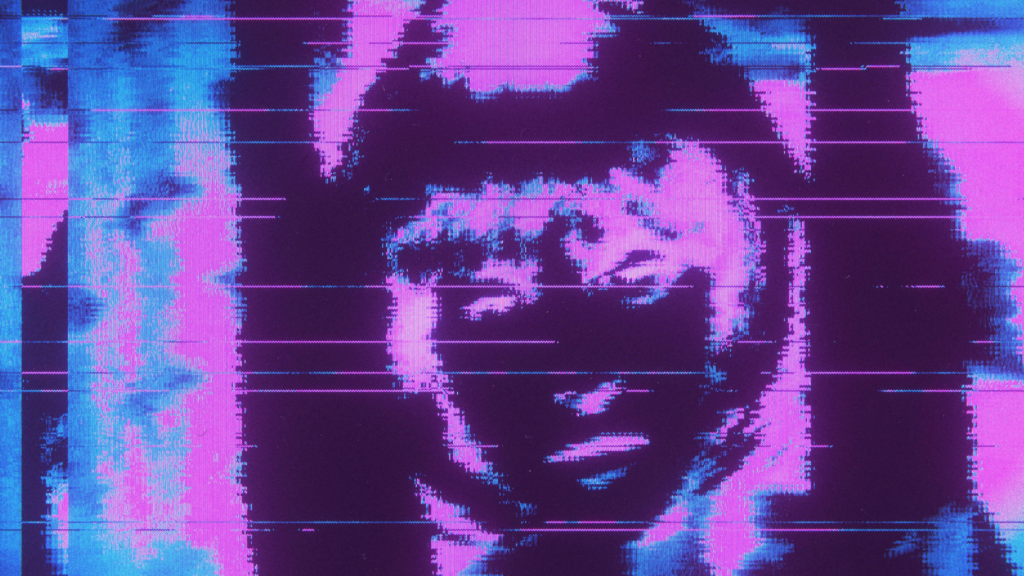
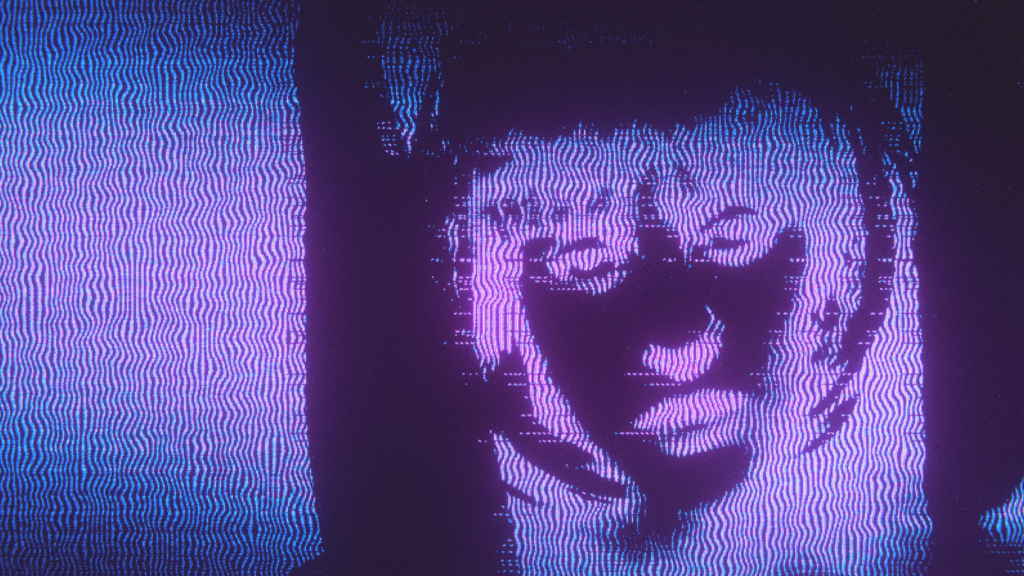
📺 Let’s glitch!
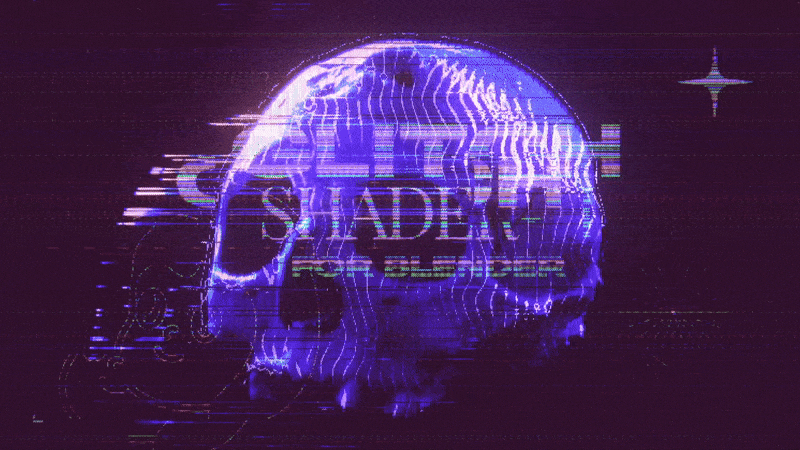
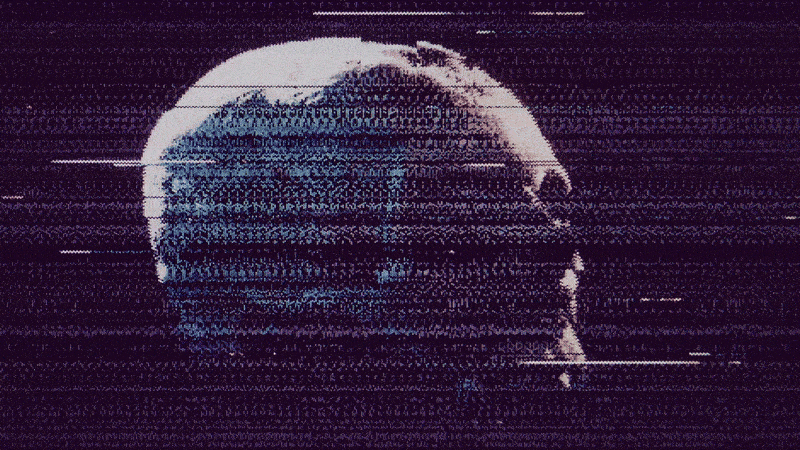
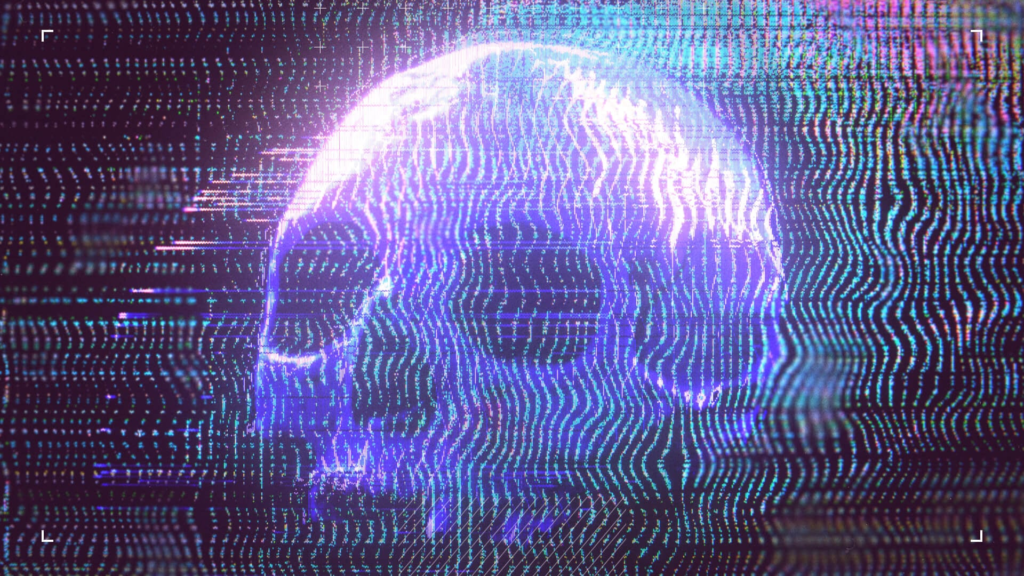
Glitch your visuals with this procedural shader designed specifically for Blender. This shader allows you to deform and blend static textures or sequences, closely simulating the authentic glitches and defects of analog image devices, but in Blender and in a very quick and easy way thanks to the basic controls and sliders.
The .blend file features a straightforward interface built with Blender’s geometric objects, so you won’t need any additional add-ons or plugins. Dive in and distort your visuals into something great!
✅ Features
✔️ Procedural shader nodes for Blender to deform and blend textures
✔️ Doesn’t need Add-ons or plugins to function
✔️ Guide included inside the blend file
✔️ Works only in Blender (4.1+ & 5.0+)
🎥 Artwork created using the shader
Example of a visual piece I created using the shader. In this case, I also used Davinci Resolve to edit and lightly adjust the colors.
Footage examples
🔮 How it works
The .blend file contains a very simple interface made from geometric objects in Blender and does not require any add-ons or plugins to function. The scene includes a plane to which the shader is applied. You can use a static texture or a sequence of images or video. This texture is processed with pre- and post-nodes to deform the image.
These nodes are procedural textures that can be 100% customized, allowing you to add or remove other textures as well. These textures are animated using geometry that acts as drivers. Finally, you can capture directly what you see in the 3D viewport or you can render the result as a sequence to later combine different rendered sequences with different blending modes in any video editor.
Supercharge your 3D creation workflow with premium selection of Blender Add-ons. Whether you are modeling intricate characters, sculpting realistic environments, or animating cinematic sequences, the right add-on can transform how you work inside Blender. Our curated collection includes powerful tools for UV unwrapping, procedural texture generation, rigging automation, rendering optimization, and more—each rigorously tested for compatibility with the latest Blender versions. Eliminate tedious manual processes and unlock advanced functionality that lets you focus on what matters most: bringing your creative vision to life. Explore our full range of professional Blender plugins today and take your 3D projects to the next level.
➡️ ➡️ For more Blender Plugins 😀 😀
Reviews
There are no reviews yet.