
Go Panel for Blender
go panel addon
Go Panel v1.0.1 for Blender – Rapid Workflow & Interface Enhancement Tool
Version: V1.0.1
File Size: 10 MB
Download Go Panel v1.0.1 for Blender on Windows, Mac, and Linux, a powerful interface add-on that puts essential tools and commands at your fingertips. This customizable panel streamlines your Blender workflow by providing quick access to frequently used operations, custom shortcuts, and workflow presets—dramatically reducing menu navigation and repetitive clicks .
Key Features of Go Panel v1.0.1:
- Customizable Tool Panel: Design your own panel layout with drag-and-drop customization—add any Blender operator, custom script, or workflow macro
- Quick Access Tools: One-click access to essential operations—apply modifiers, set materials, parent objects, join meshes, and more without menu hunting
- Workflow Presets: Save and load complete workspace configurations including panel layouts, tool sets, and custom shortcuts
- Context-Sensitive Interface: Panel automatically shows relevant tools based on your current mode—object mode, edit mode, sculpt mode, and more
- Macro Recorder: Record sequences of operations and save them as custom buttons for complex workflows you perform frequently
- Operator Search: Quick-search any Blender operator and add it to your panel with one click
- Multi-Monitor Support: Detachable panel windows for flexible workspace arrangement across multiple displays
- Theme Support: Customize panel colors and appearance to match your Blender theme
- v1.0.1 Updates: Enhanced customization options, improved performance, and expanded compatibility with Blender 4.0+
Perfect For:
- 3D artists wanting to speed up repetitive tasks and reduce menu navigation
- Blender users who want a personalized, efficient workspace
- Studios standardizing workflows across team members
- Beginners learning Blender who want quick access to essential tools
- Anyone who wants to work faster with fewer clicks
System Requirements:
- Blender 3.0, 3.1, 3.2, 3.3, 3.4, 3.5, 3.6, 4.0, 4.1, 4.2, 4.3
- Windows 10/11 (64-bit), macOS, or Linux
- 4GB RAM minimum (8GB+ recommended)
- 10MB available disk space
Installation:
- Download the add-on zip file
- In Blender, go to Edit > Preferences > Add-ons
- Click “Install” and select the downloaded zip file
- Enable the add-on by checking the box next to “Go Panel”
Note: Go Panel transforms Blender’s interface by putting your most-used tools right where you need them . The customizable layout and macro recording features dramatically speed up repetitive workflows, while workflow presets ensure consistency across projects . Perfect for artists of all skill levels who want to work faster and more efficiently . Version 1.0.1 includes full compatibility with Blender 4.0 and above .
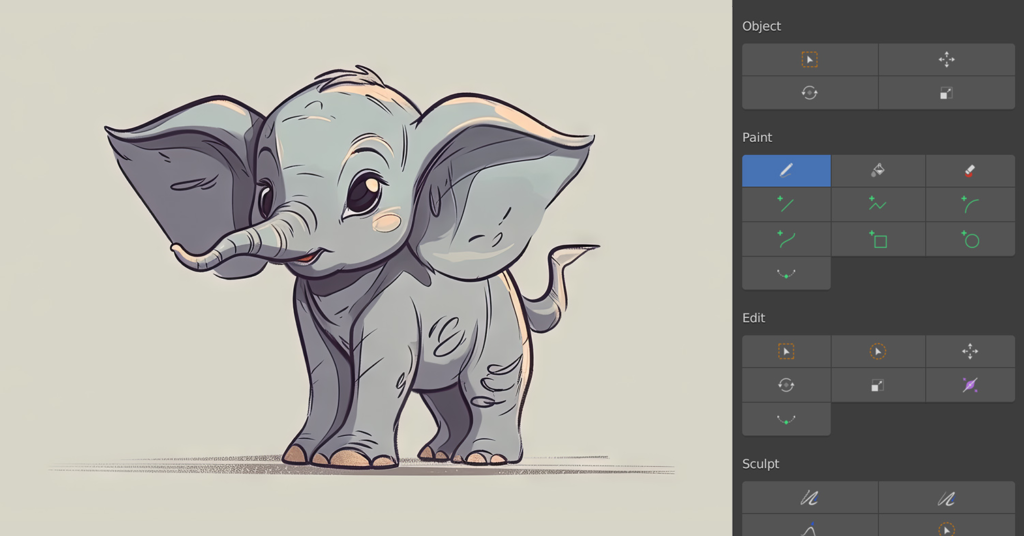
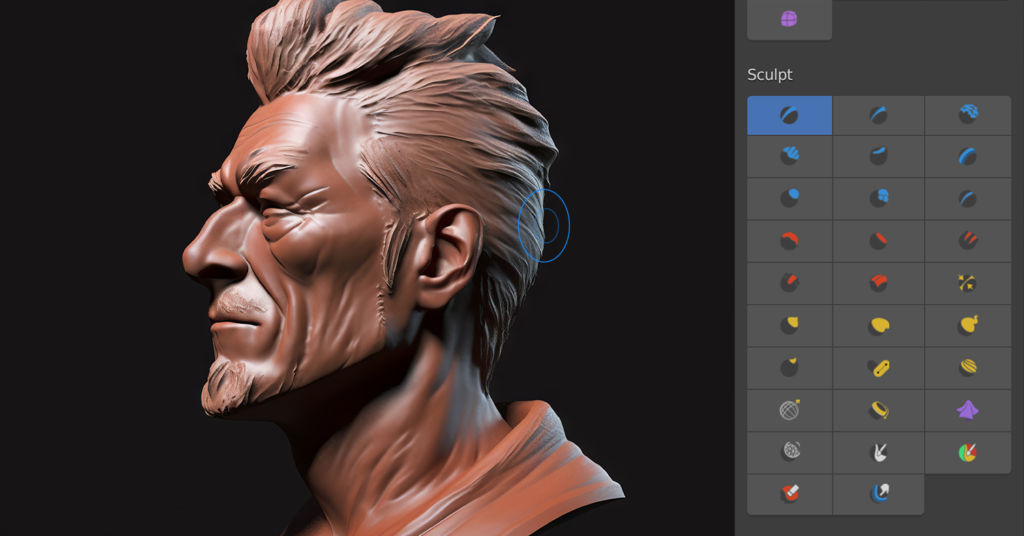
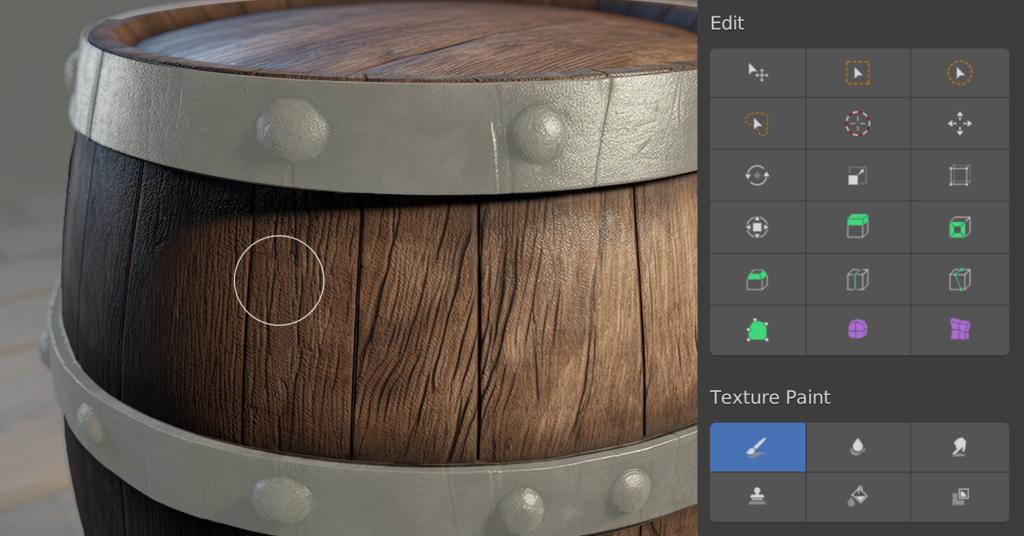
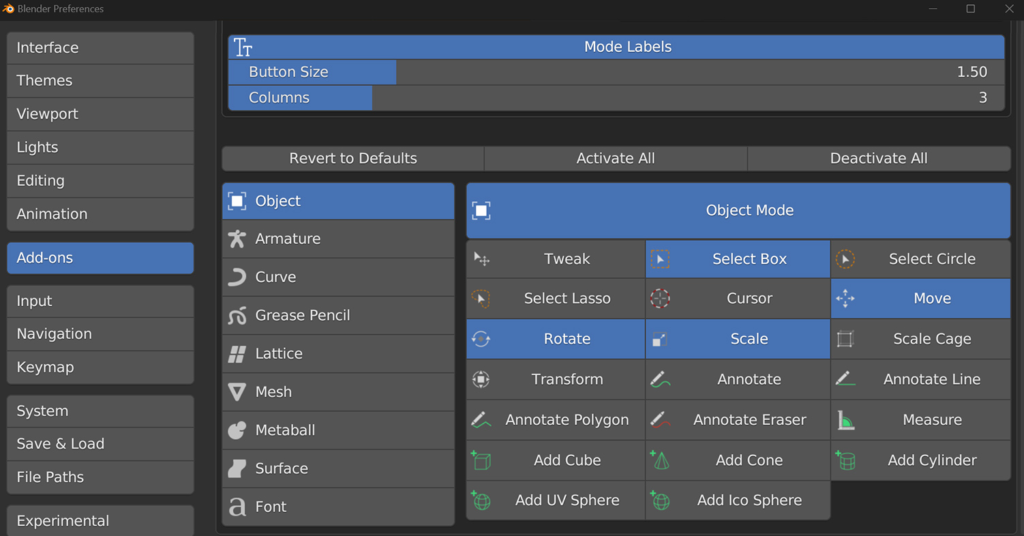
Introducing Go Panel, the revolutionary add-on for Blender that transforms the user experience: particularly for tablets. With Go Panel, you can finally say goodbye to the hassle of memorizing keyboard shortcuts for different modes and tools.Blender has long been known for its emphasis on keyboard shortcuts, making it challenging for beginners and those using tablets for sculpting, texture painting, or 2D animation in Grease Pencil. Go Panel changes all that, providing a one-click solution for switching both modes and tools.This innovative add-on allows you to customize your panel by adding or removing buttons by mode or individual tool, saving valuable screen space and only showing the tools you actually use. You can also change the panel’s name, button size, and the number of columns to further simplify the interface.Go Panel also lets you assign keyboard shortcuts to its buttons, eliminating the mode switching step altogether. Whether you’re a beginner or seasoned veteran, you’ll find convenience in this new add-on.So if you’re looking to boost your productivity in Blender, Go Panel is the perfect solution. Save time and customize your workflow with this essential add-on. Try it out today and experience the difference!
New in v2.0.0
Go Panel v2.0 is a complete rewrite from the ground up, modernized for Blender’s Asset Library system and packed with powerful new features based on user requests!
Major New Features:
- Custom Tray for Any Operator: Add buttons for any Blender operator, including those from your add-ons and extensions. Simply right-click any button or add from preferences to build your perfect workflow. Operators can automatically switch modes and filter by object type.
- Asset Library Integration: The new “Brushes” section lets you add any brush asset directly from your Asset Library to the panel. Right-click any brush in the Asset Browser (or Asset Shelf) and choose “Add to Go Panel” — the add-on will activate the asset to load its brush preview and make it available in the panel. Previews are loaded dynamically (persisting for the current Blender session) and are shown in both Preferences and the Go Panel when available. The panel falls back to a default brush icon if a preview cannot be loaded.
- Smart Context Menus: Right-click any operator or brush asset (in the Asset Browser / Asset Shelf or on existing buttons) to quickly add or remove it from Go Panel. The context menu intelligently detects if an item is already present and offers Add/Remove accordingly. Adding a brush from the Asset Browser will silently activate the asset so its preview image becomes available; removing a brush can be done from the panel or via the same context menu.
- Enhanced Icon Browser: Beautiful searchable icon grid with filtering, making it easy to find the perfect icon for your custom buttons.
- Large Icon Support: Toggle between standard and large icons to suit your workspace and display size.
- Intelligent Filtering: Custom tray operators can be set to appear only for specific object types (e.g., Pose Mode operators only show for Armatures).
Technical Improvements:
- Dynamic mode mapping ensures compatibility across all Blender versions
- Catalog-based asset filtering matches Asset Browser behavior
- Comprehensive debug logging for troubleshooting
- Context-aware prepopulation of settings
- Active brush visual feedback
Important Notes:This complete rewrite required a new architecture. Some features have been replaced with modern alternatives:
- Add/Subtract Weight Buttons: Create Weight Painting Brush Assets with Add/Subtract blend modes and add them to Go Panel instead.
- Collapsible Sub-Panels: Simply disable unused modes in preferences to achieve a similar workflow.
Compatibility: Go Panel v2.0 requires Blender 4.3+. The legacy version remains available for older Blender versions.
Supercharge your 3D creation workflow with premium selection of Blender Add-ons. Whether you are modeling intricate characters, sculpting realistic environments, or animating cinematic sequences, the right add-on can transform how you work inside Blender. Our curated collection includes powerful tools for UV unwrapping, procedural texture generation, rigging automation, rendering optimization, and more—each rigorously tested for compatibility with the latest Blender versions. Eliminate tedious manual processes and unlock advanced functionality that lets you focus on what matters most: bringing your creative vision to life. Explore our full range of professional Blender plugins today and take your 3D projects to the next level.
➡️ ➡️ For more Blender Plugins 😀 😀
Reviews
There are no reviews yet.