
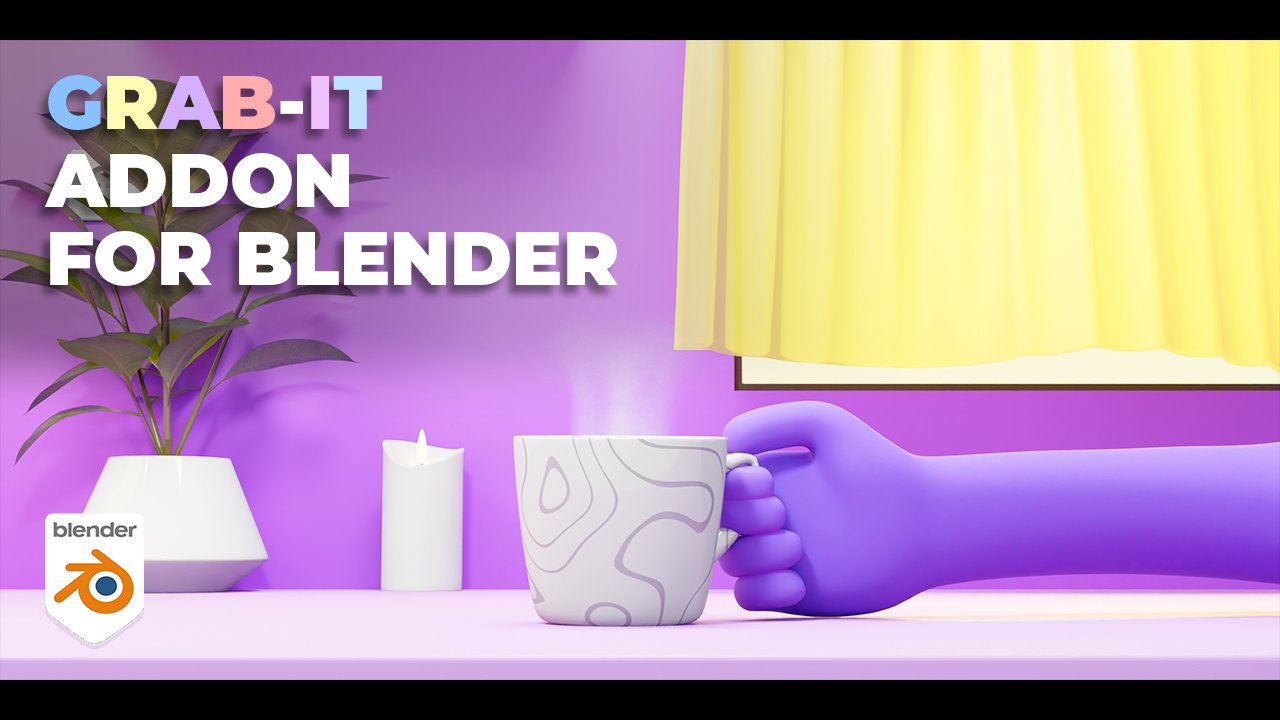
Grab It for Blender
grab it addon
Grab It for Blender – Intelligent Object & Asset Collection Tool
Version: V1.0.5
Duration:
File Size: 15 MB
Download Grab It for Blender on Windows, Mac, and Linux, a powerful add-on that revolutionizes how you collect, organize, and reuse objects and assets from any Blender file. Quickly grab models, materials, textures, and other assets from blend files, external sources, or your own library—making asset reuse faster and more intuitive than ever .
Key Features of Grab It:
- Grab from Anywhere: Extract objects, materials, textures, and assets from any blend file, external library, or open scene with one-click operation
- Visual Asset Browser: Browse assets with thumbnail previews before grabbing—see exactly what you’re importing
- Intelligent Linking: Choose between linking (live updates) or appending (independent copy) with automatic dependency handling
- Batch Grabbing: Grab multiple assets simultaneously while preserving organization and naming
- Material & Texture Extraction: Grab materials and textures separately—perfect for building material libraries
- Collection Preservation: Maintains original collection structures and hierarchy when grabbing multiple objects
- Automatic Cleanup: Removes unused data automatically after grabbing for clean, optimized projects
- Quick Search: Search across multiple blend files simultaneously to find specific assets
- Workspace Integration: Dockable panel that integrates seamlessly into your Blender workspace
Perfect For:
- 3D artists building personal asset libraries from past projects
- Studios sharing assets across multiple production files
- Freelancers reusing work across different client projects
- Anyone tired of manually appending assets through Blender’s file browser
- Teams needing efficient asset management across collaborative projects
System Requirements:
- Blender 3.0, 3.1, 3.2, 3.3, 3.4, 3.5, 3.6, 4.0, 4.1, 4.2, 4.3
- Windows 10/11 (64-bit), macOS, or Linux
- 4GB RAM minimum (8GB+ recommended)
- 10MB available disk space
Installation:
- Download the add-on zip file
- In Blender, go to Edit > Preferences > Add-ons
- Click “Install” and select the downloaded zip file
- Enable the add-on by checking the box next to “Grab It”
Note: Grab It transforms asset management in Blender by making it incredibly easy to reuse work across projects . The visual browser and one-click grabbing eliminate the tedious process of navigating through file menus to append assets . Perfect for building personal libraries, sharing assets across teams, or quickly grabbing elements from past projects . Designed for Blender 3.0 and above .
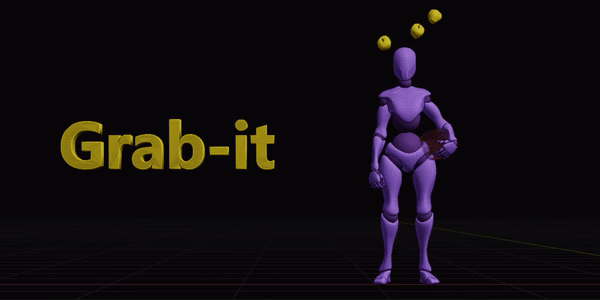
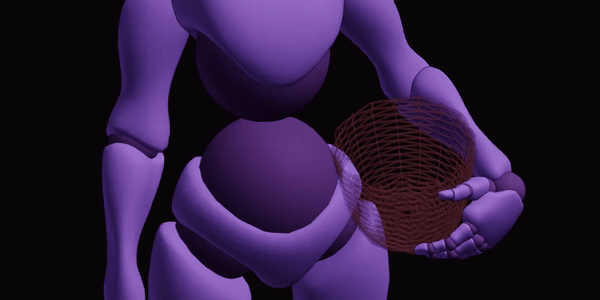
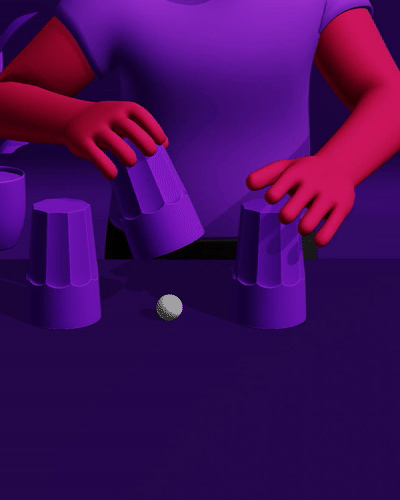
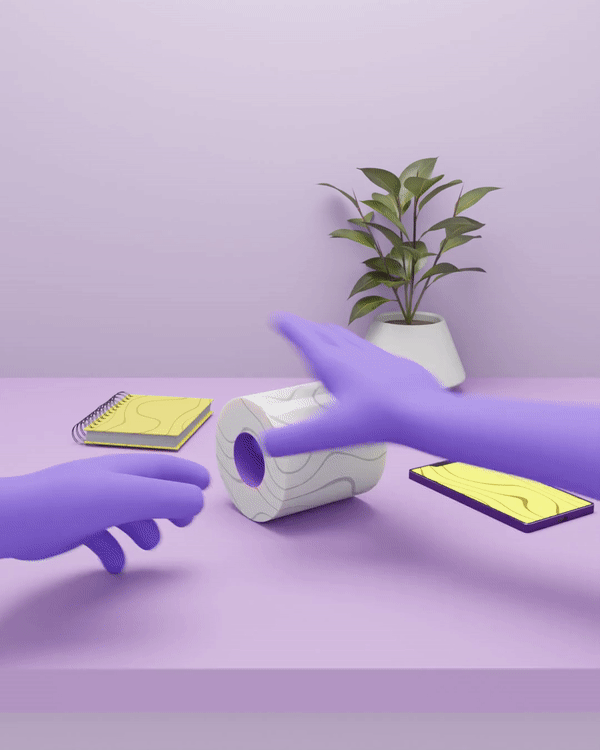
Grab-it is an addon developed to help animators easily attach objects to other objects or characters and also drop these objects during and/or after an animation.
Before grab-it, for a simple grab animation you would have to use fidgety constraints or duplicate the object and animate its visibility. This tedious method has discouraged many BlenderArtists from creating interactive animations. We’re excited to release Grab-it and we hope it serves you well.
Interactive tutorials are also included in the package
Features
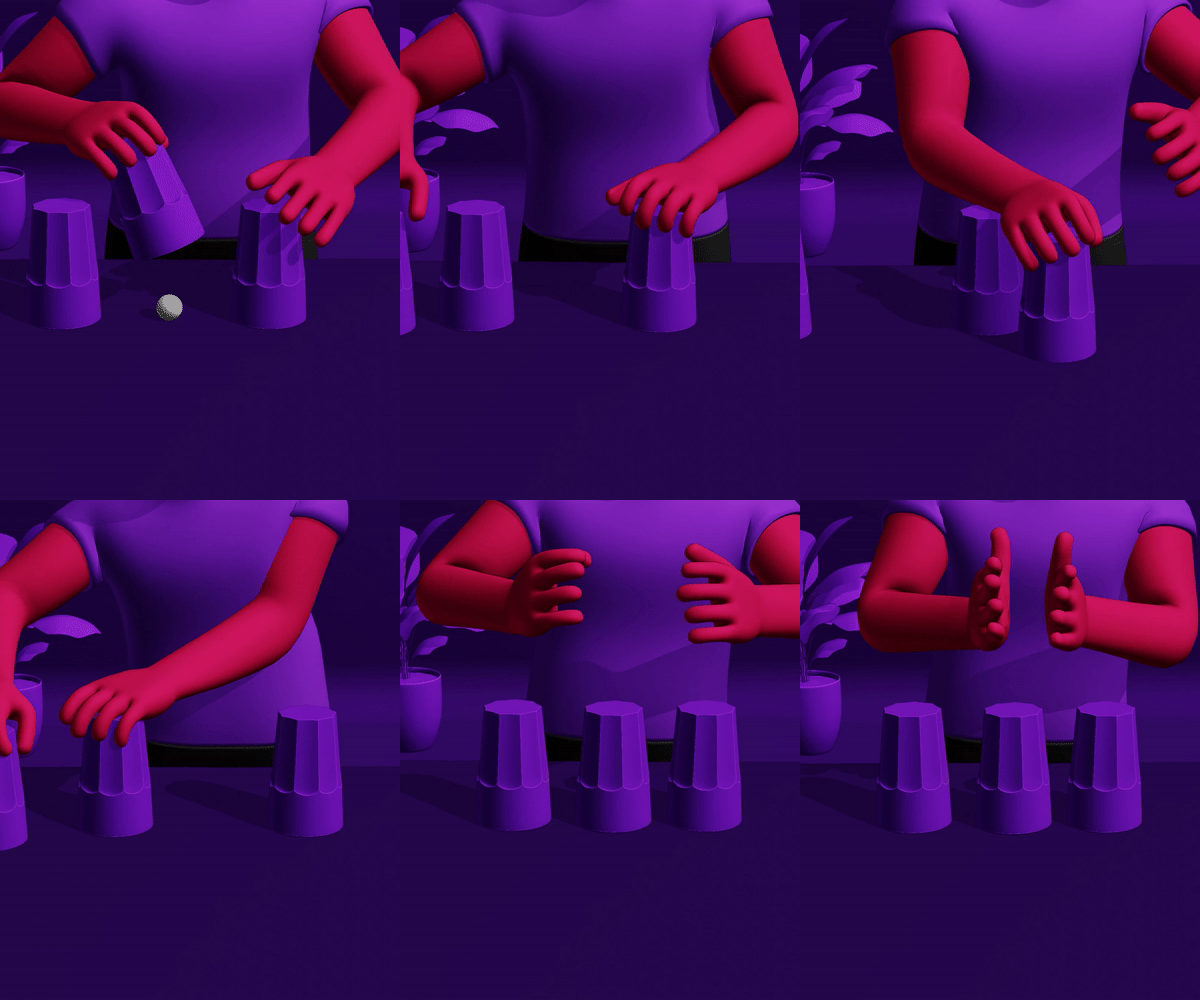
Grab: Go to the point in time (on the timeline) where you would like an object (or bone) to grab another object and press grab
Parent : After clicking grab, select the object you would like to grab and press parent
Drop : Go to the point in time when you would like to drop the object and press drop
Markers : Creates markers to indicate where an object was picked and where it was dropped
Bone Detection : Uses the last selected bone to grab object if you’re in object mode/pose mode
Clear : Has options to clear markers and also clear all grab operations
Motion blur : Works perfectly when rendering with motion blur
Lightweight : Your humble 5kb add-on sits quietly in your sidebar
Start & End Button : Since you’re animating, a start and end button has been added to your timeline so you don’t have to type in the preview range all the time
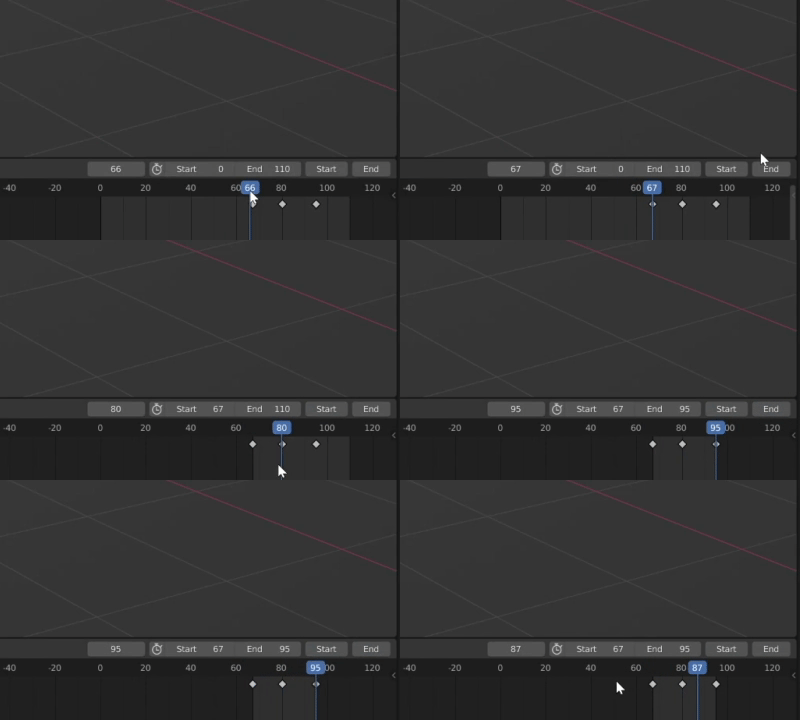
Fun interactive tutorials included in package
Interact More!
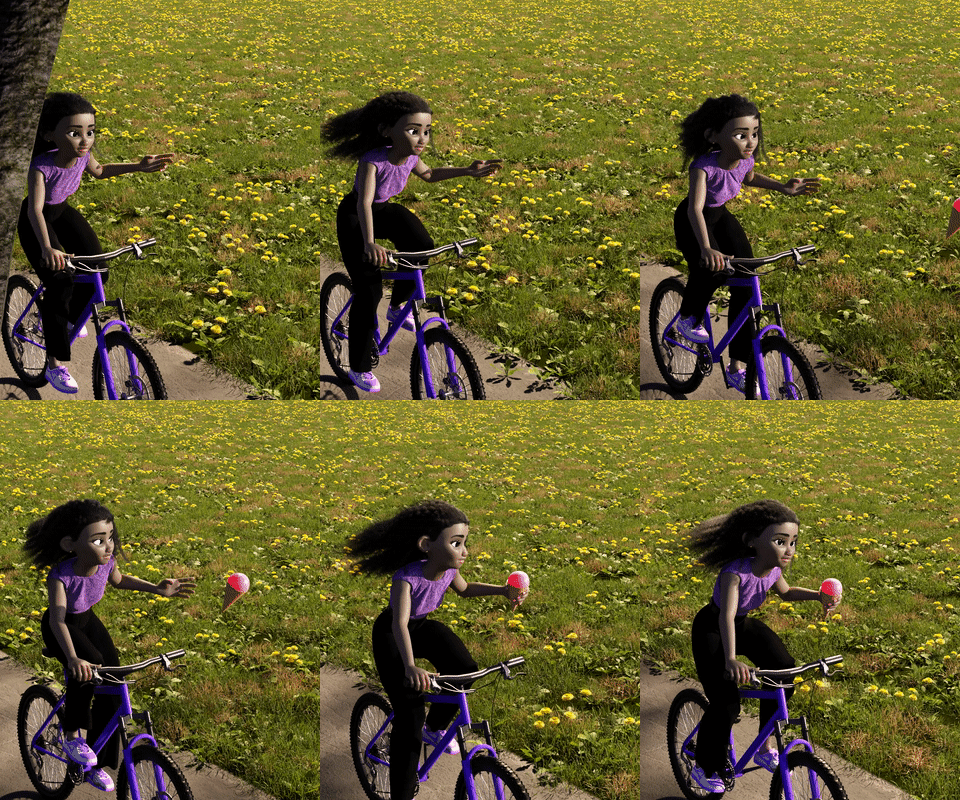
Now you can easily do animations of characters interacting with objects. With the entire process turned into 3 simple clicks
Tiny but powerful…
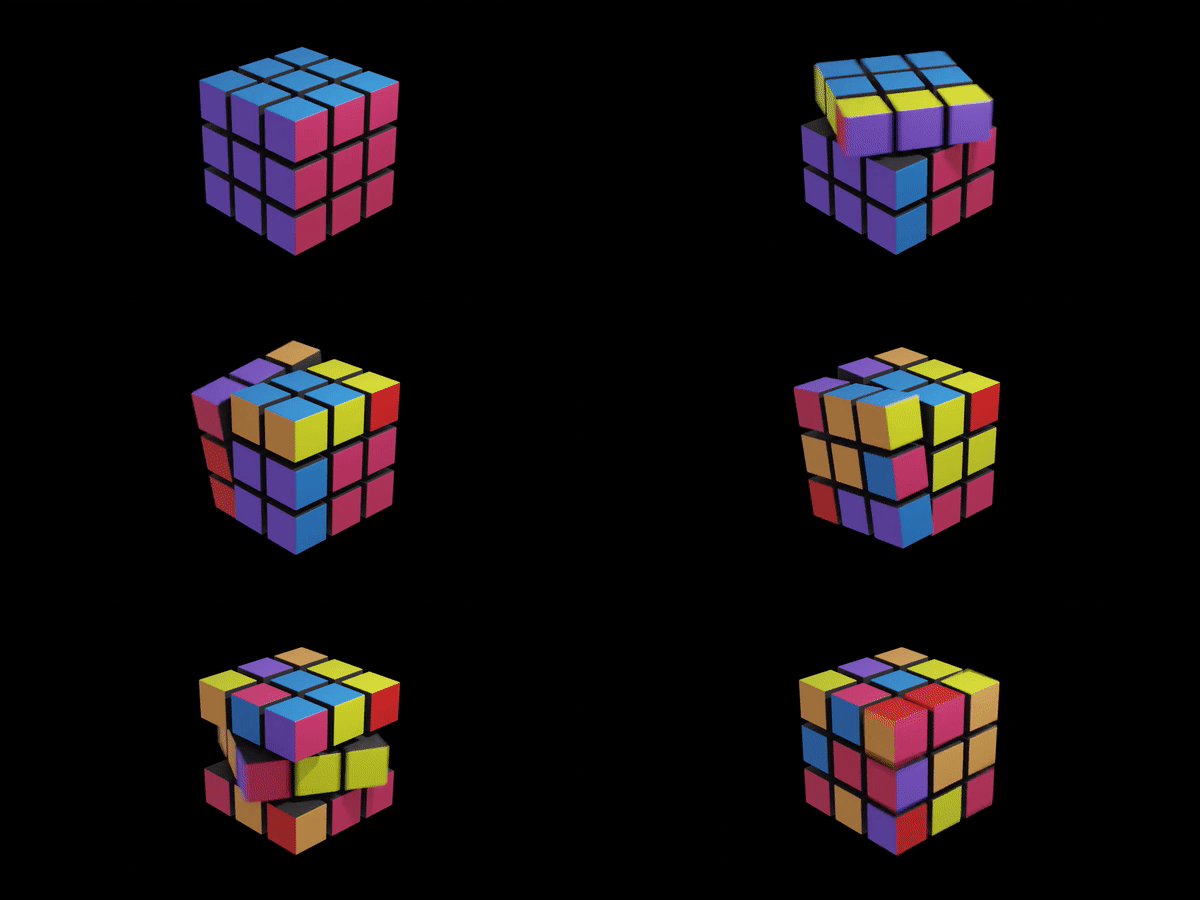
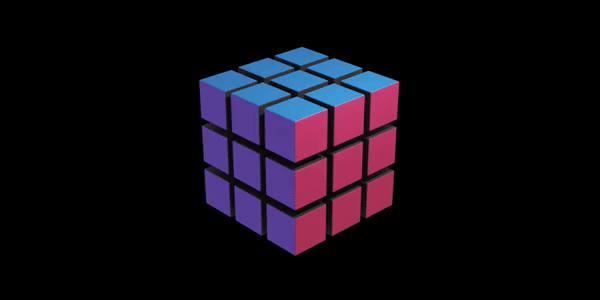
Grab-it has solved the Rubik cube problem! (if you know – you know…)
To handle a Rubik’s cube in blender using parenting, the parents of each cube would need to change during the animation.
Using Grab-it we were able to do this in a matter of minutes
Supercharge your 3D creation workflow with premium selection of Blender Add-ons. Whether you are modeling intricate characters, sculpting realistic environments, or animating cinematic sequences, the right add-on can transform how you work inside Blender. Our curated collection includes powerful tools for UV unwrapping, procedural texture generation, rigging automation, rendering optimization, and more—each rigorously tested for compatibility with the latest Blender versions. Eliminate tedious manual processes and unlock advanced functionality that lets you focus on what matters most: bringing your creative vision to life. Explore our full range of professional Blender plugins today and take your 3D projects to the next level.
➡️ ➡️ For more Blender Plugins 😀 😀
Reviews
There are no reviews yet.