
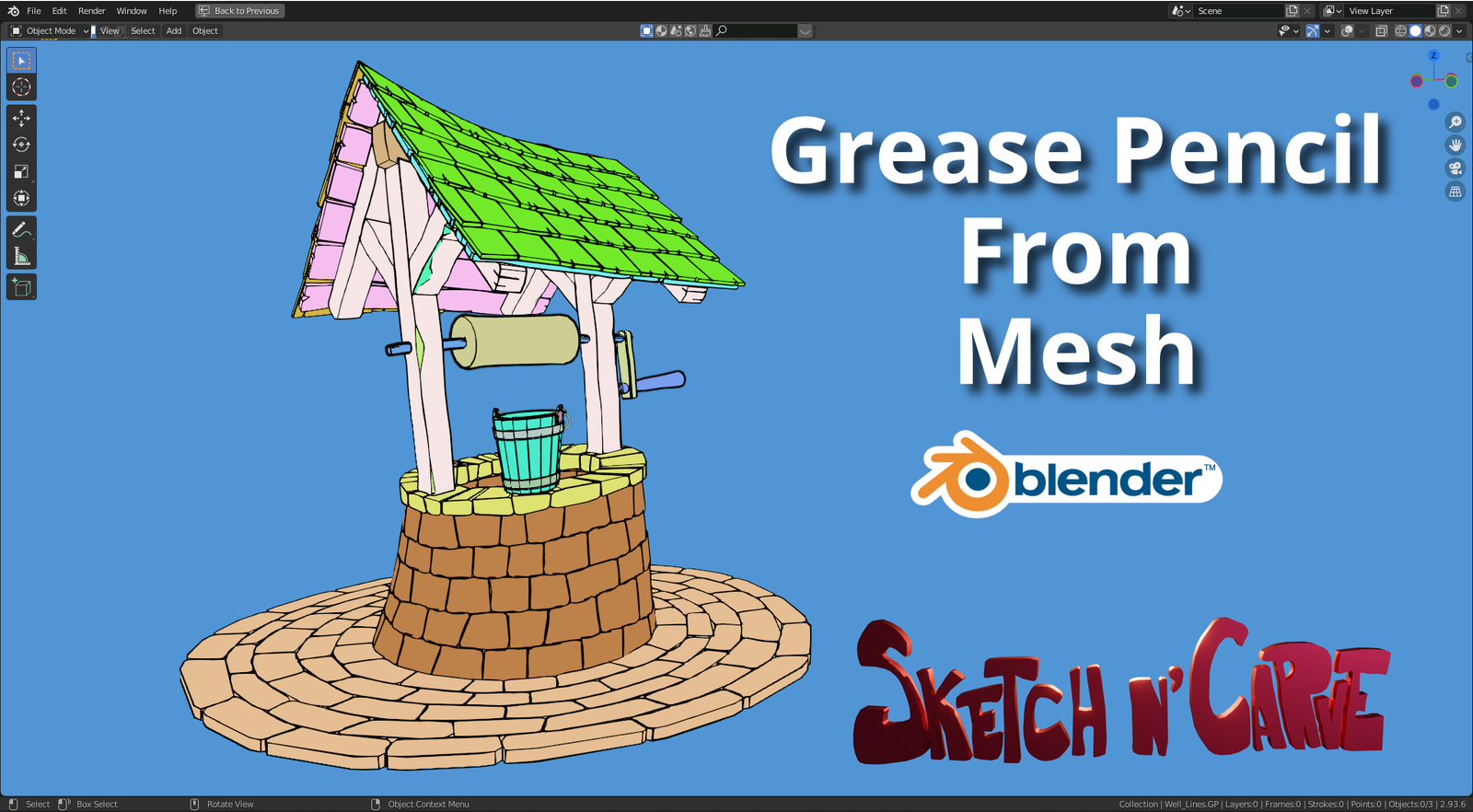
Grease Pencil From Mesh Pro for Blender
Grease Pencil From Mesh v2.60 Pro for Blender – The Ultimate 3D-to-2D Conversion & Stylization Suite
Versions: v2.60
File Size: 15 KB
Download Grease Pencil From Mesh v2.60 Pro for Blender on Windows and Mac, the industry-leading addon designed to instantly convert any 3D mesh into editable, stylized 2D Grease Pencil strokes. By automating the complex process of stroke generation, topology analysis, and line art extraction, this tool transforms how artists create hand-drawn aesthetics, technical illustrations, and hybrid 2D/3D animations, eliminating the need for manual tracing or fragile modifier setups to achieve professional non-photorealistic rendering (NPR).
Key Features of Grease Pencil From Mesh v2.60 Pro:
- Intelligent Edge Detection: Automatically analyzes mesh topology to generate clean, continuous strokes along creases, boundaries, and silhouette edges, with advanced filters to ignore unnecessary internal geometry.
- Dynamic Stroke Simplification: Built-in algorithms reduce point count while preserving shape fidelity, ensuring smooth, vector-like lines that are easy to edit and animate without lag.
- Multi-Pass Line Art: Generate separate layers for Silhouettes, Creases, Hatching, and Intersection Lines, allowing for granular control over line weight, color, and style in the compositor or viewport.
- Procedural Hatching & Shading: Automatically creates cross-hatching or stippling patterns based on surface curvature and light direction, simulating traditional pen-and-ink shading techniques.
- Animated Conversion: Perfectly syncs stroke generation with mesh animation; as your 3D model moves, deforms, or morphs, the Grease Pencil lines update frame-by-frame with zero sliding or flickering artifacts.
- Style Preset Library: Includes 50+ pre-configured artistic styles ranging from Technical Blueprint, Manga/Anime, Sketchy Pencil, Ink Wash, to Cyberpunk Wireframe, applicable with a single click.
- Depth & Occlusion Culling: Smartly hides lines that should be behind objects (occluded) or adjusts line thickness based on camera distance (depth-based scaling) for consistent visual weight.
- Vertex Group Masking: Use vertex groups to control where strokes appear, allowing you to draw details only on specific parts of a character (e.g., facial features) while ignoring the rest.
- Texture & Material Mapping: Automatically maps mesh materials to Grease Pencil colors and textures, preserving the look of the original 3D paint job in 2D form.
- Non-Destructive Workflow: All conversion settings remain live; you can tweak line thickness, simplify factors, or switch styles at any time before finalizing the strokes.
Perfect For:
- 2D Animators using 3D models as underlays for rough animation or creating fully stylized 2D characters from 3D bases.
- Concept Artists rapidly generating clean line art overlays on 3D sculpts for portfolio presentations or client reviews.
- Technical Illustrators creating exploded views, assembly instructions, and blueprint-style diagrams from CAD or hard-surface models.
- Game Developers designing stylized UI elements, tutorial overlays, or “comic book” mode post-processing effects.
- Architectural Visualizers producing sketchy, hand-drawn style renderings for early design phases.
- Educators creating clear, animated diagrams and visual aids for teaching complex spatial concepts.
System Requirements:
- Blender: 3.6, 4.0, 4.1, 4.2, 4.3+ (Latest LTS recommended; requires Grease Pencil v3+ features).
- OS: Windows 10/11 (64-bit) or macOS 10.15+.
- RAM: 8GB minimum (16GB+ recommended for high-poly mesh conversion).
- No external dependencies required.
Installation:
- Download the Grease Pencil From Mesh v2.60 Pro
.zipfile. - Open Blender and go to Edit > Preferences > Add-ons.
- Click Install…, select the downloaded file, and enable the checkbox next to Convert: Grease Pencil From Mesh Pro.
- Access via the Object Context Menu (Right-Click) > Convert to Grease Pencil or the dedicated panel in the 3D Viewport Sidebar (N-panel) under the GP Convert tab.
What’s New in v2.60 Pro?
- Enhanced Silhouette Algorithm: Rewritten edge detection logic now handles complex organic shapes (like hair and foliage) with significantly fewer broken lines and artifacts.
- Real-Time Preview Mode: A new “Draft” mode allows for instant visual feedback of stroke placement and density before committing to the full conversion, speeding up iteration.
- Variable Line Weight by Light: Added controls to automatically thicken lines in shadowed areas and thin them in lit areas, mimicking traditional ink wash techniques.
- Animation Cache Optimization: Improved memory management for long animation sequences, reducing playback stutter when converting high-frame-count clips.
- Blender 4.x Compatibility: Full support for the latest Grease Pencil data structures and modifier stacks introduced in Blender 4.0+.
- New “Sketchy” Noise Modifier: Integrated procedural noise to jitter stroke positions slightly, creating a natural, hand-drawn wobble effect without manual editing.
Note:
Grease Pencil From Mesh v2.60 Pro is the definitive solution for bridging the gap between 3D precision and 2D artistry. Unlike basic modifiers, the “Pro” version includes advanced topology-aware smoothing that prevents the “jitter” often seen in automated line art when cameras or models move. It also features a “Layer Organizer” that automatically sorts generated strokes into logical collections (e.g., “Main Outline,” “Internal Details,” “Shadows”), making it easy to composite and color grade your final 2D output. Whether you are creating a full animated short or a single static illustration, this tool provides the control and quality needed for professional results.
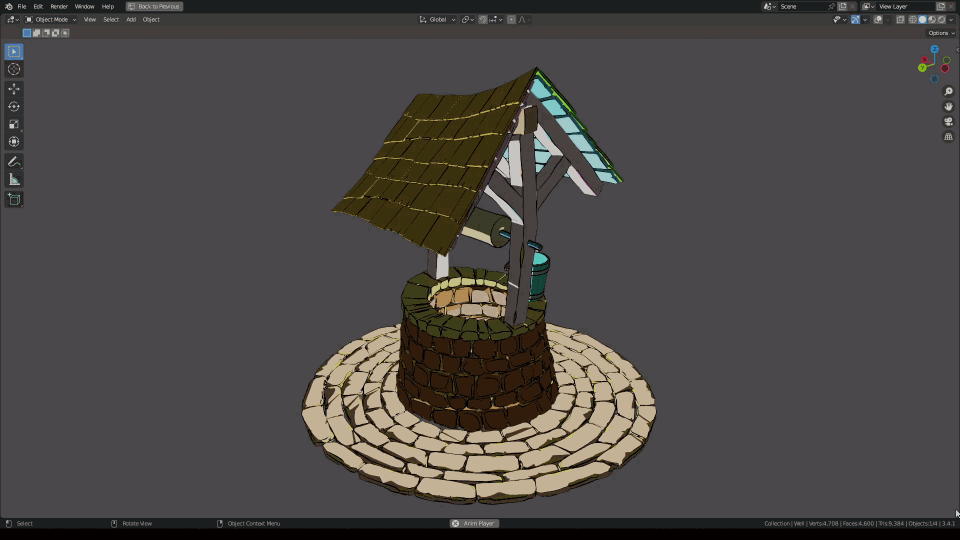
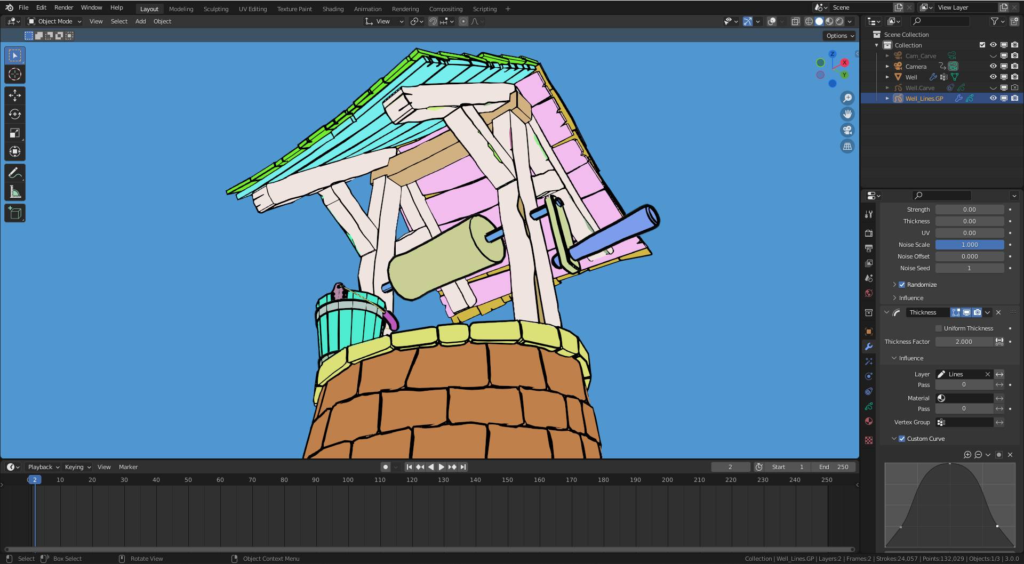
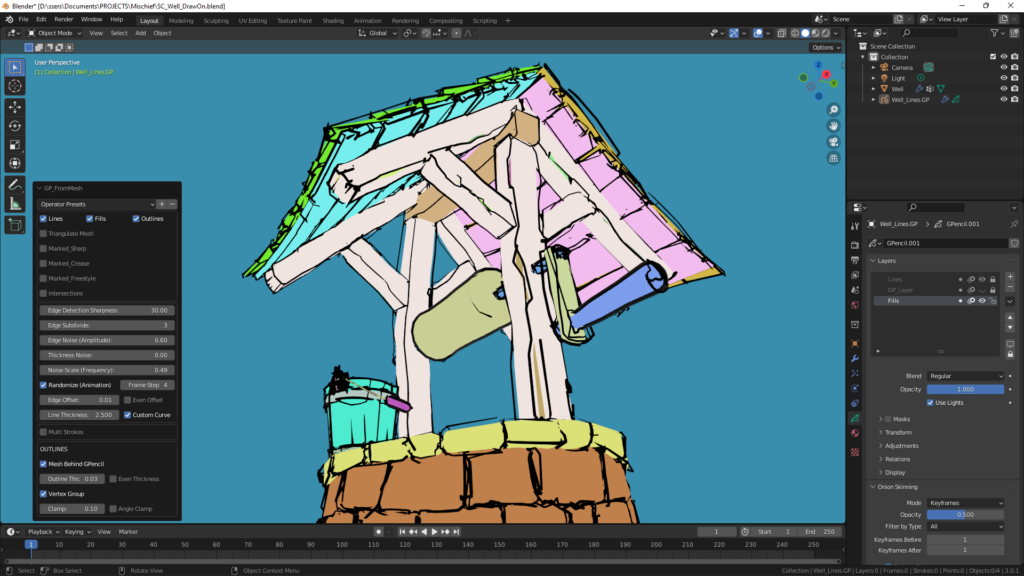
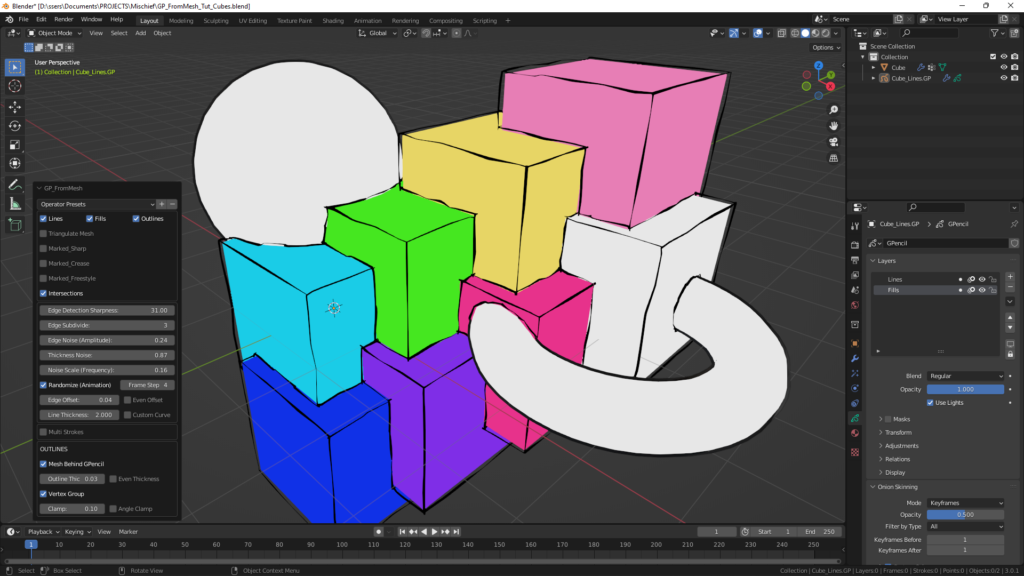
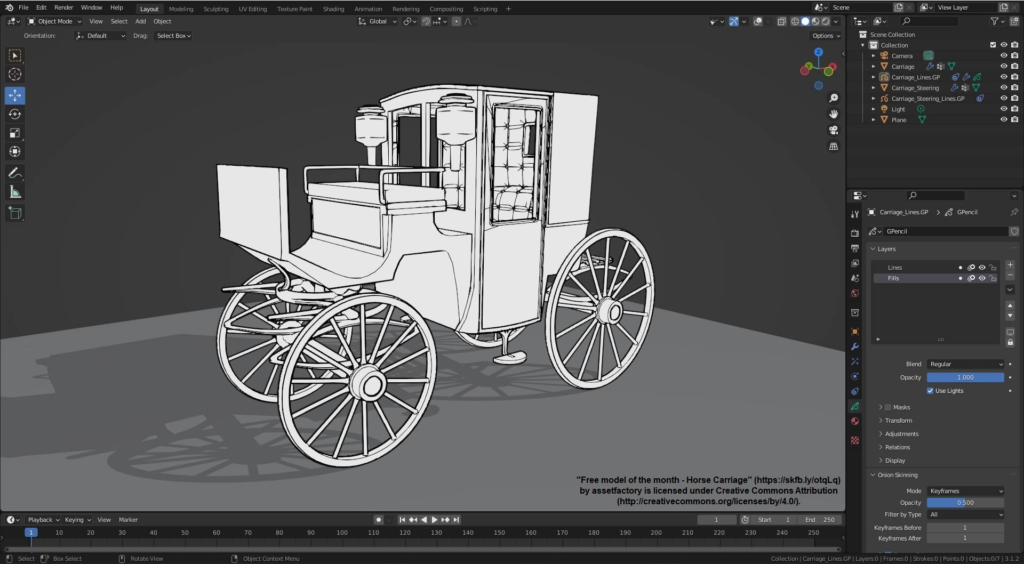
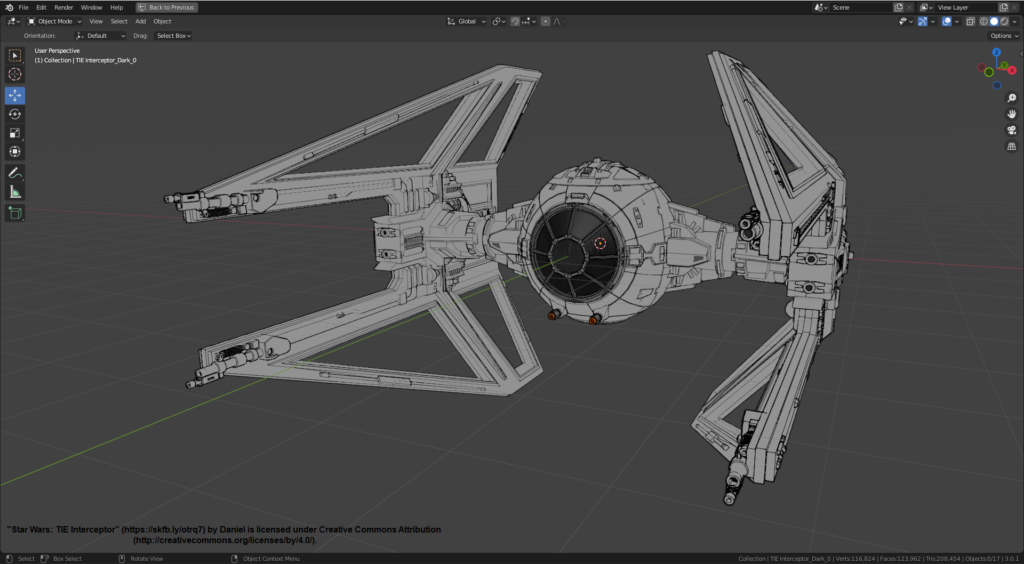
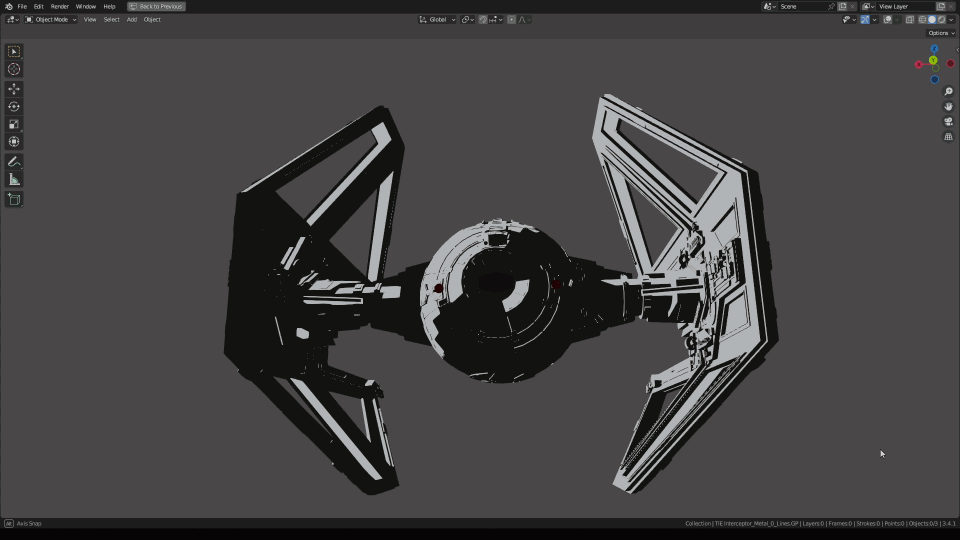
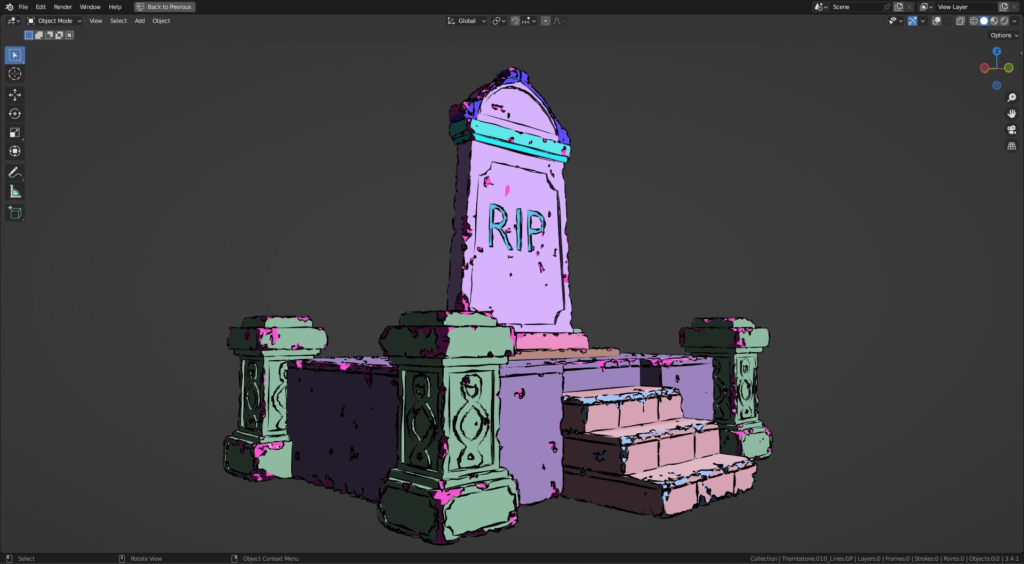
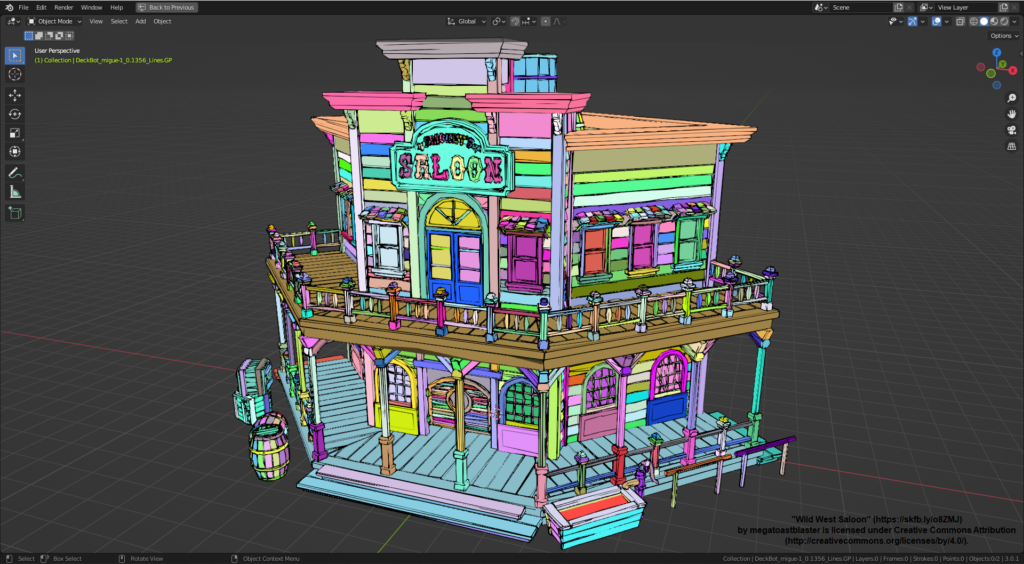
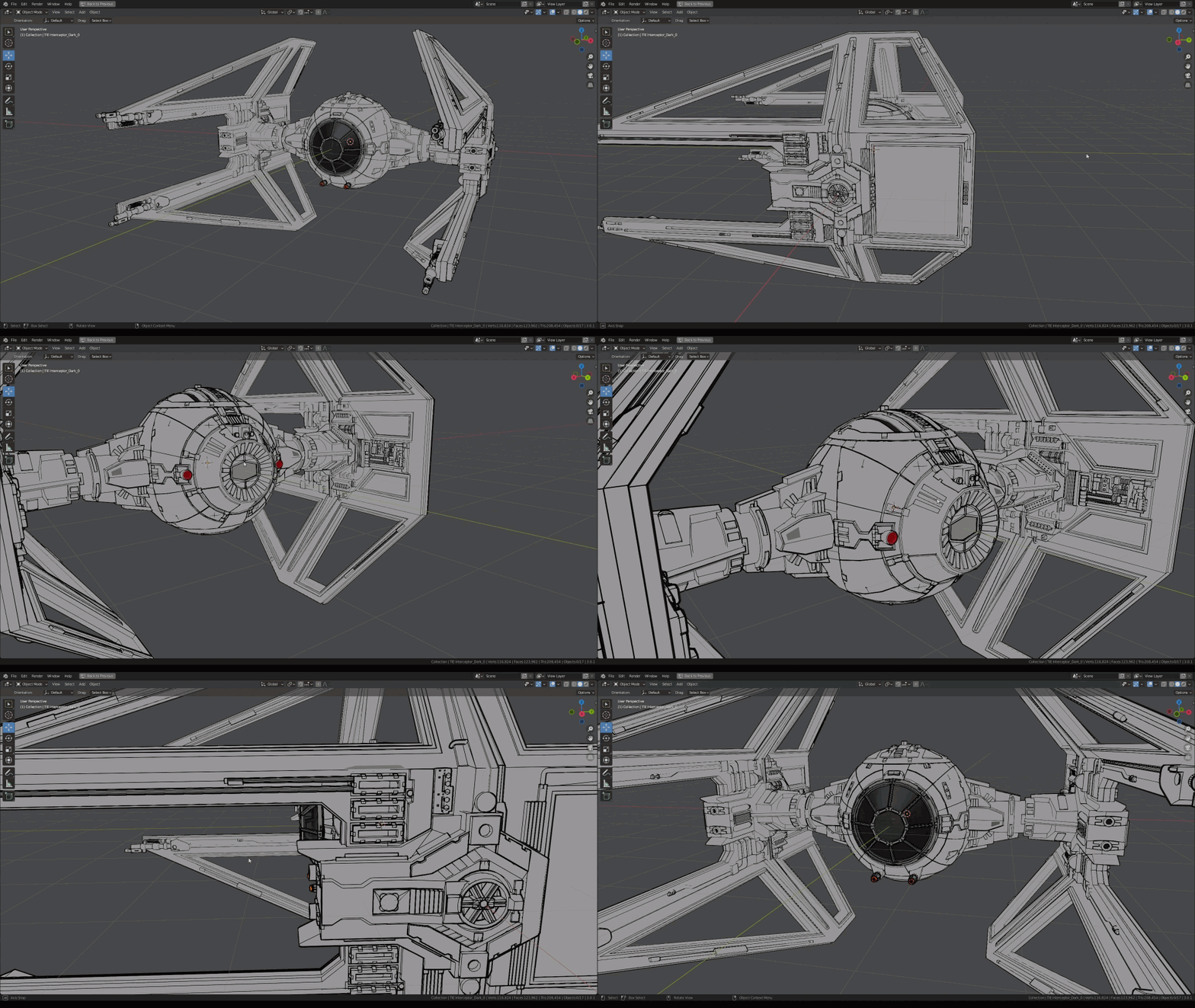
Blender Add-on for converting mesh objects to 3D Grease Pencil objects (or Curves) with edge filtering for sharp edges, intersections and curved surface outlines.
Animation frame by frame conversion
Outlines for curved surface areas
Text Object conversion.
Selective conversion of edges marked Crease, Sharp and Freestyle.
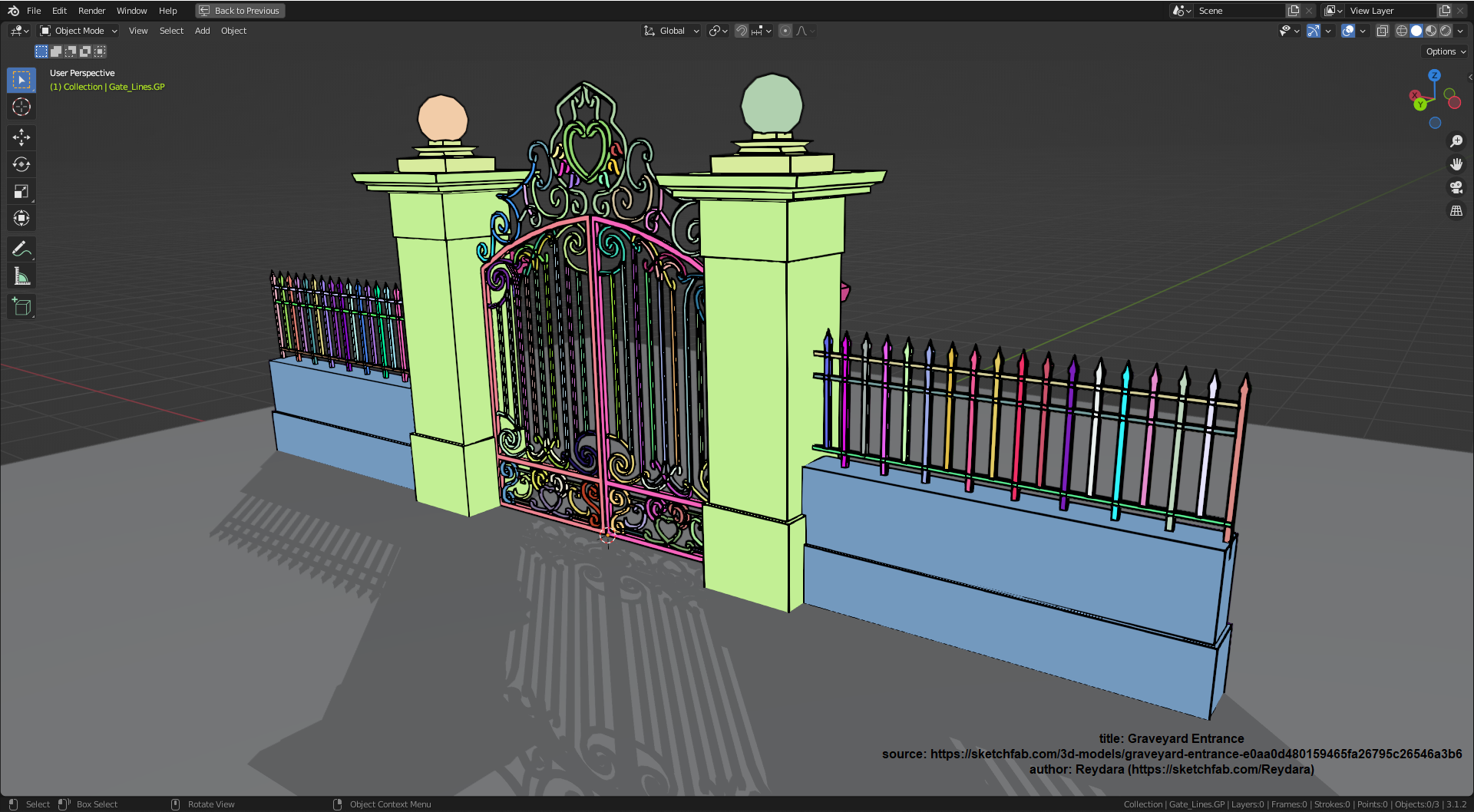
Full color conversion of all mesh materials into Grease Pencil Colors.
Shadows & Highlights conversion
Wobbly lines (optional)
Automatic natural looking strokes (starting and ending as an artist would draw)
Curves Output!***
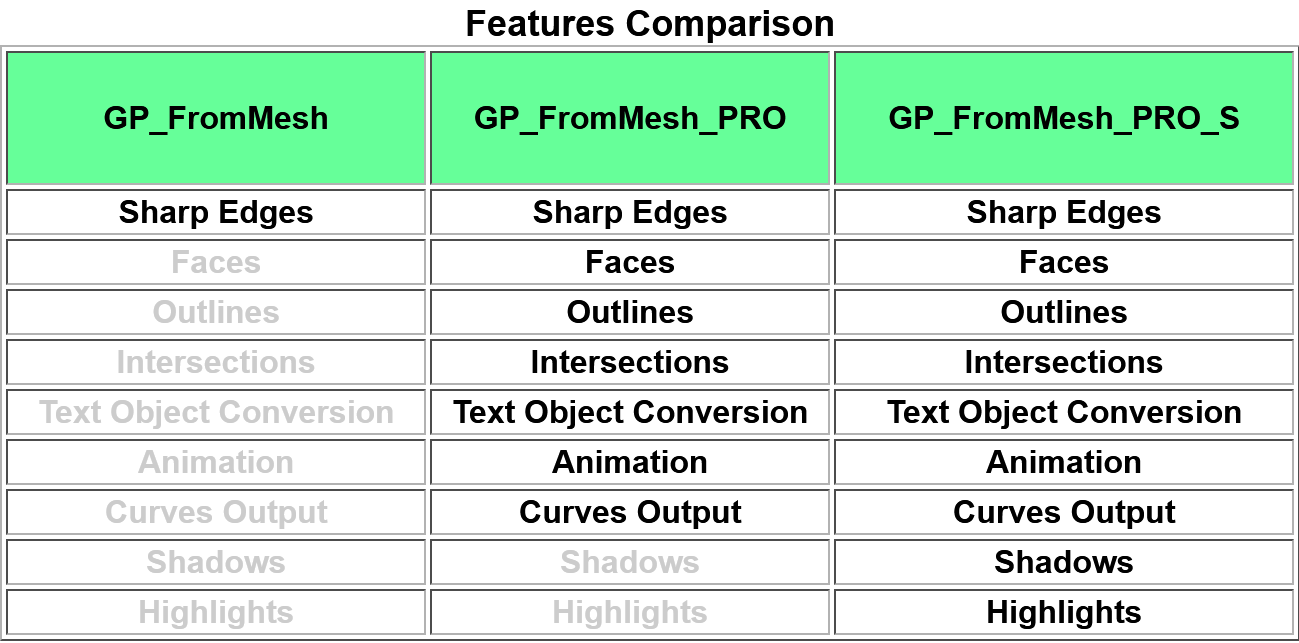
GPFM_Pro / ProS Version: 2.7.2a (Blender 4.4.3 and after)
GPFM_Pro / ProS Version: 2.6.0z (Blender 4.2 and before)
GPFM (Free) Version: 2.6.0 (Blender 4.2 and before)
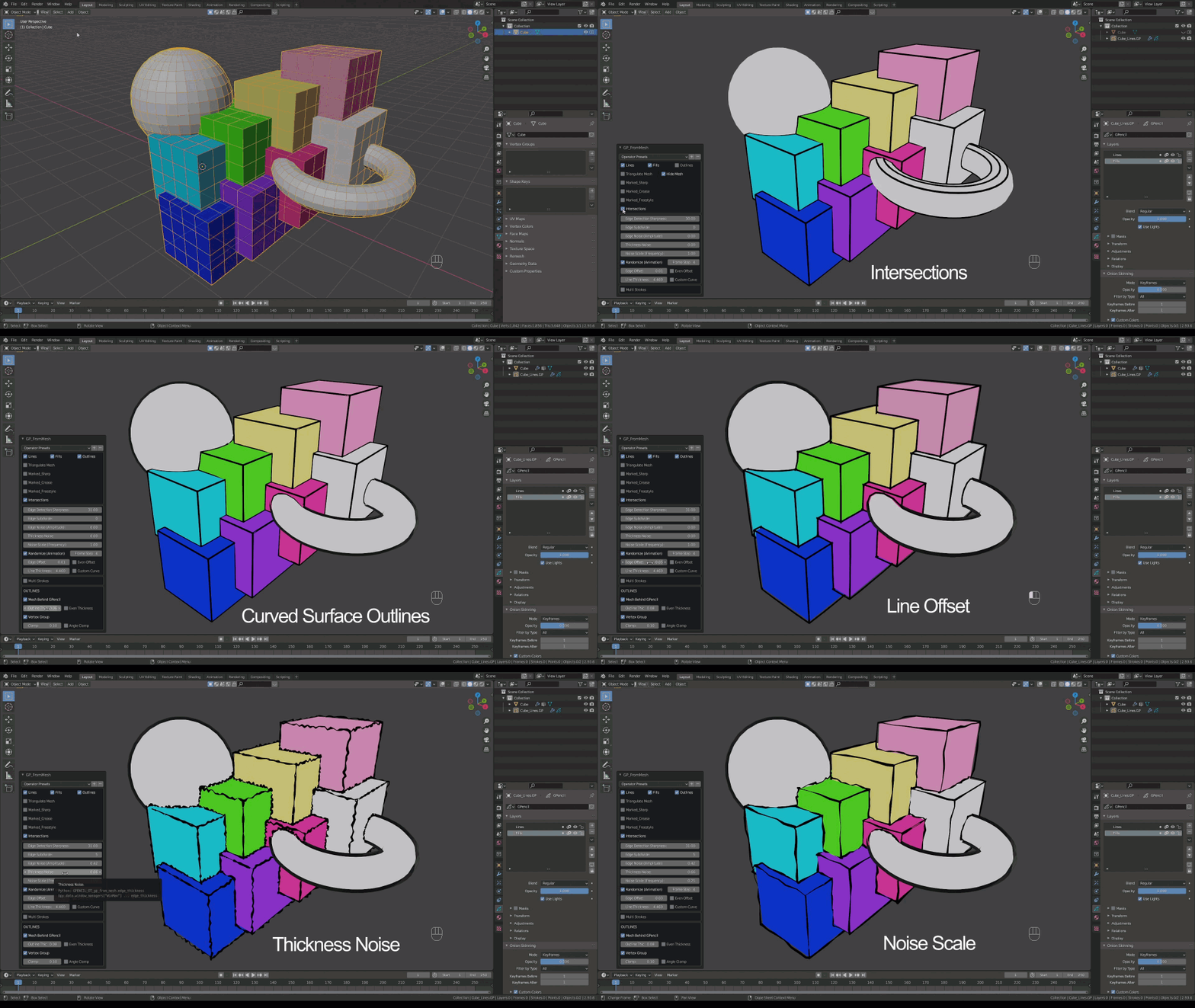
Automatically convert mesh materials into grease pencil materials.
(Pro) Generate lines at intersections even when there are no edges.

Stylize generated edges using edge noise (wobble), random thickness, edge offset, multi lines.
(Pro) Generate Outlines around curved surfaces.
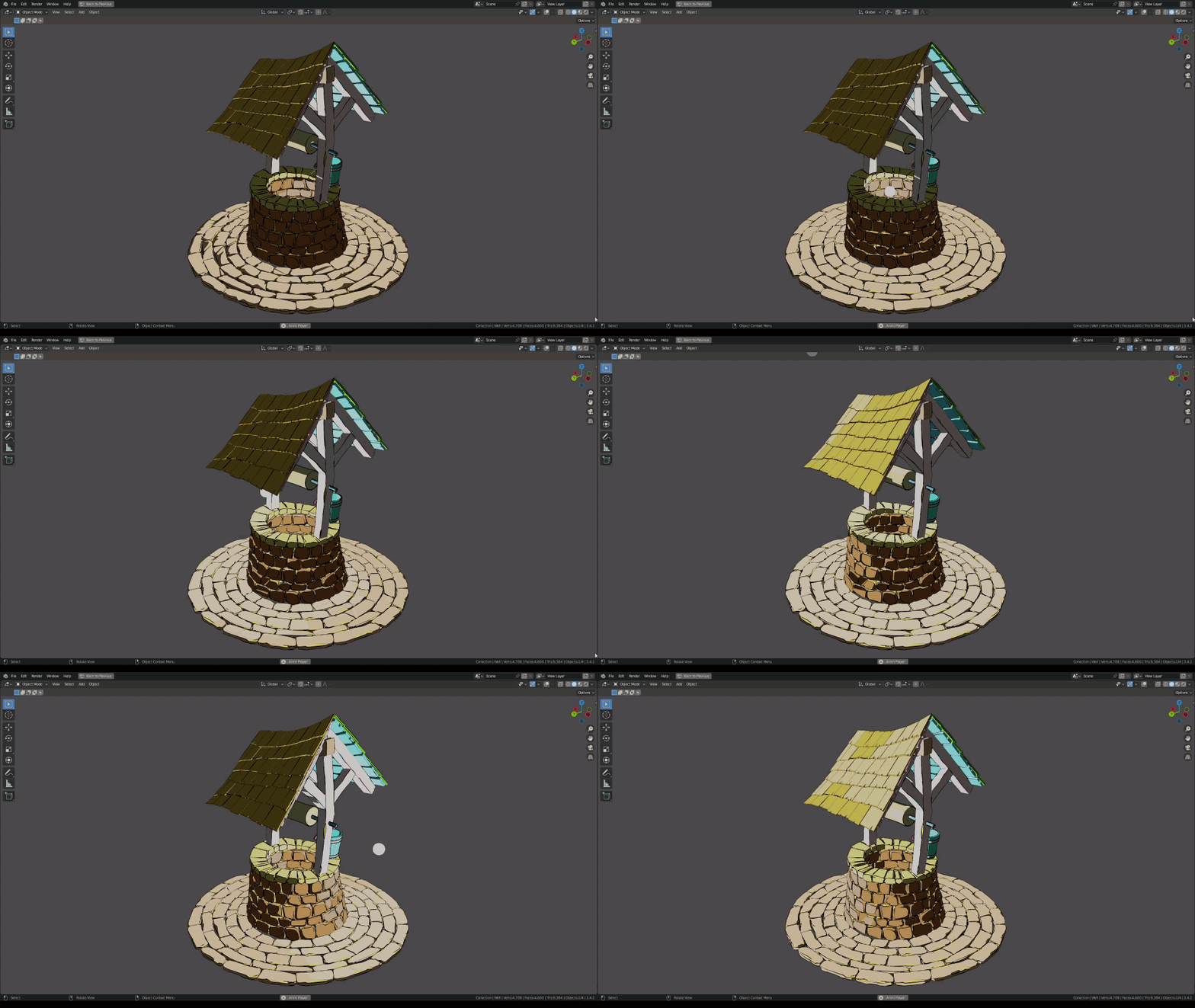
(PRO_S) Render Shadows and Highlights.




Supercharge your 3D creation workflow with premium selection of Blender Add-ons. Whether you are modeling intricate characters, sculpting realistic environments, or animating cinematic sequences, the right add-on can transform how you work inside Blender. Our curated collection includes powerful tools for UV unwrapping, procedural texture generation, rigging automation, rendering optimization, and more—each rigorously tested for compatibility with the latest Blender versions. Eliminate tedious manual processes and unlock advanced functionality that lets you focus on what matters most: bringing your creative vision to life. Explore our full range of professional Blender plugins today and take your 3D projects to the next level.
➡️ ➡️ For more Blender Plugins 😀 😀
Reviews
There are no reviews yet.