
Grungit for Blender
grungit addon
Grungit for Blender – Intelligent Procedural Aging & Weathering Tool
Versions: v1.9.1
File Size: 26 MB
Download Grungit for Blender on Windows, Mac, and Linux, a powerful procedural weathering add-on that adds realistic aging, wear, and environmental effects to your 3D models. Create authentic distressed surfaces with intelligent edge detection, dirt accumulation, rust patterns, and material decay—all non-destructively and with real-time preview .
Key Features of Grungit:
- Intelligent Edge Wear: Automatically adds wear and scratches to edges and corners based on geometry curvature—realistic damage that follows model contours
- Dirt & Grime Accumulation: Procedural dirt buildup in crevices and concave areas with adjustable intensity and color controls
- Rust & Corrosion: Generate realistic rust patterns with intelligent distribution on metal surfaces—control oxidation amount and color variation
- Paint Peeling: Simulate peeling paint with adjustable flake size, edge curling, and exposed underlayer colors
- Environmental Effects: Add rain streaks, dust accumulation, water stains, and sun bleaching for authentic environmental aging
- Texture Generation: Automatically generates PBR roughness, normal, and color maps for the applied weathering effects
- Non-Destructive Workflow: All effects are procedural and fully adjustable—modify or remove weathering without altering your base model
- Real-Time Preview: See weathering effects update instantly in the viewport
- Material Presets: Pre-configured weathering styles for metal, wood, concrete, plastic, and painted surfaces
Perfect For:
- Environment artists creating post-apocalyptic and abandoned scenes
- Game developers adding wear and tear to props and environments
- Product designers visualizing aged and weathered product concepts
- Architectural visualization artists creating realistic aged buildings
- Anyone needing authentic weathering effects without complex manual texturing
System Requirements:
- Blender 3.0, 3.1, 3.2, 3.3, 3.4, 3.5, 3.6, 4.0, 4.1, 4.2, 4.3
- Windows 10/11 (64-bit), macOS, or Linux
- 4GB RAM minimum (8GB+ recommended)
- 30MB available disk space
Installation:
- Download the add-on zip file
- In Blender, go to Edit > Preferences > Add-ons
- Click “Install” and select the downloaded zip file
- Enable the add-on by checking the box next to “Grungit”
Note: Grungit revolutionizes weathering workflows in Blender by providing intelligent, procedural aging effects that would take hours to create manually . The edge detection system ensures wear appears exactly where it would naturally occur, while the real-time preview makes it easy to dial in the perfect amount of weathering . Perfect for game development, architectural visualization, and any project requiring authentic aged surfaces . Designed for Blender 3.0 and above .
What is Grungit?
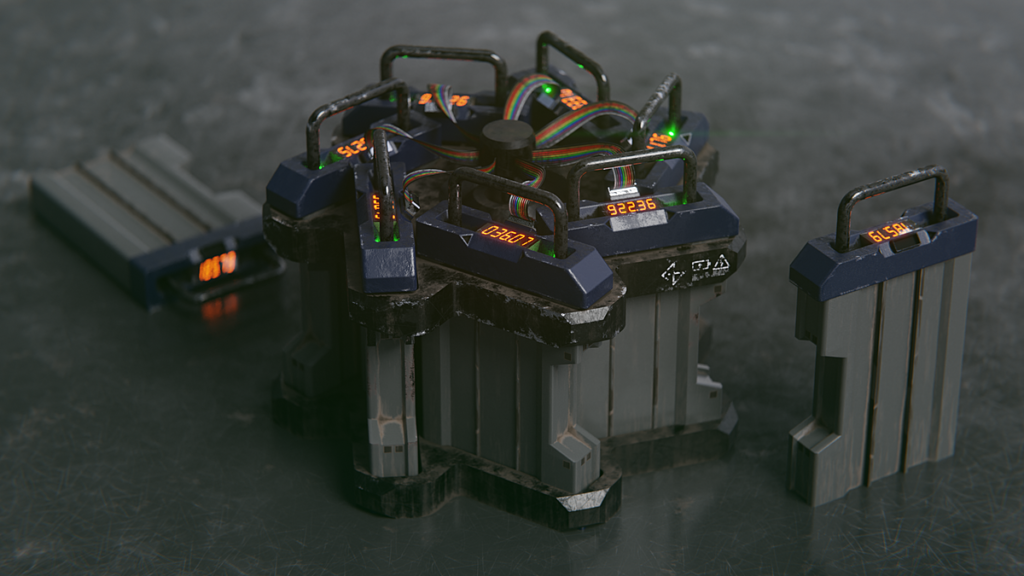
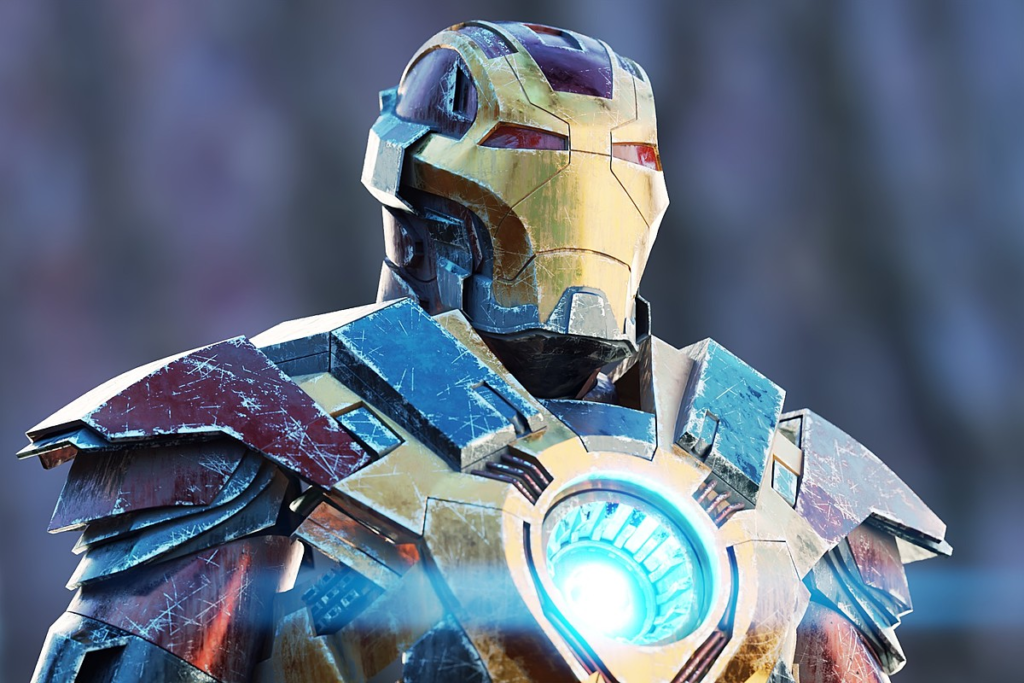
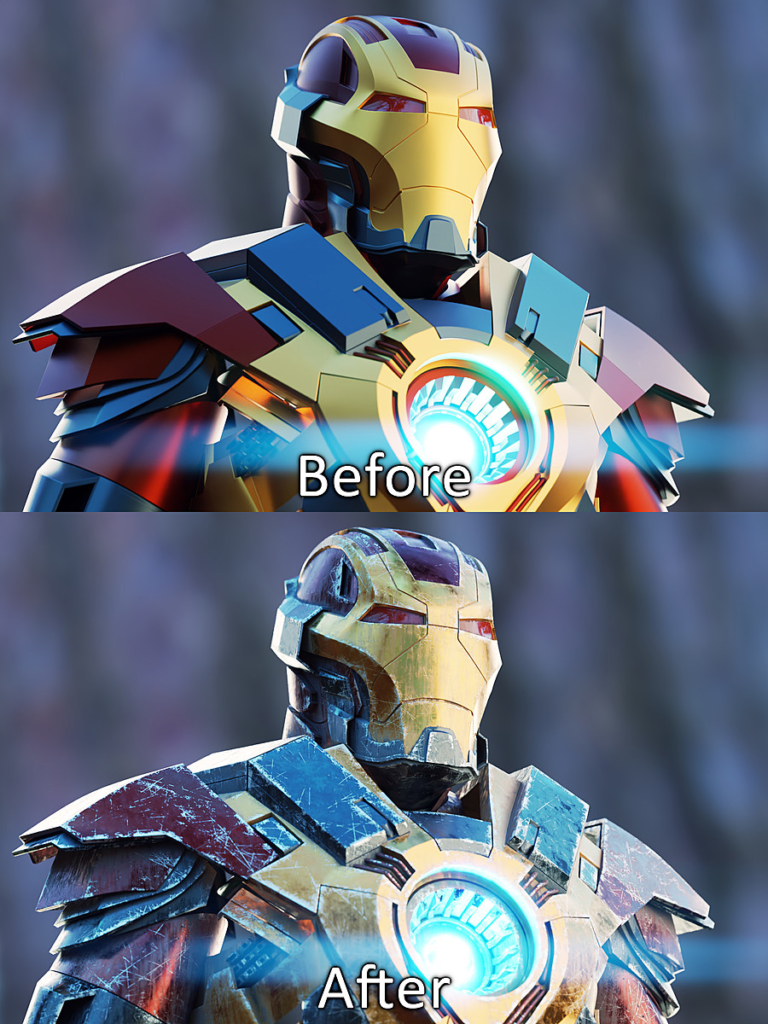
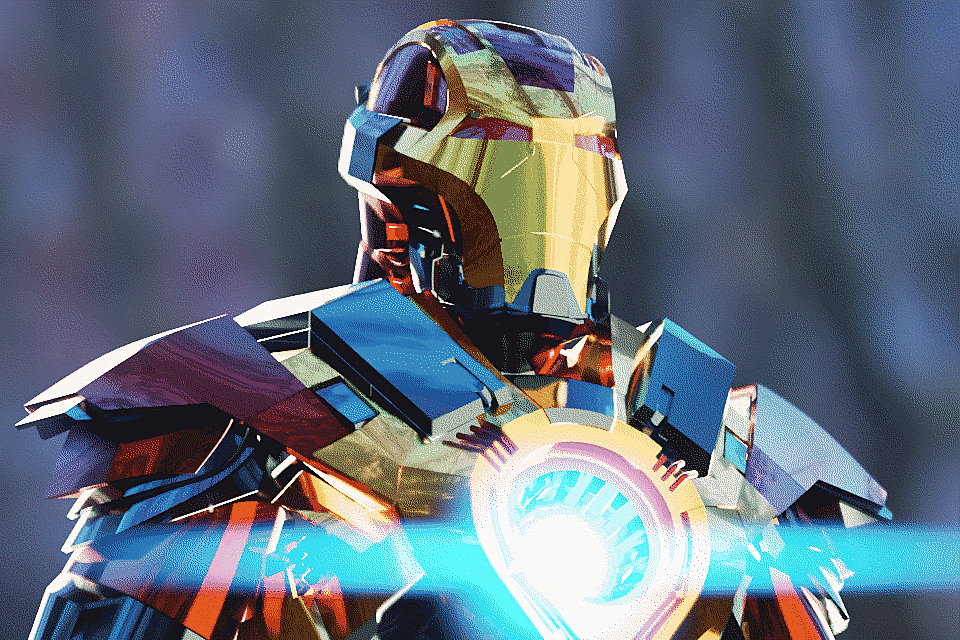
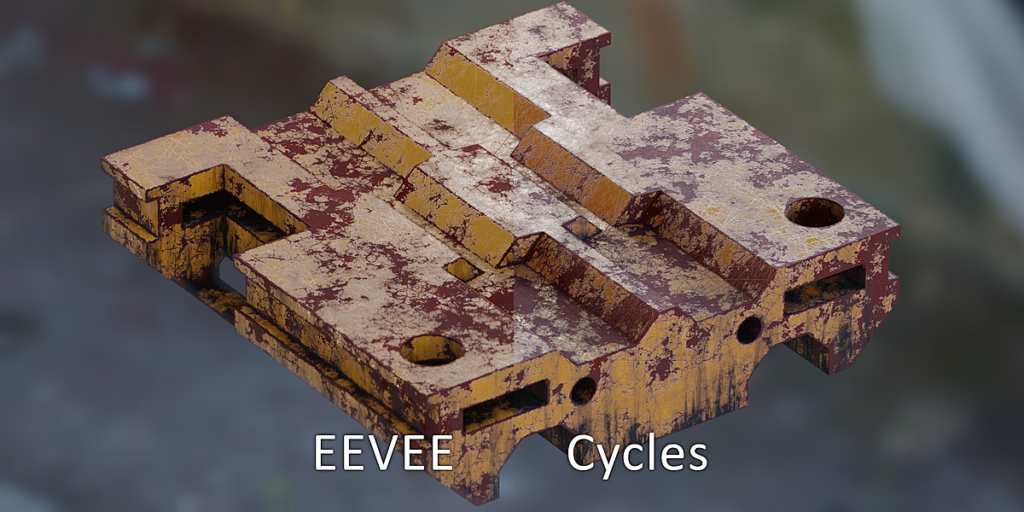
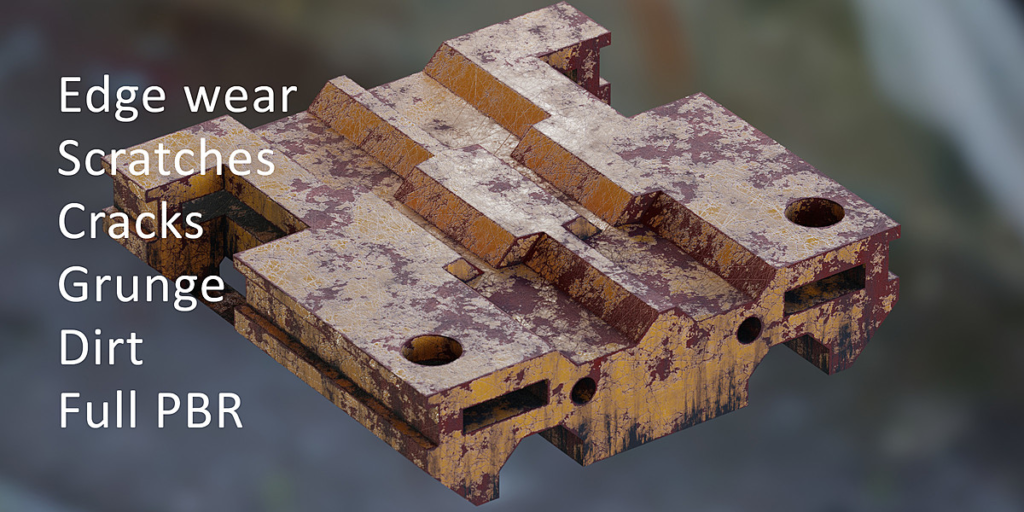
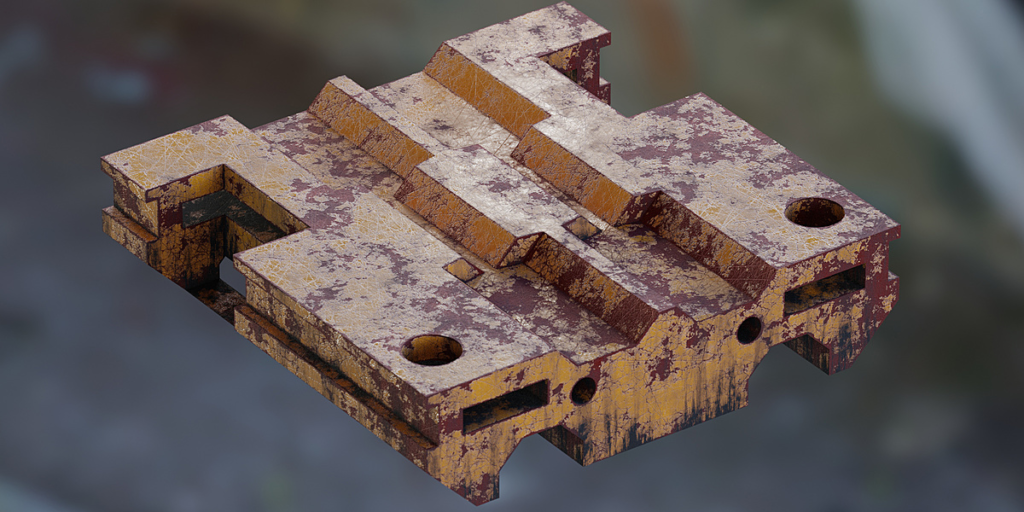
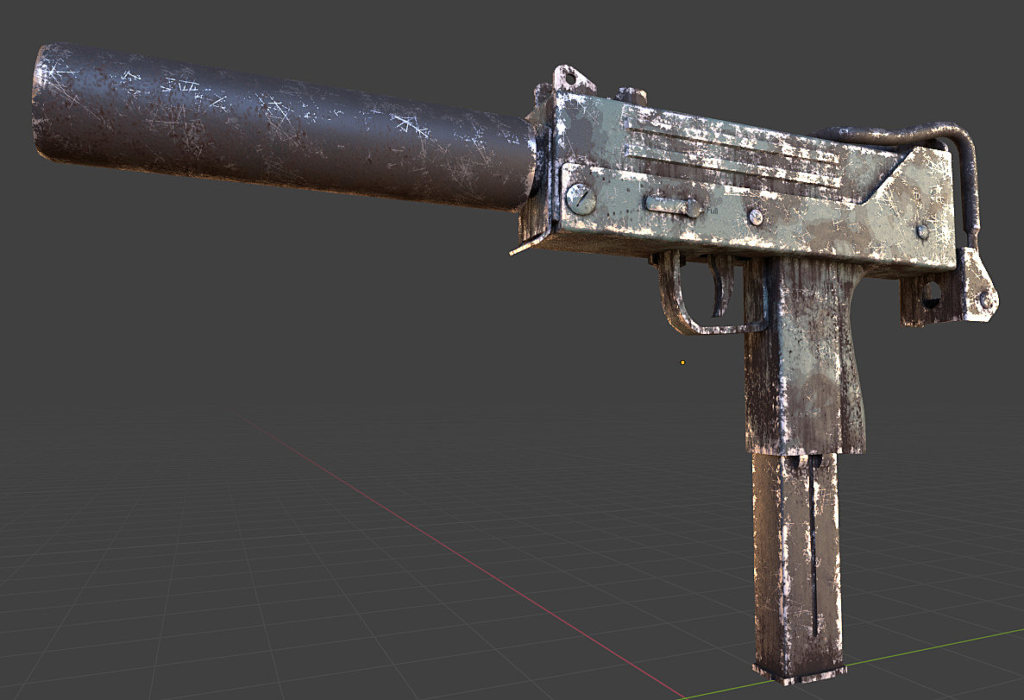
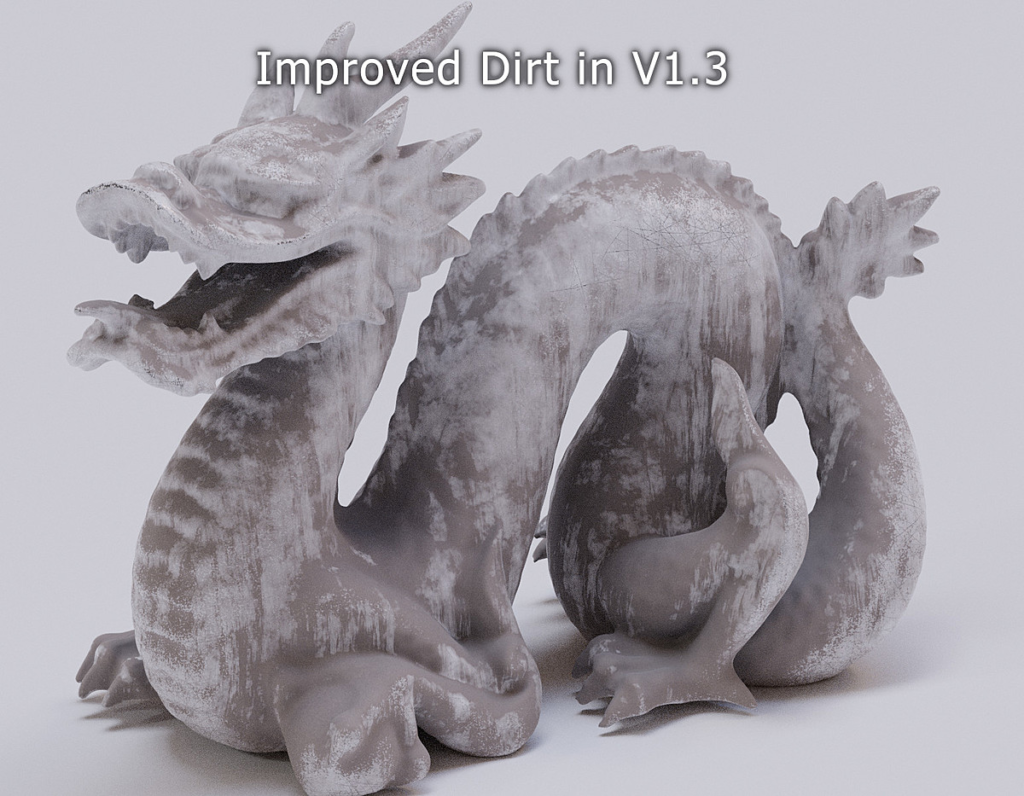
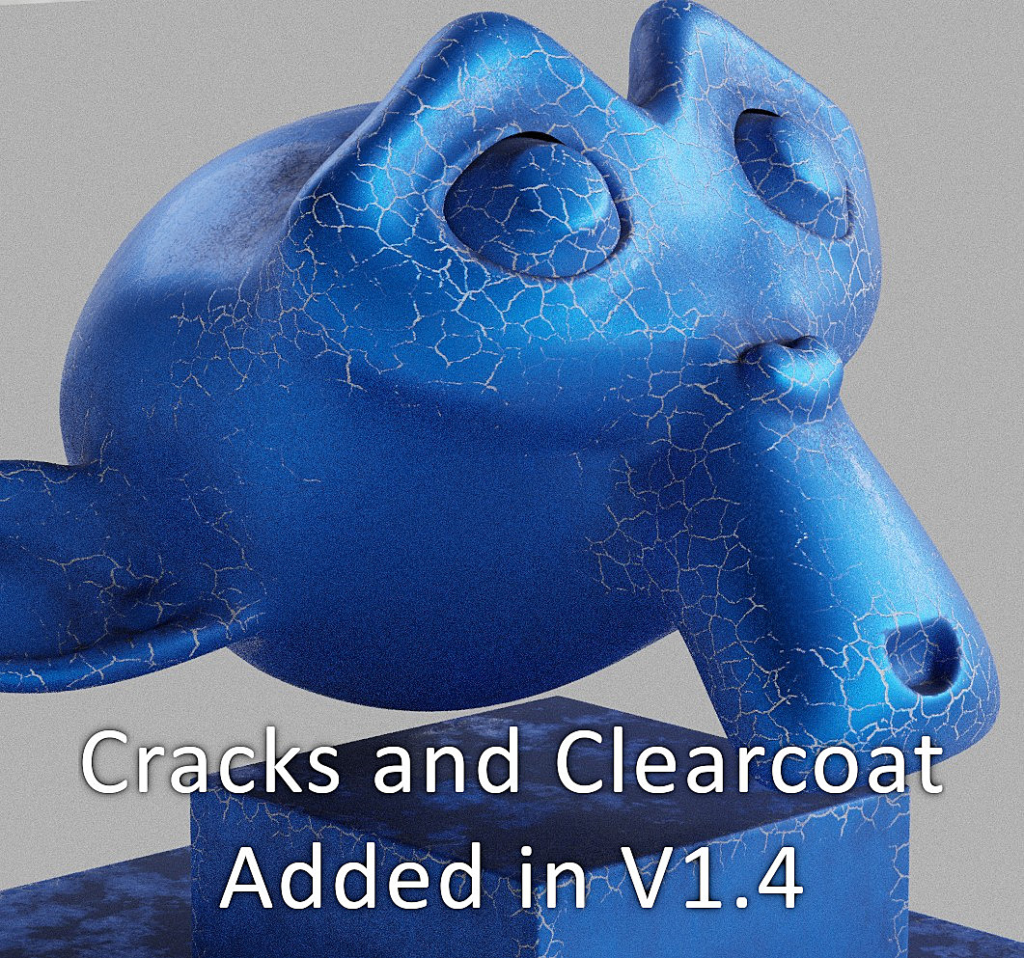
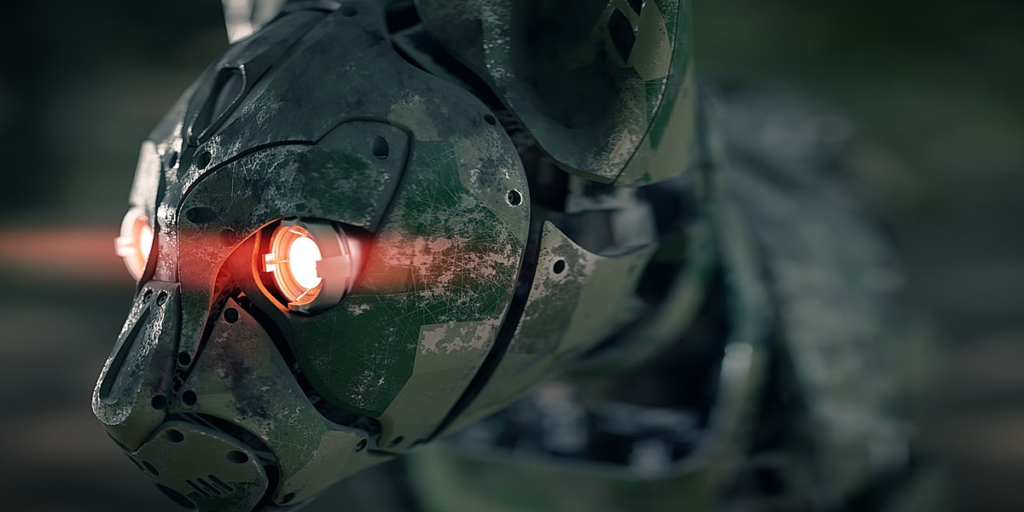
Grungit is an addon that automatically and effortlessly adds wear and tear to your models with a single click. The result is fully controllable and can deliver anything from imperfections and light wear to heavy damage.
Why Grungit?
Unlike other methods, Grungit has very little impact on performance and it’s fully compatible with EEVEE, but surely the most important benefit is the considerable amount of precious time it saves.
The main goal of Grungit is to assist you, not to dictate a specific style that might not suit your needs, and it doesn’t impact your workflow. That makes it very versatile and can deliver all kinds of results : You can use it to add subtle surface imperfections to give your renders an additional layer of realism, or you can make a painted surface for a machine with a lot of grunge, scratches and dirt.
What are the benefits of Grungit?
- High quality edge wear, grunge, and dirt with a single click of a button
- Compatible with EEVEE
- Simple And Fast
- 1-Click PBR baking
- Fully Customizable
- Full PBR
- Topology-independent
- Keeps existing materials and works with add-ons that use the Principled BSDF node.
- advanced mode for more manual control
- Manual hand-painting to add or remove grunge and/or dirt
- Quick mode (no edge wear, useful to add imperfections and uniform wear)
- Supports multiple objects and multiple materials
- Animatable and adjustable in real-time
- Fast render times
- Auto-unwrapping
Limitations:
- Unexpected behavior on very thin surfaces when the edge wear scale is too big
- Some users reported that Grungit does not work with EEVEE in macOS. Unfortunately this is due to a bad OpenGL driver by Apple and there isn’t much I (or the Blender developers) could do. In order to render with EEVEE, you need to use the PBR baking feature to convert your materials first.
- Baking many objects and materials is a bit slower than baking a single object and material
Supercharge your 3D creation workflow with premium selection of Blender Add-ons. Whether you are modeling intricate characters, sculpting realistic environments, or animating cinematic sequences, the right add-on can transform how you work inside Blender. Our curated collection includes powerful tools for UV unwrapping, procedural texture generation, rigging automation, rendering optimization, and more—each rigorously tested for compatibility with the latest Blender versions. Eliminate tedious manual processes and unlock advanced functionality that lets you focus on what matters most: bringing your creative vision to life. Explore our full range of professional Blender plugins today and take your 3D projects to the next level.
➡️ ➡️ For more Blender Plugins 😀 😀
Reviews
There are no reviews yet.