
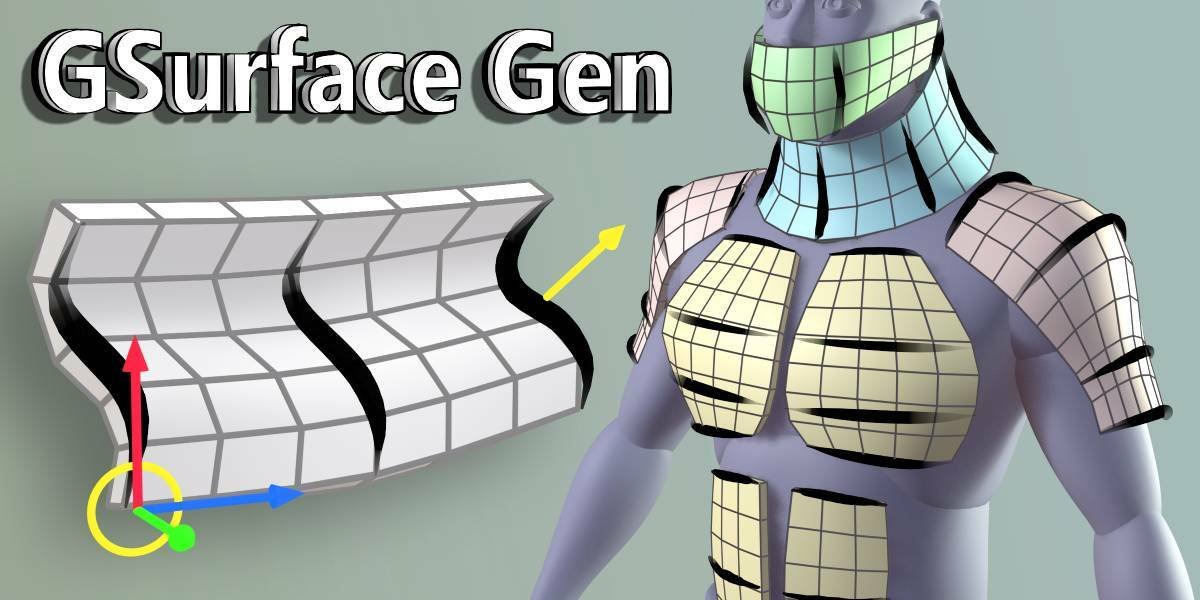
GSurface Gen for Blender
GSurface Gen v1.1 for Blender – The Ultimate Procedural Terrain & Landscape Generator
Versions: v1.1
File Size: 647 KB
Download GSurface Gen v1.1 for Blender on Windows and Mac, a powerful Geometry Nodes-based addon designed to instantly create vast, realistic, and stylized terrains, islands, and planetary surfaces. By combining advanced noise algorithms, erosion simulation, and biome distribution into a single non-destructive workflow, GSurface Gen transforms how environment artists build worlds, eliminating the need for manual sculpting, complex texture painting, or external landscape software to achieve production-ready geography.
Key Features of GSurface Gen v1.1:
- Multi-Layer Noise Synthesis: Generate complex heightmaps using layered Perlin, Voronoi, and Ridged noise with independent control over scale, intensity, and distortion for everything from rolling hills to jagged mountain ranges.
- Procedural Erosion Simulation: Built-in thermal and hydraulic erosion algorithms automatically carve realistic river valleys, smooth slopes, and deposit sediment in low-lying areas, adding instant geological plausibility to raw noise.
- Smart Biome Distribution: Automatically scatter vegetation, rocks, and snow based on altitude, slope angle, and moisture maps. Define custom rules (e.g., “Trees only on slopes < 30° above 500m”) for ecologically accurate landscapes.
- Dynamic Water Systems: Integrated ocean and lake generators that automatically fill depressions to a specified sea level, complete with adjustable foam lines, shoreline wetness, and caustic projection.
- Tectonic Plate Logic: New in v1.1: Simulate basic tectonic shifts to create realistic fault lines, rift valleys, and mountain ridges where plates collide, adding a layer of structural realism to your terrain.
- Infinite Tiling & Seaming: Create seamless, tileable terrain chunks perfect for open-world game engines, with automatic blending at edges to hide repetition.
- Displacement & Micro-Detail: Applies high-frequency surface detail (rocks, grass tufts, cracks) via displacement maps driven by the same noise stack, ensuring close-up shots look as good as wide shots.
- Material Slot Automation: Automatically assigns material slots for Sand, Grass, Rock, Snow, Mud, and Water, streamlining the texturing workflow for large-scale environments.
- Animation Ready: Animate the noise offset, sea level, or erosion intensity over time to create growing islands, rising floods, or shifting dunes without baking heavy simulations.
- Optimized Performance: Uses efficient instancing for scattered assets and adaptive subdivision for the base mesh, keeping viewport FPS high even for massive 10km+ landscapes.
Perfect For:
- Environment Artists creating open-world game maps, fantasy continents, and sci-fi alien planets.
- Architectural Visualizers generating realistic site contexts, topography, and landscaping for exterior renders.
- Game Developers building modular, tileable terrain systems for Unity, Unreal, or Godot with optimized LODs.
- VFX Studios simulating large-scale natural phenomena like landslides, flooding, or desert formation.
- Concept Artists rapidly blocking out world shapes and biome layouts for pre-production.
- Anyone who needs diverse, high-quality landscapes faster than sculpting by hand but with more control than random generators.
System Requirements:
- Blender: 3.6, 4.0, 4.1, 4.2, 4.3, 4.4+ (Geometry Nodes required; optimized for Blender 4.x).
- OS: Windows 10/11 (64-bit) or macOS 10.15+.
- RAM: 8GB minimum (16GB+ recommended for high-resolution erosion and scattering).
- Render Engine: Fully compatible with Cycles and Eevee.
Installation:
- Download the GSurface Gen v1.1
.zipfile. - Open Blender and go to Edit > Preferences > Add-ons.
- Click Install…, select the downloaded file, and enable the checkbox next to Geometry Nodes: GSurface Gen.
- Access via the Add Menu > Mesh > GSurface or the dedicated panel in the 3D Viewport Sidebar (N-panel) under the Terrain tab.
What’s New in v1.1?
- Tectonic Plate Module: Added a new node group to simulate plate boundaries, creating realistic mountain chains and rift zones based on user-defined plate vectors.
- River Pathfinding: Improved hydraulic erosion now carves more natural, meandering river paths that correctly merge and flow towards the lowest point.
- Biome Painter: New vertex paint integration allows artists to manually override or refine automatic biome distribution with brush tools.
- Snow Line Animation: Added a dedicated slider to animate the snow line moving up/down the mountain over seasons.
- Performance Boost: Optimized the erosion calculation nodes, reducing generation time by 40% for high-resolution meshes.
- Blender 4.4 Support: Full compatibility with the latest Geometry Nodes features and performance improvements in Blender 4.4.
Note:
GSurface Gen v1.1 is designed to be completely non-destructive. You can change the seed, adjust the erosion strength, shift the tectonic plates, or repaint biomes at any time before final baking. The addon also includes a “Export to Game Engine” tool that automatically generates heightmaps, normal maps, and splat maps alongside the mesh, ensuring a seamless pipeline into Unity or Unreal Engine. Whether you need a small rocky island for a hero shot or a massive procedural planet for an RPG, GSurface Gen provides the geological tools to build it efficiently.
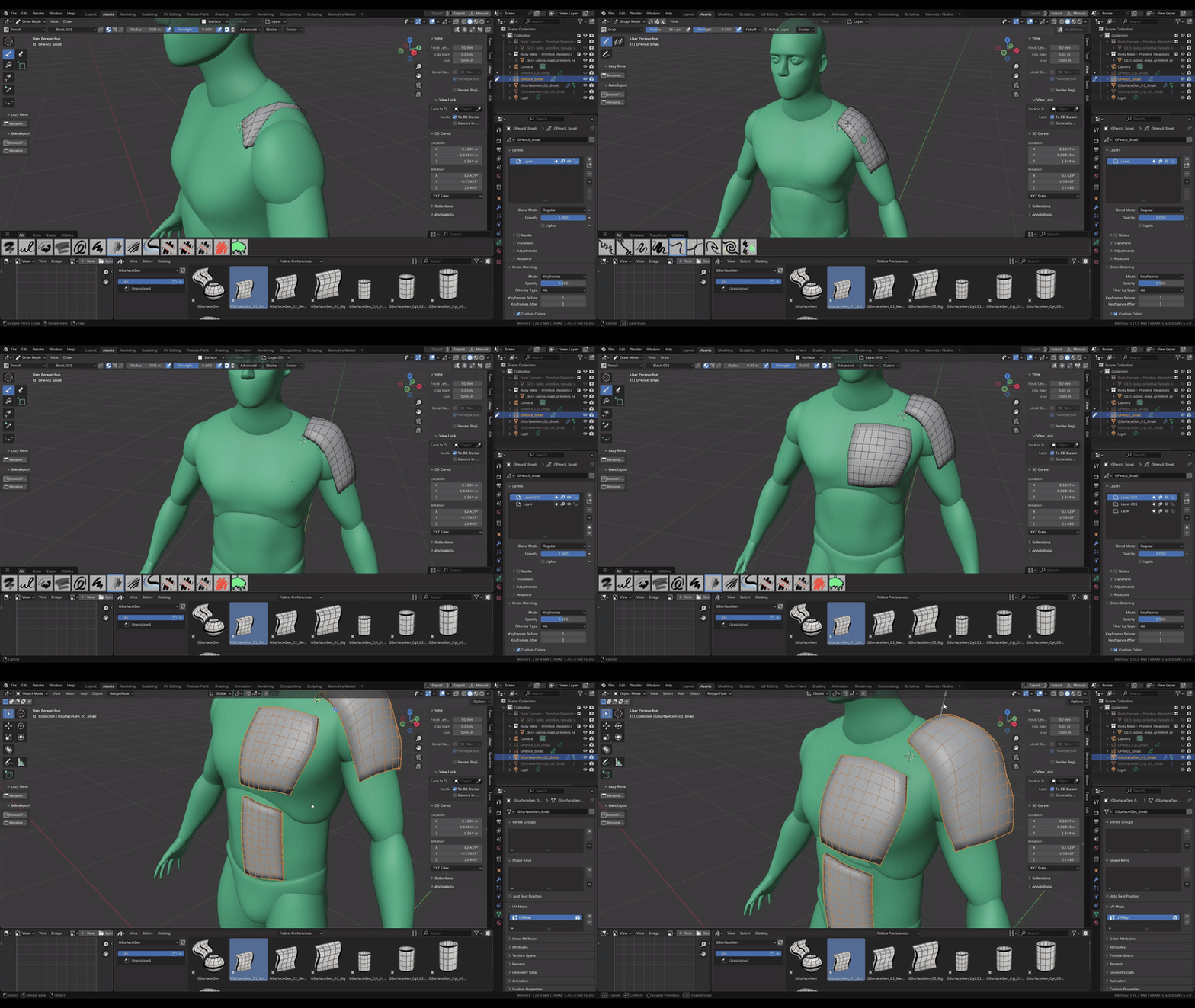
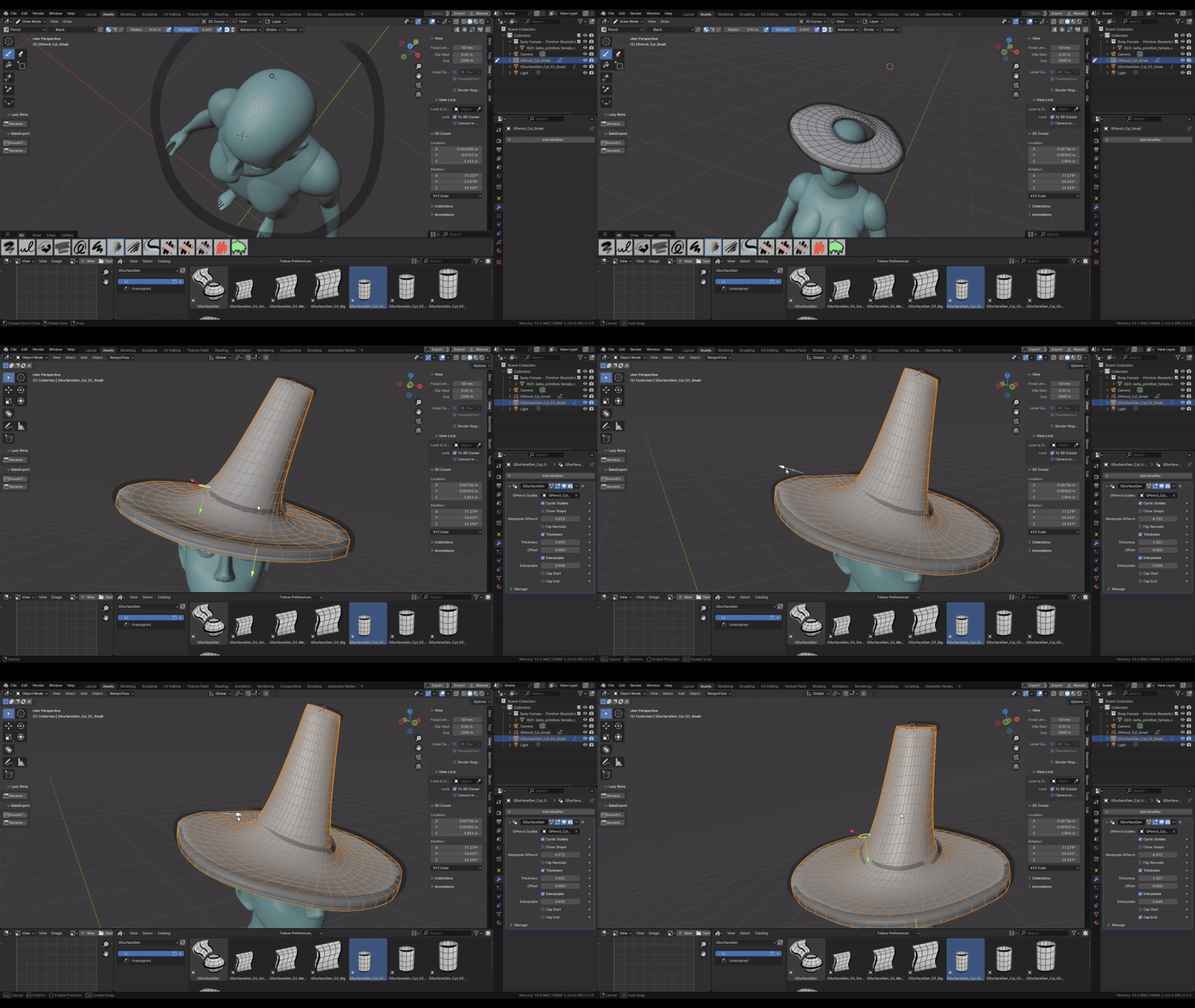
Create blockout meshes & draw surfaces with Grease Pencil easily!
Compatible with Blender 4.3+
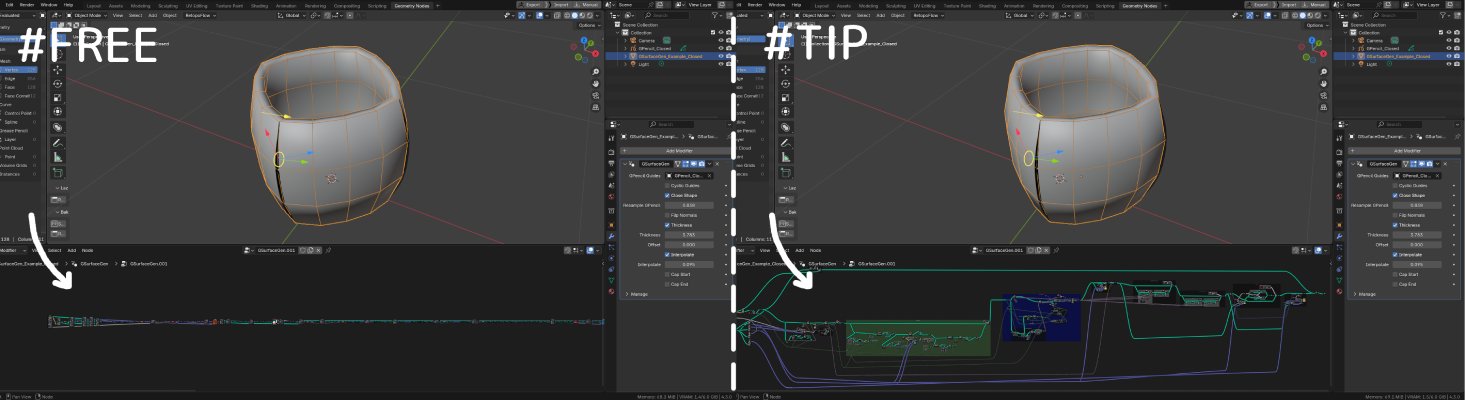
If you decide to leave a tip, you’ll get access to an organized and properly named node tree. In free version node tree is disguised.
Both share exactly the same functionality!
See features walkthrough here:
When installing it is important to set Import Method in Asset Library to “Append”. Details in documentation.
See also:
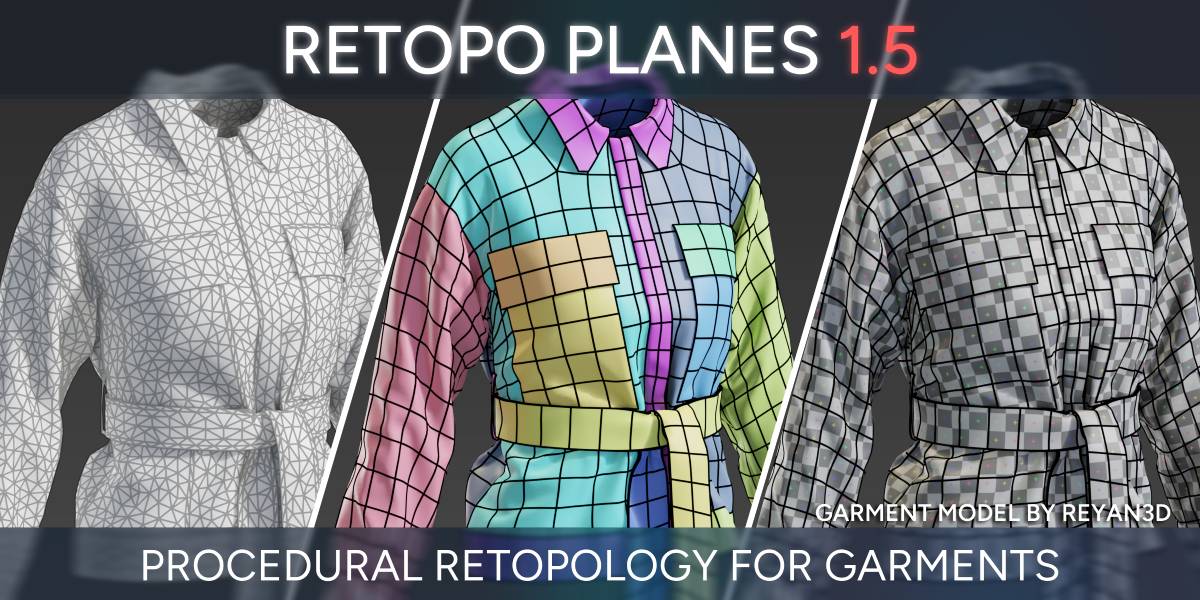
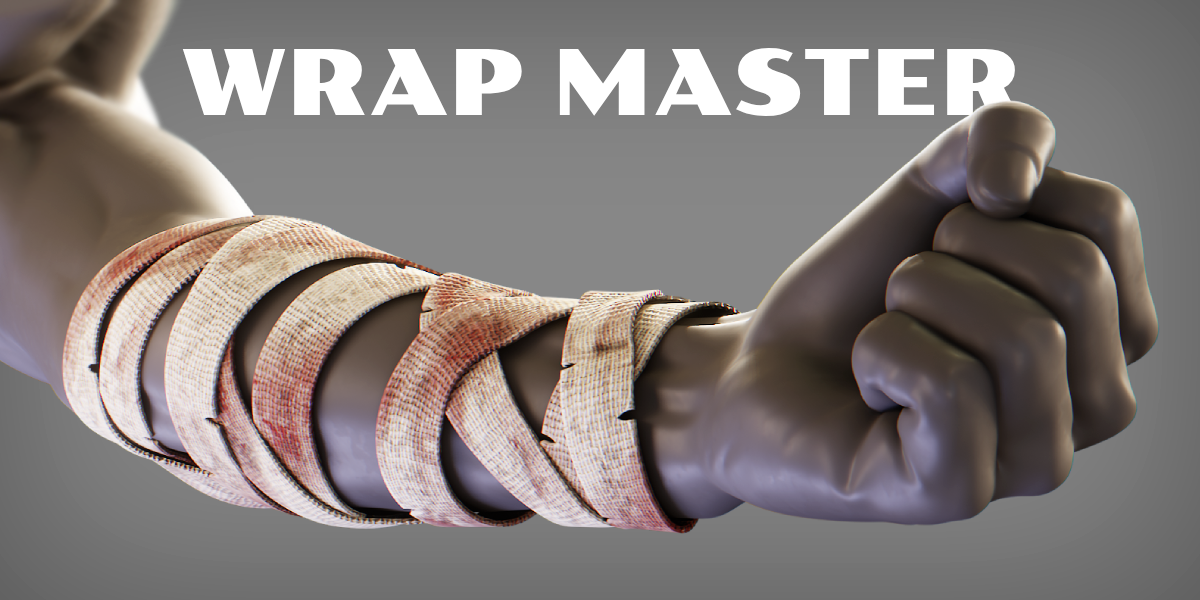

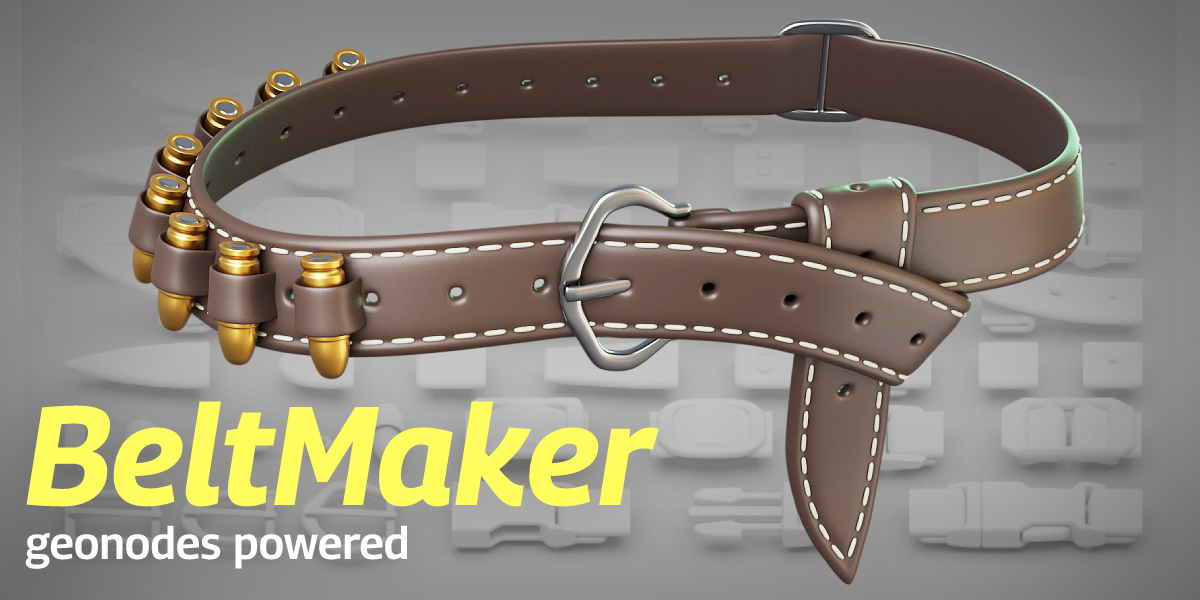

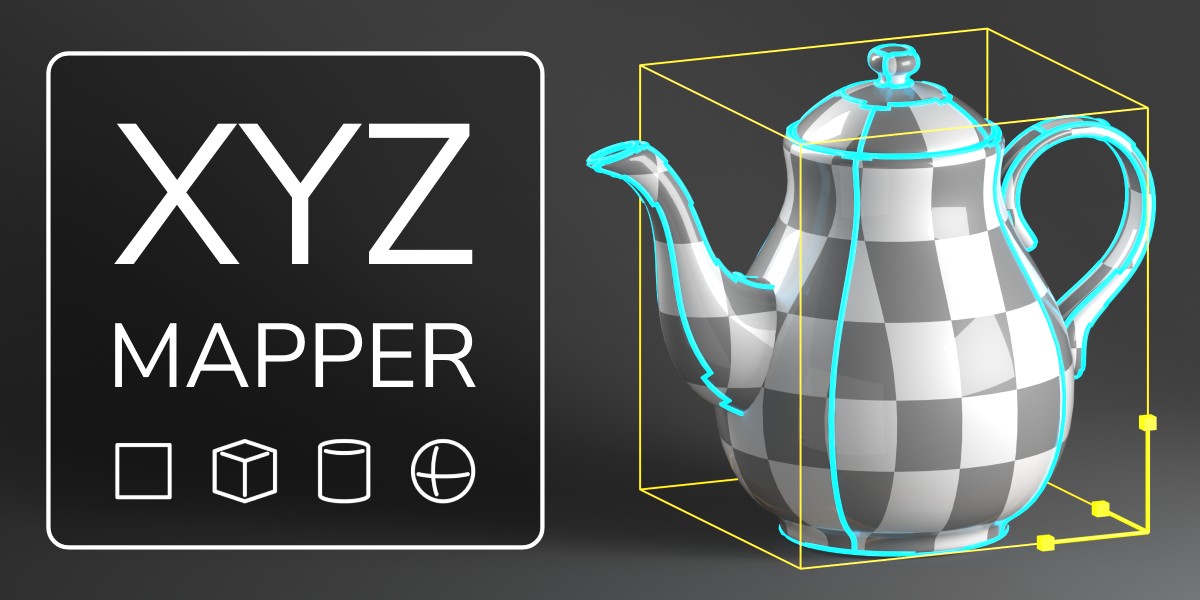




Supercharge your 3D creation workflow with premium selection of Blender Add-ons. Whether you are modeling intricate characters, sculpting realistic environments, or animating cinematic sequences, the right add-on can transform how you work inside Blender. Our curated collection includes powerful tools for UV unwrapping, procedural texture generation, rigging automation, rendering optimization, and more—each rigorously tested for compatibility with the latest Blender versions. Eliminate tedious manual processes and unlock advanced functionality that lets you focus on what matters most: bringing your creative vision to life. Explore our full range of professional Blender plugins today and take your 3D projects to the next level.
➡️ ➡️ For more Blender Plugins 😀 😀
Reviews
There are no reviews yet.