
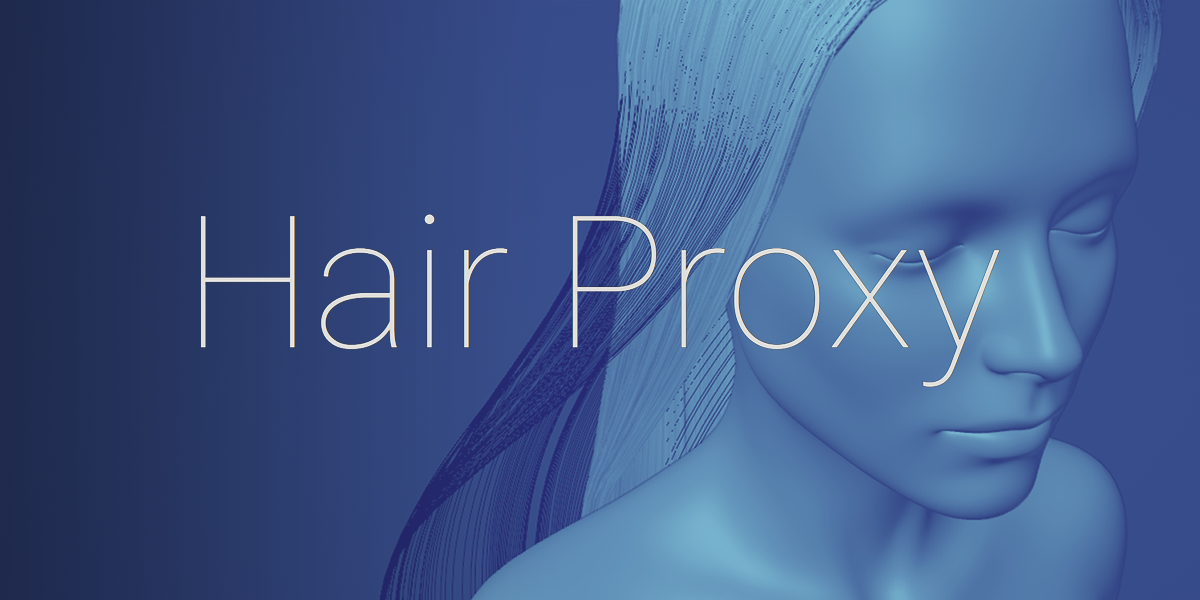
Hair Proxy for Blender
hair proxy addon
Hair Proxy v1.3 for Blender – Intelligent Hair & Fur Optimization Tool
Download Hair Proxy v1.3 for Blender on Windows, Mac, and Linux, a powerful hair and fur optimization add-on that dramatically improves viewport performance for complex grooming scenes. Convert dense hair systems into lightweight proxy meshes for easier posing, animating, and scene management—without losing the ability to render full-quality hair .
Key Features of Hair Proxy v1.3:
- Intelligent Proxy Generation: Convert dense hair systems into optimized proxy meshes that maintain the visual silhouette while drastically reducing polygon count
- Multiple Proxy Levels: Generate multiple levels of detail (LODs) for hair—high quality for close-ups, lightweight for distant shots or background characters
- Pose & Animate with Proxies: Pose and animate characters with lightweight hair proxies, then render with full hair detail for final output
- Automatic Proxy-Hair Switching: Seamlessly switch between proxy mode for viewport work and full hair mode for final rendering
- Batch Processing: Generate proxies for multiple hair systems and characters simultaneously
- Customizable Quality: Control proxy mesh density—from extremely lightweight for complex scenes to high-fidelity for close-up posing
- Preserve Hair Properties: Maintains hair color, thickness, and styling information in the proxy representation
- Real-Time Preview: See proxy generation results instantly in the viewport
- Memory Optimization: Reduces memory usage during viewport work, allowing more complex scenes and characters
- v1.3 Updates: Enhanced proxy generation algorithms, improved compatibility with Blender 4.0+, and expanded grooming tool support
Perfect For:
- Character artists working with complex hair and fur systems
- Game developers optimizing high-poly hair for real-time performance
- Animators needing smooth viewport performance for hair-heavy characters
- Studios managing scenes with multiple hair-groomed characters
- Anyone struggling with viewport performance due to dense hair systems
System Requirements:
- Blender 3.0, 3.1, 3.2, 3.3, 3.4, 3.5, 3.6, 4.0, 4.1, 4.2, 4.3
- Windows 10/11 (64-bit), macOS, or Linux
- 4GB RAM minimum (8GB+ recommended)
- 10MB available disk space
Installation:
- Download the add-on zip file
- In Blender, go to Edit > Preferences > Add-ons
- Click “Install” and select the downloaded zip file
- Enable the add-on by checking the box next to “Hair Proxy”
Note: Hair Proxy solves one of the biggest challenges in character grooming—maintaining viewport performance while working with dense hair systems . The intelligent proxy generation allows you to pose and animate characters smoothly, then switch to full-quality hair for final renders . Essential for character artists, animators, and game developers working with complex hair and fur . Version 1.3 includes full compatibility with Blender 4.0 and above . Designed for Blender 3.0 and above .
What does it do?
This addon combines the best features of hair curve and mesh objects.
Shape keys and hair dynamics can be added to hair curves in just a few clicks.
Use shape keys to create alternate hair styles, tweaks, or even perfect loop animations.
Want your character’s hair to fall naturally behind the shoulders? Sculpt a rough shape, enable hair dynamics and let Blender do the rest.
Want to make sculpted adjustments after simulating hair dynamics? Hit Apply to Sculpt and you’re good to go.
How does it work?
A mesh proxy is created to enable the features of mesh objects (shape keys, physics, rigging, mesh modifiers, etc.) to be used on hair curves. Geometry nodes update the shape.
Supercharge your 3D creation workflow with premium selection of Blender Add-ons. Whether you are modeling intricate characters, sculpting realistic environments, or animating cinematic sequences, the right add-on can transform how you work inside Blender. Our curated collection includes powerful tools for UV unwrapping, procedural texture generation, rigging automation, rendering optimization, and more—each rigorously tested for compatibility with the latest Blender versions. Eliminate tedious manual processes and unlock advanced functionality that lets you focus on what matters most: bringing your creative vision to life. Explore our full range of professional Blender plugins today and take your 3D projects to the next level.
➡️ ➡️ For more Blender Plugins 😀 😀
Reviews
There are no reviews yet.