
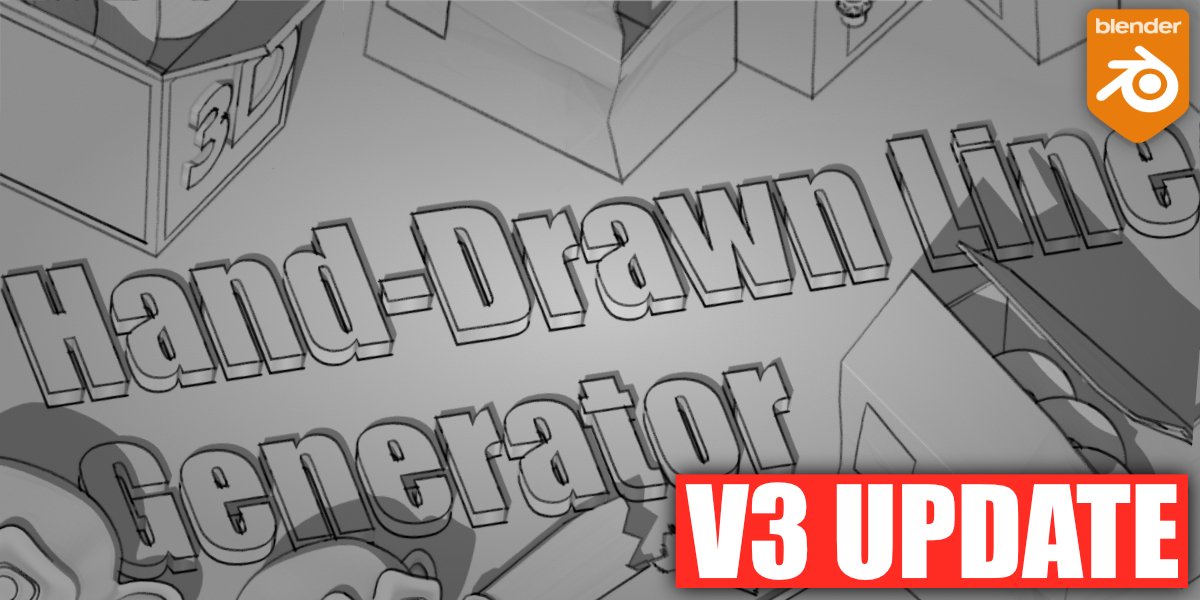
Hand Drawn Line Generator for Blender
Hand Drawn Line Generator v2.8 for Blender – The Ultimate Non-Photorealistic Rendering (NPR) Tool
version: v2.4
File Size: 1.3 MB
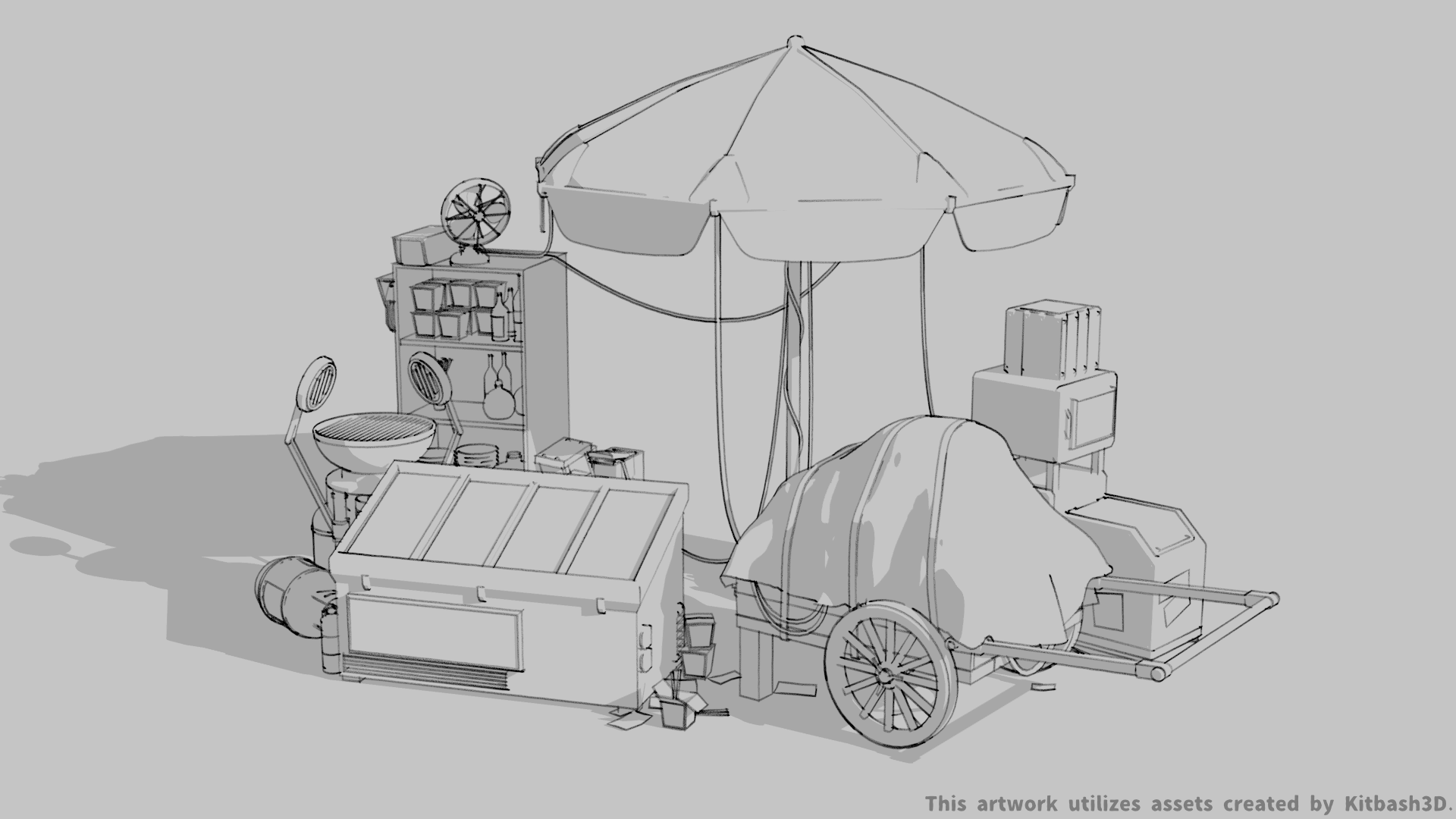
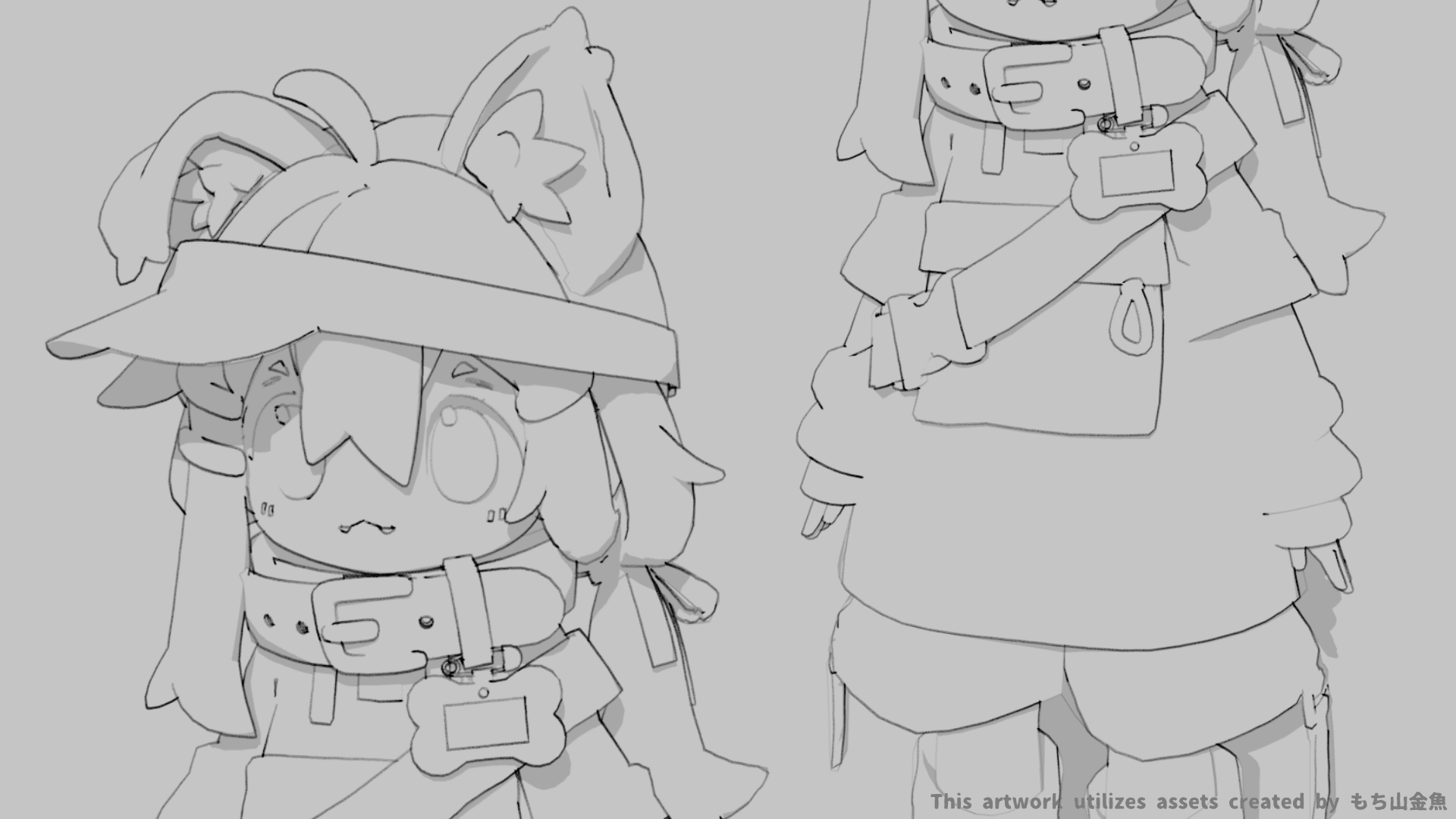
Download Hand Drawn Line Generator v2.8 for Blender on Windows and Mac, a specialized Geometry Nodes and Grease Pencil hybrid addon designed to instantly transform 3D meshes into authentic, organic 2D line art. By simulating the imperfections of human drawing—such as wobbly strokes, variable line weight, and sketchy hatching—this tool bridges the gap between precise 3D modeling and expressive 2D illustration, eliminating the need for manual tracing or complex shader node setups to achieve a hand-crafted aesthetic.
Key Features of Hand Drawn Line Generator v2.8:
- Organic Stroke Simulation: Replaces perfect computer-generated edges with “wobbly,” textured lines that mimic pencil, ink, charcoal, or marker strokes, complete with randomized start/end tapers.
- Dynamic Line Weight: Automatically adjusts line thickness based on surface curvature, lighting direction, or camera distance, creating depth and focus just like a traditional artist would.
- Sketchy Hatching & Shading: Procedurally generates cross-hatching, stippling, or scribble patterns in shadowed areas, allowing for fully 3D objects that look like 2D sketches without texture painting.
- Multi-Pass Extraction: Separate controls for Silhouettes, Creases, Intersections, and Material Boundaries, enabling you to mix and match line types for custom artistic styles.
- Animation Stability: Advanced temporal coherence algorithms ensure lines “crawl” naturally rather than flickering wildly when the camera or object moves, perfect for frame-by-frame style animation.
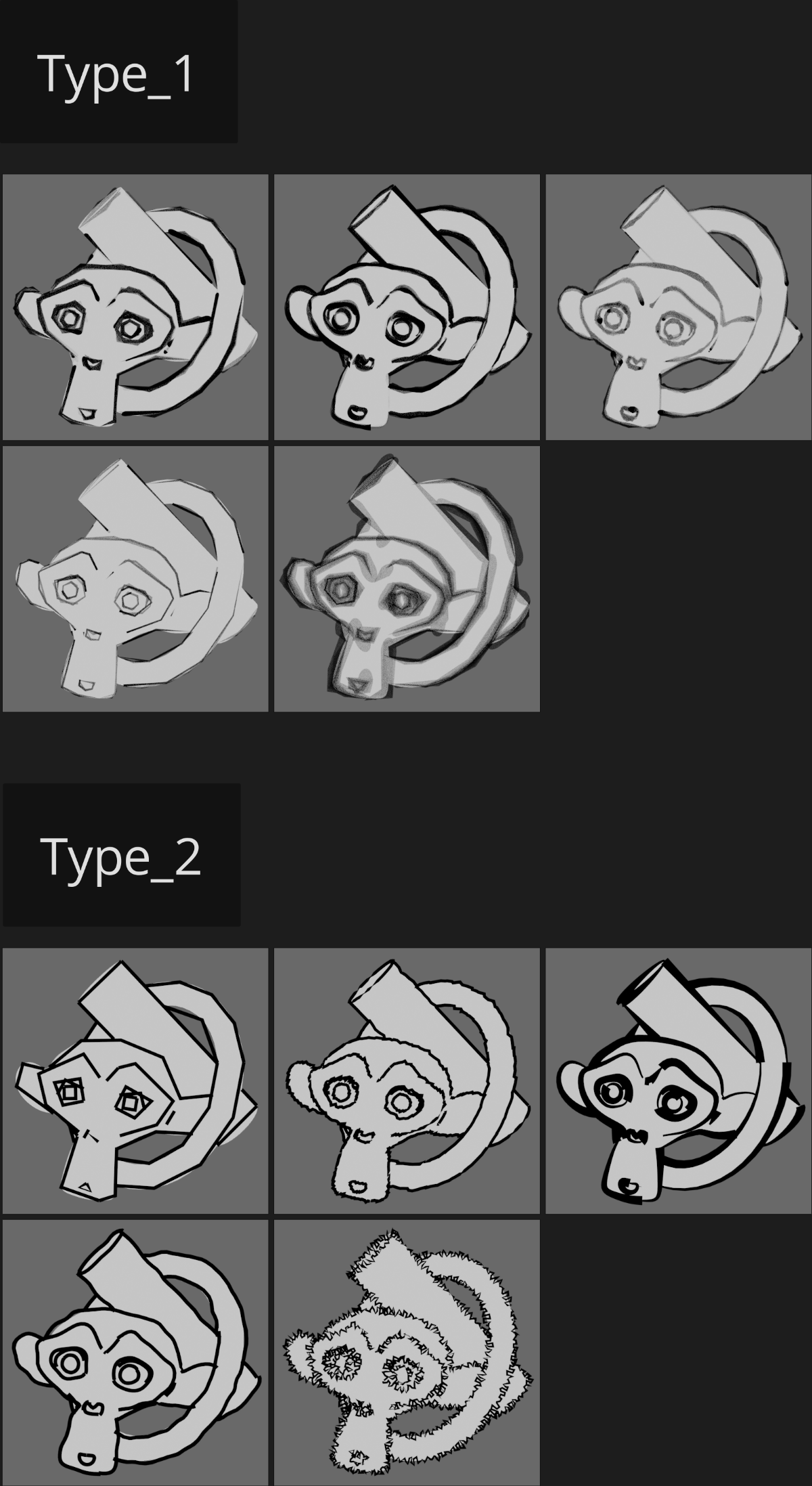
- Style Preset Library: Includes 40+ pre-configured artistic styles ranging from Architectural Sketch, Manga/Anime, Children’s Book Illustration, to Gritty Comic Noir.
- Texture & Paper Overlay: Built-in options to blend generated lines with procedural paper textures, grain, and ink bleed effects directly in the viewport or render.
- Grease Pencil Integration: Option to output results directly as editable Grease Pencil objects, allowing artists to manually refine or add details to the auto-generated lines.
- Vertex Group Masking: Precisely control where lines appear using vertex groups, enabling selective detailing (e.g., detailed face lines vs. simple body outlines).
- Real-Time Preview: Optimized node structure allows for instant visual feedback in the viewport, making it easy to tweak “sketchiness” levels before rendering.
Perfect For:
- 2D Animators using 3D underlays to create consistent, hand-drawn style frames quickly.
- Concept Artists generating clean, stylized line art overlays from 3D block-outs for client presentations.
- Indie Game Developers creating unique “sketch-book” or “comic book” visual styles for 2.5D games.
- Architectural Illustrators producing quick, evocative sketch renders of building models.
- Educational Content Creators making engaging, hand-drawn style diagrams and explainer videos.
- Storyboard Artists rapidly converting 3D animatics into 2D storyboard panels.
System Requirements:
- Blender: 3.6, 4.0, 4.1, 4.2, 4.3+ (Geometry Nodes and Grease Pencil required).
- OS: Windows 10/11 (64-bit) or macOS 10.15+.
- RAM: 8GB minimum (16GB+ recommended for complex hatching on high-poly models).
- Render Engine: Works in Eevee (for real-time preview) and Cycles (for final high-quality NPR renders).
Installation:
- Download the Hand Drawn Line Generator v2.8
.zipfile. - Open Blender and go to Edit > Preferences > Add-ons.
- Click Install…, select the downloaded file, and enable the checkbox next to Render: Hand Drawn Lines.
- Access via the Object Context Menu > Generate Hand Drawn Lines or the dedicated panel in the 3D Viewport Sidebar (N-panel) under the NPR tab.
What’s New in v2.8?
- “Ink Bleed” Simulation: New shader nodes simulate how ink soaks into paper, softening hard edges and adding realistic texture to thick lines.
- Improved Animation Coherence: Significantly reduced line “shimmer” in animated sequences, making it viable for professional frame-by-frame workflows.
- Custom Brush Profiles: Users can now import custom SVG curves to define the exact shape of their “hand-drawn” stroke (e.g., dry brush, fountain pen).
- Smart Corner Detection: Better handling of sharp corners to prevent lines from breaking or overlapping awkwardly at joints.
- Blender 4.x Optimization: Full compatibility with the latest Geometry Nodes features, resulting in 30% faster generation times.
Note:
Hand Drawn Line Generator v2.8 is unique in its ability to balance procedural speed with artistic chaos. Unlike standard Freestyle rendering which often looks too clean, this addon intentionally introduces controlled randomness to every stroke, ensuring no two lines look exactly alike. It also features a “Seed Lock” system, allowing you to regenerate the entire scene with different parameters while keeping the specific “personality” of the drawing consistent across shots. Whether you need a rough preliminary sketch or a polished final illustration, this tool provides the organic touch that defines hand-crafted art.

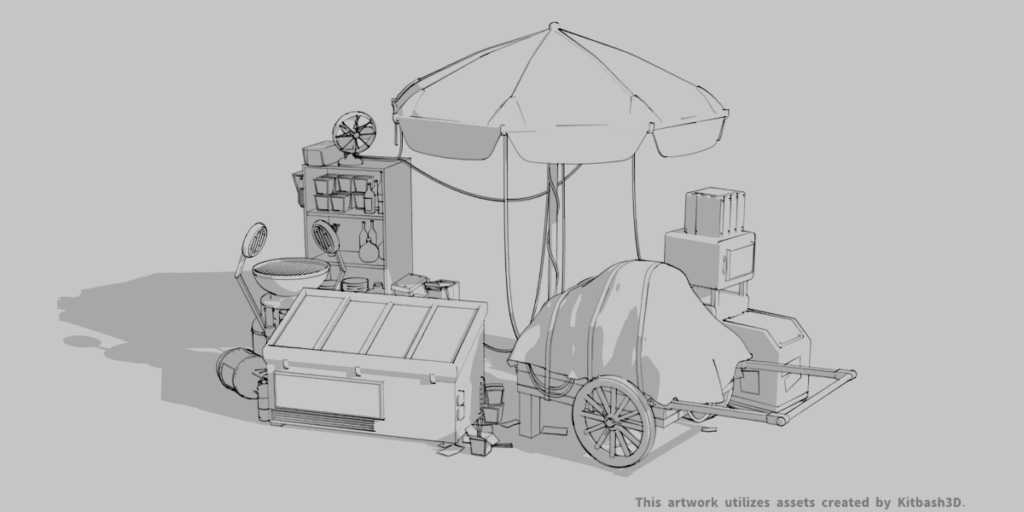
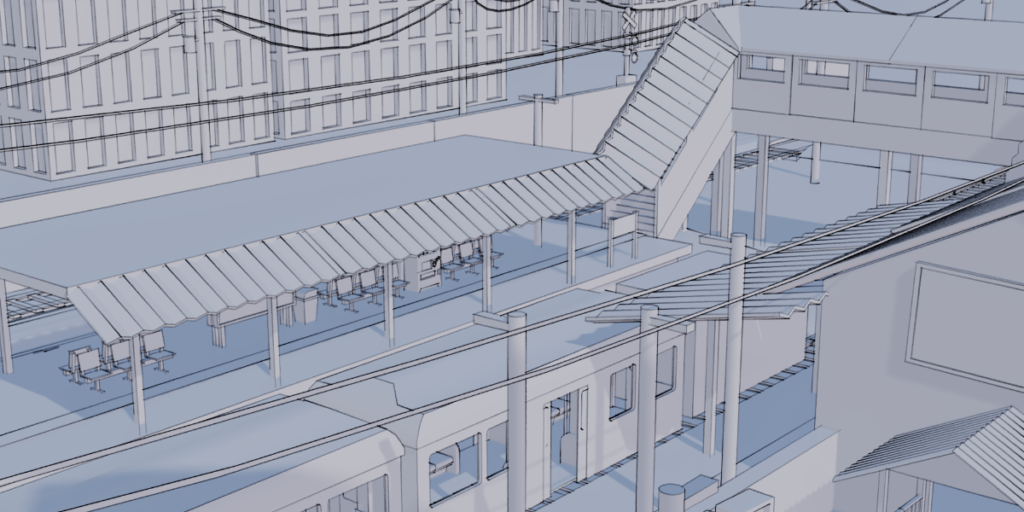
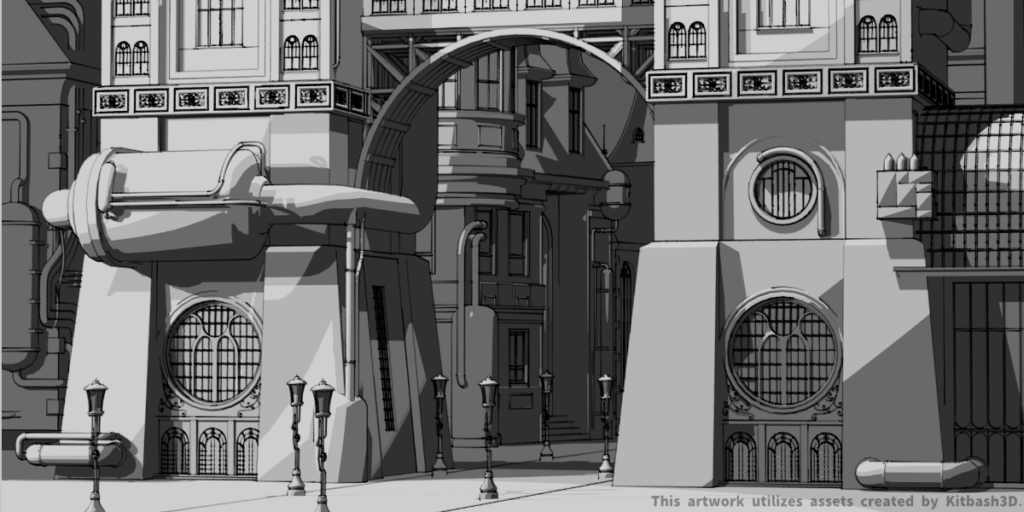
What is this Addon?
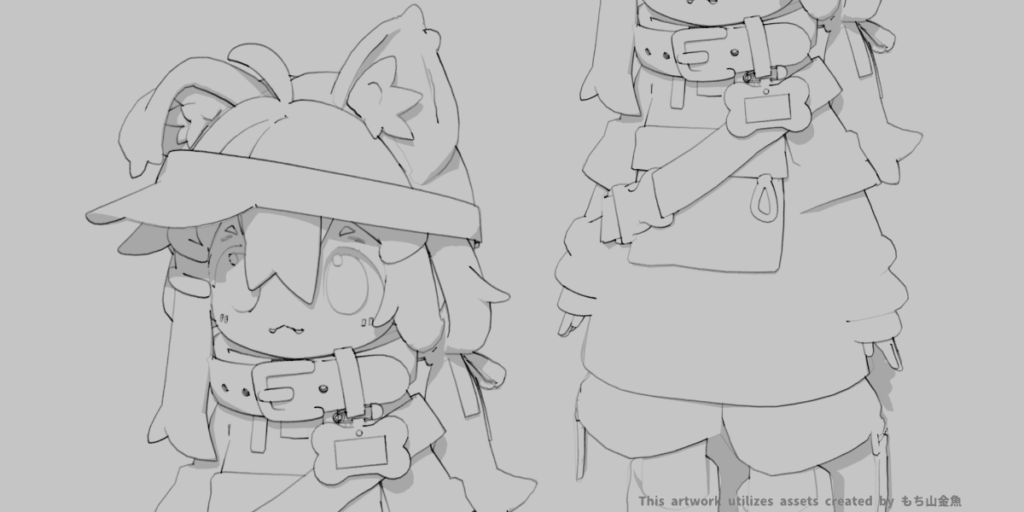
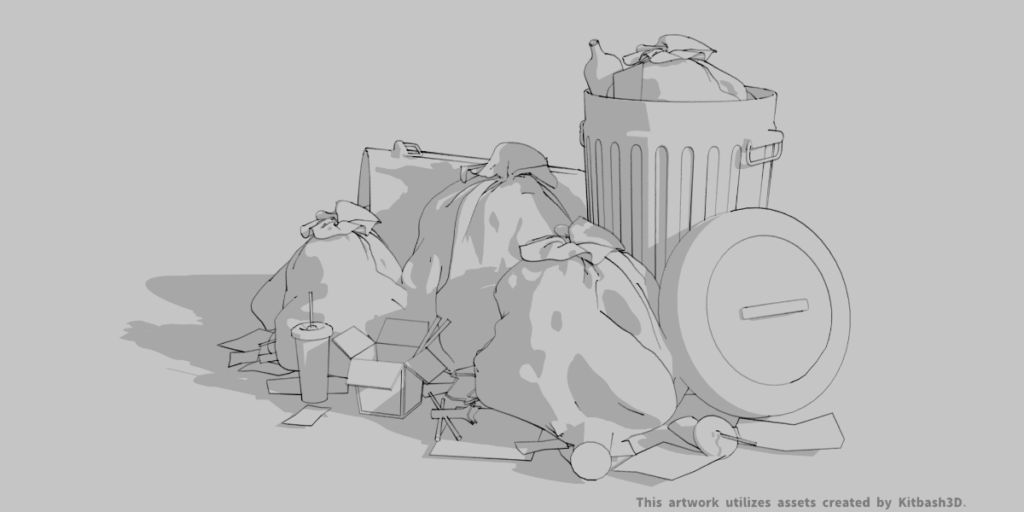
‘Hand Drawn Line Generator’ an enhancement based on Freestyle,
makes changing different line styles quick and convenient,
without the need to readjust complex values.
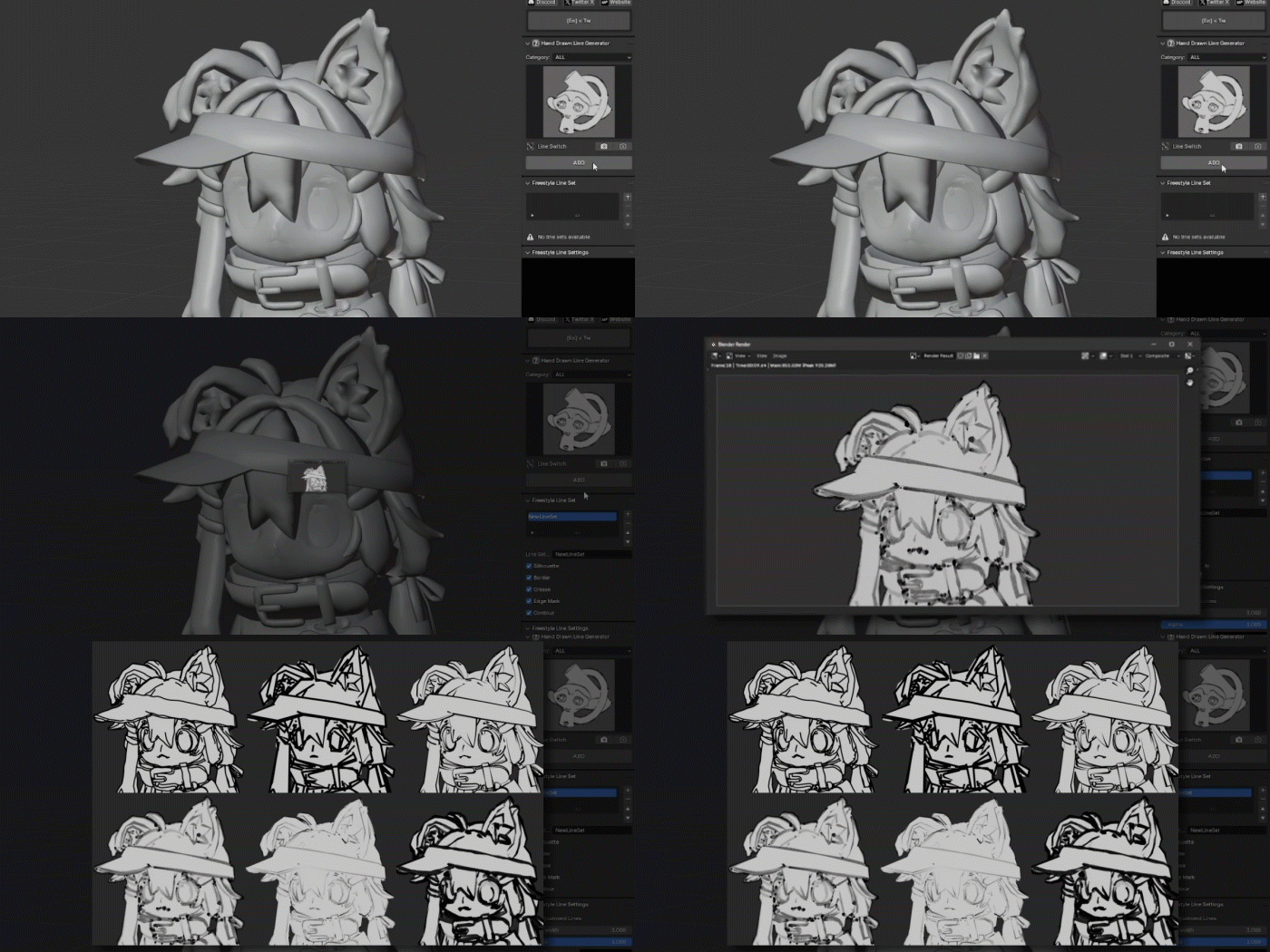
One-Click Generation
After clicking the button, initiate the rendering process,
and upon completion, the hand-drawn lines will be displayed.
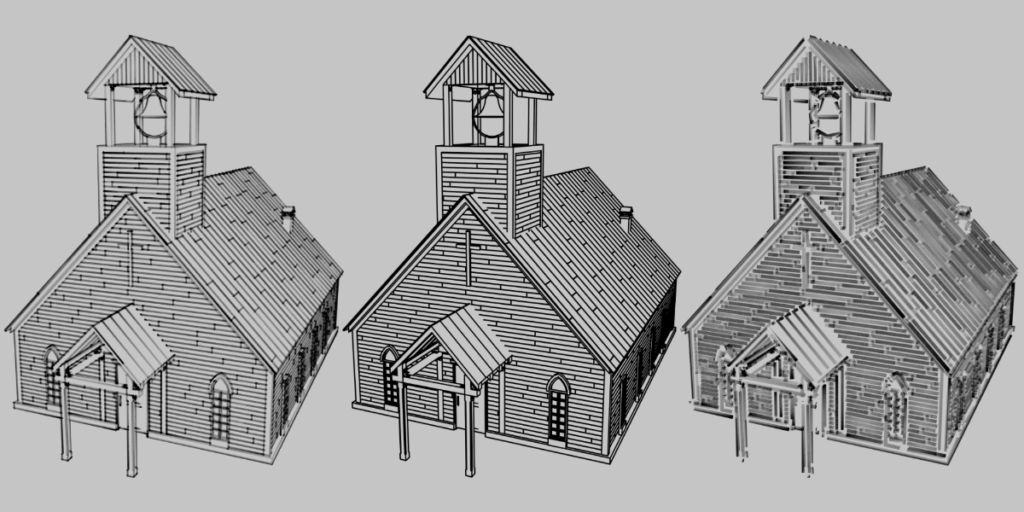
Style Selection
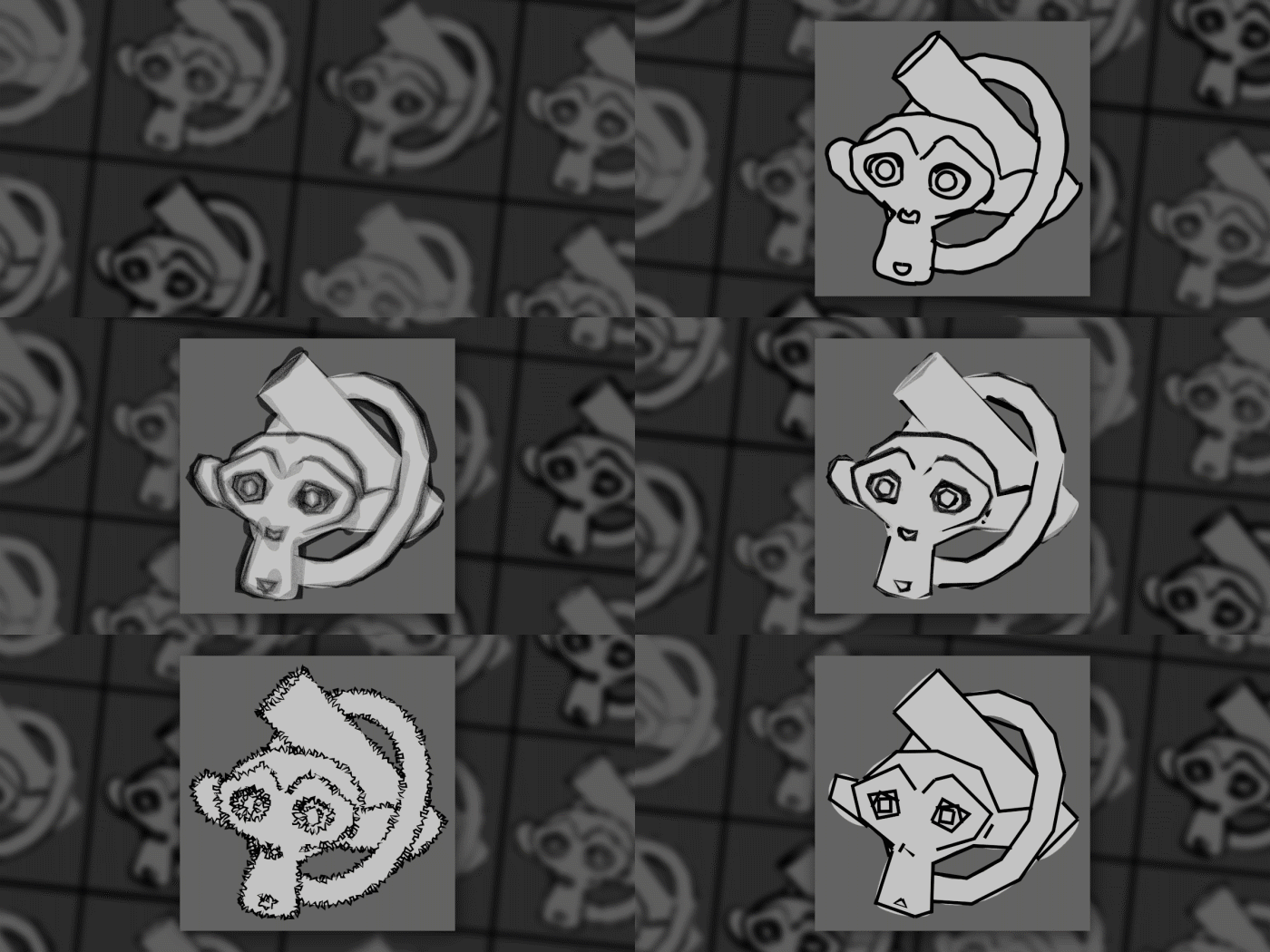
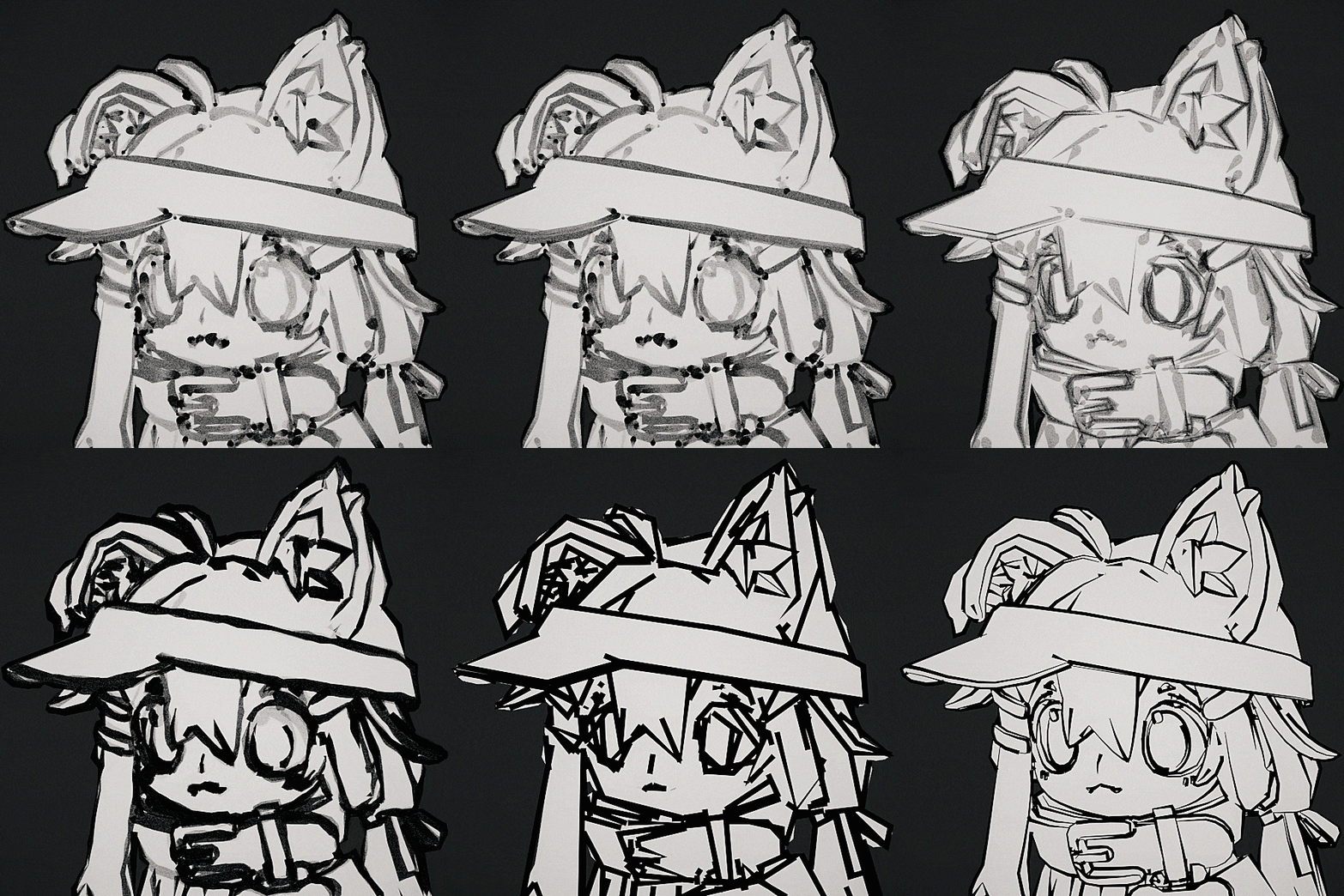
Offering a variety of unique styles,
infusing each piece with a distinctive artistic touch.
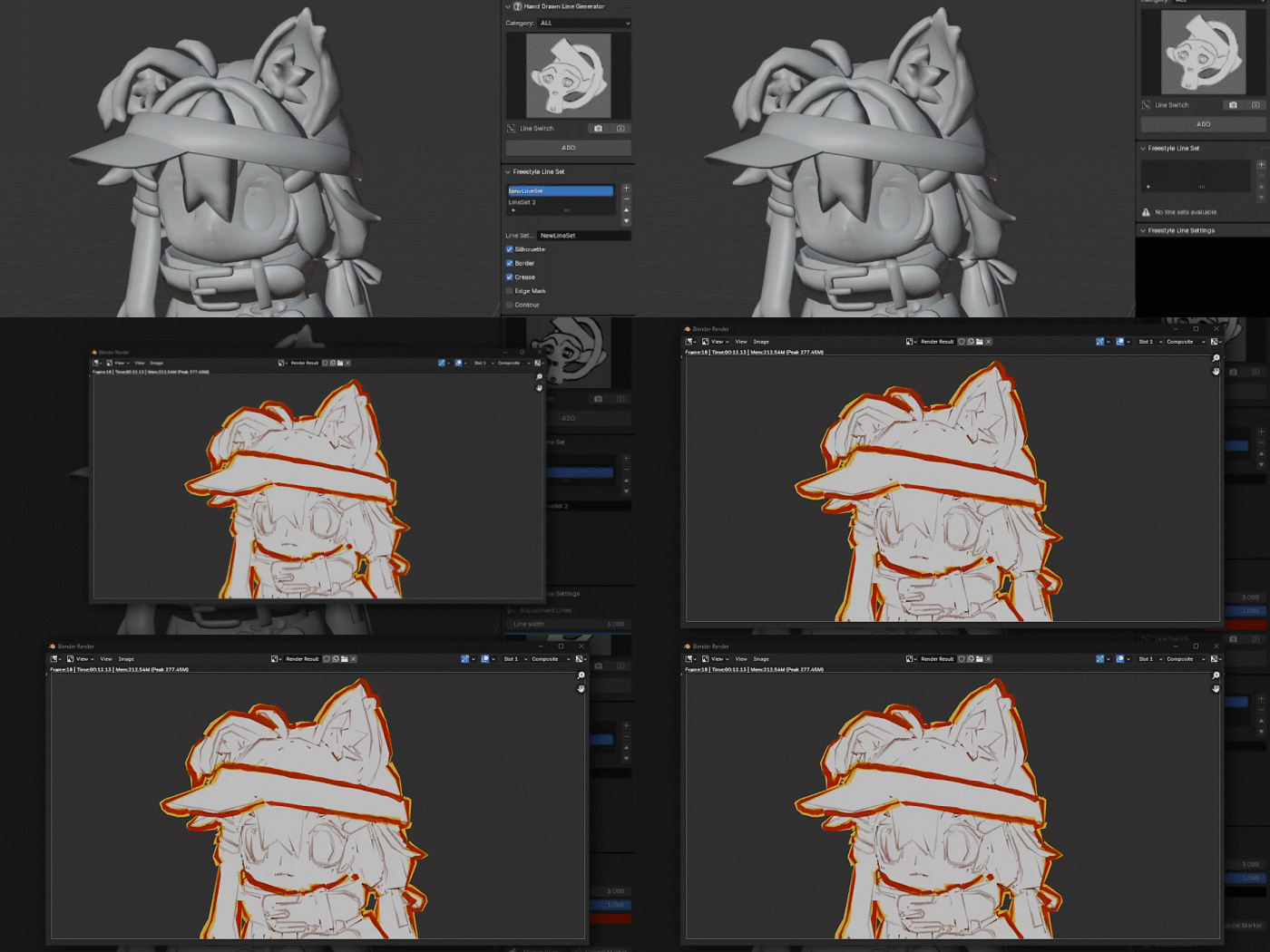
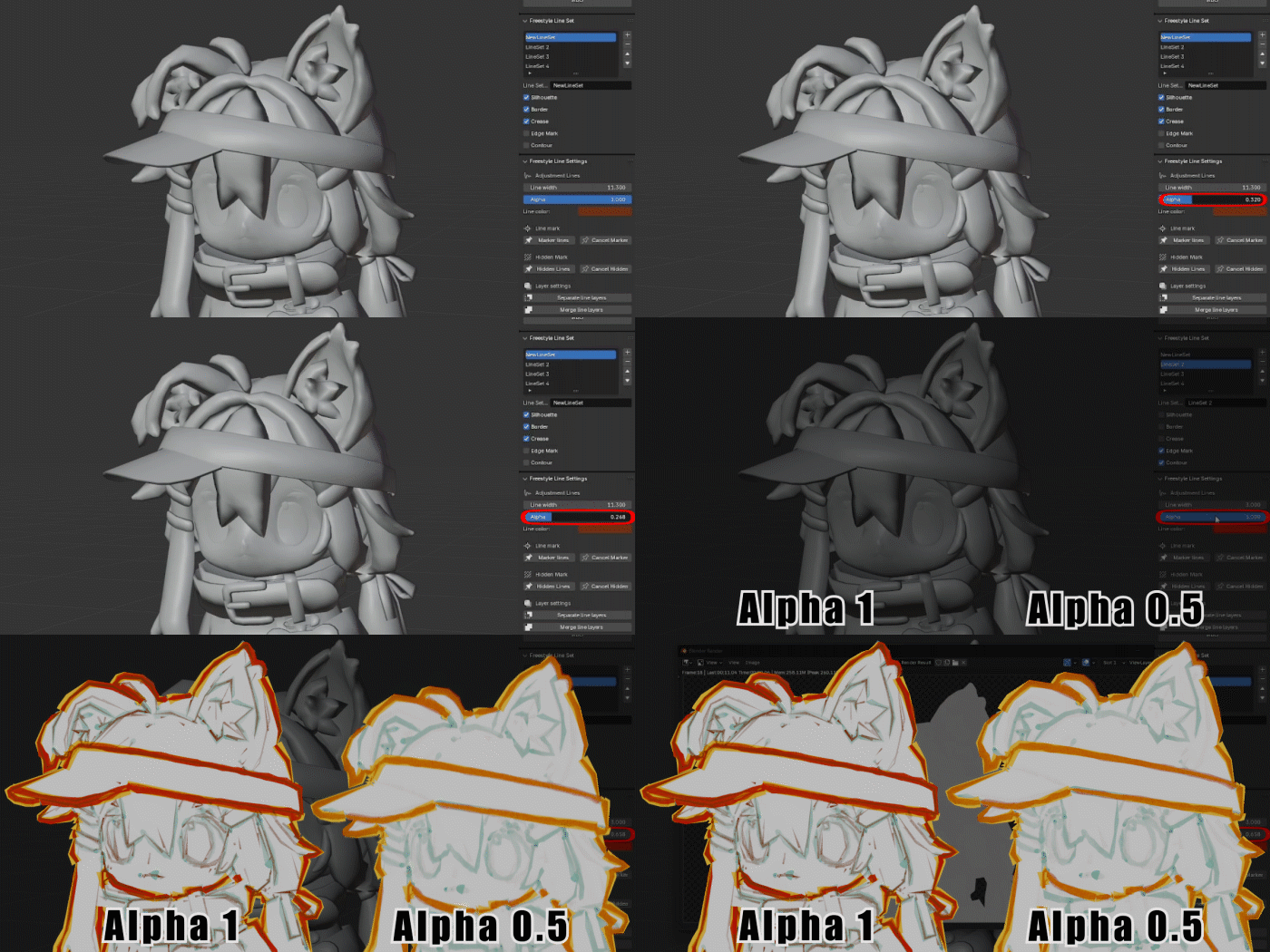
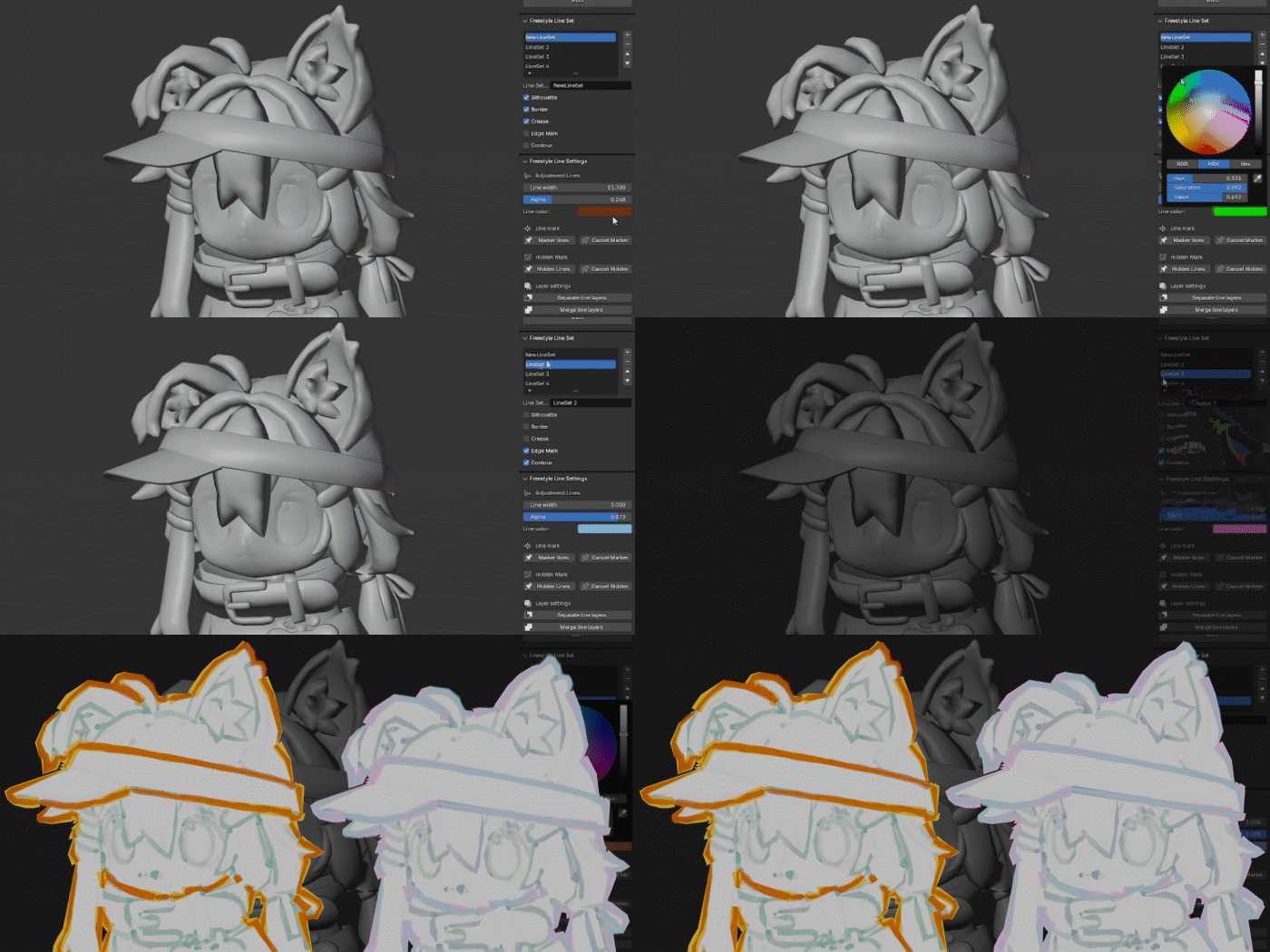
Multiple Layer
Allows creating multiple line art layers and adjusting their order and transparency.
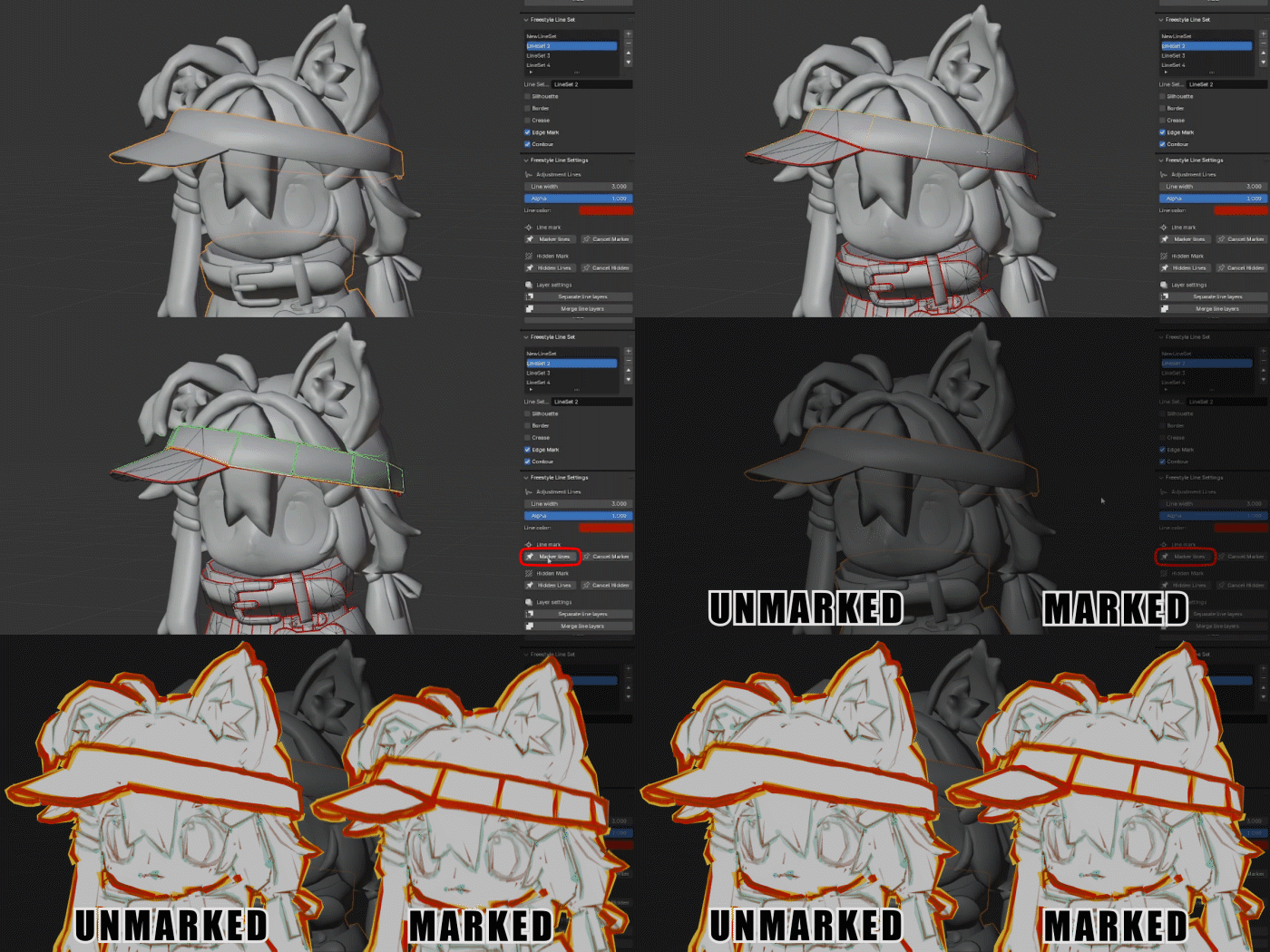
Marking Display Areas
manually showing hand-drawn lines where they weren’t initially displayed.
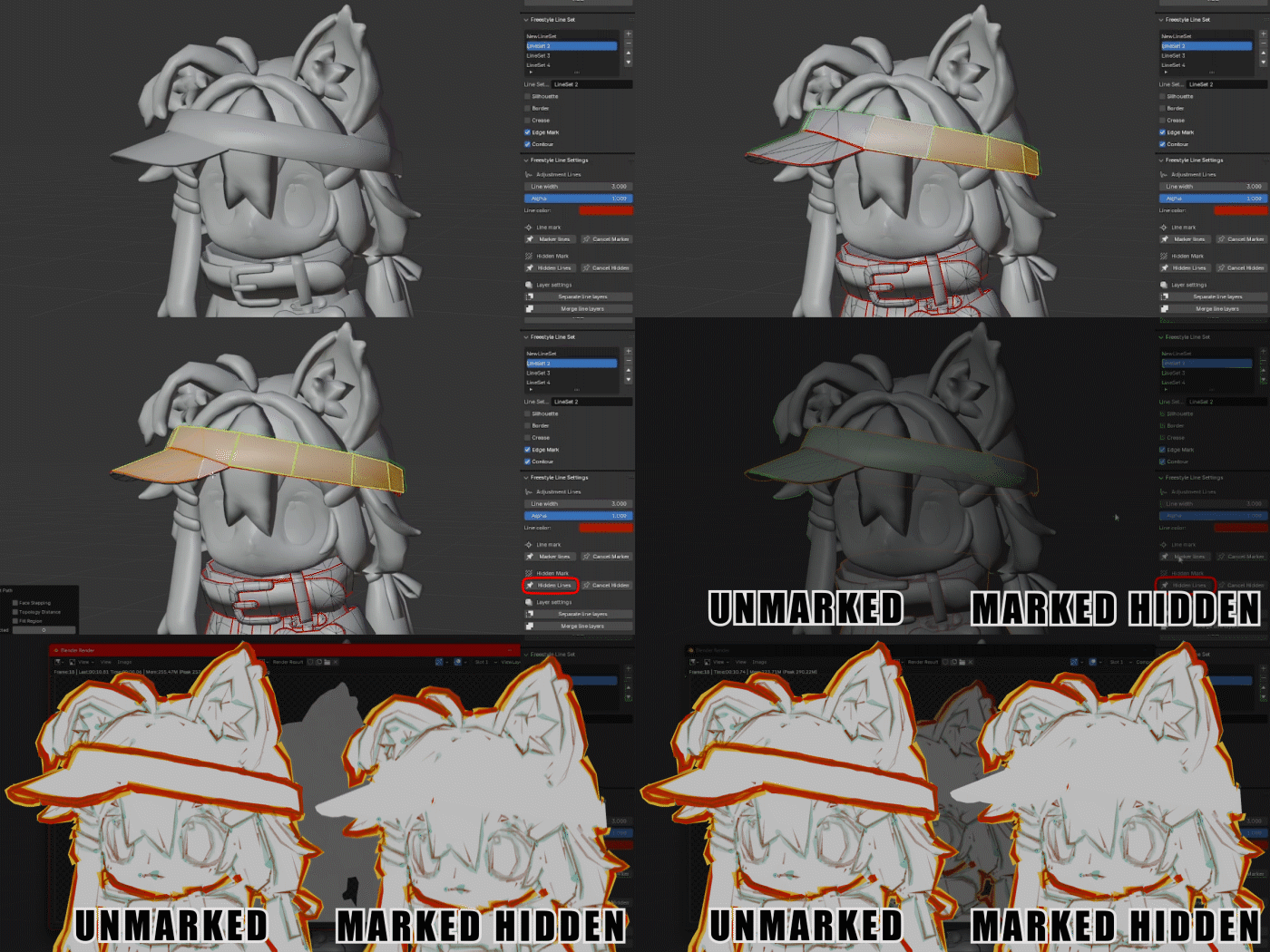
Marking Hidden Areas
Manually mark the areas where you want to hide the lines.
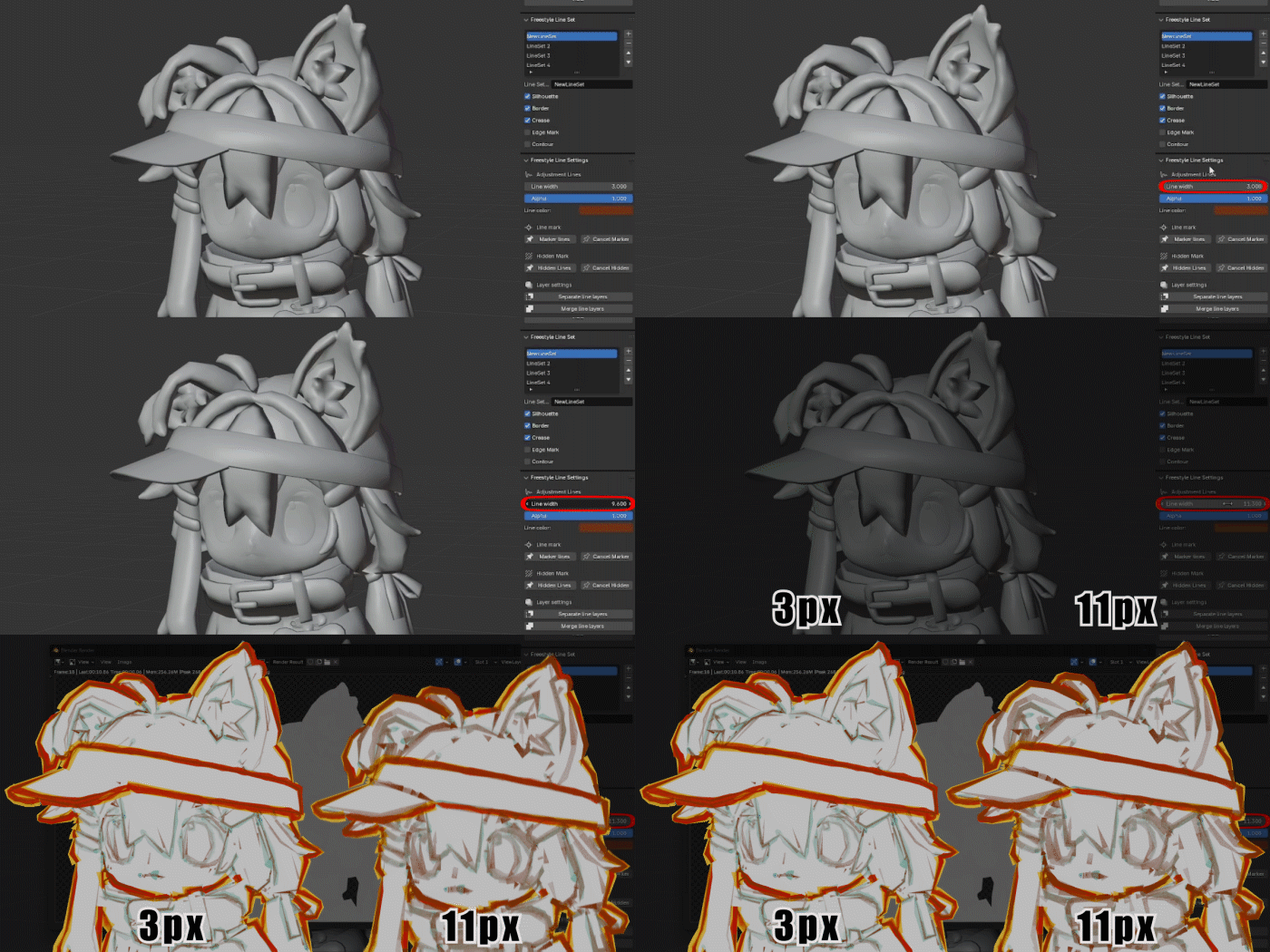
Line Thickness Adjustment
Freely adjust the thickness of the lines to perfectly match your design needs.
Line Color Adjustment
Choose the right color to add a rich visual effect to your work.
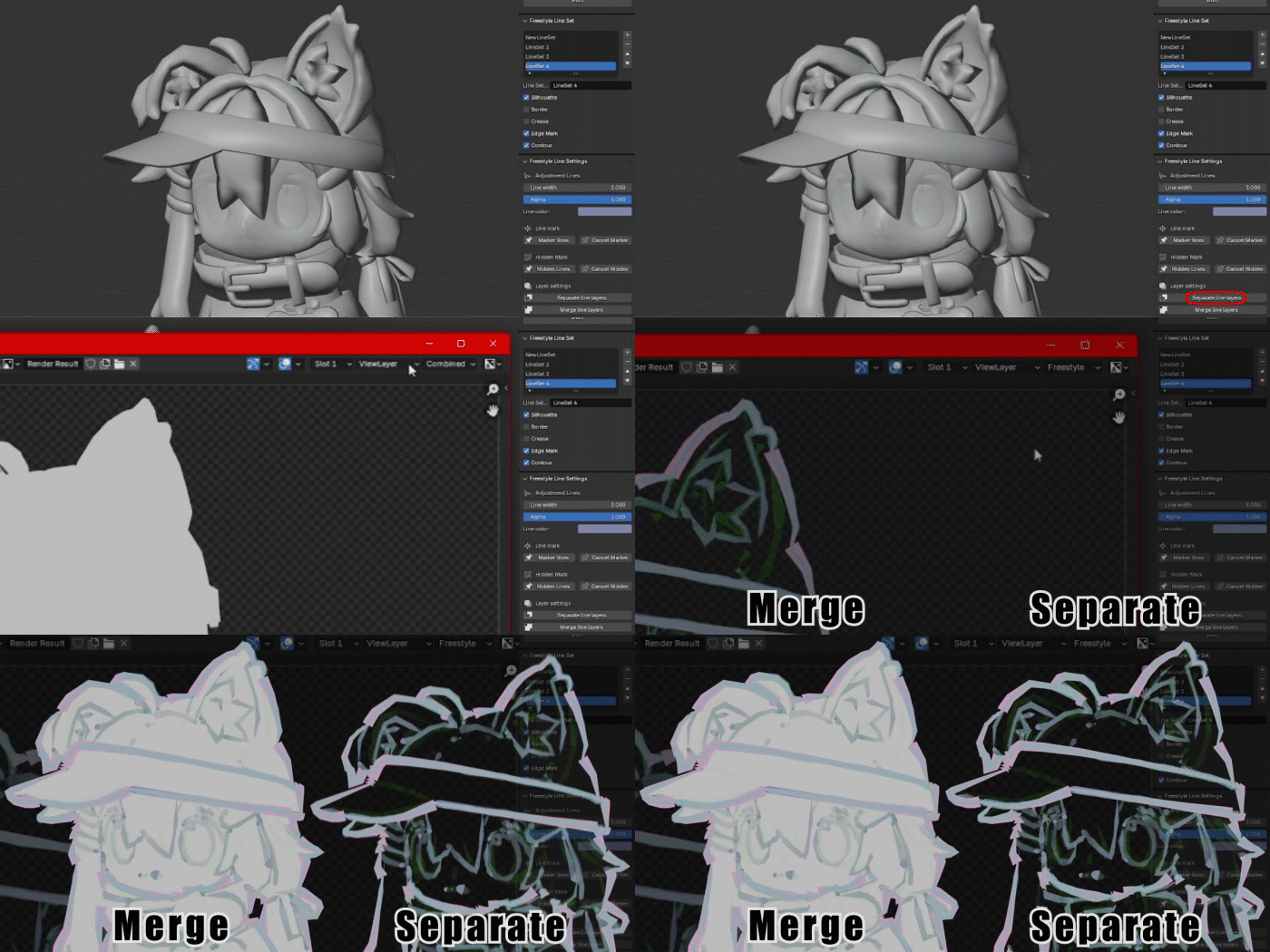
Separate Line Art Layers
With the separation and merging of 3D layers feature,
flexibly control every detail in your work.
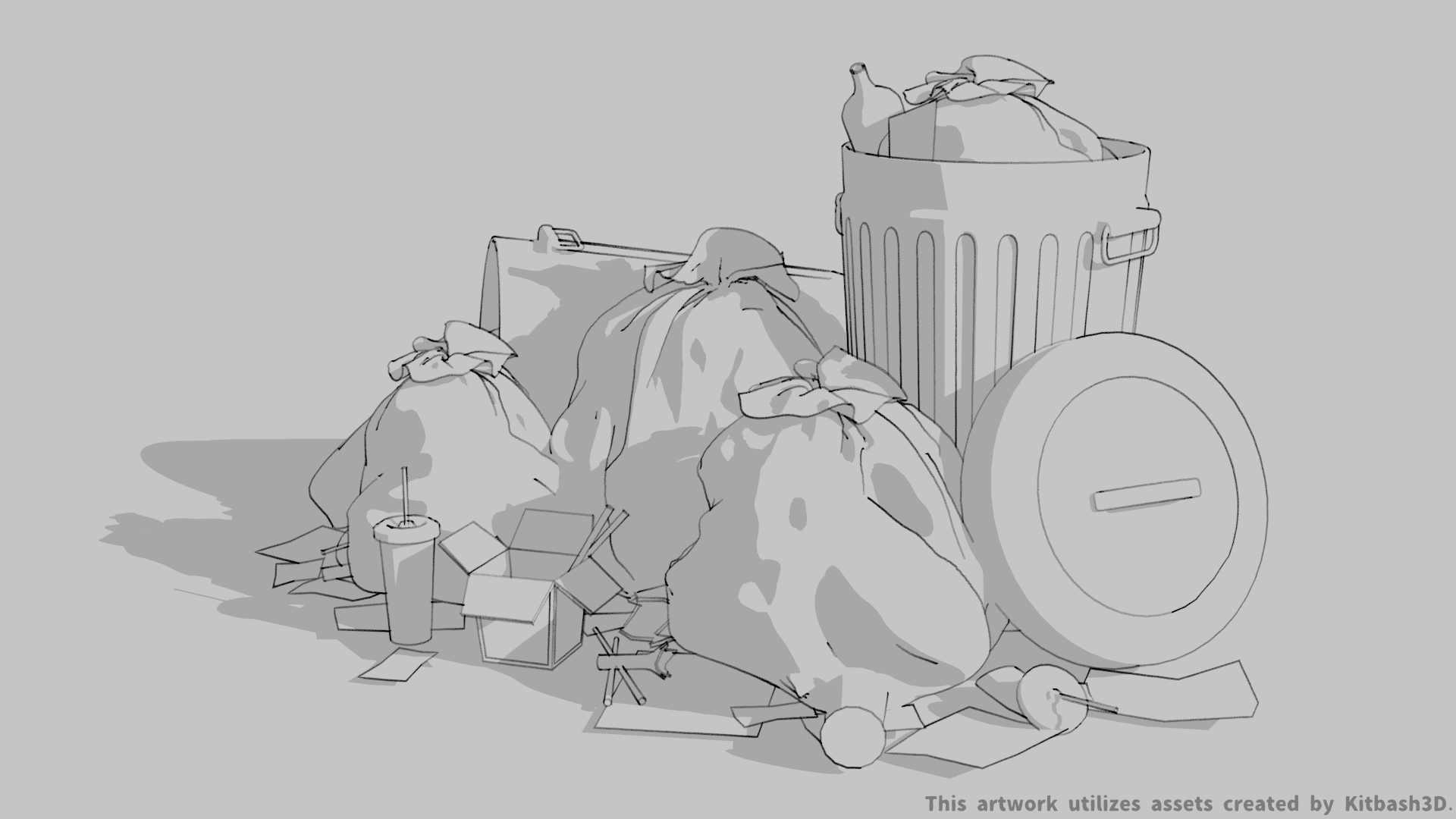
Applications
Suitable for various 3D art fields,including animation, character design,
architectural visualization, and more.
Key Information Before Purchase
Documentation
Supercharge your 3D creation workflow with premium selection of Blender Add-ons. Whether you are modeling intricate characters, sculpting realistic environments, or animating cinematic sequences, the right add-on can transform how you work inside Blender. Our curated collection includes powerful tools for UV unwrapping, procedural texture generation, rigging automation, rendering optimization, and more—each rigorously tested for compatibility with the latest Blender versions. Eliminate tedious manual processes and unlock advanced functionality that lets you focus on what matters most: bringing your creative vision to life. Explore our full range of professional Blender plugins today and take your 3D projects to the next level.
➡️ ➡️ For more Blender Plugins 😀 😀
Reviews
There are no reviews yet.