
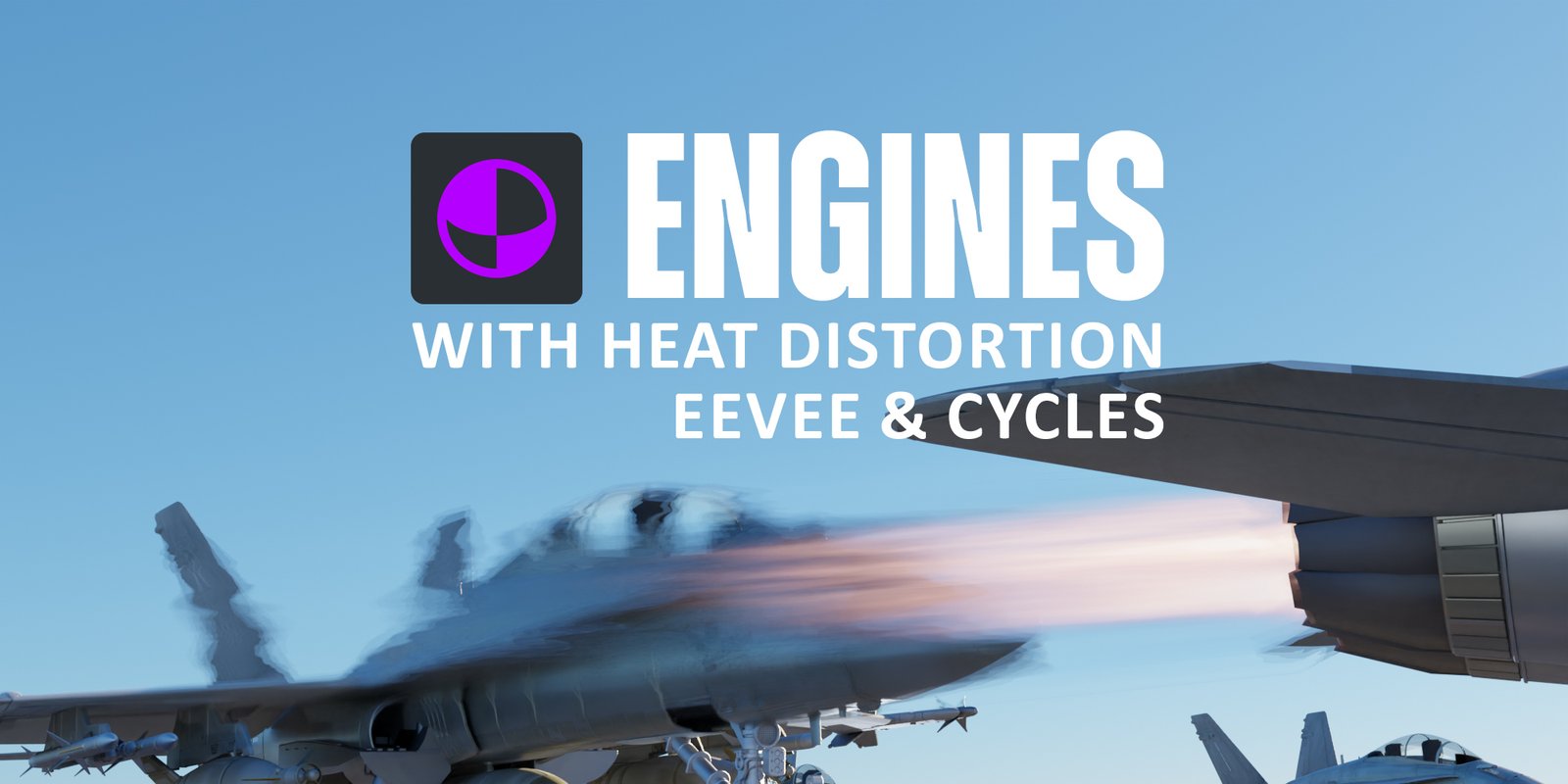
Heat Engine for Blender
Heat Engine for Blender – The Ultimate Procedural Thermal Simulation & Visualization Suite
Download Heat Engine for Blender on Windows and Mac, a specialized Geometry Nodes and Shader-based addon designed to simulate, visualize, and animate thermal dynamics directly within your 3D scene. From realistic heat haze distortion and rising thermal currents to color-mapped temperature gradients and melting effects, Heat Engine transforms how artists depict fire, machinery, industrial processes, and sci-fi energy systems, eliminating the need for complex fluid simulations or manual texture painting to convey temperature.
Key Features of Heat Engine:
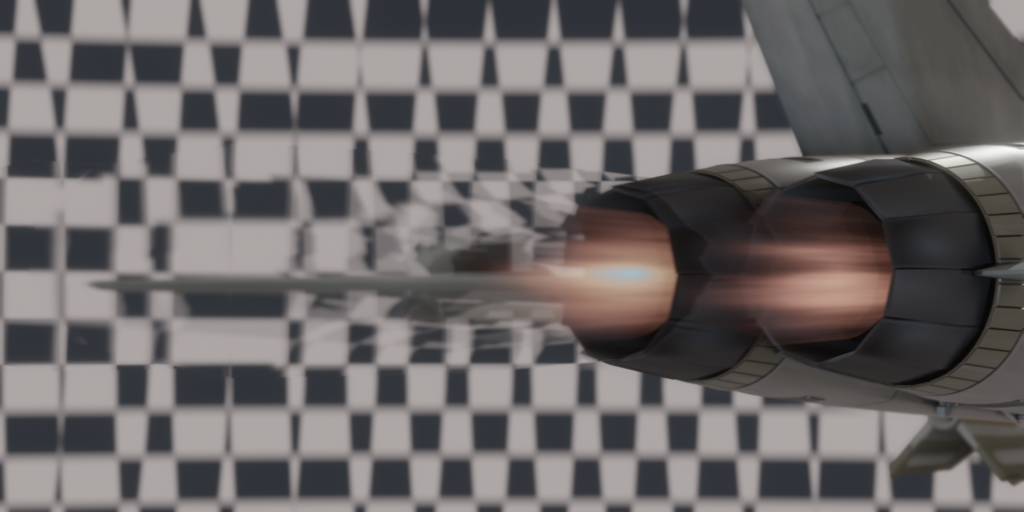
- Procedural Heat Haze (Mirage): Instantly generate realistic air distortion effects above hot surfaces using refractive noise drivers, simulating the shimmering look of asphalt on a summer day or exhaust from an engine without heavy volumetric baking.
- Dynamic Temperature Mapping: Automatically color-code meshes based on simulated “heat zones” (e.g., Blue=Cold, Red=Hot, White=Molten) with adjustable gradients, isotherms, and threshold controls for scientific or stylized visualization.
- Thermal Updraft Simulation: Generate animated particle streams and vortexes that rise from hot objects, mimicking convection currents with customizable turbulence, speed, and dissipation rates.
- Melting & Deformation Drivers: Use heat intensity maps to drive mesh displacement or lattice modifiers, simulating softening wax, bending plastic, or warping metal near heat sources in real-time.
- Glow & Emission Logic: Smart shader nodes that automatically increase emission intensity and shift color temperature (Kelvin) based on the local “temperature” value, creating physically plausible incandescent glows.
- Cooling & Dissipation Animation: Animate objects cooling down over time, with parameters for ambient temperature, cooling rate, and heat retention, perfect for showing machinery powering down or lava solidifying.
- Heat Source & Sink Objects: Designate specific emitters (engines, fires) and absorbers (radiators, water) that interact logically, allowing heat to “flow” across connected geometry or through proximity.
- Industrial UI Overlays: Optional procedural HUD elements (temperature gauges, warning labels, heat warnings) that update dynamically based on the simulation state, ideal for sci-fi interfaces.
- Particle Integration: Syncs with Blender’s particle system to emit sparks, smoke, or steam specifically from high-temperature zones, adding layered detail to thermal events.
- Non-Destructive Workflow: All thermal effects are procedural; adjust source intensity, material conductivity, or animation timing at any stage before final rendering.
Perfect For:
- Sci-Fi Artists designing overheating reactors, engine rooms, plasma weapons, and futuristic machinery with dynamic thermal feedback.
- Industrial Designers visualizing HVAC systems, engine heat maps, and thermal insulation performance for product presentations.
- VFX Studios creating heat waves, wildfire atmospheres, and volcanic environments without expensive fluid solves.
- Architectural Visualizers demonstrating solar gain, underfloor heating, or thermal comfort analysis in building designs.
- Game Developers generating real-time heat distortion effects and dynamic material changes for gameplay mechanics (e.g., walking on hot sand).
- Educational Content Creators producing clear, animated diagrams explaining thermodynamics, phase changes, and heat transfer.
System Requirements:
- Blender: 3.6, 4.0, 4.1, 4.2, 4.3+ (Geometry Nodes required).
- OS: Windows 10/11 (64-bit) or macOS 10.15+.
- RAM: 8GB minimum (16GB+ recommended for complex particle + distortion combos).
- Render Engine: Fully compatible with Cycles (for accurate refraction/glow) and Eevee (with Screen Space Refraction and Bloom).
Installation:
- Download the Heat Engine
.zipfile or.blendasset library. - If an addon: Go to Edit > Preferences > Add-ons, click Install, select the file, and enable Simulation: Heat Engine.
- If a node group/library: Open the file, append the “Heat System” node group, or add the folder to your Asset Browser preferences.
- Access via the Modifier Properties panel, the Add Menu > Geometry Nodes, or drag-and-drop from the Asset Browser.
Note:
Heat Engine features a unique “Thermal Conductivity” map input, allowing you to paint areas of your model that conduct heat faster or slower (e.g., metal fins vs. plastic casing), creating highly realistic temperature distribution patterns. It also includes a “Safety Threshold” visualizer that automatically highlights areas exceeding a specific temperature in bright red or warning stripes, useful for engineering safety reviews. Whether you need a subtle shimmer above a radiator or a dramatic meltdown sequence, this tool provides the procedural control to simulate thermodynamics convincingly.
READY FOR TAKE OFF
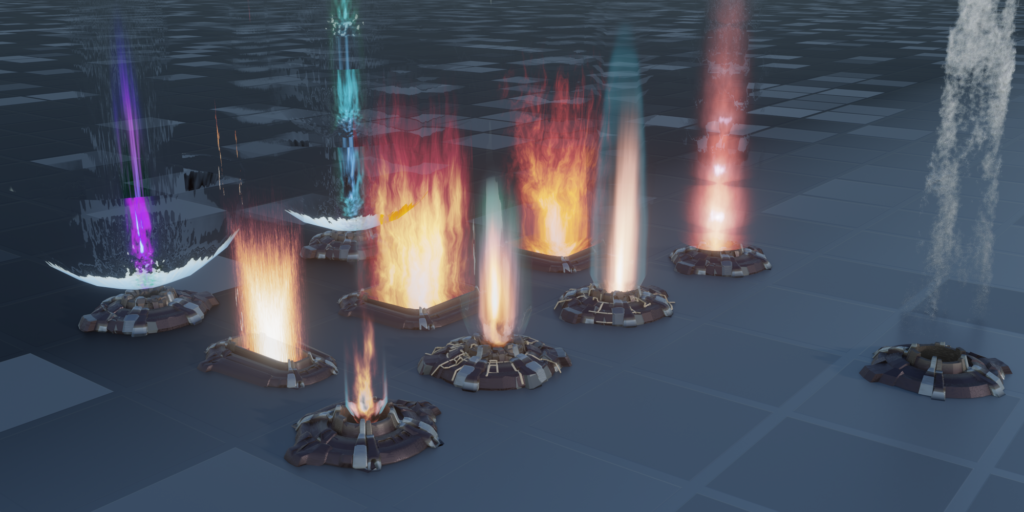
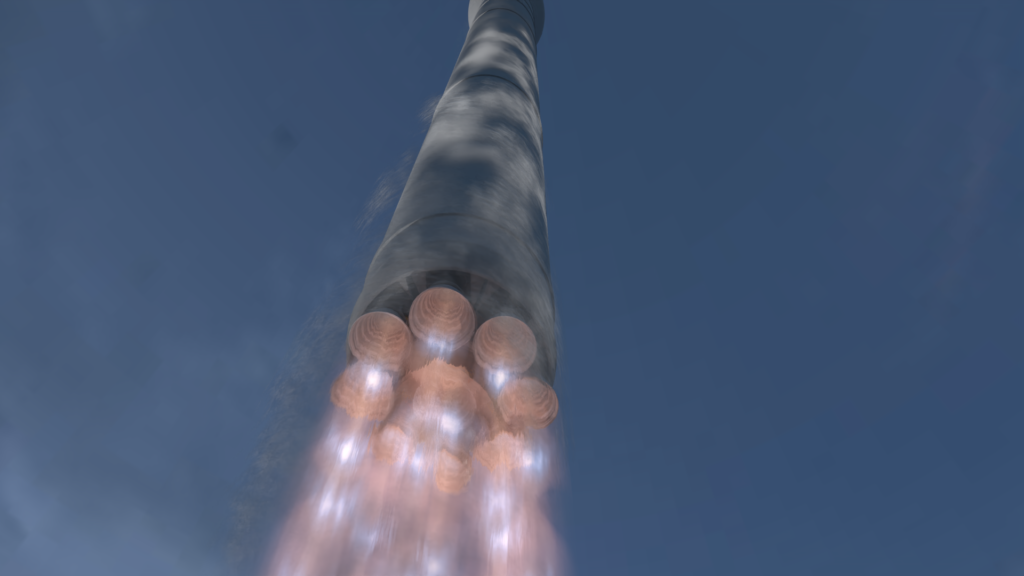
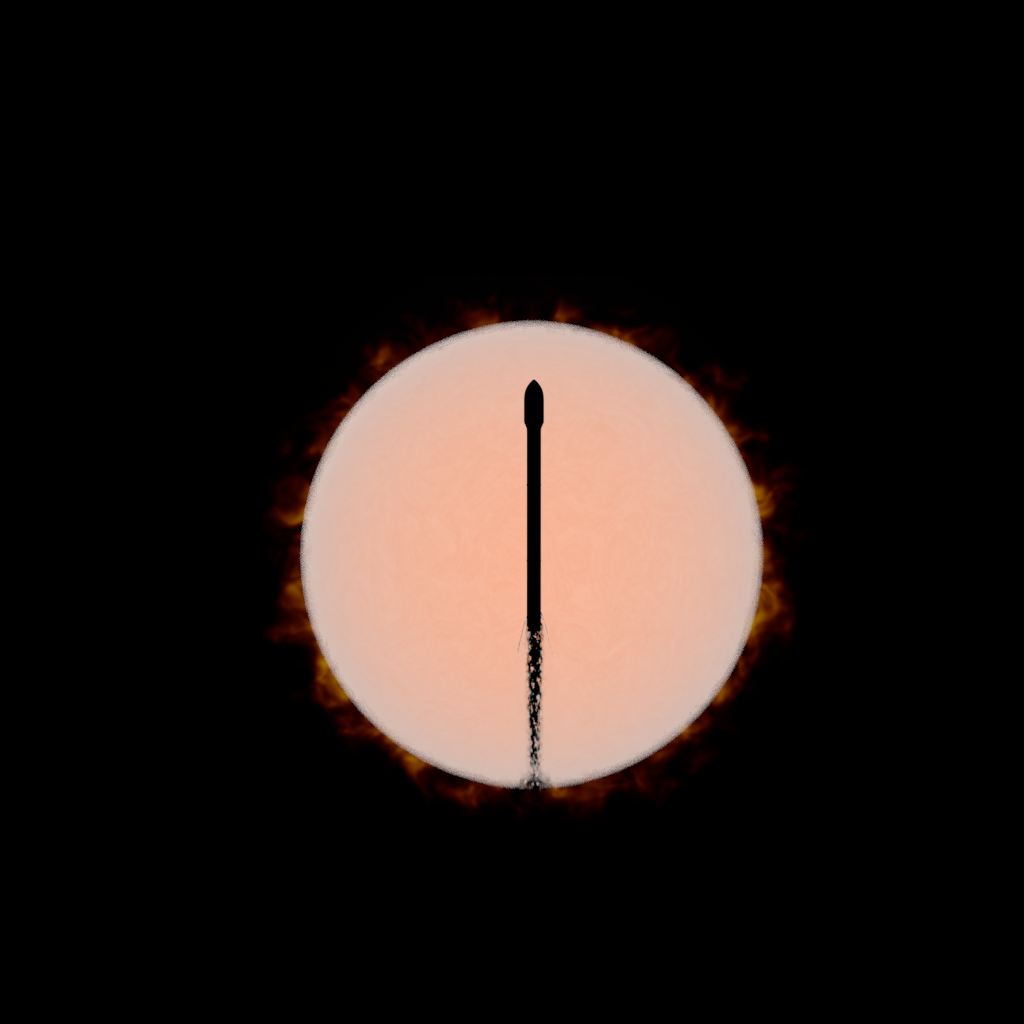
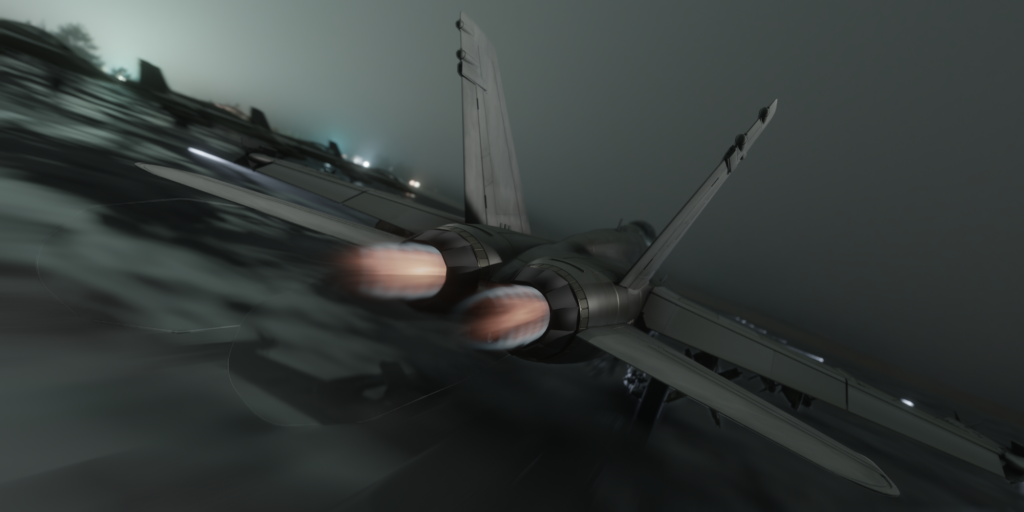
Here’s a pack of 9 animated jet propulsion engines for Cycles and EEVEE.
As volumetrics, refraction and emission dont work well together, these shaders solved that issue by faking volumetrics in a clever surface node setup.

set thrust, distortion, scale and go!
The fast motion of flames shooting out of the engines are already animated. So all you need to setup is the amount of thrust, and the structural parameters, like scale, amount of distortion and colors using a simple colorramp. The alphachannel of the colorramp also sets the transparency of the shader.
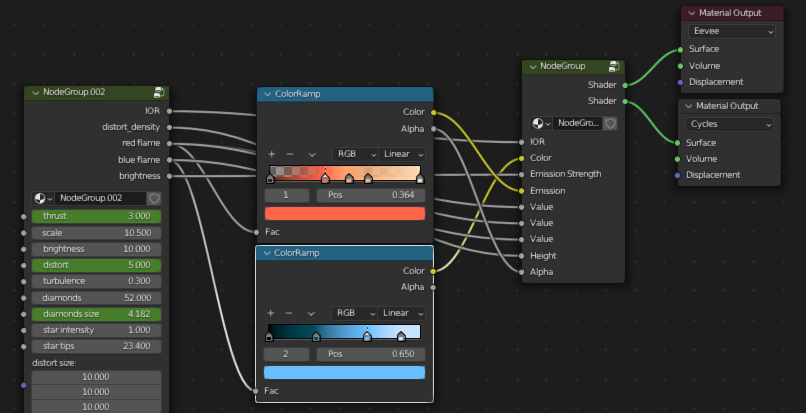
Cycles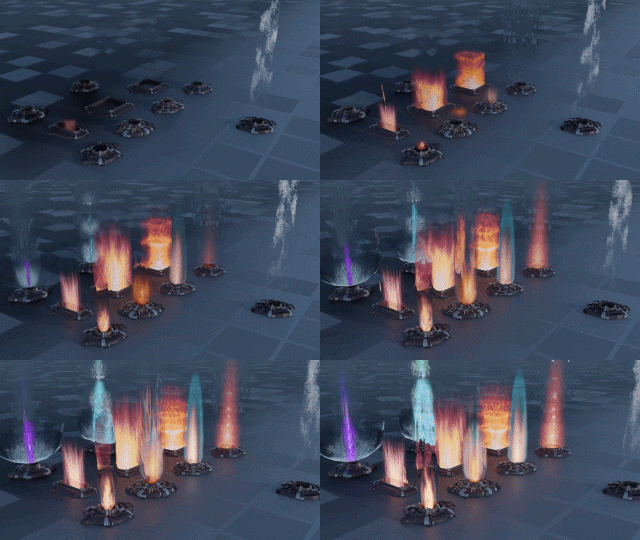
Eevee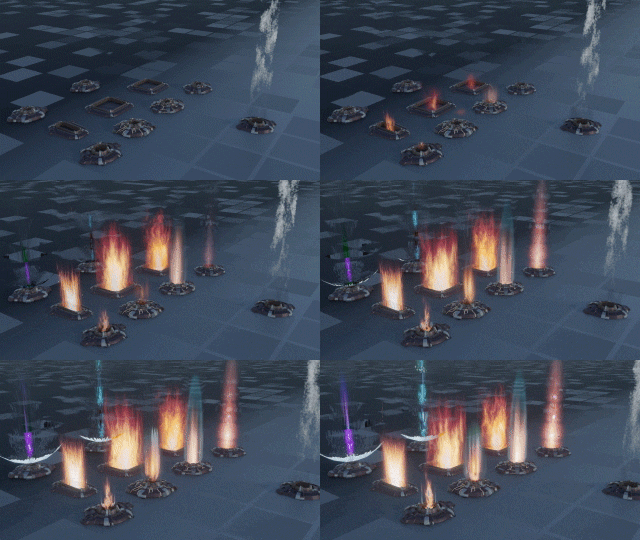
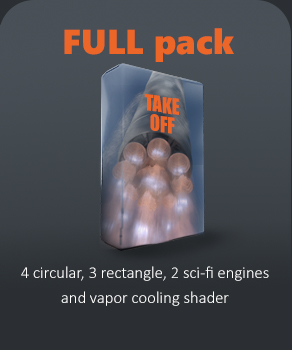
- 4 circular exhaust jets from small jets to space rockets
- 3 rectangular exhausts for mechs and spaceships
- 2 space warping sci-fi engines, jumping a few centuries
- 1 cooling vapor for rockets preparing to
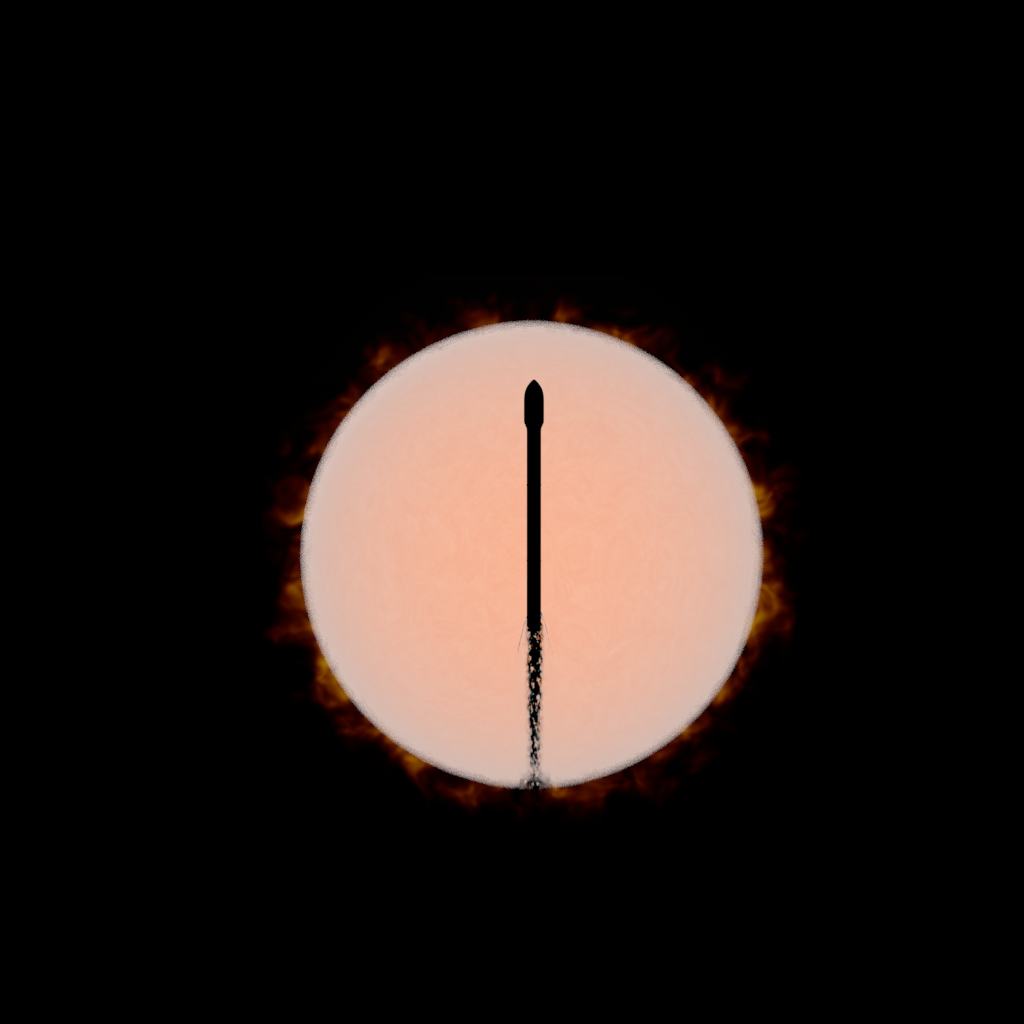
lift off

be sure to check screen space relections and refraction in eevee
Supercharge your 3D creation workflow with premium selection of Blender Add-ons. Whether you are modeling intricate characters, sculpting realistic environments, or animating cinematic sequences, the right add-on can transform how you work inside Blender. Our curated collection includes powerful tools for UV unwrapping, procedural texture generation, rigging automation, rendering optimization, and more—each rigorously tested for compatibility with the latest Blender versions. Eliminate tedious manual processes and unlock advanced functionality that lets you focus on what matters most: bringing your creative vision to life. Explore our full range of professional Blender plugins today and take your 3D projects to the next level.
➡️ ➡️ For more Blender Plugins 😀 😀
Reviews
There are no reviews yet.