
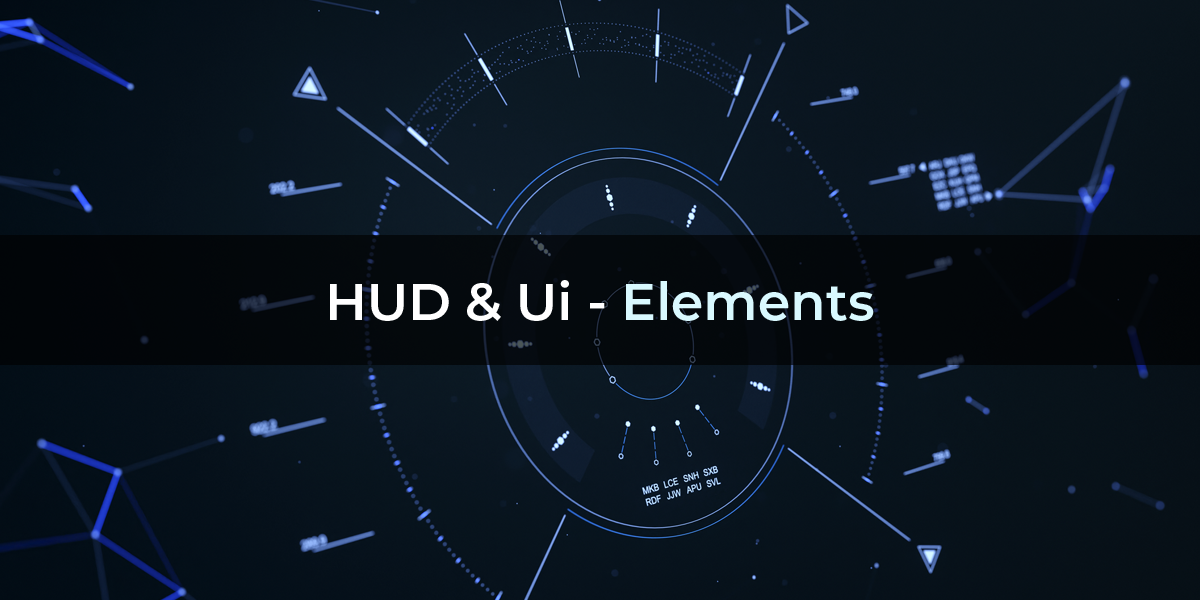
HUD Ui Elements for Blender
HUD UI Elements v1.15 for Blender – The Ultimate Sci-Fi Interface & Holographic Display Toolkit
Versions: v1.15
File Size:680 KB
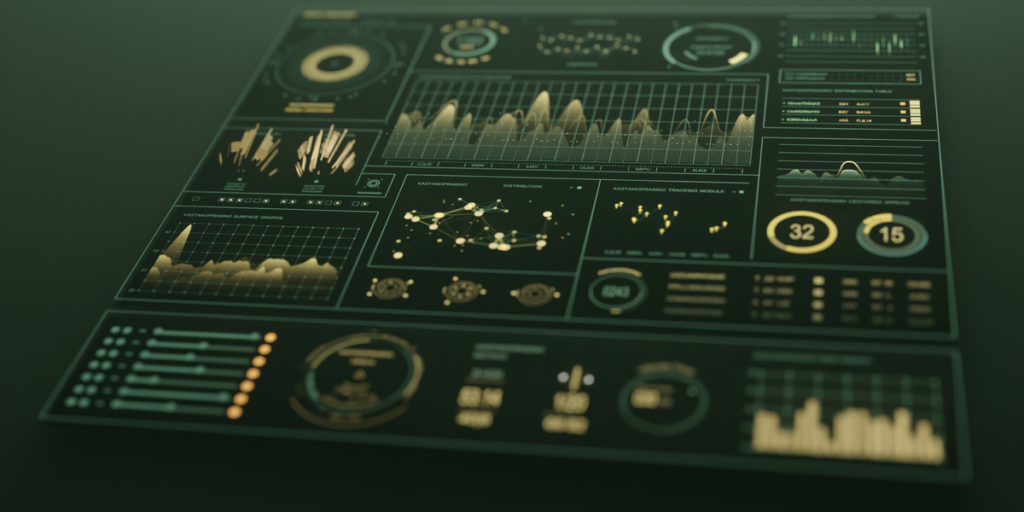
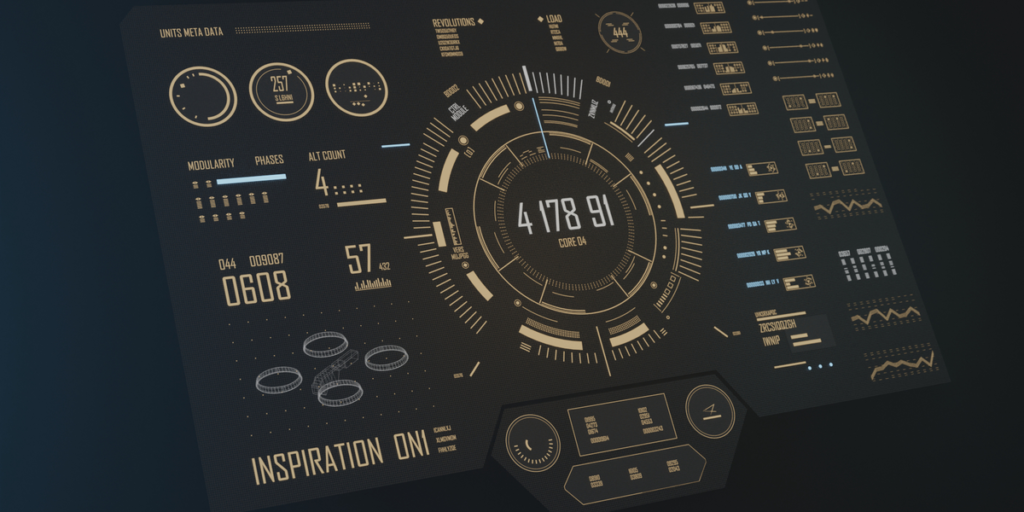
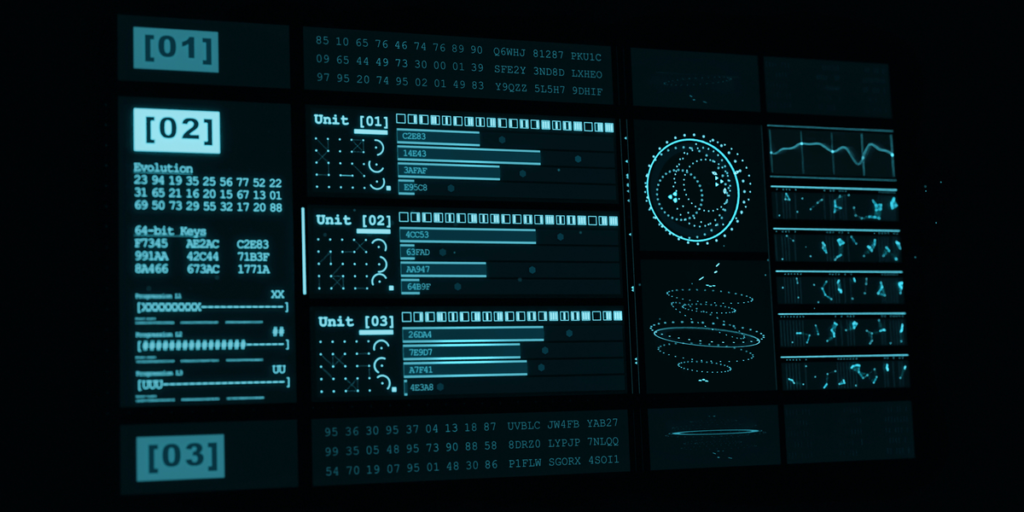
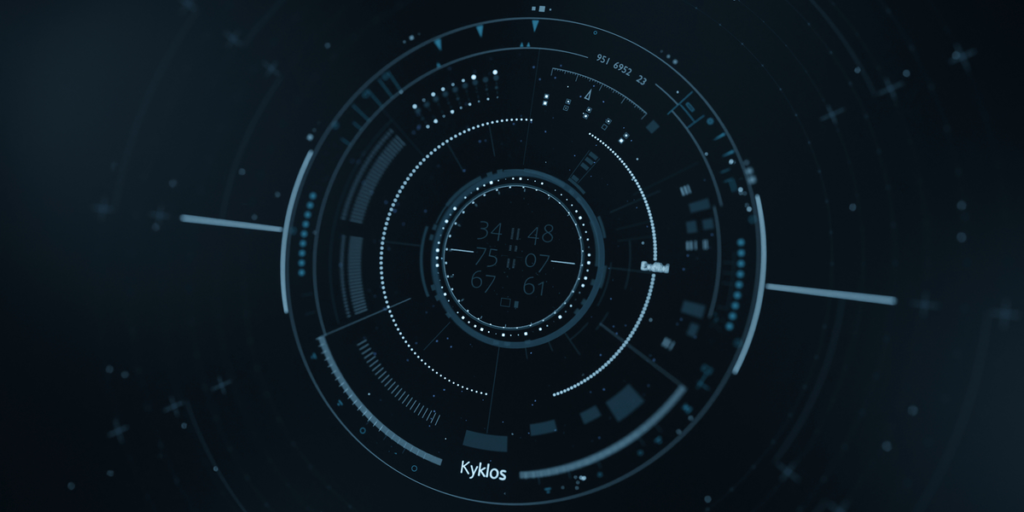
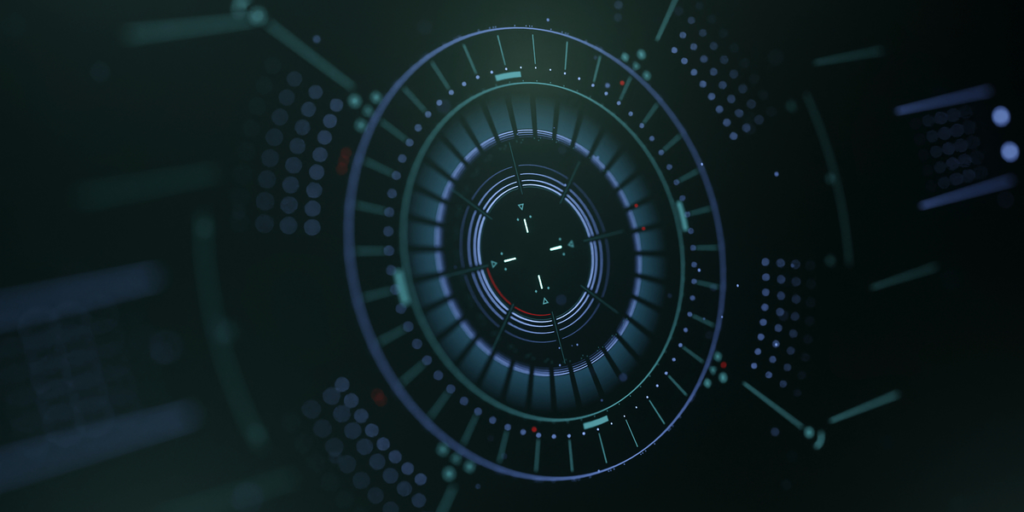
Download HUD UI Elements v1.15 for Blender on Windows and Mac, a comprehensive Geometry Nodes and Shader-based addon designed to instantly generate futuristic Heads-Up Displays (HUDs), holographic interfaces, and data visualization panels directly in 3D space. Whether you need cockpit displays for spaceships, augmented reality overlays for characters, or cyberpunk terminal screens, HUD UI Elements transforms how artists create tech-heavy visuals, eliminating the need for manual texture painting, complex UV unwrapping, or post-production compositing in external software.
Key Features of HUD UI Elements v1.15:
- Procedural Element Library: Instantly generate over 100+ modular interface components including radars, health bars, targeting reticles, data streams, hex grids, warning icons, circular dials, and holographic maps, all fully parametric.
- Smart Surface Projection: Automatically projects UI elements onto curved surfaces (helmet visors, spaceship windshields, character arms) while maintaining correct perspective and scale, ensuring interfaces look integrated rather than floating.
- Animated Data Streams: Built-in time drivers animate scrolling text, rotating rings, pulsing alerts, and flickering glitches, bringing static interfaces to life without manual keyframing.
- Holographic Shader Presets: Includes 20+ pre-configured shaders featuring volumetric glow, scanline effects, chromatic aberration, transparency gradients, and emissive bloom, optimized for both Cycles and Eevee.
- Dynamic Color Coding: Automatically changes element colors based on simulated “status” values (e.g., Green=Normal, Yellow=Warning, Red=Critical), allowing for narrative-driven interface states.
- Audio Reactive Drivers: Parameters can be linked to audio frequencies, making bars pulse, graphs spike, or lights flash in sync with sound effects or music.
- Custom Text & Icon Integration: Easily swap placeholder text with your own strings or import SVG icons to create branded or specific mission-critical displays.
- Layered Depth System: Organize UI elements into foreground, midground, and background layers with independent blur and opacity controls, simulating realistic depth-of-field in AR/VR setups.
- Animation Ready: All elements are rigged for easy animation; slide panels in/out, rotate dials, or trigger alarm sequences with simple value changes.
- Non-Destructive Workflow: Entirely procedural; change layout, colors, animation speed, or element types at any time before final rendering.
Perfect For:
- Sci-Fi Artists creating cockpit interiors, robot vision systems, and futuristic weapon sights.
- Motion Designers animating title sequences, tech transitions, and data visualizations for broadcast.
- Game Developers designing in-world UI assets for FPS, simulation, or RPG games that exist within the 3D scene.
- VFX Studios adding AR overlays to live-action footage or enhancing CGI characters with digital enhancements.
- Product Visualizers showcasing tech gadgets, smart devices, and wearable technology with active display simulations.
- Anyone needing high-quality, animated interface elements without learning After Effects or complex node trees.
System Requirements:
- Blender: 3.6, 4.0, 4.1, 4.2, 4.3, 4.4+ (Geometry Nodes required; optimized for Blender 4.x).
- OS: Windows 10/11 (64-bit) or macOS 10.15+.
- RAM: 8GB minimum (16GB+ recommended for scenes with multiple complex holographic layers).
- Render Engine: Fully compatible with Cycles (for accurate volumetrics/glow) and Eevee (with Bloom enabled for real-time feedback).
Installation:
- Download the HUD UI Elements v1.15
.zipfile or.blendasset library. - If an addon: Go to Edit > Preferences > Add-ons, click Install, select the file, and enable Geometry Nodes: HUD UI.
- If an asset library: Add the folder to Blender’s Asset Browser preferences, then drag-and-drop UI presets directly into your scene.
- Access via the Add Menu > Mesh/Curve > HUD UI or the dedicated panel in the 3D Viewport Sidebar (N-panel) under the Interface tab.
What’s New in v1.15?
- Curved Surface Snapping: Improved algorithm for projecting flat UI elements onto complex curved geometry without distortion, a top-requested feature.
- New “Glitch” Module: Added procedural glitch effects (pixel sorting, color shift, signal loss) that can be triggered dynamically for damage or hacking sequences.
- Expanded Icon Set: Added 30 new vector-based icons for medical, military, and industrial contexts.
- Performance Boost: Optimized node structures for holographic layers, reducing viewport lag by 35% when using multiple stacked elements.
- Blender 4.4 Support: Full compatibility with the latest Geometry Nodes features and color management updates.
- Text Wrapping Fix: Resolved issues where long text strings would overflow container boxes; now automatically wraps or scales to fit.
Note:
HUD UI Elements v1.15 is designed to be completely non-destructive and resolution-independent. Since it uses procedural geometry and shaders rather than baked textures, your interfaces remain crisp at any render resolution, from mobile screens to 8K IMAX. The addon includes a “Preset Mixer” feature that allows you to blend different style presets (e.g., mixing a “Military Green” radar with a “Cyberpunk Pink” health bar) to create unique hybrid aesthetics. Whether you need a subtle heads-up display for a pilot or a massive holographic command center, this toolkit provides the modular flexibility to build it efficiently.
Demonstrations
HUD & UI Elements Add-on
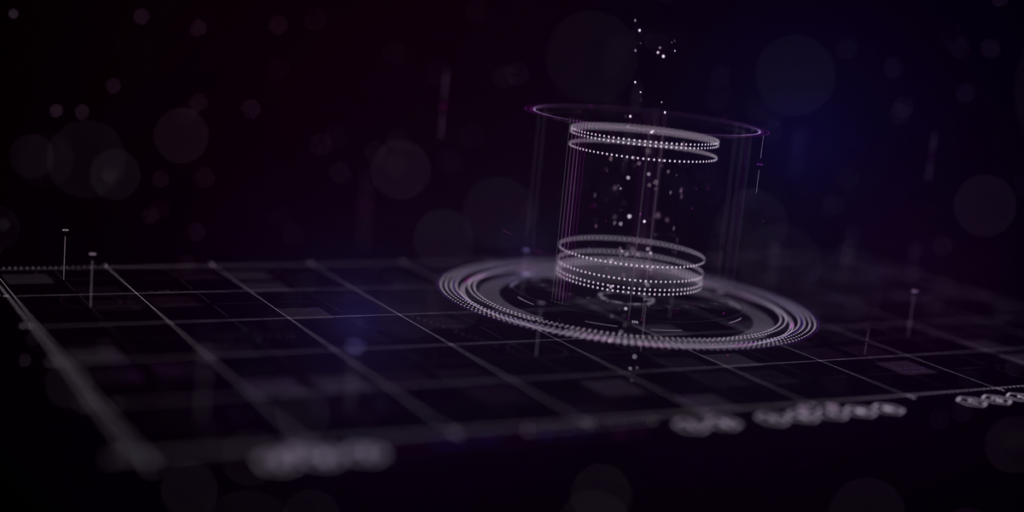
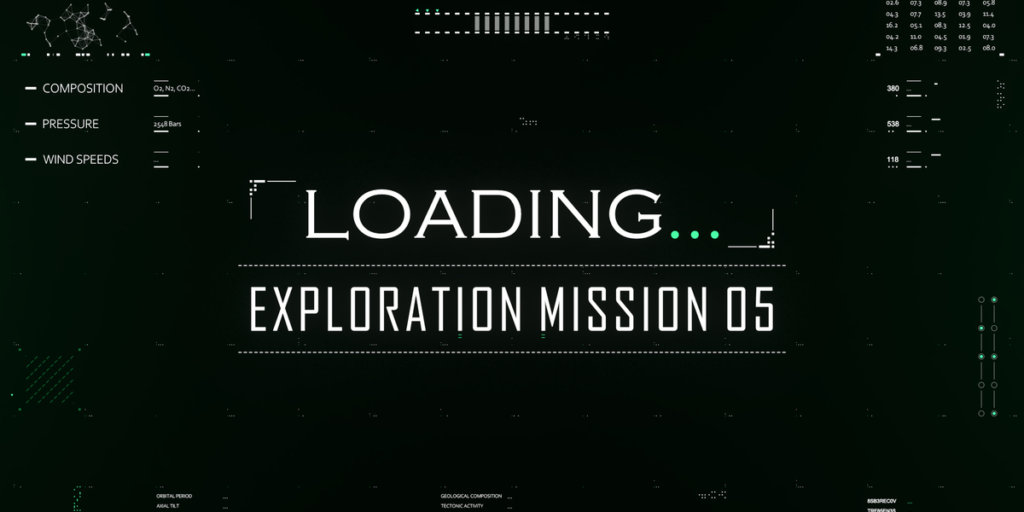
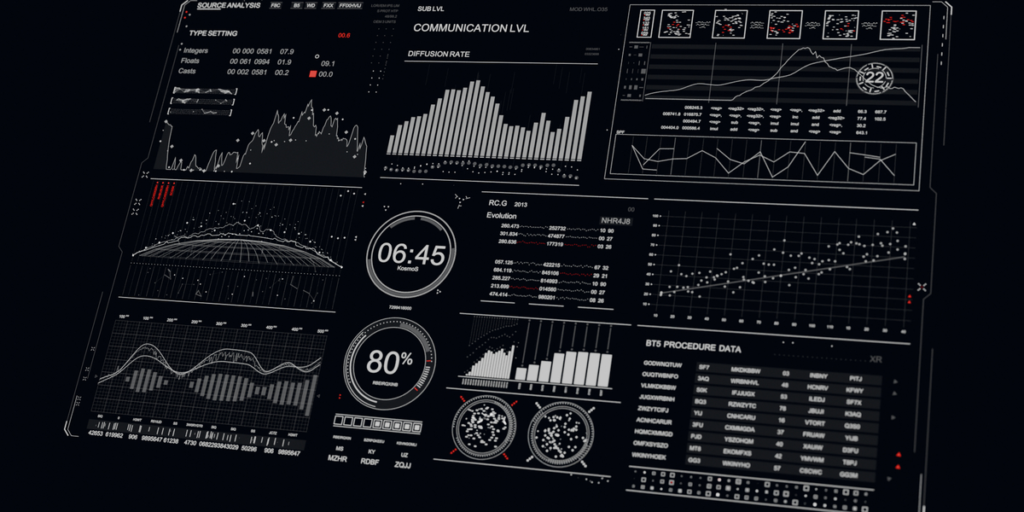
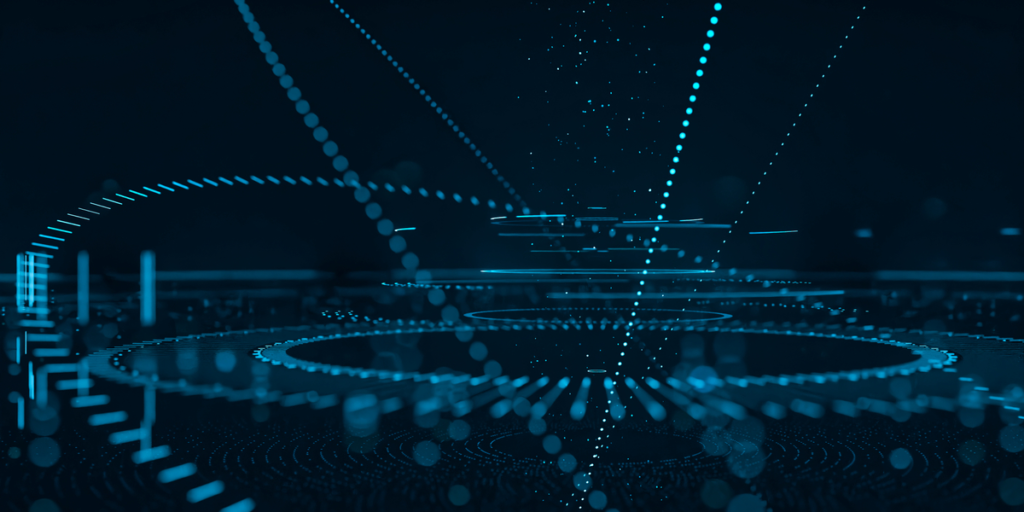
Elevate your creative projects with our Futuristic add-on, perfect for FUI screens, high-tech dashboards, sci-fi displays, and more.
More demonstrations:
HUD & UI – Horizontal Drone HUD
Key Features:
High-Quality Elements: Includes 30+ customizable UI elements.
Versatile Applications: Ideal for broadcast design, sci-fi movies, and creative data displays.
Easy to Customize: Tailor animations and graphics to fit your vision. Combine different elements—your creativity is the limit!
Benefits:
Save Time and Enhance Your Creative Process.
Say goodbye to tedious keyframing. With our intuitive parameter-based system, animate seamlessly and adapt quickly to changes.
Easily manipulate and manage large scenes, play back restricted elements, and copy full or partial settings with our flexible tools.
Support & Resources:
Customer Support: info@hudui.net
Gallery: https://www.hudui.net/gallery
Documentation: https://www.hudui.net/documentation
Tutorials: https://www.youtube.com/watch?v=RVSRCav-3ts&list=PL6M9I-vocHBpkjsztLsJt-dYcm4QAqI31
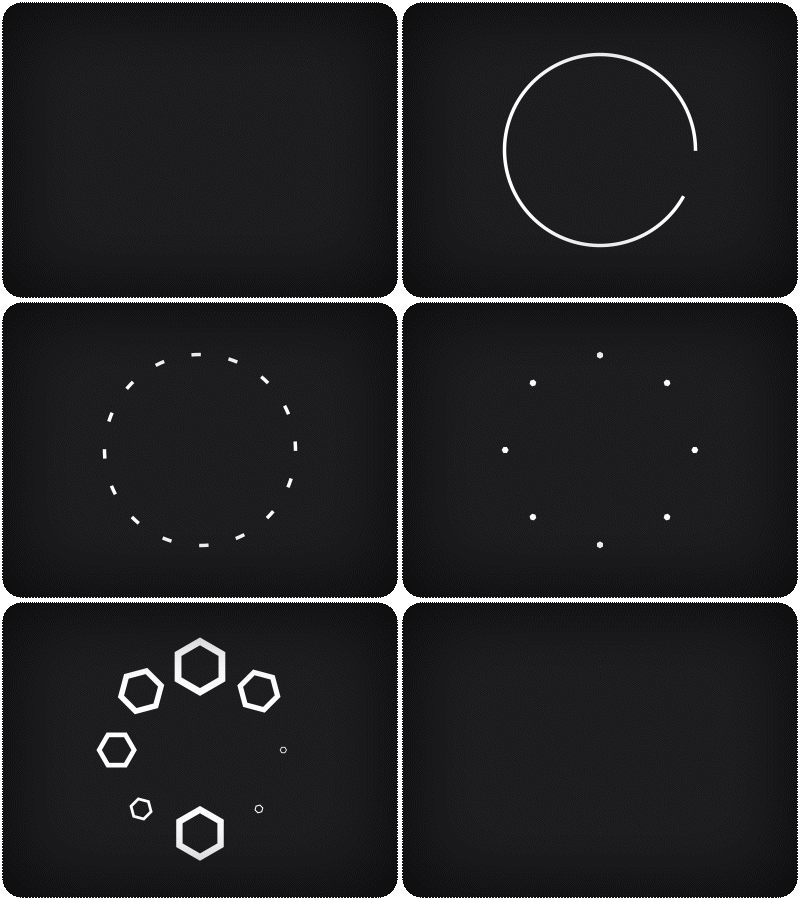
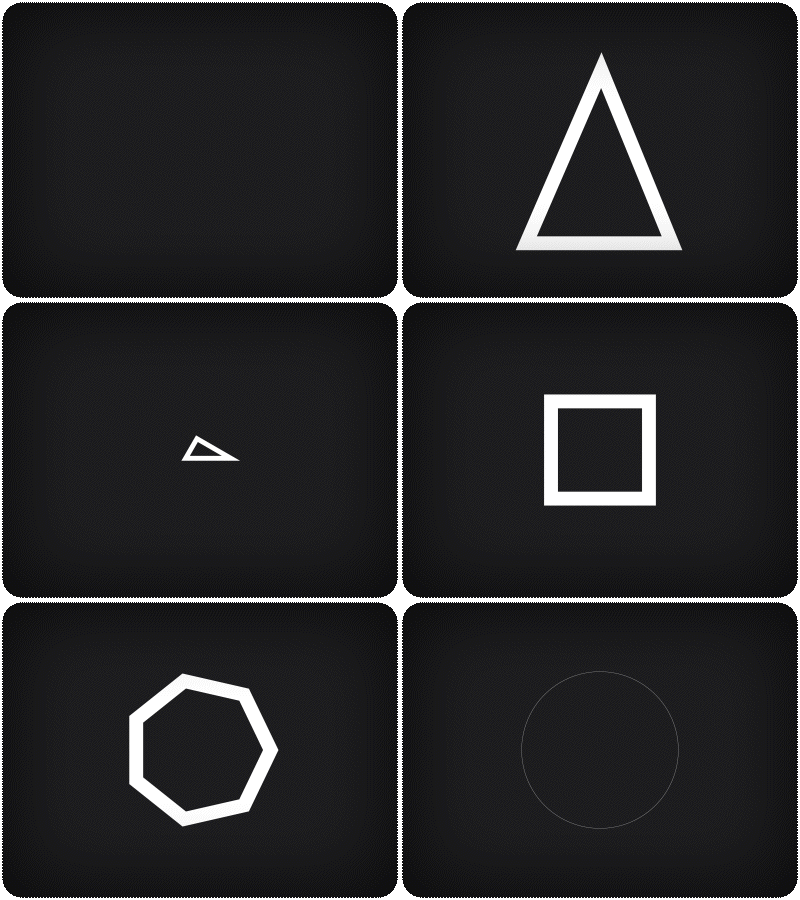 | Basic Shapes Choose from triangles, rectangles, hexagons, n-gons, andmore to construct intricate designs. |
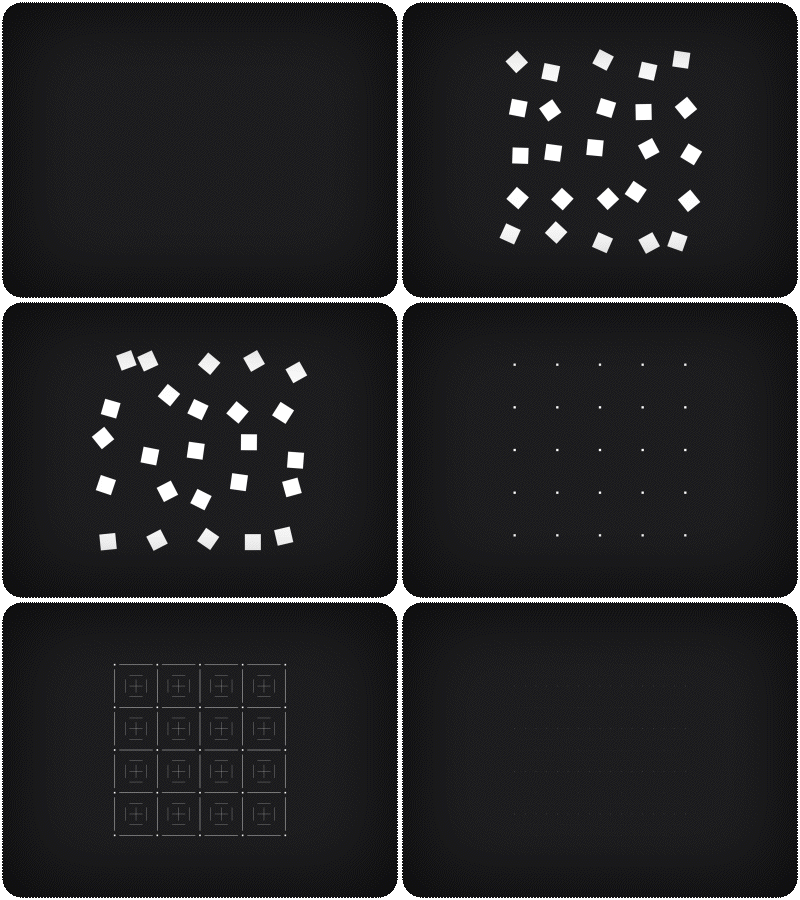
Radial & Matrix Components
| Add a futuristic flair with radial elements thatbring your interfaces to life. | Create sophisticated matrix designs with ease. |
 |  |
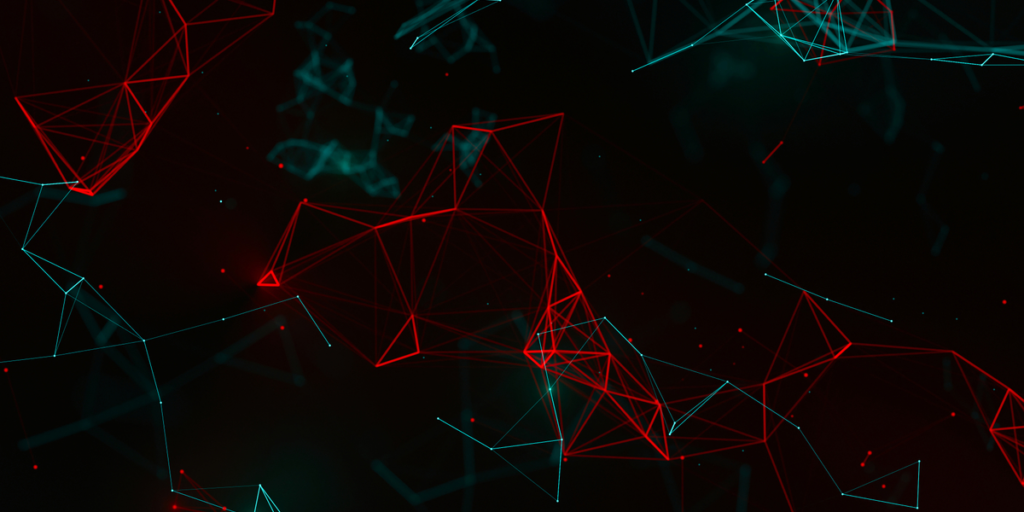
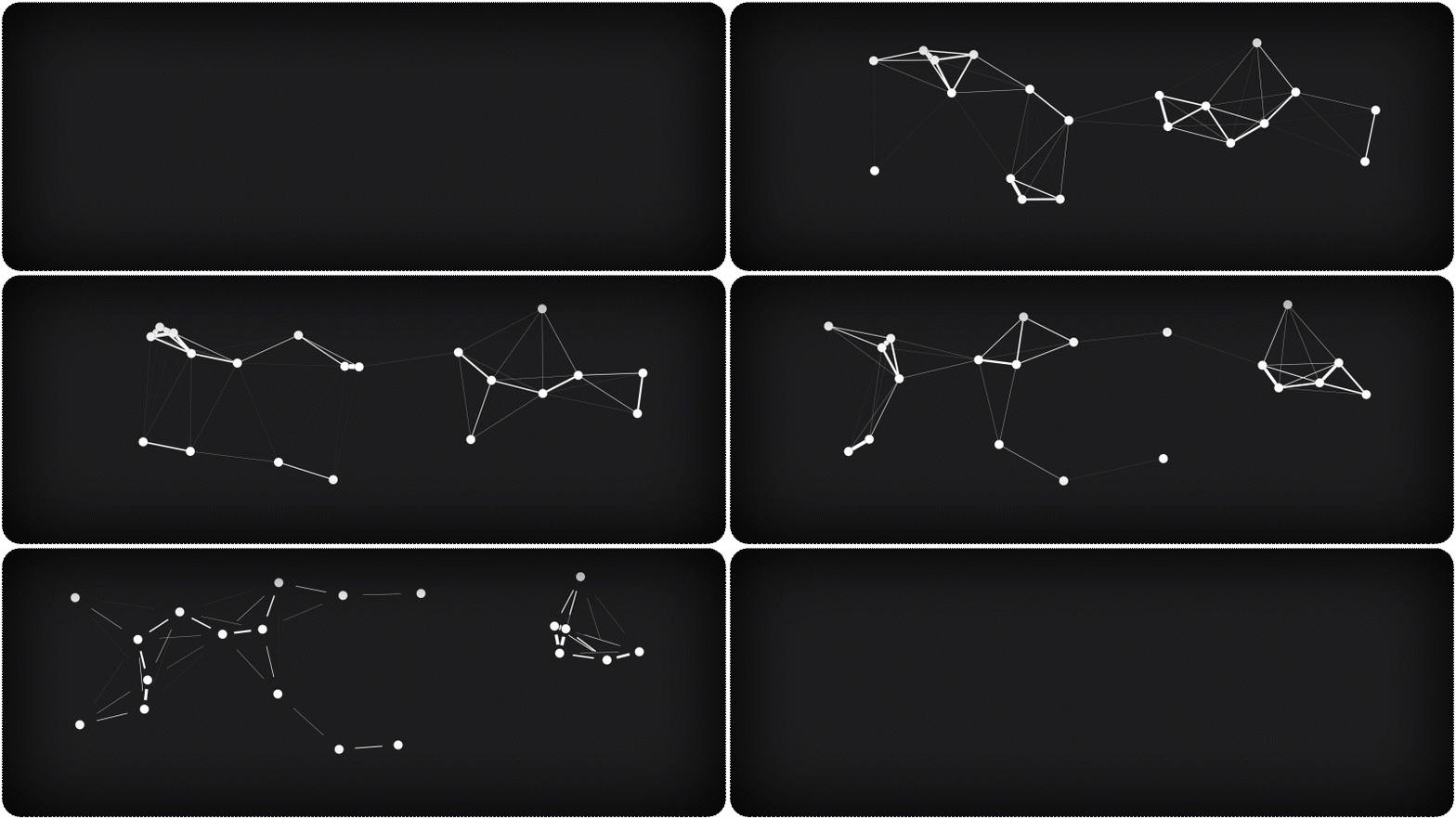
| Mathematical AnimationsIntegrate sine waves, Perlin noise lines, and Plexusanimations to add depth and complexityto your designs. | 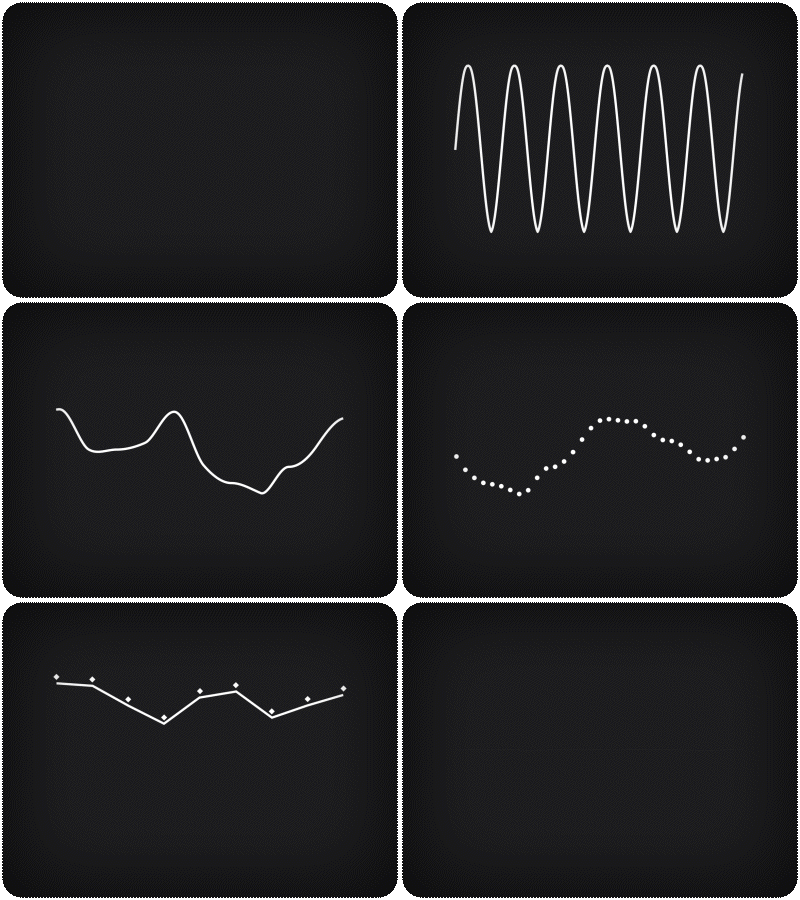 |
Keyframe-less Animation Mode
Say goodbye to tedious keyframing. With our intuitive parameter-based system, animate seamlessly and adapt quickly to changes.
 |  | |
 |  |  |
How to Install HUD & UI Elements
- Open your preferred Blender version.
- Go to Edit > Preferences.
- In the Add-ons section, click Install….
- Navigate to and select the latest version of HUD & UI Elements.
- Click Install Add-on.
- After installation, ensure the add-on is activated (check the box if it’s not activated by default).
How to Use the Add-On
- In the 3D Viewport, click Add > HUD & UI Elements.
- Select the desired element from the menu.
Editing Element Parameters
- Select the element you want to edit.
- In the Outliner, go to Object Properties.
- Open the HUD & UI dropdown menu.
- Adjust the parameters to customize the element’s appearance to your needs.
Supercharge your 3D creation workflow with premium selection of Blender Add-ons. Whether you are modeling intricate characters, sculpting realistic environments, or animating cinematic sequences, the right add-on can transform how you work inside Blender. Our curated collection includes powerful tools for UV unwrapping, procedural texture generation, rigging automation, rendering optimization, and more—each rigorously tested for compatibility with the latest Blender versions. Eliminate tedious manual processes and unlock advanced functionality that lets you focus on what matters most: bringing your creative vision to life. Explore our full range of professional Blender plugins today and take your 3D projects to the next level.
➡️ ➡️ For more Blender Plugins 😀 😀
Reviews
There are no reviews yet.