
I Ate Mushrooms for After Effects
I Ate Mushrooms V1.9.59 for After Effects
The Ultimate AI-Powered Vector and Raster Conversion Plugin for After Effects
Download I Ate Mushrooms V1.9.59 today. Consequently, you can instantly convert any image or video into stunning stylized vector graphics, ASCII art, halftone patterns, and more using advanced artificial intelligence. Because motion designers and VFX artists constantly seek unique, eye-catching visual treatments for music videos, title sequences, and experimental projects, having access to a powerful conversion tool is absolutely essential. Nevertheless, achieving authentic vectorization and stylization manually requires complex masking, tracing, and artistic skills that are time-consuming to master. Fortunately, I Ate Mushrooms eliminates this bottleneck completely. Moreover, it leverages state-of-the-art AI models to transform your footage into a wide range of artistic styles—from clean vector illustrations to intricate ASCII character art—all rendered in real-time GPU-accelerated performance. In short, you can transform ordinary footage into extraordinary visuals with unprecedented speed and creative control.
Comprehensive AI-Powered Conversion Modes
The core of this plugin lies in its versatile suite of conversion algorithms. For instance, the Vector mode converts your footage into clean, scalable vector artwork, perfect for creating stylized illustrations and animated graphics. Furthermore, the ASCII mode transforms your images into text-based art, ideal for retro, hacker, and cyberpunk aesthetics. Additionally, the Halftone mode generates classic print-style dot patterns, while the Pixel mode creates retro 8-bit and 16-bit video game looks. Since each mode offers extensive customization, you can achieve an endless variety of visual styles from a single source.
Real-Time GPU Acceleration and Instant Preview
Professional workflows demand instant feedback, and I Ate Mushrooms delivers. The plugin is fully GPU-accelerated, ensuring that all parameter adjustments update in real-time. For example, you can tweak the vectorization threshold, ASCII character density, or halftone dot size and immediately see the results in your composition. Furthermore, this real-time feedback lets you experiment freely and dial in the perfect look without waiting for renders. Since you can iterate at the speed of thought, your creative exploration becomes truly unlimited.
Advanced Stylization and Color Controls
Beyond basic conversion, I Ate Mushrooms offers a rich set of parameters for fine-tuning your artistic vision. For instance, you can control the color palette, line thickness, and edge detection sensitivity to achieve precise results. Furthermore, the plugin supports multiple color modes including full color, duotone, and monochrome, allowing you to match any aesthetic. Additionally, you can blend the converted result with the original footage using adjustable opacity and blend modes, enabling subtle or dramatic integrations. Consequently, you have complete control over the final look.
Perfect for Motion Designers, VFX Artists, and Content Creators
This plugin is particularly well-suited for motion designers creating stylized titles, music video effects, and experimental backgrounds. Similarly, VFX artists and digital artists will appreciate the ability to generate unique, organic effects that stand out from traditional plugins. Additionally, content creators and social media producers can use I Ate Mushrooms to add a premium, artistic touch to their edits with minimal effort. Ultimately, I Ate Mushrooms V1.9.59 accelerates your entire motion design and post-production pipeline.
System Requirements and Compatibility
I Ate Mushrooms V1.9.59 supports After Effects versions 2023, 2024, 2025, and 2026 on both Windows and macOS operating systems. The plugin is fully GPU-accelerated and requires a modern graphics card for optimal performance. You will need a standard workstation with at least 8GB of RAM.
Installation and Usage Guide
To install, first download the plugin installer from your library. Next, close Adobe After Effects if it is running. Then, install the plugin following the standard aescripts + aeplugins installation process using the Manager App. After installation, launch After Effects and locate I Ate Mushrooms in the Effects & Presets panel. Finally, apply the effect to your footage layer, choose your desired conversion mode (Vector, ASCII, Halftone, or Pixel), adjust the parameters to achieve your desired look, and blend the result with the original for added control. Thus, your professional stylization workflow will be ready instantly.
What is Included Inside?
The pack contains the complete I Ate Mushrooms V1.9.59 plugin for After Effects. Furthermore, it includes four distinct conversion modes (Vector, ASCII, Halftone, and Pixel), comprehensive color and stylization controls, and real-time GPU-accelerated performance. Ultimately, you receive everything needed for professional AI-powered vectorization and stylization.
Final Thoughts on the Plugin
Effortless AI-powered stylization evokes profound creative freedom. Therefore, this plugin provides the ultimate foundation for your motion design and VFX workflows. You can transform ordinary footage into stunning, unique visuals with unprecedented speed and simplicity. Consequently, your creative vision becomes a stunning reality.
Now with Text-to-Image mode! A neural network based image and noise generator.
I Ate Mushrooms for After Effects and Premiere Pro
Core Features
- Create trippy effects based on Neural Network outputs
Processing happens fully locally, running on our high-performance C++ blace.ai engine.
Your data never leaves your machine.
20,000+ customers trust our products, from freelance creators to enterprise teams.
Supports Apple Silicon and NVIDIA GPUs (Windows) for hardware acceleration.
Features
Overview
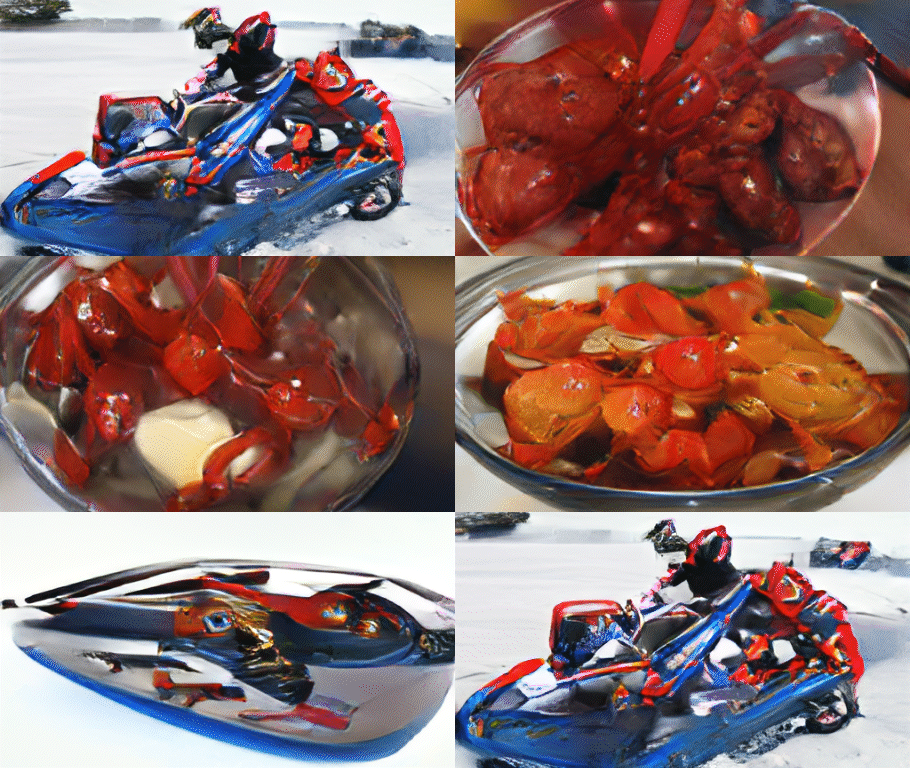
I Ate Mushrooms is a neural network based image generator. It allows to create bizarre, abstract and hypnotizing animations from textual descriptions, 1000 predefined object categories or based on your own footage.
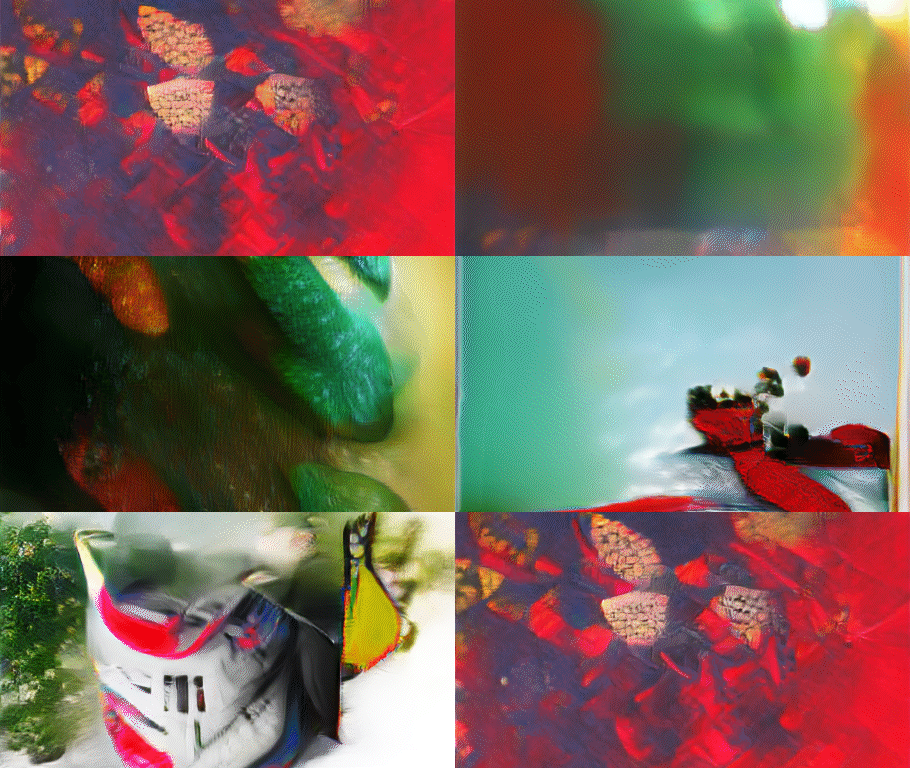
New!!! Text-to-Image
Create images from textual descriptions. Good for creation of simple patterns, objects and other content. Example: digital neuron
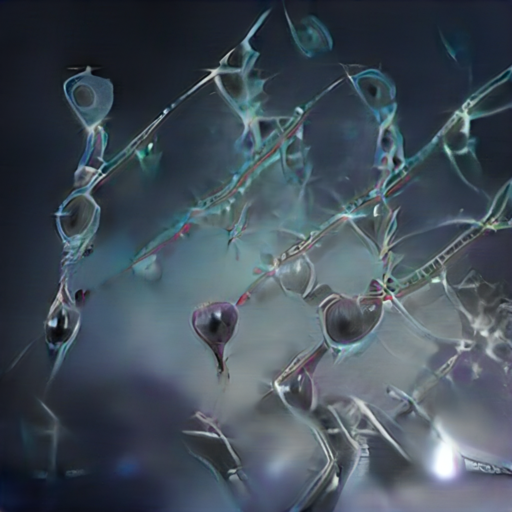
Neural Transitions
Create trippy interpolations based on your own footage.

Many categories
Use up to 1000 base categories of objects and living beings to feed your creation with.
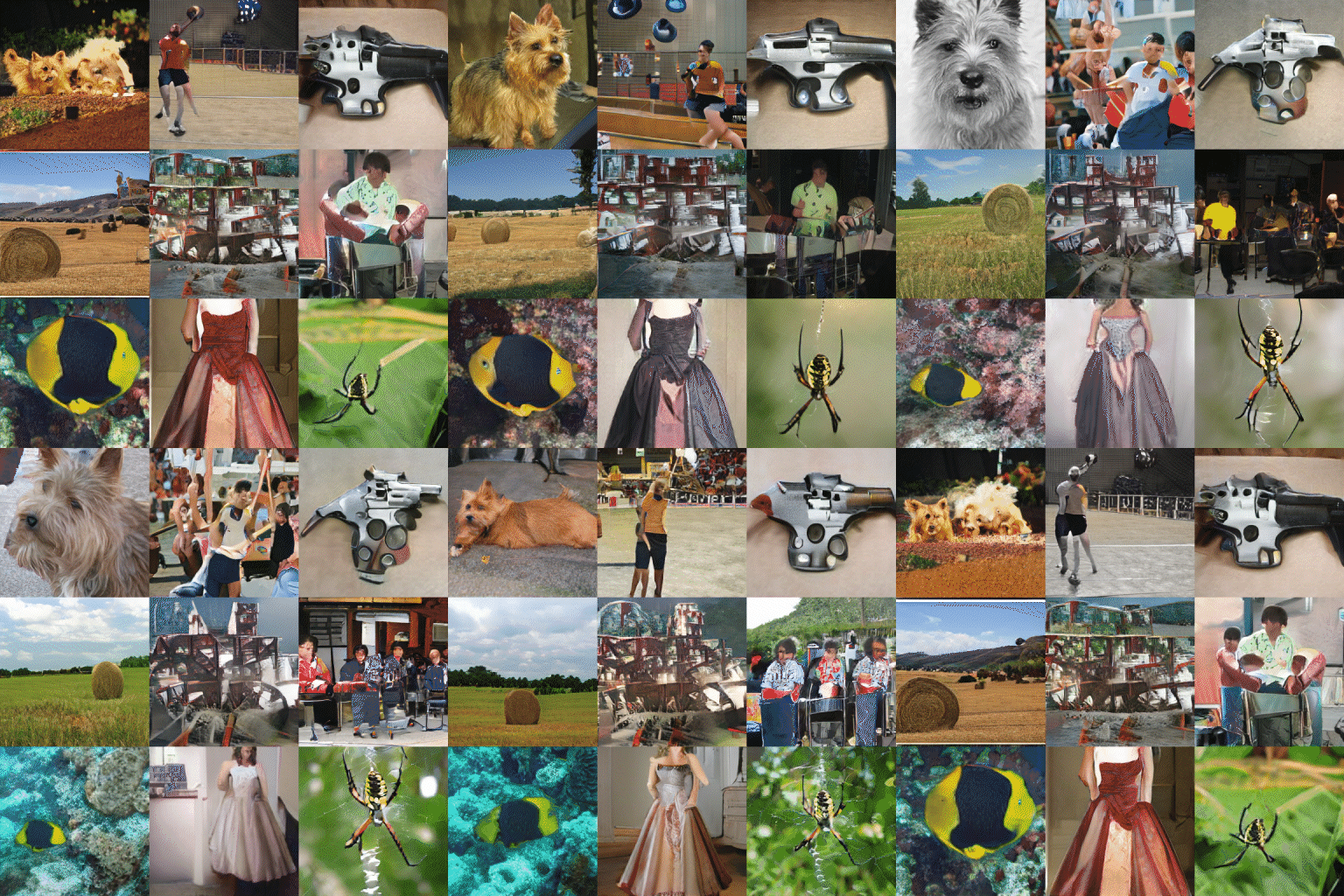
Latent interpolation
Interpolate between different objects in the latent space of the neural network and discover the hidden relation of things.

Loopable
All generations are fully loopable. You can even use custom noise maps to drive the randomness of your creations.
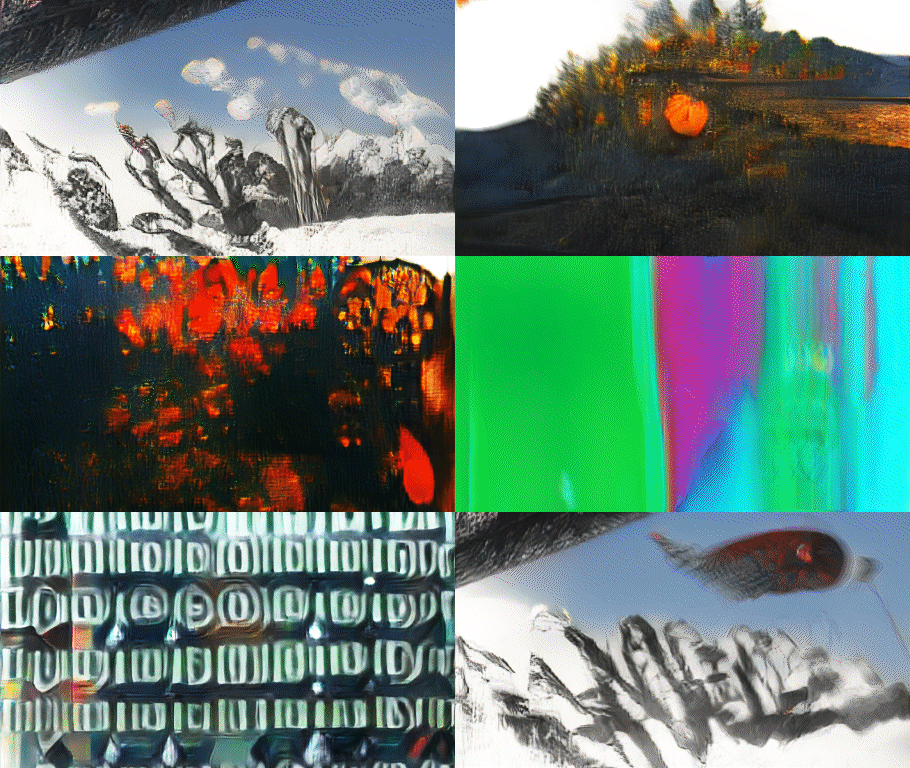
Abstract art
Modify your creations with several parameters to discover the abstract corners of the neural network.
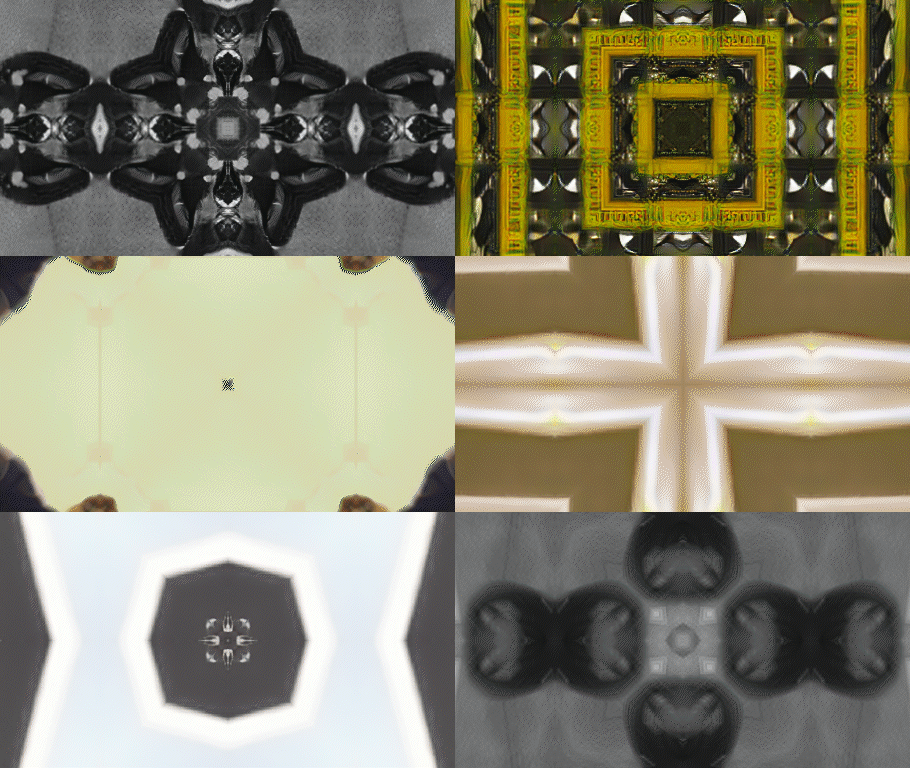
Combine with other effects
Use creations from the plugin as base for other effects. It’s basically an extremely diverse noise generator 😉
System Requirements
| Windows with NVIDIA GPU >= 8GB | Windows with non-NVIDIA GPU >= 8GB | Apple Silicon with MacOS Sequoia or newer and >= 16GB RAM | Other MacOS |
|---|---|---|---|
| ✅ | very slow | ✅ | ❌ |
Documentation

Elevate your motion graphics workflow with premium collection of After Effects plugins. Whether you are a seasoned professional or just starting your VFX journey, powerful tools designed to streamline complex tasks, unlock creative possibilities, and save you hours of rendering time. From stunning glitch effects and seamless transitions to advanced 3D extrusion and text animation tools, each plugin in our library is rigorously tested for compatibility with the latest versions of Adobe after Effects. Enhance your video production value today and download industry-leading plugins that help you create breathtaking visuals without the technical headaches. Browse our full range and find the perfect extension to supercharge your editing suite now.
➡️ ➡️ For more after effects Plugins 😀 😀
➡️ ➡️ System requirements AE
Reviews
There are no reviews yet.