
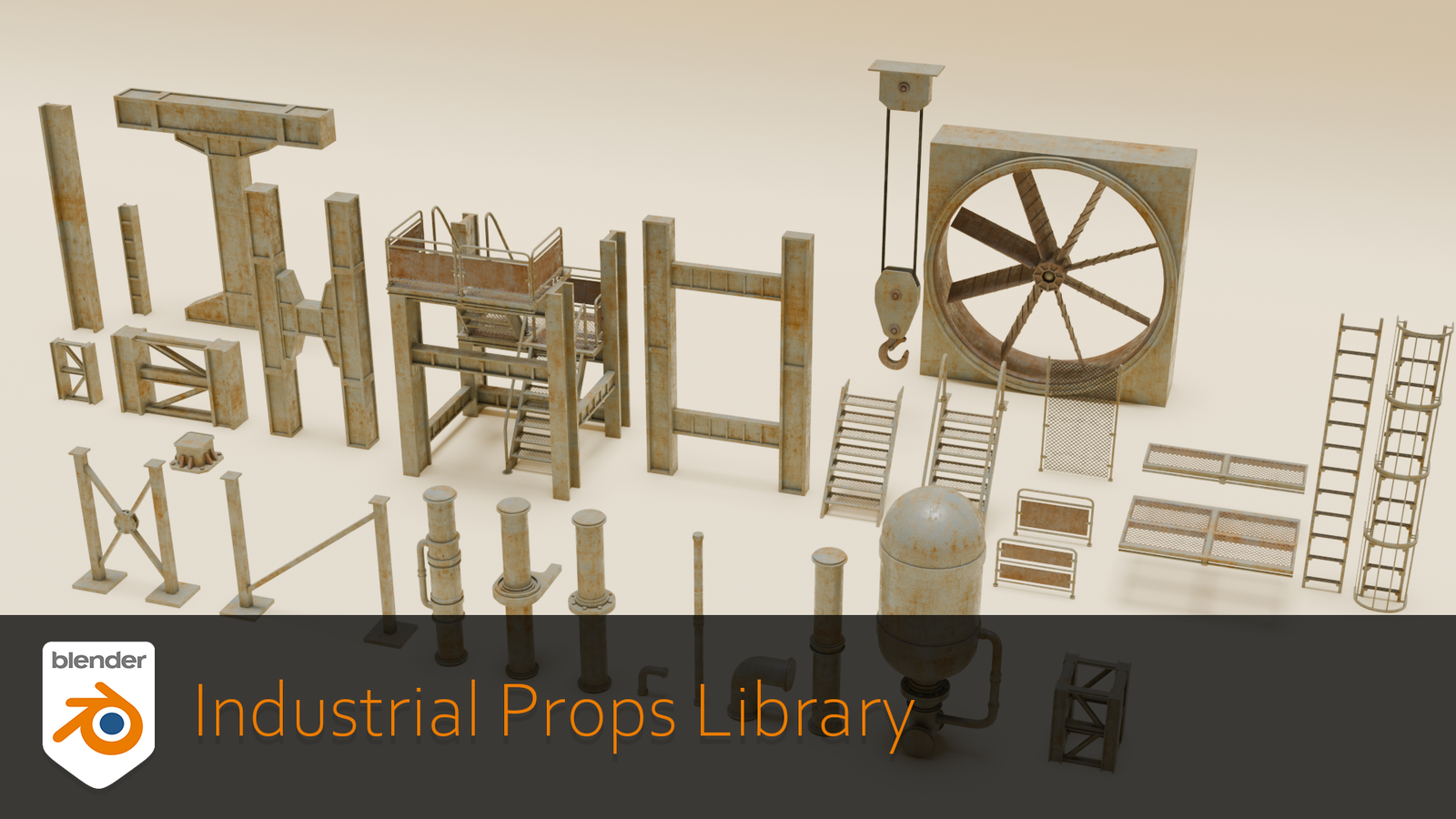
Industrial Props Library for Blender
Industrial Props Library for Blender – The Ultimate Hard-Surface Asset Collection for Sci-Fi & Realism
Download the Industrial Props Library for Blender on Windows and Mac, a massive, production-ready collection of high-quality 3D models designed to populate factories, spaceship interiors, cyberpunk cities, and post-apocalyptic wastelands. From heavy machinery and piping systems to control panels and storage units, this library provides thousands of modular, game-ready assets that eliminate the need to model every bolt and valve manually, allowing artists to focus on scene composition and storytelling.
Key Features:
- Massive Asset Count: Includes over 2,000+ unique models categorized into logical groups: Pipes & Valves, Electrical Panels, HVAC Units, Storage Tanks, Machinery, Tools, Crates, Cables, and Debris.
- Modular Design System: Assets are built with consistent scaling and connection points, allowing you to snap pipes, vents, and panels together seamlessly to build complex environments quickly.
- High-to-Low Poly Variants: Every prop comes in two versions: a High-Poly mesh for close-up cinematic renders with intricate details, and an optimized Low-Poly version (with baked normal maps) ready for real-time game engines.
- PBR Material Ready: All assets include pre-configured, physically based materials (Principled BSDF) with 4K/8K texture maps (Albedo, Normal, Roughness, Metalness, AO, Height) featuring realistic wear, rust, oil stains, and grime.
- Procedural Wear Options: Many assets include vertex colors or mask textures that allow you to dynamically adjust rust intensity, dirt accumulation, or paint chipping without re-texturing.
- Animation Ready: Select mechanical props (fans, pistons, conveyor belts, rotating gears) come with pre-rigged animations and simple control rigs for instant movement.
- Smart Collections: Assets are organized into nested Blender Collections with clear naming conventions, making it easy to filter, hide, or batch-export specific categories.
- Asset Browser Integration: Fully compatible with Blender’s native Asset Browser; simply drag and drop props into your scene with thumbnail previews and metadata tags.
- Engine Export Presets: Includes ready-to-use export scripts for Unity, Unreal Engine, and Godot, automatically setting up LODs, collision meshes, and material slots.
- Regular Updates: Purchasers receive free lifetime updates, with new asset packs (e.g., “Nuclear Plant,” “Cybernetics Lab”) added quarterly.
Perfect For:
- Environment Artists building detailed industrial levels, engine rooms, refineries, and sci-fi corridors.
- Game Developers needing optimized, LOD-ready props for AAA or indie titles.
- Architectural Visualizers adding realistic mechanical details to modern lofts, factories, and utility spaces.
- VFX Studios populating background plates and destruction scenes with credible debris and machinery.
- Concept Artists rapidly blocking out industrial scenes for mood boards and pre-visualization.
- Hard-Surface Modelers looking for reference or base meshes to kitbash into custom designs.
System Requirements:
- Blender: 3.6, 4.0, 4.1, 4.2, 4.3, 4.4+ (Latest LTS recommended).
- OS: Windows 10/11 (64-bit), macOS 10.15+, or Linux.
- RAM: 16GB minimum (32GB+ recommended for loading the full library with high-res textures).
- GPU: Recommended for viewport performance with many instanced assets.
- Disk Space: ~50GB for the full library including 4K/8K textures.
Installation:
- Download the Industrial Props Library
.zipor direct installer. - Extract the folder to a dedicated location on your drive (e.g.,
Assets/Industrial_Library). - In Blender:
- Go to Edit > Preferences > File Paths.
- Under Asset Libraries, click the + icon and navigate to the extracted folder.
- Name it “Industrial Props” and enable the checkbox.
- Open the Asset Browser workspace, select the “Industrial Props” library from the dropdown, and start dragging assets into your scene.
Note:
The Industrial Props Library is distinguished by its “Gritty Realism” aesthetic. Unlike clean, generic CAD models, every asset in this pack features hand-painted imperfections—dents, scratches, leaked fluids, and heat discoloration—that instantly sell the illusion of a lived-in, working environment. The library also includes a “Kitbash Toolkit” of small details (bolts, wires, labels, warning stripes) that can be scattered over custom models to unify them with the library’s style. Whether you are building a sterile pharmaceutical lab or a rusted-out scrapyard, this collection provides the foundational elements to create believable industrial worlds efficiently.

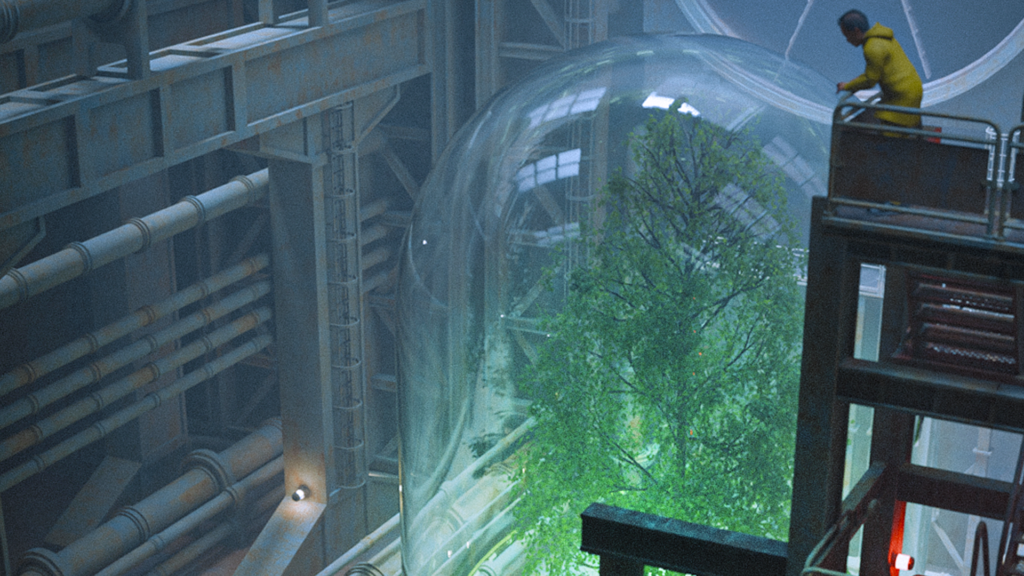
Supercharge your 3D creation workflow with premium selection of Blender Add-ons. Whether you are modeling intricate characters, sculpting realistic environments, or animating cinematic sequences, the right add-on can transform how you work inside Blender. Our curated collection includes powerful tools for UV unwrapping, procedural texture generation, rigging automation, rendering optimization, and more—each rigorously tested for compatibility with the latest Blender versions. Eliminate tedious manual processes and unlock advanced functionality that lets you focus on what matters most: bringing your creative vision to life. Explore our full range of professional Blender plugins today and take your 3D projects to the next level.
➡️ ➡️ For more Blender Plugins 😀 😀
Reviews
There are no reviews yet.