
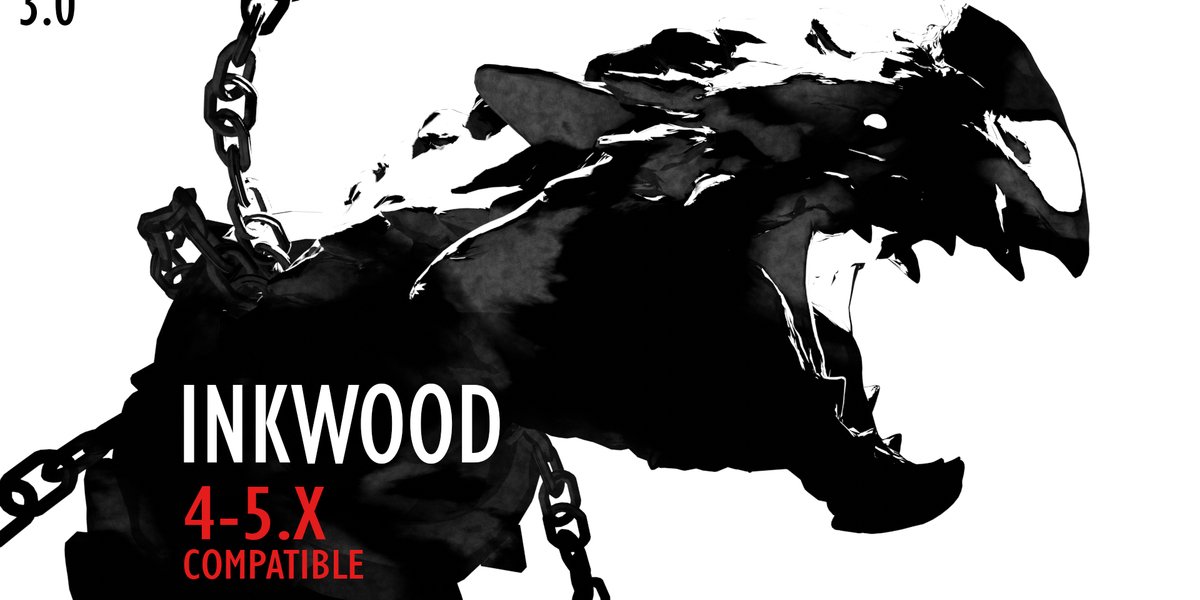
Inkwood Shader Pack for Blender
Inkwood Shader Pack v1.0 for Blender – The Ultimate Stylized Wood & Hand-Drawn Material Suite
Versions: v1.0
File Size: 99 MB
Download Inkwood Shader Pack v1.0 for Blender on Windows and Mac, a specialized collection of non-photorealistic (NPR) shaders designed to transform standard 3D wood textures into beautiful, hand-drawn illustrations. Perfect for storybook aesthetics, architectural sketches, and stylized game assets, this pack simulates the look of ink outlines, watercolor washes, and pencil grain on wooden surfaces, eliminating the need for complex node setups or manual texture painting to achieve a cohesive 2D/3D hybrid style.
Key Features of Inkwood Shader Pack v1.0:
- Procedural Ink Outlines: Automatically generates variable-width black ink contours along wood grain patterns and mesh edges, mimicking the stroke weight of a traditional pen or brush.
- Watercolor & Wash Effects: Simulates the organic bleeding and pooling of watercolor paint on wood, with controls for pigment density, paper texture absorption, and edge softness.
- Hand-Drawn Grain Variations: Replaces repetitive photo-based normal maps with stylized, illustrative grain patterns that look like woodcuts, charcoal rubbings, or sketchy hatching.
- Style Presets: Includes 15+ pre-configured looks ranging from Children’s Book Soft, Architectural Sketch, Graphic Novel Bold, to Vintage Etching, applicable with a single click.
- Dynamic Lighting Response: Shaders react to scene lighting by darkening “ink” lines in shadows and brightening “wash” areas in highlights, maintaining the 2D illusion even in 3D space.
- Age & Wear Controls: Sliders to add procedural knots, cracks, splinters, and faded varnish, allowing you to age wood instantly without new texture maps.
- Color Palette Swapping: Easily shift the entire material palette (e.g., from Oak to Mahogany to Painted Pine) while preserving the hand-drawn stroke style.
- Eevee & Cycles Optimized: Lightweight node structures ensure real-time performance in Eevee for animation preview, while providing rich, textured results in Cycles.
- UV Independent: Most effects are procedurally generated based on object coordinates or generated normals, meaning they work perfectly even on objects with messy or missing UVs.
- Non-Destructive Workflow: All parameters (line thickness, color bleed, grain scale) are fully adjustable at any time before rendering.
Perfect For:
- Stylized Game Developers creating assets for 2.5D platformers, RPGs, or adventure games with a storybook visual style.
- Motion Designers animating explainer videos, title sequences, or children’s content with a warm, hand-crafted aesthetic.
- Architectural Illustrators producing sketchy, conceptual renders of wooden structures, furniture, or interiors.
- Indie Animators building consistent worlds where 3D models blend seamlessly with 2D background art.
- Product Visualizers showcasing wooden products (toys, furniture, instruments) with an artistic, catalog-illustration look.
- Anyone wanting to break away from photorealism and add a unique, artistic flair to their wooden assets.
System Requirements:
- Blender: 3.6, 4.0, 4.1, 4.2, 4.3+ (Latest LTS recommended).
- OS: Windows 10/11 (64-bit) or macOS 10.15+.
- Render Engine: Fully compatible with Cycles and Eevee.
- No external image textures required (100% procedural).
Installation:
- Download the Inkwood Shader Pack v1.0
.zipfile or.blendasset library. - If an addon: Go to Edit > Preferences > Add-ons, click Install, select the file, and enable Shader: Inkwood.
- If an asset library: Add the folder to Blender’s Asset Browser preferences, then drag-and-drop shader presets directly onto your objects.
- Access via the Shader Editor Add Menu > Shader > Inkwood or the Asset Browser.
Note:
Inkwood Shader Pack v1.0 is uniquely designed to solve the “uncanny valley” of stylized wood, where photo textures often clash with cartoonish geometry. By using procedural noise and color ramps to simulate ink and paint, it ensures that your wood looks like it was drawn rather than photographed. The pack also includes a “Paper Texture” overlay option that adds a subtle substrate grain to the entire object, unifying the wood with other paper-style materials in your scene. Whether you are making a cozy cottage for a fairy tale or a wooden toy set, Inkwood provides the artistic touch needed to bring your vision to life.
WHAT IS INKWOOD?
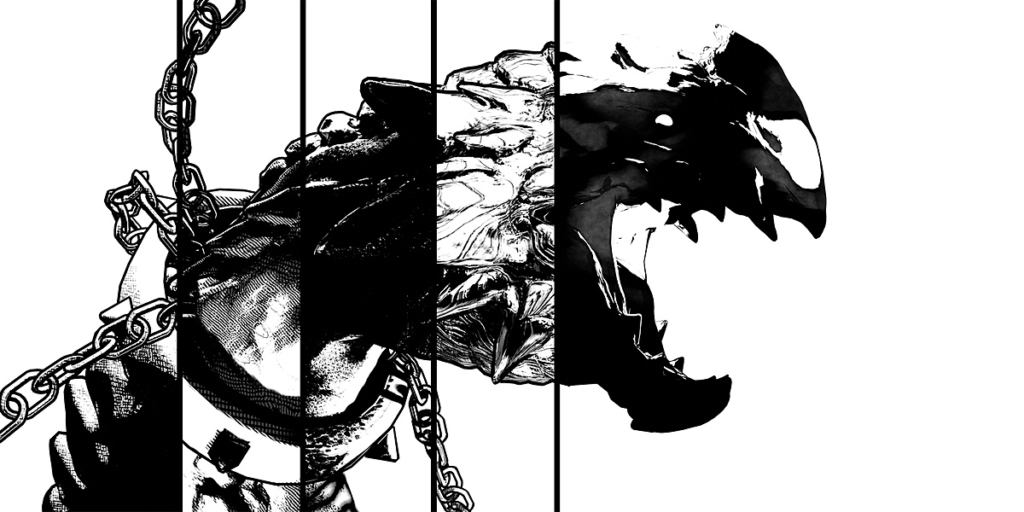
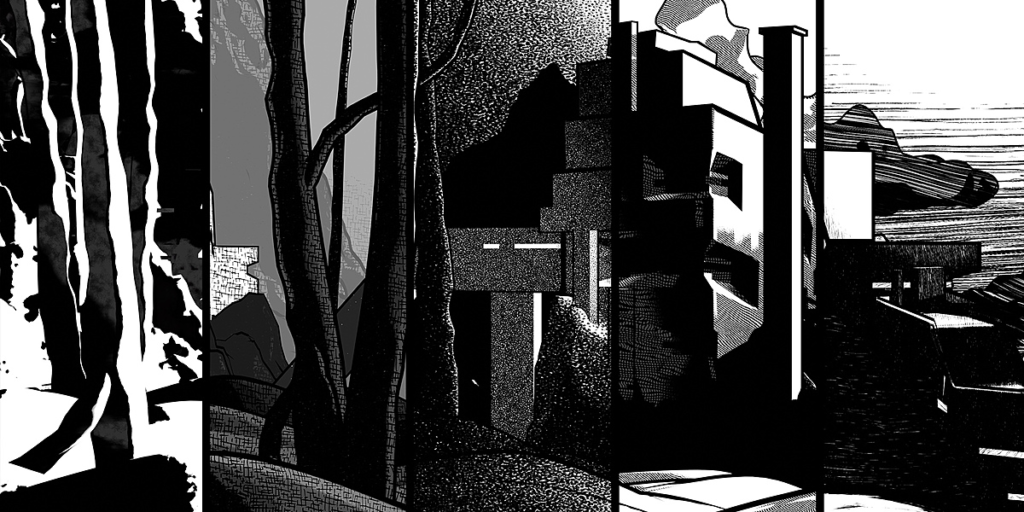
Inkwood shaders redesign your great 3D art into ink drawings and paintings. You simply make your models and composition, put my shaders (and probably the outlines) on, set them up, correct the lighting and smash render. And you’re done!
Now compatible with Blender 4.x and 5.x!
Inkwood is made for illustrators, comic authors, indie artists, animators, and anybody interested in inking.
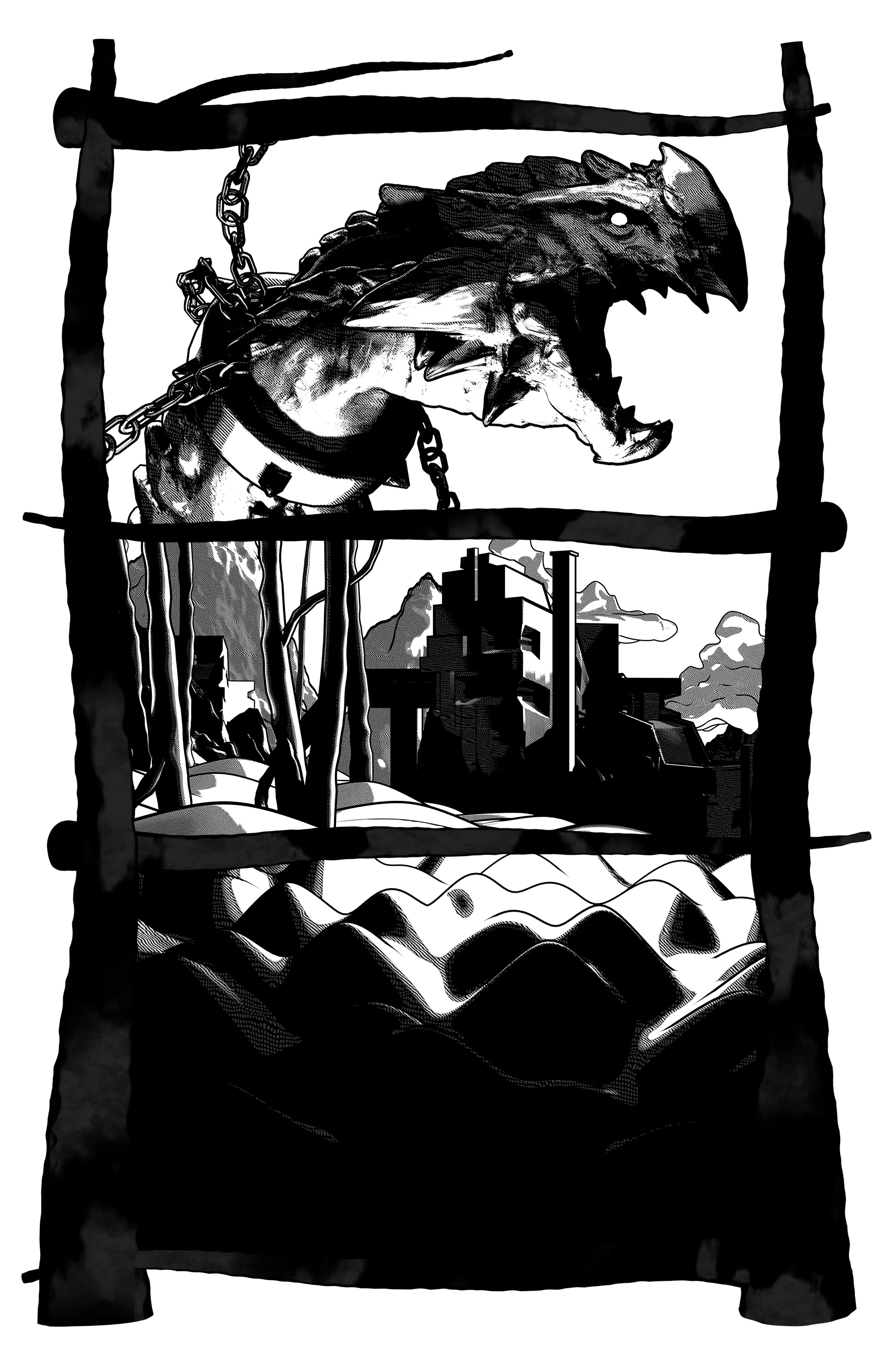
The original idea was to speed up the process of comic background painting. But I ended up with a great tool for making artworks of various types. Some shaders are good for very stylized stuff, but there are also some super-handy ones for making high-detailed drawings.
SHADER DEMONSTRATION
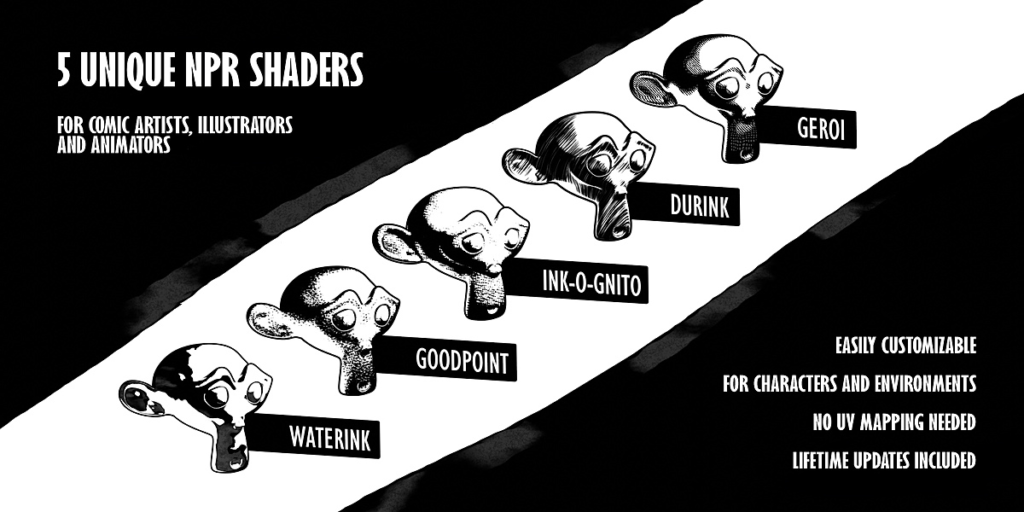
WATERINK SHADER
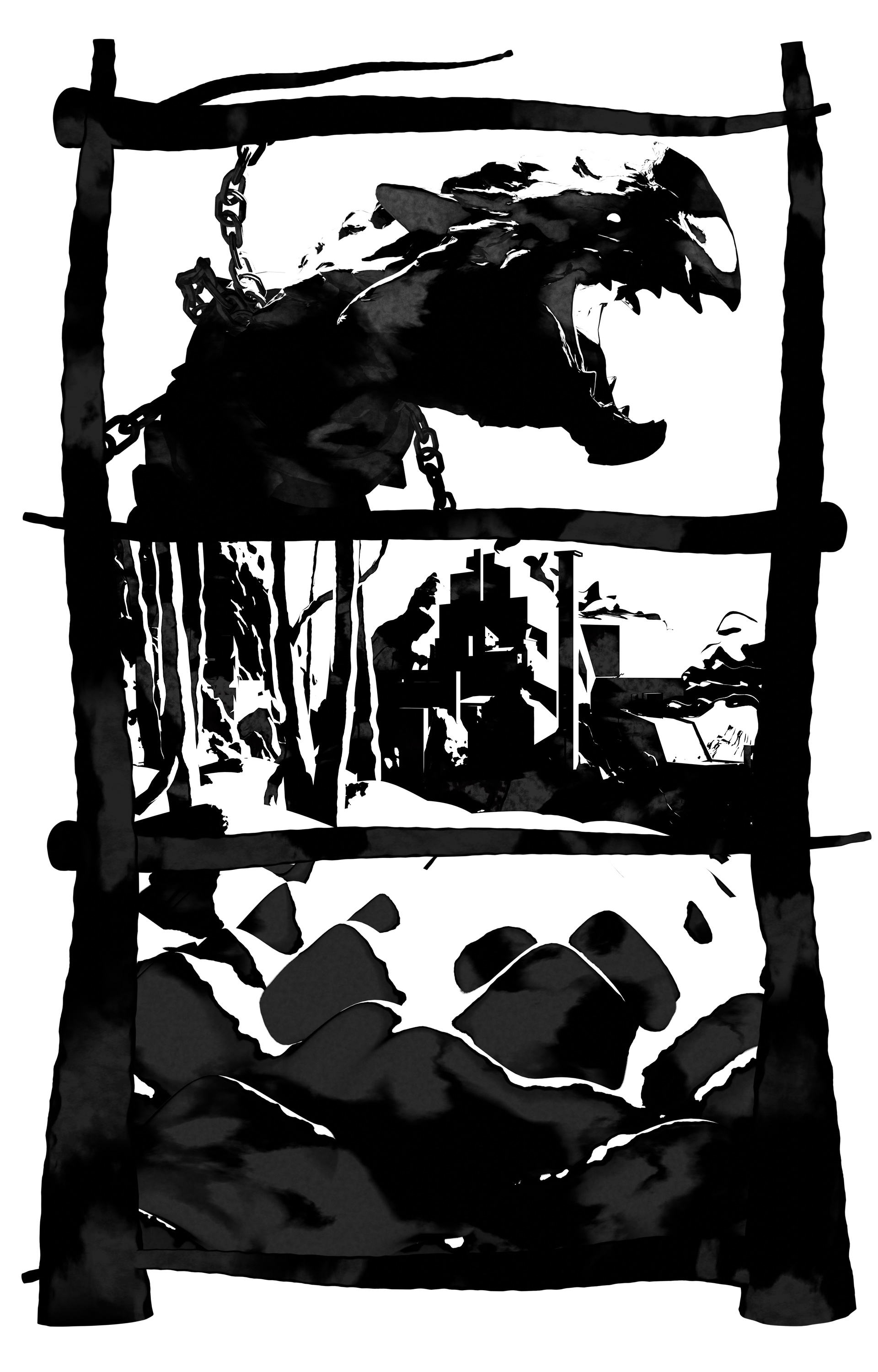
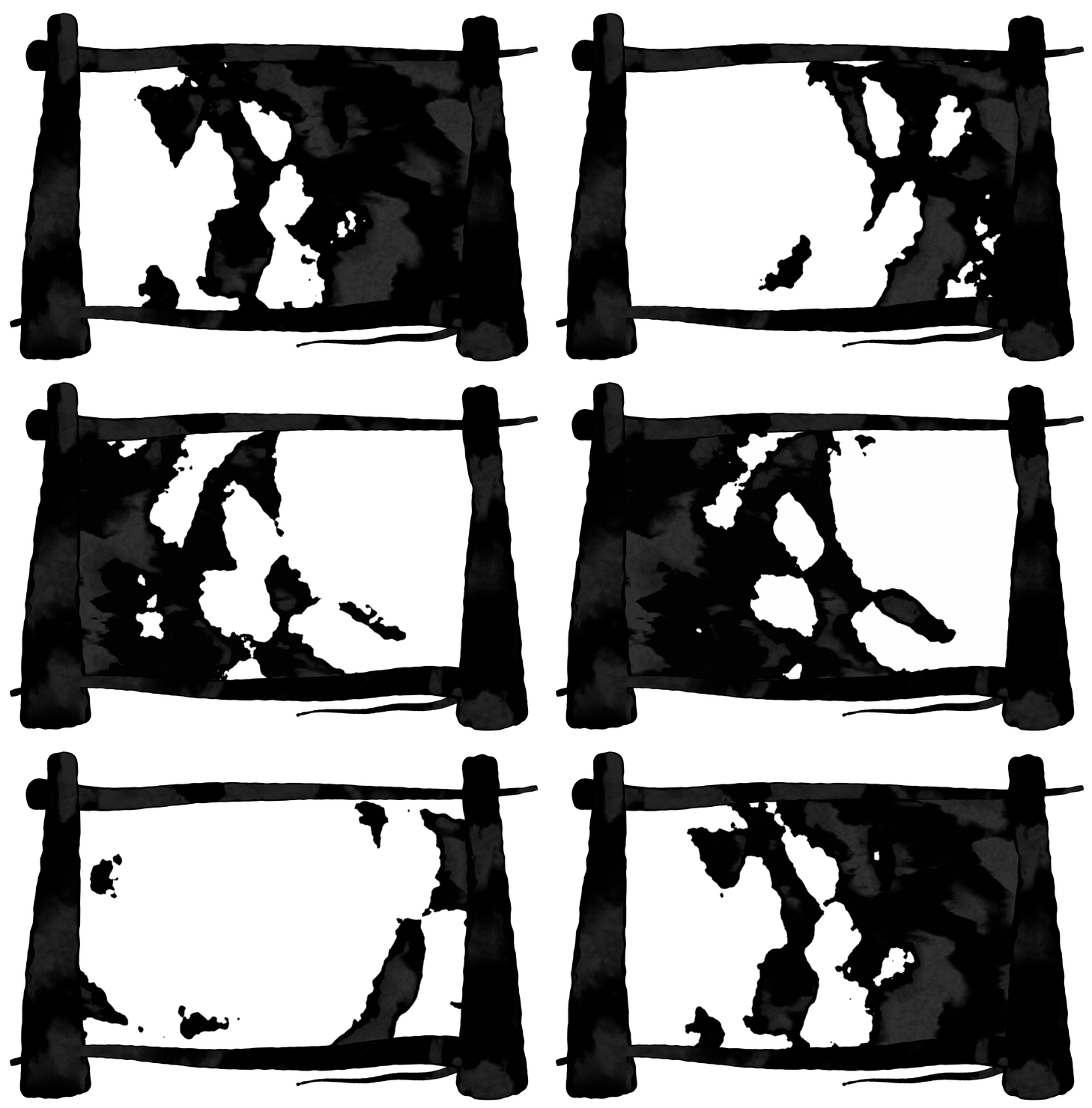
Transform your scene into an amazing ink painting with this procedural shader. Combine it with outlines or control the shadows with multiple lights, whatever works for you. You can also use the advanced coloring system inside to imitate colored inks or paints.
DURINK SHADER
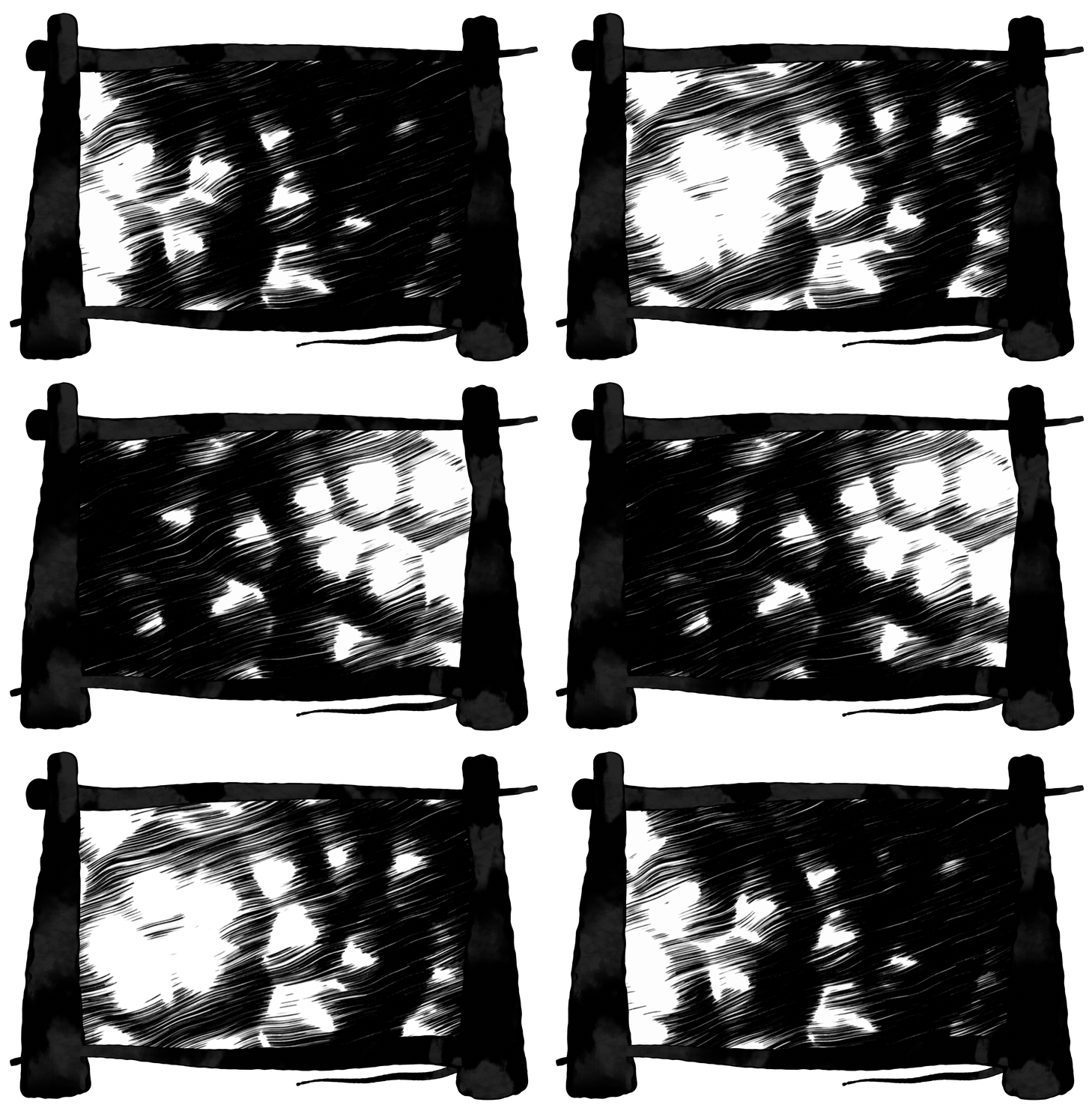
If you are a fan of delicate drawing and rendering, this shader is for you. You decide about the hatching scale and shape-following rate, which makes this tool suitable for various projects, either stylized and realistic.
INK-O-GNITO SHADER
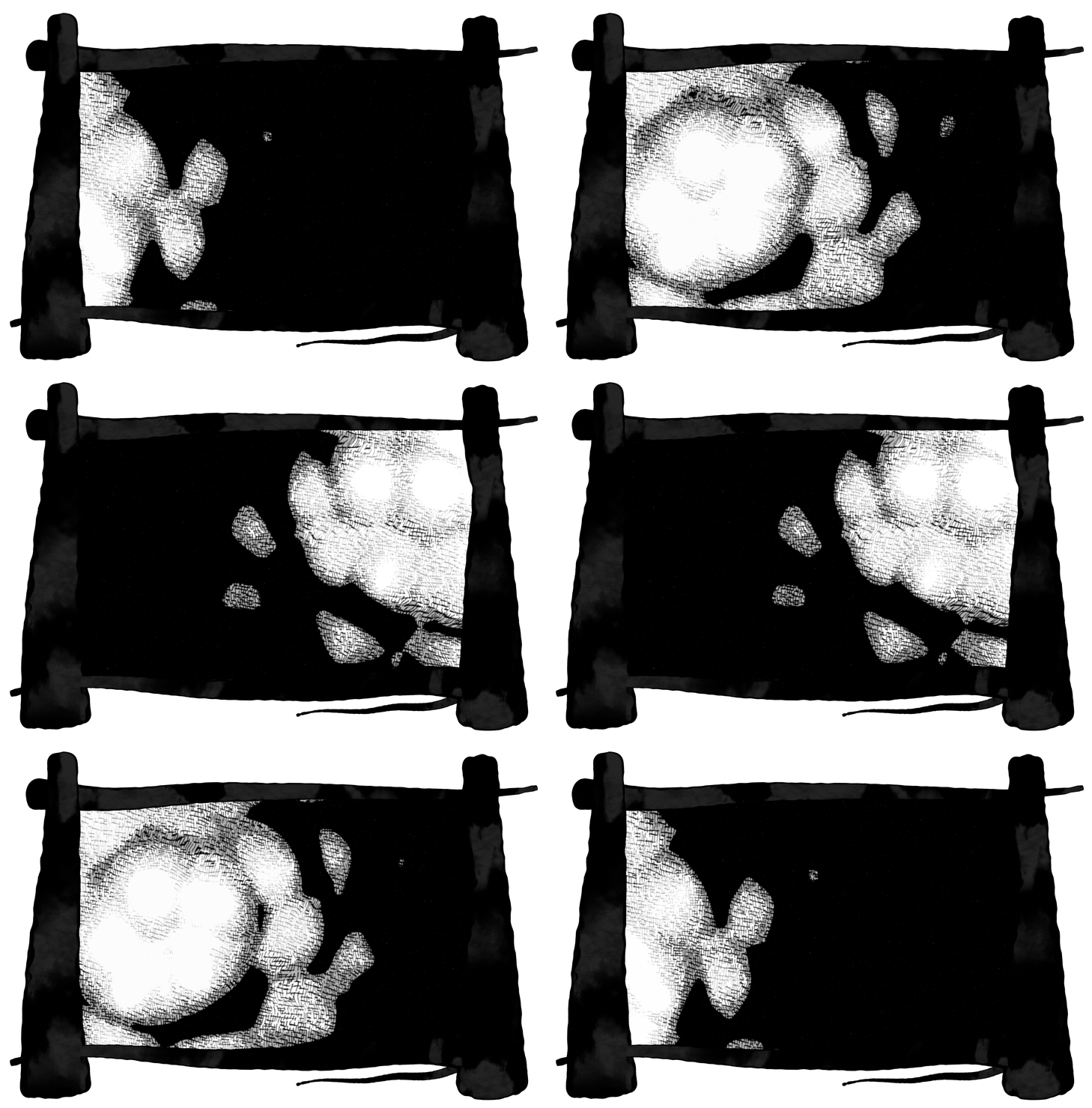
Illustrators and comic artists, enjoying rather stylized imagery, will appreciate this crosshatching shader. It’s very simple and it includes a mist system with full control of colors inside it. Ink-o-gnito works very well with color and shades of grey.
GEROI SHADER
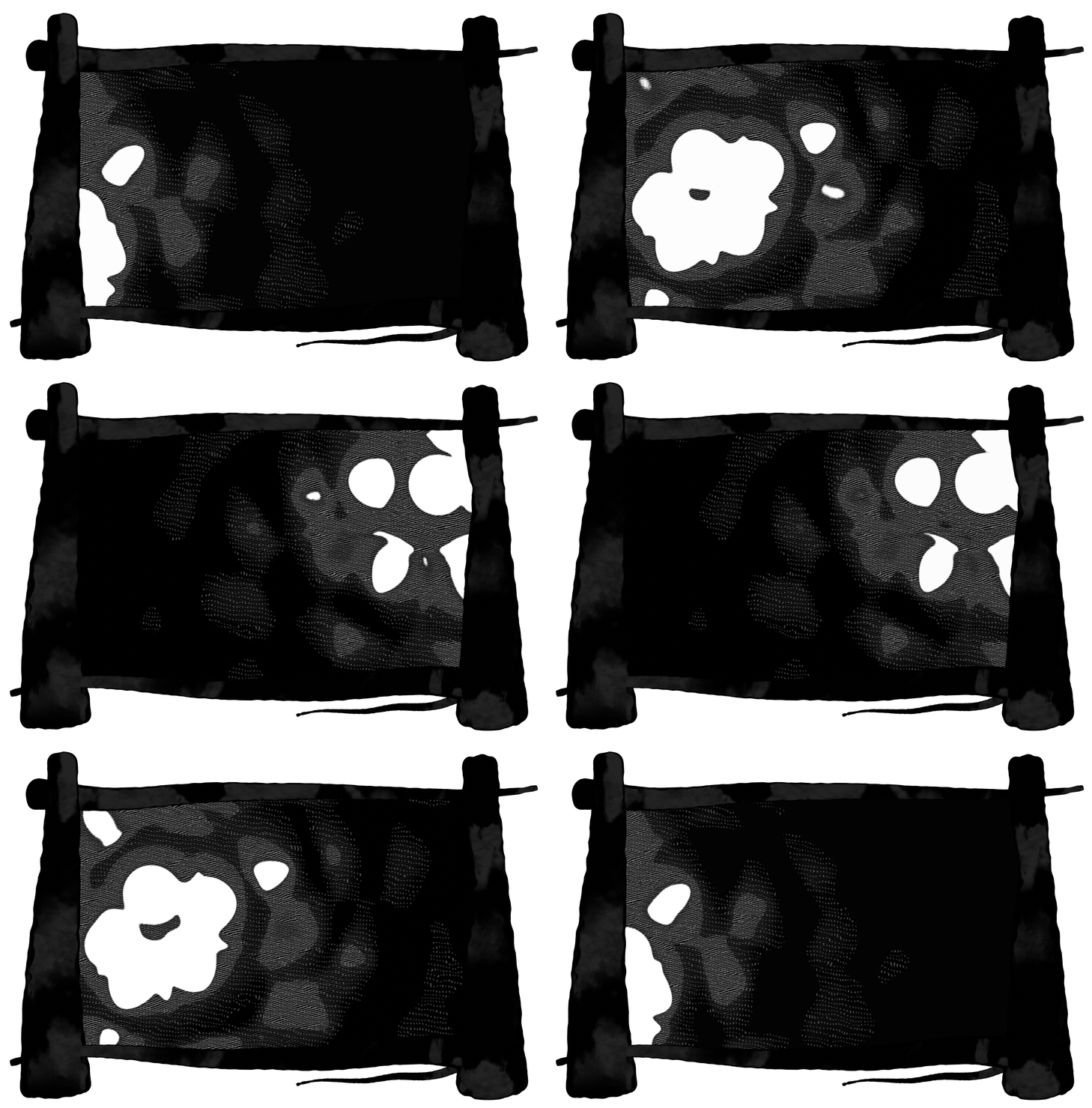
To enhance the muscles of Conan the Barbarian, you can use this retro comic shader. In a procedural way, it recreates the dense hatching style of hero comicbooks.
GOODPOINT SHADER
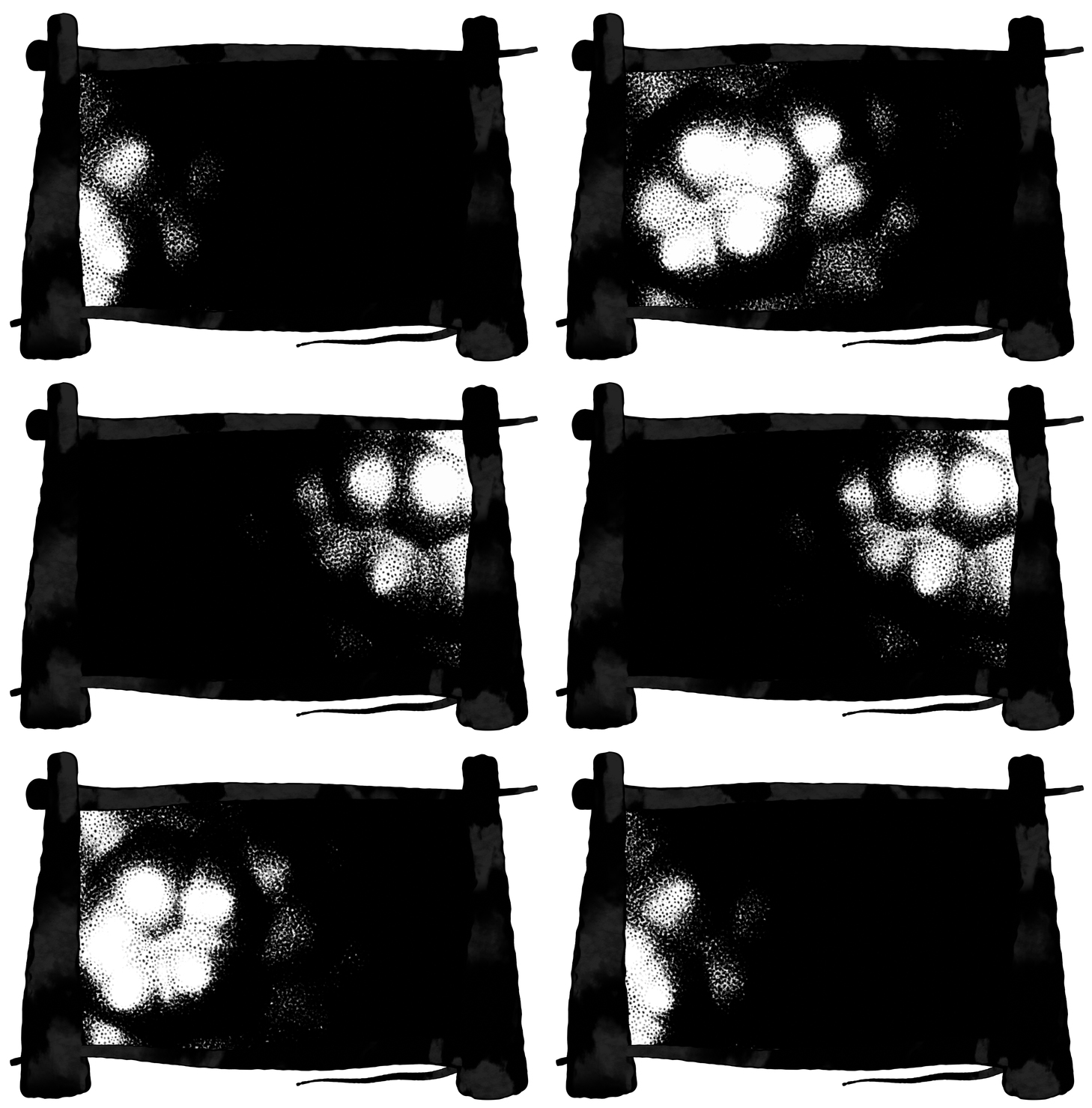
Using points to define your shapes could be a challenge, but not with the Goodpoint Shader. Basically, little dots will do the shadowing, but you can also change them to artistic lines and go in a more painted-like style. If it’s used only with black and white, it’s perfect for a more realistic and dark style. If used with color, you can create really cute and stylized stuff.
N-Menu Addon
discontinued, and obsolete in Inkwood 3.0 for Blender 4.0+, replaced by Asset Browser support
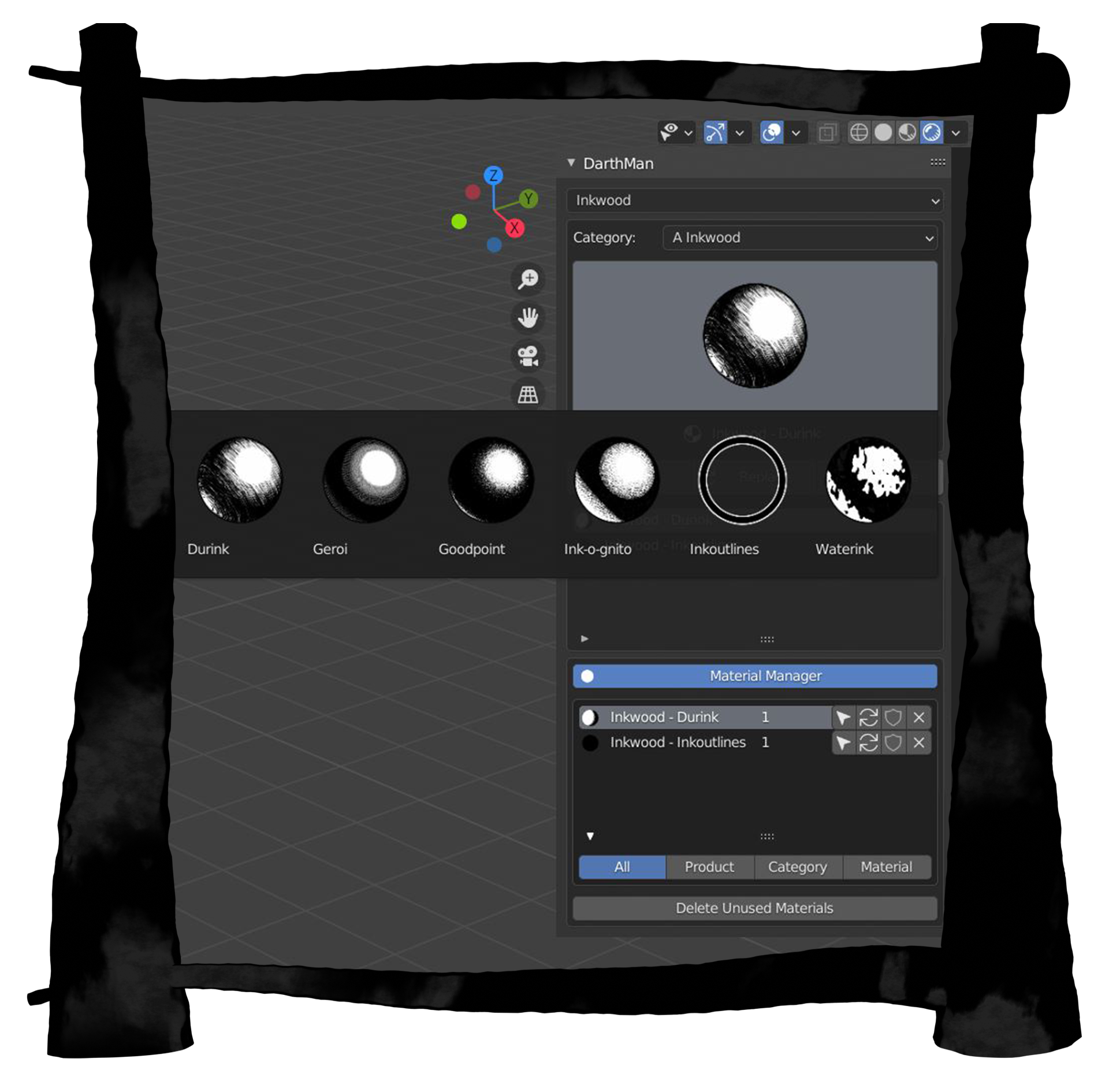
The 2.0 update added N-Menu Addon DarthManager, which allows you to add Inkwood materials to your scene without manual appending + offers a great Material Manager to keep track of all the imported material copies.
Making outlines is now super easy, there are material thumbnails and there are many small features to make your work more efficient. Check out the 2.0 documentation for more details!
WHY YOU MAY WANT IT?
- Real-time rendering – All shaders are made for Eevee
- No UV mapping
- Free updates lifelong (2.0 just arrived!)
- Easy setup – Shader nodes are easy to navigate and the main job is managing the lights
- Royalty-Free license
- Asset Browser support with custom icons
WHAT’S INCLUDED?
- 5 INK SHADERS + OUTLINE MATERIAL
- MONKEY SCENE – PREVIEW FILE, GOOD FOR TESTING
- INKWOOD SOURCE FOLDER – FOR THE ASSET BROWSER
- PDF DOCUMENTATION
ADDITIONAL INFO
Before using, please check the documentation. It will not only help you with the installation, but it will also give you some great headstart tips – how to set up the outlines and so on.
IMPORTANT:
- From Inkwood 3.0 (working with Blender 4.x+), the support for Darth Manager is discontinued, the workflow is replaced by future-proof Asset Browser support
- 1.0 and 2.0 work with Blender 2.8 – 3.x
- 3.0 works with Blender 4.0+, but is made in 5.0, meaning you have to resave the main file in the bridge version of 4.5 to make it work in lower 4.x versions
OTHER:
- The outlines are made with the Solidify trick.
- The shaders are made in Eevee, and they will probably NOT work well in Cycles.
- Every shader has a color input, so you can directly change white and black to whatever you want. Some
of them have additional coloring input / like Fresnel, AO, Mist or Artistic Tint. - The shaders are always only one node, so you can combine them and experiment!
Supercharge your 3D creation workflow with premium selection of Blender Add-ons. Whether you are modeling intricate characters, sculpting realistic environments, or animating cinematic sequences, the right add-on can transform how you work inside Blender. Our curated collection includes powerful tools for UV unwrapping, procedural texture generation, rigging automation, rendering optimization, and more—each rigorously tested for compatibility with the latest Blender versions. Eliminate tedious manual processes and unlock advanced functionality that lets you focus on what matters most: bringing your creative vision to life. Explore our full range of professional Blender plugins today and take your 3D projects to the next level.
➡️ ➡️ For more Blender Plugins 😀 😀
Reviews
There are no reviews yet.