
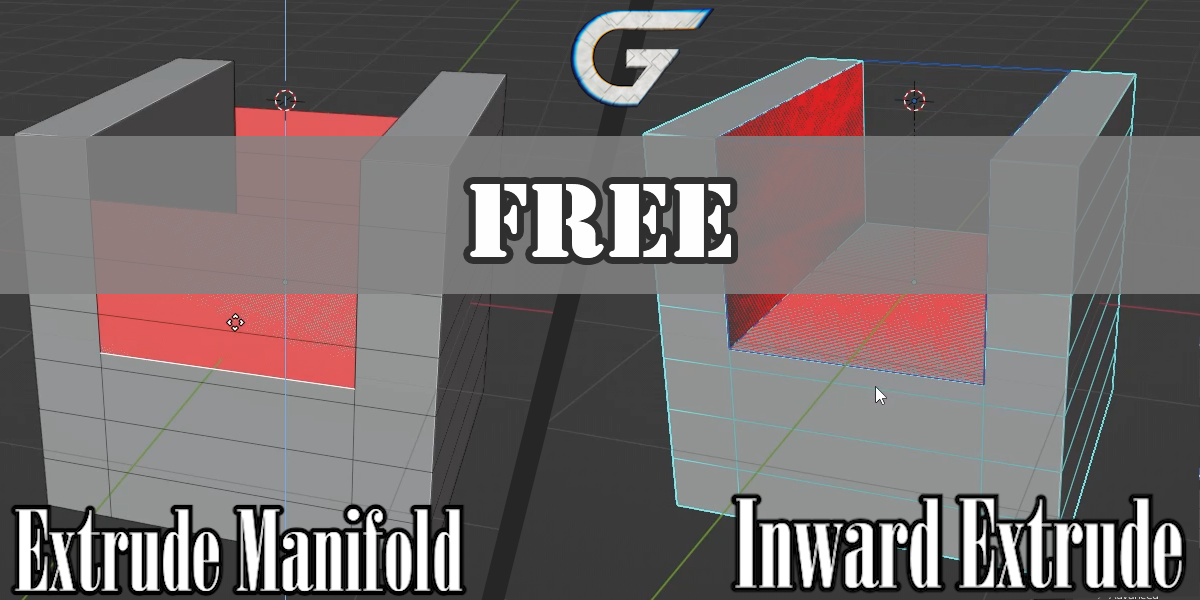
Inward Extrude for Blender
Inward Extrude v1.0.3 for Blender – The Ultimate Recessed Detail & Paneling Tool
Download Inward Extrude v1.0.3 for Blender on Windows and Mac, a specialized modeling addon designed to solve one of the most tedious tasks in hard-surface modeling: creating clean, recessed panels, vents, grooves, and indented details. Unlike standard extrusion which often requires manual beveling and vertex merging to look correct, Inward Extrude automates the entire process, generating perfect inset geometry with controlled depth, bevels, and topology flow in a single non-destructive operation.
Key Features of Inward Extrude v1.0.3:
- One-Click Recess Generation: Select any face or group of faces and instantly create a sunken panel with adjustable depth, automatically handling the complex topology required for clean corners.
- Parametric Bevel Control: Includes built-in bevel sliders for both the inner edge (bottom of the recess) and outer edge (rim of the panel), allowing you to create sharp mechanical cuts or soft, worn edges without adding extra modifiers.
- Smart Topology Flow: Automatically generates quads and maintains edge loops around the extruded area, ensuring the mesh remains subdivision-ready and deformation-friendly for animation.
- Variable Depth Mapping: Use vertex groups or texture maps to control the depth of the extrusion across different areas, creating tapered grooves, dished surfaces, or organic indentations.
- Profile Shaping: Choose from multiple profile shapes including Flat, Concave, Convex, Stepped, and Chamfered, enabling diverse styles from sci-fi armor plating to architectural molding.
- Non-Destructive Workflow: Built entirely on Geometry Nodes or Modifier stacks (depending on implementation), allowing you to tweak depth, bevel size, and profile shape at any time before final application.
- Boolean-Free Operation: Creates recessed details without using destructive Boolean operations, eliminating common issues like ngons, shading artifacts, and broken UVs.
- Batch Processing: Apply inward extrusions to multiple selected faces simultaneously, with options to randomize depth or bevel values for a more natural, less “CG-perfect” look.
- UV Preservation: Intelligently unwraps the new geometry to minimize texture stretching, keeping UV islands aligned with the surrounding mesh for easy texturing.
- Crease & Sharp Edge Support: Automatically applies crease values or marks edges as sharp based on your settings, streamlining the workflow for Subdivision Surface or Hard Ops workflows.
Perfect For:
- Hard-Surface Modelers creating sci-fi armor, robot skins, vehicle panels, and mechanical props with intricate recessed details.
- Architectural Visualizers modeling waffle slabs, coffered ceilings, recessed lighting fixtures, and decorative wall moldings.
- Product Designers prototyping consumer electronics, buttons, speaker grilles, and ventilation slots with precise manufacturing tolerances.
- Game Artists generating low-poly optimized recessed details that bake cleanly into normal maps.
- Jewelry Designers creating engraved settings, bezel cuts, and textured metal surfaces.
- Anyone frustrated by the manual steps of Inset > Extrude > Bevel > Merge vertices to create a simple hole or panel.
System Requirements:
- Blender: 3.6, 4.0, 4.1, 4.2, 4.3, 4.4+ (Latest LTS recommended).
- OS: Windows 10/11 (64-bit) or macOS 10.15+.
- RAM: 8GB minimum (16GB+ recommended for high-density paneling on complex meshes).
- No external dependencies required.
Installation:
- Download the Inward Extrude v1.0.3
.zipfile. - Open Blender and go to Edit > Preferences > Add-ons.
- Click Install…, select the downloaded file, and enable the checkbox next to Mesh: Inward Extrude.
- Access via the Face Context Menu (Right-Click in Edit Mode) > Inward Extrude or the dedicated panel in the 3D Viewport Sidebar (N-panel) under the Modeling tab.
What’s New in v1.0.3?
- Topology Fix: Resolved a rare issue where non-planar faces would generate twisted geometry; the algorithm now projects vertices more accurately to the surface normal.
- Bevel Segment Control: Added independent control for the number of segments on inner vs. outer bevels, allowing for smoother curves on wide rims while keeping tight corners sharp.
- Depth Limiters: New “Clamp Depth” feature prevents the extrusion from passing through the back of thin meshes, avoiding self-intersection errors.
- Performance Optimization: Rewrote the calculation engine for faster execution on high-poly meshes with hundreds of selected faces.
- Blender 4.4 Compatibility: Full support for the latest Mesh API changes and Geometry Nodes updates in Blender 4.4.
Note:
Inward Extrude v1.0.3 is a game-changer for kitbashing and modular design. By allowing you to create consistent, parametric recessed details quickly, it ensures that all your panels, vents, and hatches share the same bevel radius and depth logic, resulting in a cohesive, professional look. The addon also features a “Randomize” mode specifically for wear-and-tear, letting you slightly vary the depth of adjacent panels to simulate manufacturing imperfections or battle damage. Whether you are modeling a sleek spaceship hull or a gritty industrial floor, Inward Extrude provides the precision and speed needed for high-quality hard-surface work.
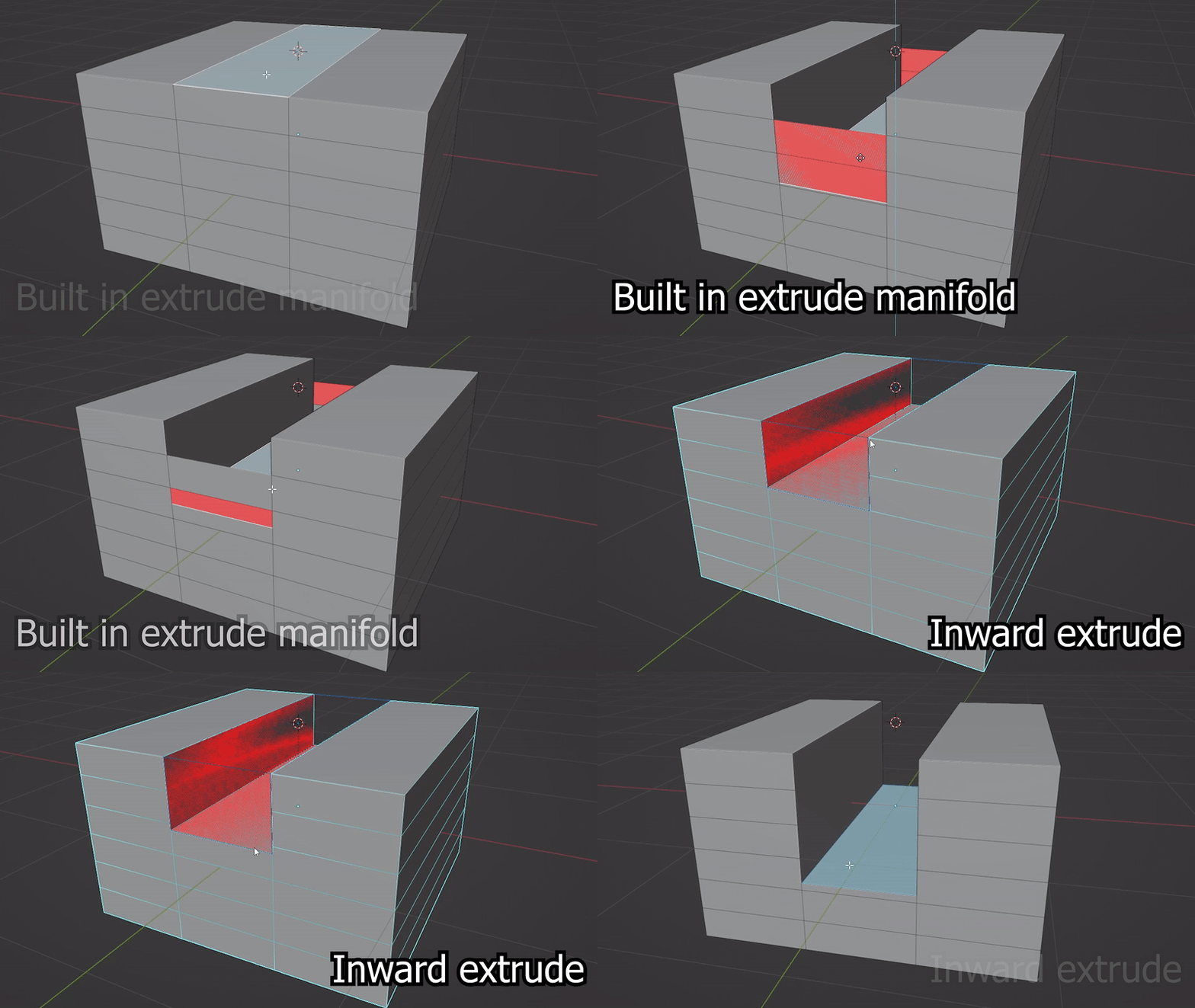
Press Ctrl + Shift + E in edit mode with one or multiple faces selected to destructively cut into the mesh
You can also access it from the Extrude Menu by pressing Alt + E
Supercharge your 3D creation workflow with premium selection of Blender Add-ons. Whether you are modeling intricate characters, sculpting realistic environments, or animating cinematic sequences, the right add-on can transform how you work inside Blender. Our curated collection includes powerful tools for UV unwrapping, procedural texture generation, rigging automation, rendering optimization, and more—each rigorously tested for compatibility with the latest Blender versions. Eliminate tedious manual processes and unlock advanced functionality that lets you focus on what matters most: bringing your creative vision to life. Explore our full range of professional Blender plugins today and take your 3D projects to the next level.
➡️ ➡️ For more Blender Plugins 😀 😀
Reviews
There are no reviews yet.