
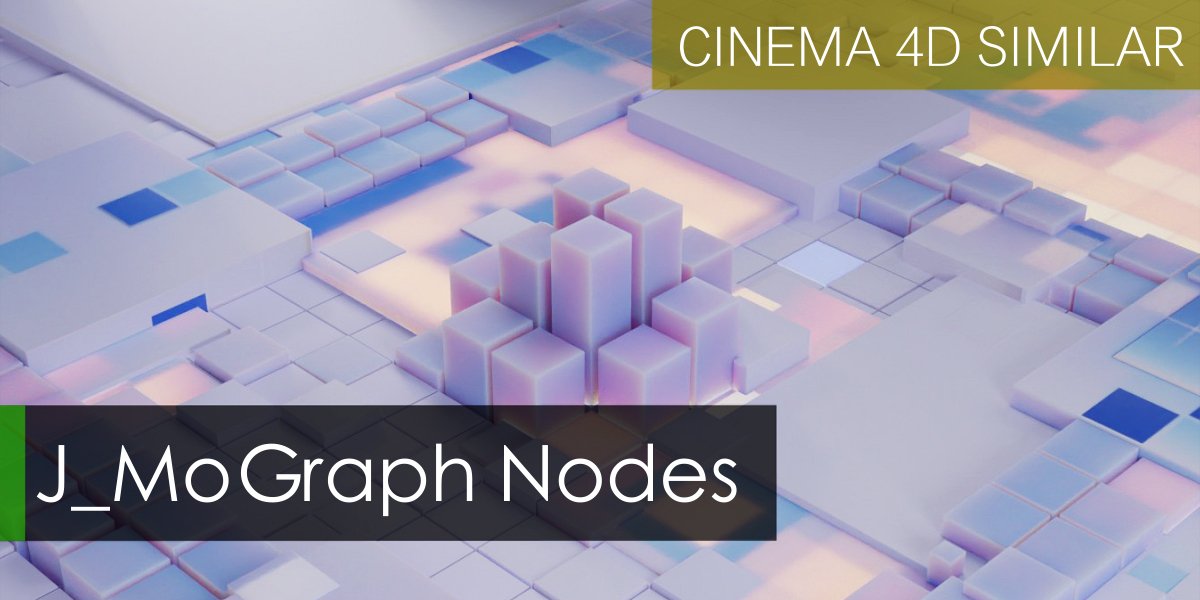
J-Mograph for Blender
j mograph addon
J-Mograph for Blender – Professional Motion Graphics & Animation Toolkit
Download J-Mograph for Blender on Windows, Mac, and Linux, a powerful motion graphics add-on that brings professional mograph tools to Blender. Create dynamic animations, clone objects along paths, generate procedural arrays, and build complex motion graphics systems with intuitive controls—perfect for motion designers, VFX artists, and animators .
Key Features of J-Mograph:
- Cloner System: Clone objects in grids, radial arrays, linear sequences, or along custom curves with full control over count, spacing, and transformation
- Effector System: Apply effectors to control clones with fields, falloffs, and modifiers—transform, scale, rotate, and color based on position, time, or custom parameters
- MoGraph Tools: Professional motion graphics tools including randomizers, time offsets, color shaders, and animation baking
- Object Along Path: Animate objects along curves with adjustable speed, banking, and orientation controls
- Spline Wrapper: Deform objects along curves for ribbon effects, text on paths, and flowing graphics
- Matrix System: Create complex arrays of objects with intelligent instance management for efficient rendering
- Animation Baking: Convert procedural animations to keyframes for export and further refinement
- Real-Time Preview: See motion graphics updates instantly in the viewport
- Performance Optimized: Efficient instance handling for thousands of objects
Perfect For:
- Motion graphics designers creating dynamic animations and visual effects
- VFX artists building complex particle and clone systems
- Game developers creating procedural environments and object arrays
- Title sequence designers building dynamic typography animations
- Anyone wanting professional mograph tools in Blender
System Requirements:
- Blender 3.0, 3.1, 3.2, 3.3, 3.4, 3.5, 3.6, 4.0, 4.1, 4.2, 4.3
- Windows 10/11 (64-bit), macOS, or Linux
- 4GB RAM minimum (8GB+ recommended)
- 30MB available disk space
Installation:
- Download the add-on zip file
- In Blender, go to Edit > Preferences > Add-ons
- Click “Install” and select the downloaded zip file
- Enable the add-on by checking the box next to “J-Mograph”
Note: J-Mograph brings professional motion graphics capabilities to Blender, with a powerful cloner system, effector controls, and motion graphics tools that rival dedicated mograph software . The intuitive workflow and real-time preview make it essential for motion designers, VFX artists, and animators . Perfect for creating dynamic animations, title sequences, and complex object arrays . Designed for Blender 3.0 and above . Ideal for both beginners and professionals .
Create MoGraph Effects in Blender
The basic idea of course came from Cinema 4D most featured MoGraph system, which is very powerful, and I realized that there was a serious need for such a tool in blender.
This node pack fills the need for a similar tool in Blender, aiding in the rapid creation of clones.
How Does It Work?
2 – 3 stepsto create a common MoGraph effects in Geometry nodes.
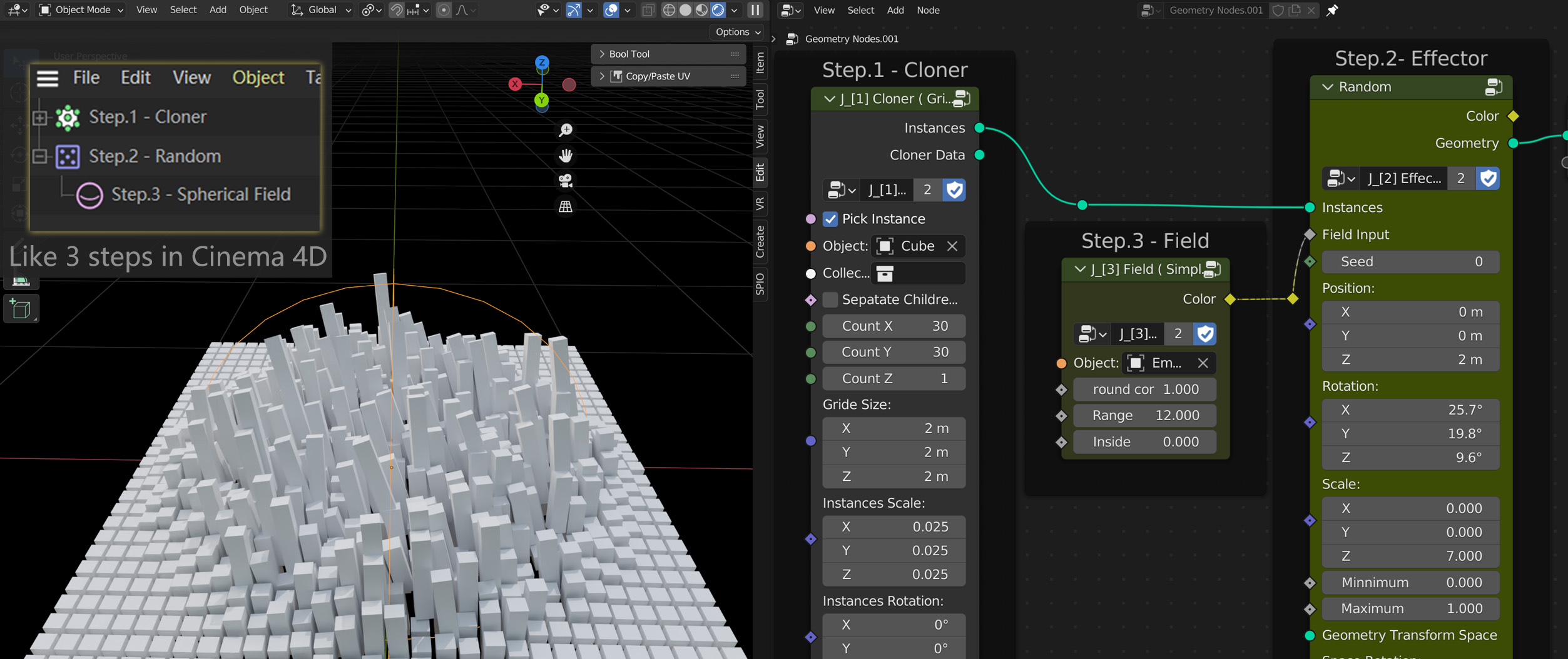
Create Cloner Process:
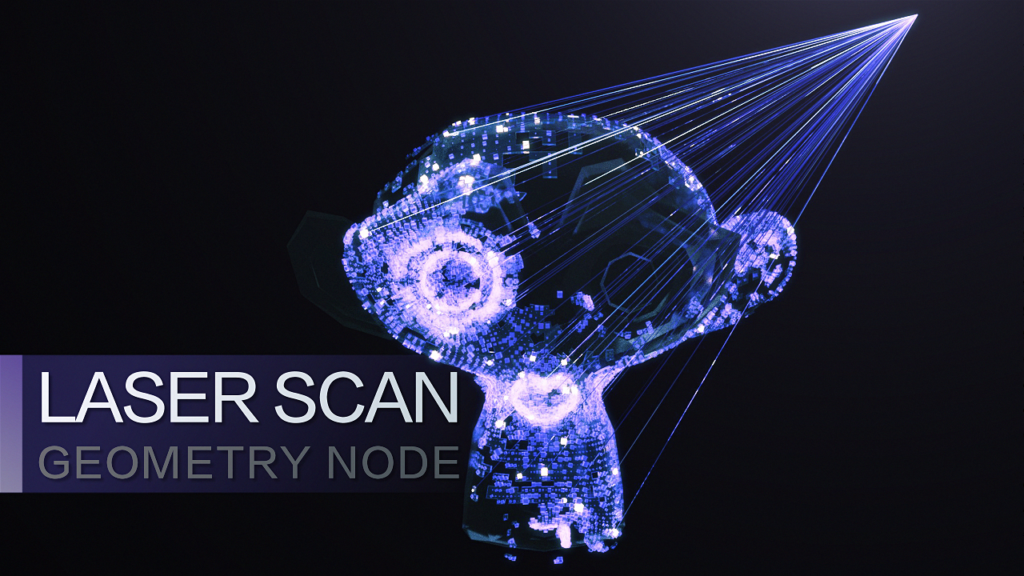
Laser Scanning Effects
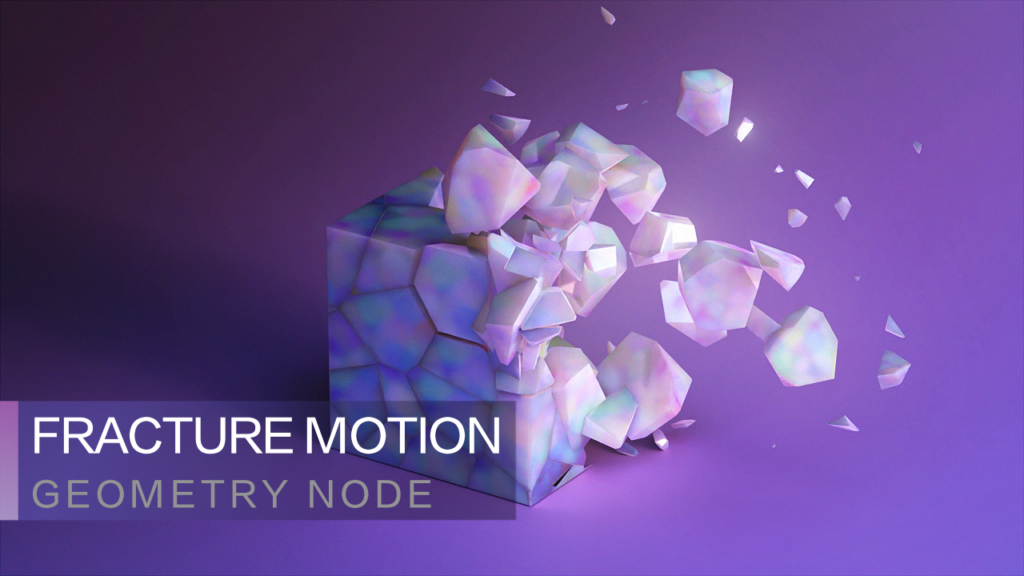
Motion of Fracture Collection
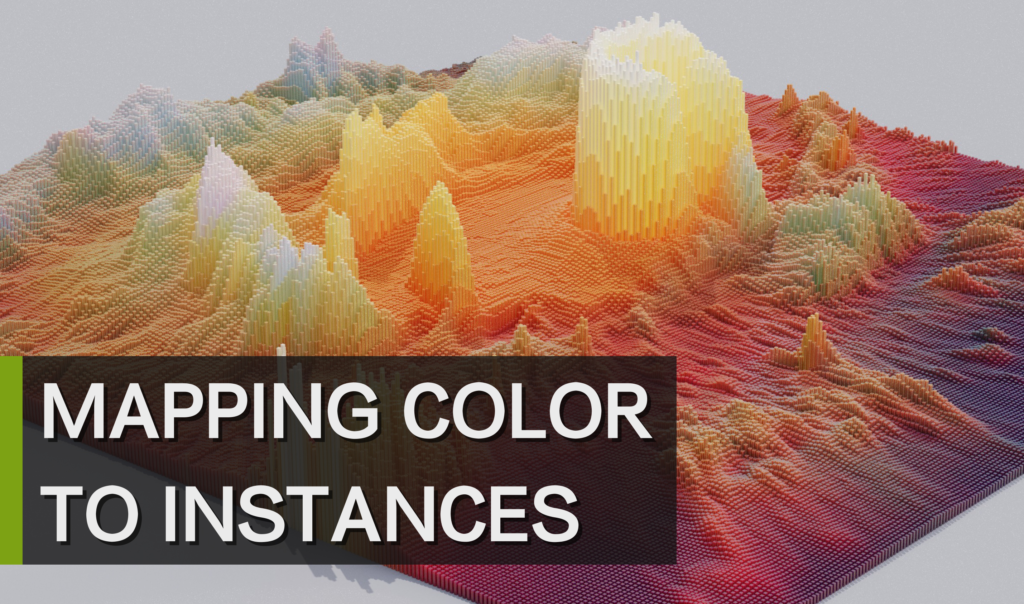
Mapping Image Color To Instances Process:
(This is a beta version of attribute color node)
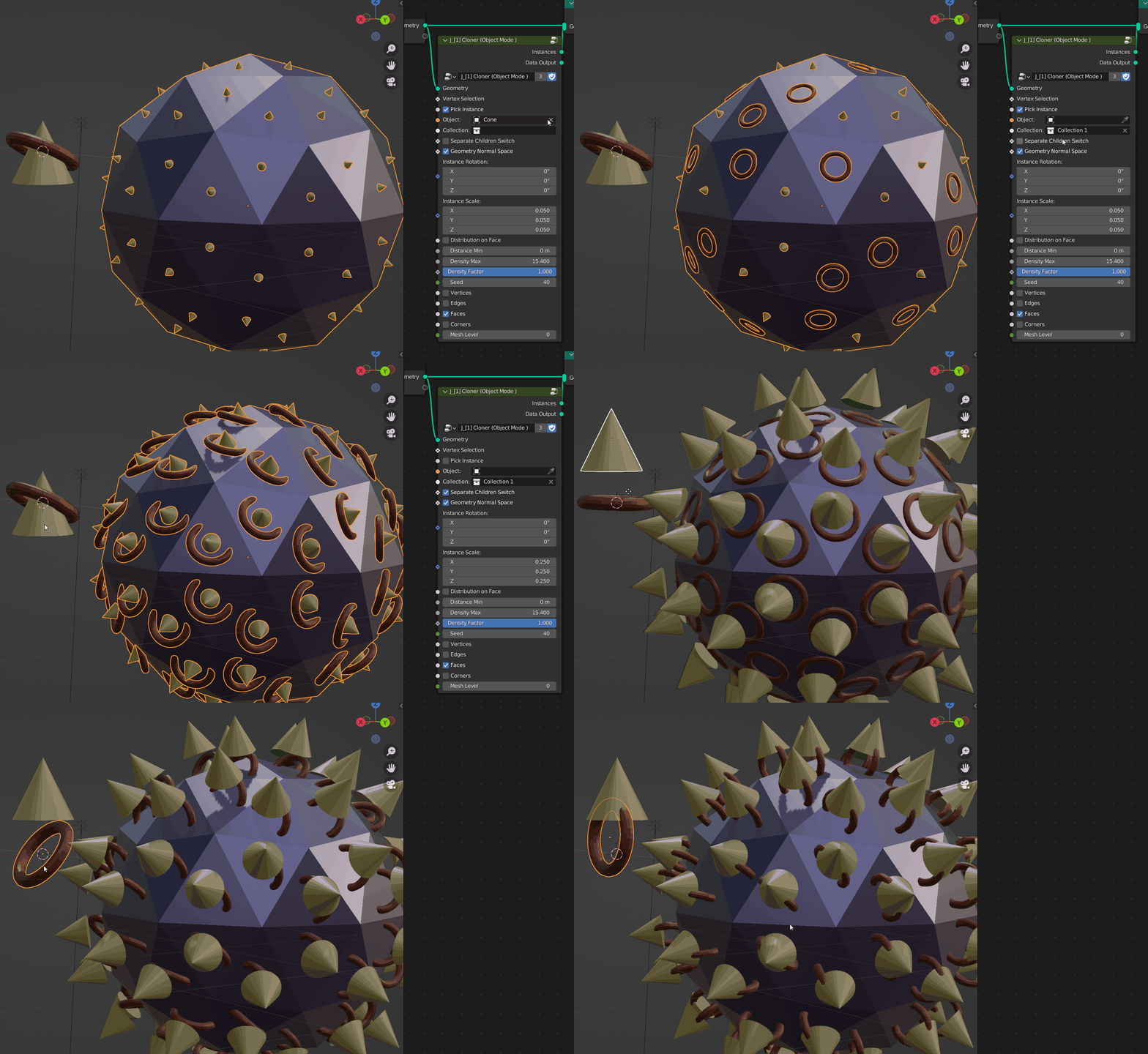
[1] CLONER MODE
Grid Mode – Grid Mode same as Cinema 4D classic Grid Mode
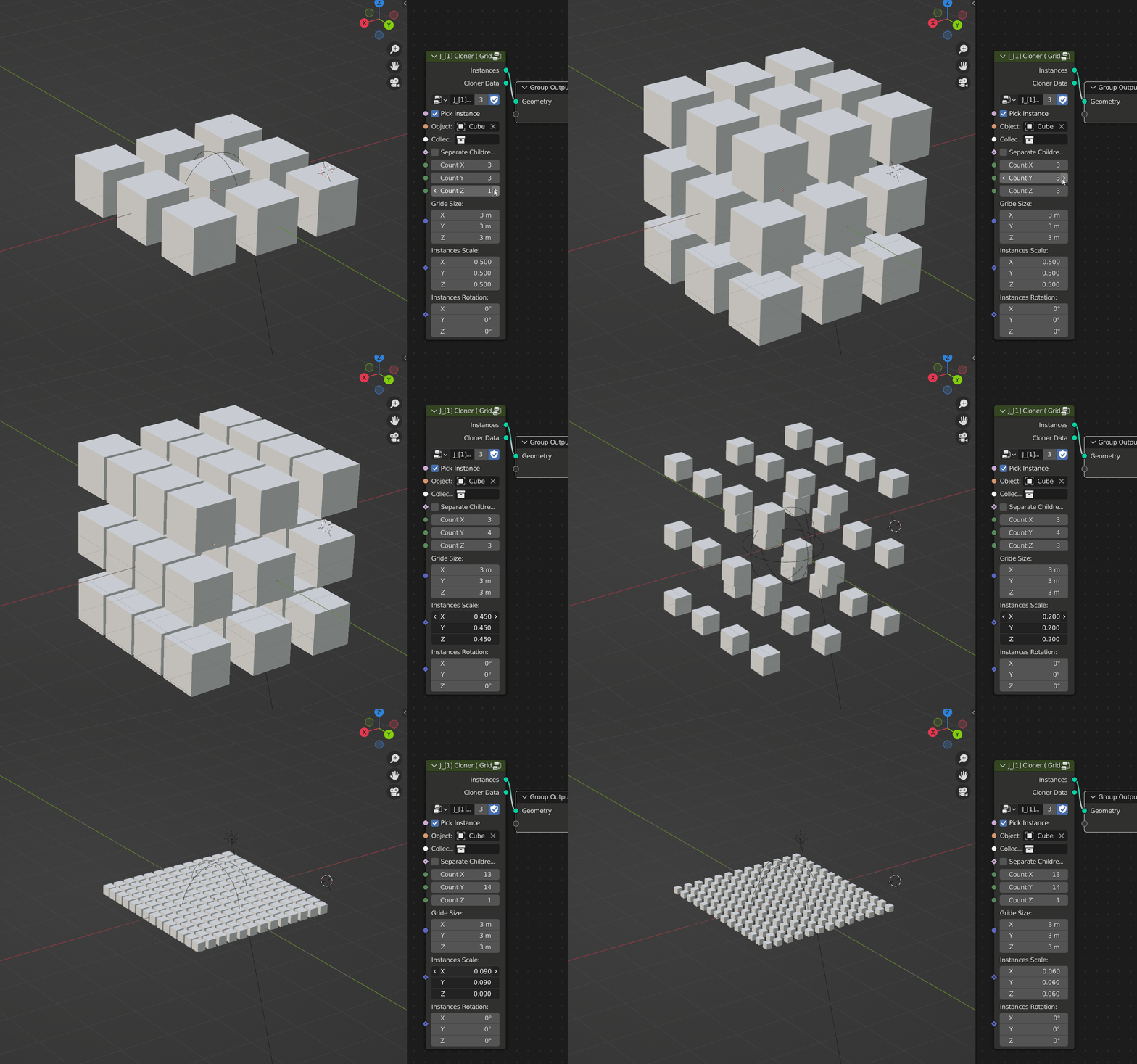
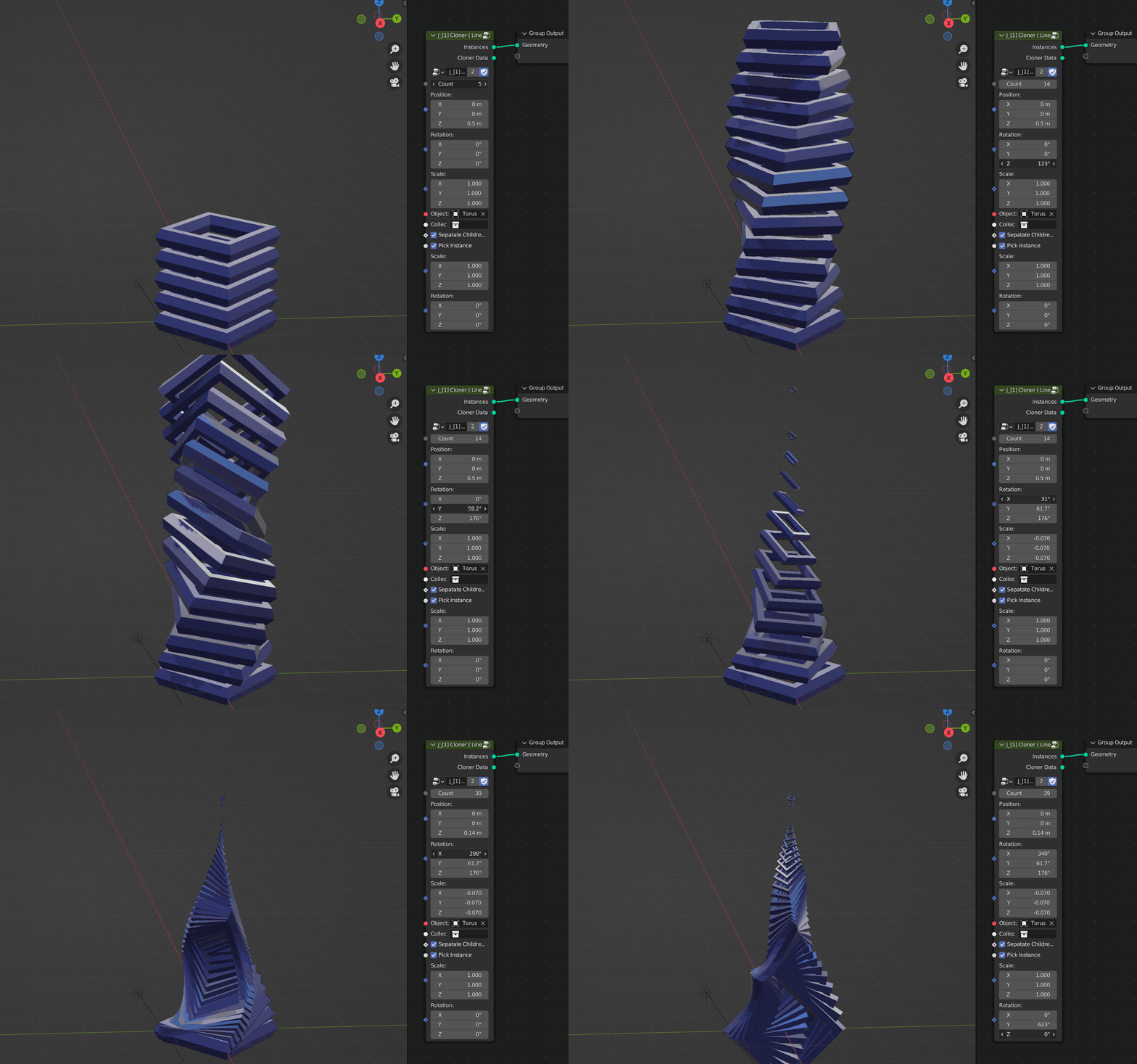
Linear Mode – same as Cinema 4D classic Linear Mode
Object Mode – Can use the geometric normal space to define the rotation axis of the instance.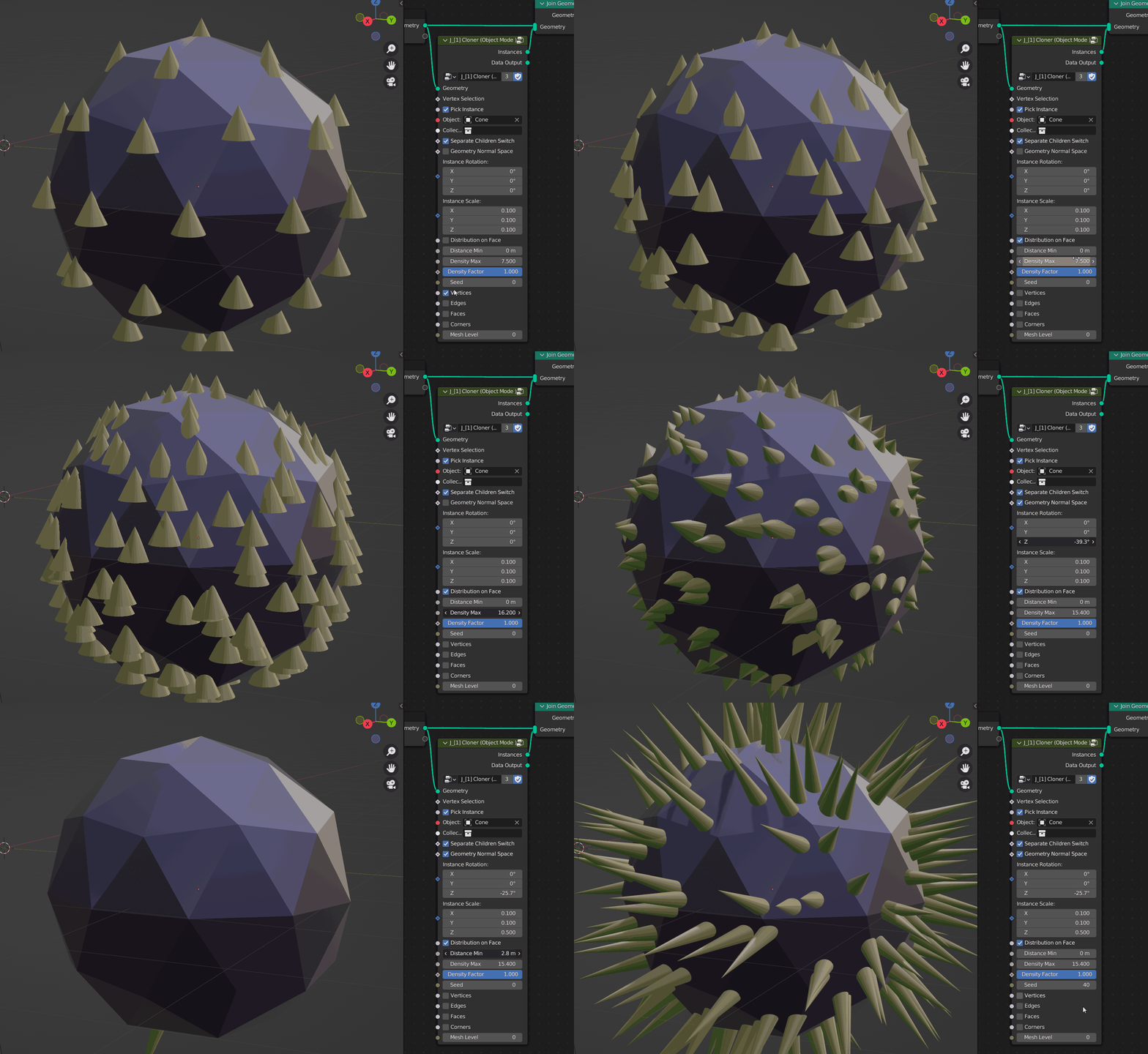
Definition Instance:
- Pick to instances or keep original.
- Collection to instances.
- Separate Collection Switch.
[2] EFFECTOR TYPE
Effector is to control the transform of instances
Random Effector – The random effector affects the values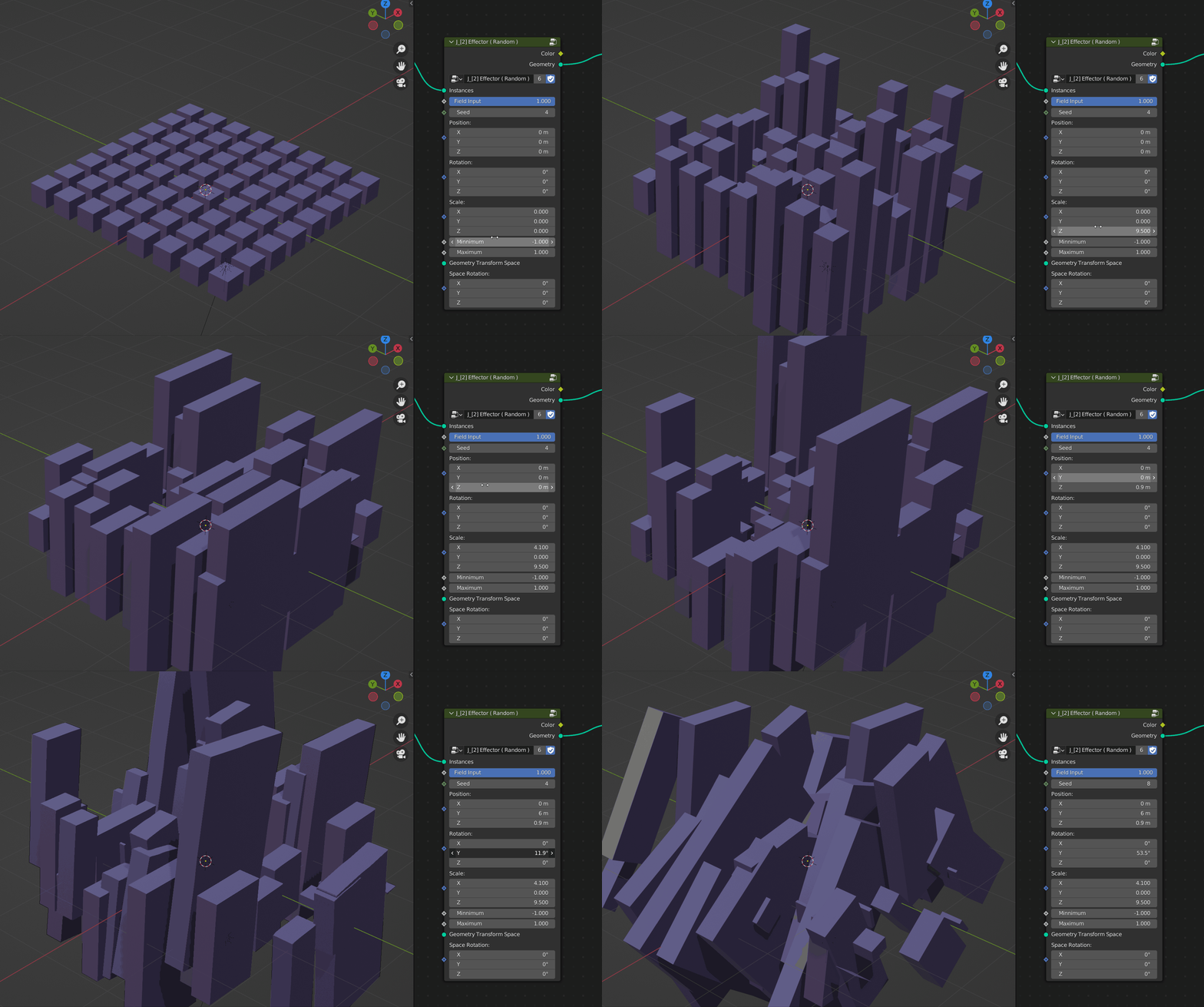
Noise Tex Effector – The noise effector affects the values in space through a noise node.
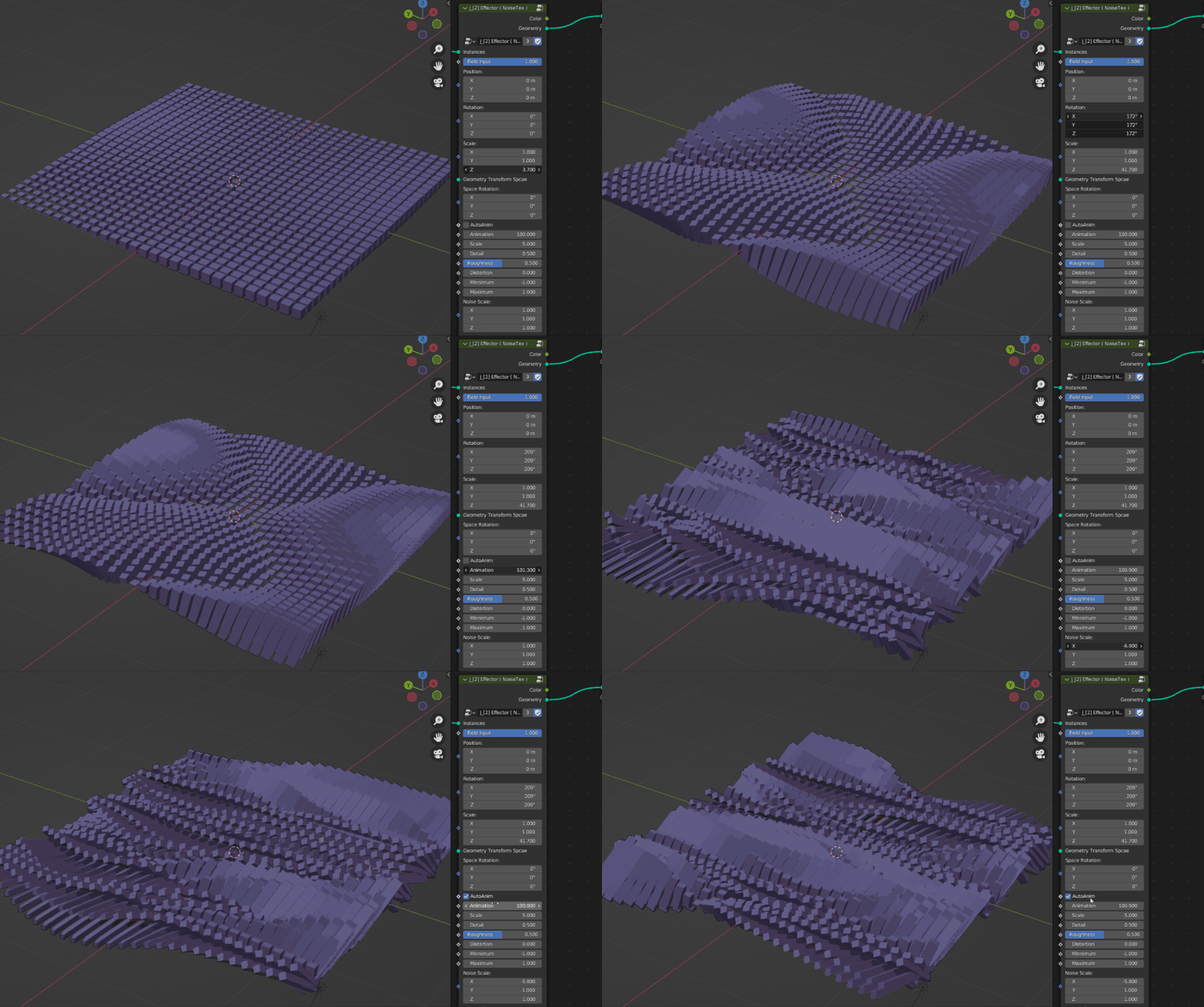
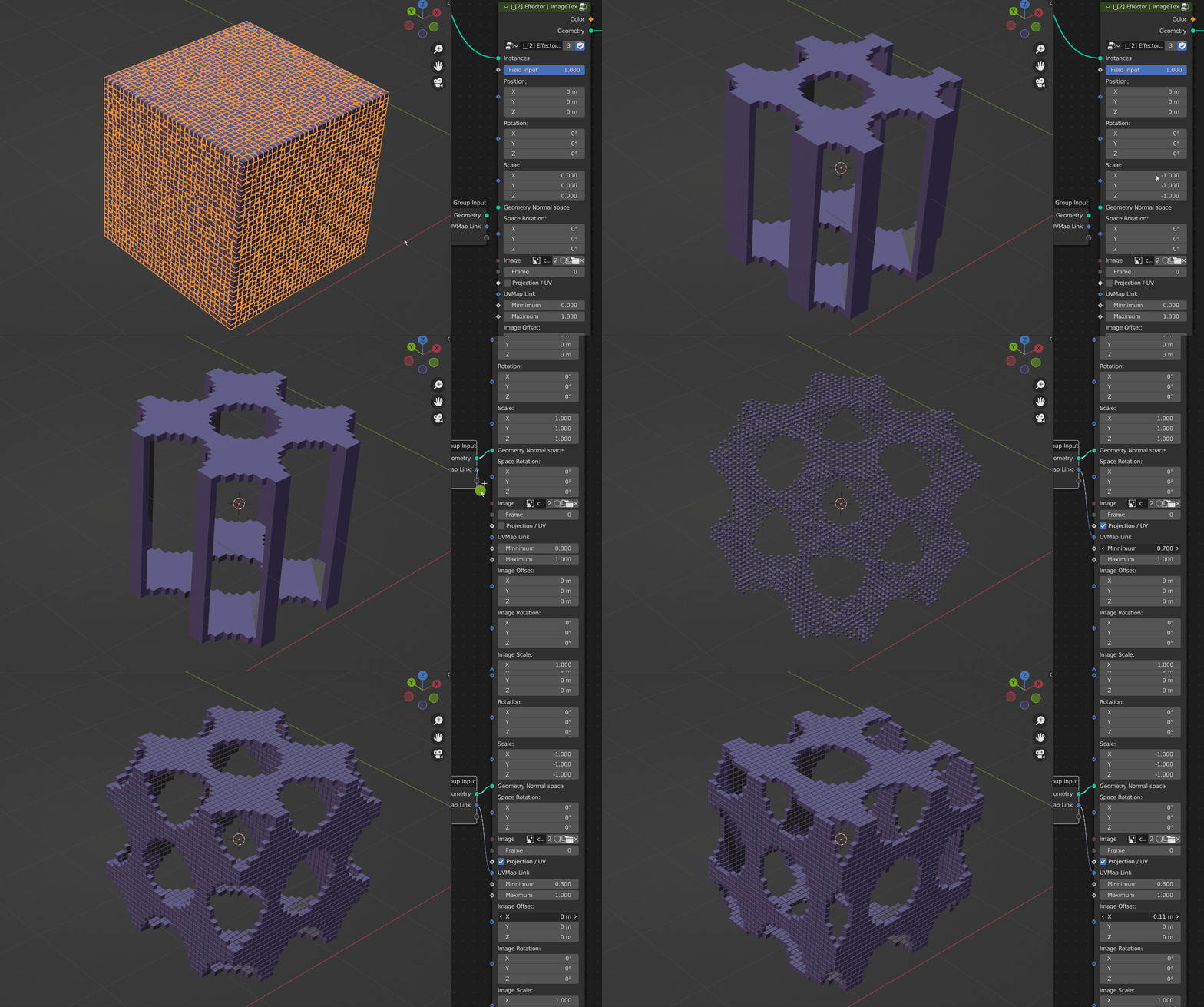
Image Tex Effector – Effects the value in space.
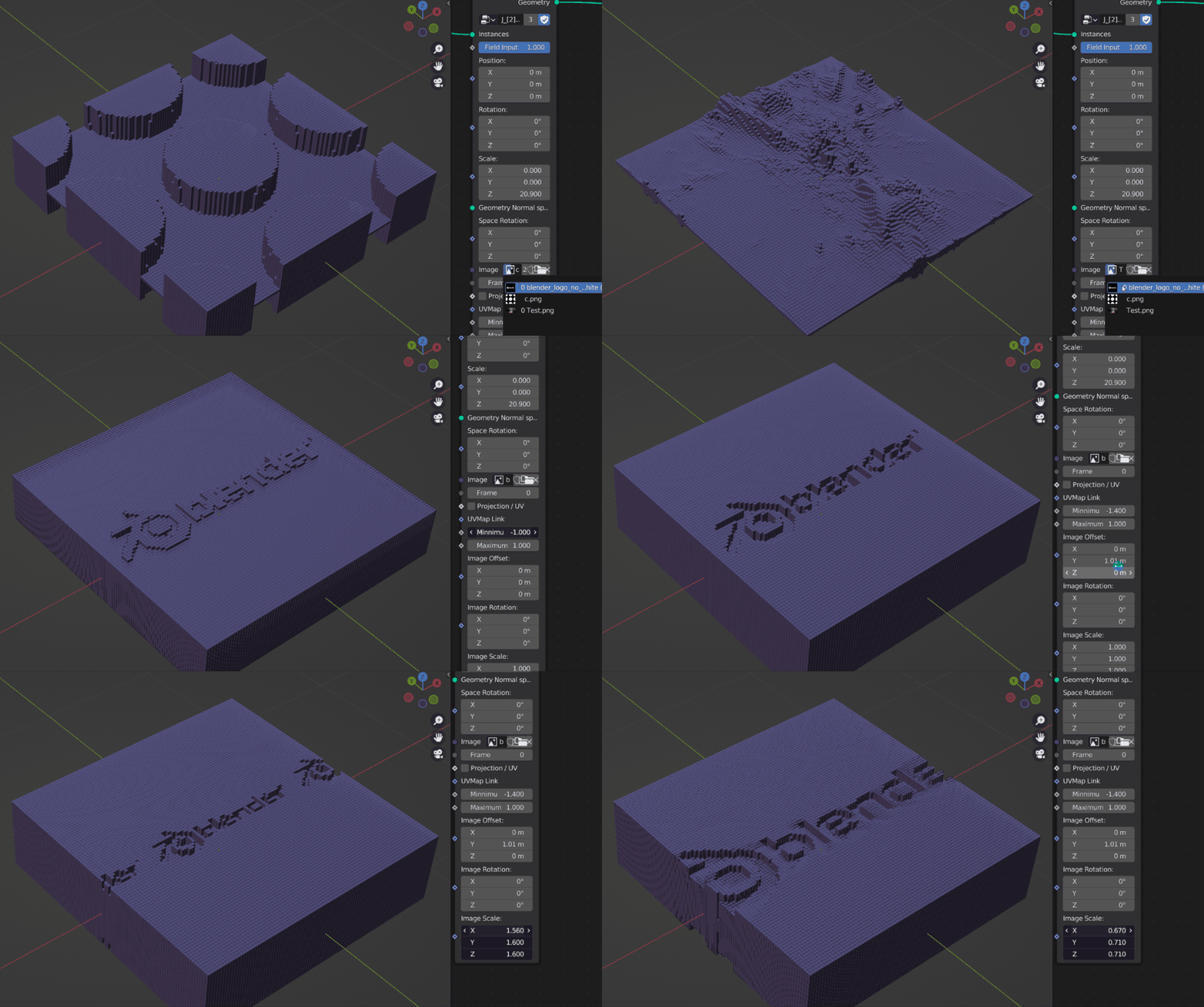
Image Tex in UVMap Space
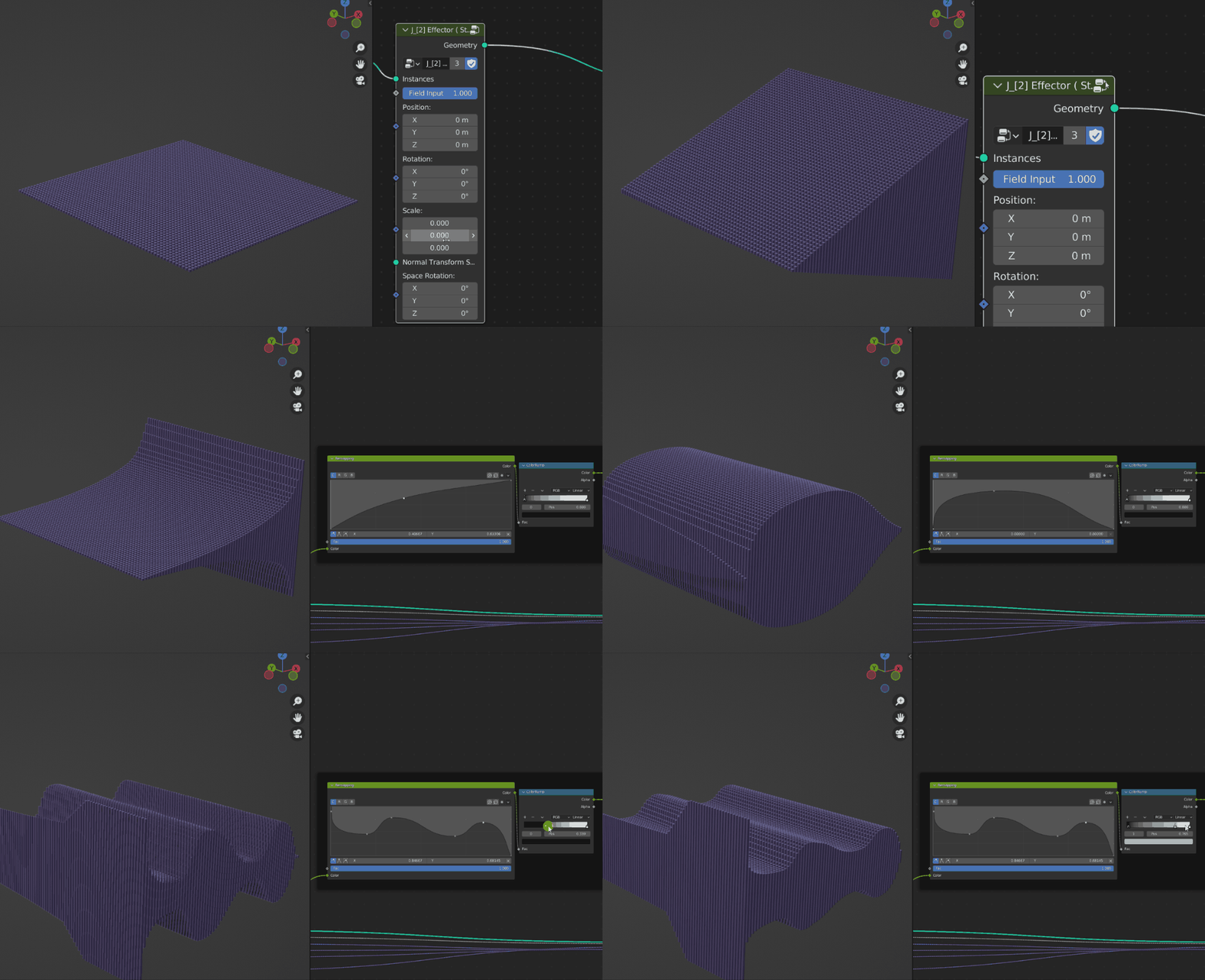
Step Effector – The step of change of the value is based on the Index order of the instance.Press TAB after selecting the node to get more control.
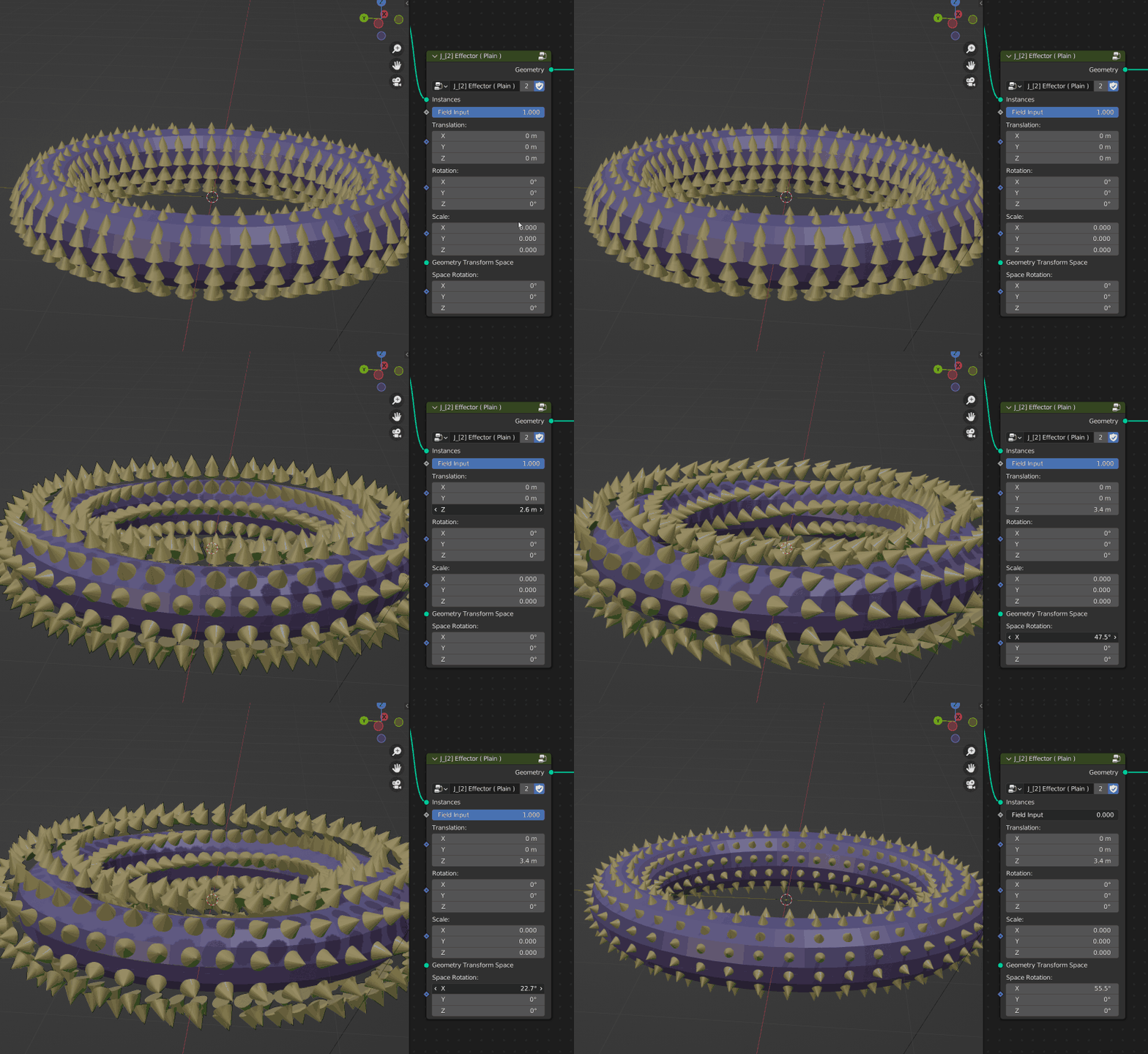
Plain Effector – Make base movement changes to the instance.
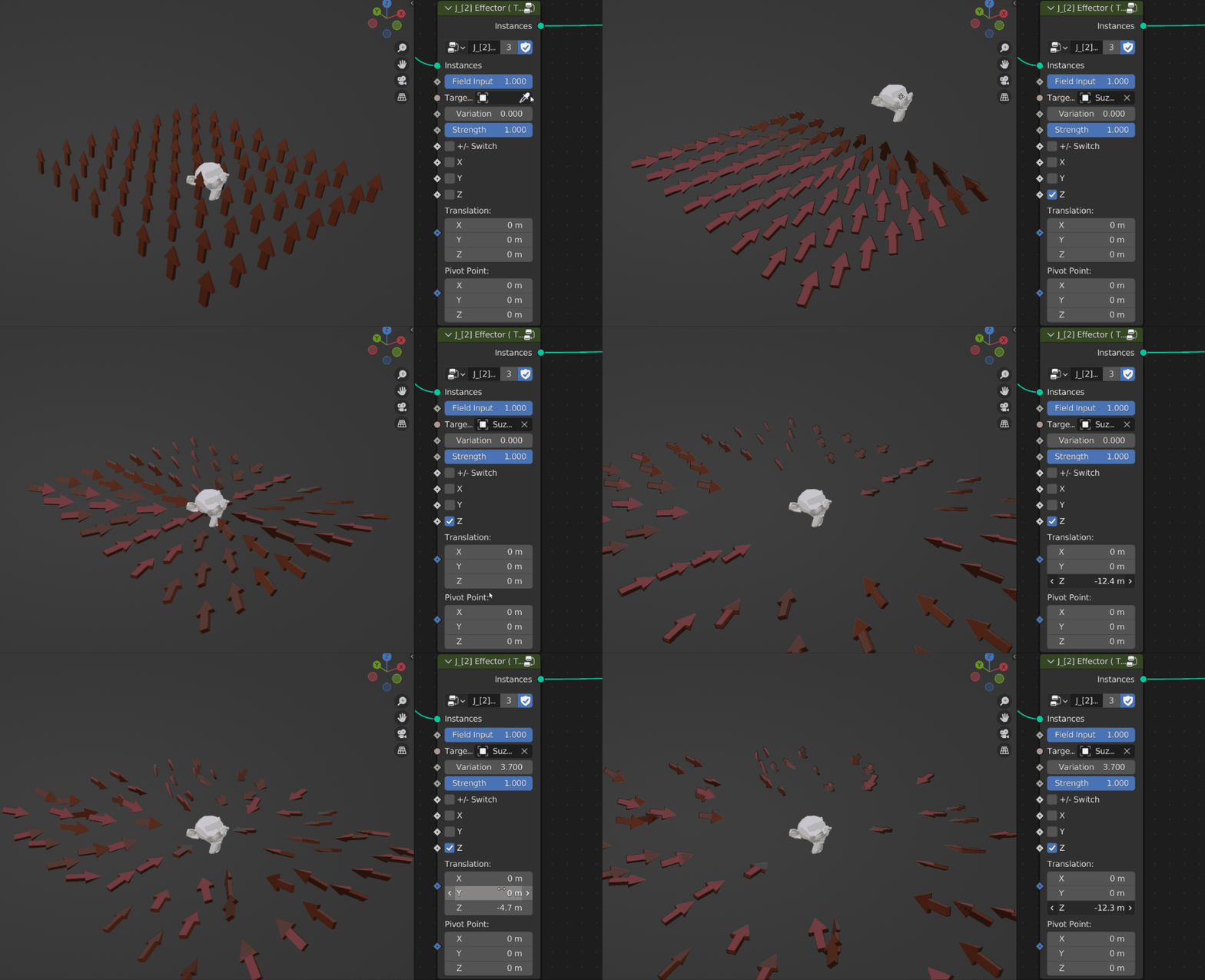
Target Effector – Orient the axes of the instance towards the target
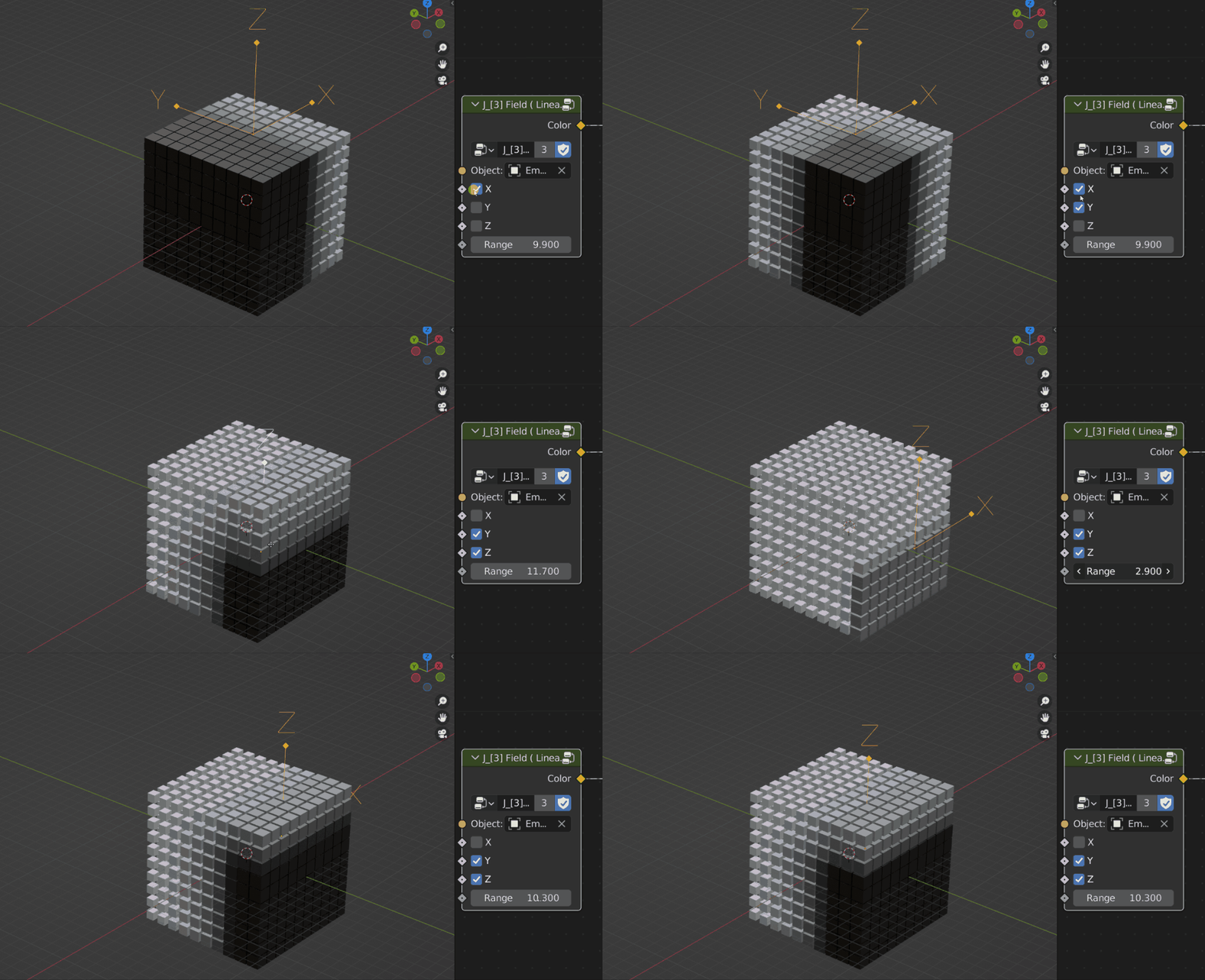
[3] FIELD CONTROL
All field nodes can be combined and more adjusted,such as RGB Mix,ColorRamp,RGB Curves, etc.
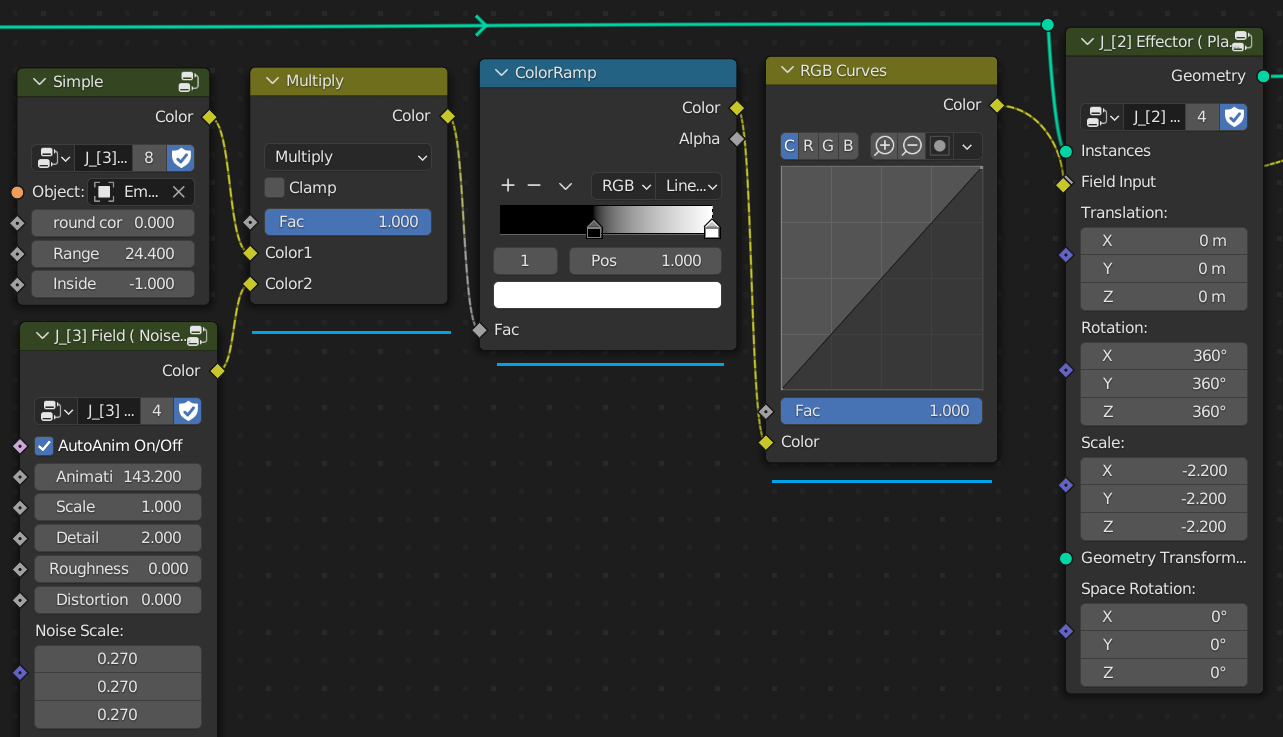
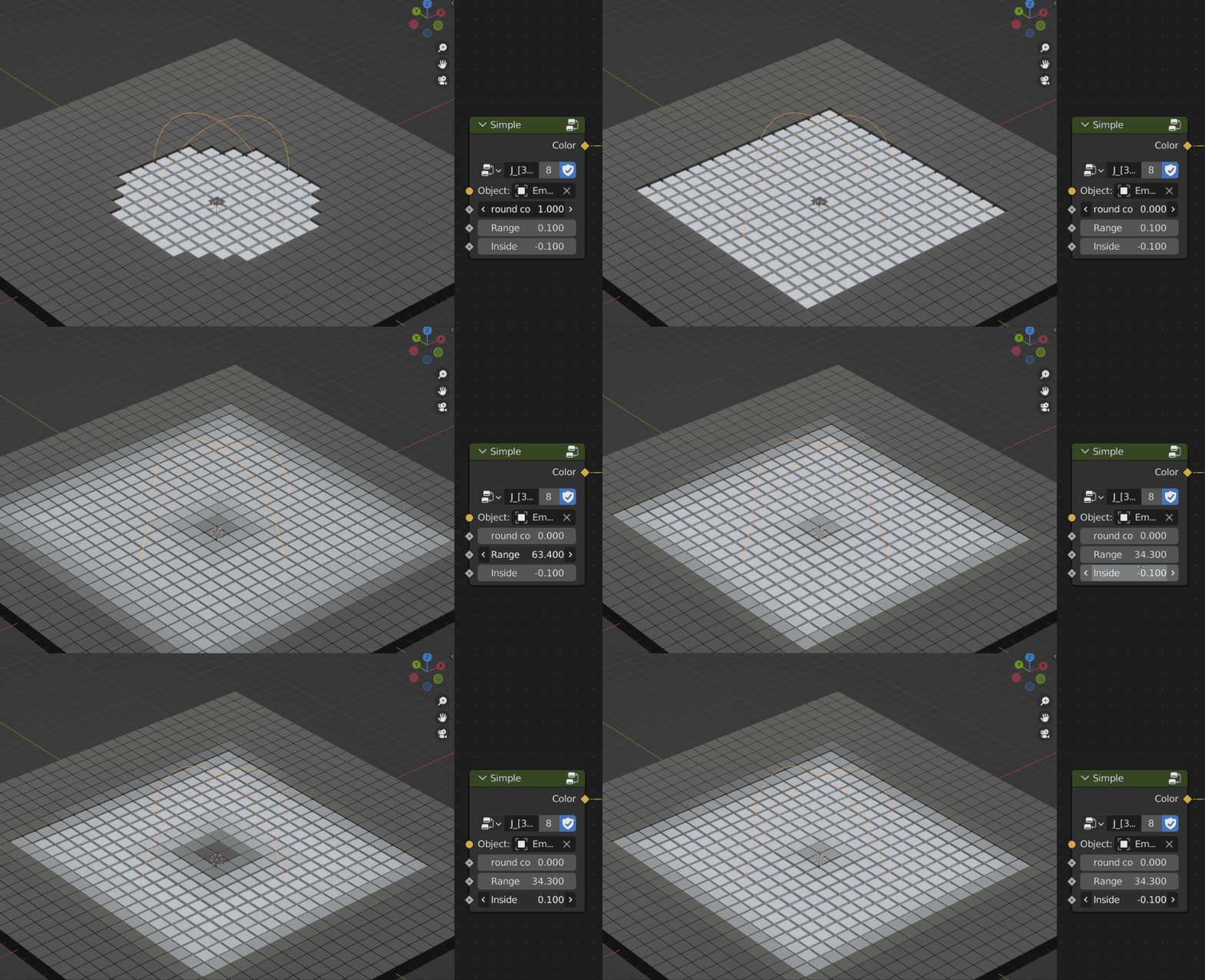
Simple – Usually controls with an empty object and can change the appearance to a sphere or cube with rounded controls
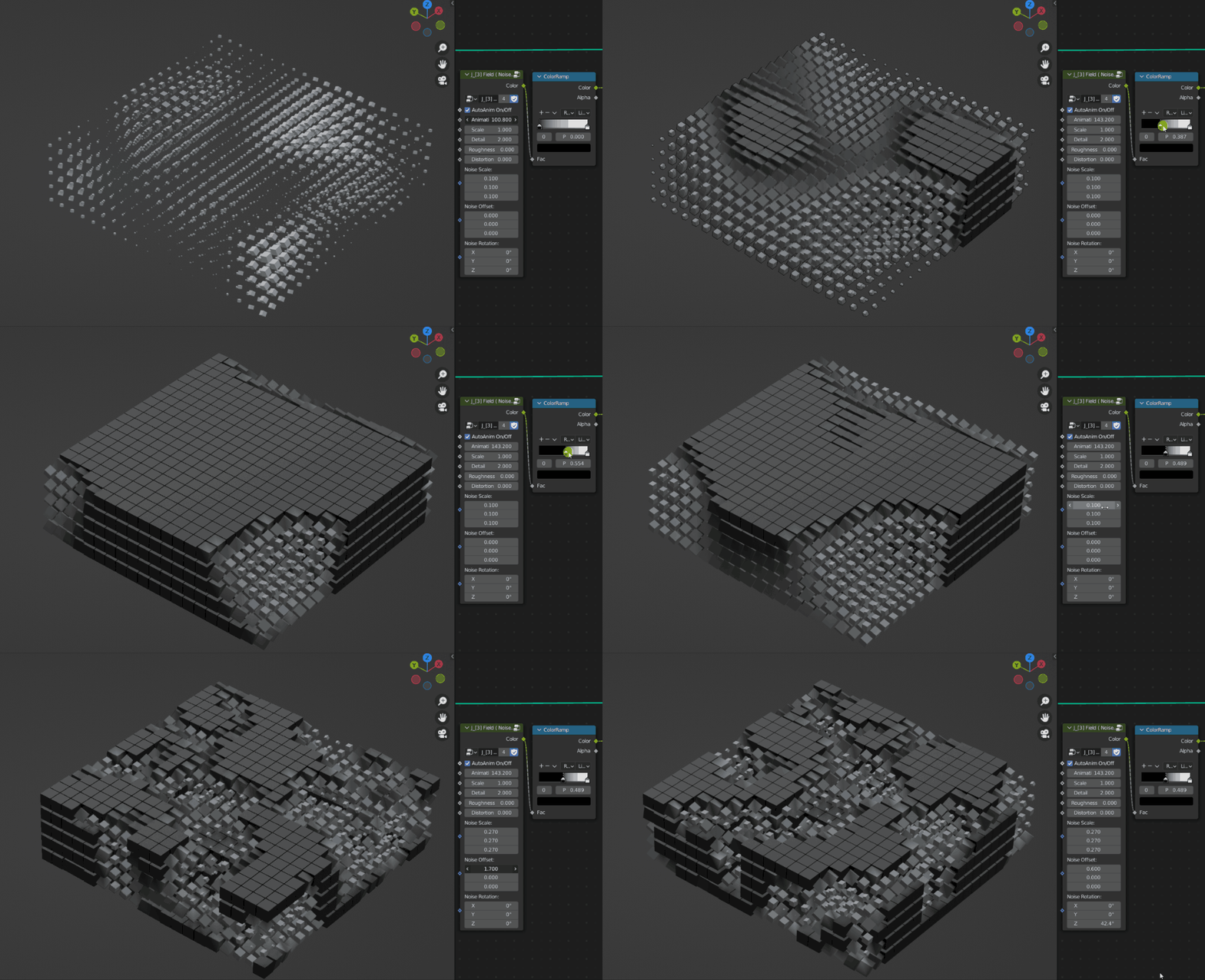
Noise – Control the field by mapping a texture
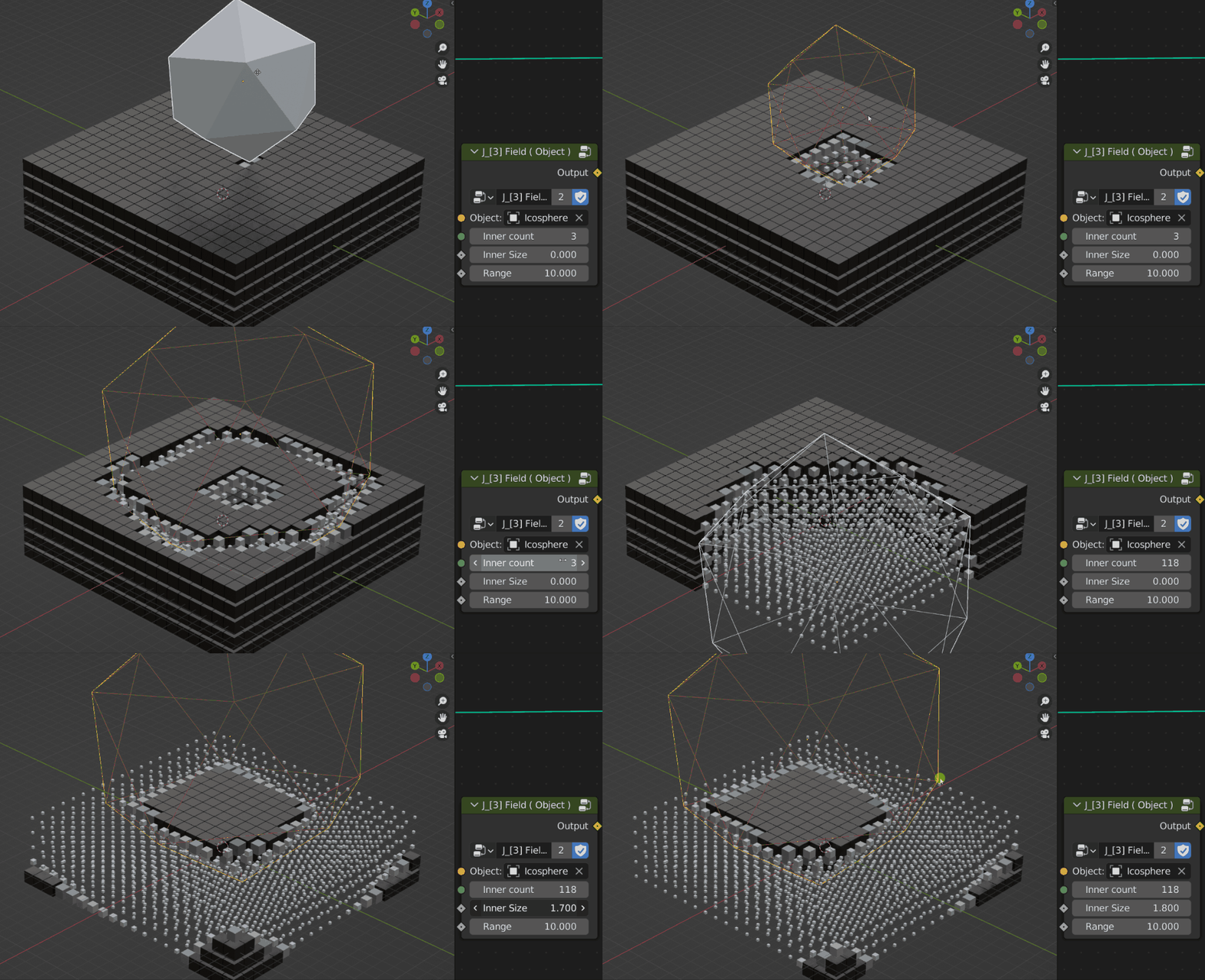
Object – Use an object to seat field control
Linear – Orient the axes of the instance towards the target.
Supercharge your 3D creation workflow with premium selection of Blender Add-ons. Whether you are modeling intricate characters, sculpting realistic environments, or animating cinematic sequences, the right add-on can transform how you work inside Blender. Our curated collection includes powerful tools for UV unwrapping, procedural texture generation, rigging automation, rendering optimization, and more—each rigorously tested for compatibility with the latest Blender versions. Eliminate tedious manual processes and unlock advanced functionality that lets you focus on what matters most: bringing your creative vision to life. Explore our full range of professional Blender plugins today and take your 3D projects to the next level.
➡️ ➡️ For more Blender Plugins 😀 😀
Reviews
There are no reviews yet.