
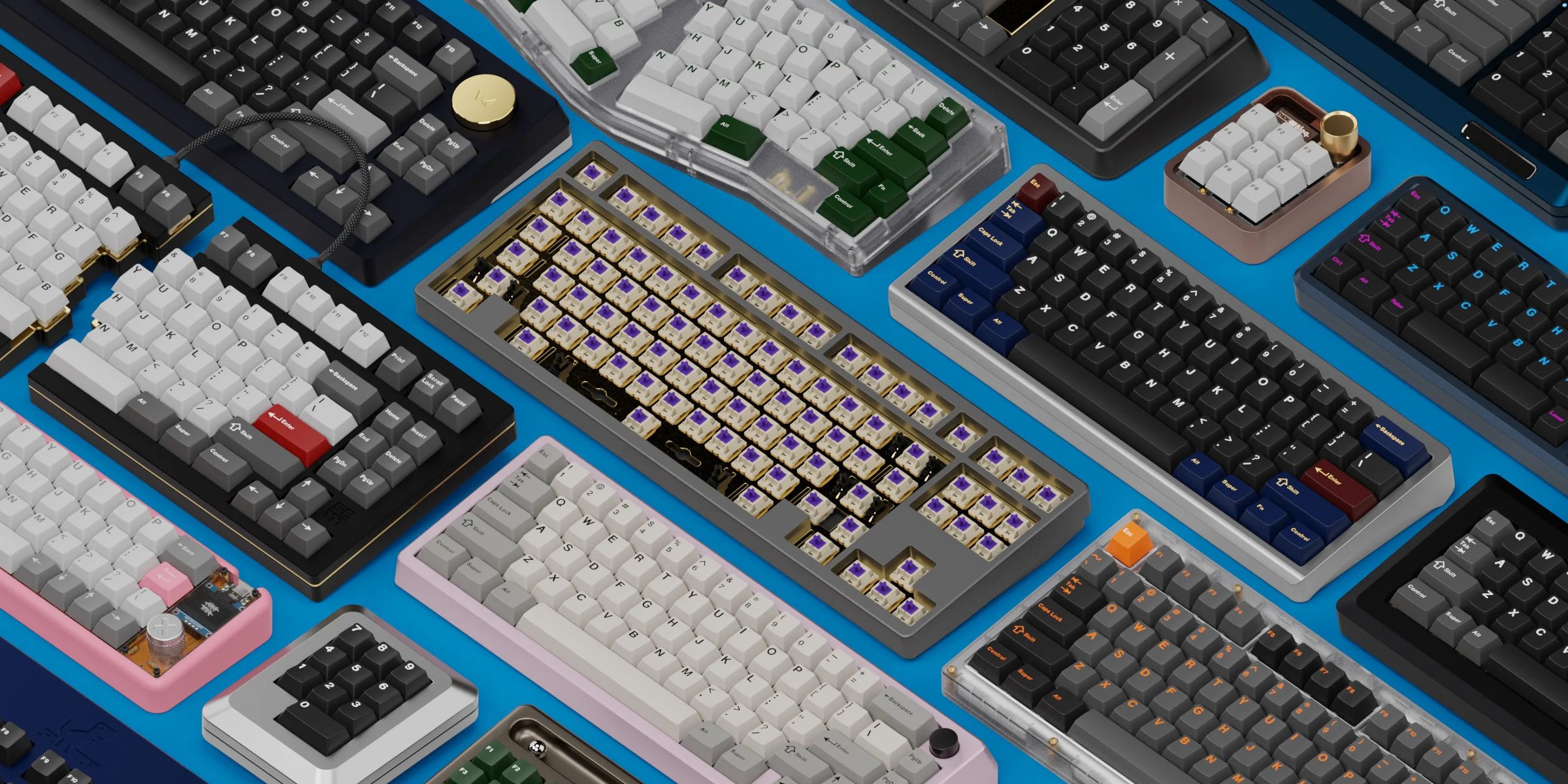
Keyboard Render Kit 2 for Blender
keyboard render kit 2 addon
Keyboard Render Kit 2 for Blender – Professional Keyboard Visualization Suite
Version: v2.11
File Size: 230 MB
Download Keyboard Render Kit 2 for Blender on Windows, Mac, and Linux, the ultimate add-on for creating photorealistic keyboard visualizations. Generate complete 3D keyboards with customizable keycaps, switches, stabilizers, and PCBs—perfect for product designers, mechanical keyboard enthusiasts, and 3D artists creating product visualizations .
Key Features of Keyboard Render Kit 2:
- Complete Keyboard Generator: Generate full keyboards with customizable layouts—ANSI, ISO, ortholinear, and custom layouts with any key count
- Keycap Library: Extensive collection of keycap profiles including SA, OEM, Cherry, DSA, XDA, MT3, and KAT—all with accurate dimensions and proportions
- Switch Visualization: Detailed switch models including Cherry MX, Gateron, Kailh, and custom switches with adjustable colors
- Stabilizer Generation: Automatic stabilizer placement for large keys (spacebar, shift, enter) with multiple stabilizer types
- PCB & Plate Generator: Generate custom PCBs and mounting plates with adjustable switch spacing and mounting holes
- Custom Keycap Design: Import custom keycap designs or modify existing profiles with adjustable parameters
- Material & Texture Library: Professional materials for keycaps, cases, switches, and PCBs—PBT, ABS, aluminum, brass, acrylic, and more
- Case Generator: Create custom keyboard cases with adjustable bezel size, angle, and mounting style
- Lighting Effects: RGB LED underglow and per-key lighting with customizable colors and effects
- Real-Time Preview: See keyboard updates instantly in the viewport
Perfect For:
- Mechanical keyboard designers creating product visualizations
- Product designers developing keyboard concepts for manufacturing
- 3D artists creating renders for keyboard group buys and product listings
- Enthusiasts visualizing custom keyboard builds
- Anyone needing professional keyboard renderings
System Requirements:
- Blender 3.6, 4.0, 4.1, 4.2, 4.3
- Windows 10/11 (64-bit), macOS, or Linux
- 4GB RAM minimum (8GB+ recommended)
- 200MB available disk space
Installation:
- Download the add-on zip file
- In Blender, go to Edit > Preferences > Add-ons
- Click “Install” and select the downloaded zip file
- Enable the add-on by checking the box next to “Keyboard Render Kit 2”
Note: Keyboard Render Kit 2 is the definitive tool for keyboard visualization in Blender, used by keyboard designers, manufacturers, and enthusiasts worldwide . The complete component library—from keycaps and switches to PCBs and cases—makes it possible to create photorealistic renders of any keyboard design . Perfect for product visualization, group buy renders, and custom keyboard documentation . Designed for Blender 3.6 and above .
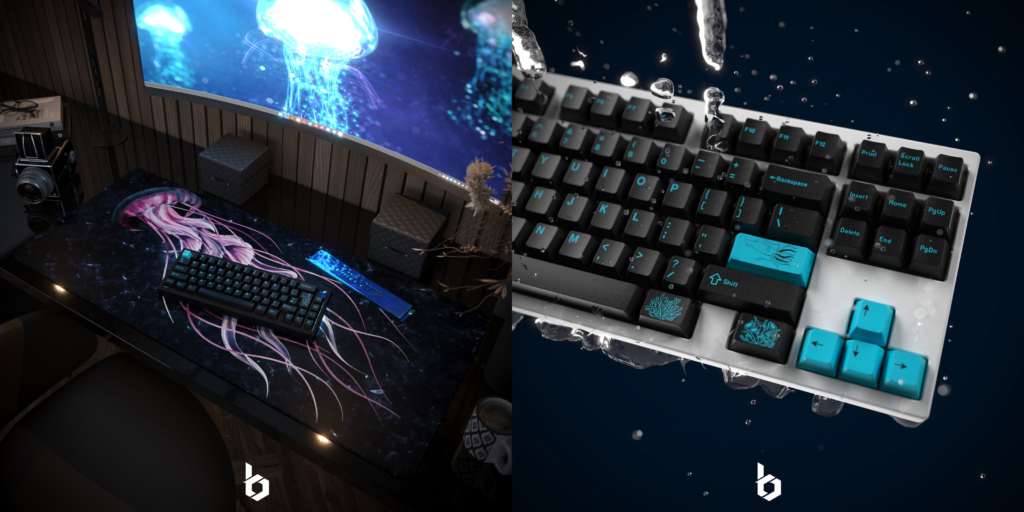
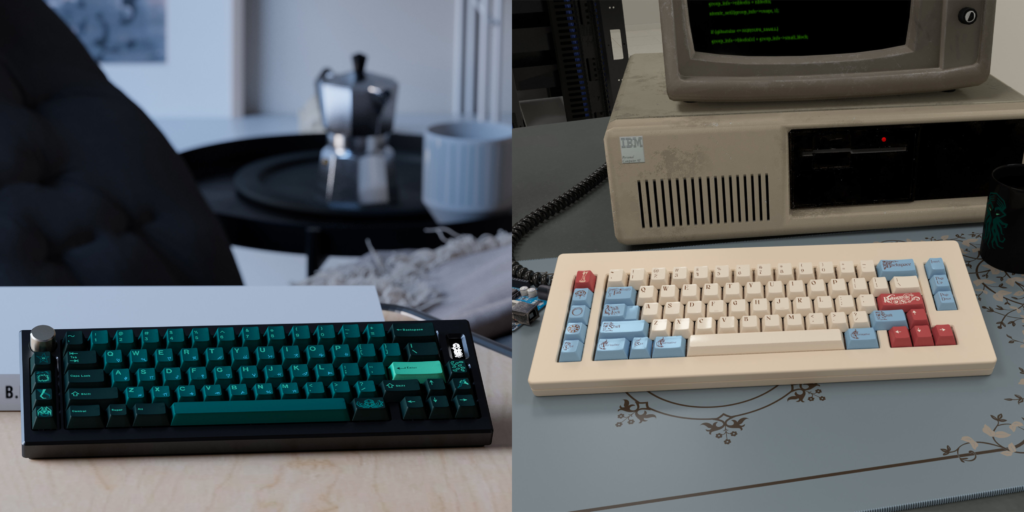
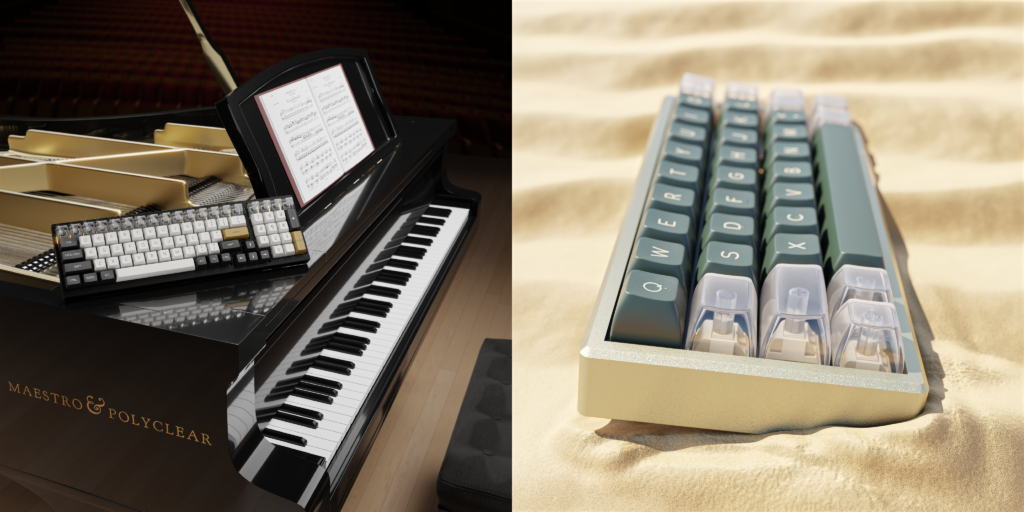
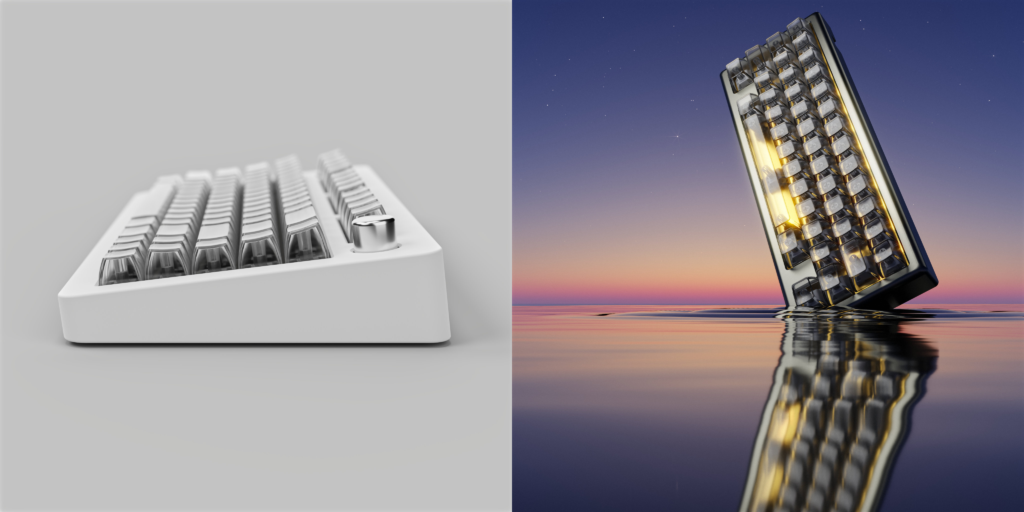
Keyboard Render Kit 2 is designed to streamline the process of visualizing your mechanical keyboard and keycap designs. It starts with a focused UI layout arranged to present useful tools and content to help you on your way.
Including:
- 12 Keycap Profiles (8 in base, 4 appended)
- Switches & Stabilizers
- 83 Keyboard Models
- 7 Macro Pads
- Large Material Library (Plastics, Metals, Polycarbonate, Carbon Fiber etc.)
- Extra Layouts For Custom Boards
- 5 USB Cable Variations
- Parametric Deskmat
- Mouse, Keycap Puller & Switch Puller
- Light Setups
- Floors & Backdrops
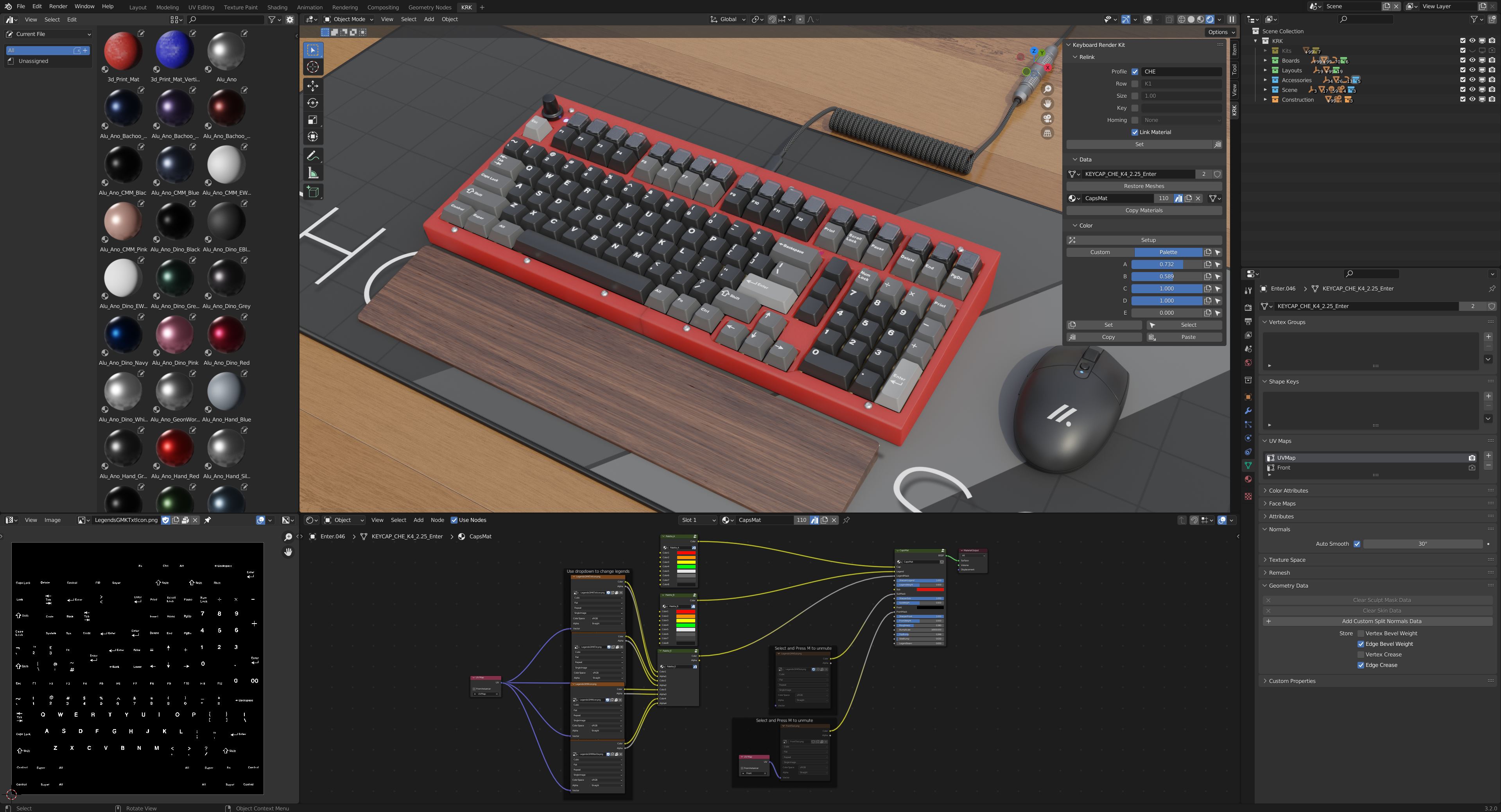
KRK2 blurs the line between digital content and Blender addon with the introduction of a new sidepanel that acts as an object data manager and colour palette control. Many of the limitations of KRK1 have been resolved with a new system that is independent from drivers and shapekeys.
A default extended kit layout is still included as well as even more excellent keyboard models to see your colorways in action. A deck of common layouts are there to help quickly populate your own keyboard designs.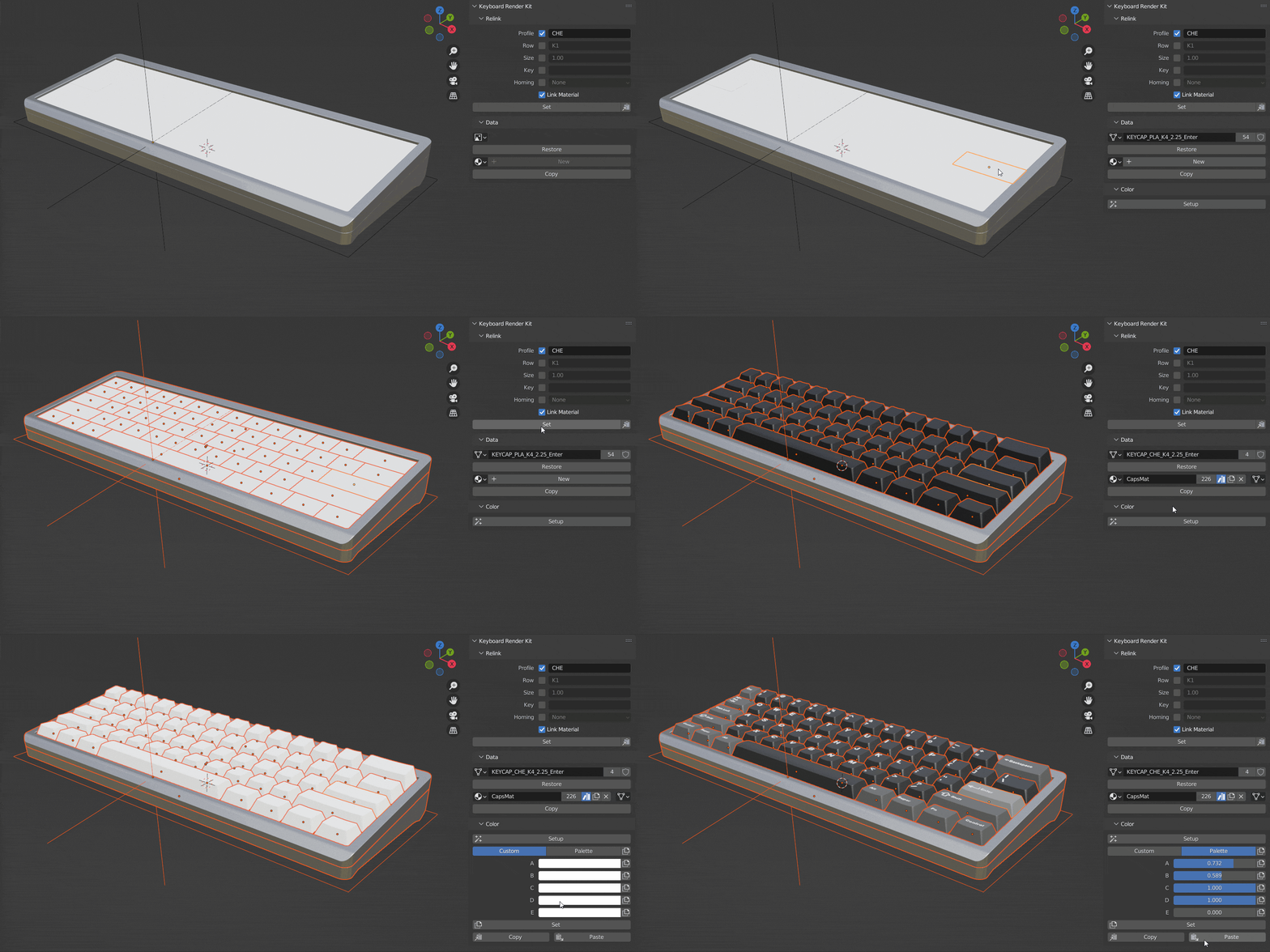
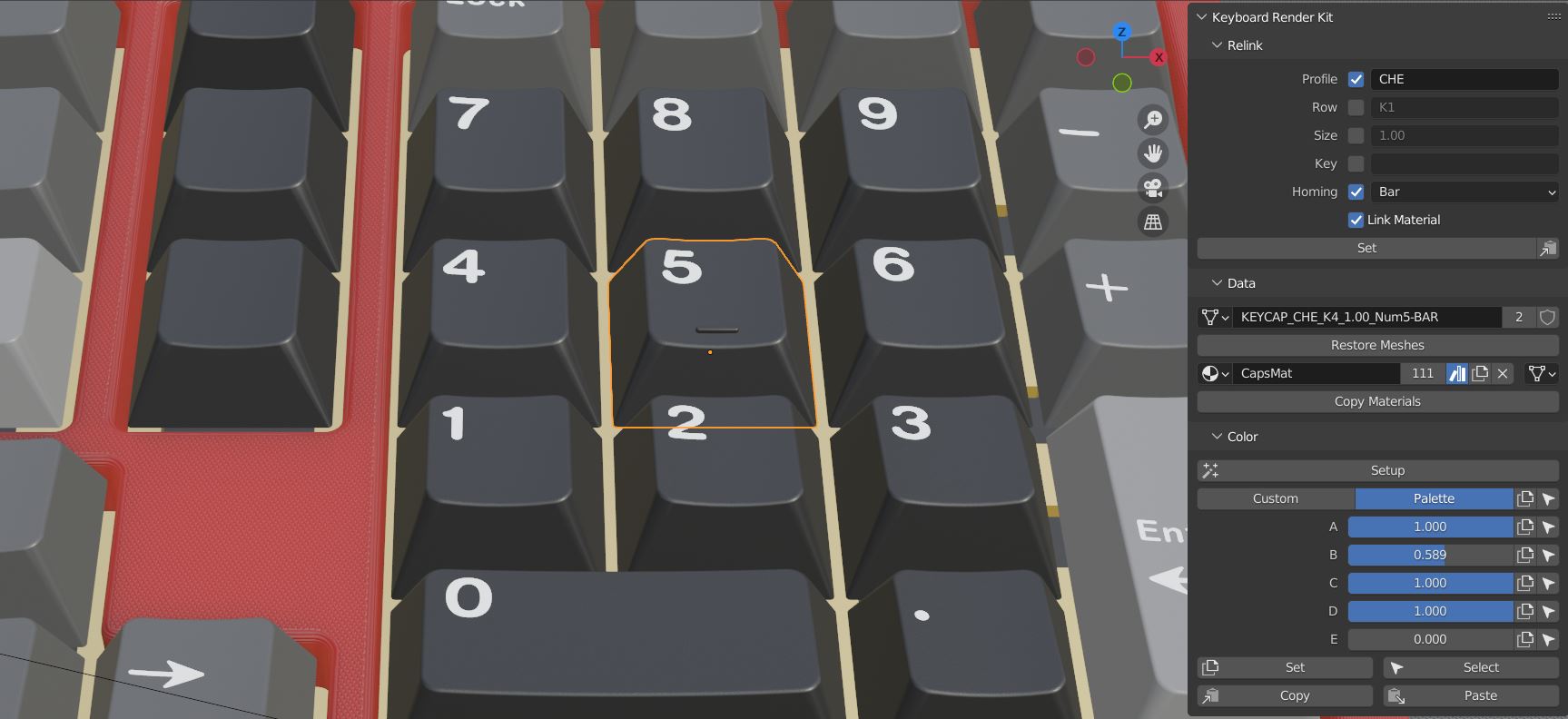
Material groups simplify the colorway design process by exposing the most relevant settings first and foremost, and now support the new colour palette workflow. Custom legend, sublegend and novelty support is still built-in, however some profiles now include support for front printed legends.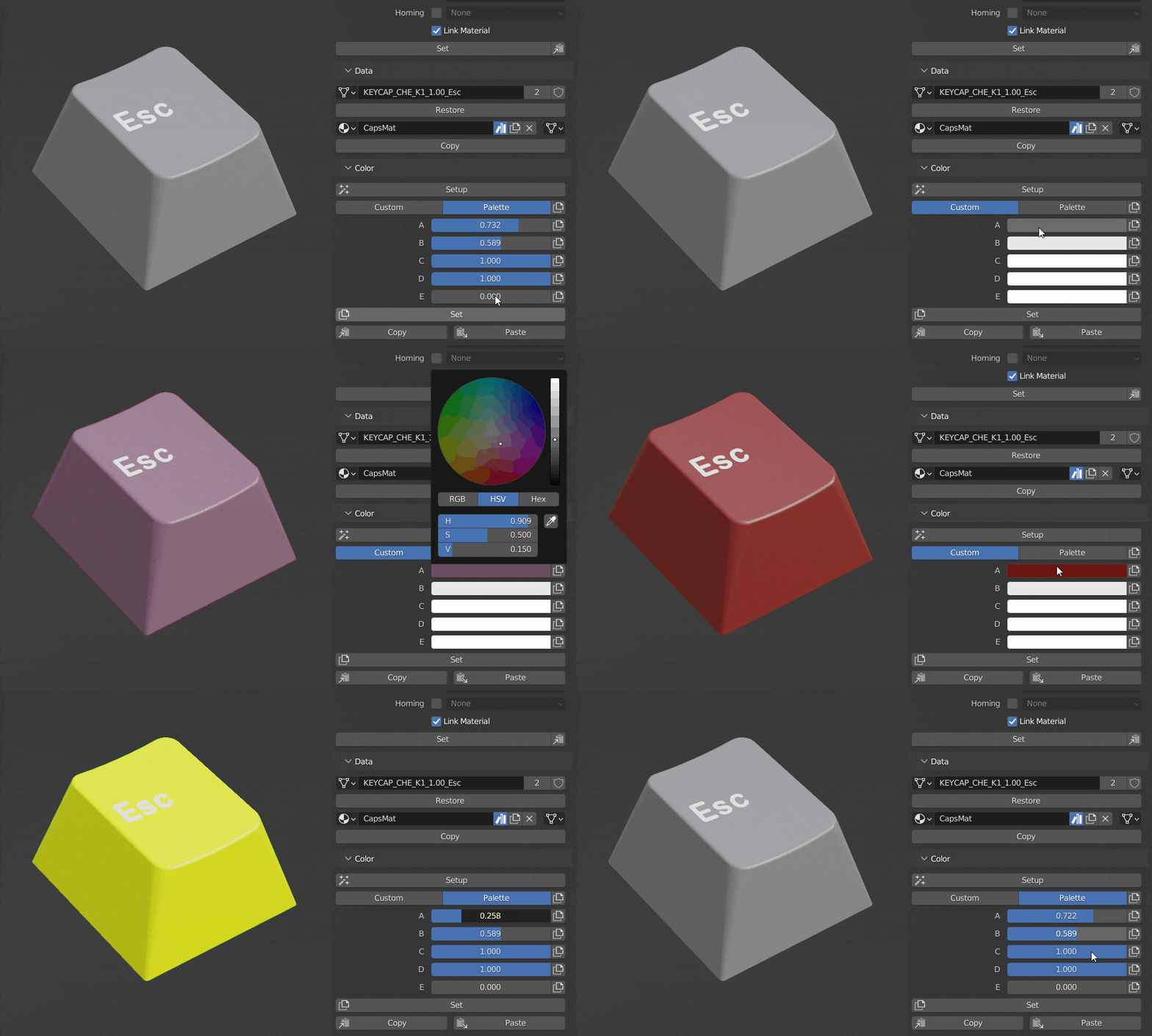
Accessories such as the USB cable and deskmat have been rebuilt to offer more freedom and functionality through the KRK2 UI.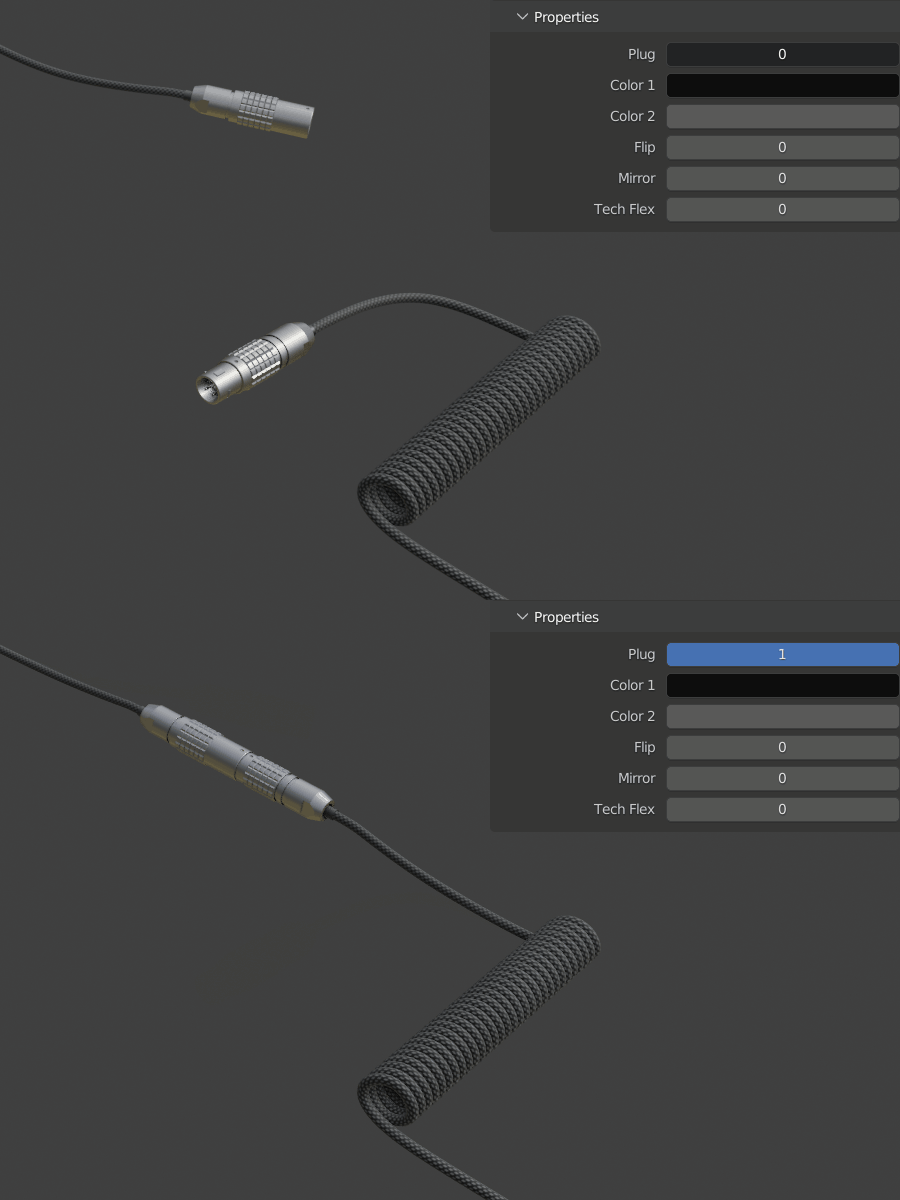
Supercharge your 3D creation workflow with premium selection of Blender Add-ons. Whether you are modeling intricate characters, sculpting realistic environments, or animating cinematic sequences, the right add-on can transform how you work inside Blender. Our curated collection includes powerful tools for UV unwrapping, procedural texture generation, rigging automation, rendering optimization, and more—each rigorously tested for compatibility with the latest Blender versions. Eliminate tedious manual processes and unlock advanced functionality that lets you focus on what matters most: bringing your creative vision to life. Explore our full range of professional Blender plugins today and take your 3D projects to the next level.
➡️ ➡️ For more Blender Plugins 😀 😀
Reviews
There are no reviews yet.