
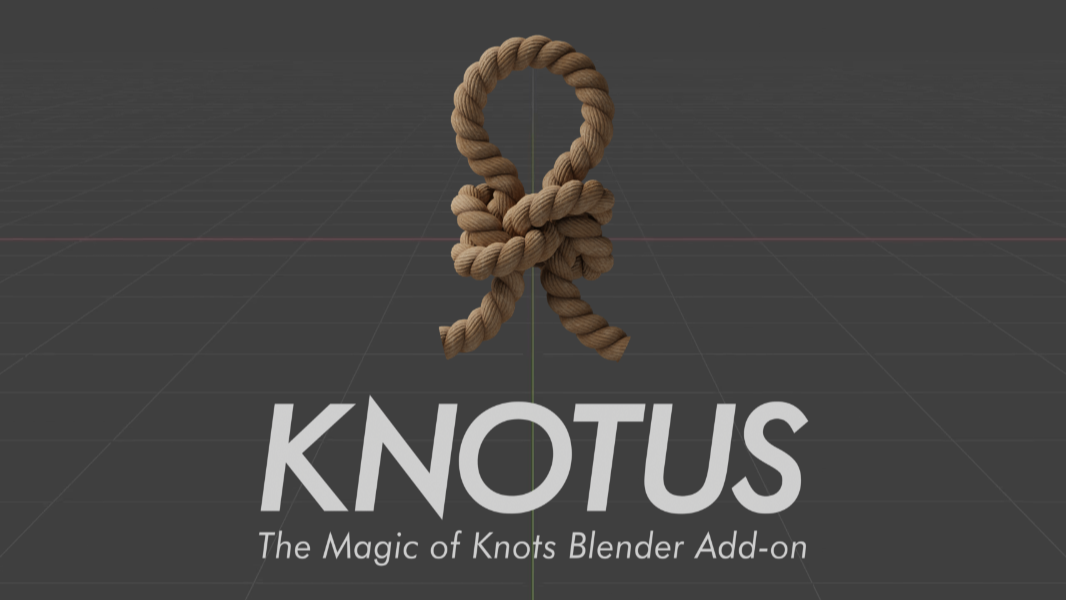
Knotus for Blender
Knotus v1.1.0 for Blender – The Ultimate Procedural Rope, Knot & Lacing Generator
Versions: v1.1.0
File Size: 22 MB
Download Knotus v1.1.0 for Blender on Windows and Mac, a specialized Geometry Nodes-based addon designed to instantly create complex, physically accurate knots, braided ropes, shoelaces, and tied bindings. By automating the intricate topology required for interwoven strands, Knotus transforms how artists rig climbing gear, dress characters with realistic footwear, or add nautical details to scenes, eliminating the need for manual vertex-by-vertex modeling or unstable cloth simulations to achieve perfect ties.
Key Features of Knotus v1.1.0:
- Library of 30+ Standard Knots: Instantly generate classic knots including Bowline, Figure-Eight, Square Knot, Sheet Bend, Clove Hitch, Double Fisherman’s, and Trucker’s Hitch, each fully parametric and adjustable.
- Procedural Shoelace System: A dedicated module for generating realistic shoe lacing patterns (Criss-Cross, Straight Bar, Zig-Zag) that automatically thread through eyelets on any mesh, complete with aglet tips and loose ends.
- Dynamic Rope Thickness & Twist: Control the diameter, strand count, and twist direction of the rope geometry, allowing you to switch from thin twine to thick climbing rope instantly while maintaining structural integrity.
- Smart Tightening & Slack: Sliders to simulate the tension of a knot, automatically adjusting the loop sizes and tail lengths to look either freshly tied or loosened by wear.
- Frayed & Cut Ends: Built-in options to procedurally fray the rope ends or simulate clean cuts, adding realistic wear and tear without manual sculpting.
- Auto-Retopology for Intersections: The core engine calculates precise boolean-like intersections where strands cross over and under each other, ensuring clean topology with no clipping artifacts even at extreme close-ups.
- Material Slot Automation: Automatically assigns distinct material slots for the Rope Core, Strands, and Aglets/Tips, streamlining the texturing process for multi-material ropes.
- Animation Ready: Parameters for “Untying” or “Tightening” are keyframe-ready, allowing you to animate the formation of a knot or the snapping of a rope without complex shape keys.
- Curve-Based Generation: Generate knots along custom Bezier curves, allowing you to place a specific knot type anywhere in 3D space and orient it precisely.
- Optimized Performance: Uses efficient curve profiling and instancing to keep viewport FPS high, even when generating multiple complex knots simultaneously.
Perfect For:
- Character Artists creating realistic shoes, boots, corsets, and clothing with functional lacing systems.
- Marine & Nautical Artists rigging ships, docks, and climbing gear with authentic sailor knots and mooring lines.
- Product Designers visualizing packaging ties, gift wrapping ribbons, and industrial cable management.
- Game Developers generating optimized, low-poly knot assets for inventory items, props, and environmental details.
- Outdoor & Survival Visualizers creating educational content or marketing materials for climbing, camping, and sailing equipment.
- Anyone who struggles to model the “over-under” logic of woven strands manually.
System Requirements:
- Blender: 3.6, 4.0, 4.1, 4.2, 4.3, 4.4+ (Geometry Nodes required; optimized for Blender 4.x).
- OS: Windows 10/11 (64-bit) or macOS 10.15+.
- RAM: 8GB minimum (16GB+ recommended for high-strand-count braids).
- Render Engine: Fully compatible with Cycles and Eevee.
Installation:
- Download the Knotus v1.1.0
.zipfile. - Open Blender and go to Edit > Preferences > Add-ons.
- Click Install…, select the downloaded file, and enable the checkbox next to Geometry Nodes: Knotus.
- Access via the Add Menu > Curve > Knotus or the dedicated panel in the 3D Viewport Sidebar (N-panel) under the Ropes tab.
What’s New in v1.1.0?
- Shoelace Eyelet Snapping: New feature allows the lacing system to automatically detect and snap to vertex groups marked as “eyelets,” perfectly threading the lace through shoe models.
- New “Decorative” Knots: Added 5 complex decorative knots (e.g., Celtic Button, Monkey’s Fist) suitable for jewelry, keychains, and ornamental designs.
- Variable Tapering: Added control to taper the rope thickness along its length, useful for simulating worn ropes or specialized climbing cords.
- Improved Intersection Logic: Refined the algorithm for strand crossings to eliminate rare clipping issues in tight knots like the Double Fisherman’s.
- Blender 4.4 Support: Full compatibility with the latest Geometry Nodes features and performance improvements in Blender 4.4.
Note:
Knotus v1.1.0 is designed to be completely non-destructive. You can swap knot types, adjust rope thickness, change the tightening level, or modify the fraying amount at any time before final rendering. The addon also includes a “Real-World Scale” mode that ensures knot proportions remain physically accurate regardless of the object size, making it ideal for technical illustrations and engineering visualization. Whether you need a simple bow on a present or a complex rigging system for a sailboat, Knotus provides the procedural power to tie it perfectly every time.
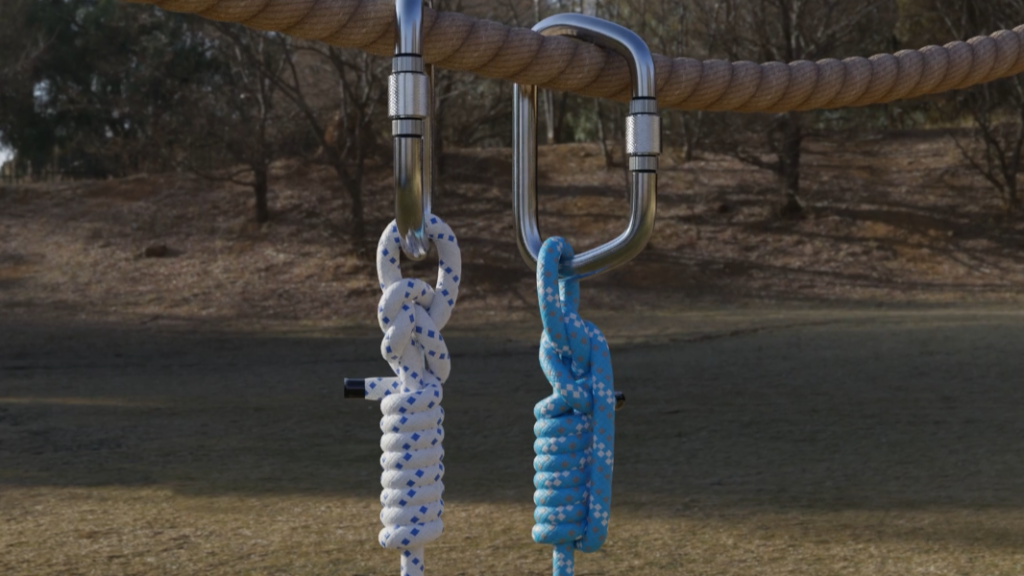
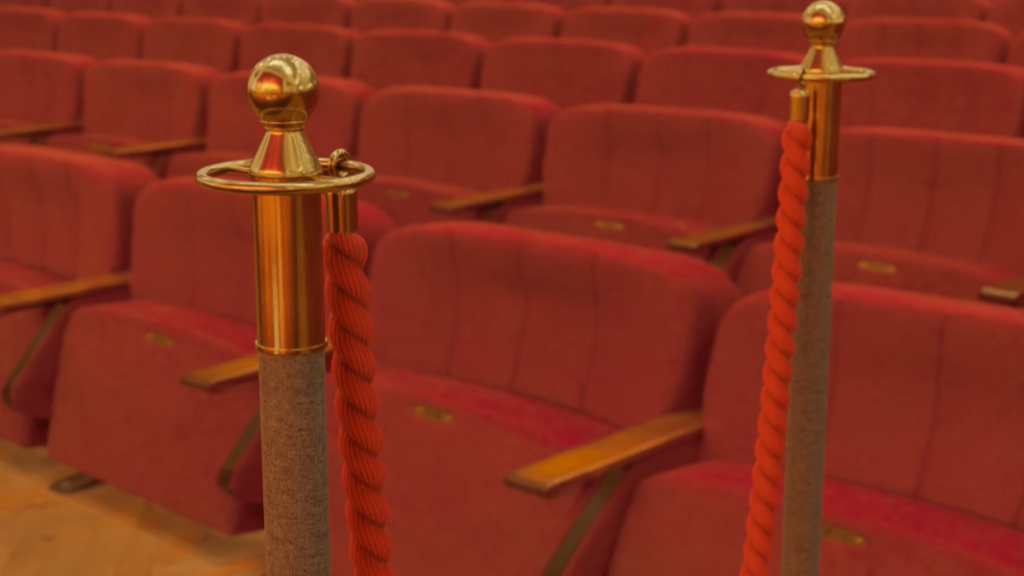
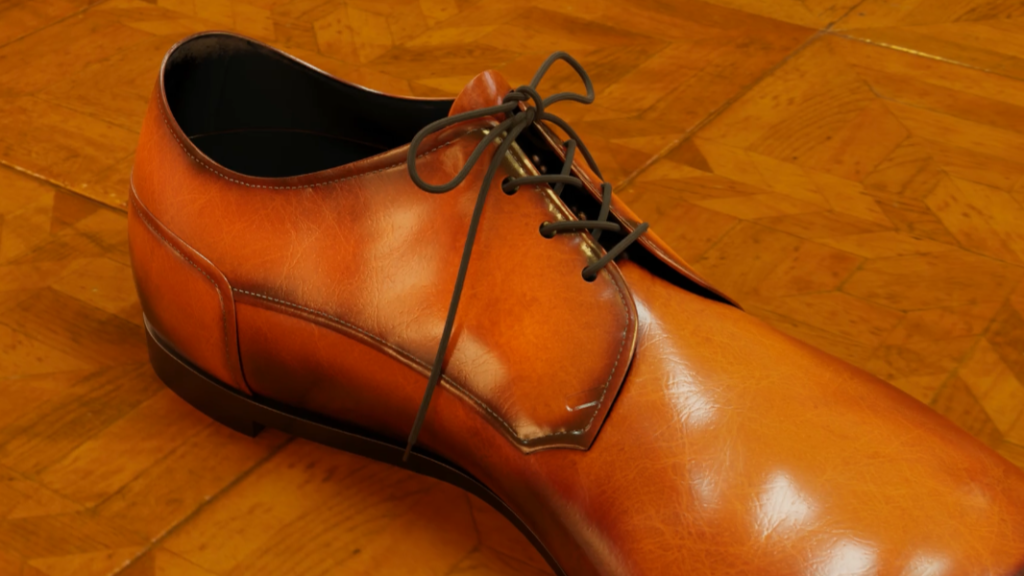

What is Knotus?
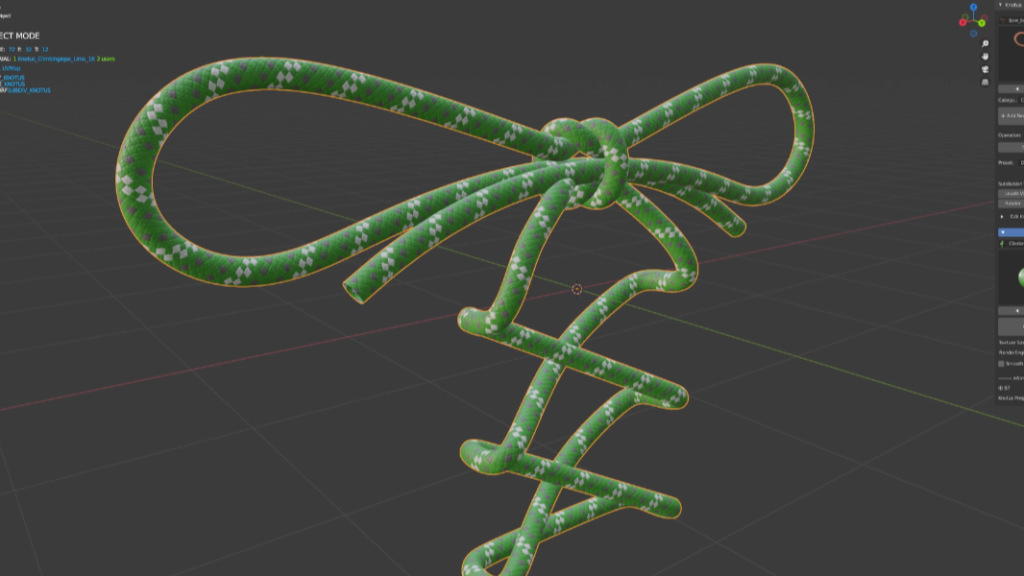
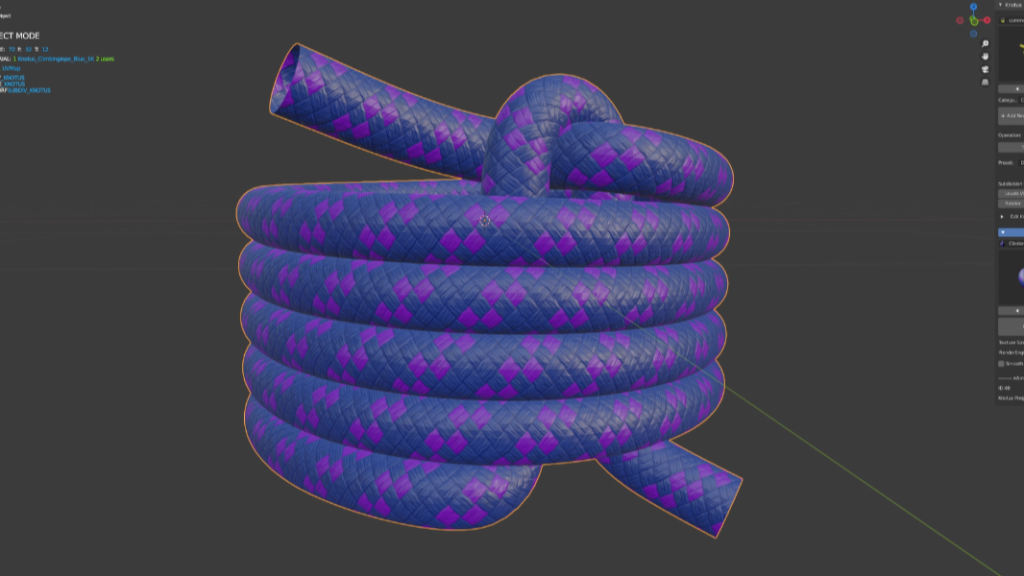
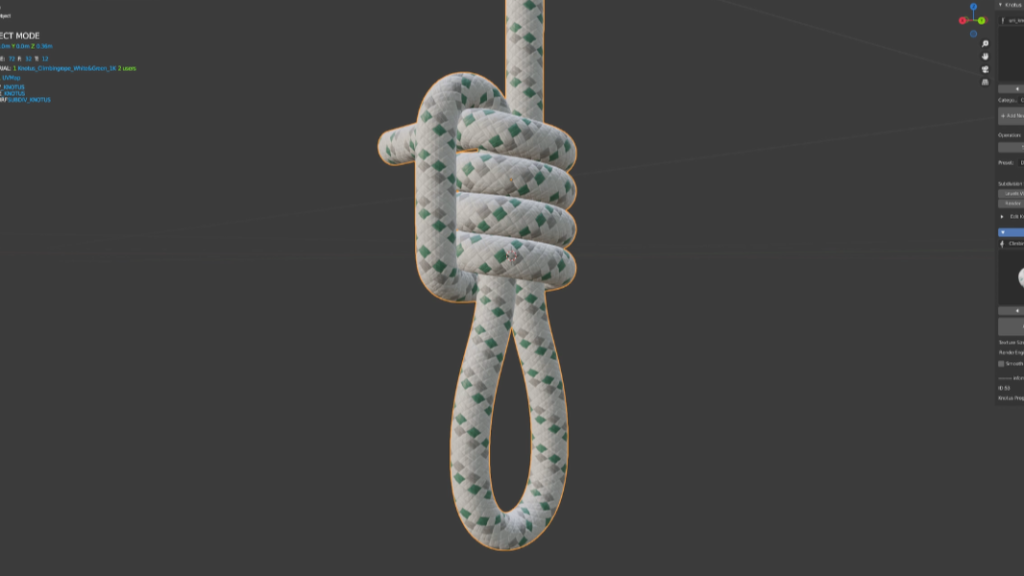
Knotus is an add-on that includes many assets and materials to easily create strings and knots. You can create hard-to-knot knots, slip knots, icicle hitches, and more with just a few clicks. You can also easily create pipes and cables from edge polygons.
Blender version 2.8+
Blender version 4.0+ ↓↓↓↓↓↓
Currently, support has ended, but we have confirmed that it works without any issues in version 4.0 and beyond.
| We have received many questions regarding Blender 4.0 and beyond, so we would like to provide some answers. Regarding Blender 4.0 and beyond, we have confirmed that it works without any issues. However, we are ending development because similar functionality can now be achieved with Geometry Nodes, reducing the need for further development. Therefore, we will cease development and support. Nevertheless, we will continue to sell the product at a reduced price of $8, down from $28. As a final update, an automatic cap creation command has been added. This allows for easy creation of caps. |
We appreciate your understanding, thank you very much.
Features
- Asset library – over 100 knots.
- Preset string shapes.
- Ability to edit free mesh shapes.
- Free Tube – Create a pipeline from edge polygons with one click.
- Free Colouring Materials.
- Texture size – 1K to 4K available.
- Auto Displace – Automatic switching of Displace Modifire in EEVEE and Displace node in Cycles.
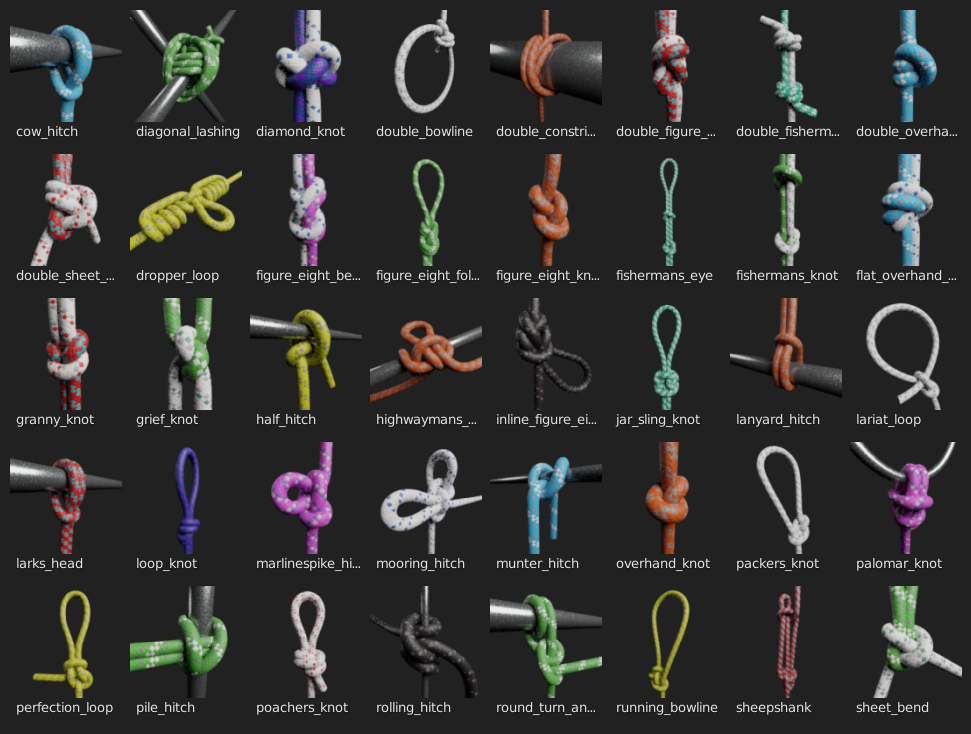
Knotus v1.1 Now
- Free Colouring Materials.
- Mesh Copy Attribute.
- KTP2 Ready.
The textures have been changed to “KTP2” to allow more flexibility in coloring.Please unzip “KTP2” to a location of your choice and select a new “KTP2” folder, as it is no longer compatible with the previous “KTP”.
You can now choose the folder where you want to create your custom knots, and follow the rules to create the assets you want.

Installation
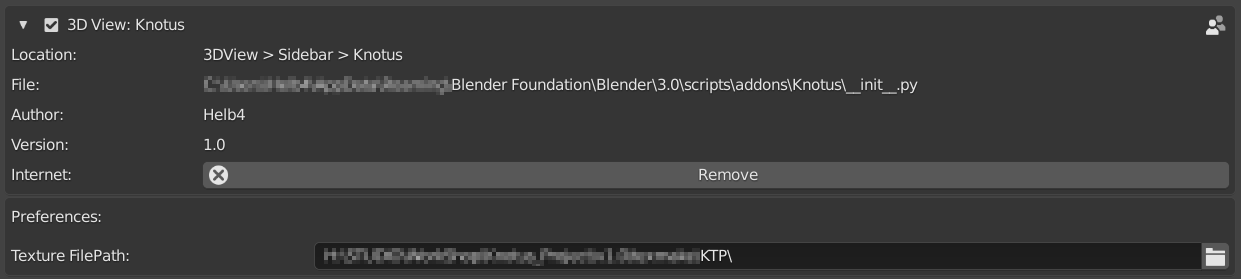
- Download the “Knotus” add-on and “KTP2″(Knotus Texture Pack 2).
- Unzip the “KTP2.zip”
- Edit->Preferences->Add-ons->Install “Knotus”
- Texture Filepath : Select “KTP2” folder that you just unzipped.
Load Assets
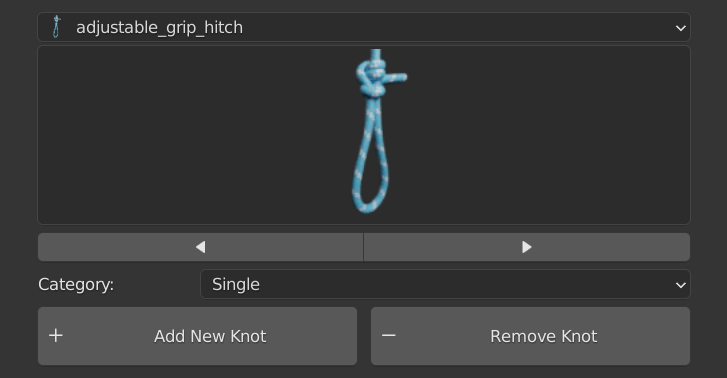
- Add New Knot – Load the Knotus guide object.
- Remove Knot – Deletes a Knotus object.
Single Knot
Consecutive Knot
- Array Count – Set the number of consecutive times.
Convert to Knot

- Converts a Collection instance to a Base object and a Curve object.
Operation

- Knotus Object Renamer.
- Display Icon(Top Part) – Display state of the selected object.
- Camera icon(Top Part) – Rendering state of the selected object.
- Cursor icon – Select / Unselect All Knotus Objects.
- Display Icon – Display On / Off All Knotus Objects.
- Camera icon – Rendering On / Off All Knotus Objects.
- Switch Select – Toggle object and curve selection.
Preset

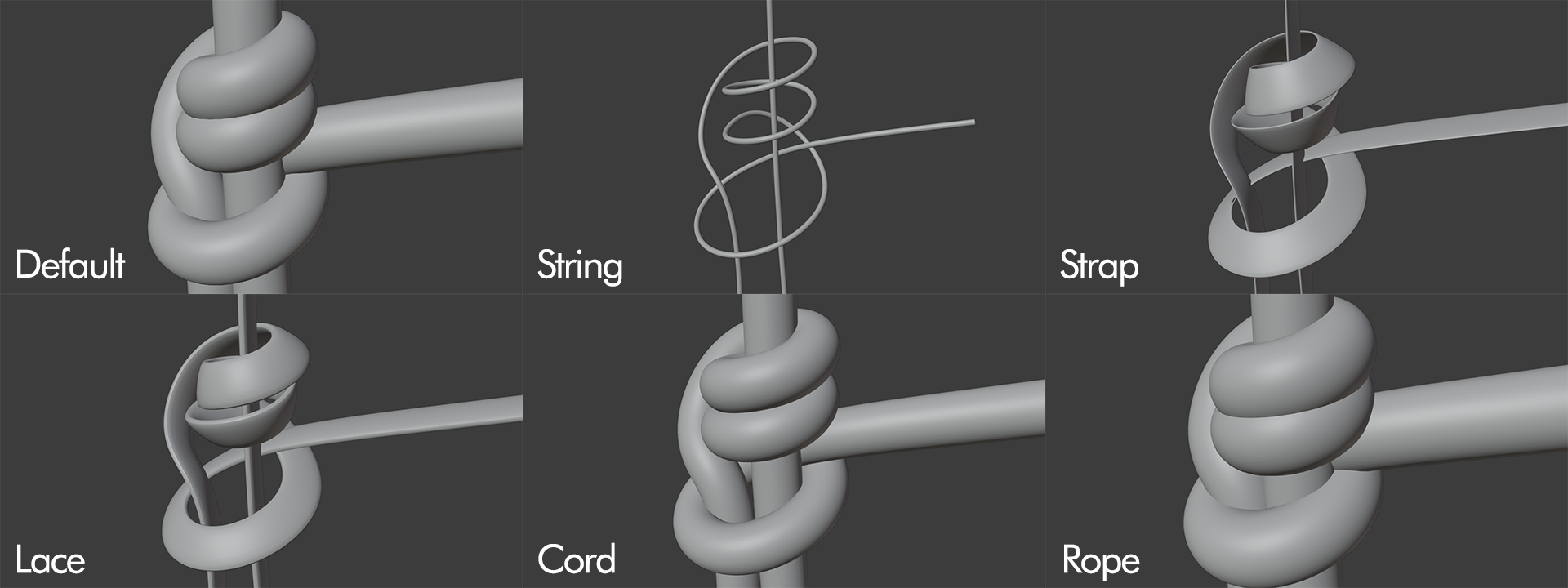
Free Tube
You can freely create pipelines from objects with only edge polygons.The created objects can be edited with Edit Knot Mesh and Materials can also be edited.
Edit Knot Mesh
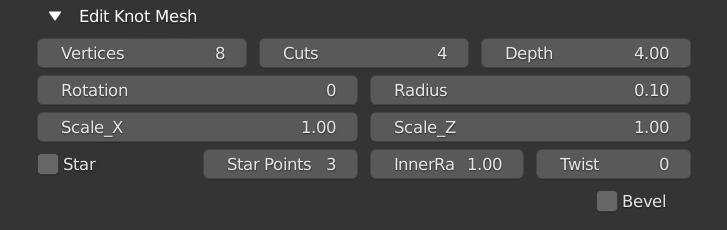
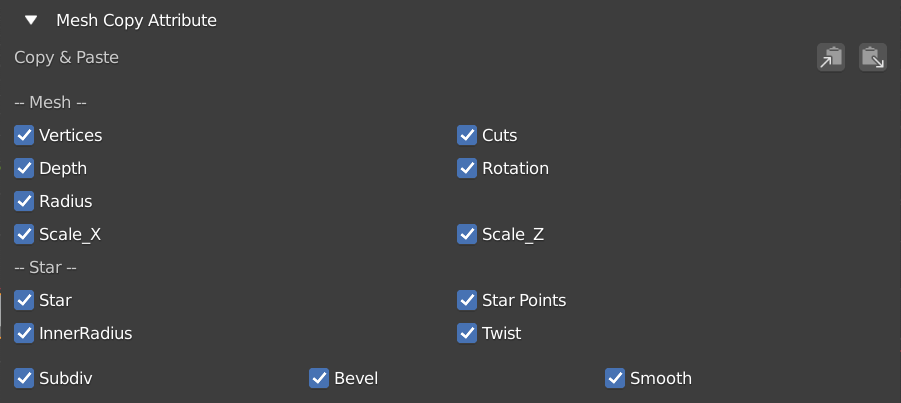
Mesh Copy Attribute
Edit Knot Mesh changes can be copied and pasted to multiple objects simultaneously.
Free Colouring Materials
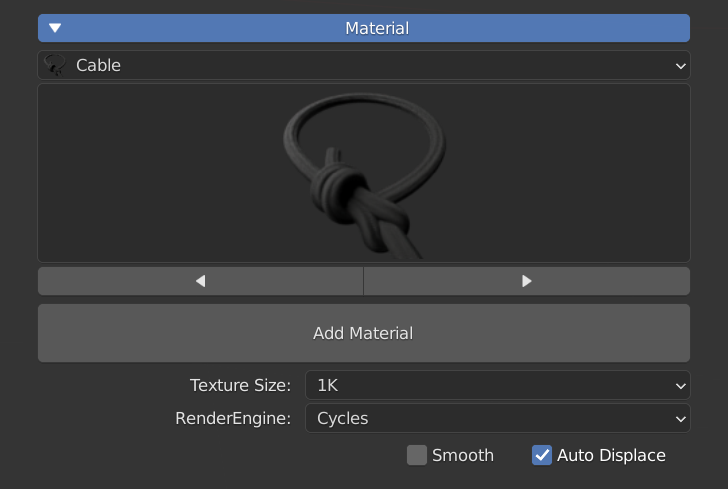
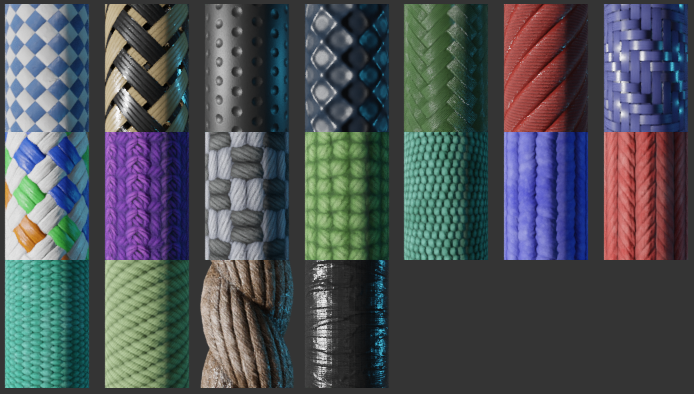
- Auto Displace – Automatic switching of Displace Modifire in EEVEE and Displace node in Cycles.
Supercharge your 3D creation workflow with premium selection of Blender Add-ons. Whether you are modeling intricate characters, sculpting realistic environments, or animating cinematic sequences, the right add-on can transform how you work inside Blender. Our curated collection includes powerful tools for UV unwrapping, procedural texture generation, rigging automation, rendering optimization, and more—each rigorously tested for compatibility with the latest Blender versions. Eliminate tedious manual processes and unlock advanced functionality that lets you focus on what matters most: bringing your creative vision to life. Explore our full range of professional Blender plugins today and take your 3D projects to the next level.
➡️ ➡️ For more Blender Plugins 😀 😀
Reviews
There are no reviews yet.