
Lazy Animation for Blender
Lazy Animation v1.0 for Blender – The Ultimate “Set-and-Forget” Motion & Auto-Rigging Suite
Versions: v1.0
File Size: 1.6 MB
Download Lazy Animation v1.0 for Blender on Windows and Mac, a revolutionary addon designed to drastically reduce the time spent on keyframing, rigging, and motion editing. By leveraging AI-assisted pose prediction, procedural motion layers, and smart auto-rigging tools, Lazy Animation empowers artists to create complex character performances, object animations, and camera moves with minimal manual input, eliminating the tedious process of setting hundreds of keyframes or wrestling with complex bone chains for simple tasks.
Key Features of Lazy Animation v1.0:
- One-Click Auto-Rigging: Instantly generate a fully functional, deformation-ready rig for any humanoid, quadruped, or custom creature mesh with a single click, complete with facial controls, IK/FK switching, and stretchy limbs.
- Procedural Motion Layers: Add secondary motion (breathing, idle swaying, muscle jiggles, hair bounce) as non-destructive layers that automatically adapt to your primary animation, bringing characters to life without extra keyframes.
- Smart Pose Library & Blending: Access a built-in library of 100+ common poses (walk cycles, gestures, emotions) that can be dragged onto the timeline and automatically blended with existing animation curves for seamless transitions.
- AI-Assisted In-Betweening: Select two key poses, and the addon’s intelligent algorithm generates realistic in-between frames, respecting weight, balance, and arc principles to reduce manual tweening work by up to 80%.
- Dynamic Camera Follow: Automatically rig cameras to track moving subjects with smooth, cinematic easing and optional handheld shake, removing the need for manual camera path adjustment.
- Graph Editor Cleanup: One-click tools to smooth noisy curves, fix floating foot slides, correct rotation flips, and optimize keyframe density, ensuring clean, professional animation data instantly.
- Loop & Cycle Generator: Automatically detect and perfect loopable cycles (walks, runs, idles) by aligning start/end frames and smoothing the transition, ready for game engine export.
- Non-Linear Animation (NLA) Manager: A simplified interface for stacking, blending, and trimming action strips in the NLA editor, making complex layering accessible to beginners.
- Physics-Based Secondary Animation: Automatically simulate soft-body dynamics for clothes, tails, and ears driven by the character’s movement, baking the result directly into the animation curve for easy editing.
- Batch Animation Processing: Apply the same motion curve or modifier to multiple characters or objects simultaneously, perfect for crowd scenes or modular asset animation.
Perfect For:
- Indie Game Developers needing quick, high-quality character animations for prototypes and final builds without a dedicated animator.
- Generalist 3D Artists who need to animate characters or props but lack deep specialization in traditional keyframing techniques.
- Storyboard & Animatic Artists rapidly blocking out scenes and camera moves for pre-visualization.
- Motion Designers creating dynamic character-driven content for ads, explainers, and social media.
- Beginners learning animation principles who want to focus on timing and storytelling rather than technical rigging hurdles.
- Professionals looking to speed up their workflow by automating repetitive tasks like cycle cleaning and secondary motion.
System Requirements:
- Blender: 3.6, 4.0, 4.1, 4.2, 4.3, 4.4+ (Latest LTS recommended).
- OS: Windows 10/11 (64-bit) or macOS 10.15+.
- RAM: 8GB minimum (16GB+ recommended for complex multi-character scenes).
- No external dependencies required.
Installation:
- Download the Lazy Animation v1.0
.zipfile. - Open Blender and go to Edit > Preferences > Add-ons.
- Click Install…, select the downloaded file, and enable the checkbox next to Animation: Lazy Animation.
- Access via the 3D Viewport Sidebar (N-panel) under the Lazy Anim tab, or the new Lazy Animation menu in the top header.
Note:
Lazy Animation v1.0 is built on the philosophy that technology should serve creativity, not hinder it. While it automates the heavy lifting, it remains fully non-destructive; every generated curve, rig, and motion layer can be manually tweaked, overridden, or deleted at any time. The addon includes a “Smart Guess” feature that analyzes your scene context (e.g., character running on uneven terrain) and suggests appropriate motion modifiers and physics settings. Whether you are animating a solo hero character or a bustling crowd, Lazy Animation provides the tools to work faster, smarter, and with less fatigue.
Why Do You Need Lazy Animation?
Animation production often gets stuck in tedious keyframe setup, path binding, and multi-object coordination. Too many steps, prone to errors, and scattered workflows drain your creativity. Lazy Animation is designed specifically for Blender users, achieving more effects with fewer operations, leaving you time for creativity and quality.
- Save 50%+ animation creation time
- Intuitive operation, no additional technical background required
- Stable workflow, supports multiple creative scenarios (frame-by-frame / sync / reverse)
| One-Click KeyframesAutomatically generate movement keyframes for objects, eliminating tedious steps and easily creating smooth animations. | Custom Curve PathsMove along custom curves to quickly complete camera movements, path animations, and object sequences. | Multi-Object SyncDrive multiple objects simultaneously, easily creating sequence and group effects. |
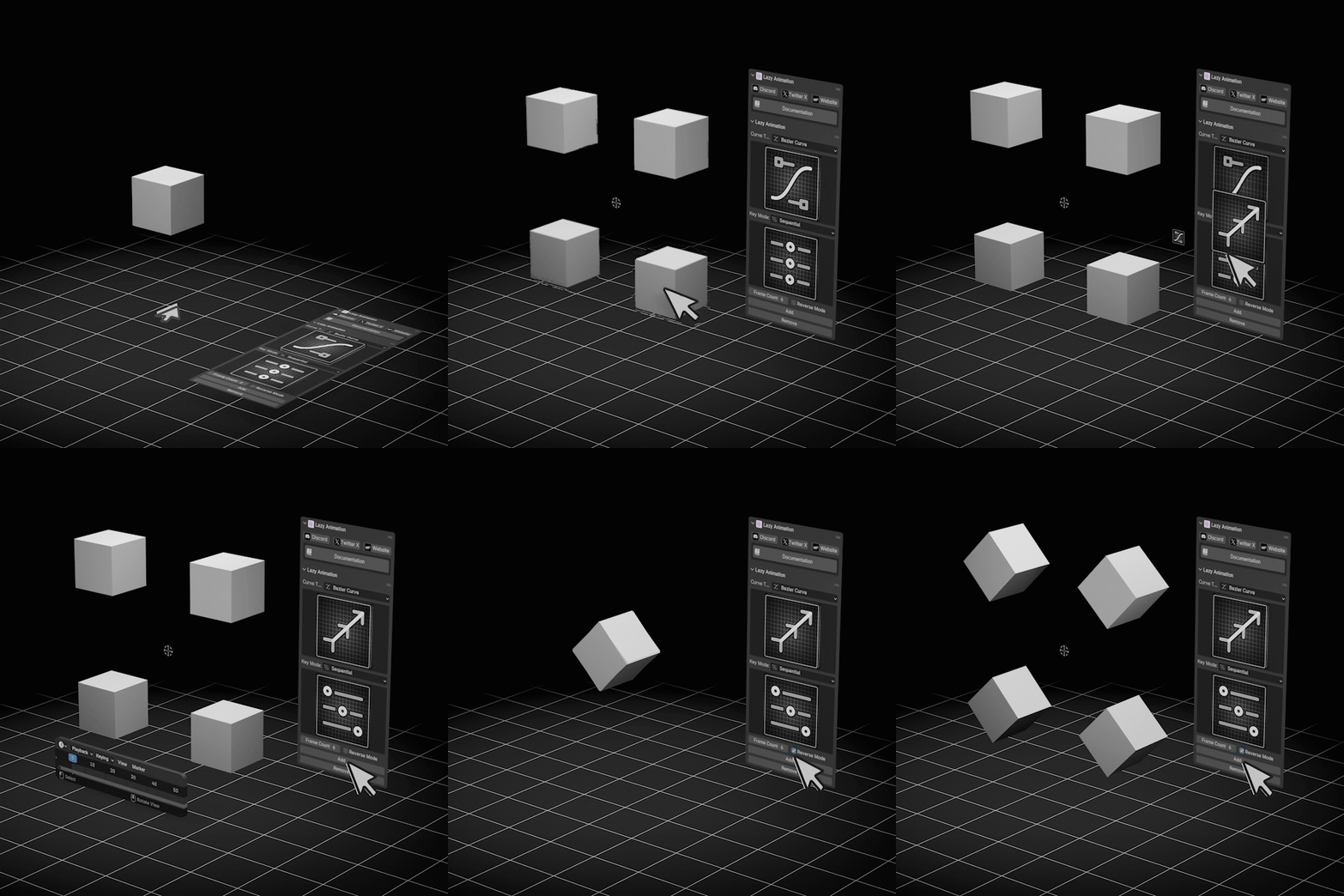
Blender Object Animation Workflow Visualization
Practical Application
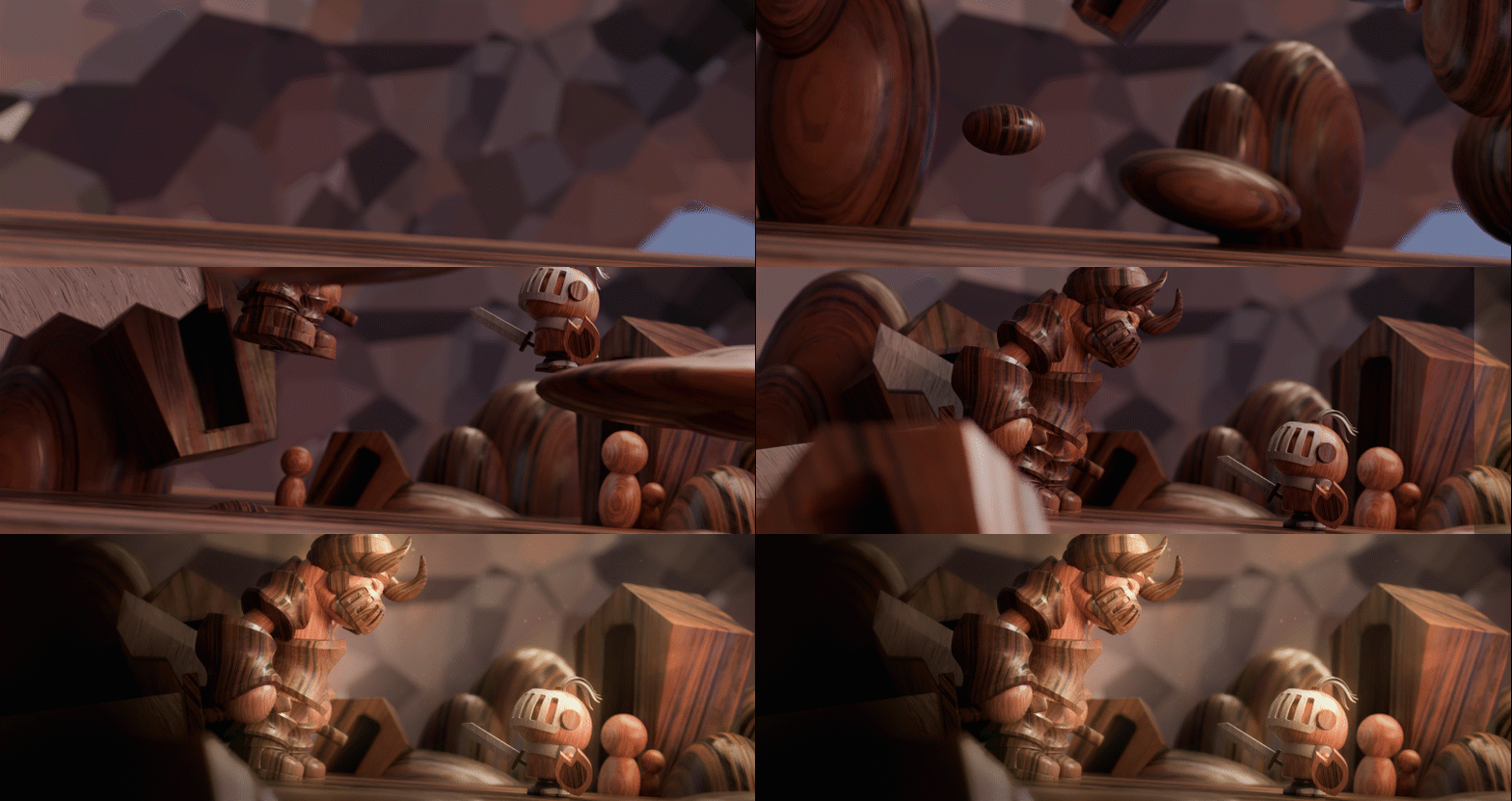
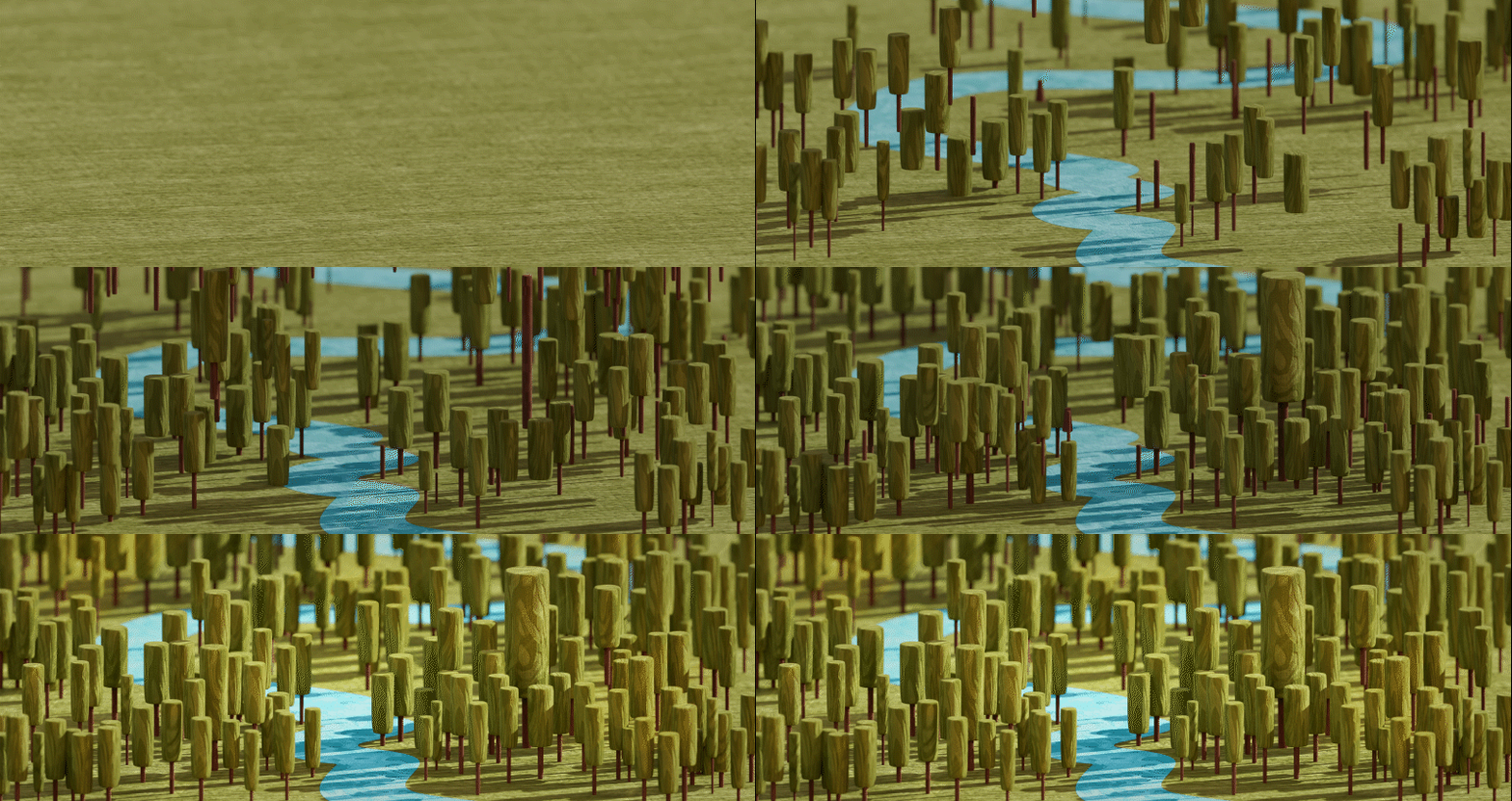
Core Features
Quick Keyframe Setup
With just one click, generate movement keyframes for selected objects, saving tedious setup time and avoiding common errors.
Custom Curve Path
Objects can move along custom curve paths, suitable for camera movements, product positioning, sequence animations, and more.
Synchronized Multi-Object Animation
Control multiple objects simultaneously, quickly creating group actions and rhythm changes in complex scenes.
Reverse Mode
One-click reverse animation direction, quickly creating back-and-forth or rewind effects, increasing creative flexibility.
Two Modes: Frame-by-Frame / Sync
Switch between frame-by-frame and sync modes as needed: frame-by-frame for precision, sync for efficiency, meeting different production workflows.
3 Steps to Start Your Animation
| Step 1 | Select ObjectsSelect the object(s) you want to animate in Blender. | Step 2 | Choose Mode and PathSwitch between frame-by-frame or sync mode, and specify a custom curve as path when needed. | Step 3 | One-Click Generate and Fine-tunePress the generate button to instantly get keyframes; you can also use reverse mode for variations. |
Supercharge your 3D creation workflow with premium selection of Blender Add-ons. Whether you are modeling intricate characters, sculpting realistic environments, or animating cinematic sequences, the right add-on can transform how you work inside Blender. Our curated collection includes powerful tools for UV unwrapping, procedural texture generation, rigging automation, rendering optimization, and more—each rigorously tested for compatibility with the latest Blender versions. Eliminate tedious manual processes and unlock advanced functionality that lets you focus on what matters most: bringing your creative vision to life. Explore our full range of professional Blender plugins today and take your 3D projects to the next level.
➡️ ➡️ For more Blender Plugins 😀 😀
Reviews
There are no reviews yet.