
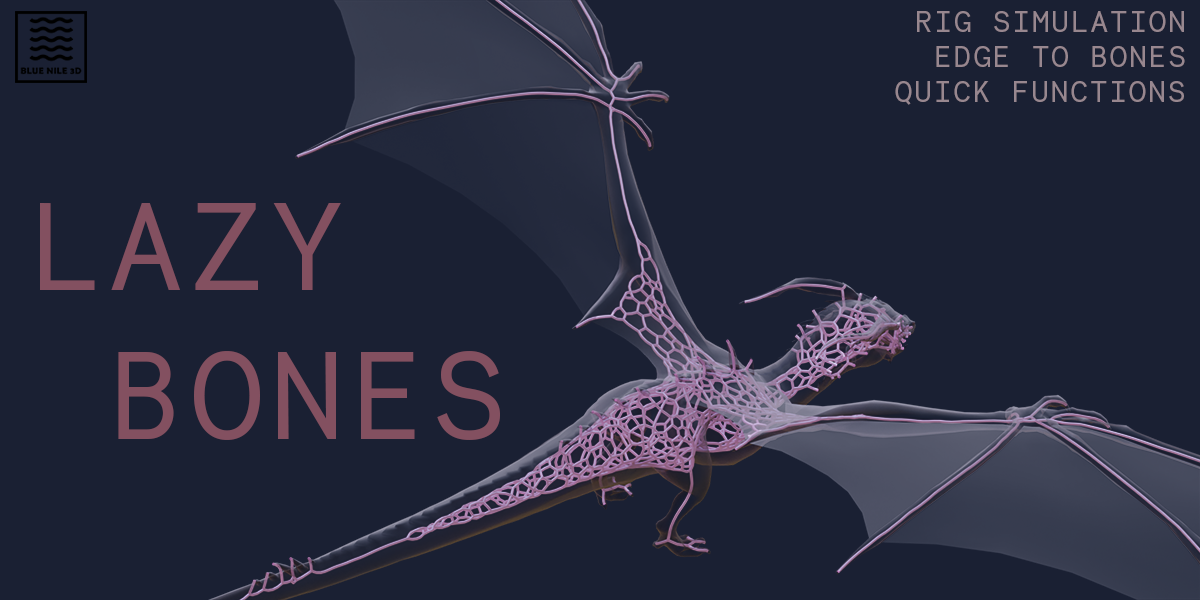
lazy bones for Blender
Lazy Bones v1.0.0 for Blender – The Ultimate “Zero-Effort” Rigging & Bone Generation Tool
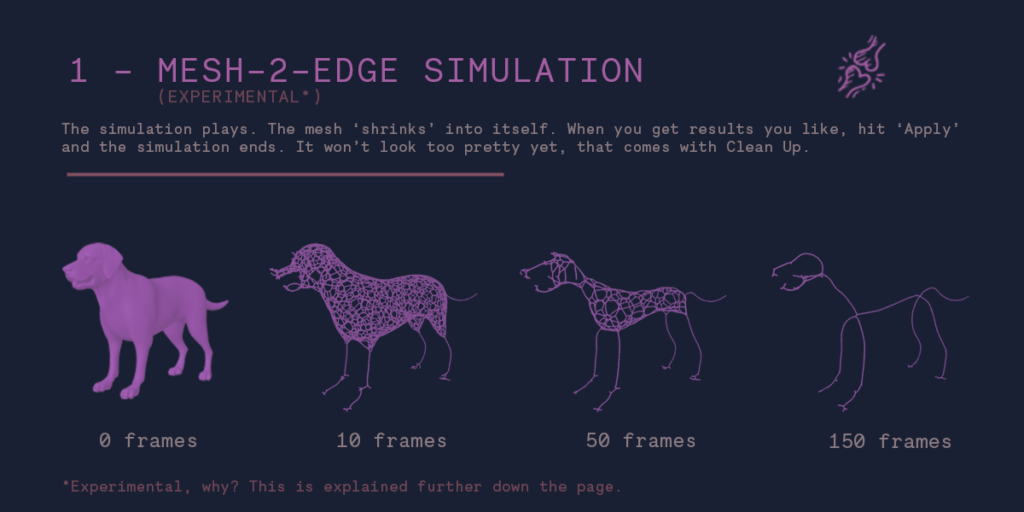
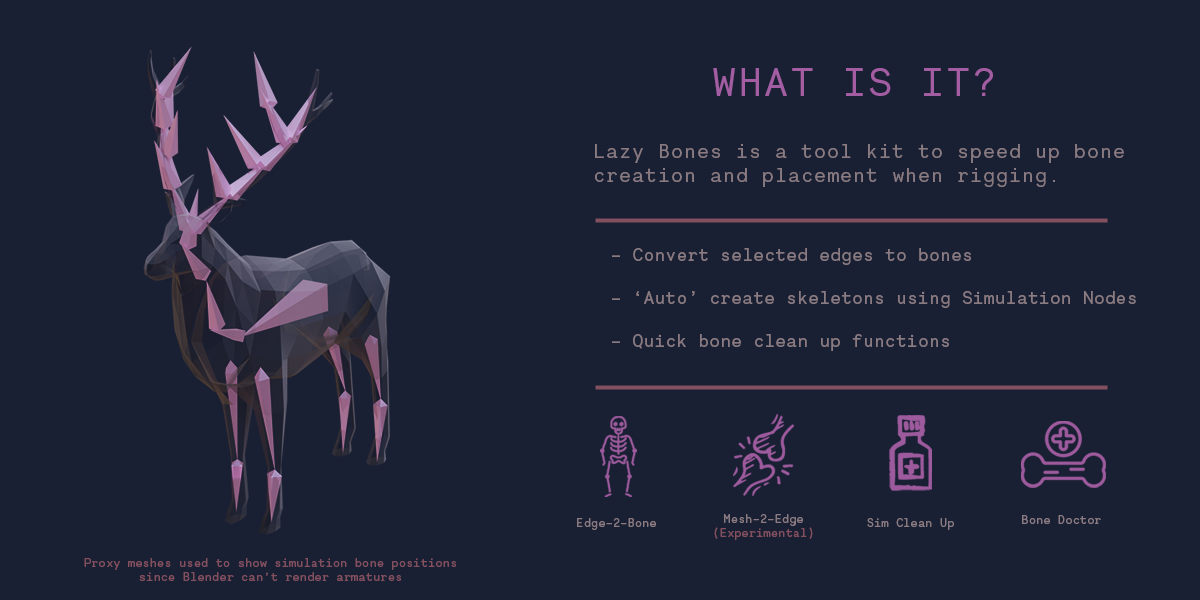
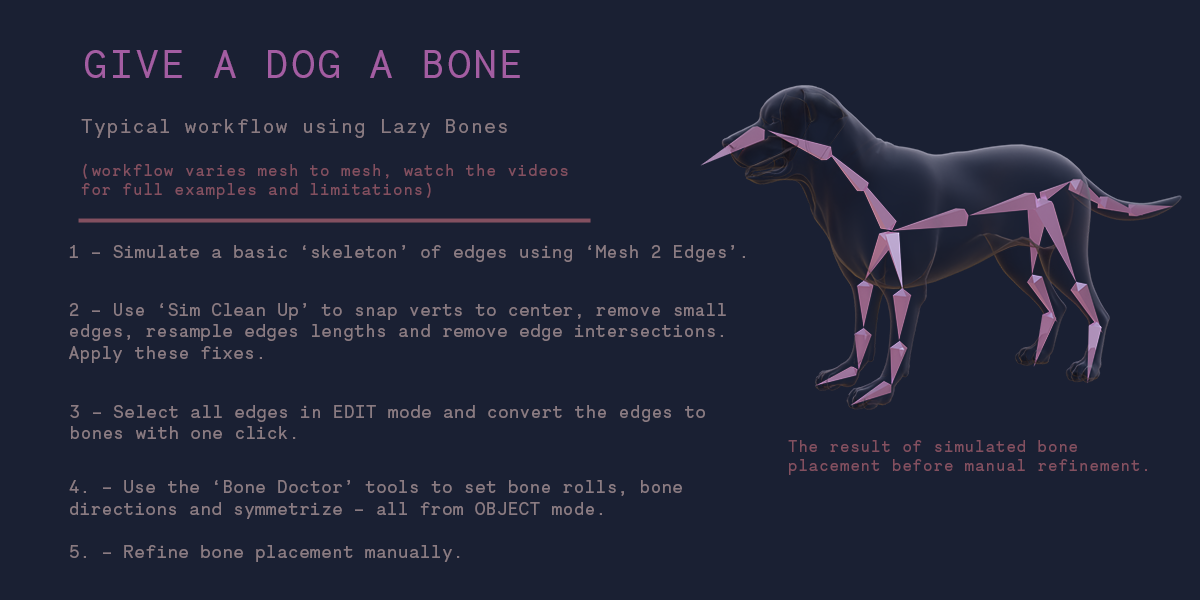
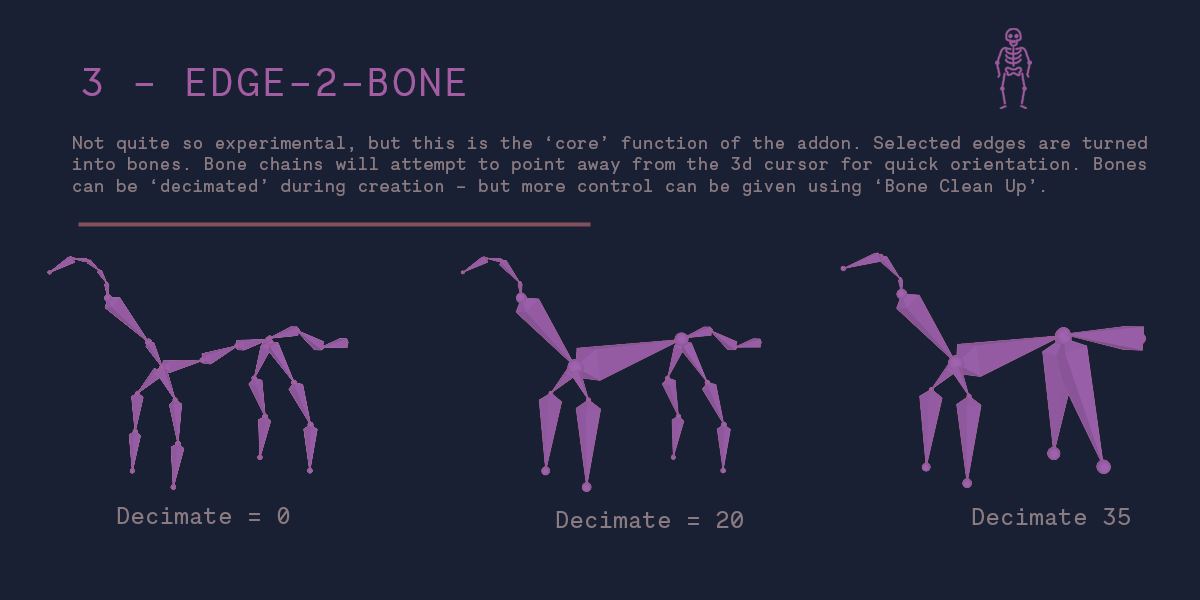
Download Lazy Bones v1.0.0 for Blender on Windows and Mac, a streamlined addon designed to eliminate the tedious process of manual bone creation, placement, and naming. Whether you are rigging a character, a mechanical arm, or a creature, Lazy Bones automates the skeleton generation process by analyzing your mesh topology and instantly placing perfectly aligned, correctly named bones with optimal roll angles. It transforms the often daunting task of rigging preparation into a one-click operation, allowing artists to focus on weighting and animation rather than spending hours placing individual bones.
Key Features of Lazy Bones v1.0.0:
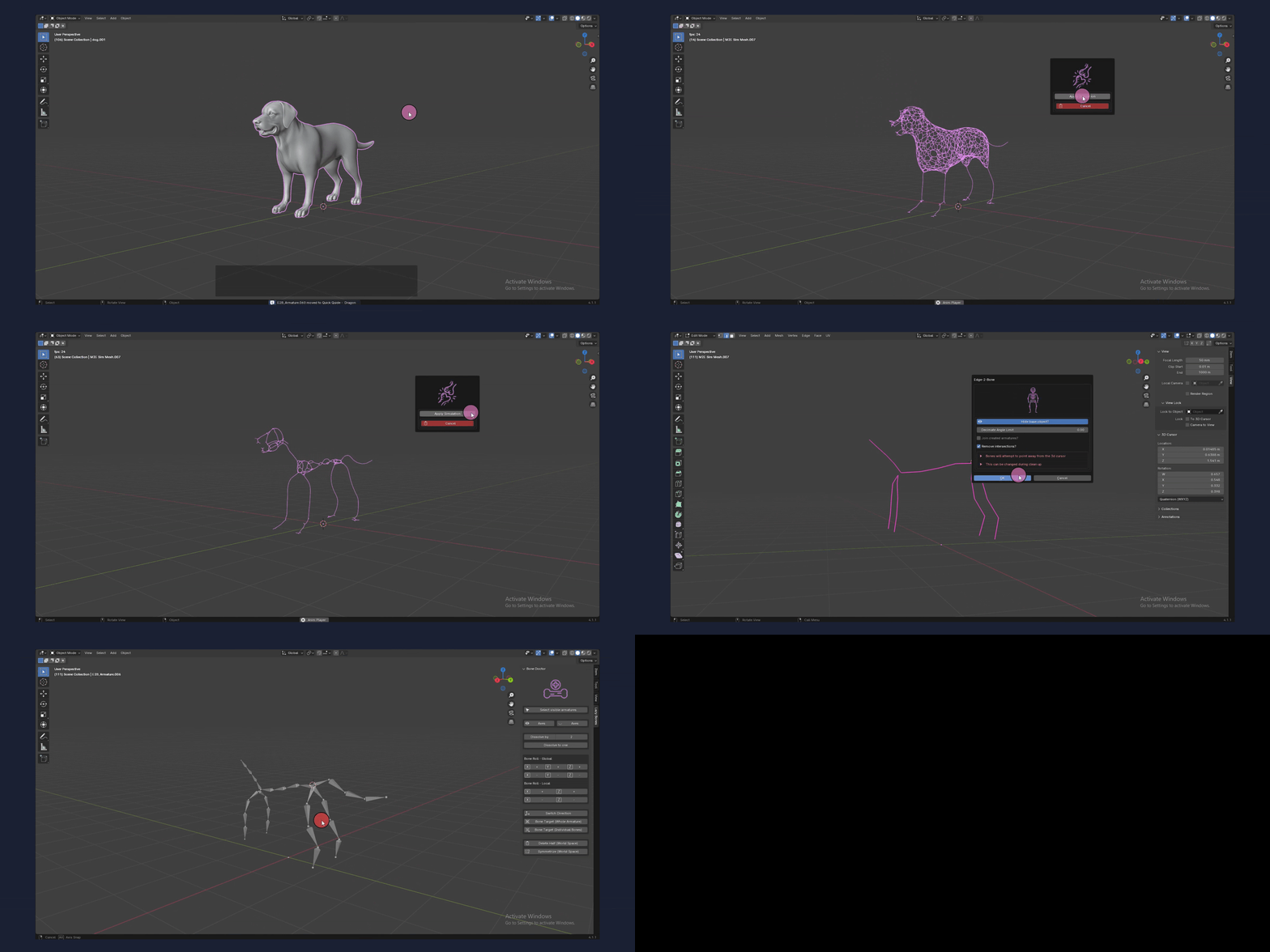
- One-Click Skeleton Generation: Analyze any mesh and instantly generate a full bone chain or skeleton structure that fits perfectly inside the geometry, respecting symmetry and proportions.
- Smart Axis & Roll Detection: Automatically calculates the correct bone roll (orientation) based on mesh curvature and normals, preventing the common issue of twisted bones that break deformation.
- Intelligent Naming Convention: Bones are automatically named following industry standards (e.g.,
spine_01,thigh_L,jaw_master), ensuring compatibility with auto-rigging tools like Rigify and game engines. - Chain Length Control: Specify the number of bones per limb or spine section via simple sliders, allowing for quick iteration between low-poly game rigs and high-fidelity film rigs.
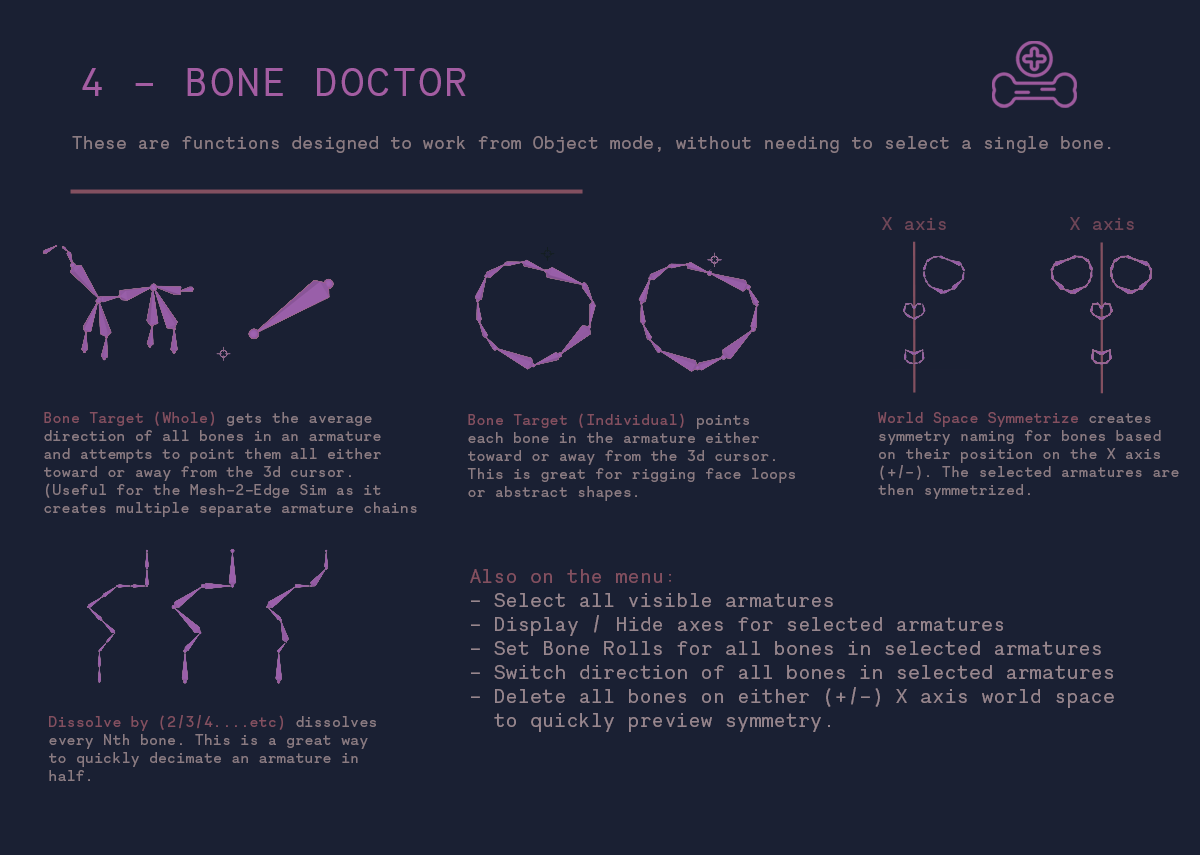
- Symmetry Mirroring: Generate bones for one side of a character and instantly mirror them to the other side with perfect alignment and corrected suffixes (
_L/_R). - Mesh-to-Bone Snapping: Bones automatically snap to the center of mass of selected mesh sections (e.g., selecting a hand mesh generates a hand bone centered perfectly within it).
- Custom Bone Shapes: Optionally apply basic bone shapes (circles, squares, arrows) during generation to make the rig more visual and easier to select in the viewport.
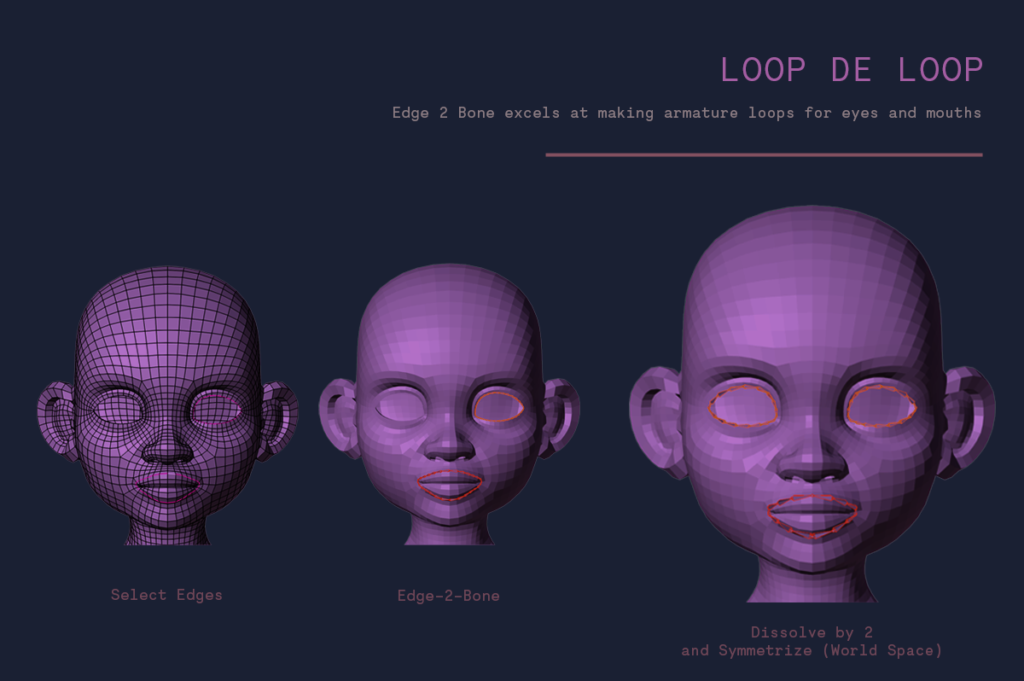
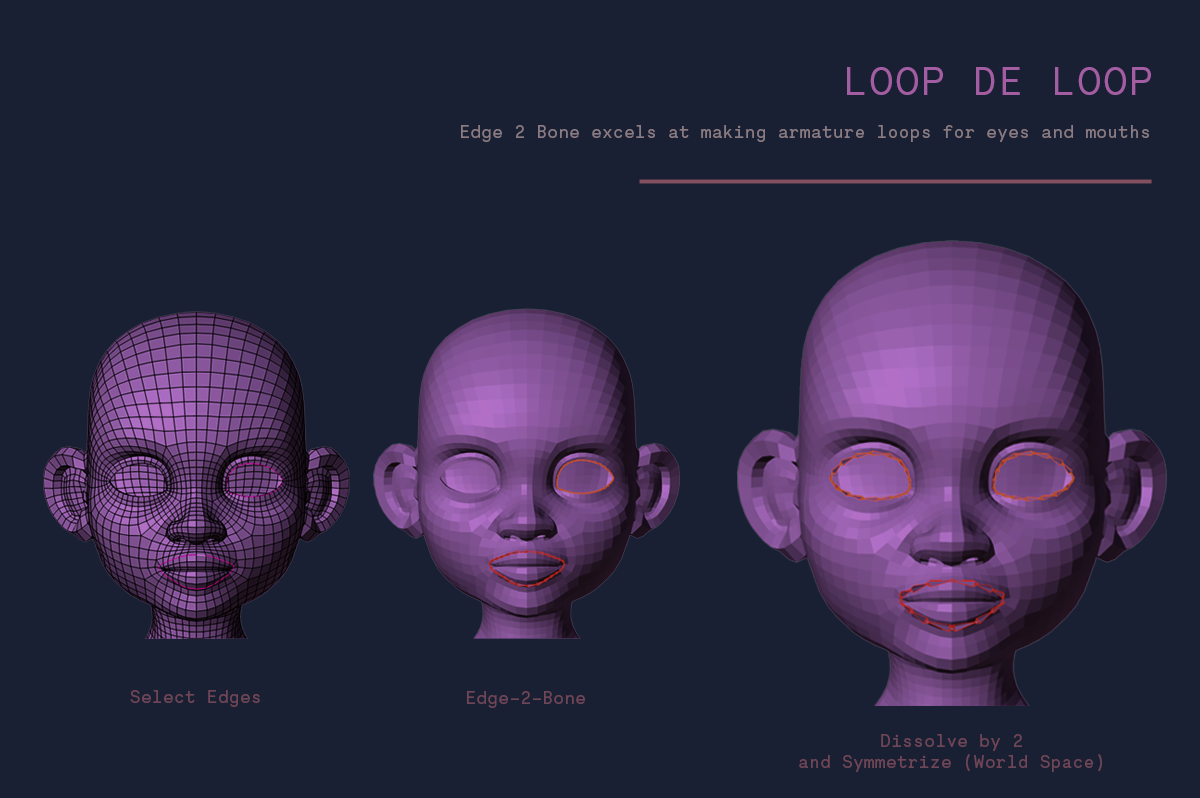
- Face & Finger Tools: Specialized modes for rapidly generating facial bone chains (jaw, eyes, lips) and finger phalanges with correct joint spacing.
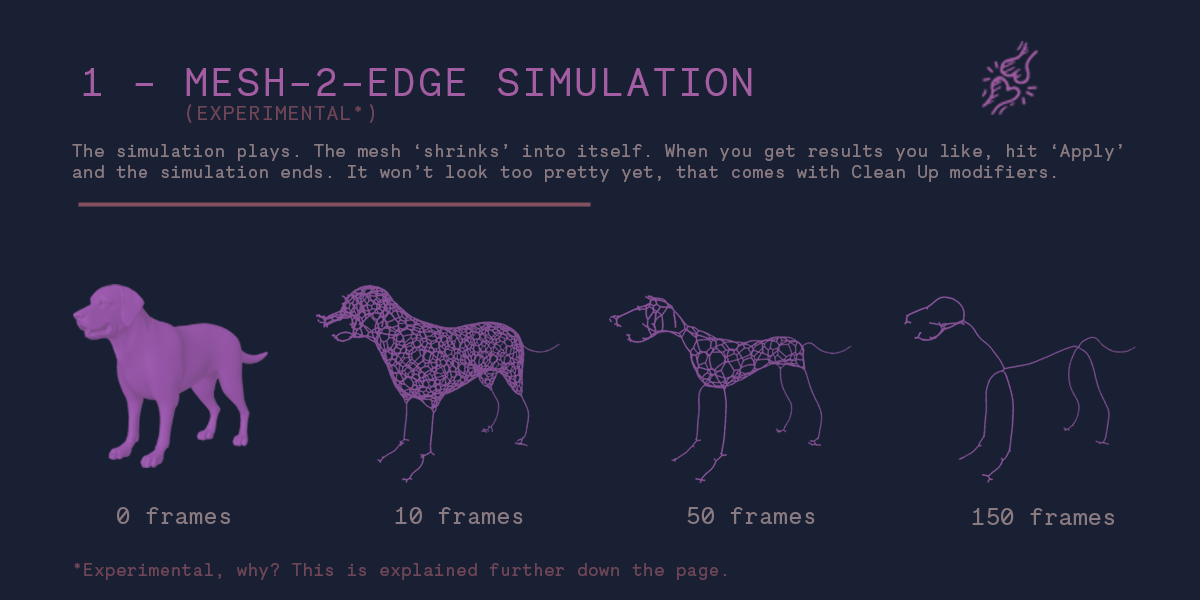
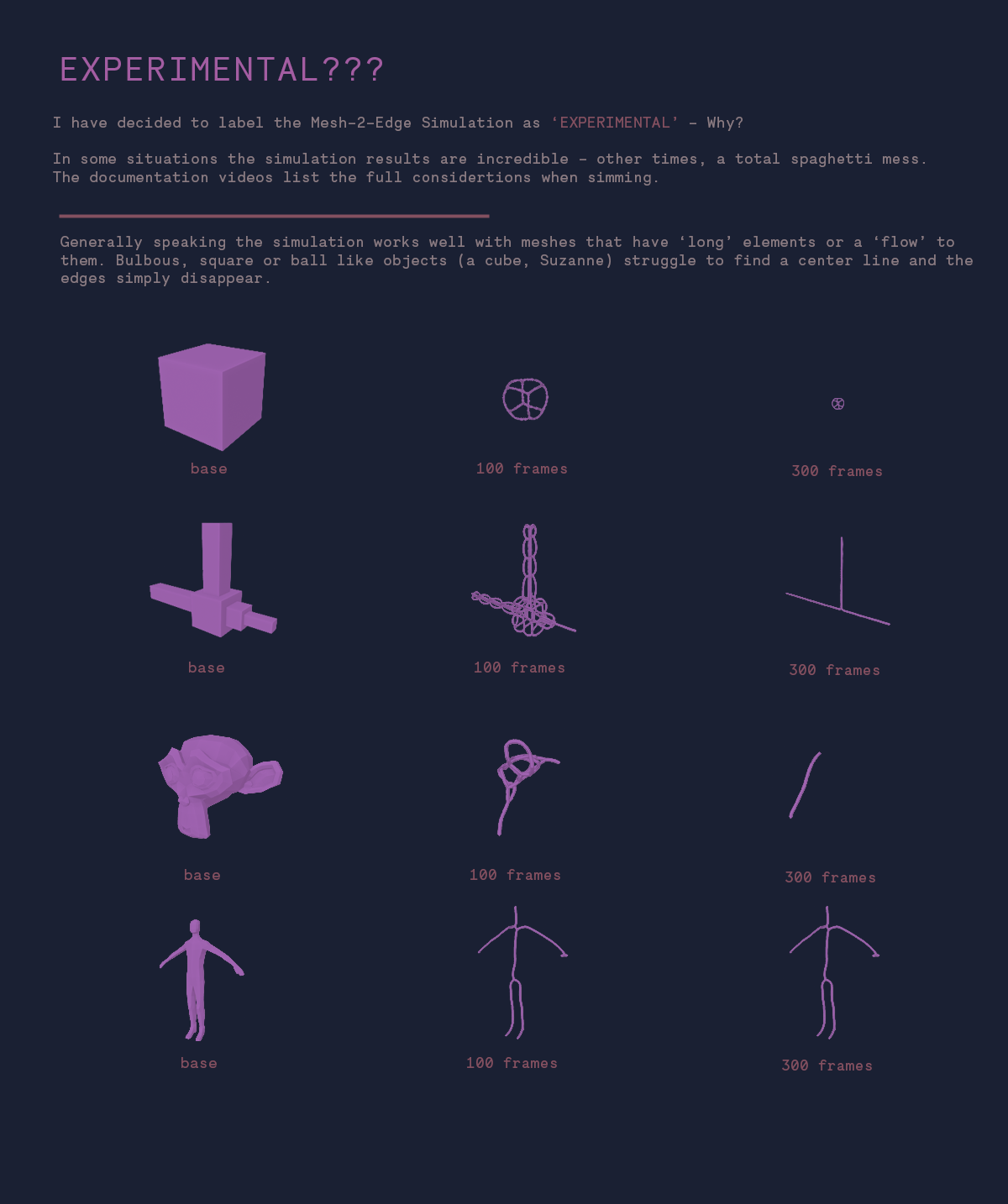
- Non-Destructive Preview: Visualize the proposed bone layout before committing, allowing you to adjust density and alignment without deleting and restarting.
- Rigify Ready: The generated bones are fully compatible with Blender’s native Rigify system, serving as the perfect “meta-rig” base for advanced automatic rigging.
Perfect For:
- Character Artists who want to skip the manual bone placement phase and jump straight to skinning.
- Game Developers needing quick, clean skeletons for modular characters or props.
- Beginners finding the concept of bone rolls and axis alignment confusing and error-prone.
- Technical Artists prototyping rigs rapidly for testing deformation limits.
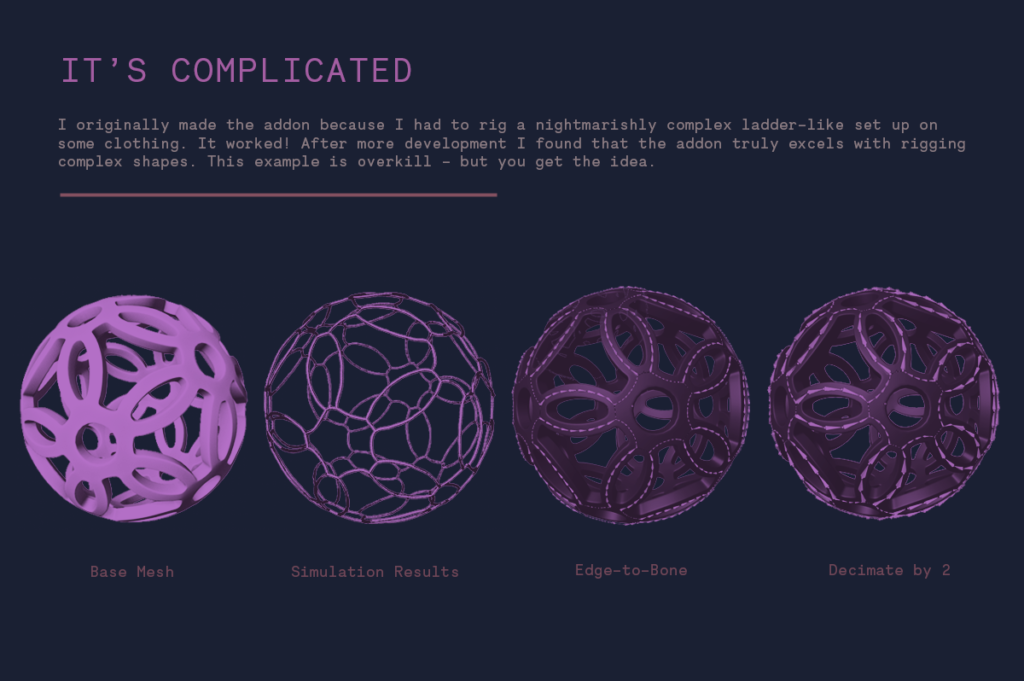
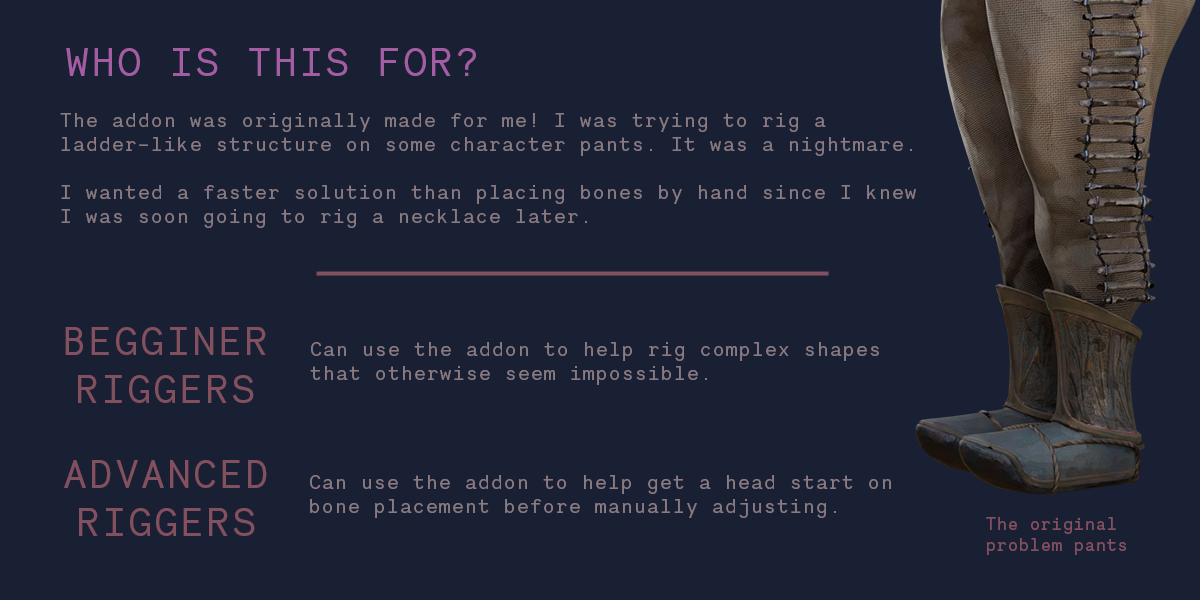
- Creature Designers working with non-standard anatomy where manual bone placement is time-consuming.
- Anyone who wants to live up to the name “Lazy” by letting the computer do the repetitive work.
System Requirements:
- Blender: 3.6, 4.0, 4.1, 4.2, 4.3, 4.4+ (Latest LTS recommended).
- OS: Windows 10/11 (64-bit) or macOS 10.15+.
- RAM: 4GB minimum (8GB+ recommended for high-poly mesh analysis).
- No external dependencies required.
Installation:
- Download the Lazy Bones v1.0.0
.zipfile. - Open Blender and go to Edit > Preferences > Add-ons.
- Click Install…, select the downloaded file, and enable the checkbox next to Rigging: Lazy Bones.
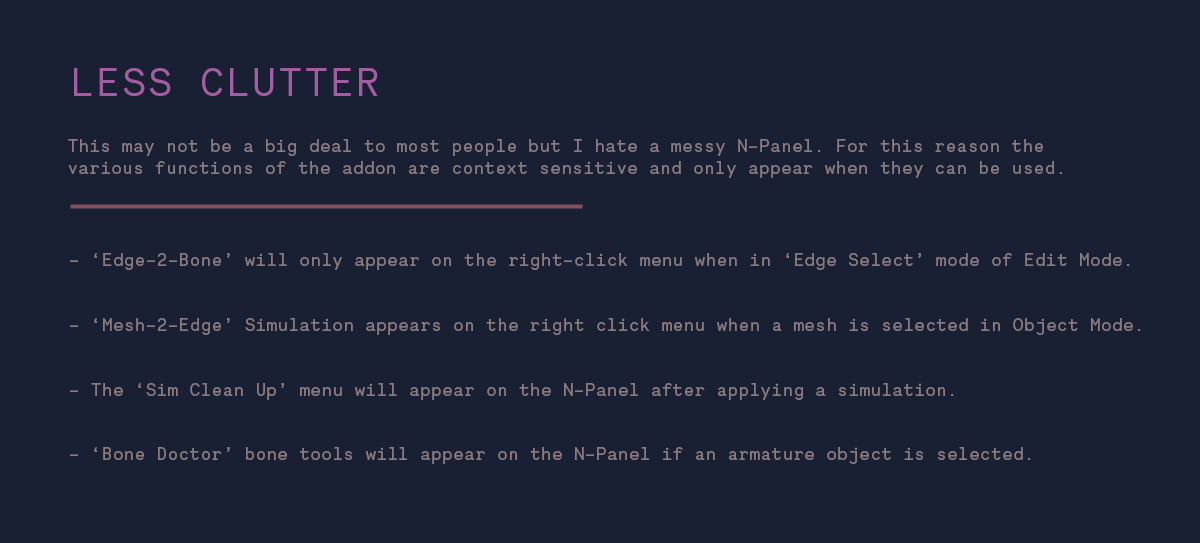
- Access via the Object Data Properties panel (Green Running Man Icon) > Lazy Bones tab, or the 3D Viewport Sidebar (N-panel) under the Rig tab.
Note:
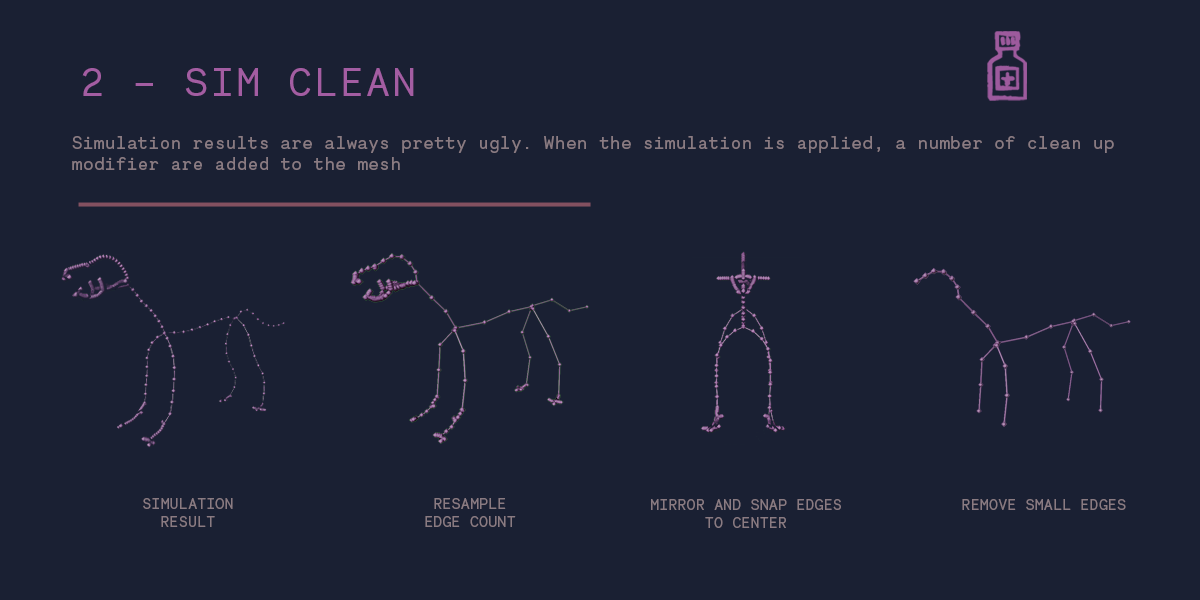
Lazy Bones v1.0.0 is designed as a foundational tool. It doesn’t replace complex control rigs (like Rigify or Auto-Rig Pro) but rather creates the perfect base for them. By ensuring your base bones are perfectly placed, named, and oriented from the start, it prevents 90% of the headaches associated with weight painting and controller setup later. The addon features a “Clean Up” mode that removes duplicate vertices and fixes non-manifold geometry in the mesh before bone generation, ensuring the analysis is as accurate as possible. Whether you are rigging a simple prop or a complex humanoid, Lazy Bones gets your skeleton ready in seconds, not hours.
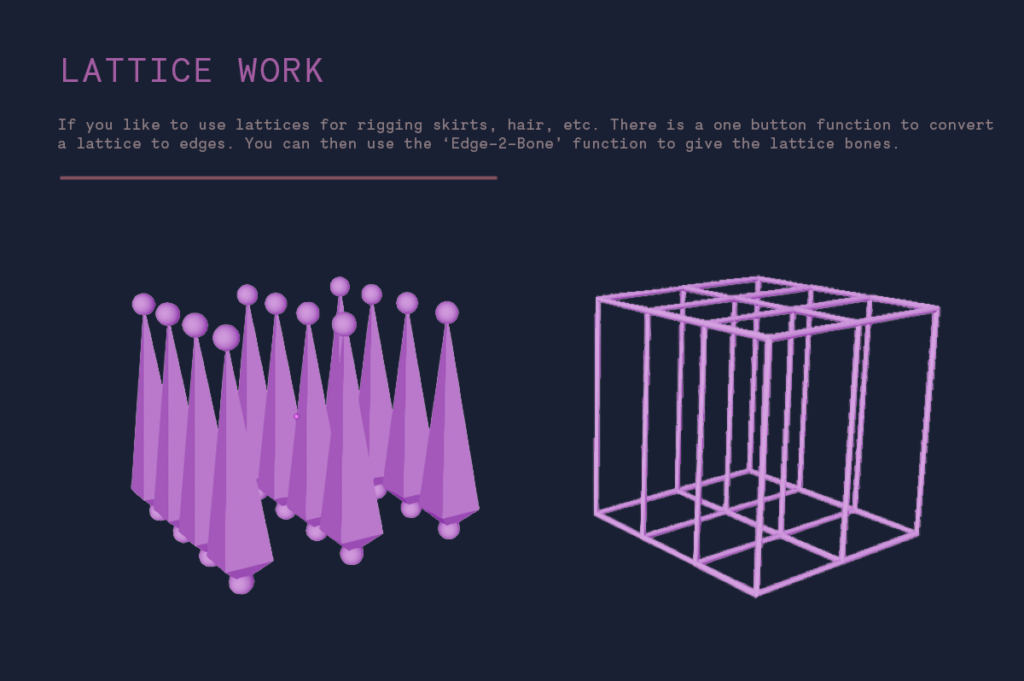
*Version 2 currently in testing phase














Supercharge your 3D creation workflow with premium selection of Blender Add-ons. Whether you are modeling intricate characters, sculpting realistic environments, or animating cinematic sequences, the right add-on can transform how you work inside Blender. Our curated collection includes powerful tools for UV unwrapping, procedural texture generation, rigging automation, rendering optimization, and more—each rigorously tested for compatibility with the latest Blender versions. Eliminate tedious manual processes and unlock advanced functionality that lets you focus on what matters most: bringing your creative vision to life. Explore our full range of professional Blender plugins today and take your 3D projects to the next level.
➡️ ➡️ For more Blender Plugins 😀 😀
Reviews
There are no reviews yet.