
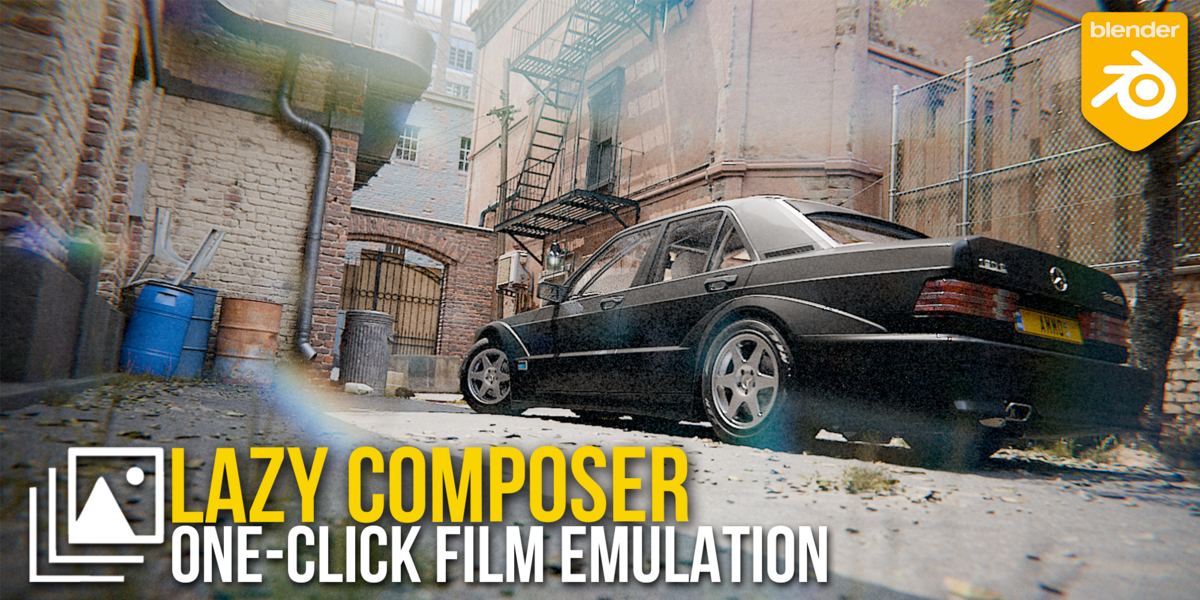
Lazy Composer for Blender
Lazy Composer for Blender – The Ultimate “Zero-Effort” Node & Material Workflow
Version: v2.0
File Size: 199 MB
Download Lazy Composer for Blender on Windows and Mac, a productivity-focused addon designed to eliminate the intimidation and complexity of Blender’s node-based systems (Shader Editor, Compositor, and Geometry Nodes). By providing an intelligent library of pre-built, context-aware node groups and a streamlined “drag-and-drop” interface, Lazy Composer transforms how artists build materials, apply post-processing effects, and generate procedural geometry, allowing you to achieve professional results without needing to memorize complex node math or wire setups from scratch.
Key Features of Lazy Composer:
- Smart Context Detection: Automatically detects whether you are in the Shader Editor, Compositor, or Geometry Nodes editor and presents only the relevant, usable presets for that specific context.
- One-Click Material Presets: Instantly apply over 100+ production-ready material setups (e.g., “Realistic Glass,” “Worn Metal,” “Subsurface Skin,” “Stylized Toon”) that are fully parametric and ready to tweak.
- Compositing Shortcuts: Add complex post-processing chains (Bloom + Glare + Color Grade + Vignette) with a single click, replacing the need to manually wire 20+ nodes for a cinematic look.
- Geometry Nodes Snippets: Drop in pre-made functional node groups for common tasks like “Scatter on Surface,” “Randomize Rotation,” “Make Instances Real,” or “Trim Curve” without building the logic yourself.
- Visual Parameter Exposure: All presets expose only the essential controls (Color, Roughness, Intensity, Scale) in a clean, collapsible panel, hiding the complex internal node tree to prevent accidental breakage.
- Non-Destructive Stacking: Layer multiple effects (e.g., add a “Dirt Mask” on top of a “Rust Material”) seamlessly; the addon automatically handles the necessary mix nodes and factor connections.
- Custom Preset Builder: Easily save your own node setups as new “Lazy” presets with custom icons and descriptions, building a personal library for your studio or freelance workflow.
- Auto-Connection Logic: When dropping a node group, it intelligently finds the correct input/output sockets (e.g., connecting to the “Surface” input of the Principled BSDF) so you don’t have to manually plug wires.
- Search & Filter: Rapidly find the exact effect you need using keywords (e.g., “fresnel,” “noise,” “glow”) with thumbnail previews for instant visual identification.
- Performance Optimized: Presets are built with efficient node structures to ensure they don’t unnecessarily slow down viewport performance or render times.
Perfect For:
- Beginners who find the node editor overwhelming and want to create great-looking materials immediately.
- Generalists who need to quickly dress a scene with diverse materials without specializing in shading.
- Motion Designers needing fast compositing tricks and geometric effects for tight deadlines.
- Architectural Visualizers applying realistic glass, wood, and concrete presets with accurate physical properties.
- Concept Artists rapidly iterating on looks and styles without getting bogged down in technical node wiring.
- Professionals looking to speed up their workflow by reusing proven, optimized node setups instead of rebuilding them every time.
System Requirements:
- Blender: 3.6, 4.0, 4.1, 4.2, 4.3, 4.4+ (Latest LTS recommended).
- OS: Windows 10/11 (64-bit) or macOS 10.15+.
- RAM: 8GB minimum (16GB+ recommended for heavy compositor stacks).
- No external dependencies required.
Installation:
- Download the Lazy Composer
.zipfile. - Open Blender and go to Edit > Preferences > Add-ons.
- Click Install…, select the downloaded file, and enable the checkbox next to Node: Lazy Composer.
- Access via the Sidebar (N-panel) in the Shader/Compositor/Geometry Nodes editors under the Lazy tab, or via the Add Menu > Lazy Composer.
Note:
Lazy Composer lives up to its name by doing the heavy lifting for you. Unlike standard asset libraries that just drop a static group of nodes, Lazy Composer’s presets are dynamic and adaptive. For example, if you drop a “Surface Dirt” preset onto a material that doesn’t have a Normal map connected, the preset automatically adds a default noise texture to drive the dirt mask, ensuring it works out of the box. It also features a “Reset to Default” button for every preset, allowing you to instantly revert changes if you tweak a parameter too far. Whether you are shading a character, compositing a render, or scattering trees, Lazy Composer provides the shortcuts needed to work smarter, not harder.
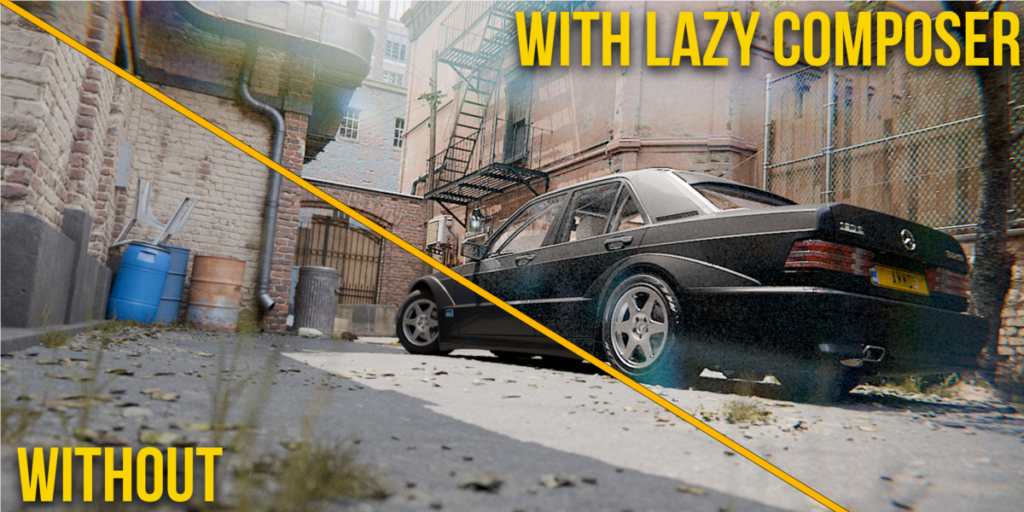
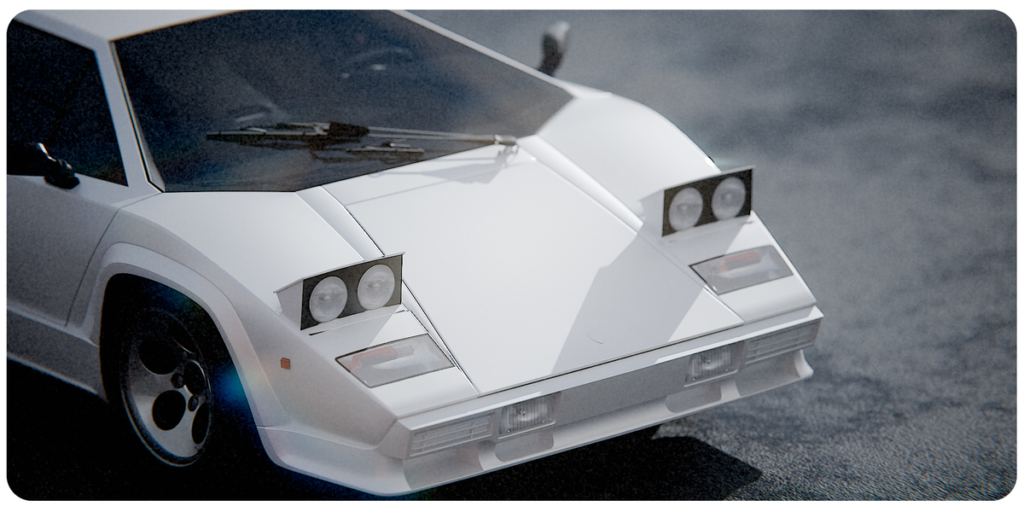
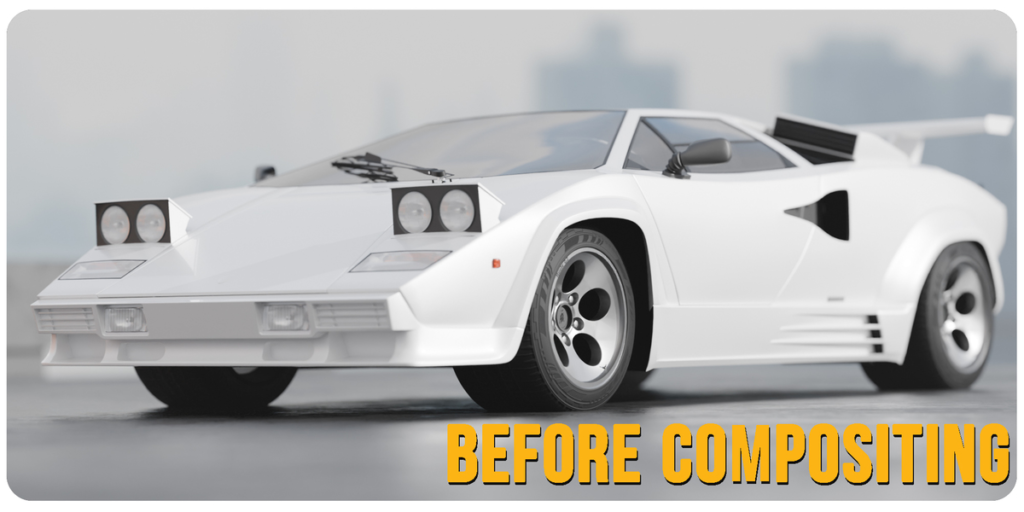
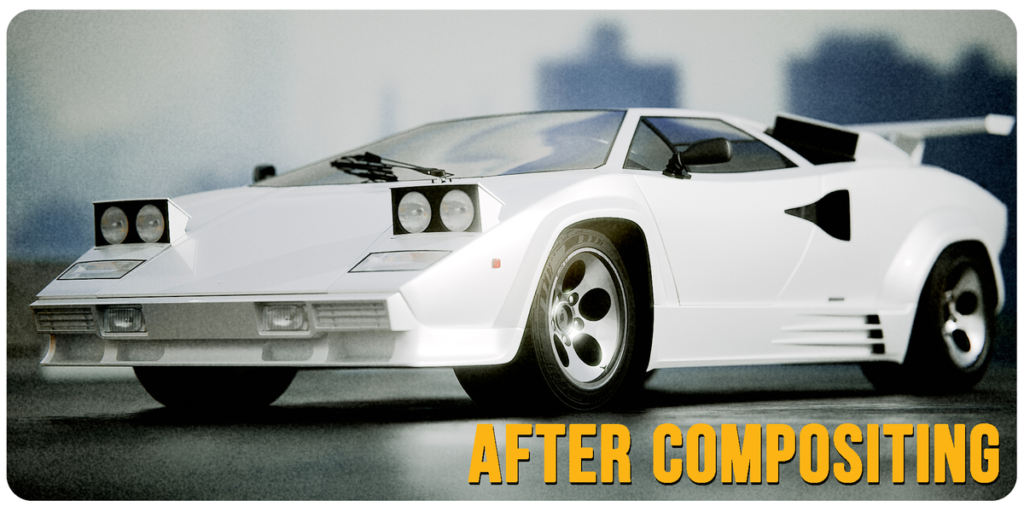
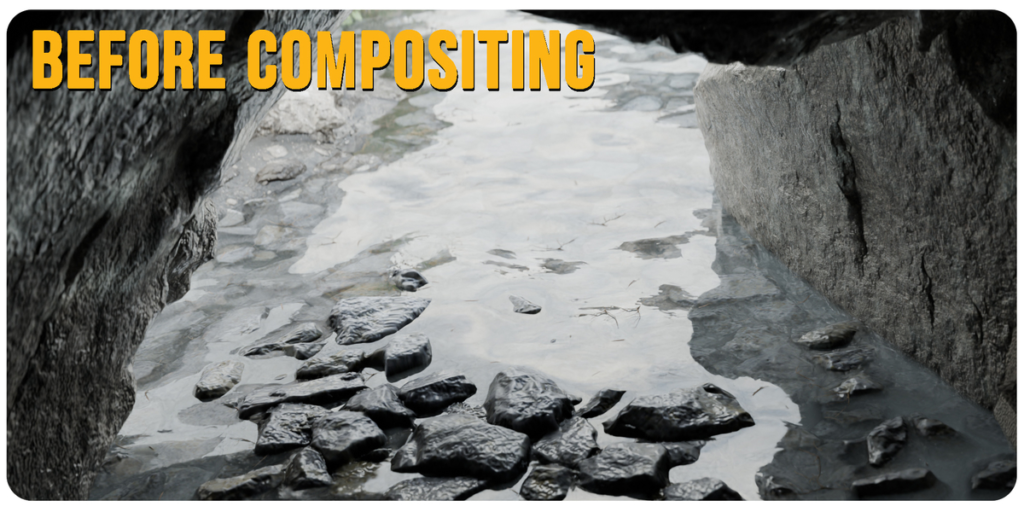
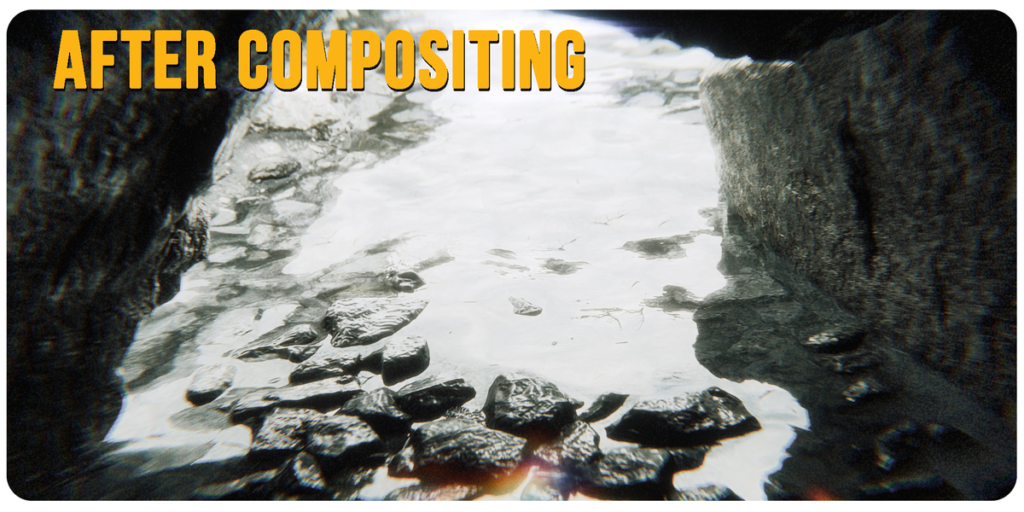


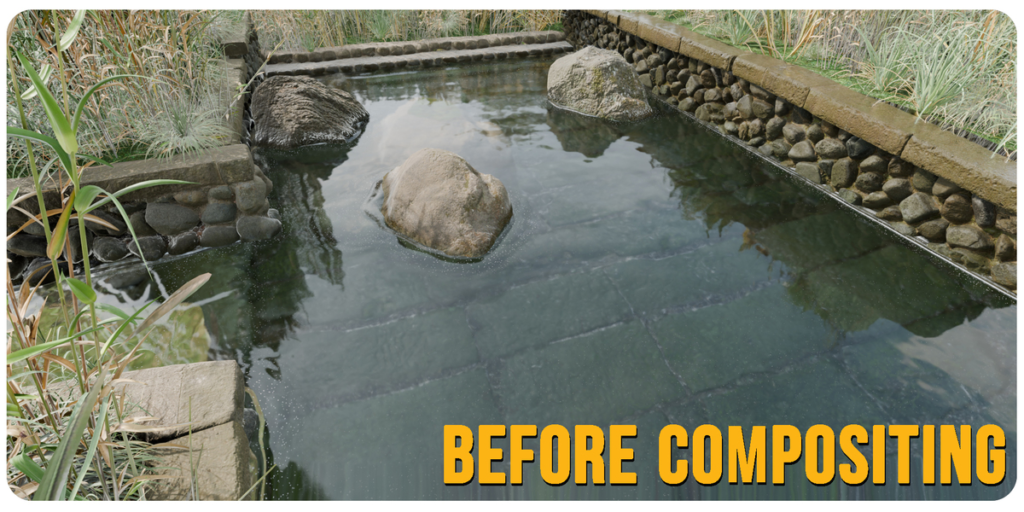
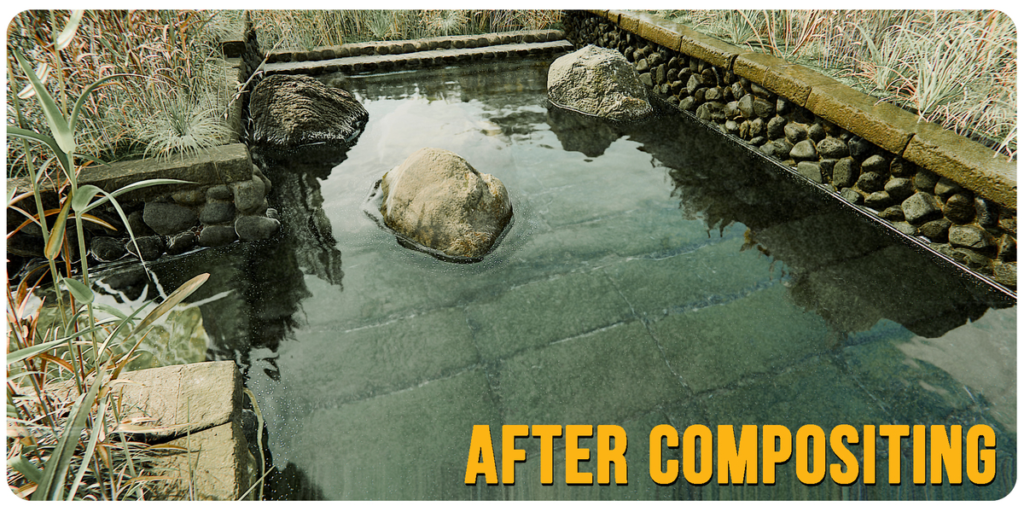


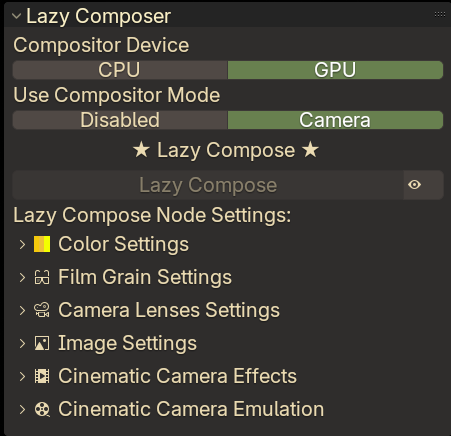
Elevate your renders effortlessly with Lazy Compose! This addon brings advanced compositing to your fingertips in a single click. Instantly apply professional-grade effects designed to enhance your visuals and add cinematic depth.
Features:
Color Correction: Refine hues and adjust tones to perfection.
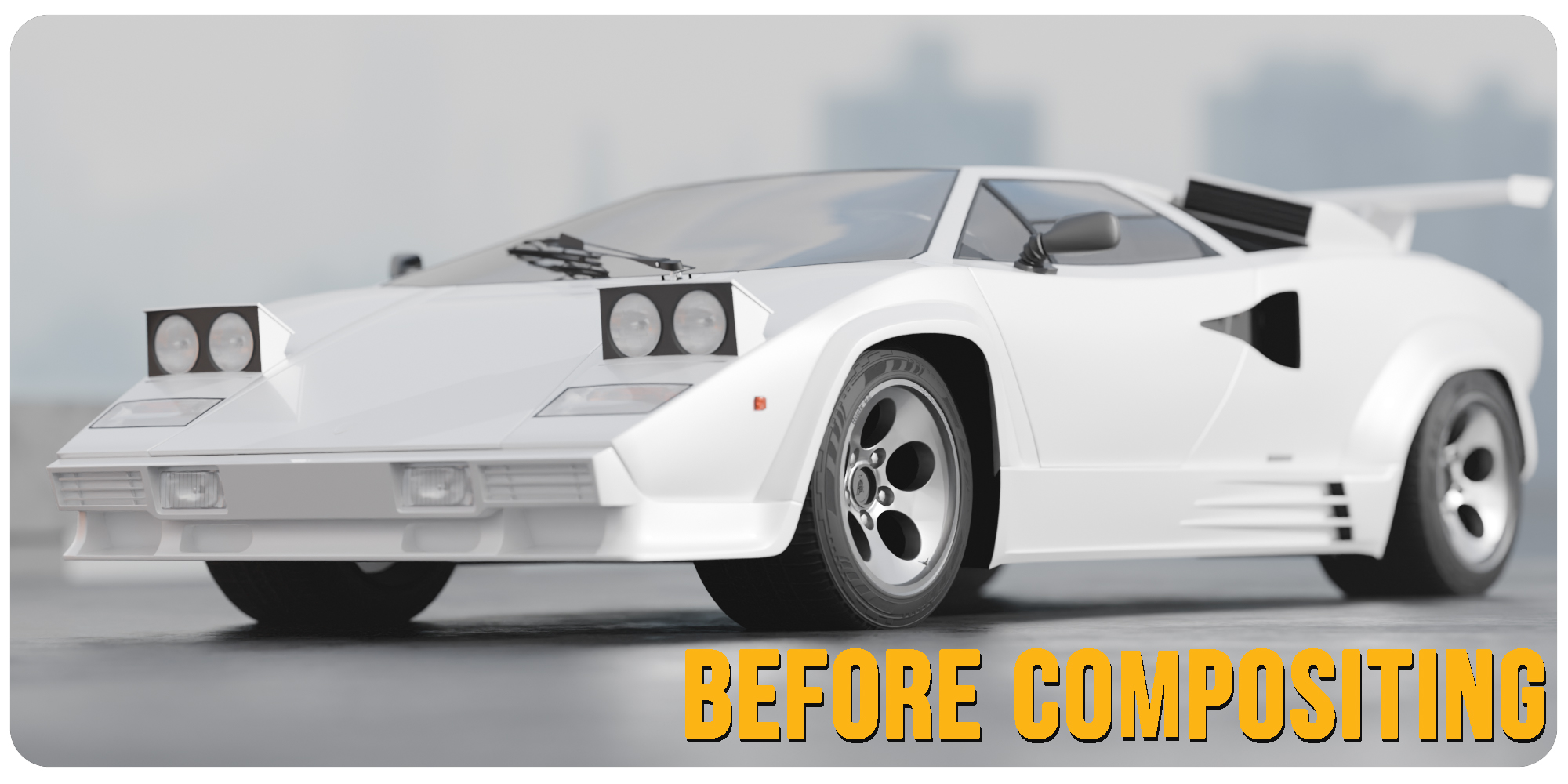
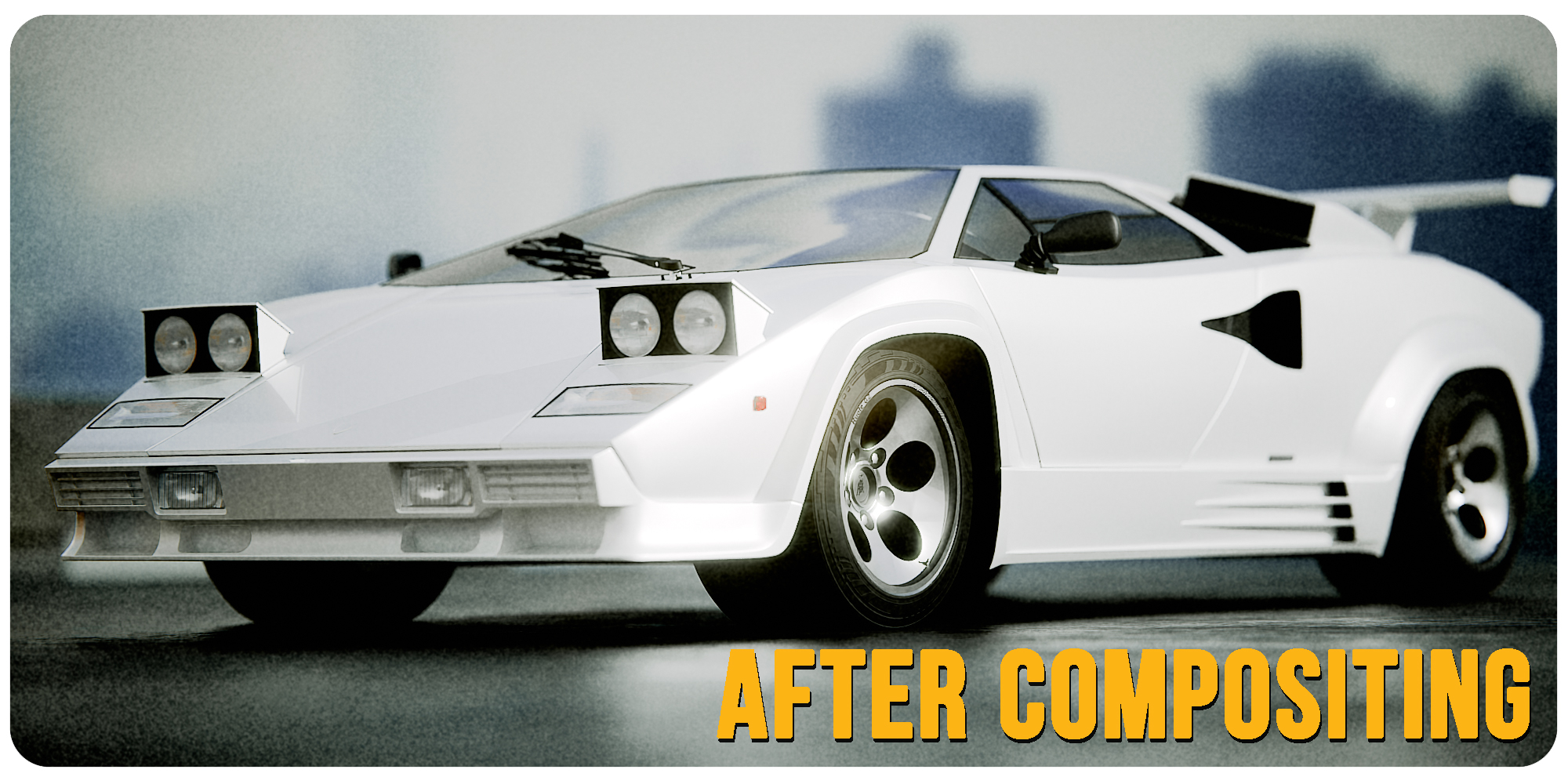
(improve your render just in a few clicks!)
Image Adjustments: Fine-tune brightness, contrast, and other image essentials.
Lens Settings: Add realistic lens effects to give your renders an authentic look.
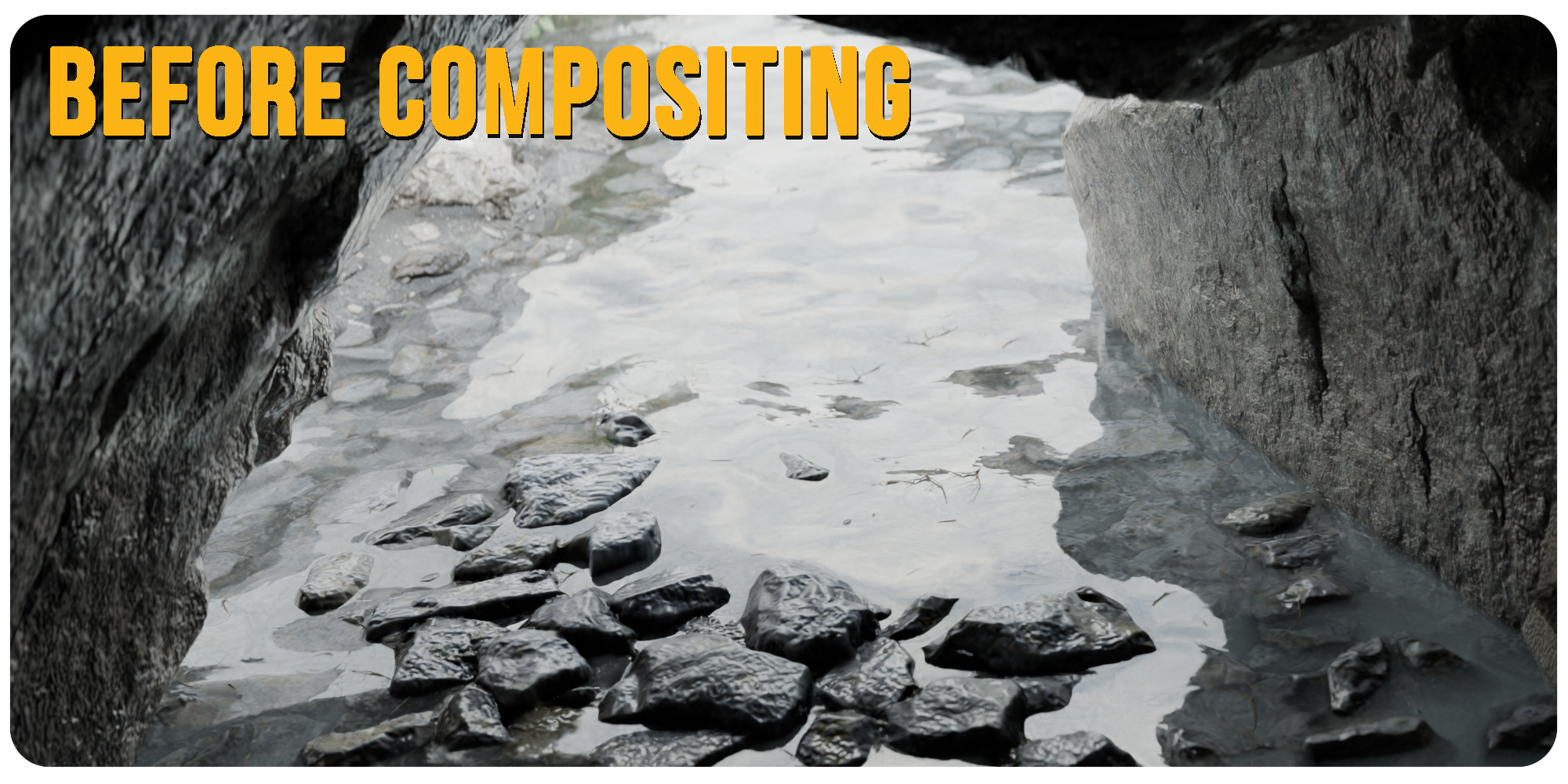
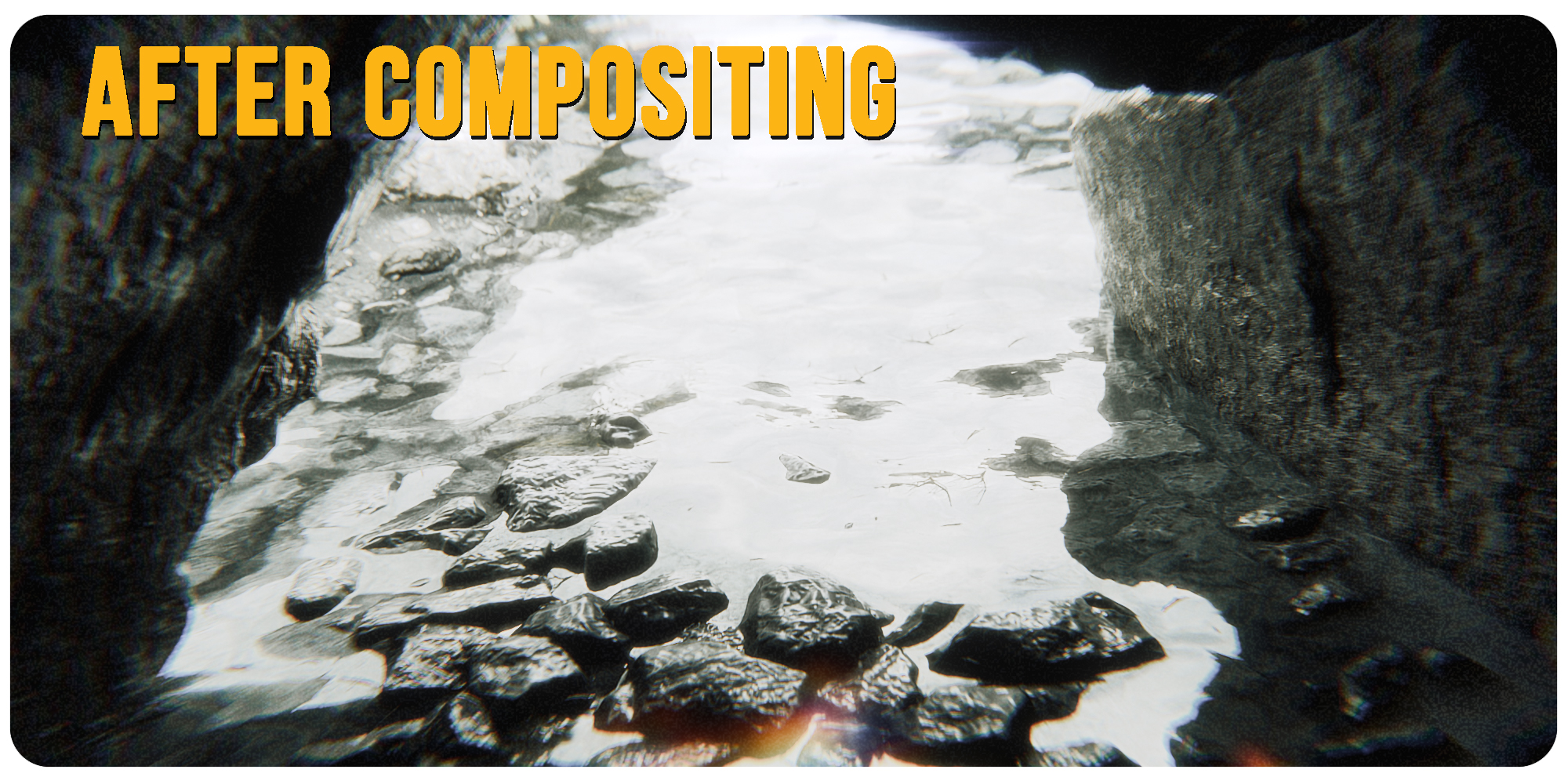
Film Emulation in Real-Time Viewport Compositor: Make changes right in your viewport! Addon Supports both CYCLES and EEVEE.
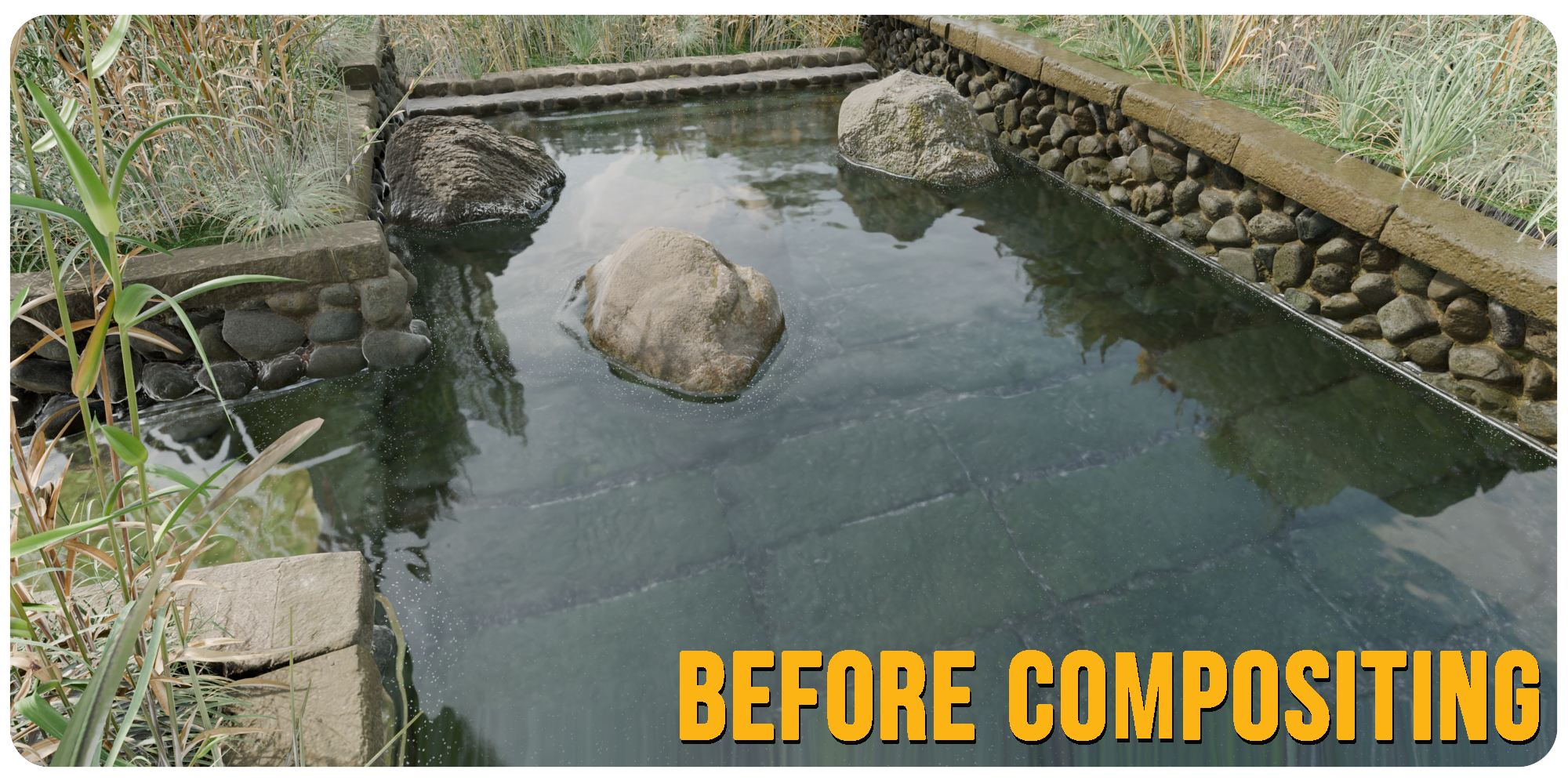
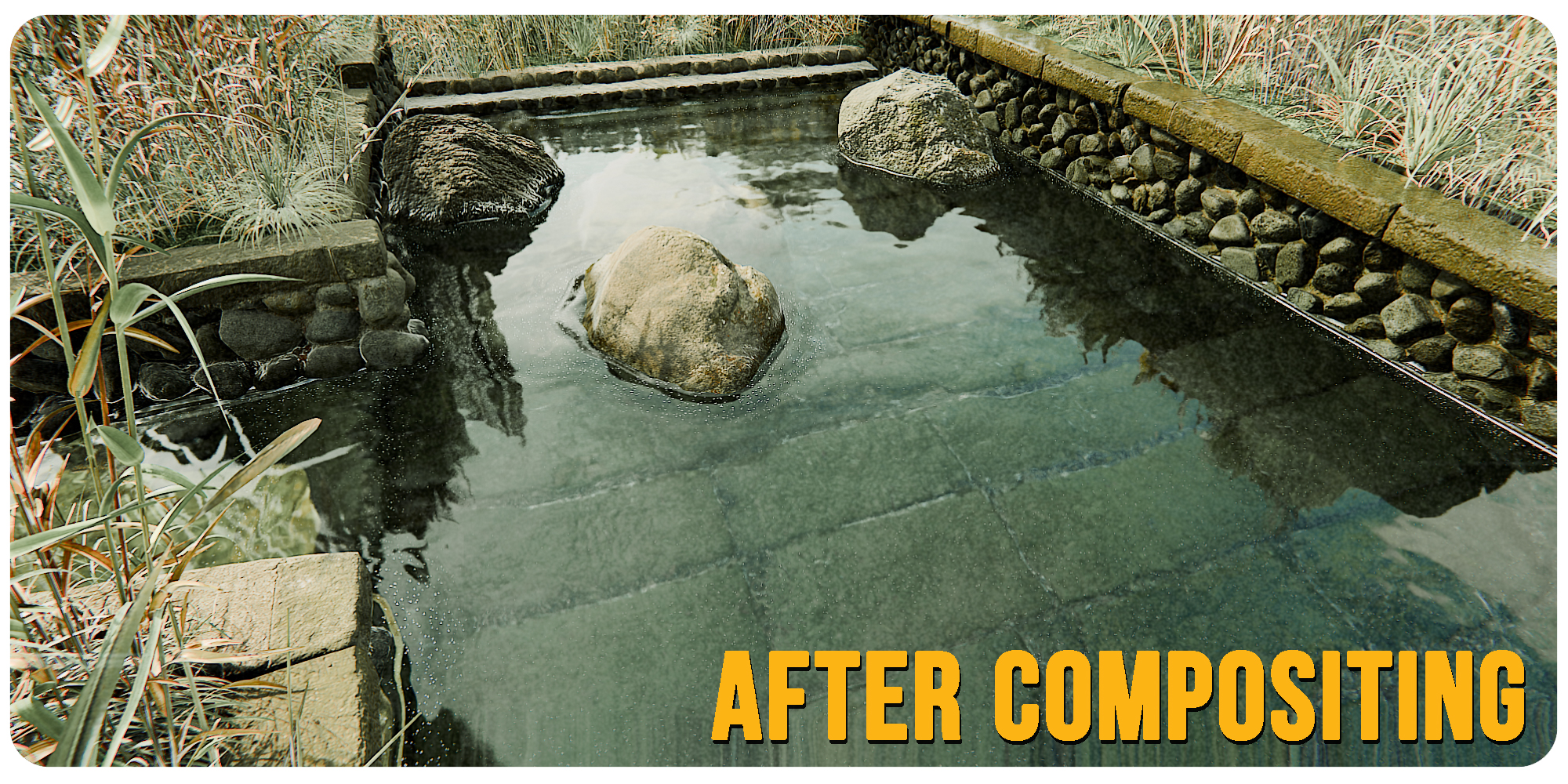
This is EEVEE render
Glow & Glare: Add striking light effects for dynamic highlights and bloom.
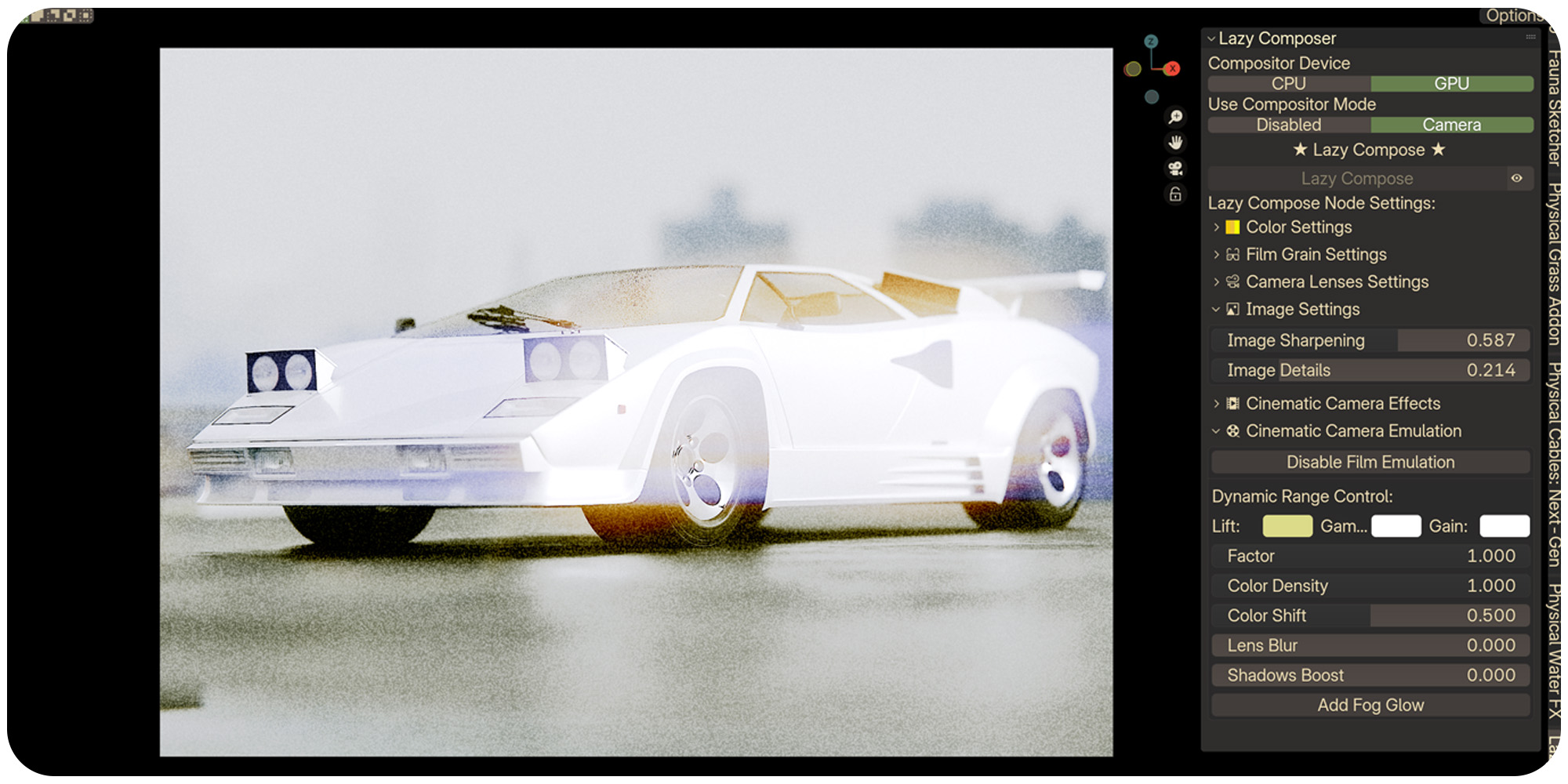
Light Rays: Introduce atmospheric light rays for dramatic impact.
Hallation: Recreate the subtle red halos from vintage film.
User-Friendly UI: Control your Effects in a single tab
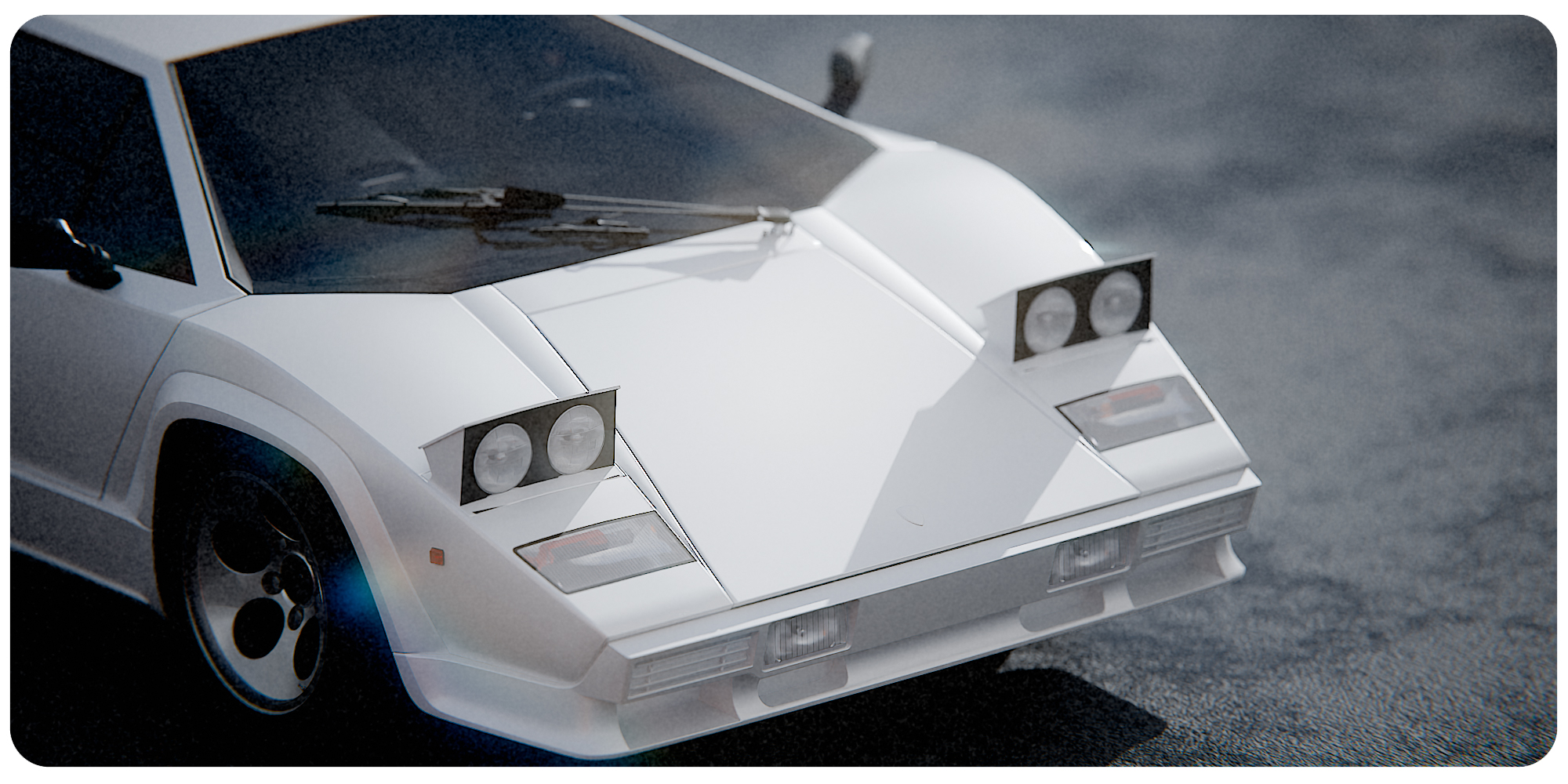
Procedural Cinematic Film Grain: Achieve organic film grain for a truly cinematic feel.
Supercharge your 3D creation workflow with premium selection of Blender Add-ons. Whether you are modeling intricate characters, sculpting realistic environments, or animating cinematic sequences, the right add-on can transform how you work inside Blender. Our curated collection includes powerful tools for UV unwrapping, procedural texture generation, rigging automation, rendering optimization, and more—each rigorously tested for compatibility with the latest Blender versions. Eliminate tedious manual processes and unlock advanced functionality that lets you focus on what matters most: bringing your creative vision to life. Explore our full range of professional Blender plugins today and take your 3D projects to the next level.
➡️ ➡️ For more Blender Plugins 😀 😀
Reviews
There are no reviews yet.