
Level Builder for Blender
level builder addon
Level Builder v1.0 for Blender – Professional Game Level & Environment Design Toolkit
Version : 1.0
File Size: 1MB
Download Level Builder v1.0 for Blender on Windows, Mac, and Linux, a powerful add-on designed specifically for game developers and environment artists to rapidly create, iterate, and export game levels. This comprehensive toolkit provides modular building systems, terrain tools, prop placement, and scene management—streamlining the entire level design workflow within Blender .
Key Features of Level Builder v1.0:
- Modular Grid System: Snap modular assets to an intelligent grid with automatic alignment and rotation—build complex environments quickly
- Terrain Editor: Sculpt, texture, and paint terrain with real-time feedback—brushes, noise generation, and height map import/export
- Prop Placement Tools: Paint props and vegetation onto surfaces with density, slope, and altitude constraints for natural distribution
- Prefab Library: Create, save, and reuse modular prefabs with thumbnails and metadata for efficient level construction
- Real-Time Measurement: Instant distance, angle, and surface area calculations for precise level planning
- Player Start & Navigation: Place spawn points, waypoints, and navigation markers with visual indicators
- Export Optimization: Automatic LOD generation, draw call batching, and texture atlasing for game engine export
- Scene Organization: Intelligent outliner management with color-coding, collections, and layer visibility presets
- Unity & Unreal Ready: Export presets for Unity and Unreal Engine with proper transform and material conversion
- Real-Time Preview: See level updates instantly in the viewport
Perfect For:
- Game developers building levels for Unity and Unreal Engine
- Level designers creating environments for games and interactive experiences
- Environment artists laying out modular asset sets
- Indie developers streamlining level creation workflows
- Anyone needing professional level design tools in Blender
System Requirements:
- Blender 3.6, 4.0, 4.1, 4.2, 4.3
- Windows 10/11 (64-bit), macOS, or Linux
- 4GB RAM minimum (8GB+ recommended)
- 50MB available disk space
Installation:
- Download the add-on zip file
- In Blender, go to Edit > Preferences > Add-ons
- Click “Install” and select the downloaded zip file
- Enable the add-on by checking the box next to “Level Builder”
Note: Level Builder transforms Blender into a professional game level design tool, providing everything needed to create, iterate, and export game environments . The modular grid system, terrain editor, and prop placement tools make it essential for game developers and environment artists . Perfect for both indie developers and professional studios working with Unity and Unreal Engine . Designed for Blender 3.6 and above . Streamlines the entire level design workflow from concept to export .
Level Of Detail Manager
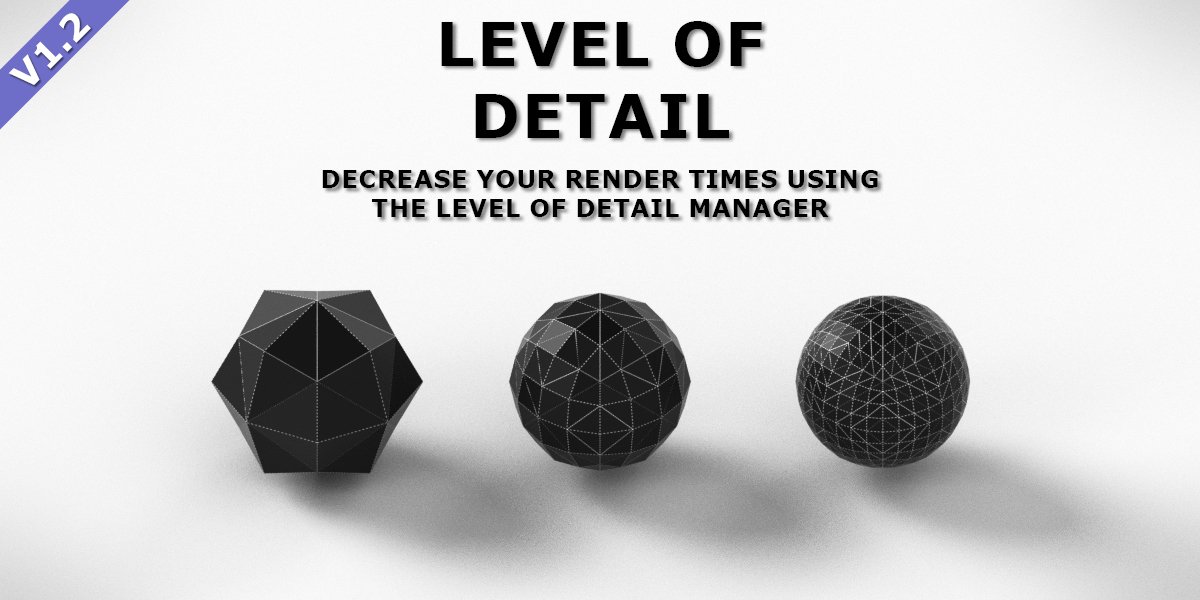
Level of detail (LOD) is often used in games to improve framerates and reduce memory usage. The Blender Game Engine supports LOD as well. Unfortunately, LOD is not available in either Blender Internal or Cycles.
This add-on solves that problem by adding LOD support. Using this add-on, you can speed up your viewport to make it more responsive and decrease your render times. Doing so requires only a little bit of work.
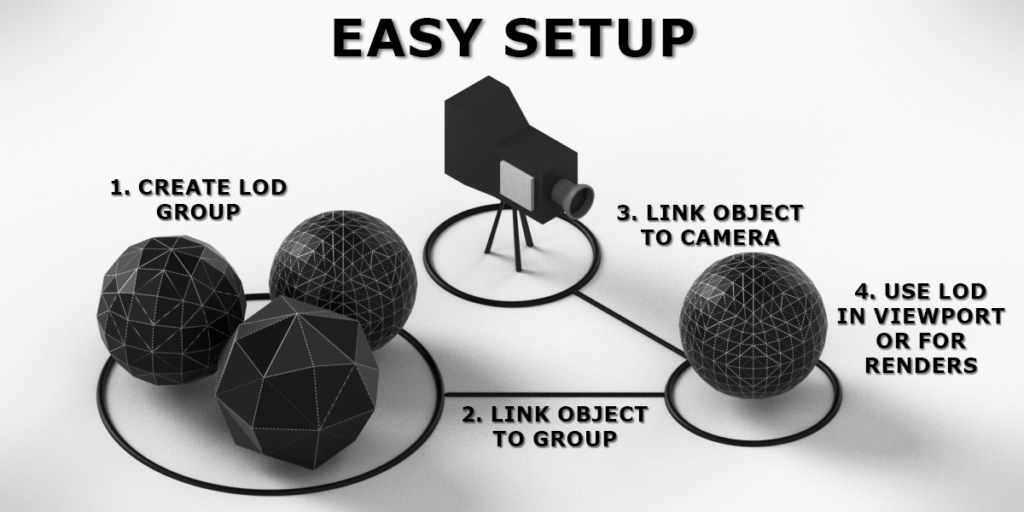
First, create a group of objects (an LOD Group) that have different meshes, modifiers, constraints and materials. Then, define at what distance each of these objects should be visible. Once you have done that, you can link another object to such an LOD Group. Its mesh, modifiers etc. will then be copied from one of the objects in that group, depending on the distance to the camera.
You can create as many groups as you like, with as many different levels of detail as you need.
Features
- Render and Viewport: For each object, you can define whether it should use level of detail in the viewport, during rendering or both.
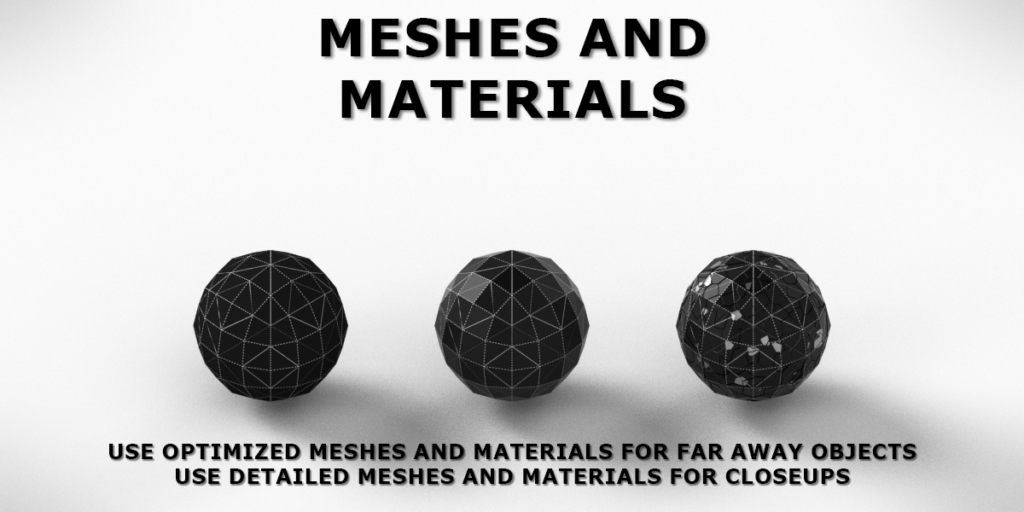
- Meshes: Use meshes with high polycounts for close-ups and less detailed meshes for far away.
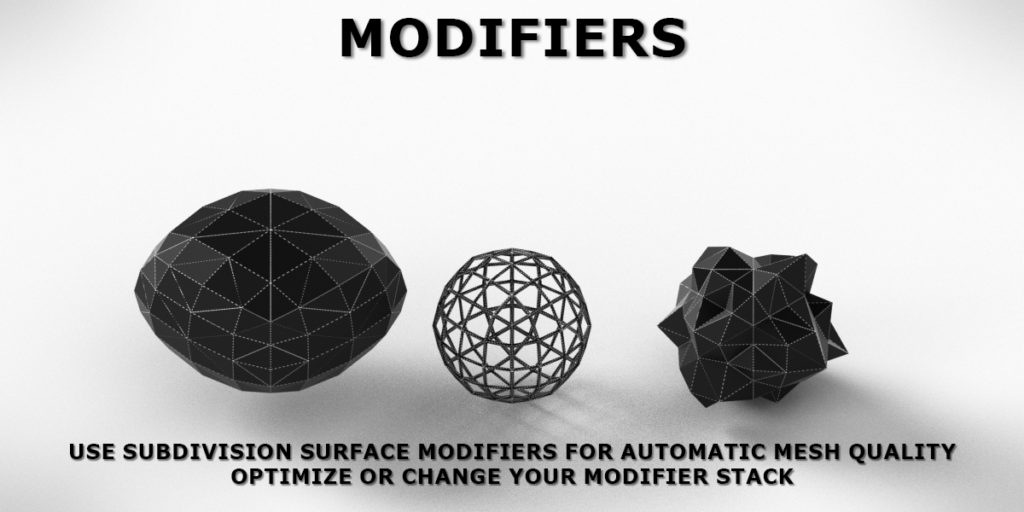
- Modifiers: If you don’t want to manually create low-poly meshes, you can always use Subdivision Surface modifiers with different numbers of subdivision. Or remove modifiers that are hardly visible from a long distance.
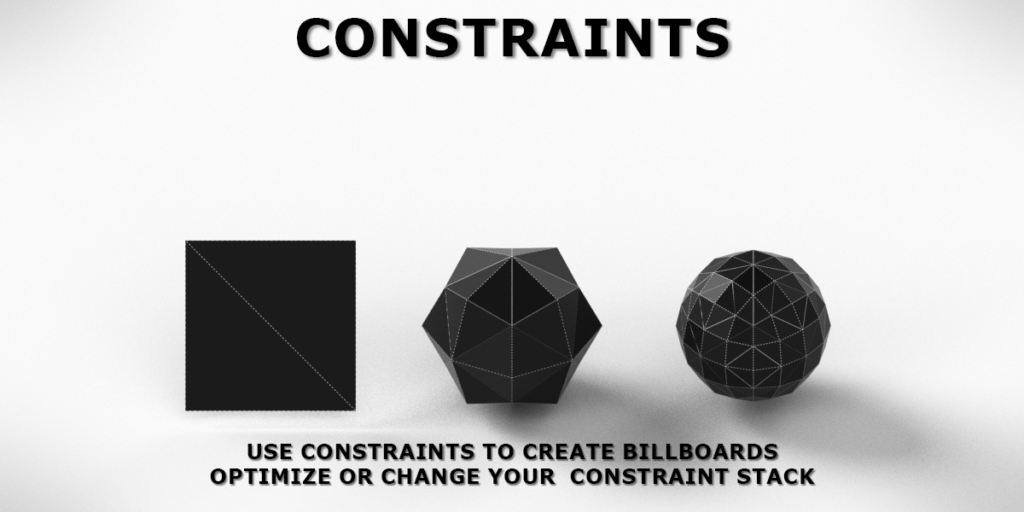
- Constraints: Using constraints such as the Track To constraint, you can create billboards.
- Materials: Because materials are connected to a mesh, you can change the complexity of those materials. For close-ups, you might use very detailed bump maps or complex shaders that are hardly visible from far away.
- And more: Copy settings from one object to another with a single mouse click. Use different settings for objects that are close to the camera, yet outside of the viewport/view frustum.
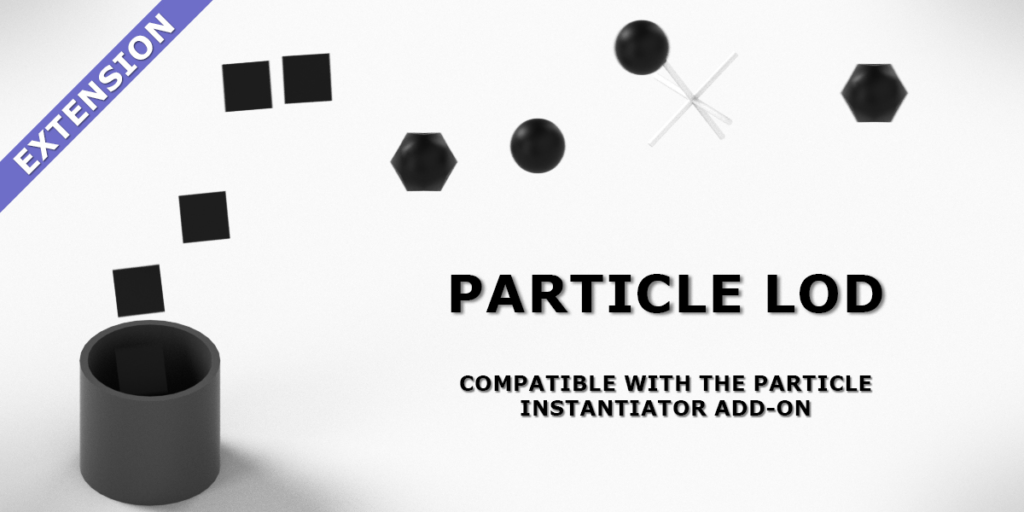
- Extension: This add-on can be combined with the Particle Instantiator add-on to add level of detail to particles.
Supercharge your 3D creation workflow with premium selection of Blender Add-ons. Whether you are modeling intricate characters, sculpting realistic environments, or animating cinematic sequences, the right add-on can transform how you work inside Blender. Our curated collection includes powerful tools for UV unwrapping, procedural texture generation, rigging automation, rendering optimization, and more—each rigorously tested for compatibility with the latest Blender versions. Eliminate tedious manual processes and unlock advanced functionality that lets you focus on what matters most: bringing your creative vision to life. Explore our full range of professional Blender plugins today and take your 3D projects to the next level.
➡️ ➡️ For more Blender Plugins 😀 😀
Reviews
There are no reviews yet.