
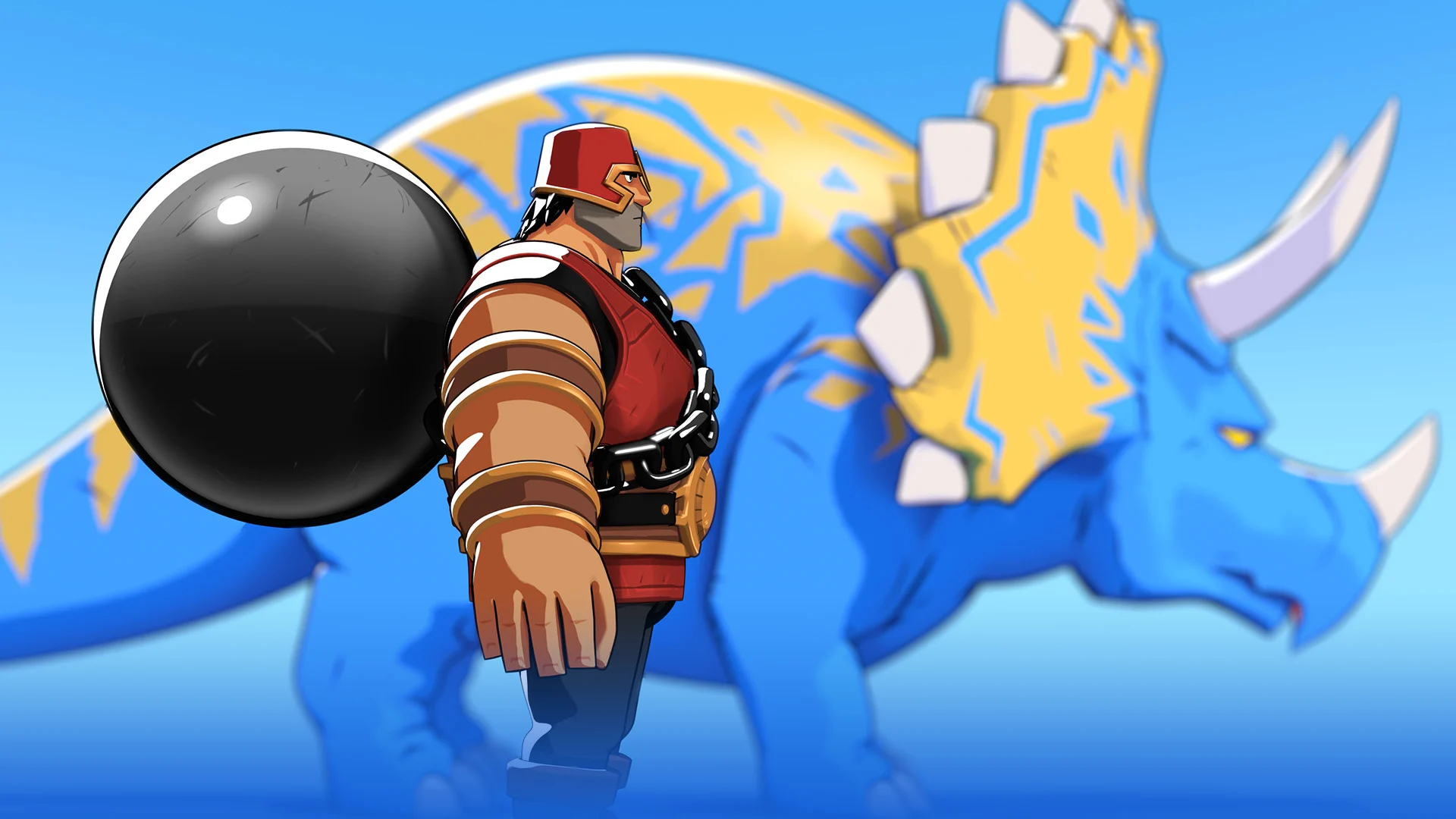
lightning boy shader for Blender
lightning boy shader addon
Lightning Boy Shader v2.1.3 for Blender – Professional Toon & Cel-Shading Material System
Version: V2.1
File Size: 10 MB
Download Lightning Boy Shader v2.1.3 for Blender on Windows, Mac, and Linux, the most advanced toon and cel-shading material system for Blender. Used by professional animators and motion designers worldwide, this comprehensive shader system provides everything needed for stylized character rendering, anime-inspired visuals, and non-photorealistic animation .
Key Features of Lightning Boy Shader v2.1.3:
- Advanced Cel-Shading: Professional toon shading with adjustable light response, shadow hardness, and color ramp controls for authentic anime and cartoon styling
- Outline System: Versatile outline controls with adjustable thickness, color, and edge detection—multiple outline styles for characters and objects
- Halftone & Manga Textures: Procedural halftone, screentone, and manga-style texturing for authentic comic and anime aesthetics
- Fresnel & Rim Lighting: Edge-based lighting controls with adjustable color, intensity, and falloff for dramatic rim light effects
- Texture Mapping: Dedicated texture painting and projection tools for stylized character and environment texturing
- Multi-Layer Shading: Layer-based shading system for complex materials—skin, hair, fabric, metal, and stylized surfaces
- Emission & Glow Controls: Animated emission and glow effects for magical, sci-fi, and energetic character elements
- Real-Time Preview: See toon shading updates instantly in the viewport
- Eevee Optimized: Fully optimized for Blender’s real-time render engine—smooth viewport and fast rendering
- v2.1.3 Updates: Enhanced outline system, improved halftone generation, and expanded compatibility with Blender 4.0+
Perfect For:
- Animators creating stylized characters and scenes
- Motion designers producing cel-shaded motion graphics
- Game developers building toon-style games and characters
- Illustrators transitioning from 2D to 3D workflows
- Anyone wanting professional toon and cel-shaded rendering in Blender
System Requirements:
- Blender 3.0, 3.1, 3.2, 3.3, 3.4, 3.5, 3.6, 4.0, 4.1, 4.2, 4.3
- Windows 10/11 (64-bit), macOS, or Linux
- 4GB RAM minimum (8GB+ recommended)
- 50MB available disk space
Installation:
- Download the add-on zip file
- In Blender, go to Edit > Preferences > Add-ons
- Click “Install” and select the downloaded zip file
- Enable the add-on by checking the box next to “Lightning Boy Shader”
Note: Lightning Boy Shader is the industry-leading toon and cel-shading system for Blender, trusted by professional animators and motion designers worldwide . The advanced cel-shading, outline system, and halftone textures make it essential for anyone creating stylized renders, anime-inspired visuals, or non-photorealistic animation . Version 2.1.3 includes full compatibility with Blender 4.0 and above . Designed for Blender 3.0 and above . Essential for toon and cel-shaded workflows .
Lightning Boy Shader 2.1 is a layer-based system that allows you to create any kind of NPR style in Blender.
VERSIONS AND COMPATIBILITY:
The current version of the Lightning Boy Shader is 2.1.4 and works with Blender 3.4.
For Blender 3.3.6 and under, keep using Lightning Boy Shader 2.1.3.
At the moment, the shader is not compatible with Blender 3.5 and upwards.
WILL THERE BE AN UPDATE FOR BLENDER 4.0?
We are sorry to announce that there will not be a LBS patch for Blender 4.0. Blender is evolving fast,and we have reached a point where patches just don’t cut it anymore: the shader would have to be rewritten from scratch. This is a big endeavor with a lot of uncertainty, considering Eevee-next is coming up in 2024 and might break things yet again. Taking all this into consideration, we have decided for the time being to focus our energy on Dinomancers, which has always been our primary goal. We’ll keep an eye out for where Eevee is going next. But for now, Blender 3.4 will remain the most recent supported version.
USING THE SHADER:
To install the Lightning Boy Shader, go to Edit > Preferences > Add-ons, and Install the “lightning_boy_shader_2_1_X.zip” file. All the options can be found in the Shader Editor, either through the LBS panel on the right or by creating new nodes with Shift-A.
Watch this video for an overview of the changes in 2.1 and what it can do:
The shader comes with a detailed user guide to help you get started. If you’re stuck with something, you can also refer to the second video below, which aims to answer frequently asked questions and help beginners get more comfortable with using the Lightning Boy Shader.
END USER LICENSE AGREEMENT.
By buying this shader you agree to the following terms:
- You can use this shader for personal or commercial work
- You are not allowed to resell or redistribute the shader in any way (even if it is modified).
- The shader is sold as is, and we are not responsible if any problem arises in your scene.
Supercharge your 3D creation workflow with premium selection of Blender Add-ons. Whether you are modeling intricate characters, sculpting realistic environments, or animating cinematic sequences, the right add-on can transform how you work inside Blender. Our curated collection includes powerful tools for UV unwrapping, procedural texture generation, rigging automation, rendering optimization, and more—each rigorously tested for compatibility with the latest Blender versions. Eliminate tedious manual processes and unlock advanced functionality that lets you focus on what matters most: bringing your creative vision to life. Explore our full range of professional Blender plugins today and take your 3D projects to the next level.
➡️ ➡️ For more Blender Plugins 😀 😀
Reviews
There are no reviews yet.