
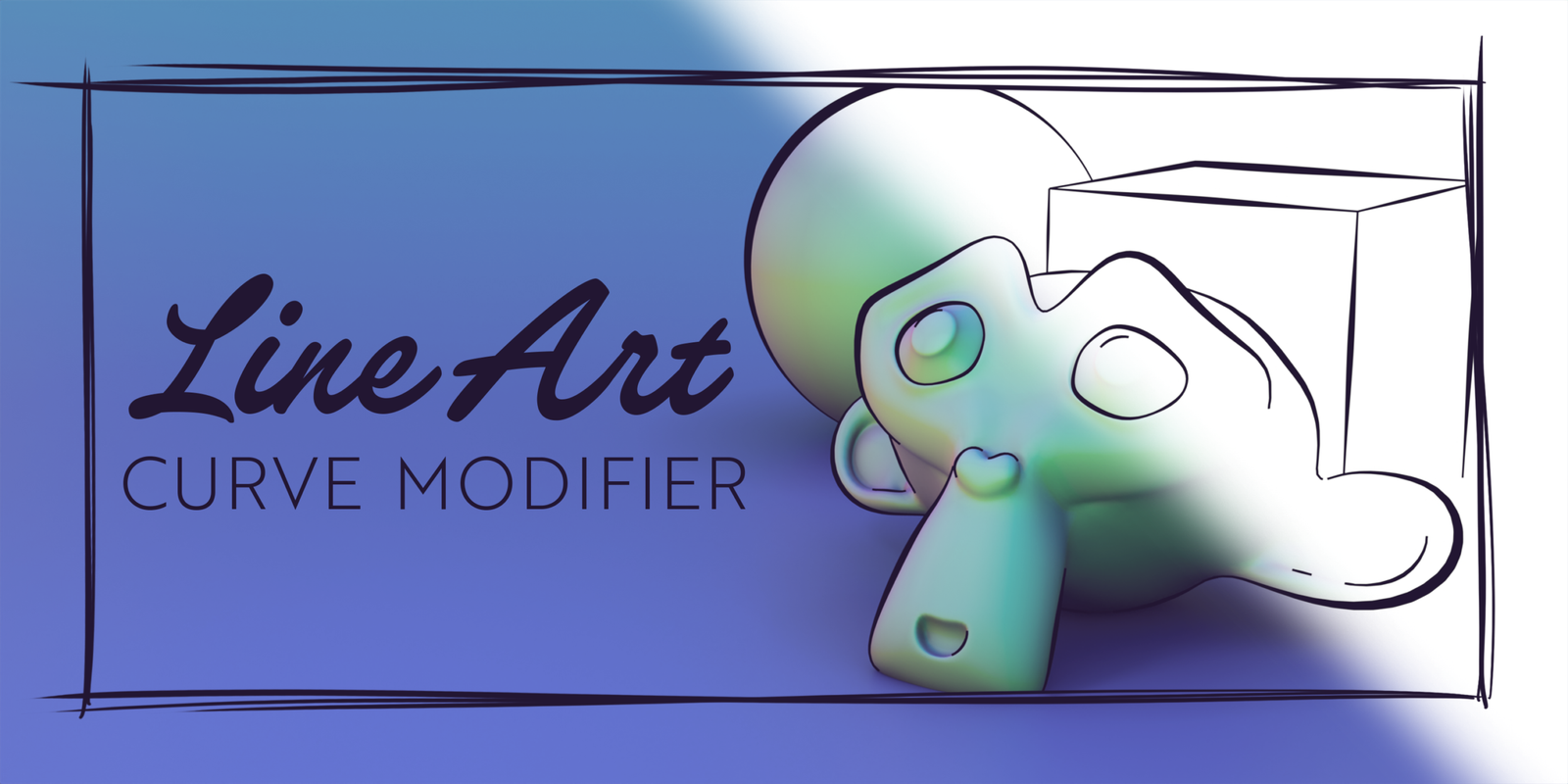
Line Art Curve Modifier for Blender
line art curve modifier addon
Line Art Curve Modifier v1.1 for Blender – Non-Destructive Curve-to-Mesh Workflow Tool
Version : V1.1
File Size: 10 MB
Download Line Art Curve Modifier v1.1 for Blender on Windows, Mac, and Linux, a powerful non-destructive modifier that converts animated curves into finished meshes with adjustable thickness, shape, and materials. Perfect for line art, cel-shaded outlines, technical drawing visualizations, and dynamic curve-based animations—all while keeping your original curve data fully editable .
Key Features of Line Art Curve Modifier v1.1:
- Non-Destructive Workflow: Converts curves to meshes while preserving original curve data—adjust parameters at any time without losing work
- Adjustable Thickness: Control line thickness with absolute or proportional scaling—create uniform or variable-width strokes
- Custom Cross-Section Shapes: Define custom cross-section profiles for your curves—circular, flat, beveled, or custom shapes
- Material Assignment: Assign different materials to line segments, endpoints, and cross-sections
- Animation-Ready: Fully compatible with animated curves—line art updates automatically with curve animation
- Line Style Presets: Quick presets for common line styles—solid, dashed, dotted, and custom patterns
- Cap & Join Controls: Adjust endpoint caps and corner joins for clean, professional line intersections
- Real-Time Preview: See curve-to-mesh conversion update instantly in the viewport
- Render Optimized: Converted meshes are fully compatible with Eevee and Cycles render engines
- v1.1 Updates: Enhanced cross-section controls, improved performance, and expanded compatibility with Blender 4.0+
Perfect For:
- 2D/3D hybrid artists creating line art animations
- Technical illustrators visualizing curves and paths
- Motion designers creating cel-shaded outline effects
- Architects and engineers visualizing technical drawings
- Anyone needing non-destructive curve-to-mesh conversion
System Requirements:
- Blender 3.0, 3.1, 3.2, 3.3, 3.4, 3.5, 3.6, 4.0, 4.1, 4.2, 4.3
- Windows 10/11 (64-bit), macOS, or Linux
- 4GB RAM minimum (8GB+ recommended)
- 5MB available disk space
Installation:
- Download the add-on zip file
- In Blender, go to Edit > Preferences > Add-ons
- Click “Install” and select the downloaded zip file
- Enable the add-on by checking the box next to “Line Art Curve Modifier”
Note: Line Art Curve Modifier provides a flexible, non-destructive workflow for converting animated curves into finished meshes . The adjustable thickness, custom cross-section shapes, and animation-ready compatibility make it essential for line art, cel-shading, and technical visualization workflows . Version 1.1 includes full compatibility with Blender 4.0 and above . Designed for Blender 3.0 and above . Perfect for artists working with curves and line art .
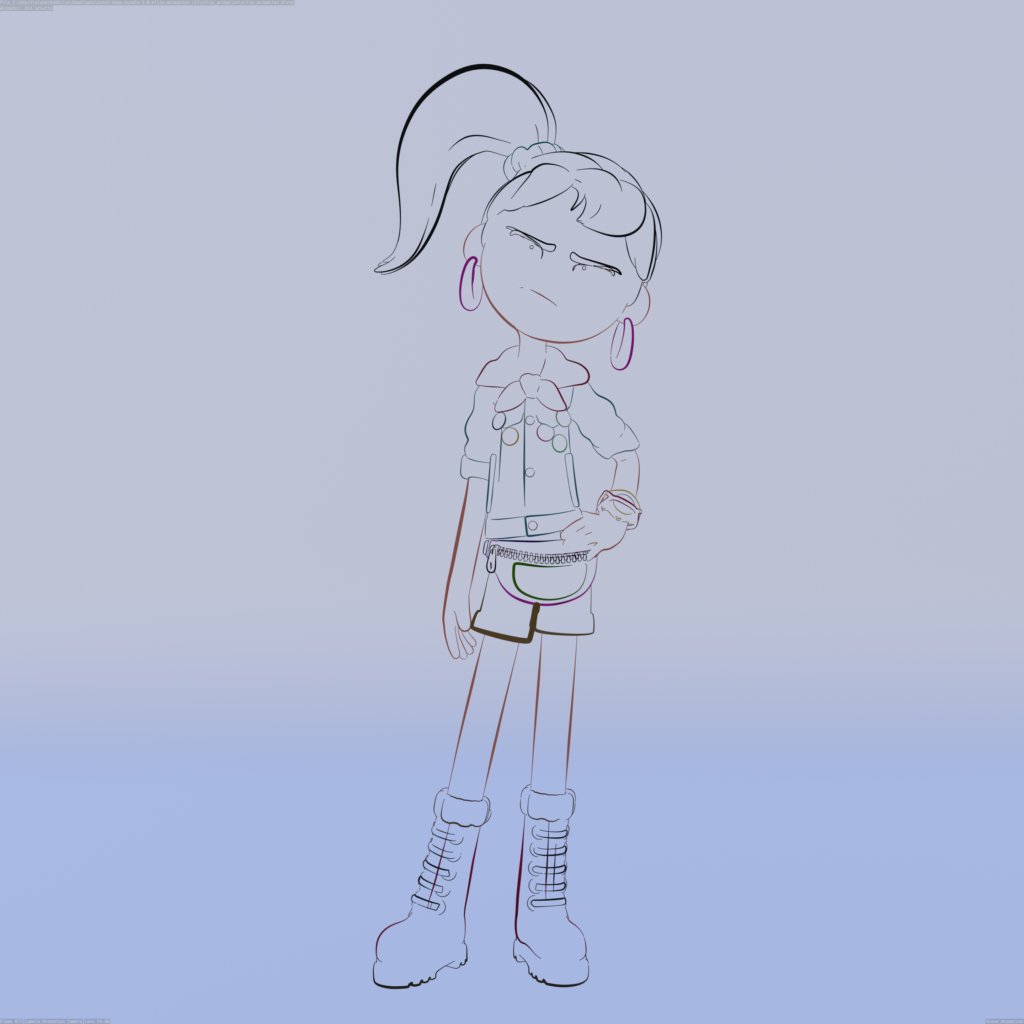
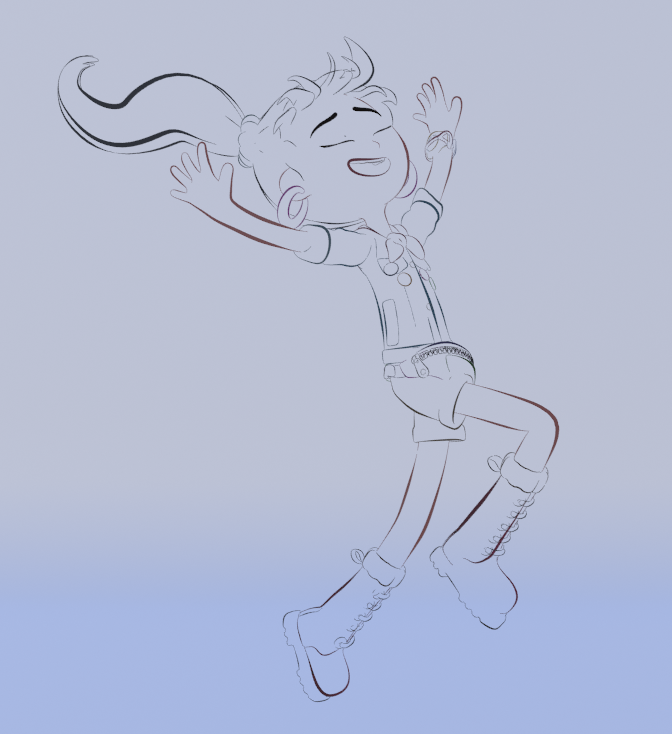
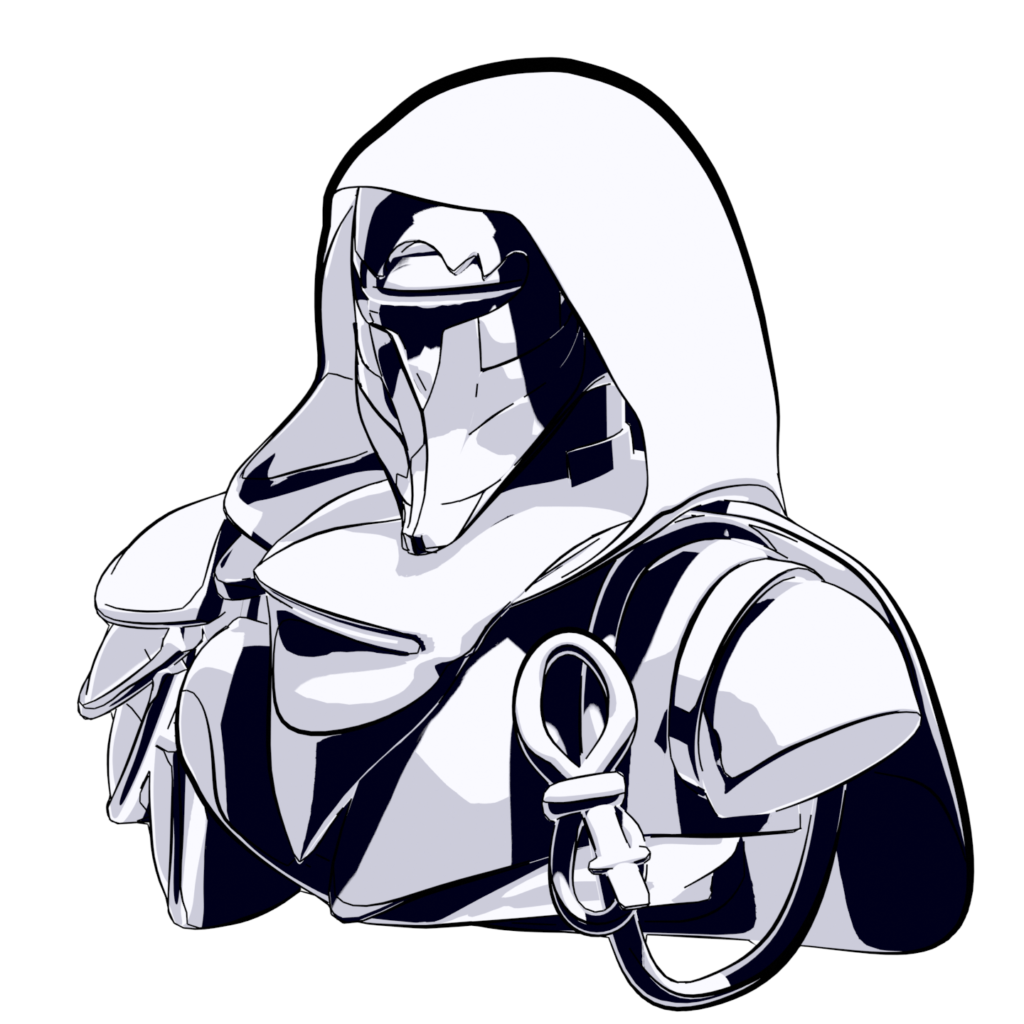
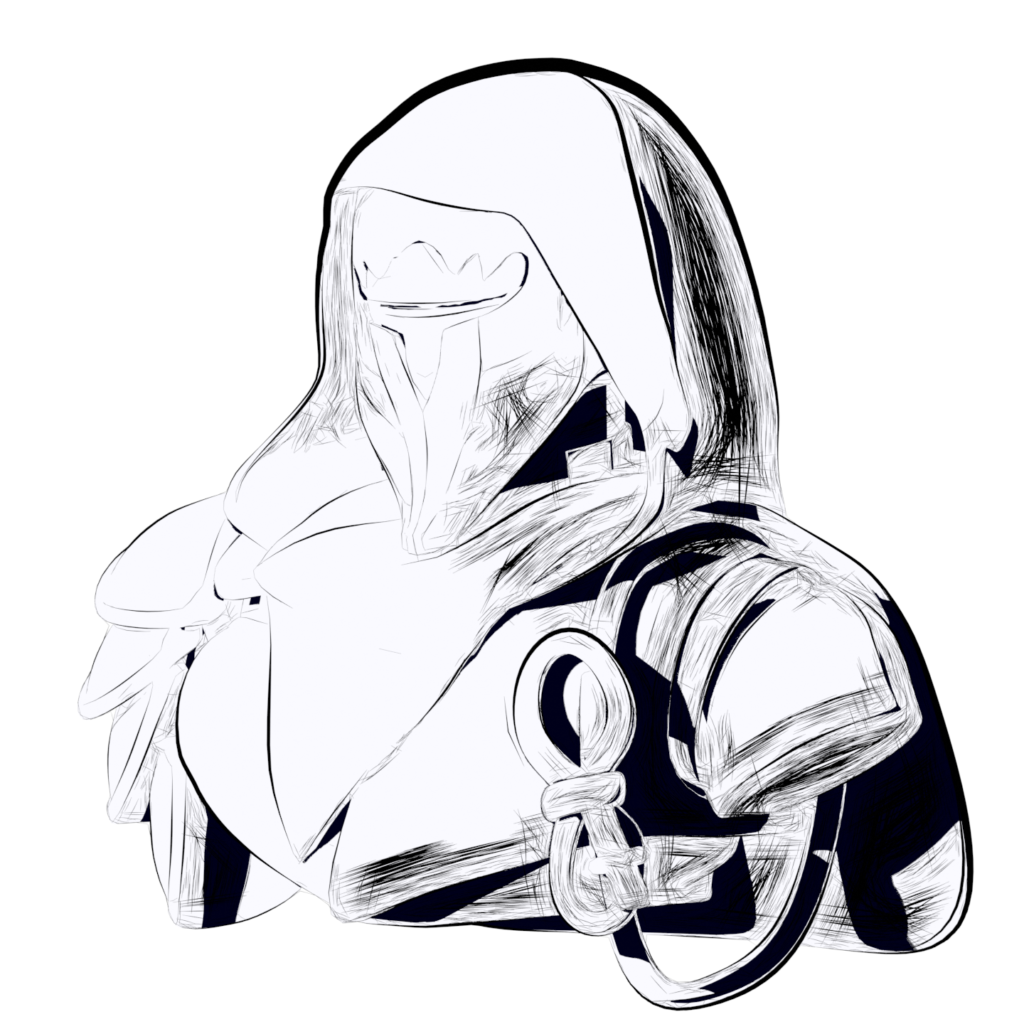
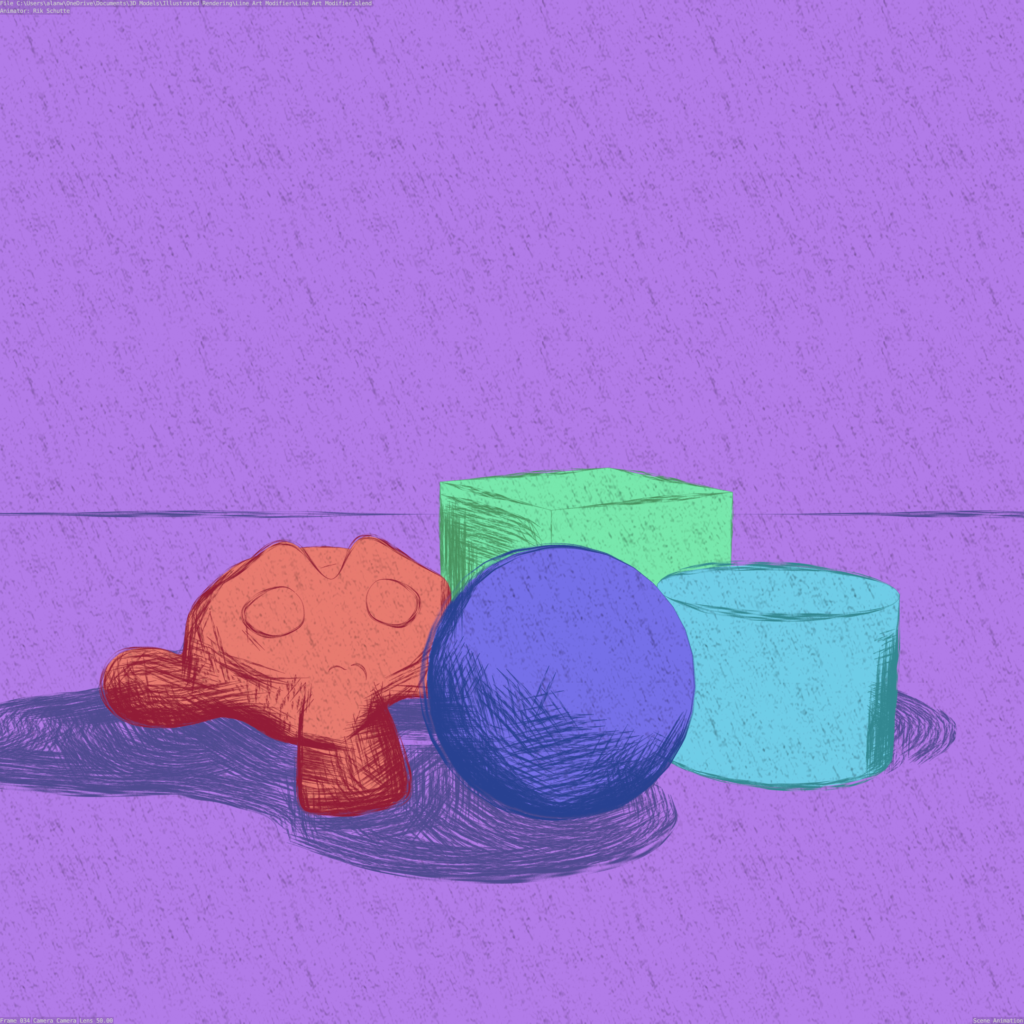
Introducing the Line Art Curve Modifier, a powerful Geometry Nodes tool designed to transform your 3D objects into captivating line art creations. Experience the fusion of digital artistry and traditional aesthetics like never before. Whether you’re a beginner, intermediate, or professional artist, this tool empowers you to craft spectacular pieces of artwork with ease.
Key Features:
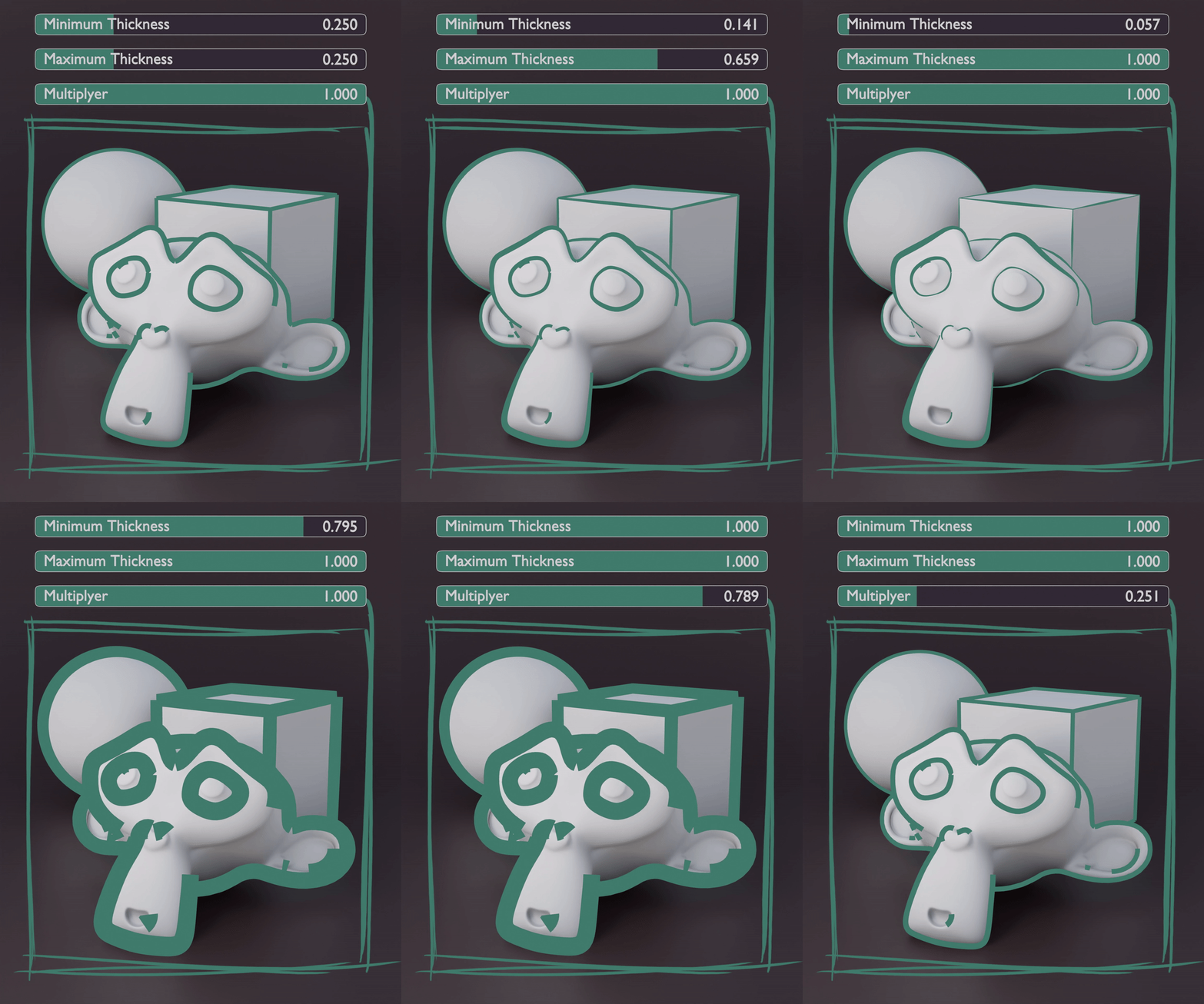
- Exercise complete control over the thickness and tapering of your line art.
- Enjoy the convenience of automatically generated UVs for every stroke, streamlining your workflow and enhancing texturing possibilities.
- Seamlessly integrate the output of the Line Art Curve Modifier into other Geometry Nodes projects, expanding your creative horizons.
- Harness Object Curvature and Key Light Cast Shadow Support in your line art
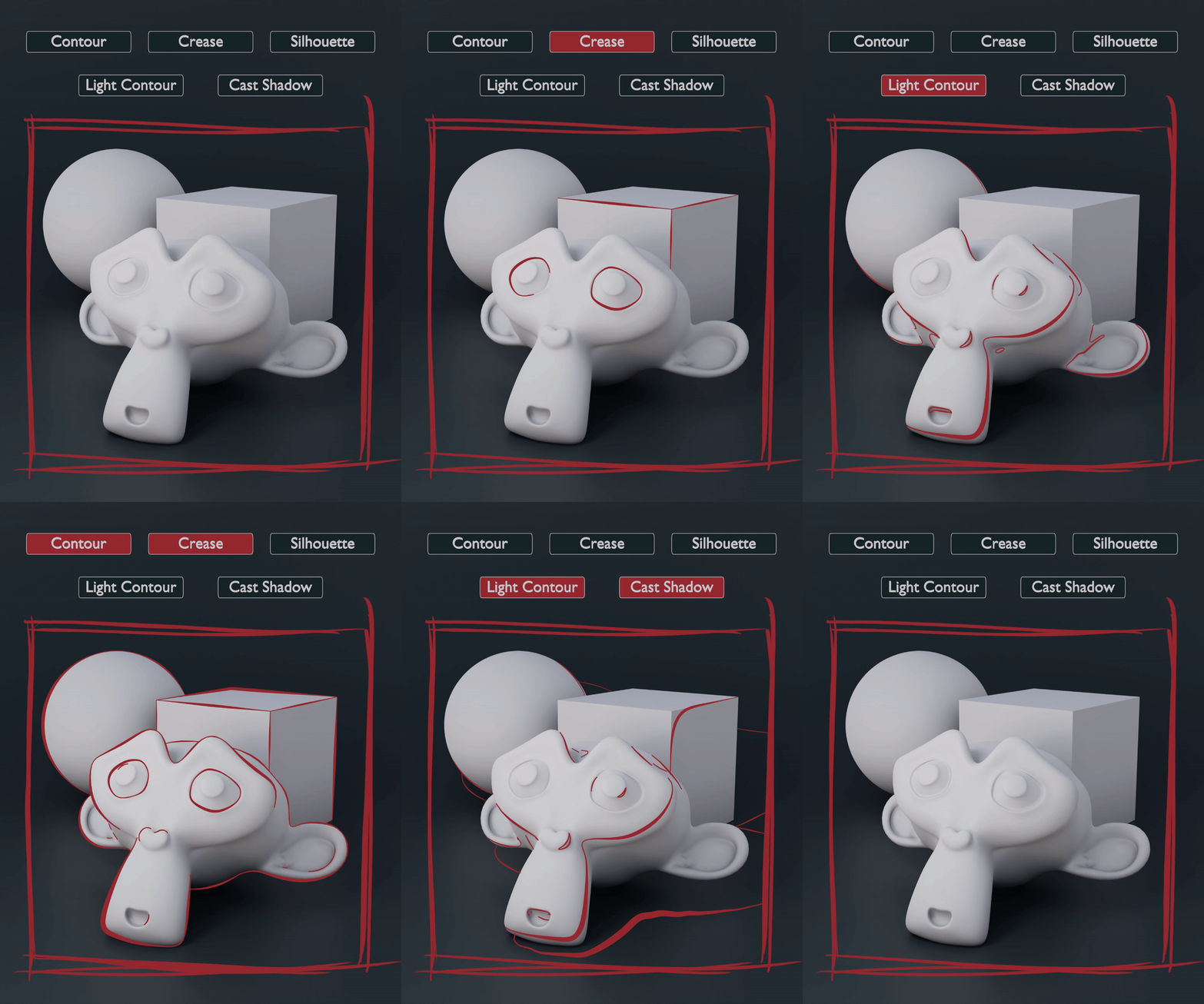
- Explore various line art positions, including contour, crease, silhouette, light contour, and cast shadow, bringing versatility and richness to your artwork.
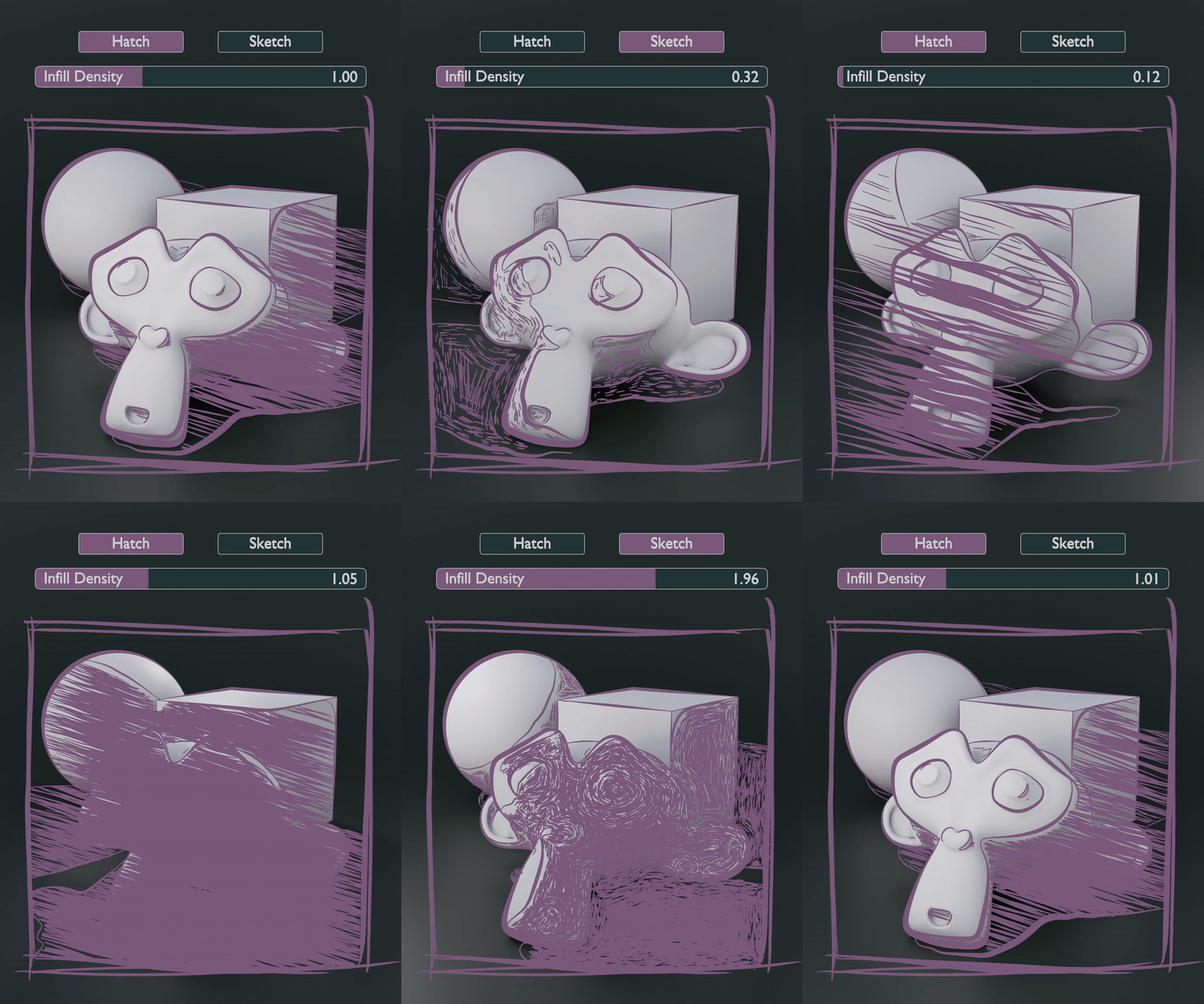
- Elevate your line art creations with shadow sketch and hatch infill capabilities, adding depth and dimension to your designs.
Step into the world of limitless creativity with the Line Art Curve Modifier. Craft visually stunning line art compositions that mesmerize and captivate your audience. Whether you’re a traditional artist venturing into the digital realm or a seasoned digital artist looking to push artistic boundaries, this tool empowers you to create art that truly stands out.
Updates:
1.1
- Improved Depth Line Thickness: Objects that are positioned further away are now given the appropriate depth, creating a more drawing like effect while maintaining consistency within the overall scene.
- Dedicated Thickness Control for Shadow Infill: You now have greater control over the thickness of shadow infills, allowing you to fine-tune and achieve your desired artistic effects.
- Expanded Shadow Infill Options: I am delighted to introduce new hatching, crosshatching, and sketch styles to the Shadow Infill feature, complete with rotation control. This enhancement opens up a world of creative possibilities.
- Line Art Noise Displacement: You now have the ability to apply noise displacement to both the entire line and individual points, adding captivating variations to your line work and further enhancing its visual appeal.
- Line Extensions: To provide a more sketch-like effect, I have introduced a new feature that stretches out existing curves, lending a touch of artistic flair to your creations.
NOTE: requires Blender 3.5+
1.2
- Intersecting Object: Line Art can now be generated on the edges of intersecting objects. It comes with a fast and accurate mode.
- Simulation Zone: Animations with the line art modifier will be far more consistent with the help of simulation zones being used to average between each frame of an animation.
- Individual Line Thickness: You can now individually control the line art thickness of Contour, Crease, Silhouette, Light Contour, Cast Shadow, and Intersection.
- Z-Depth Overhaul: This will overhaul the thickness of your line art to appear more flat depending on the distance that the stroke is from the camera. Can appear more toonish.
- Thickness by Keylight Position: Controls the thickness of the line art by their direction to the keylight.
NOTE: requires Blender 4.0
Supercharge your 3D creation workflow with premium selection of Blender Add-ons. Whether you are modeling intricate characters, sculpting realistic environments, or animating cinematic sequences, the right add-on can transform how you work inside Blender. Our curated collection includes powerful tools for UV unwrapping, procedural texture generation, rigging automation, rendering optimization, and more—each rigorously tested for compatibility with the latest Blender versions. Eliminate tedious manual processes and unlock advanced functionality that lets you focus on what matters most: bringing your creative vision to life. Explore our full range of professional Blender plugins today and take your 3D projects to the next level.
➡️ ➡️ For more Blender Plugins 😀 😀
Reviews
There are no reviews yet.