
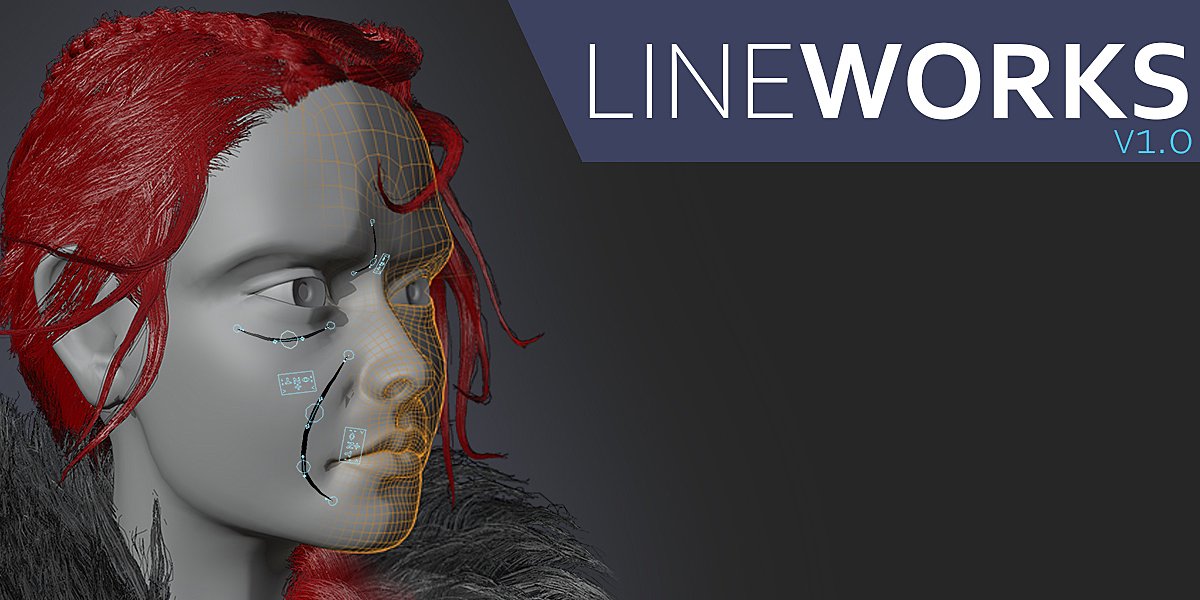
Lineworks for Blender
lineworks addon
Lineworks v2.0 for Blender – Professional Line Art & Wireframe Rendering Toolkit
Version: V2.0
File Size: 10 MB
Download Lineworks v2.0 for Blender on Windows, Mac, and Linux, a comprehensive line art and wireframe rendering toolkit that creates stunning stylized line renders, technical illustrations, and cel-shaded outlines. Perfect for architectural visualization, product design, technical documentation, and non-photorealistic rendering—all within Blender’s native viewport and render engines .
Key Features of Lineworks v2.0:
- Global Line Art System: Apply consistent line art styles across entire scenes—object outlines, crease lines, material borders, and intersection lines
- Adjustable Line Styles: Full control over line thickness, color, opacity, and edge detection—create pencil sketches, ink drawings, or technical blueprints
- Edge Detection Modes: Multiple edge detection algorithms—silhouette, crease, material, texture, and custom user-defined edges
- Wireframe Overlay: Render clean wireframes over shaded models with adjustable line thickness and color
- Halftone & Screen Effects: Add retro halftone dots, screen patterns, and cross-hatching for stylized artistic effects
- Line Occlusion: Intelligent line hiding for overlapping geometry—clean, readable line art even with complex intersecting shapes
- Animation-Ready: Line art fully supports animated objects and cameras for dynamic stylized animations
- Real-Time Preview: See line art updates instantly in the viewport
- Eevee & Cycles Compatible: Works in both real-time and path-traced render engines
- v2.0 Updates: Completely rewritten engine, expanded edge detection, and enhanced performance
Perfect For:
- Architectural visualization artists creating technical illustrations
- Product designers producing stylized concept renders and patent drawings
- Motion designers creating cel-shaded and line art animations
- Technical illustrators developing instructional diagrams and exploded views
- Anyone wanting professional non-photorealistic rendering in Blender
System Requirements:
- Blender 3.6, 4.0, 4.1, 4.2, 4.3
- Windows 10/11 (64-bit), macOS, or Linux
- 4GB RAM minimum (8GB+ recommended)
- 50MB available disk space
Installation:
- Download the add-on zip file
- In Blender, go to Edit > Preferences > Add-ons
- Click “Install” and select the downloaded zip file
- Enable the add-on by checking the box next to “Lineworks”
Note: Lineworks v2.0 is a complete overhaul of the original line art toolkit for Blender, providing professional-grade non-photorealistic rendering capabilities . The global line art system, adjustable edge detection, and wireframe overlay make it essential for architects, product designers, and technical illustrators . Version 2.0 includes a completely rewritten engine with enhanced performance and expanded features . Designed for Blender 3.6 and above . Perfect for architectural visualization, product design, and technical documentation . Essential for any non-photorealistic rendering workflow .
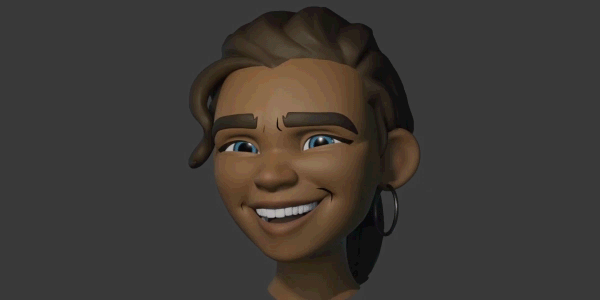
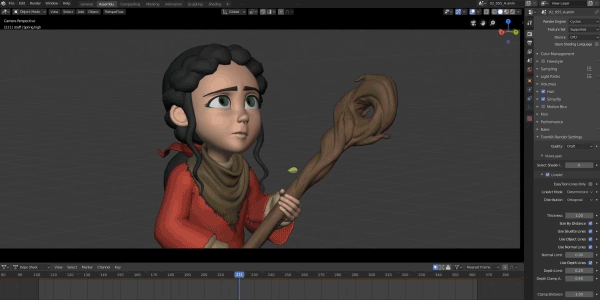
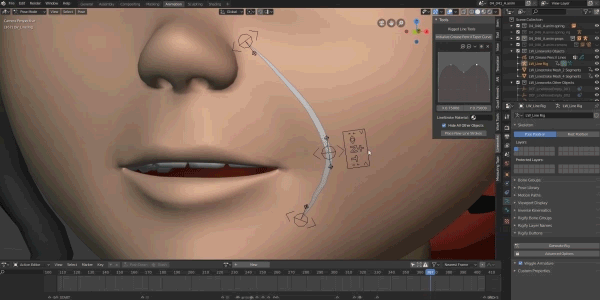
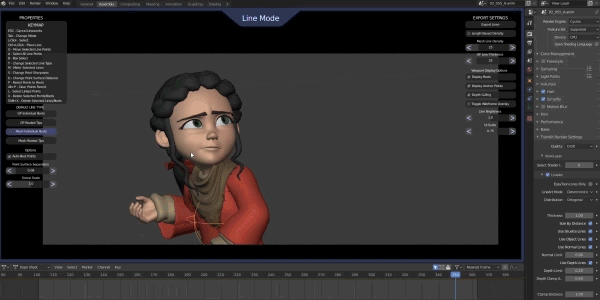
Lineworks v1.0 gives you that ability to quickly add rigged line strips and grease pencil lines to you characters. The lines will follow the surface of your character based on where they are placed and come complete with a rig that gives you control over the lines look.
KNOWN LIMITATIONS:
- Generative Modifiers: Lineworks cannot add lines that follow parts of a mesh that are generated by modifiers. If your character has a mirror modifier you will need to apply it in order to get lines on the other half of the character. (Subsurf and Multires modifiers won’t cause any issues)
- Deleted Geometry: You cannot delete any of the geometry of the characters model after lineworks is created. If you do this will break the rig. You can move the geometry around and add new geometry safely.
- Mask Modifier (FIXED IN BLENDER 2.82+): There is a bug currently that can cause the mask modifier to prevent lineworks from functioning properly. If your character uses the mask modifier to hide portions of it’s mesh then you will need to create a dummy object that only serves the purpose of being used for Lineworks lines, or remove the mask modifier
- Destructive Modifiers: Modifiers like the Build modifier, Decimate modifier, and the Remesh modifier will cause issues with Lineworks as well.
- Only Mesh Objects Supported: Lineworks lines can only be used with mesh objects. Curves, Nurbs, Metaballs, etc will not work with Lineworks. Linked mesh objects and linked collections with mesh objects in them will work.
Supercharge your 3D creation workflow with premium selection of Blender Add-ons. Whether you are modeling intricate characters, sculpting realistic environments, or animating cinematic sequences, the right add-on can transform how you work inside Blender. Our curated collection includes powerful tools for UV unwrapping, procedural texture generation, rigging automation, rendering optimization, and more—each rigorously tested for compatibility with the latest Blender versions. Eliminate tedious manual processes and unlock advanced functionality that lets you focus on what matters most: bringing your creative vision to life. Explore our full range of professional Blender plugins today and take your 3D projects to the next level.
➡️ ➡️ For more Blender Plugins 😀 😀
Reviews
There are no reviews yet.