
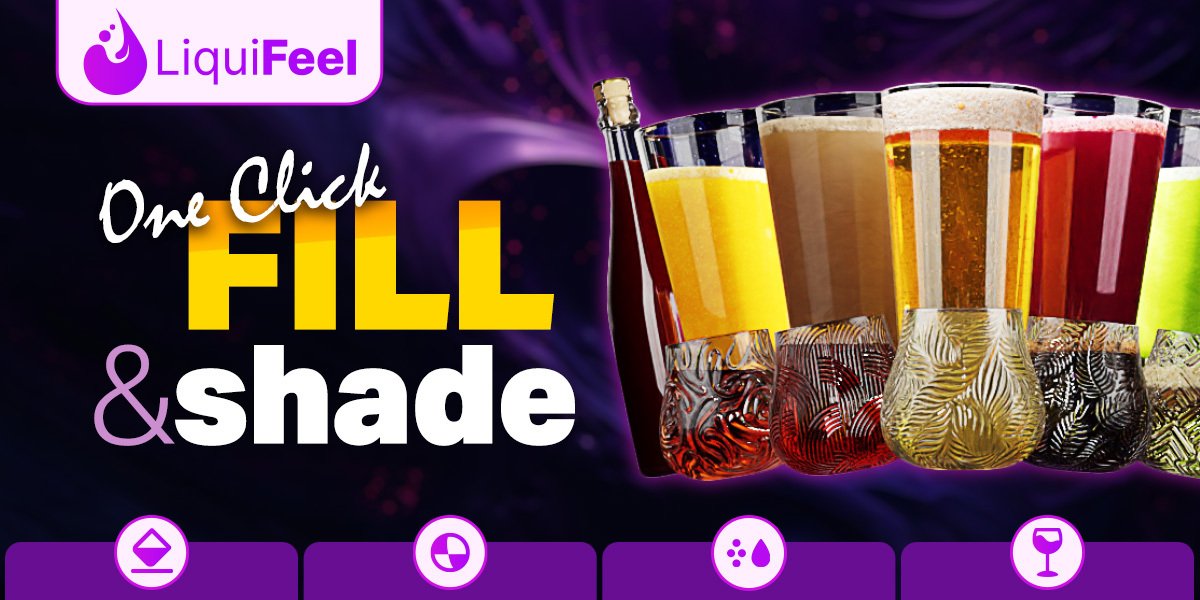
Liquifeel for Blender
Liquifeel v1.2 for Blender – The Ultimate Stylized Liquid & Viscous Fluid Simulator
versions: v1.2
File Size: 120 MB
Download Liquifeel v1.2 for Blender on Windows and Mac, a specialized Geometry Nodes-based addon designed to create beautiful, stylized liquid effects that prioritize artistic control and visual appeal over strict physical accuracy. Perfect for motion graphics, product visualization, and abstract art, Liquifeel allows artists to generate flowing water, melting wax, oozing slime, and morphing blobs without the heavy computational cost and long bake times of traditional fluid solvers (like Mantaflow). By treating liquids as dynamic, deformable meshes driven by procedural noise and attraction forces, Liquifeel transforms how you simulate organic movement, offering real-time feedback and infinite editability.
Key Features of Liquifeel v1.2:
- Real-Time “Meta-Blob” Simulation: Generates smooth, organic liquid shapes that merge and separate dynamically using a proprietary proximity-based blending algorithm, eliminating the need for slow particle-to-mesh conversion.
- Viscosity Control Slider: Instantly adjust the “thickness” of the fluid from watery and fast-flowing to honey-like and sluggish, controlling how quickly droplets form and merge.
- Procedural Flow Paths: Define custom curves or use object surfaces as guides for the liquid to follow, with controls for flow speed, turbulence, and adherence to the path.
- Stylized Surface Tension: Enhanced options to exaggerate surface tension, creating perfect spheres, teardrop shapes, and elastic bridges between objects for a cartoonish or hyper-real aesthetic.
- Dynamic Droplet Generation: Automatically spawns secondary droplets based on velocity and impact, with randomized sizes and bounce behaviors to add life to splashes and drips.
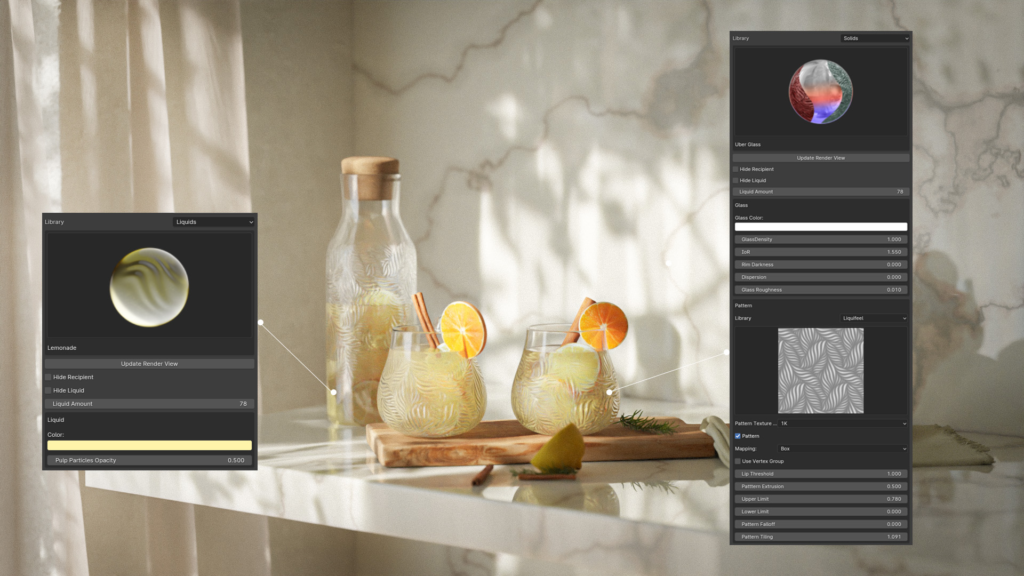
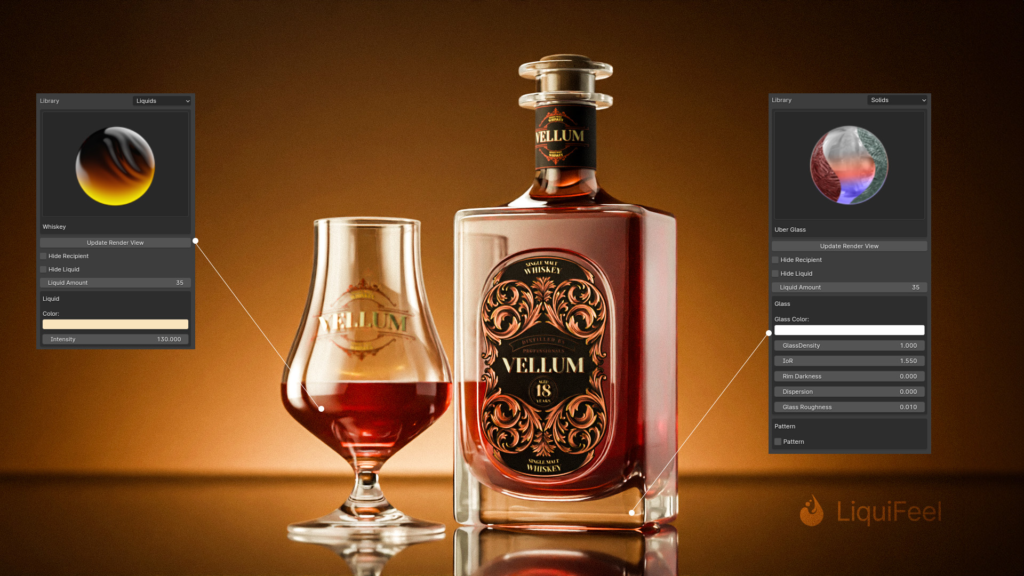
- Material & Shader Presets: Includes 15+ optimized shaders for Water, Oil, Slime, Lava, Mercury, Jelly, and Milk, featuring correct IOR, subsurface scattering, and transmission settings.
- Animation Drivers: Built-in time-based drivers allow the liquid to pulse, swirl, rise, or dissolve over time, perfect for logo reveals, magical effects, and abstract backgrounds.
- Collision Awareness (v1.2): New in this version! Liquids now detect simple collider objects (spheres, boxes, planes) and flow around them realistically, adding a layer of interaction previously missing.
- Mesh Optimization: Automatically retopologizes the liquid surface to maintain a clean, low-poly count while preserving smooth curves, ensuring fast viewport performance and quick renders.
- Non-Destructive Workflow: Every parameter (viscosity, flow speed, drop size, material) is fully editable at any time; no baking required, allowing for instant iteration.
Perfect For:
- Motion Designers creating fluid logo reveals, abstract transitions, and energetic background loops.
- Product Visualizers simulating pouring beverages, cosmetics, paints, or cleaning fluids for commercials.
- Game Artists prototyping stylized water effects, potion spills, or magical ooze for indie games.
- Abstract Artists generating organic, morphing sculptures and surreal landscapes.
- UI/UX Designers designing liquid-style loading animations and interactive elements.
- Anyone who needs convincing liquid motion but finds traditional fluid simulations too slow, complex, or unpredictable.
System Requirements:
- Blender: 3.6, 4.0, 4.1, 4.2, 4.3, 4.4+ (Geometry Nodes required; optimized for Blender 4.x).
- OS: Windows 10/11 (64-bit) or macOS 10.15+.
- RAM: 8GB minimum (16GB+ recommended for high-resolution blob simulations).
- Render Engine: Fully compatible with Cycles (for accurate refraction/SSS) and Eevee (with Screen Space Refraction enabled).
Installation:
- Download the Liquifeel v1.2
.zipfile. - Open Blender and go to Edit > Preferences > Add-ons.
- Click Install…, select the downloaded file, and enable the checkbox next to Geometry Nodes: Liquifeel.
- Access via the Add Menu > Mesh > Liquifeel or the dedicated panel in the 3D Viewport Sidebar (N-panel) under the Liquid tab.
What’s New in v1.2?
- Basic Collision System: Added the ability for liquid blobs to detect and flow around simple primitive colliders, a highly requested feature for more complex scenes.
- “Stickiness” Parameter: New control to make liquids adhere to surfaces longer before dripping, perfect for simulating glue, tar, or thick syrup.
- Improved Merging Logic: Refined the algorithm for how droplets combine, resulting in smoother transitions and less “popping” artifacts during rapid movement.
- New “Foam” Overlay: Optional procedural foam layer that appears on the leading edges of fast-moving liquid or where it impacts surfaces.
- Performance Boost: Optimized the distance field calculations, allowing for 30% more particles/blobs in the scene with the same viewport performance.
- Blender 4.4 Support: Full compatibility with the latest Geometry Nodes features and attribute handling.
Note:
Liquifeel v1.2 is not intended to replace high-end physical fluid solvers for massive ocean simulations or complex hydrodynamic engineering. Instead, it excels in the realm of stylized, controlled, and artistic liquid motion. Its strength lies in its predictability and speed; you can scrub through your timeline and see the final liquid shape instantly, making it ideal for tight deadlines and iterative design processes. The addon includes a “Seed Randomizer” to quickly generate endless variations of a splash or flow pattern until you find the perfect composition. Whether you need a single falling drop or a cascading waterfall of jelly, Liquifeel provides the tools to create it with style and ease.


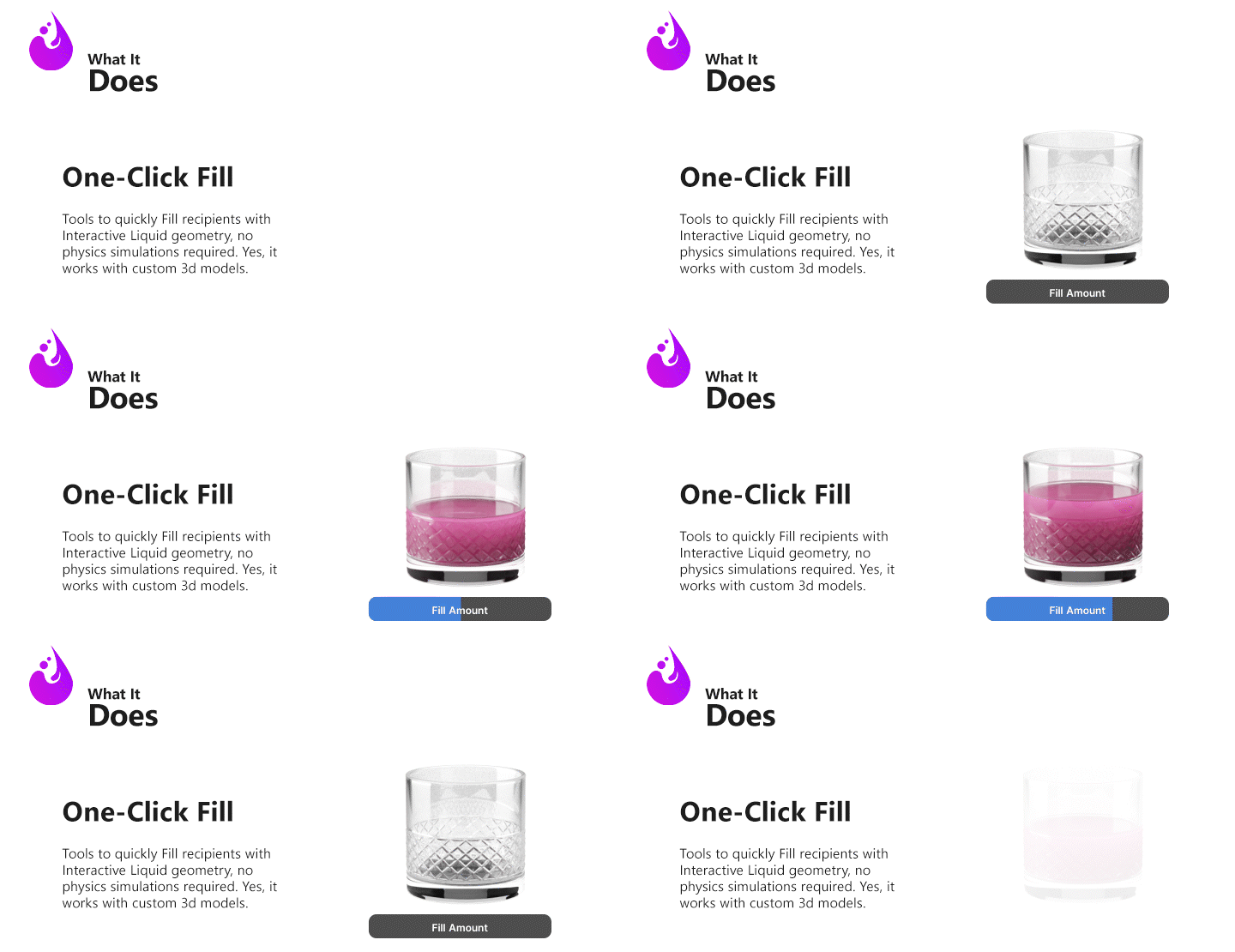
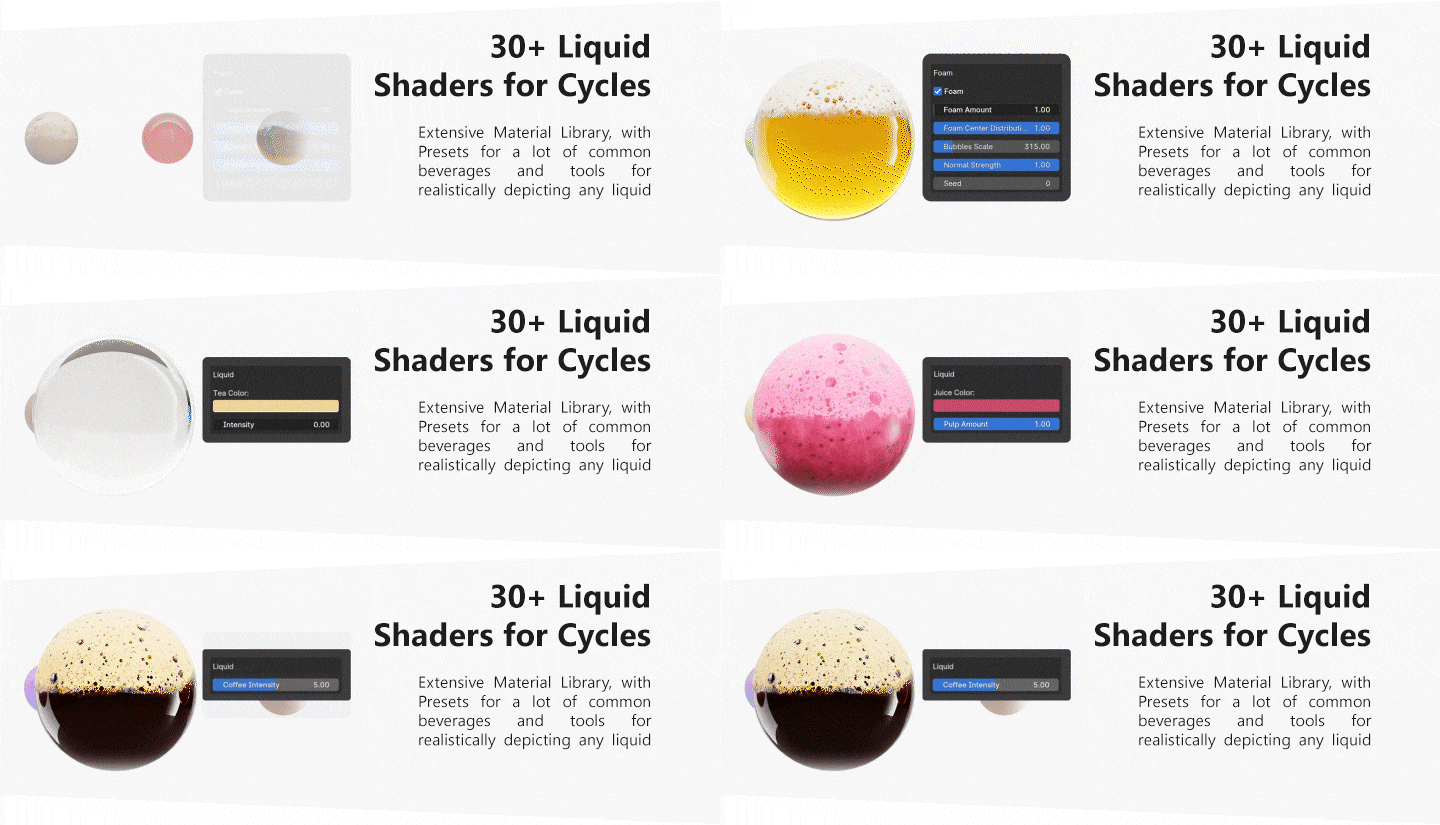
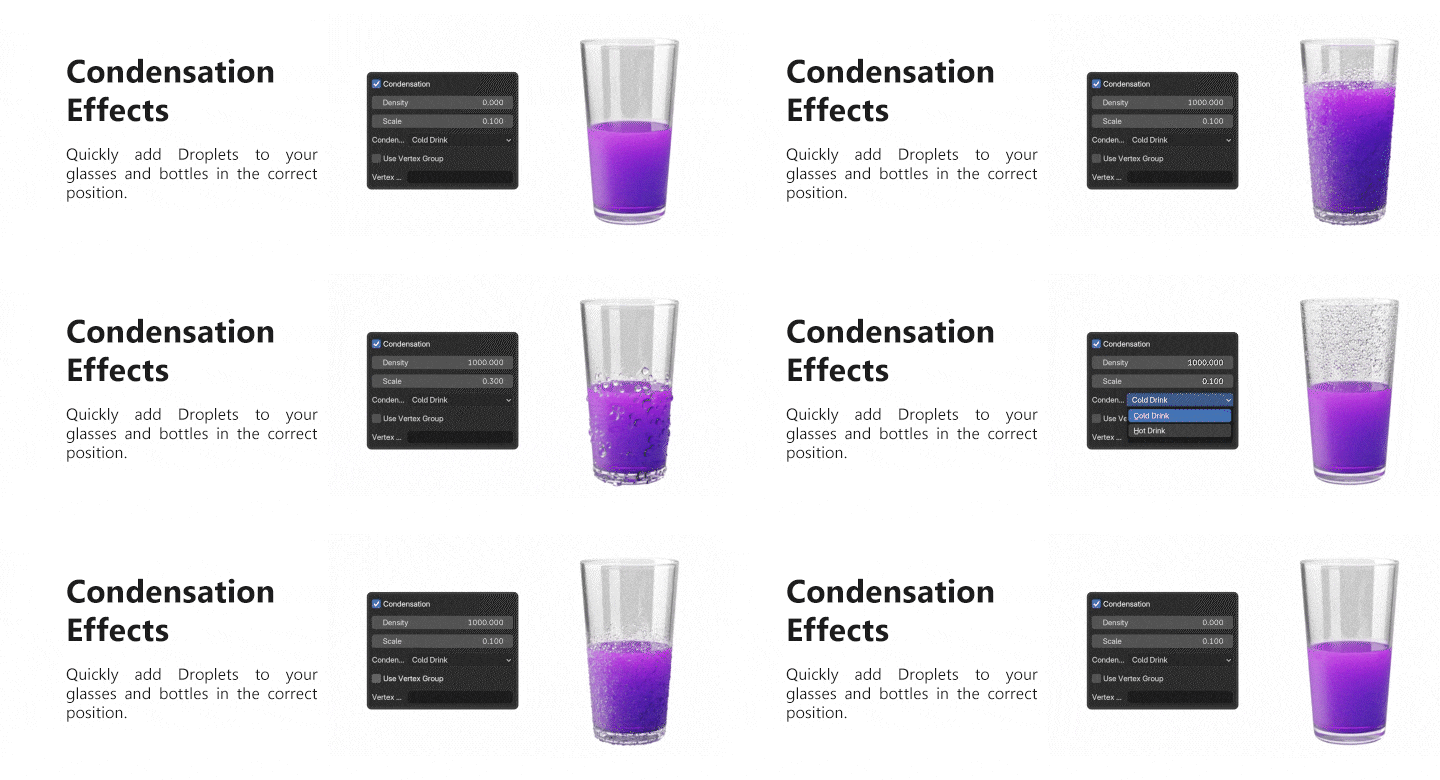
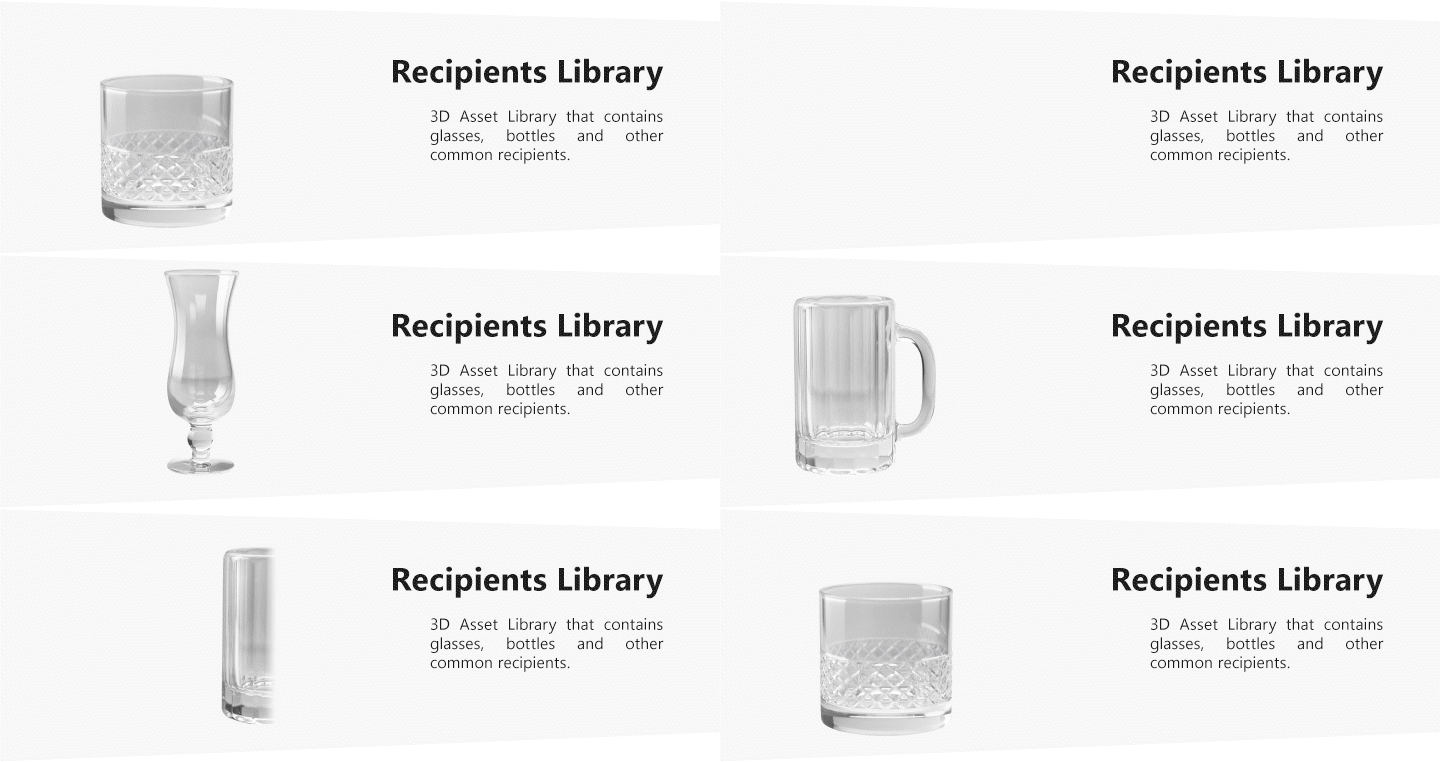
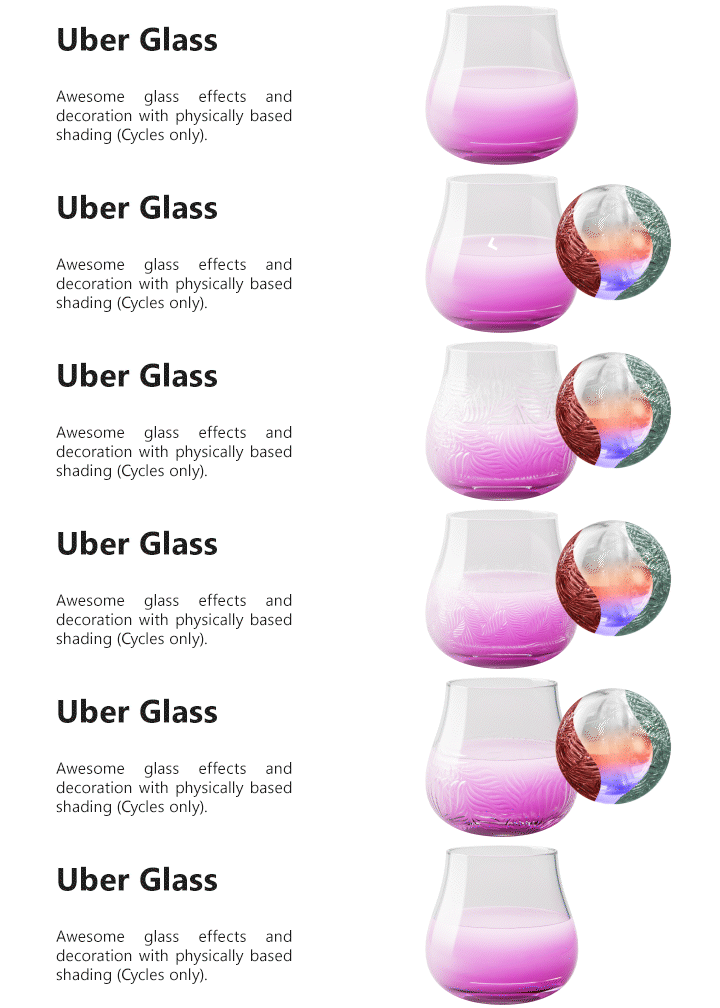
…and much more!



Gallery
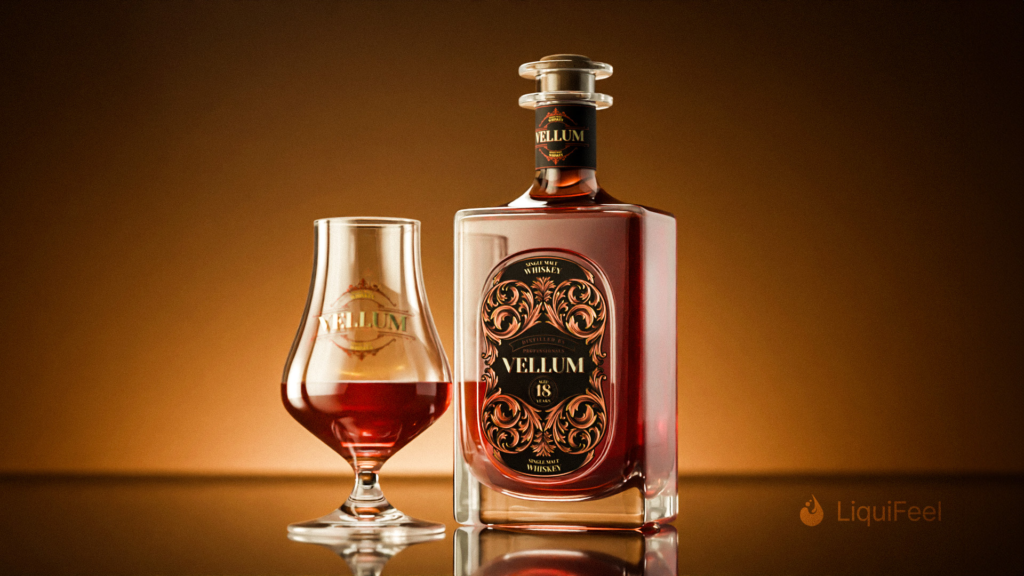
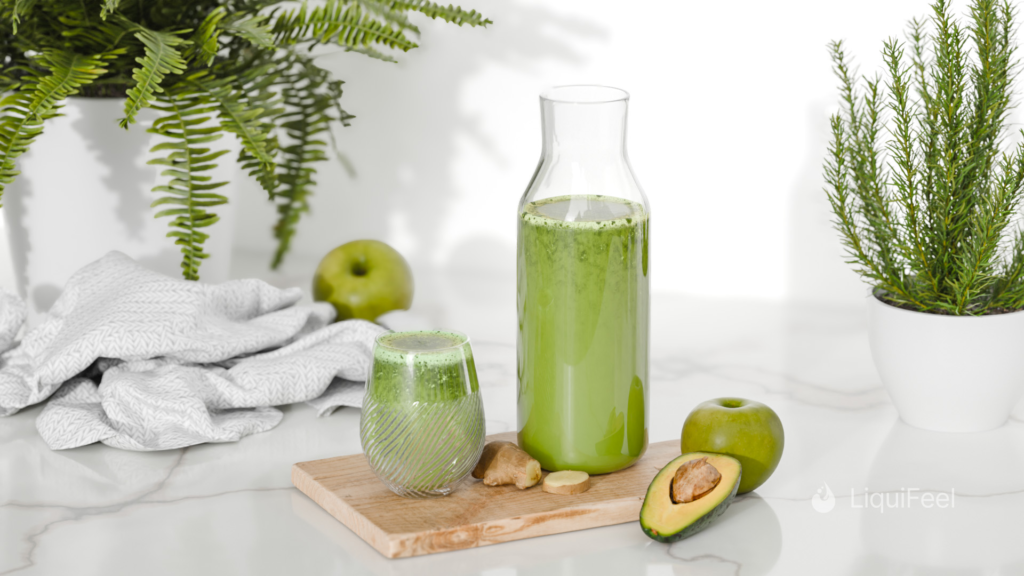
The liquid geometry and shaders have been created exclusively using Liquifeel
How to Use Liquifeel
Supercharge your 3D creation workflow with premium selection of Blender Add-ons. Whether you are modeling intricate characters, sculpting realistic environments, or animating cinematic sequences, the right add-on can transform how you work inside Blender. Our curated collection includes powerful tools for UV unwrapping, procedural texture generation, rigging automation, rendering optimization, and more—each rigorously tested for compatibility with the latest Blender versions. Eliminate tedious manual processes and unlock advanced functionality that lets you focus on what matters most: bringing your creative vision to life. Explore our full range of professional Blender plugins today and take your 3D projects to the next level.
➡️ ➡️ For more Blender Plugins 😀 😀
Reviews
There are no reviews yet.