
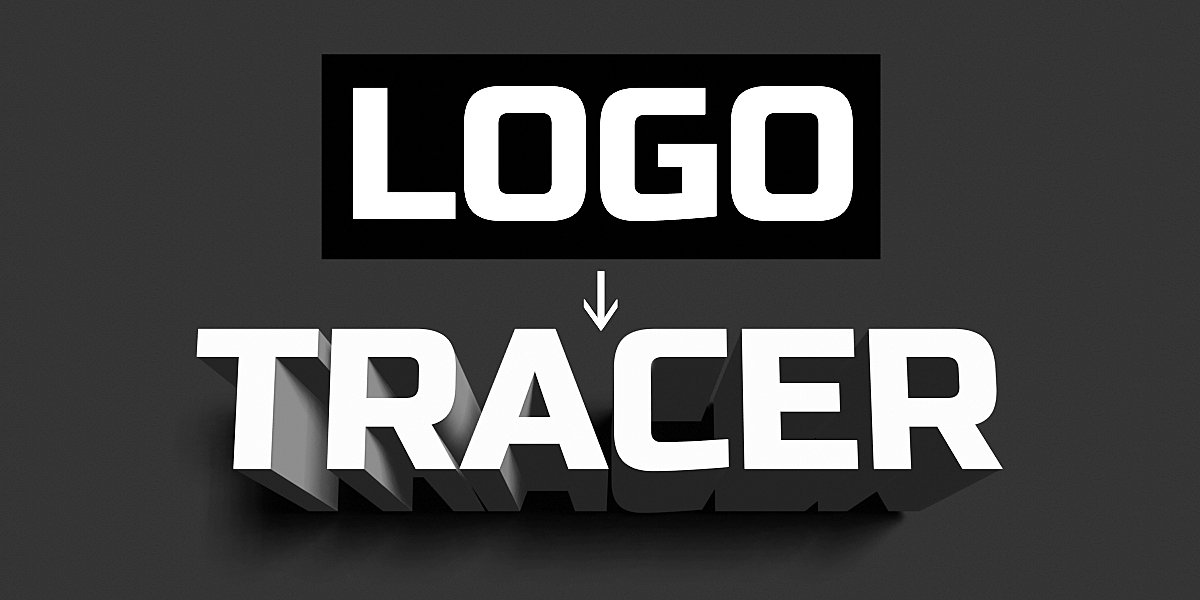
Logo Tracer for Blender
logo tracer addon
Logo Tracer v1.21 for Blender – Intelligent 2D to 3D Logo Converter
Versions: v1.22
File Size: 1.25 MB
Download Logo Tracer v1.21 for Blender on Windows, Mac, and Linux, a powerful add-on that automatically converts 2D logo images into clean, editable 3D geometry. Transform raster logos, SVG files, and vector artwork into extruded 3D models with proper topology, bevels, and materials—perfect for product visualization, motion graphics, and 3D printing .
Key Features of Logo Tracer v1.21:
- Image-to-Mesh Conversion: Import raster logo images and automatically generate clean 3D geometry with proper edge flow
- SVG & Vector Support: Import SVG files and convert to editable 3D meshes while preserving vector accuracy
- Intelligent Edge Detection: Advanced algorithms detect logo boundaries, internal cutouts, and complex shapes for accurate geometry
- Extrusion Controls: Adjust extrusion depth, bevel amount, and bevel segments for professional 3D lettering and logos
- Mesh Cleanup: Automatic removal of duplicate vertices, non-manifold geometry, and mesh optimization for 3D printing
- Material Assignment: Apply materials to front faces, extruded sides, and back faces independently
- Curve-to-Mesh Options: Convert traced paths to curves or direct meshes—keep editable curves or generate final geometry
- Resolution Control: Adjust tracing precision—higher detail for complex logos, lower detail for simple shapes
- Batch Processing: Convert multiple logos simultaneously for efficient workflow
- v1.21 Updates: Enhanced vector handling, improved edge detection, and expanded compatibility with Blender 4.0+
Perfect For:
- Motion graphics artists creating 3D logo animations
- Product designers preparing logos for 3D printing
- Game developers creating branded in-game assets
- Architectural visualization artists adding signage to scenes
- Anyone needing to convert 2D logos into 3D geometry
System Requirements:
- Blender 3.0, 3.1, 3.2, 3.3, 3.4, 3.5, 3.6, 4.0, 4.1, 4.2, 4.3
- Windows 10/11 (64-bit), macOS, or Linux
- 4GB RAM minimum (8GB+ recommended)
- 20MB available disk space
Installation:
- Download the add-on zip file
- In Blender, go to Edit > Preferences > Add-ons
- Click “Install” and select the downloaded zip file
- Enable the add-on by checking the box next to “Logo Tracer”
Note: Logo Tracer dramatically speeds up logo-to-3D workflows by automating the conversion of 2D images into clean, editable 3D geometry . The intelligent edge detection and extrusion controls make it essential for motion graphics artists, product designers, and anyone needing 3D logos . Version 1.21 includes full compatibility with Blender 4.0 and above . Designed for Blender 3.0 and above . Perfect for preparing logos for animation, 3D printing, or product visualization . Essential for any logo-to-3D workflow .
Need a 3D model of a logo, shape or some text?
Frustrated with importing / exporting from external software?
Introducing…
Logo Tracer automatically converts any image to a Mesh or Curve object.
No SVG files required!
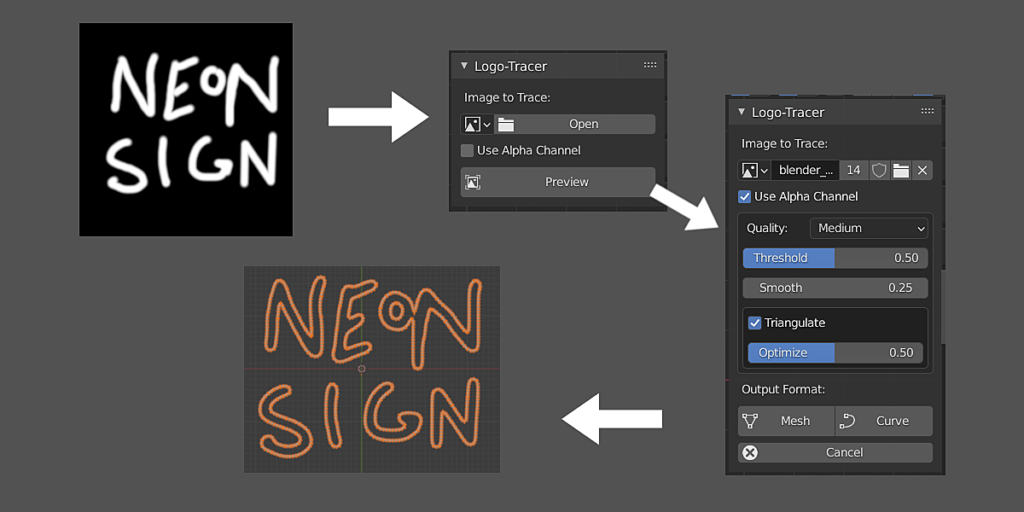
Super simple workflow:
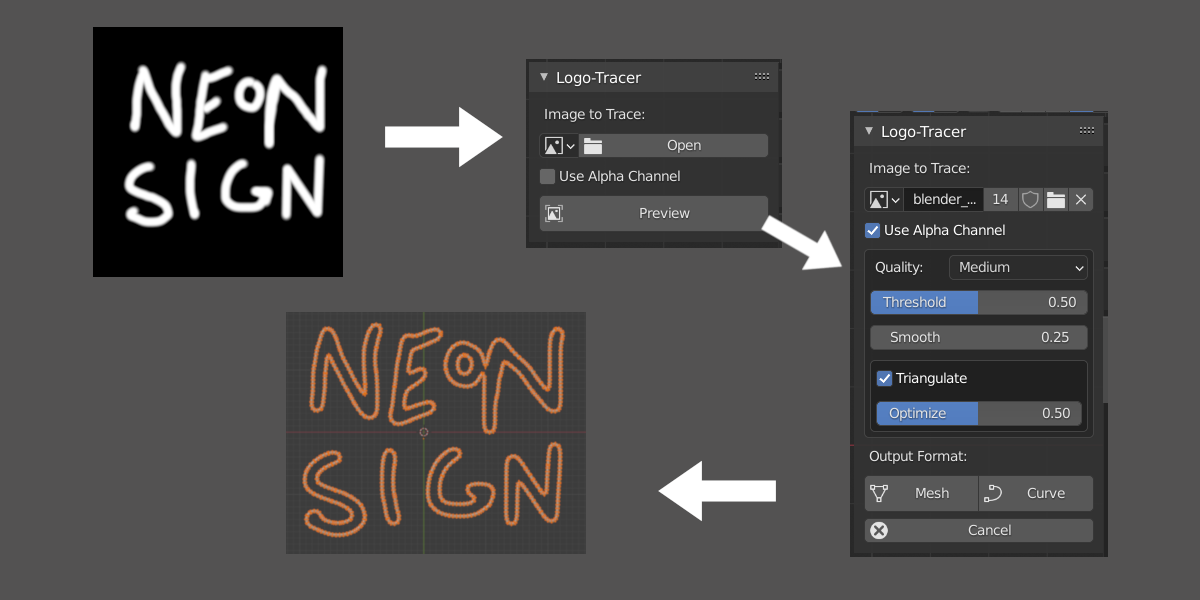
- Select your logo image file
- Click Preview
- Tweak
- Apply as Curve or Mesh
Completely Dynamic:
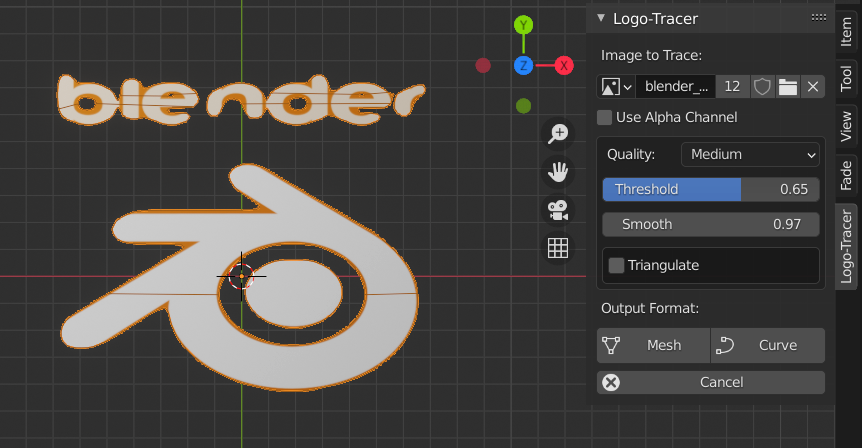
No need for exporting and importing. Tweak the output with immediate results! Change sample quality, threshold, smoothness and more.
Build-in Optimization:
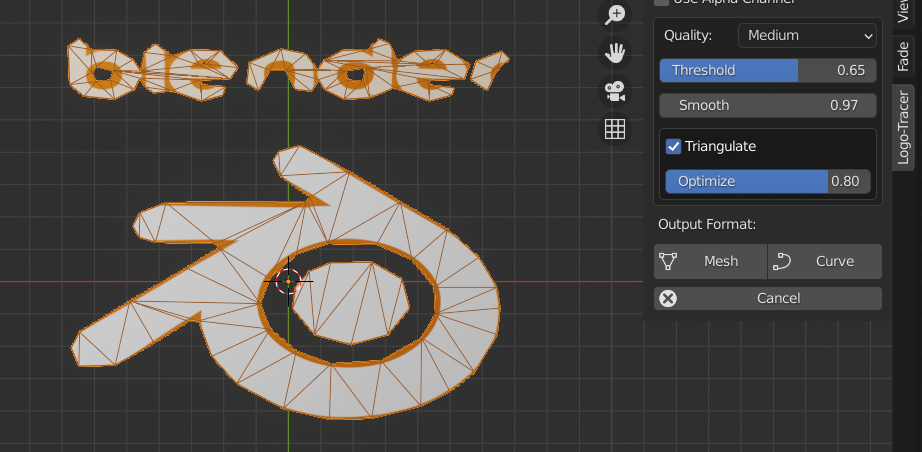
Control Mesh / Curve resolution with the ability to trim down unnecessary features. Perfect for generated low poly versions of a logo or image.
Alpha Option:
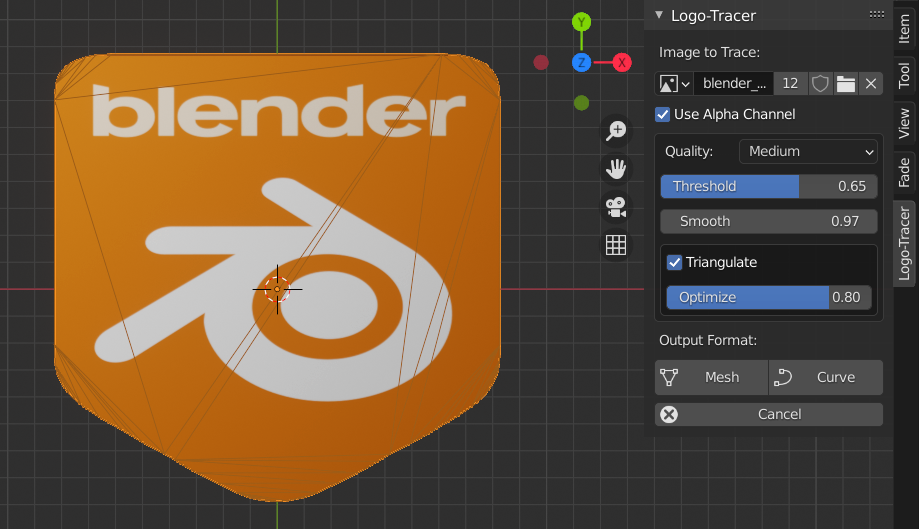
Don’t have a black and white image of the logo?
Just check the “Use Alpha” option!
Logo Tracer will also automatically unwrap the generated object with the correct proportions to match the image.
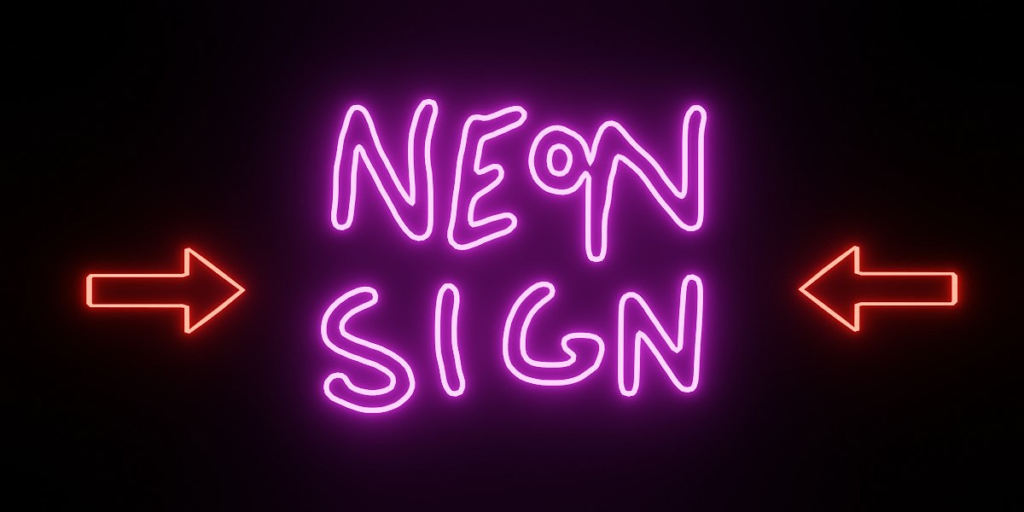
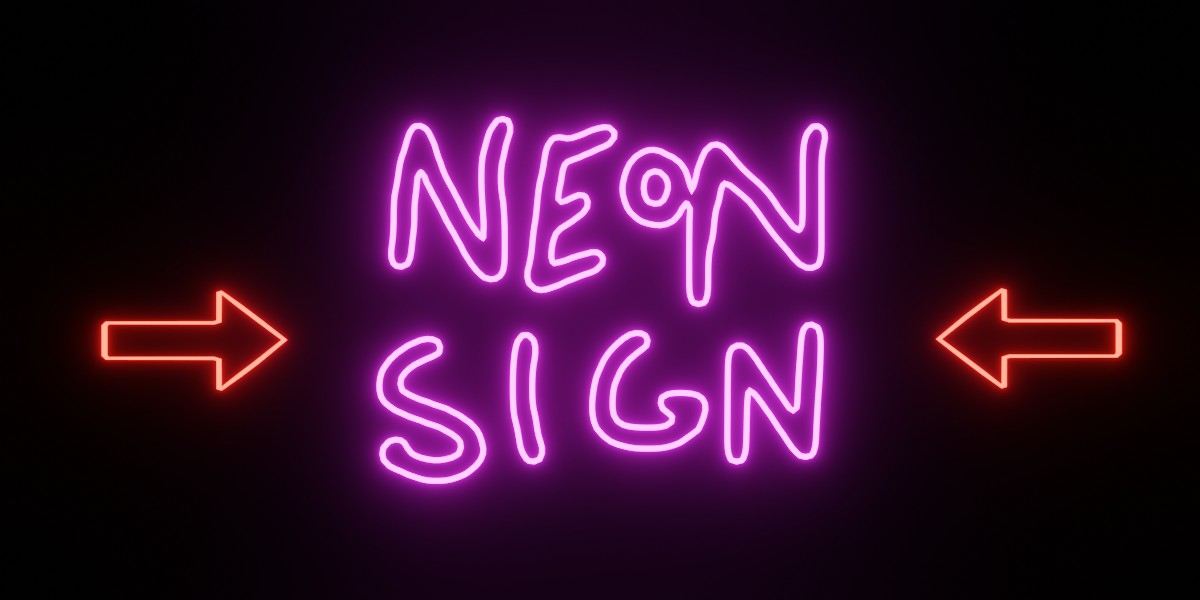
Perfect for Neon Signs…
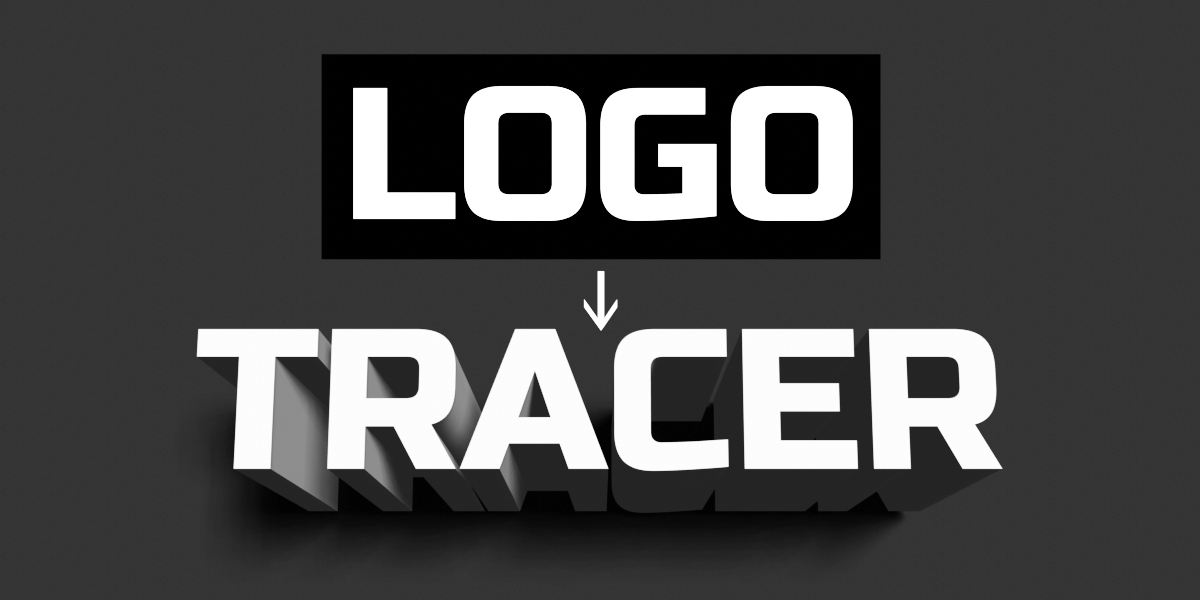
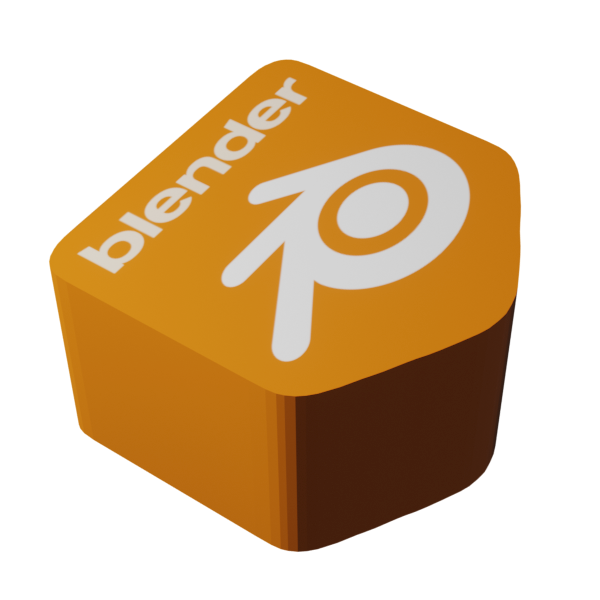
…or 3D Logo’s
What you get:
- Logo Tracer Addon
- User Manual
- Free Lifetime Updates
- Free Lifetime Support
- Good Karma for Supporting the Blender Foundation 🙂
Supercharge your 3D creation workflow with premium selection of Blender Add-ons. Whether you are modeling intricate characters, sculpting realistic environments, or animating cinematic sequences, the right add-on can transform how you work inside Blender. Our curated collection includes powerful tools for UV unwrapping, procedural texture generation, rigging automation, rendering optimization, and more—each rigorously tested for compatibility with the latest Blender versions. Eliminate tedious manual processes and unlock advanced functionality that lets you focus on what matters most: bringing your creative vision to life. Explore our full range of professional Blender plugins today and take your 3D projects to the next level.
➡️ ➡️ For more Blender Plugins 😀 😀
Reviews
There are no reviews yet.