
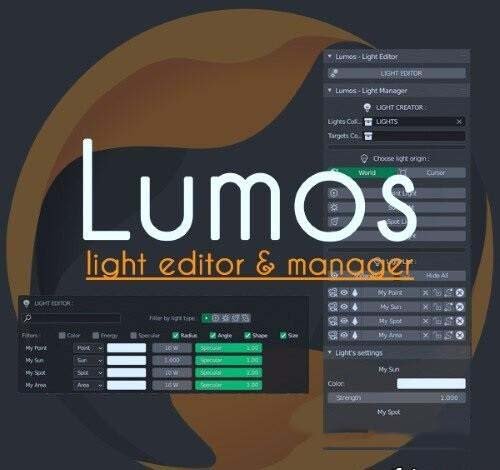
lumos for Blender
Lumos v3.0.2 for Blender – The Ultimate AI-Powered Lighting & HDRI Studio
Download Lumos v3.0.2 for Blender on Windows and Mac, a next-generation lighting addon that combines an extensive library of high-dynamic-range images (HDRIs) with intelligent, AI-driven light placement tools. Designed to replace the tedious process of manual lamp positioning and HDRI searching, Lumos analyzes your scene’s geometry and camera angle to suggest optimal lighting setups, instantly transforming flat renders into cinematic masterpieces. Whether you need a soft studio glow for product shots, dramatic sunlight for architecture, or moody atmospheric fog for environments, Lumos provides professional control with zero learning curve.
Key Features of Lumos v3.0.2:
- AI Scene Analysis: Automatically scans your scene’s bounding box, subject focus, and material types to recommend the perfect HDRI and artificial light configuration for balanced exposure and mood.
- Massive HDRI Library: Includes over 500+ curated, high-resolution HDRIs categorized by type (Studio, Outdoor, Interior, Night, Abstract), all seamlessly integrated with one-click loading and preview.
- Smart Light Placement: One-click generation of 3-point lighting rigs, rim lights, and fill lamps that automatically align to your camera view and subject, with adjustable intensity and color temperature.
- Dynamic Shadow Control: Advanced sliders to soften, harden, or completely disable shadows from specific lights without affecting the overall illumination, allowing for precise artistic direction.
- Real-Time Preview Engine: Optimized viewport rendering allows you to see lighting changes instantly in Eevee or Cycles, with no lag even when switching between complex HDRIs.
- Material-Aware Lighting: Detects reflective surfaces (glass, metal) and automatically adjusts light angles to maximize specular highlights and avoid unwanted reflections.
- Animated Lighting Sequences: Built-in tools to animate sun position, cloud movement in HDRIs, or flickering practical lights over time, perfect for time-lapses and dynamic scenes.
- Preset & Style Sharing: Save your custom lighting setups as presets and share them with your team or the community; import presets from others to instantly replicate professional looks.
- Exposure & Color Grading: Integrated post-processing controls for exposure, contrast, saturation, and white balance directly within the lighting panel, reducing the need for external compositing.
- Non-Destructive Workflow: All lights and HDRI settings remain fully editable; swap HDRIs, move lamps, or tweak colors at any stage before final rendering.
Perfect For:
- Product Designers creating stunning, studio-quality renders of electronics, cosmetics, and jewelry with perfect reflections.
- Architectural Visualizers lighting interiors and exteriors with realistic sun paths and atmospheric conditions.
- Character Artists sculpting form and mood with professional portrait lighting setups.
- Motion Designers animating dynamic lighting changes for title sequences and logo reveals.
- Beginners who struggle with lighting theory and want instant, professional results.
- Professionals looking to speed up their lighting workflow with AI assistance and a vast asset library.
System Requirements:
- Blender: 3.6, 4.0, 4.1, 4.2, 4.3, 4.4+ (Latest LTS recommended).
- OS: Windows 10/11 (64-bit) or macOS 10.15+.
- RAM: 8GB minimum (16GB+ recommended for high-res HDRI handling).
- Render Engine: Fully compatible with Cycles and Eevee.
Installation:
- Download the Lumos v3.0.2
.zipfile. - Open Blender and go to Edit > Preferences > Add-ons.
- Click Install…, select the downloaded file, and enable the checkbox next to Lighting: Lumos.
- Access via the Render Properties panel > Lumos tab, or the dedicated sidebar in the 3D Viewport (N-panel) under Lighting.
What’s New in v3.0.2?
- Enhanced AI Algorithm: Improved scene analysis now better detects complex multi-object scenes and suggests layered lighting setups instead of single-source solutions.
- New “Volumetric Fog” Module: Added integrated controls to add atmospheric volume and god rays directly from the Lumos panel, synced with your HDRI direction.
- Expanded Library: Added 50 new exclusive HDRIs including rare night cityscapes and specialized macro studio setups.
- Faster Loading Times: Optimized HDRI caching system reduces load times by 40% when switching between environments.
- Blender 4.4 Compatibility: Full support for the latest color management (AgX) and light linking features in Blender 4.4.
- UI Polish: Redesigned interface with better thumbnail previews and collapsible sections for a cleaner workflow.
Note:
Lumos v3.0.2 is designed to be the final lighting tool you’ll ever need. Its unique combination of a massive asset library and intelligent automation means you spend less time hunting for lights and more time creating. The addon features a “Mood Slider” that lets you shift the entire lighting setup from “Happy/Bright” to “Moody/Dark” with a single drag, automatically adjusting multiple lights and the HDRI to maintain coherence. Whether you are rendering a simple product shot or a complex cinematic scene, Lumos provides the power and simplicity to achieve breathtaking results efficiently.
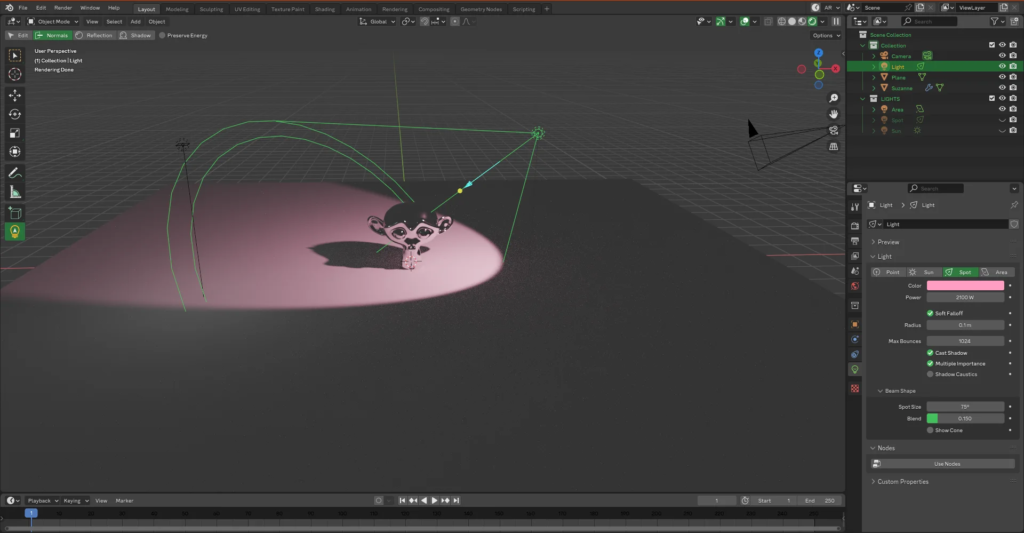
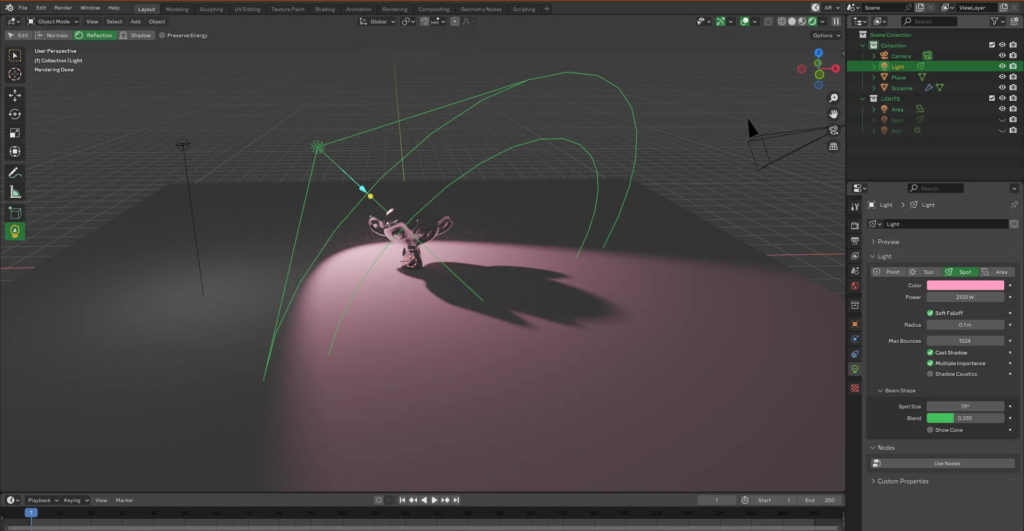
Supercharge your 3D creation workflow with premium selection of Blender Add-ons. Whether you are modeling intricate characters, sculpting realistic environments, or animating cinematic sequences, the right add-on can transform how you work inside Blender. Our curated collection includes powerful tools for UV unwrapping, procedural texture generation, rigging automation, rendering optimization, and more—each rigorously tested for compatibility with the latest Blender versions. Eliminate tedious manual processes and unlock advanced functionality that lets you focus on what matters most: bringing your creative vision to life. Explore our full range of professional Blender plugins today and take your 3D projects to the next level.
➡️ ➡️ For more Blender Plugins 😀 😀
Reviews
There are no reviews yet.