
Market Mask Tools for Blender
Market Mask Tools for Blender – The Ultimate Selection & Compositing Isolation Suite
Version : 1.9
File Size: 269MB
Download Market Mask Tools for Blender on Windows and Mac, a streamlined addon designed to create precise masks, isolate objects, and generate compositing passes with unmatched speed. With intelligent edge detection, material-based grouping, and one-click alpha generation, Market Mask Tools transforms how you prepare scenes for post-production in After Effects, Nuke, or Fusion, eliminating the need for manual rotoscoping or complex render layer setups.
Key Features of Market Mask Tools:
Instant Object Isolation: Select any object or collection and instantly generate a clean alpha mask or separate render pass with perfect anti-aliased edges
Smart Material Grouping: Automatically creates masks based on material slots, allowing you to isolate specific parts of a model (e.g., glass, metal, fabric) for independent color grading
Interactive Mask Refinement: Includes tools to grow, shrink, blur, or feather mask boundaries directly in the viewport for soft transitions and realistic integration
Boolean Mask Logic: Combine multiple selections using Union, Intersect, or Subtract operations to create complex composite masks without writing a single line of code
Cryptomatte Integration: Seamlessly generates Cryptomatte passes for industry-standard workflow compatibility, enabling pixel-perfect selection in post-software
Batch Pass Generation: Render out multiple mask variations (Object ID, Material ID, Z-Depth) simultaneously to speed up your delivery pipeline
Compositor Auto-Setup: Automatically builds the necessary node tree in Blender’s Compositor to output masks as separate files, saving hours of manual node connecting
Optimized Edge Handling: Advanced algorithms ensure clean masks even on complex geometry like hair, fur, and semi-transparent surfaces like glass or smoke
Cross-Platform Support: Works flawlessly on both Windows and Mac systems including Apple Silicon M1/M2/M3 chips
Perfect For:
VFX artists needing quick isolation of elements for background replacement or effects addition
Motion graphics designers separating text, logos, and 3D elements for 2D compositing
Architectural visualizers isolating furniture or lighting fixtures for client revisions
Colorists wanting to grade specific materials or objects without re-rendering the whole scene
Anyone tired of manual rotoscoping and messy alpha channel exports
System Requirements:
Blender 3.6, 4.0, 4.1, 4.2, 4.3+ (Latest LTS recommended)
Windows 10/11 (64-bit) or macOS 10.15+
8GB RAM minimum (16GB+ recommended for high-resolution sequence processing)
Cycles or Eevee render engine supported
Installation:
Open Blender and go to Edit > Preferences > Add-ons:
Click “Install…” and select the downloaded .zip file for Market Mask Tools
Enable the checkbox next to “Render: Market Mask Tools”
Access via the View Layer Properties panel > Mask Tools Tab or the 3D Viewport Sidebar (N-panel)
Note: The addon features a unique “Live Preview” mode that overlays your generated masks directly on the 3D viewport, allowing you to verify selection accuracy before committing to a full render.
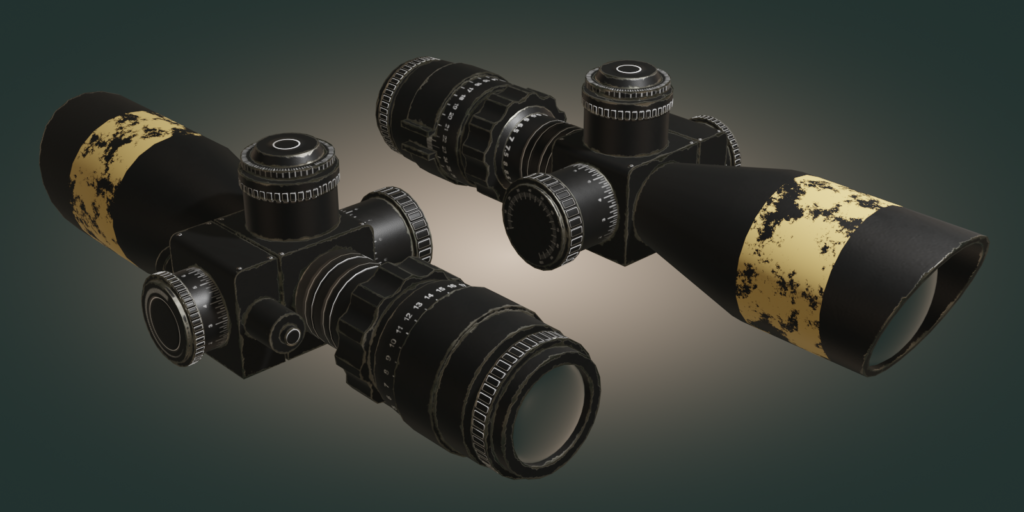
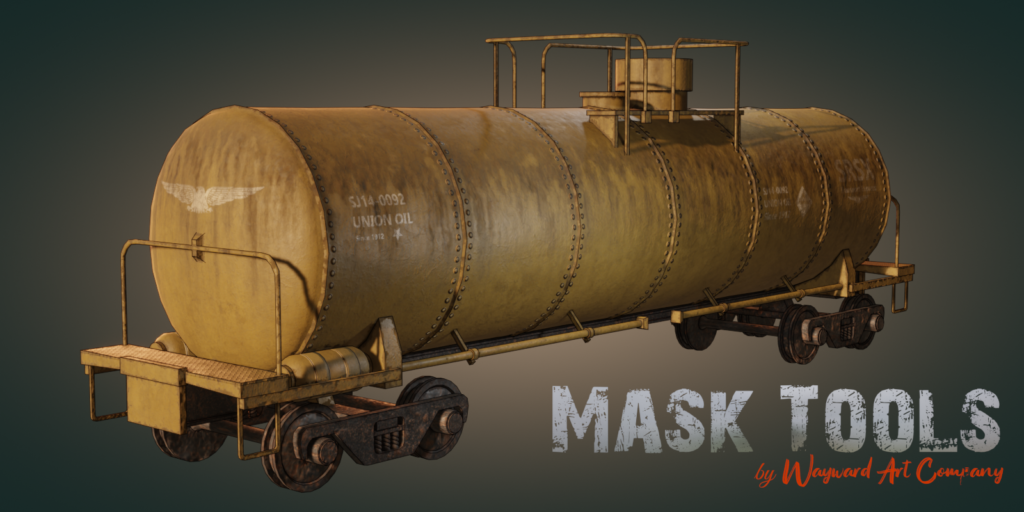
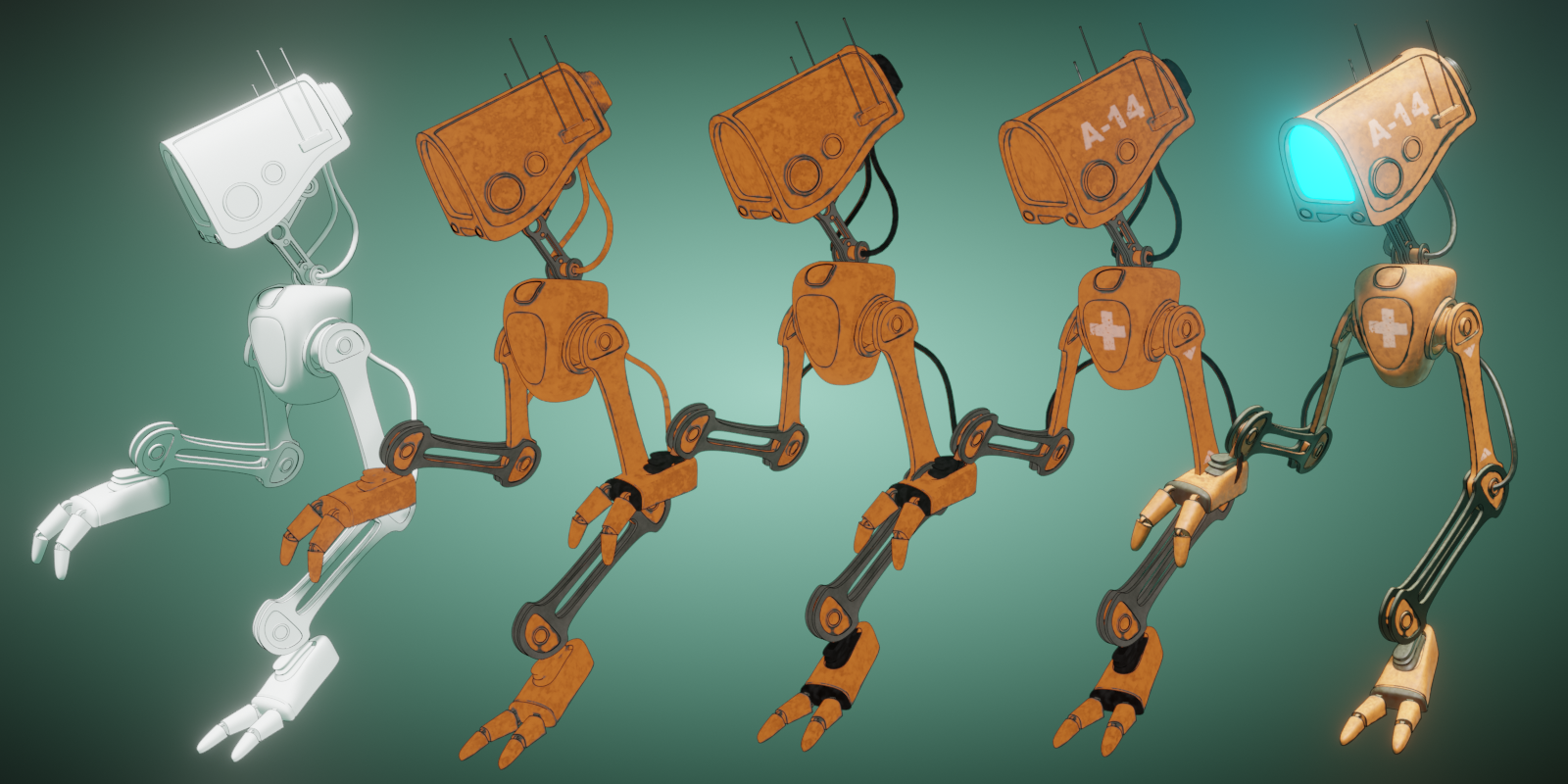 Mask Tools is an add-on that changes the process of texturing and creating complex materials in Blender. Simply add paint layers and effects to get professional looking models without having to export to other software.
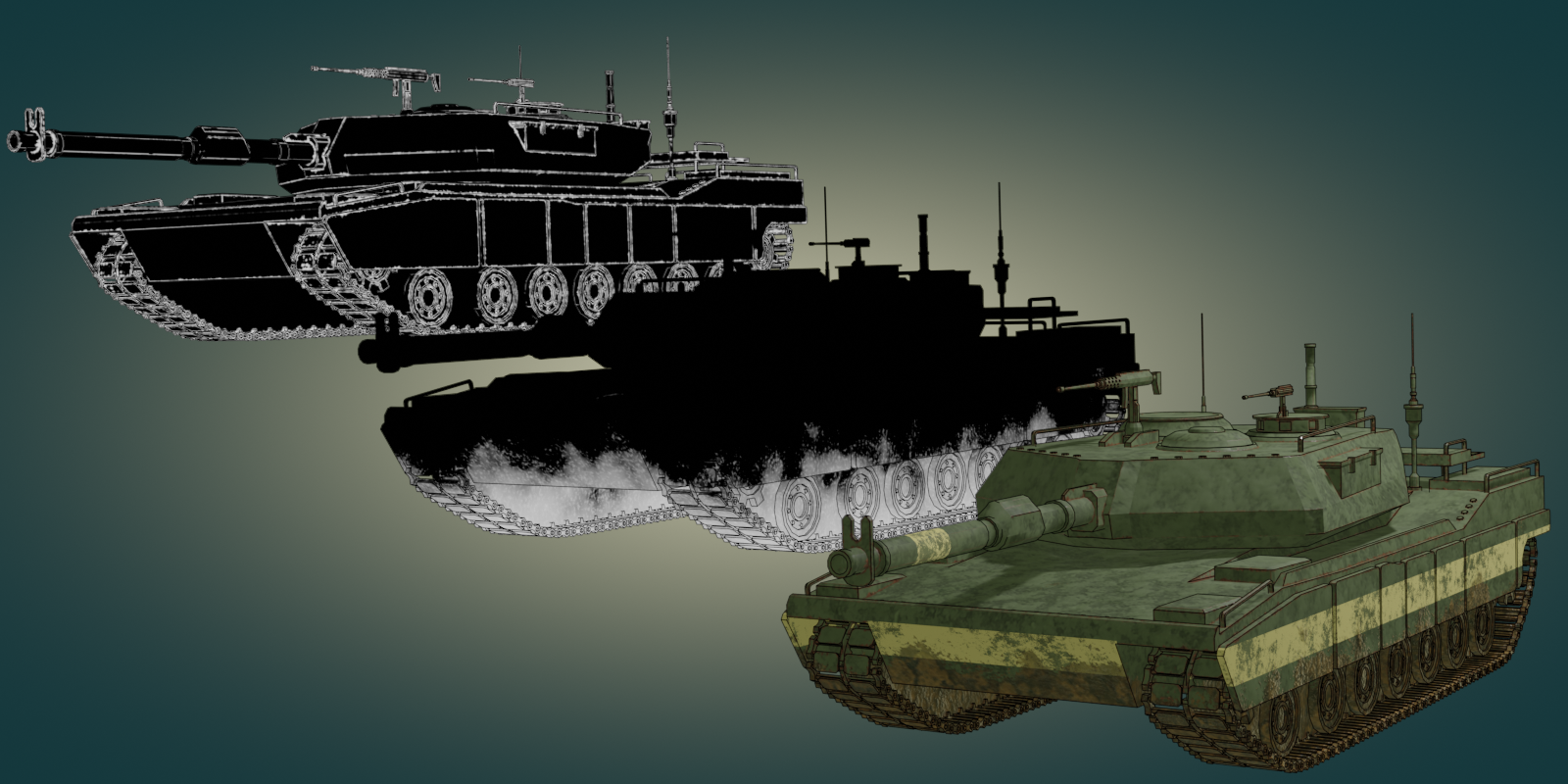
Procedural effects such as edge detect, dust, and various types of grunge can quickly be added to produce incredibly realistic textures.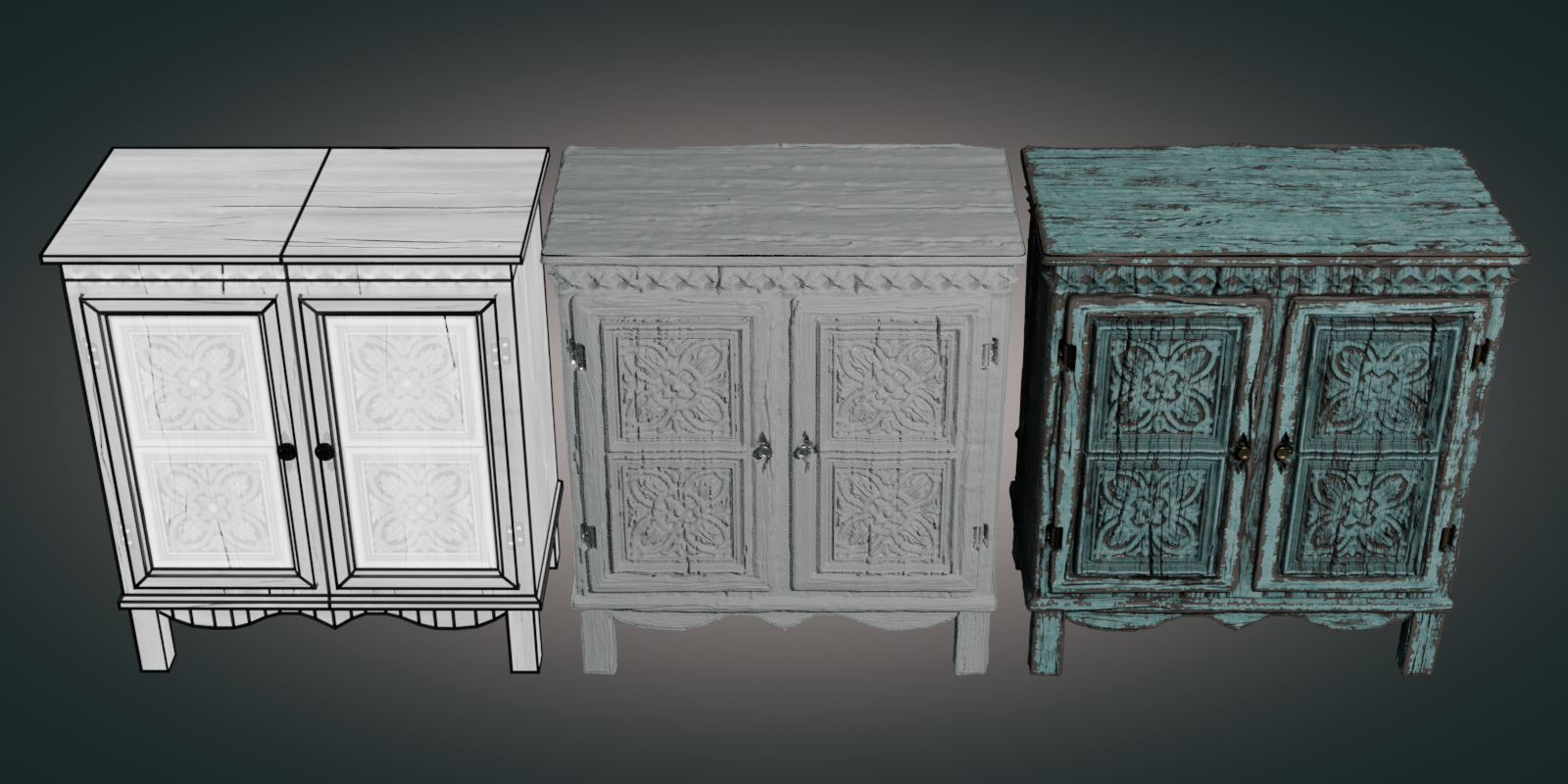
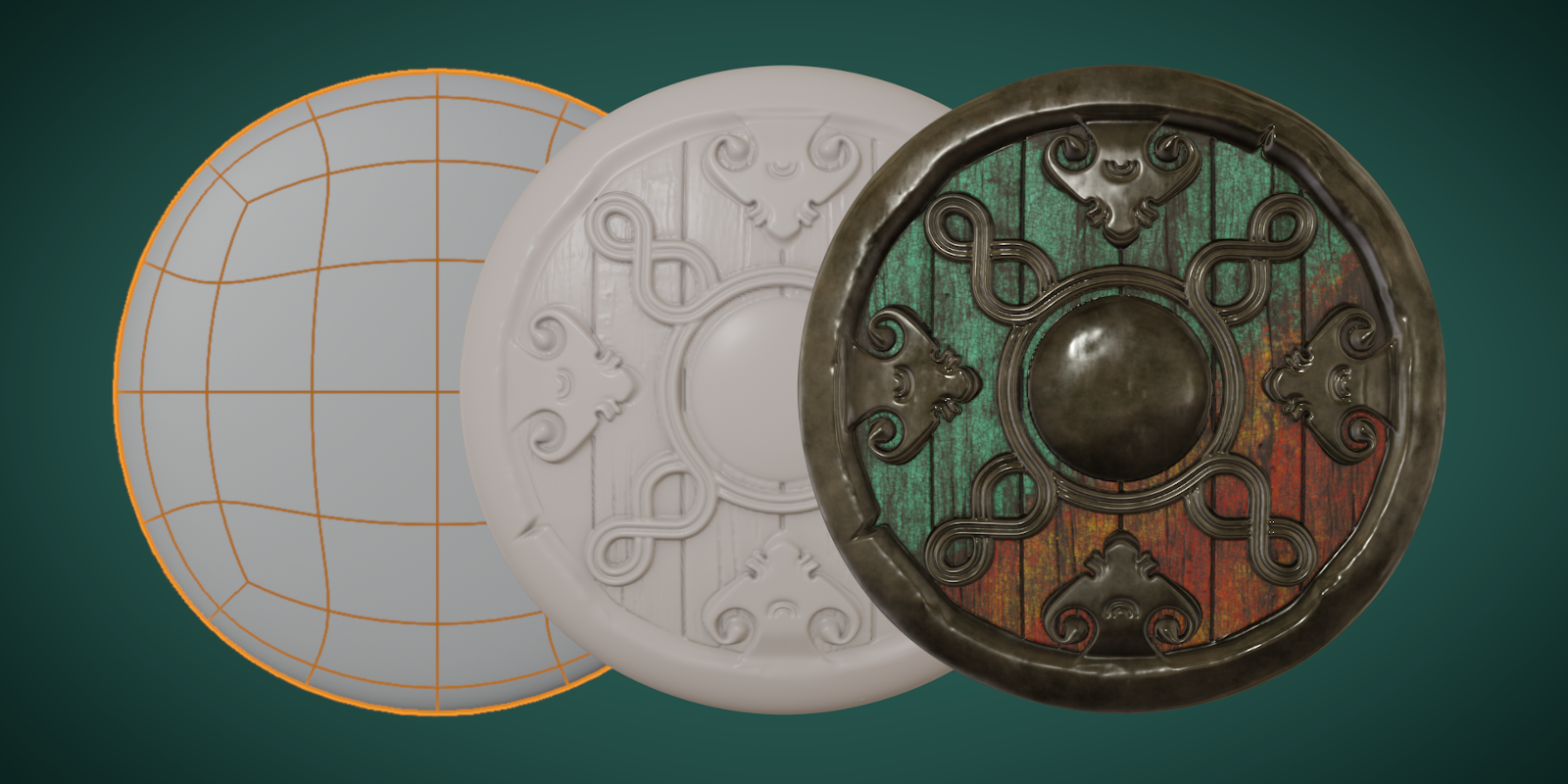 Turn low-poly objects into highly detailed models in just a few steps. What might take days, or weeks to model can be done in minutes.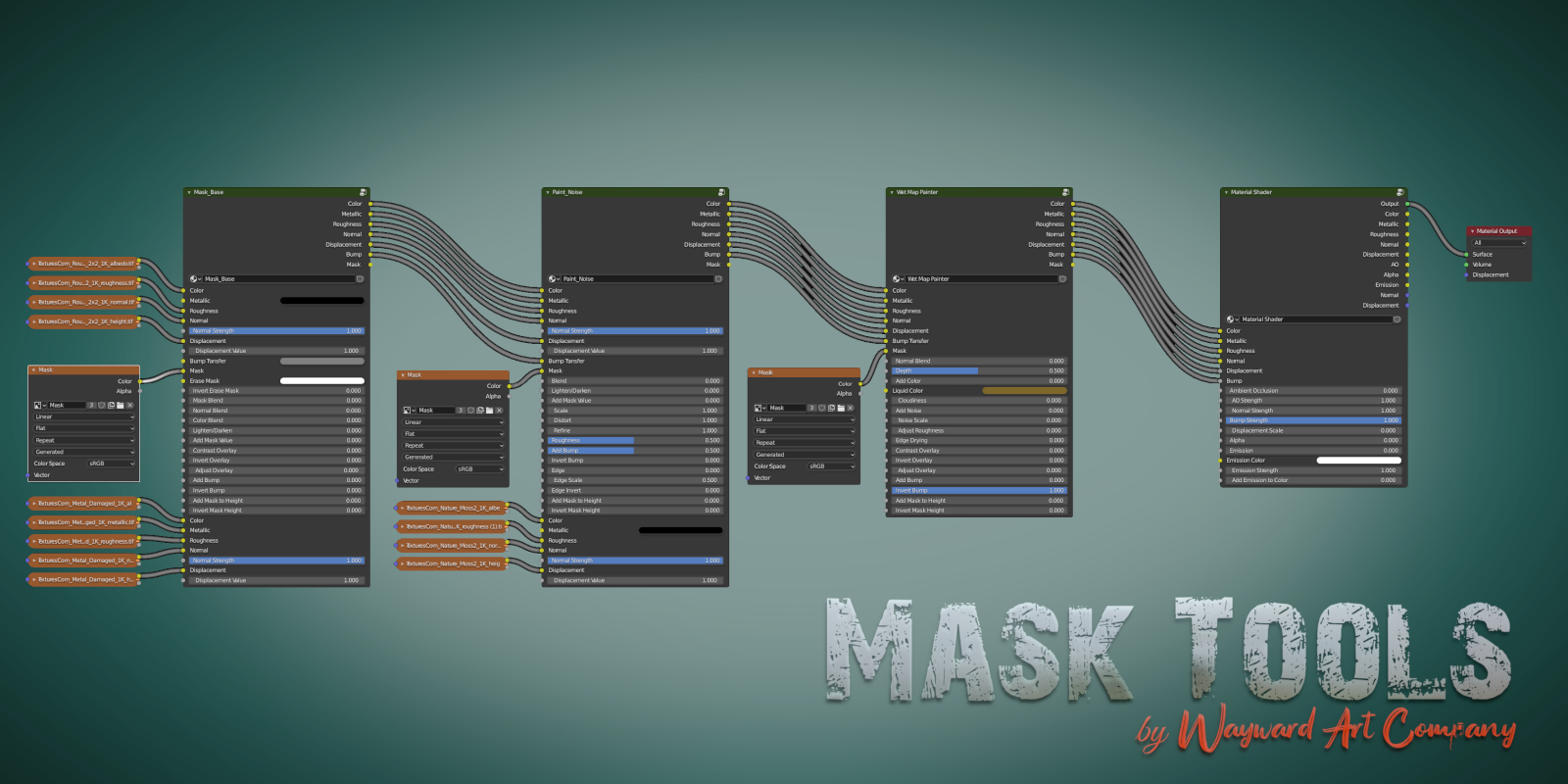
And, say goodbye to messy node trees. Mask Tools helps keep your node setup organized and easy to understand.
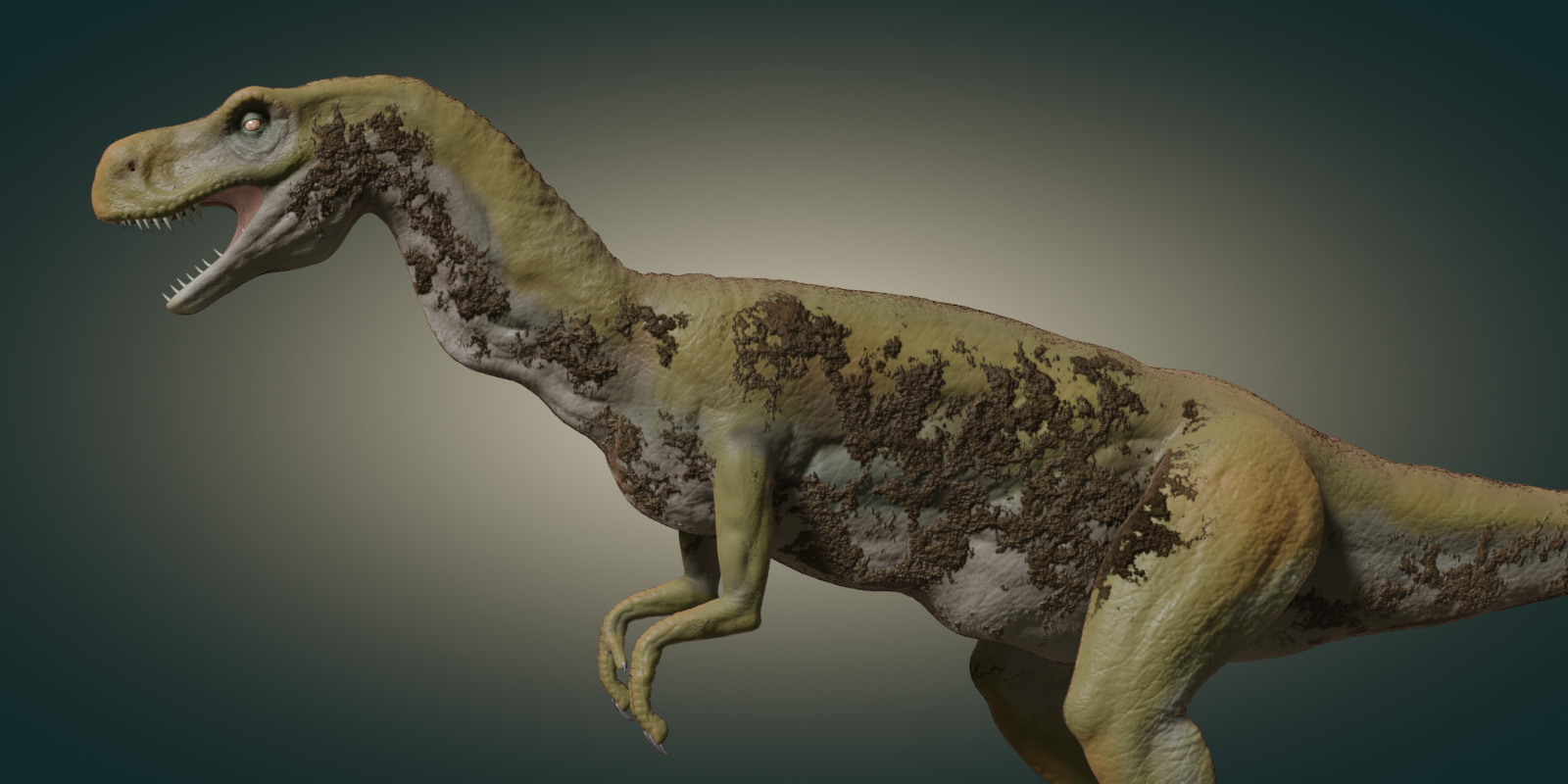
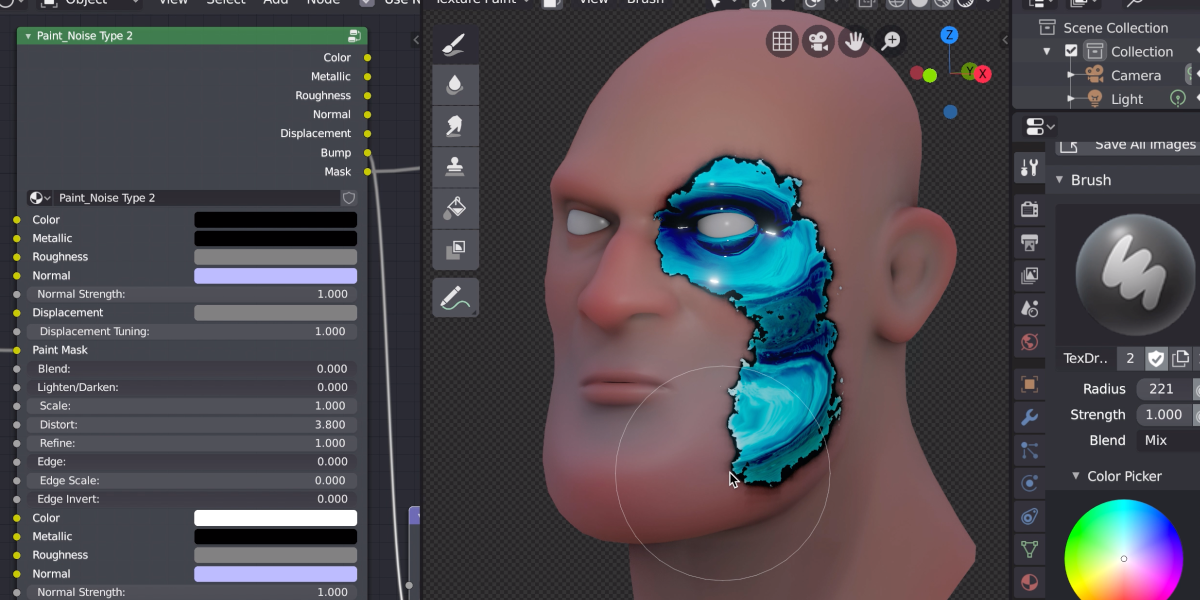
With Distortion Masks you can paint procedural grunge on your models and continue to customize the shape, scale, and bump effects after painting.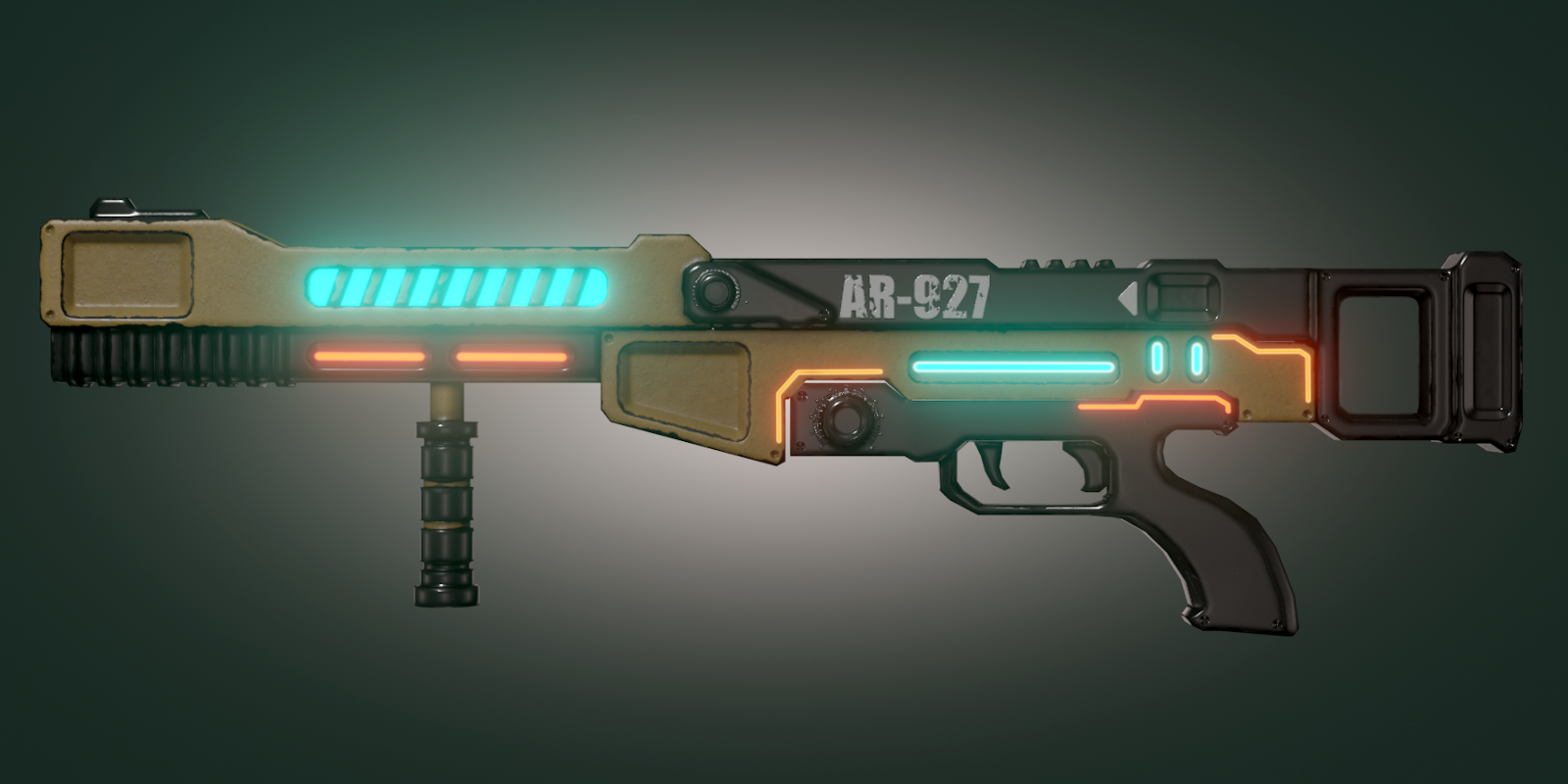
You can also paint additional effects like alpha transparency, emission, and bump.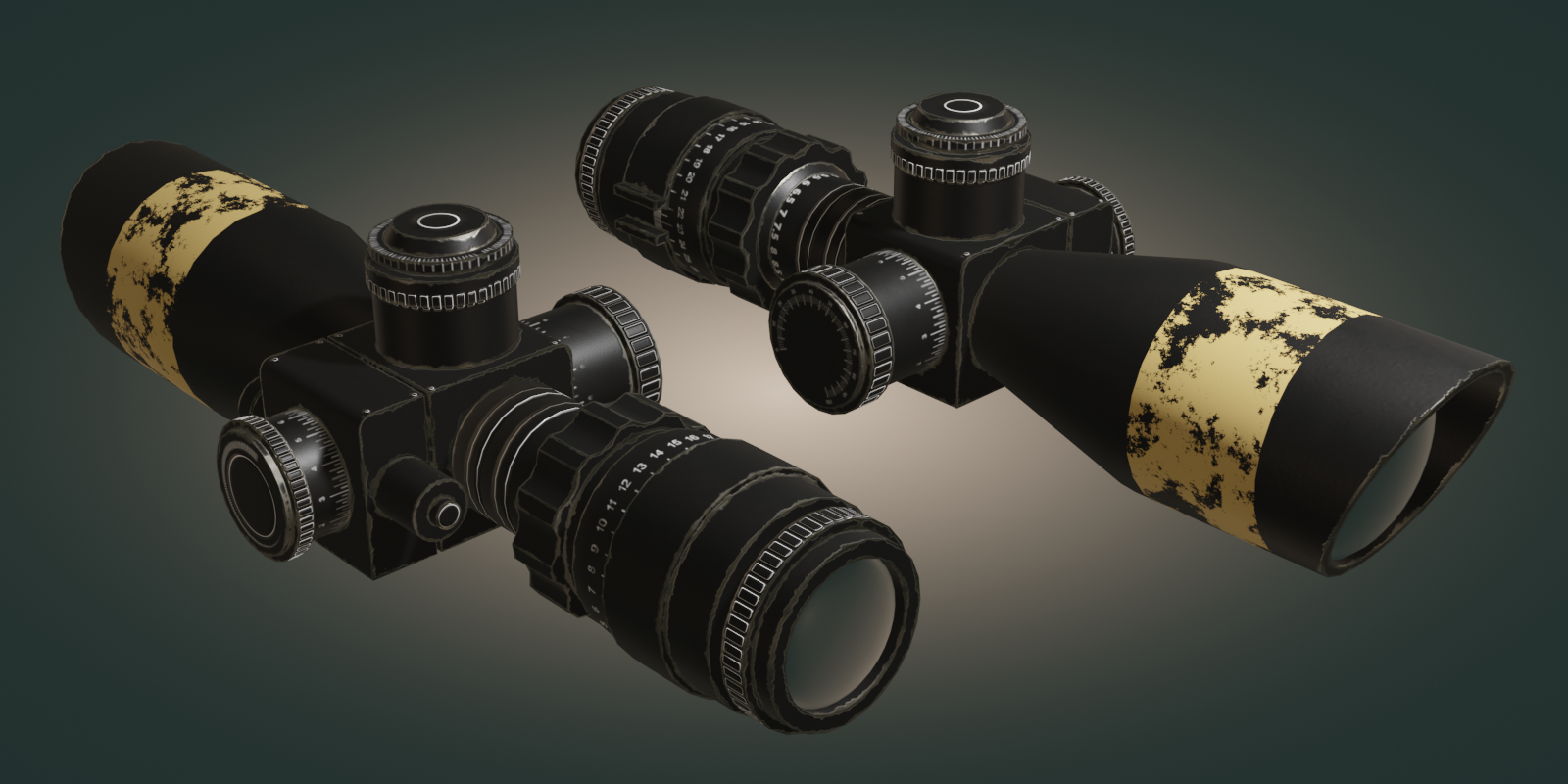
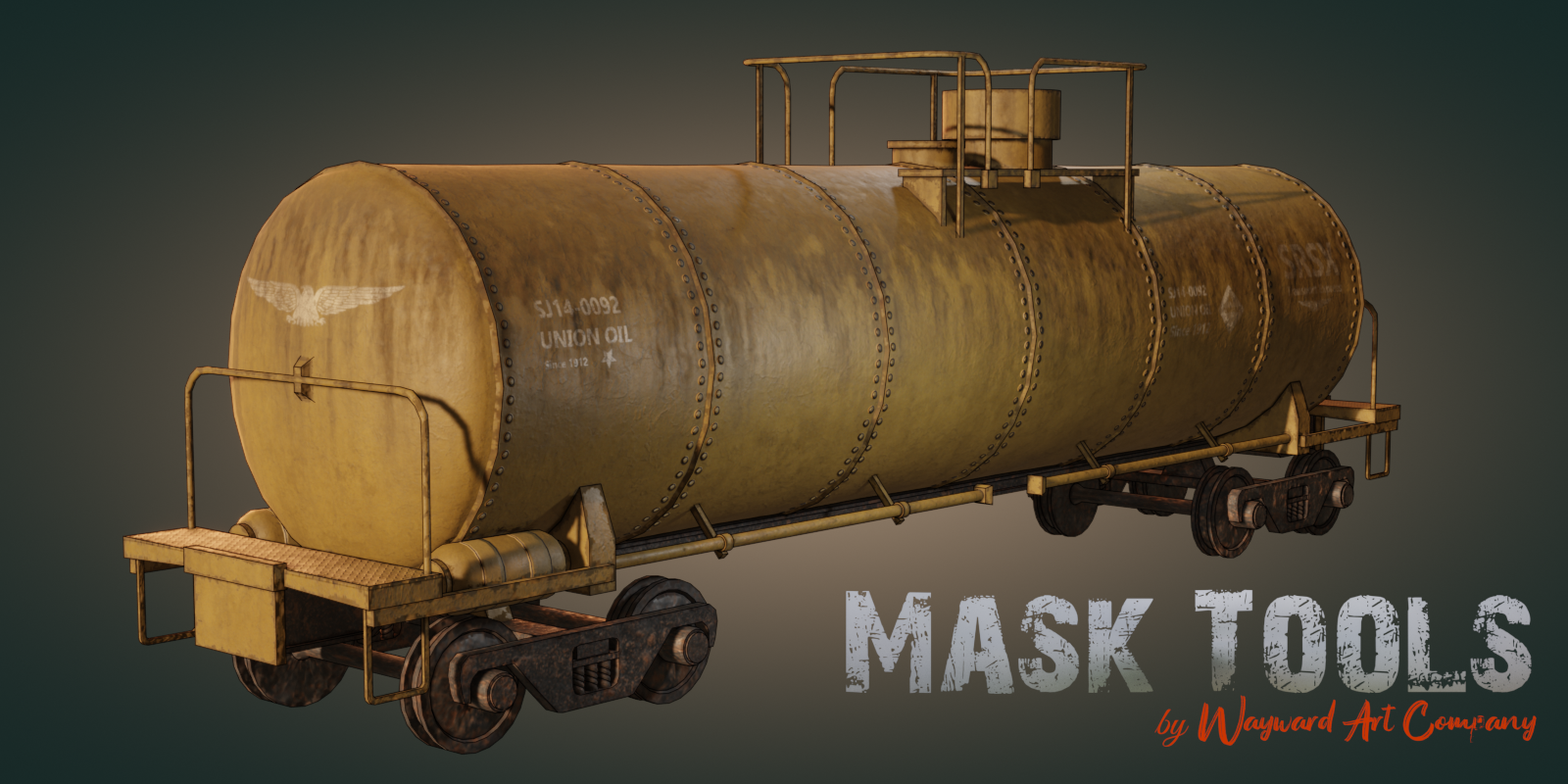 Mask Tools is perfect for game artists looking to get detailed textures for their low-poly game assets.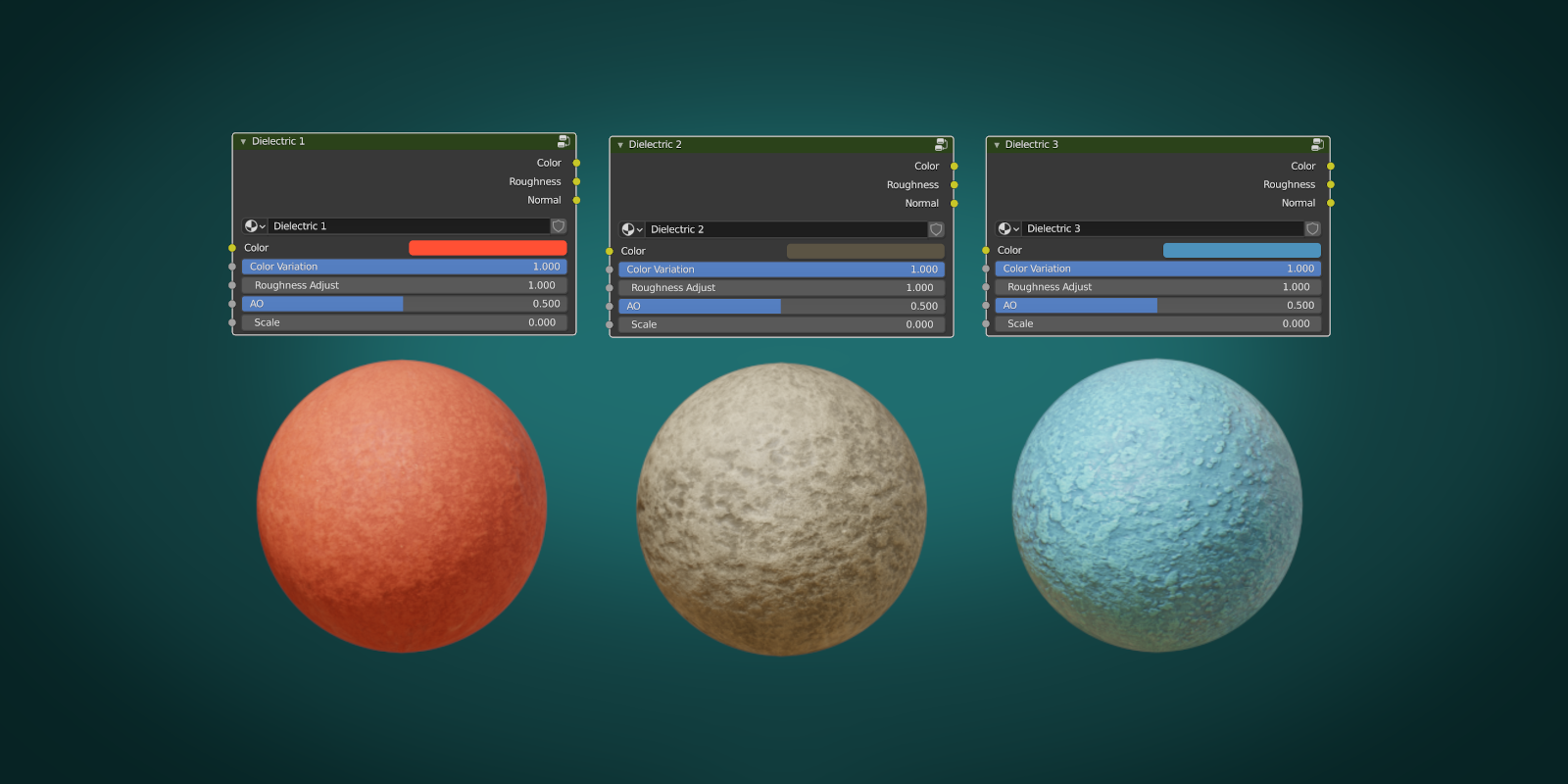
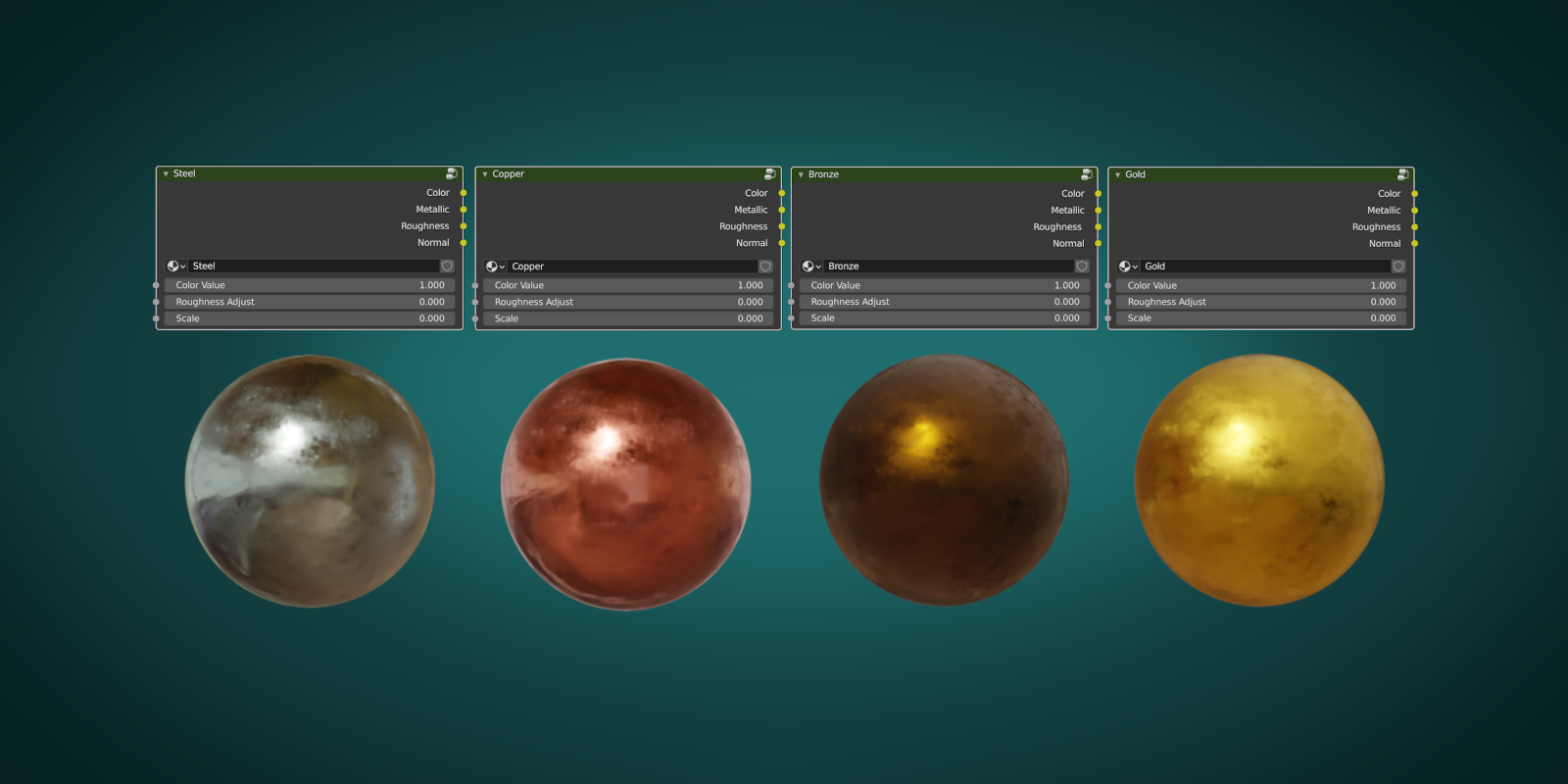 You can now quickly add a variety of materials that come with the add-on. Each can be customized, regarding scale, roughness, color, etc..
 Whether you’re texturing characters or environments you will speed up your workflow and get amazing results with Mask Tools.
Supercharge your 3D creation workflow with premium selection of Blender Add-ons. Whether you are modeling intricate characters, sculpting realistic environments, or animating cinematic sequences, the right add-on can transform how you work inside Blender. Our curated collection includes powerful tools for UV unwrapping, procedural texture generation, rigging automation, rendering optimization, and more—each rigorously tested for compatibility with the latest Blender versions. Eliminate tedious manual processes and unlock advanced functionality that lets you focus on what matters most: bringing your creative vision to life. Explore our full range of professional Blender plugins today and take your 3D projects to the next level.
➡️ ➡️ For more Blender Plugins 😀 😀
Reviews
There are no reviews yet.