
MazeFX v1.2 aftereffect script for labyrinth animation
This section includes the MazeFX version 1.2 script for After Effects software, which is available for download on the site. MazeFX Aftereffect script is for creating labyrinth animations and you can use it to randomly create winding paths in Aftereffect. A complete and comprehensive controller is available for editing each labyrinth that you can change as needed. You can use a mask to adjust the shape of each maze.
Video preview
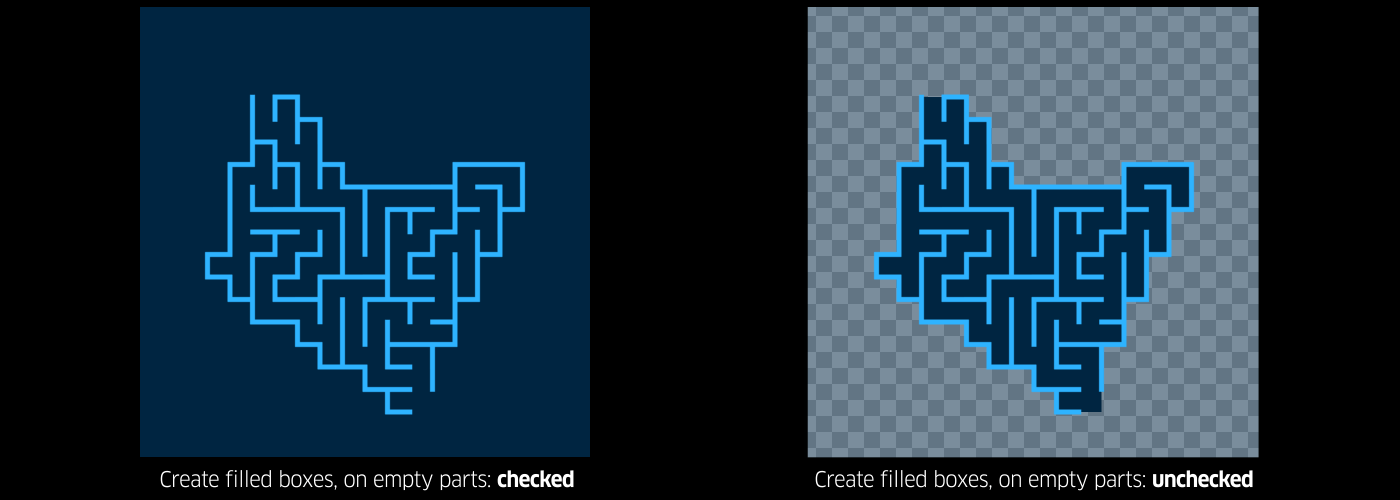
Create random vector mazes (labyrinths) in After Effects. mazeFX is able to generate a unique solution for each maze and also create the appropriate effect controls, to take full control of the appearance of the maze. Finally, it has the ability to use masks to control the shape of each maze and also can place all of the needed parts in a single shape layer or create separate shape layers for each part of the maze.
| mazeFX is a tool for Adobe After Effects, specifically designed to create random vector-based mazes (labyrinths). mazeFX is able to generate a unique solution for each maze and also create the appropriate effect controls, to take full control of the appearance of the maze. Finally, it has the ability to use masks to control the shape of each maze and also can put all of the needed parts in a single shape layer or create separate shape layers for each part of the maze.
mazeFX is a native After Effects tool and does not require or depend on any extra plug-ins. |
|||
|
|
|||
 |
|||
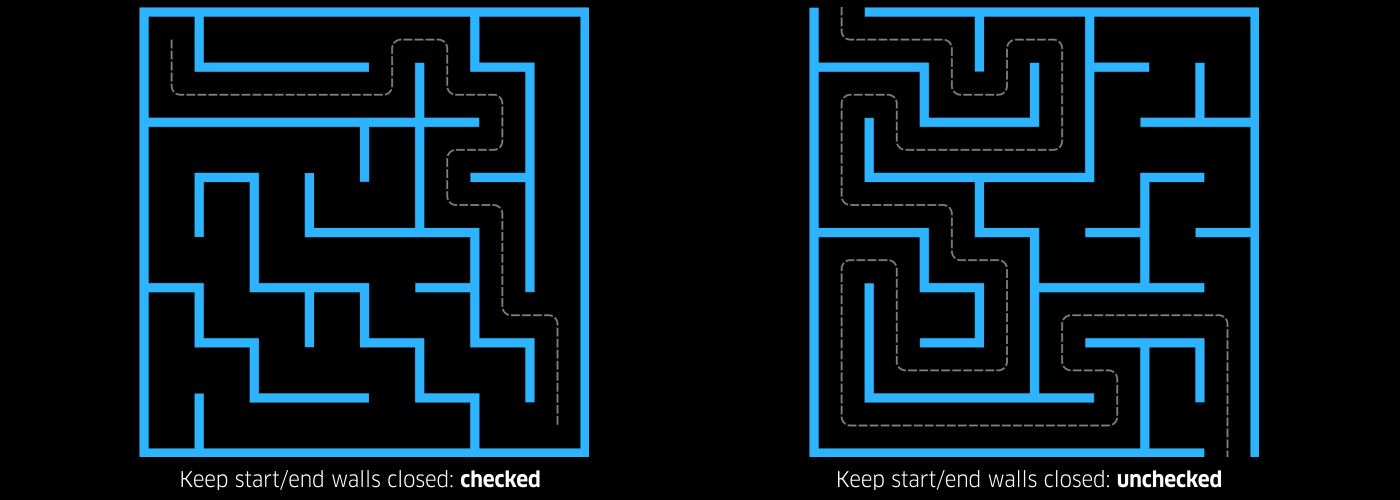
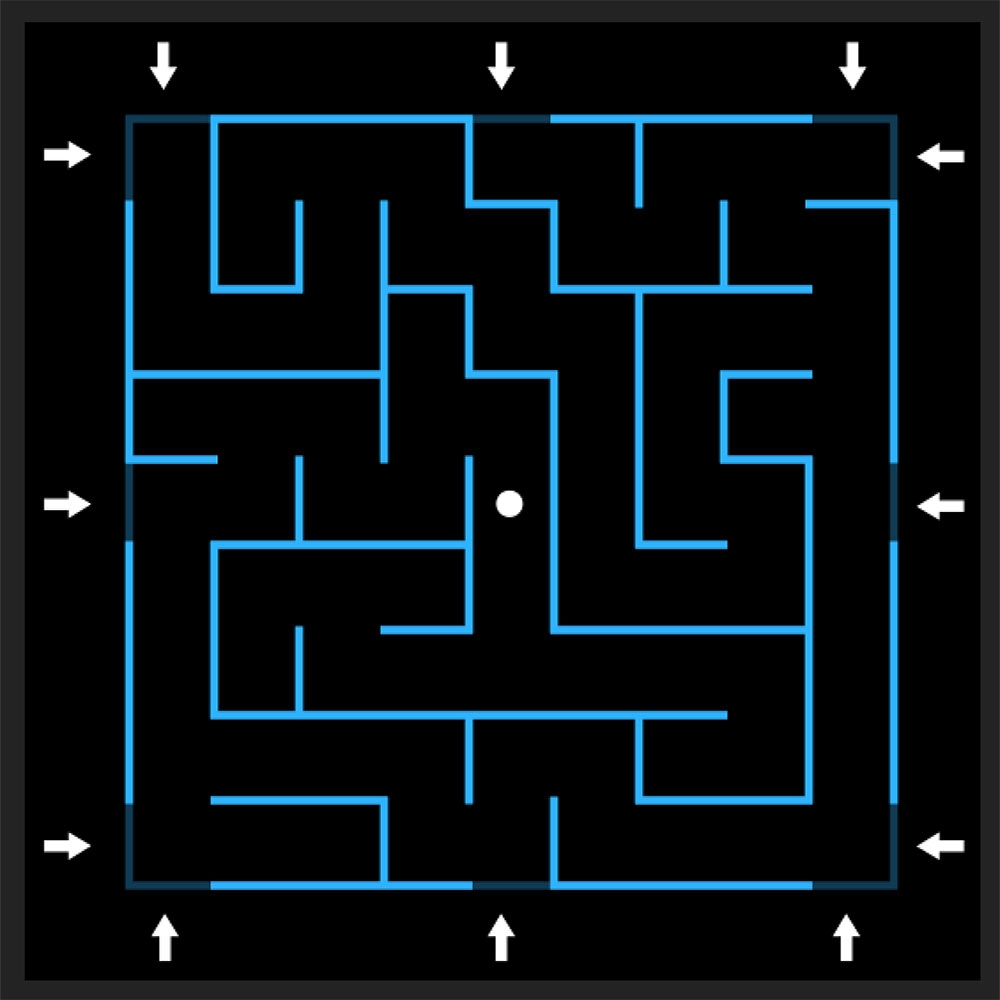  The latest update of mazeFX (v1.30) brings multiple position options for the Start & End points |
|||
 |
|||
|
|||
|
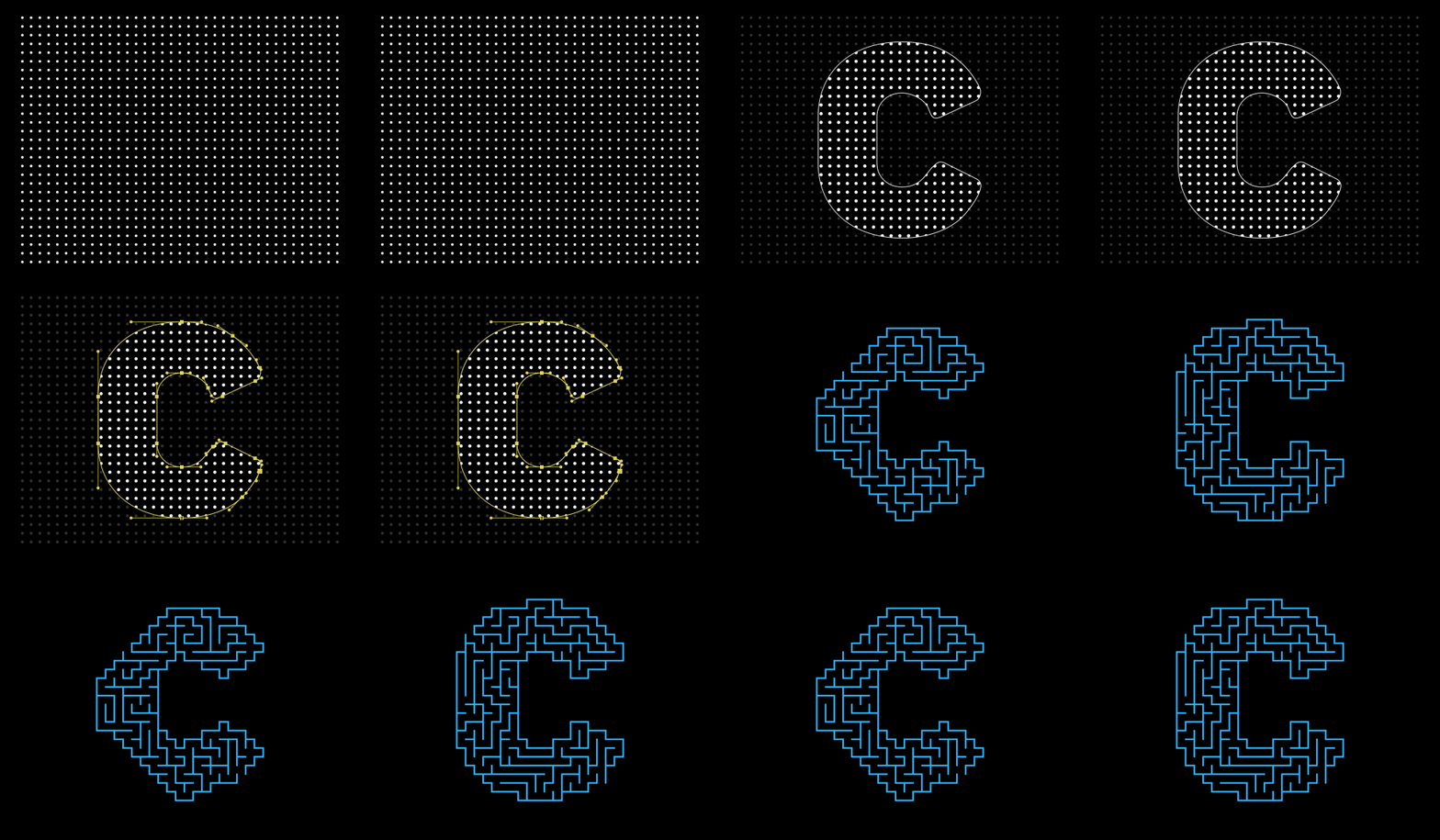
Old versions of mazeFX supported only masks with linear points/vertices. If your mask(s) contained any bezier (curved) points, it would just be ignored. From v1.1, mazeFX supports bezier masks natively! |
|||
 |
|||
|
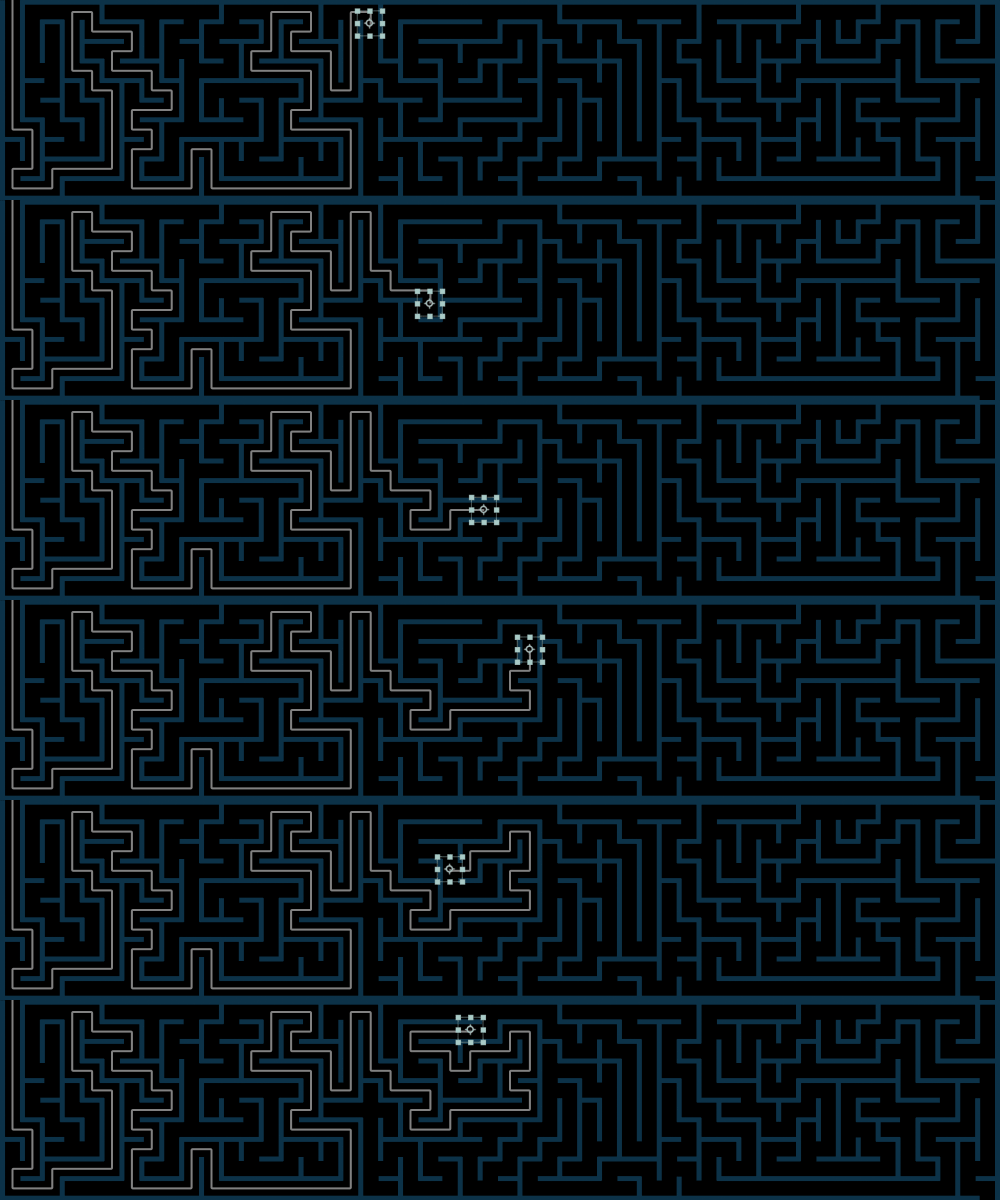
mazeFX can now generate a null helper layer that is attached at the tip of the solution path and follows its position. The main purpose of this new null helper is to make it easier to parent any layer to the tip of the solution path. This option is only available in After Effects CC2018 and above.
|
|||
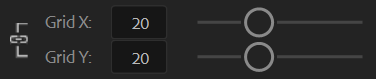
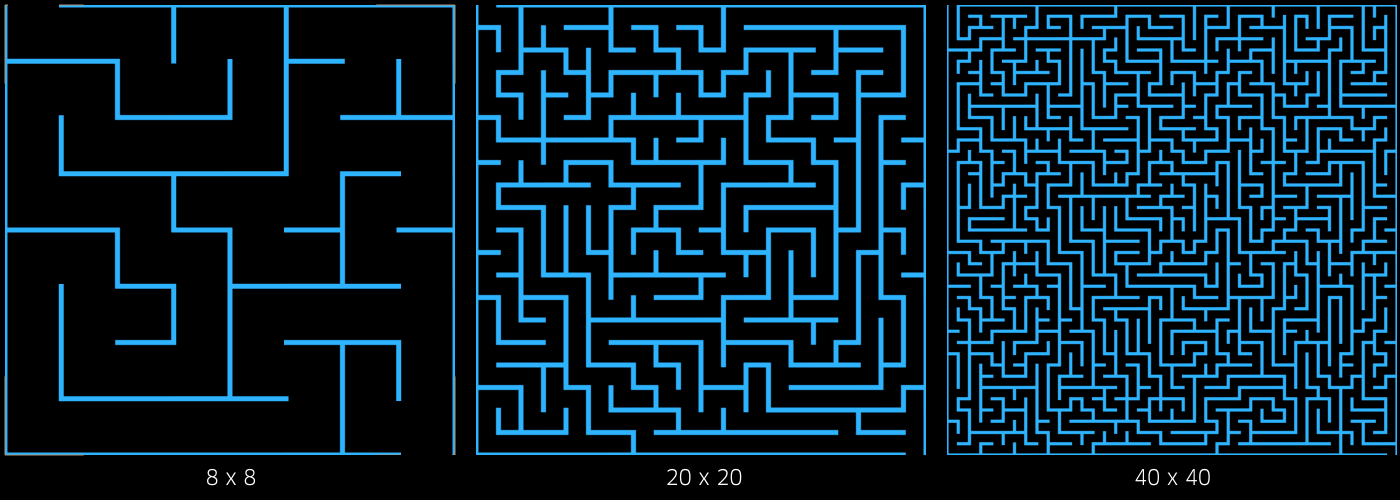
| You can easily adjust the the X and Y grid dimensions, for a more dense or scattered pattern. |
 |
||
 |
|||
|
|
|||
 |
|||
|
|
|||
 |
|||
|
|
|||
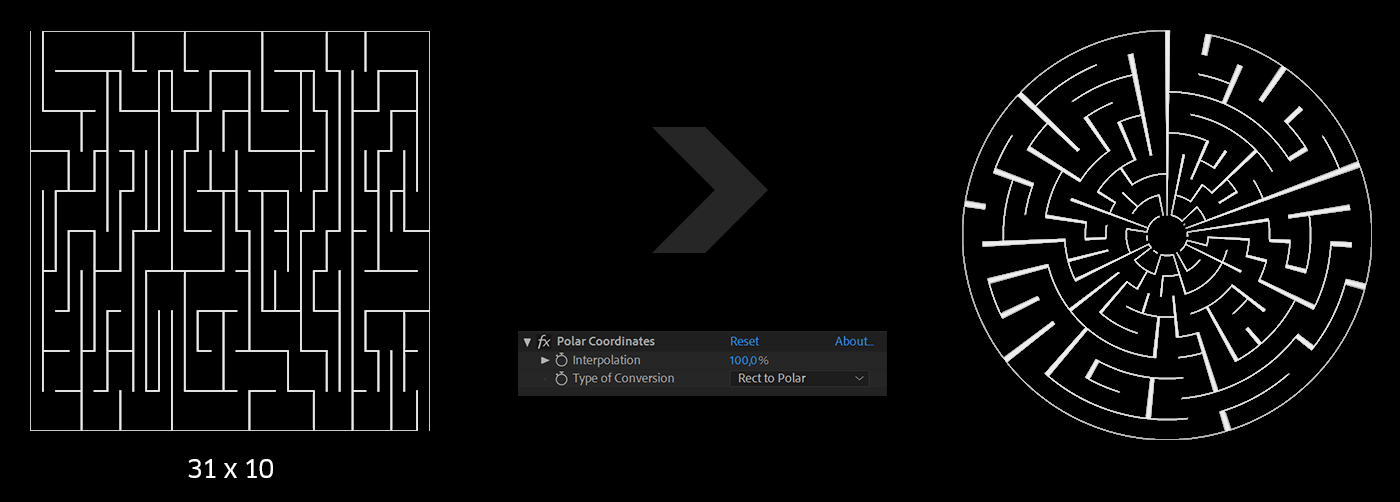
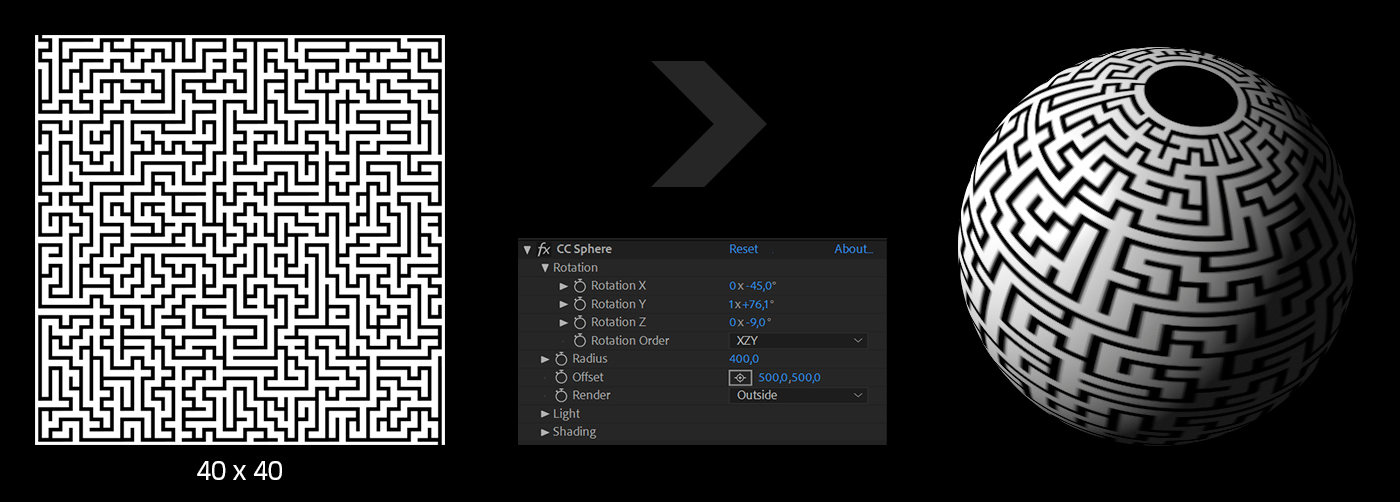
| Combining mazeFX with standard AE effects, produces interesting results.
Below are examples of using mazeFX along with |
|||
 |
|||
 |
|||
|
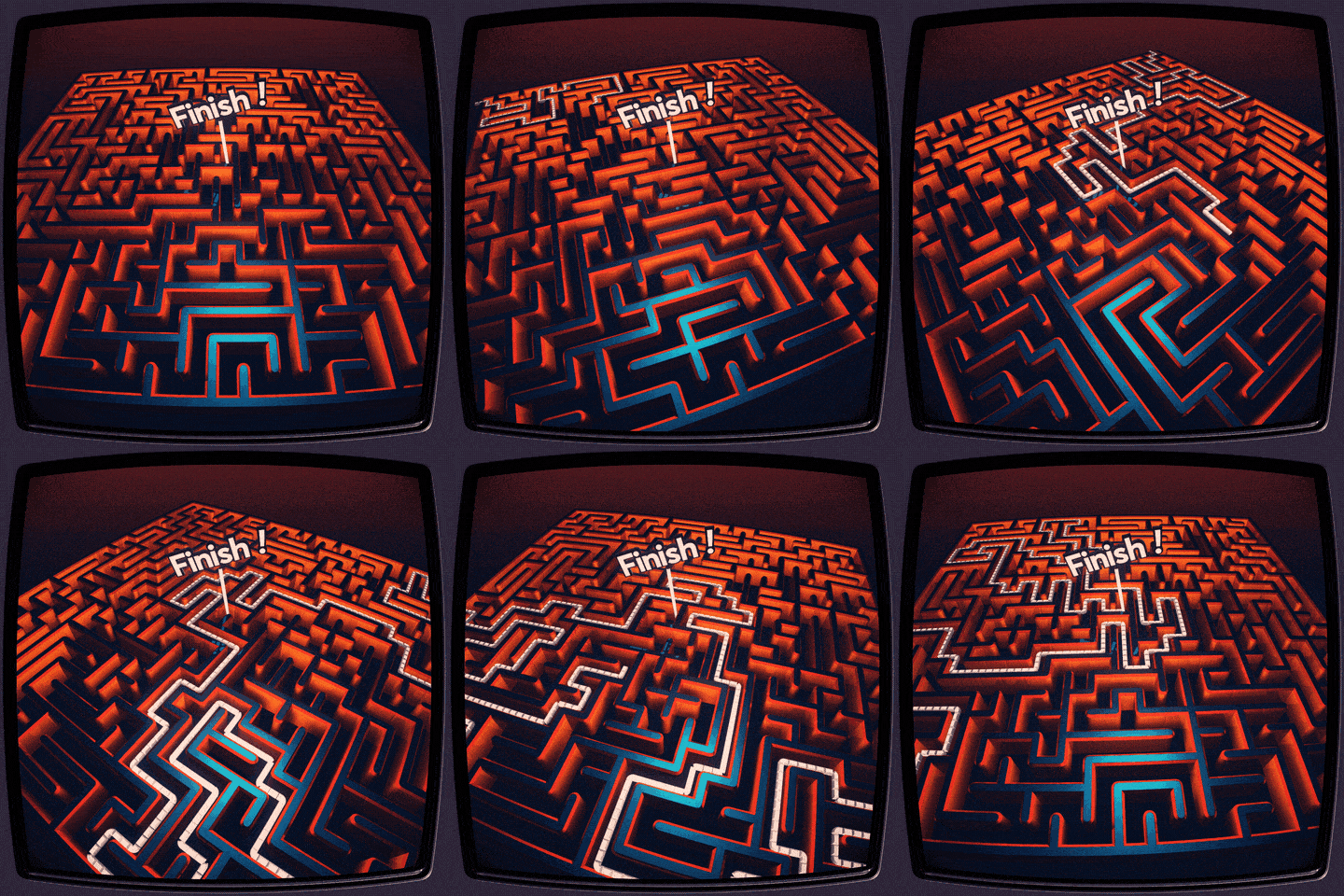
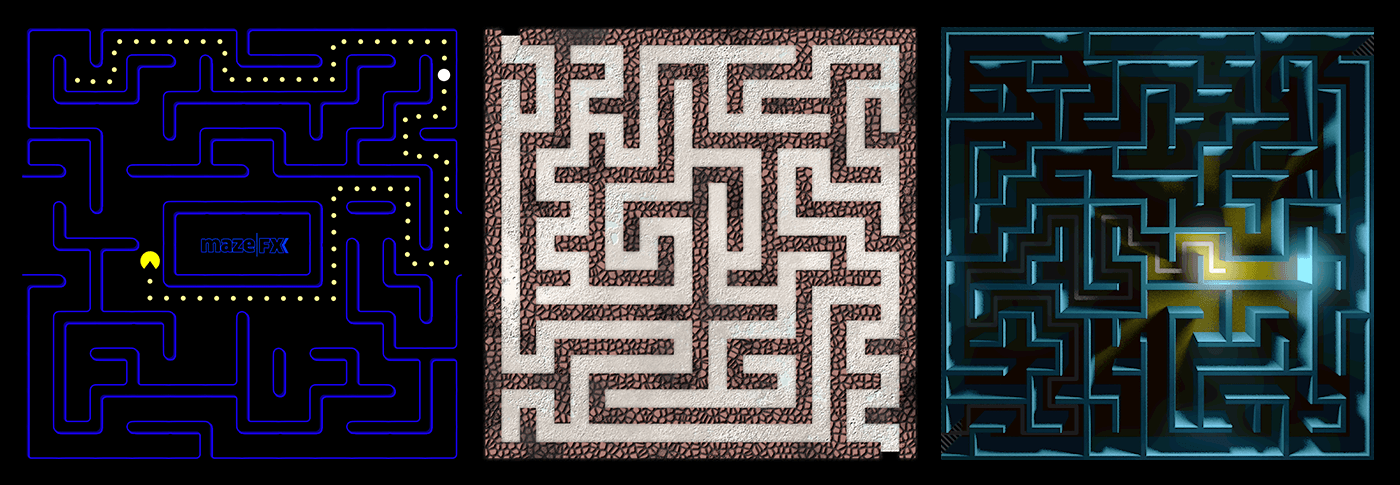
You can use mazeFX as a good starting point for designing simple maze game-maps. |
|||
 |
|||
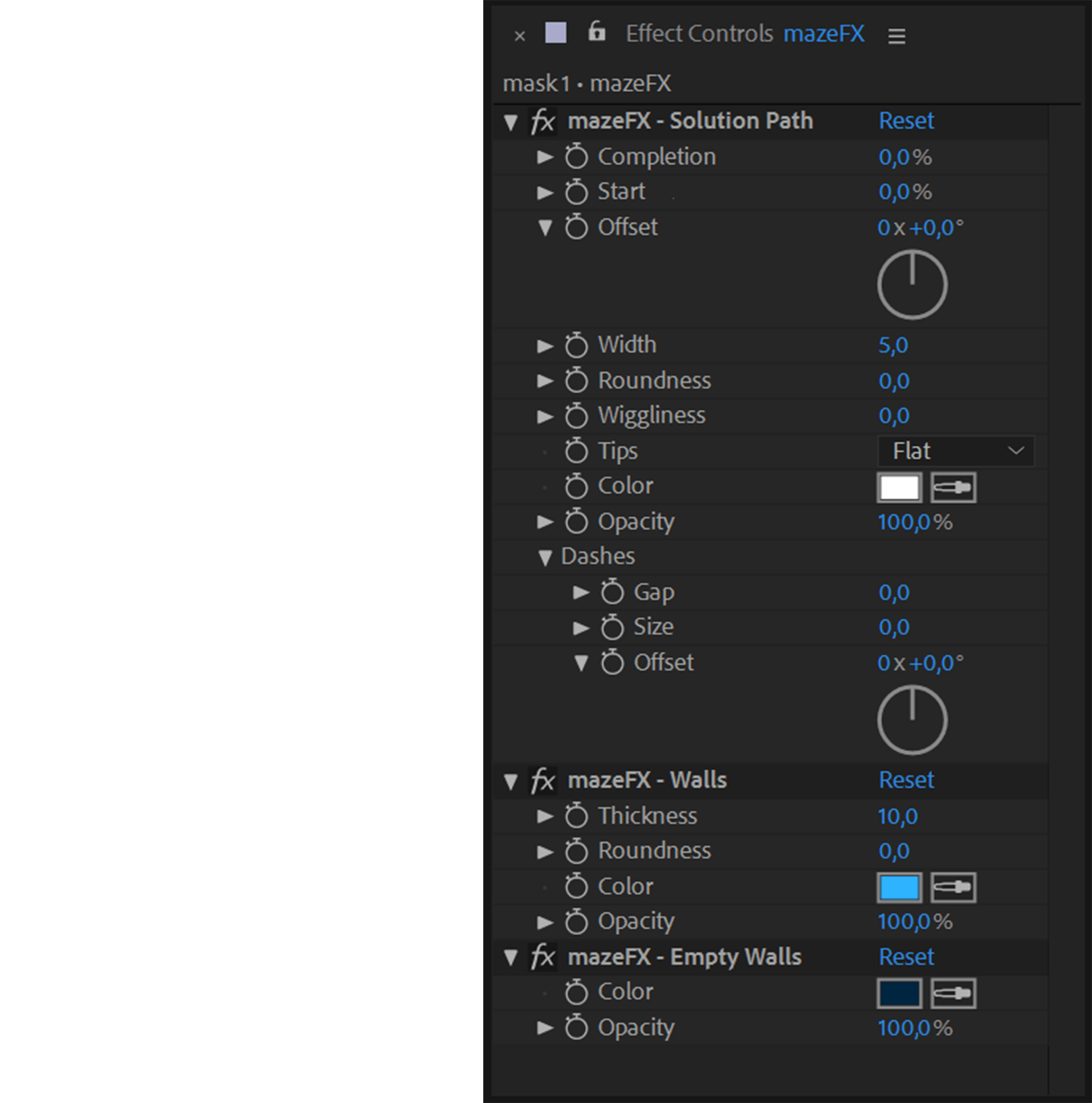 |
mazeFX creates the appropriate effect controls to allow you full control over the appearance of each maze. | ||
 |
|||
After effects templates
Amazing clips to use and help you create your own unique projects from AE templates or to improve the design of your existing broadcasts.
We have a wide range of templates for you to choose from. You can find PowerPoint Video Templates, Motion Graphics Templates, and After Effects Logo Templates, Scripts, Promos, news, fashion, sports, social media, titles…
After Effects Templates, Wedding Templates as well, After Effects Intro Templates, Transitions, Products Promos, Instagram stories, Scripts, Call Titles, Elements 3D, Corporate , and many more.
With After Effects project files, or templates, your work with motion graphics and visual effects will get a lot easier. In short, they are customizable After Effect files, neatly organized and labelled. You can easily change colors, text and other design elements without having to spend time on creating timelines and effects. It’s all there-you just need to customize it to fit your project.
What you waiting for? Hurry up and download the best after effects templates
➡️ ➡️ For more Ready Project Files Templates 😀 😀
System Requirement For adobe after effects


Reviews
There are no reviews yet.