
medusa Nodes for Blender
medusaNodes v1.1.5 for Blender – The Ultimate Procedural Hair, Fur & Fiber Generator
Versions: v1.1.5
File Size: 3.8 MB
Download medusaNodes v1.1.5 for Blender on Windows and Mac, a cutting-edge Geometry Nodes-based addon designed to generate hyper-realistic hair, fur, feathers, grass, and complex fiber systems with unprecedented speed and control. By leveraging Blender’s native hair curves system and advanced instancing logic, medusaNodes transforms how artists create organic coverage, eliminating the need for heavy particle simulations, manual grooming, or expensive external software to achieve production-ready strands.
Key Features of medusaNodes v1.1.5:
- Advanced Grooming Tools: Integrated brush tools within the viewport allow you to comb, cut, clump, smooth, and style hair directly on the mesh, with real-time feedback on density and flow.
- Procedural Clumping & Frizz: Sophisticated algorithms automatically generate natural-looking clumps, flyaways, and frizz based on length, curvature, and noise drivers, mimicking real-world hair behavior without manual painting.
- Multi-Layer System: Create complex hairstyles by stacking layers (e.g., Undercoat, Guard Hairs, Eyelashes, Eyebrows) with independent controls for length, density, curl, and material for each layer.
- Smart Growth Maps: Use vertex colors, texture maps, or weight paints to precisely control where hair grows, its length, thickness, and curl intensity, allowing for detailed balding patterns or styled parts.
- Dynamic Physics Ready: Generated hair curves are fully compatible with Blender’s Hair Dynamics, allowing for realistic wind sway, gravity, and collision interactions immediately after generation.
- Material Preset Library: Includes 20+ physically accurate shaders for Human Hair, Animal Fur, Wool, Feathers, Grass, and Synthetic Fibers, featuring correct anisotropy, transmission, and melanin-based coloration.
- Scalp & Skin Integration: Automatically generates a optimized scalp mesh beneath the hair with proper displacement and subsurface scattering settings, ensuring seamless integration with the character’s skin.
- LOD & Optimization: Adjustable strand count and instancing methods allow you to create high-fidelity hero assets for rendering or optimized low-poly versions for real-time game engines.
- Animation Drivers: Built-in parameters to animate hair growth, color changes, or style transitions over time, perfect for transformation sequences or magical effects.
- Non-Destructive Workflow: Every aspect (density, curl, clump size, color) is fully parametric; tweak the groom or change the style at any time before final baking.
Perfect For:
- Character Artists creating realistic humans, creatures, and animals with detailed fur and hairstyles for film and games.
- Environment Artists populating scenes with realistic grass, moss, and vegetation without heavy simulation costs.
- Game Developers generating optimized hair cards or curve-based hair ready for Unity and Unreal Engine export.
- VFX Studios simulating dynamic hair movement, wet hair effects, and wind interaction for action sequences.
- Fashion Visualizers prototyping wigs, knitwear textures, and fabric fibers with high fidelity.
- Anyone who needs professional-grade hair grooming capabilities directly inside Blender.
System Requirements:
- Blender: 3.6, 4.0, 4.1, 4.2, 4.3, 4.4+ (Geometry Nodes and Hair Curves required; optimized for Blender 4.x).
- OS: Windows 10/11 (64-bit) or macOS 10.15+.
- RAM: 8GB minimum (16GB+ recommended for high-density fur simulations).
- GPU: Recommended for fast viewport updates and rendering of thousands of strands.
- Render Engine: Fully compatible with Cycles (recommended for anisotropic hair shading) and Eevee.
Installation:
- Download the medusaNodes v1.1.5
.zipfile. - Open Blender and go to Edit > Preferences > Add-ons.
- Click Install…, select the downloaded file, and enable the checkbox next to Geometry Nodes: medusaNodes.
- Access via the Add Menu > Curve > medusaNodes or the dedicated panel in the 3D Viewport Sidebar (N-panel) under the Grooming tab.
What’s New in v1.1.5?
- Enhanced Clumping Algorithm: Rewritten logic for more natural, varied clump shapes that avoid the “uniform tube” look common in procedural hair.
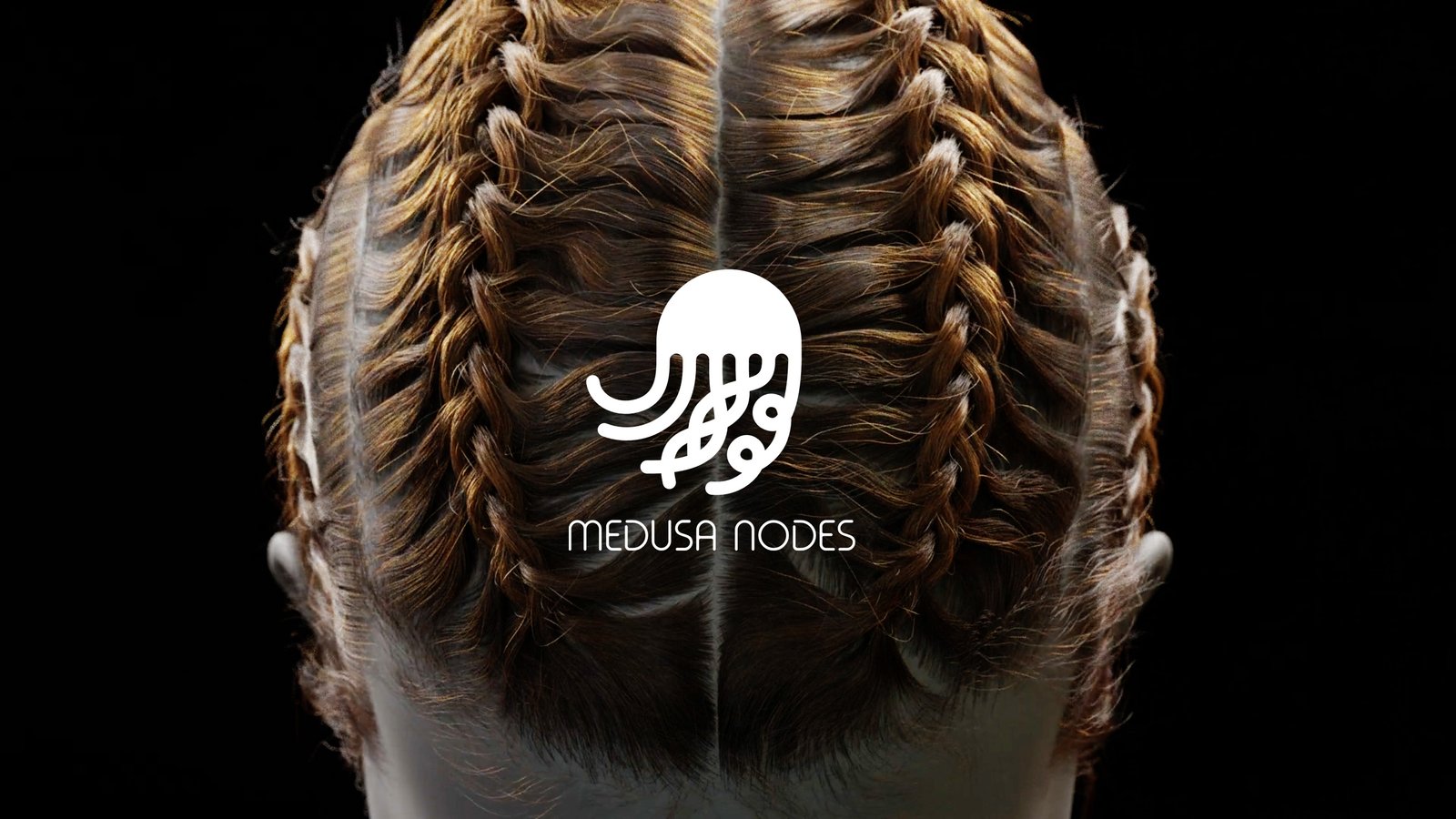
- New “Braid” Module: Added a specialized tool to generate procedural braids and twists that follow the flow of the base hair, customizable by strand count and tightness.
- Improved Groom Brush Performance: Optimized brush strokes for smoother interaction on high-density meshes, reducing lag during styling sessions.
- Melanin Color Picker: New intuitive color picker that mixes Eumelanin and Pheomelanin values to generate biologically accurate hair colors instantly.
- Blender 4.4 Support: Full compatibility with the latest Hair Curves features and Geometry Nodes updates in Blender 4.4.
- Feather Mode: Added specific presets and controls for generating layered feathers for birds and fantasy creatures.
Note:
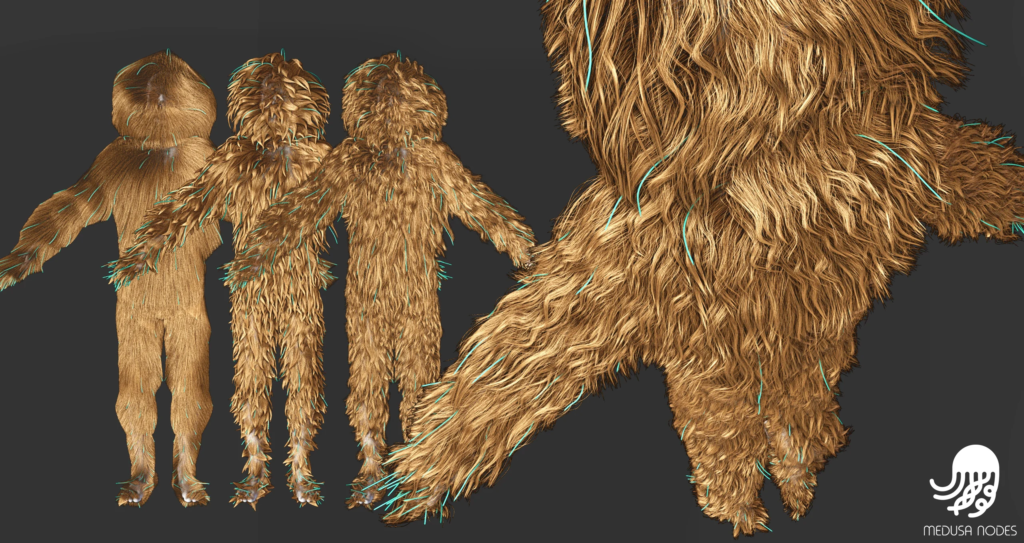
medusaNodes v1.1.5 represents a major leap forward in procedural grooming. Unlike static particle systems, it uses Blender’s modern Hair Curves data type, which allows for true geometric manipulation, better rendering performance, and seamless integration with physics simulations. The addon includes a “Style Randomizer” feature that generates infinite variations of a haircut or fur pattern by adjusting seed values, making it ideal for creating diverse crowds or unique creature designs. Whether you need a simple stubble beard or a majestic lion’s mane, medusaNodes provides the tools to grow it realistically.
Medusa Nodes – Procedural Hair System for Blender (Beta)
The addon features Geometry Nodes node groups, which are purposely made to achieve realistic deformations and visualization of hair. The node groups are streamlined by the help of addon’s own Medusa Nodes Hierarchy panel, where one can easily view, and edit all of the different nodes and their parameters.
- Mask Groups for masking purposes, which are pretty simple but crucial in achieving realistic hairstyles in my opinion.
- The “Region” maps, also known as “Parting” maps are supported by Guide and Clump deformers. (Image Texture node should be set to Closest type of interpolation!).
- The Braid deformer is not set in stone and will improve. The fishbone braids, where side hairs automatically find the place they can feed into the main braid, are far from being perfect, but maybe some of you can find them useful. I will try to improve its usability as well, because its parameters are needlessly overcomplicated at the moment.
Addons UI
Addon has its own hierarchy viewer.
- Add Deformer button, which will add the desired deformer right on top of the currently selected deformer.
- Addon can also expose “ColorRamp” and “FloatCurve” widgets for quick access.
Supercharge your 3D creation workflow with premium selection of Blender Add-ons. Whether you are modeling intricate characters, sculpting realistic environments, or animating cinematic sequences, the right add-on can transform how you work inside Blender. Our curated collection includes powerful tools for UV unwrapping, procedural texture generation, rigging automation, rendering optimization, and more—each rigorously tested for compatibility with the latest Blender versions. Eliminate tedious manual processes and unlock advanced functionality that lets you focus on what matters most: bringing your creative vision to life. Explore our full range of professional Blender plugins today and take your 3D projects to the next level.
➡️ ➡️ For more Blender Plugins 😀 😀
Reviews
There are no reviews yet.