
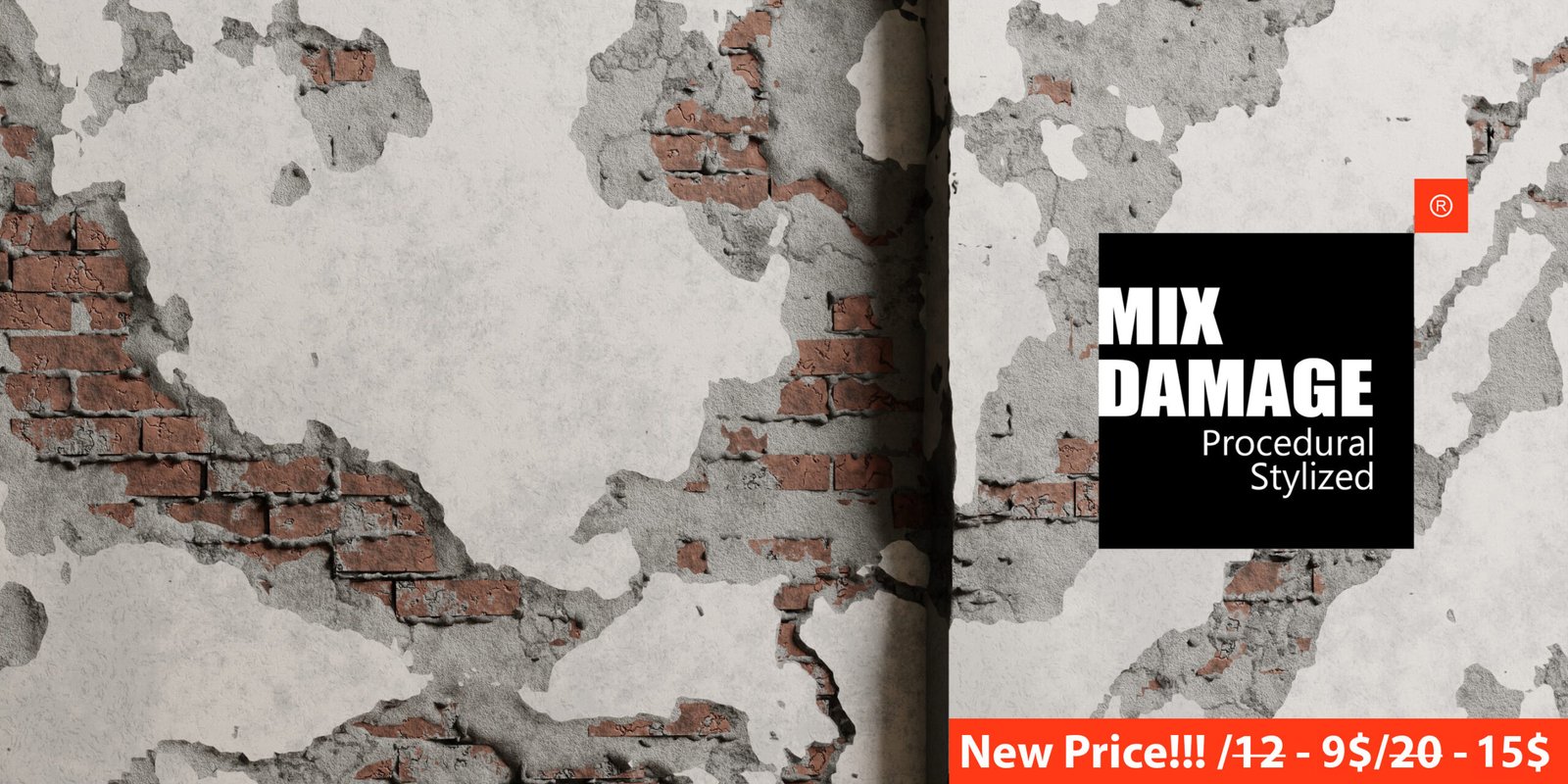
Mix Damage for Blender
Mix Damage v1.0 for Blender – The Ultimate Procedural Wear, Tear & Destruction Suite
Versions: v1.2
File Size: 25 MB
Download Mix Damage v1.0 for Blender on Windows and Mac, a powerful Geometry Nodes-based addon designed to instantly age, weather, and destroy any 3D asset with realistic, non-destructive procedural effects. From subtle surface scratches and rust streaks to catastrophic fractures and bullet holes, Mix Damage transforms how artists create lived-in environments and battle-worn props, eliminating the need for manual texture painting, complex boolean operations, or heavy simulation caches to achieve convincing decay.
Key Features of Mix Damage v1.0:
- Multi-Layer Damage System: Stack up to 5 different damage types simultaneously (e.g., Rust + Scratches + Dents + Dust + Cracks) with independent controls for intensity, scale, and distribution.
- Procedural Surface Decay: Generate realistic rust, peeling paint, water stains, and grime using advanced noise algorithms that react to mesh curvature and world space orientation (e.g., rust flows down, dust settles on top).
- Smart Boolean Fractures: Create clean, manifold cracks, chips, and holes without messy topology. The system automatically handles edge beveling and normal recalculation to prevent shading artifacts.
- Impact & Bullet Hole Generator: Instantly place parametric impact craters with displaced rims, radial cracks, and material exposure (showing the layer beneath the paint), perfect for sci-fi battles or war zones.
- Edge Wear & Corner Rounding: Automatically detect sharp edges and corners to apply realistic wear patterns where objects would naturally rub against each other, adding instant believability to hard-surface models.
- Material Mixing Logic: Intelligently blends multiple PBR materials based on damage masks (e.g., revealing rusty metal under chipped green paint) with correct roughness and normal map transitions.
- Vertex Color & Mask Export: Bake the generated damage patterns directly to vertex colors or image textures for use in game engines or external rendering software.
- Animation Drivers: Animate the progression of damage over time (e.g., rust spreading, paint peeling off, cracks growing) using simple sliders keyframe-ready for destruction sequences.
- Preset Library: Includes 30+ pre-configured damage styles such as “Abandoned Factory,” “Battle Tank,” “Flooded Basement,” “Space Debris,” and “Vintage Toy,” applicable with one click.
- Performance Optimized: Uses efficient instancing and procedural displacement rather than heavy geometry subdivision, ensuring smooth viewport performance even on complex assets.
Perfect For:
- Environment Artists creating post-apocalyptic cities, abandoned buildings, and gritty industrial scenes.
- Game Developers generating variation in modular assets (e.g., making every crate look unique and worn) without manual texturing.
- Hard-Surface Modelers adding final storytelling details to vehicles, weapons, and robots before rendering.
- VFX Studios simulating progressive decay or instant impact damage for film and animation.
- Product Visualizers showing durability testing, aging processes, or “before/after” comparisons.
- Anyone who needs to make pristine CG models look old, used, and broken quickly.
System Requirements:
- Blender: 3.6, 4.0, 4.1, 4.2, 4.3, 4.4+ (Geometry Nodes required; optimized for Blender 4.x).
- OS: Windows 10/11 (64-bit) or macOS 10.15+.
- RAM: 8GB minimum (16GB+ recommended for high-resolution displacement and multiple layers).
- Render Engine: Fully compatible with Cycles and Eevee.
Installation:
- Download the Mix Damage v1.0
.zipfile. - Open Blender and go to Edit > Preferences > Add-ons.
- Click Install…, select the downloaded file, and enable the checkbox next to Geometry Nodes: Mix Damage.
- Access via the Modifier Properties panel > Add Modifier > Geometry Nodes > Mix Damage, or the dedicated panel in the 3D Viewport Sidebar (N-panel) under the Damage tab.
Note:
Mix Damage v1.0 is built on a fully non-destructive workflow. You can adjust the severity of rust, change the pattern of scratches, or swap the underlying material at any point before final rendering or baking. The addon features a “Random Seed” system that allows you to generate infinite variations of damage on identical objects, ensuring no two assets in your scene look exactly the same. It also includes a “Mask Painter” tool that lets you manually paint areas where damage should not appear (e.g., protected hinges or cleaned surfaces), giving you full artistic control over the decay narrative. Whether you need a slightly scuffed door handle or a completely shattered wall, Mix Damage provides the procedural tools to tell the story of your object’s history.
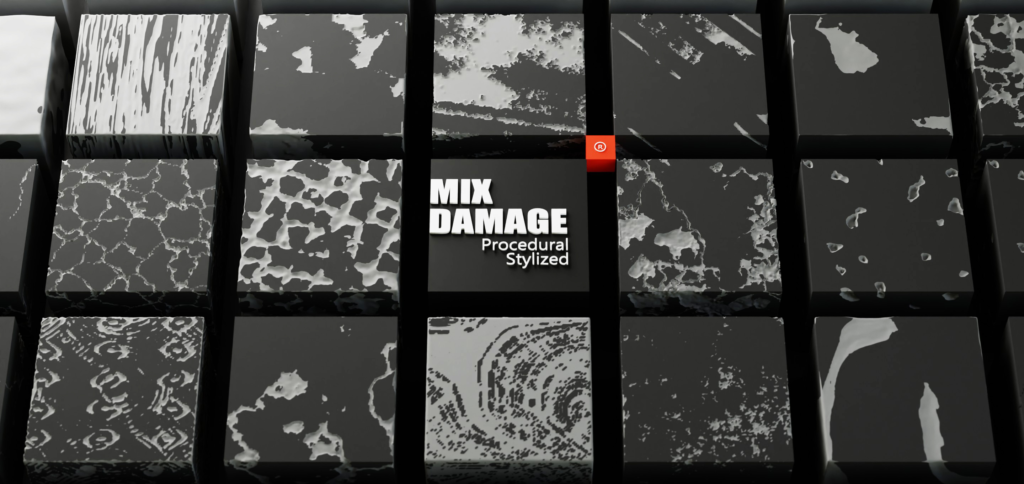
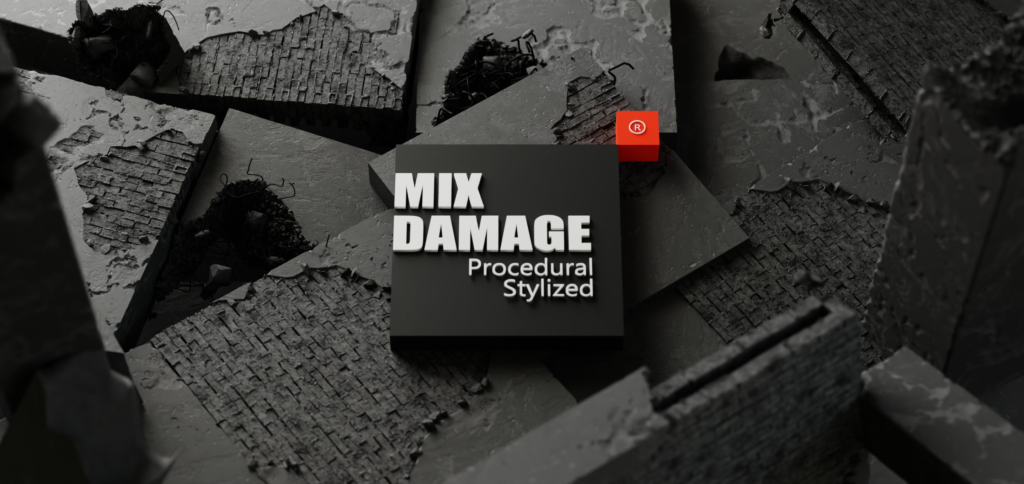
This is an addon that adds destruction of different quality. If necessary, you can mix destruction for more real damage. Internal damage can also be added: brickwork, ruined surfaces, stone walls, steels and procedural materials.
Supercharge your 3D creation workflow with premium selection of Blender Add-ons. Whether you are modeling intricate characters, sculpting realistic environments, or animating cinematic sequences, the right add-on can transform how you work inside Blender. Our curated collection includes powerful tools for UV unwrapping, procedural texture generation, rigging automation, rendering optimization, and more—each rigorously tested for compatibility with the latest Blender versions. Eliminate tedious manual processes and unlock advanced functionality that lets you focus on what matters most: bringing your creative vision to life. Explore our full range of professional Blender plugins today and take your 3D projects to the next level.
➡️ ➡️ For more Blender Plugins 😀 😀
Reviews
There are no reviews yet.