
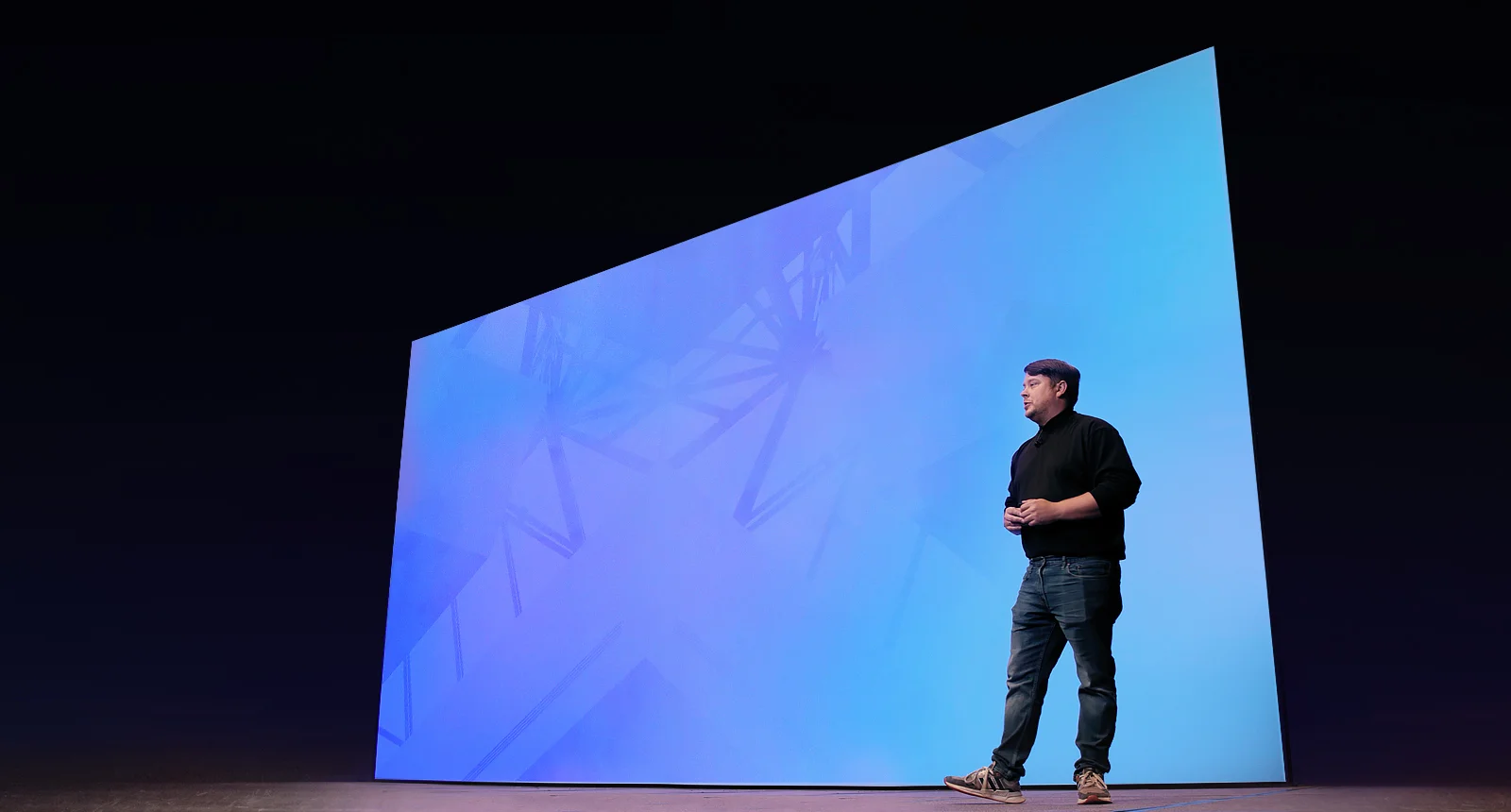
motionVFX mEvent for Final Cut Pro
motionVFX mEvent for Final Cut Pro – The Ultimate Event-Based Title, Lower Third & Graphics Generator
Download motionVFX mEvent for Final Cut Pro (macOS), a revolutionary, intelligent graphics plugin designed to completely transform how you create titles, lower thirds, and animated text for events, broadcasts, and corporate videos. Unlike traditional title templates that require manual text entry and tedious customization for every single name or segment, mEvent introduces a game-changing workflow: connect a simple spreadsheet or database, and watch as hundreds of perfectly animated, professionally designed graphics are automatically generated and populated with your data. Whether you are producing a conference with 200 speakers, a sports tournament with dozens of athletes, or a corporate event with multiple presenters, mEvent eliminates the repetitive, error-prone grunt work of manual title creation.
Key Features of motionVFX mEvent:
- Spreadsheet-Driven Automation: The core innovation. Simply import a CSV, Excel, or Numbers file containing your names, titles, logos, and custom data. mEvent automatically reads the spreadsheet and generates individual, fully animated graphics for every single row of data in seconds.
- Smart Batch Generation: Create hundreds of unique lower thirds, title cards, or full-screen graphics in a single click. Change one design element, and the update propagates across all generated graphics instantly, ensuring perfect consistency across your entire event.
- Professional Event Design Templates: Includes a massive library of pre-designed, broadcast-quality templates specifically tailored for conferences, trade shows, sports tournaments, award ceremonies, webinars, and corporate presentations. Each template is fully customizable and optimized for readability on screen.
- Dynamic Logo & Image Integration: Automatically pull logos, headshots, or sponsor images directly from your spreadsheet file paths. mEvent intelligently scales, positions, and animates each image within the graphic, maintaining perfect aspect ratios and professional framing.
- Real-Time Preview & Editing: See your data populate the templates instantly in the mEvent panel. Edit text, adjust colors, or swap logos on the fly, with changes reflecting across all generated graphics in real-time.
- Advanced Typography Controls: Fine-tune every aspect of your text, including font families, weights, sizes, kerning, line height, and text animation styles. Includes presets for clean corporate, bold sports, elegant awards, and modern tech aesthetics.
- Color Branding & Theme Manager: Instantly apply your event’s brand colors across all graphics. Save custom color themes and typography presets to reuse across multiple projects or share with your team for brand consistency.
- Seamless FCP Integration: Generated graphics are delivered as native Final Cut Pro titles, meaning they are fully editable, keyframable, and render-optimized within your timeline. No external rendering or cumbersome file management required.
- Multi-Language & Unicode Support: Perfectly handles special characters, accented letters, and non-Latin scripts (Cyrillic, Arabic, Chinese, Japanese, Korean), making it ideal for international events and global broadcasts.
- Export & Sharing Tools: Export your generated graphics as individual FCP titles, a consolidated library, or even as image sequences for use in other software like Premiere Pro, DaVinci Resolve, or After Effects.
Perfect For:
- Event Video Producers creating content for large-scale conferences, conventions, and trade shows with hundreds of speakers and sessions.
- Sports Broadcast Teams generating player nameplates, score bugs, and stat graphics for tournaments, leagues, and live event coverage.
- Corporate Video Departments producing internal communications, all-hands meetings, training videos, and executive presentations with consistent, on-brand lower thirds.
- Wedding & Event Videographers quickly creating elegant title sequences and guest name cards for highlight reels and ceremony films.
- Educational & E-Learning Content Creators generating instructor bios, lesson titles, and module headers for online courses and lecture recordings.
- Broadcast Designers & Motion Graphics Artists who need a fast, reliable, and scalable solution for high-volume title generation without sacrificing quality.
- Non-Profit & Community Organizations producing event recaps, donor recognition videos, and volunteer appreciation content with limited budgets and tight deadlines.
System Requirements:
- Software: Final Cut Pro 10.6 or newer (macOS). Requires Apple Motion 5.6+ for template customization.
- OS: macOS 12.0 (Monterey) or newer. Fully optimized for macOS Sonoma and Sequoia.
- Hardware: Apple Silicon (M1/M2/M3/M4) or Intel Core i5+ with Metal-capable GPU.
- RAM: 8GB minimum (16GB+ recommended for large batch generation and 4K timelines).
- Storage: Approximately 500MB – 1.5GB for the application and template library.
- Data Format: Compatibility with CSV, Excel (.xlsx), and Apple Numbers (.numbers) spreadsheet files.
Installation / How to Use:
- Download the motionVFX mEvent installer from the motionVFX website or Mac App Store.
- Run the
.dmginstaller, which will automatically place the mEvent application and FCP templates in the correct system directories. - Launch Final Cut Pro and open the Titles & Generators browser. You will find the mEvent templates under the “motionVFX” or “mEvent” category.
- Prepare Your Data: Create a spreadsheet with columns for “Name,” “Title,” “Company,” “Logo_Path,” etc. Save it as a CSV or Excel file.
- Launch mEvent: Open the standalone mEvent application (or use the FCP plugin interface). Click “Import Spreadsheet” and select your data file.
- Choose a Template: Browse the library of professional designs and select the one that fits your event’s aesthetic.
- Map Your Data: mEvent will automatically detect your spreadsheet columns. Confirm which column maps to which text field (e.g., Column A = Name, Column B = Title).
- Generate & Export: Click “Generate.” mEvent will create individual FCP title files for every row in your spreadsheet. These will appear in a designated folder, ready to be dragged directly into your Final Cut Pro timeline.
- Pro-Tip: Use the “Preview” mode to spot-check a few graphics before generating the full batch, ensuring your logo paths are correct and text formatting looks perfect.
What’s Included in mEvent?
- The mEvent Application: The standalone data-driven graphics generator with batch processing capabilities.
- The Template Library: 50+ professionally designed, fully customizable title and lower third templates covering Corporate, Sports, Conference, Award, and Modern aesthetic categories.
- The Typography Pack: 20+ licensed, event-ready font families optimized for screen readability and broadcast standards.
- The Logo & Asset Manager: Built-in tools for batch-processing and optimizing logos and images for perfect integration into your graphics.
- Video Tutorials & Documentation: Comprehensive guides on spreadsheet preparation, data mapping, template customization, and advanced workflow tips.
- FCP Title Generators: Native Final Cut Pro title plugins that allow for quick, manual use without the spreadsheet workflow for smaller projects.
Note:
motionVFX mEvent is built on a simple but powerful philosophy: automation should empower creativity, not replace it. Manually creating, typing, and animating hundreds of lower thirds for a conference or tournament is not just tedious; it is a creativity killer and a recipe for typos and inconsistencies. mEvent eliminates this bottleneck entirely. By connecting your data directly to your design, it ensures that every single graphic is perfectly consistent, professionally animated, and error-free. This frees you, the creator, to focus on what truly matters: storytelling, pacing, and the emotional impact of your video. Whether you are producing a small internal meeting or a massive international broadcast, mEvent scales effortlessly, turning what used to be days of mind-numbing work into a matter of minutes. It is the ultimate tool for the modern video producer who demands efficiency without ever compromising on quality.
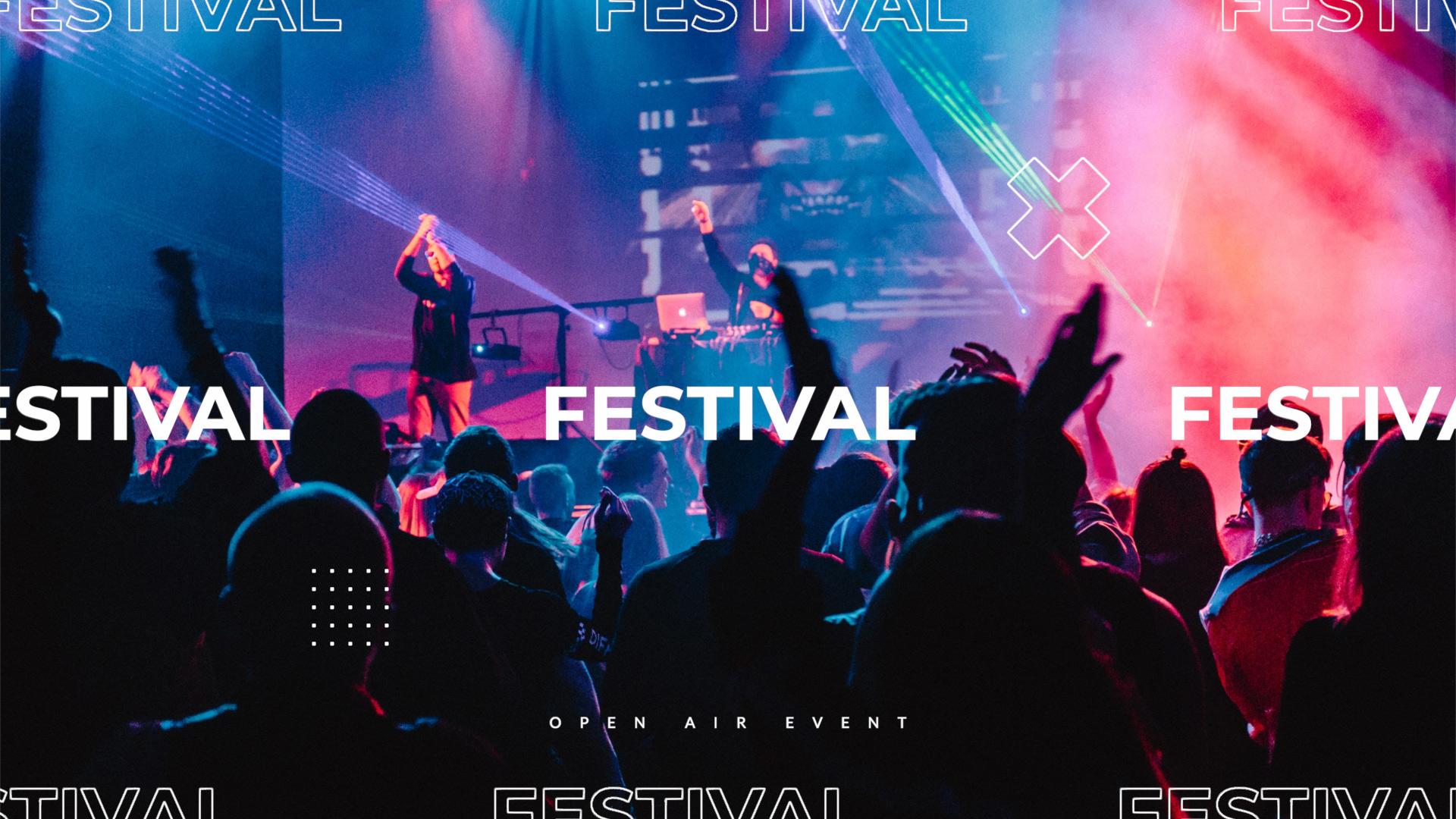
Create a successful campaign
Boost popularity and drive ticket sales
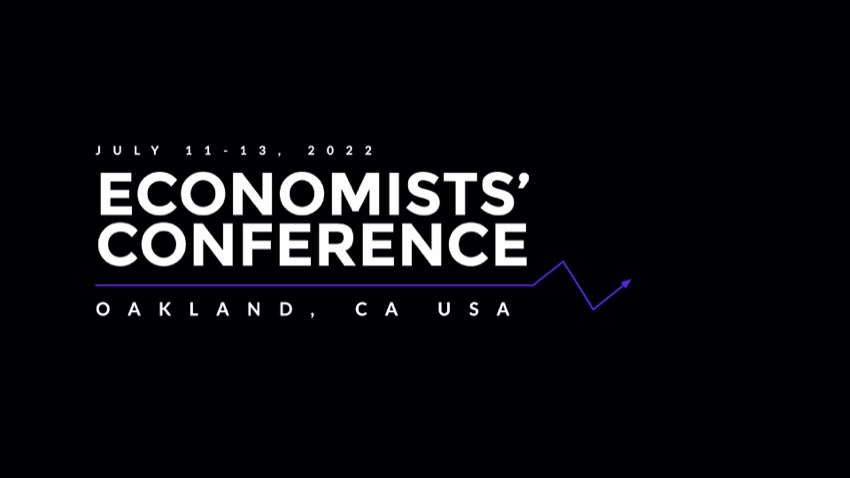
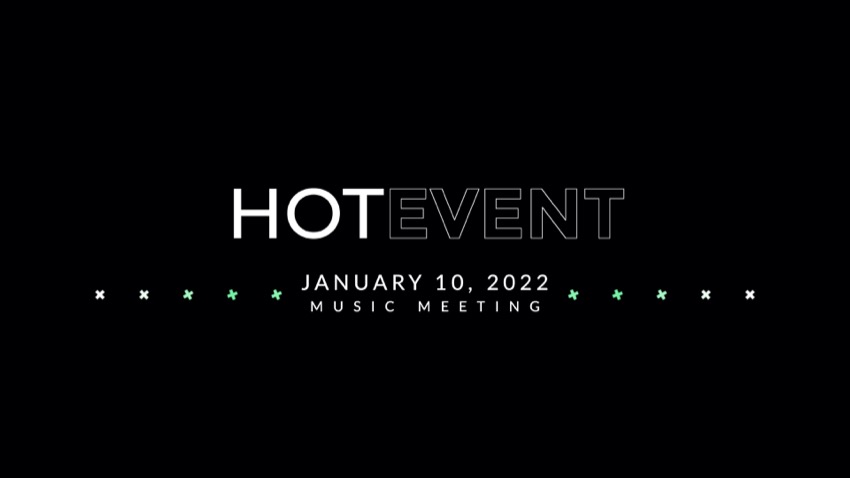
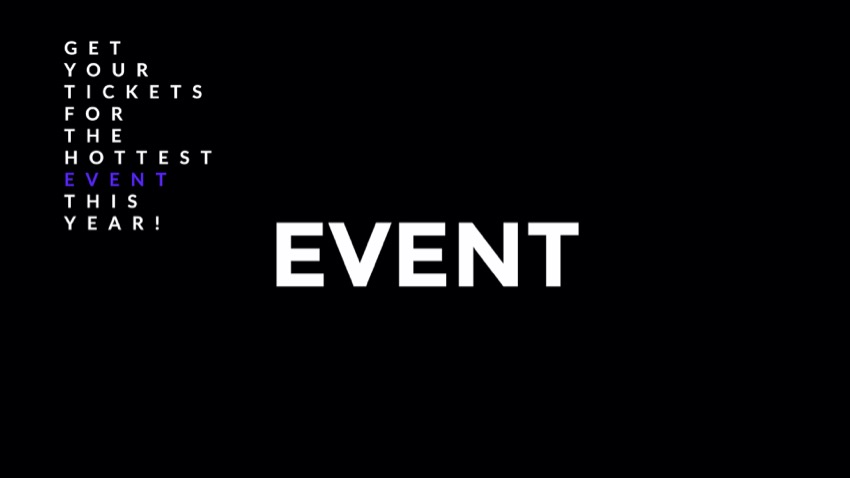
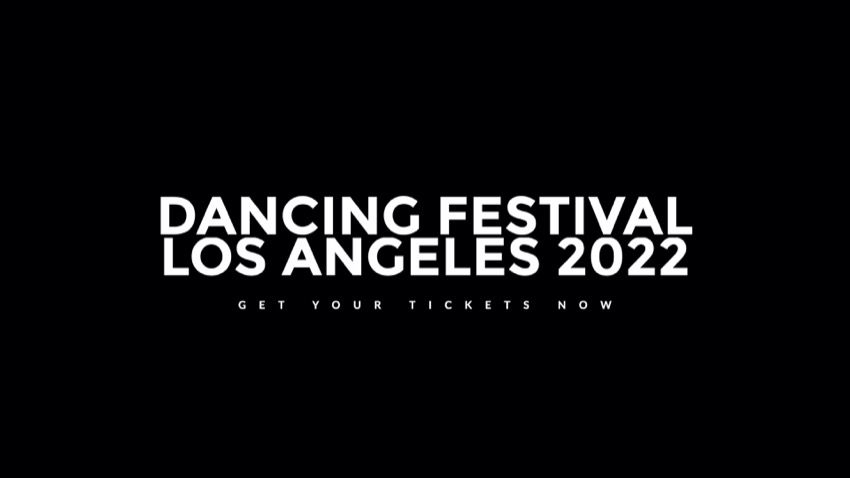
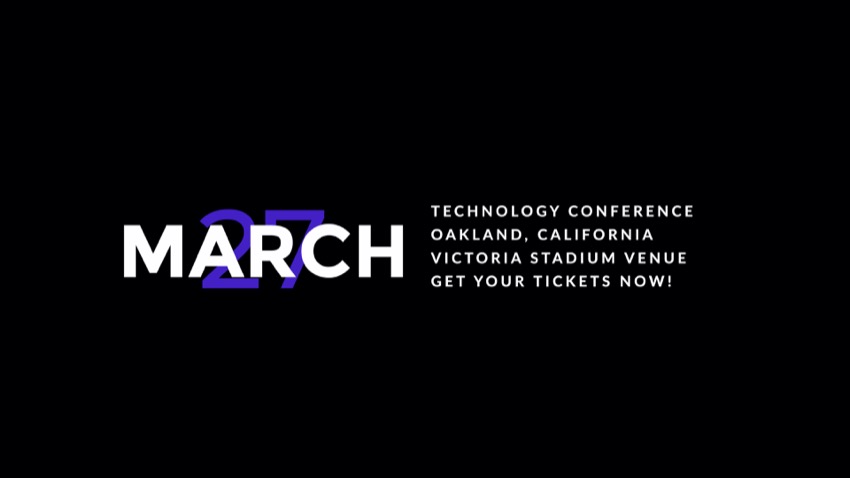
With mEvent plugin at your disposal, constructing the whole graphic design for any event is easy, fast, and lets you craft visuals that sell.
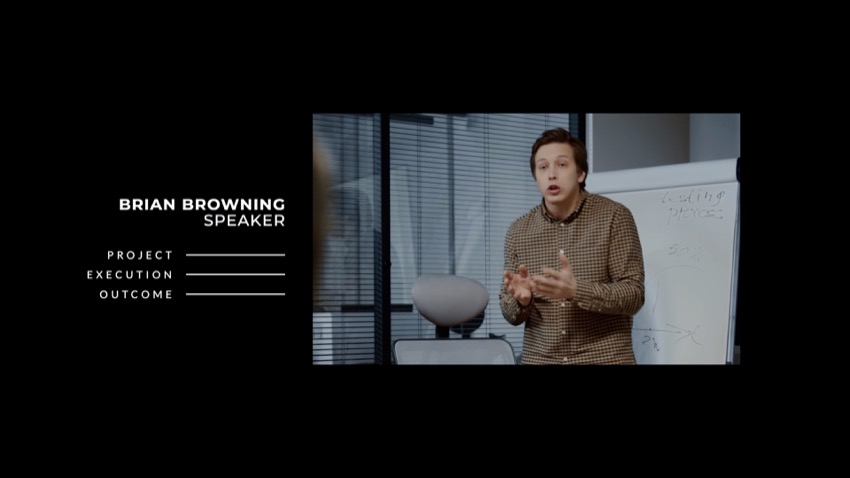
Drop Zones
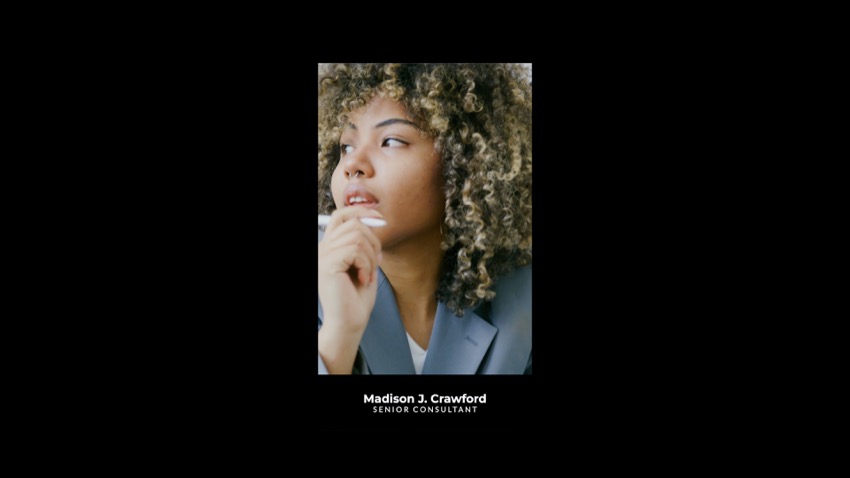


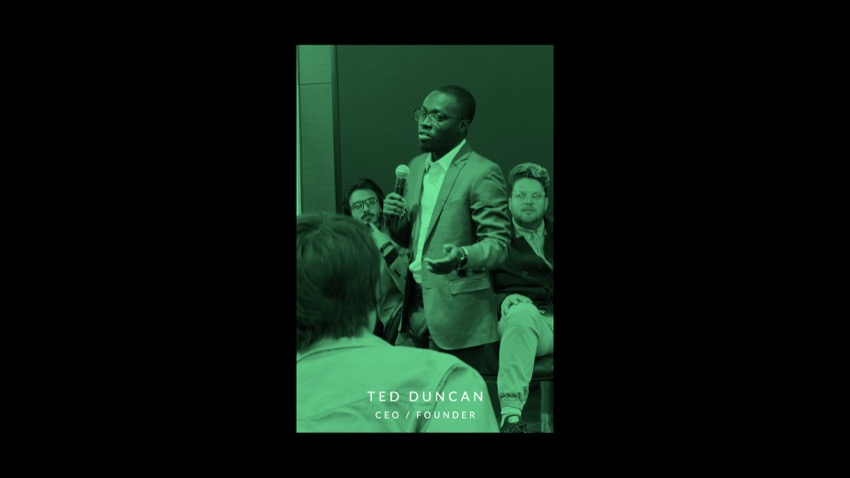
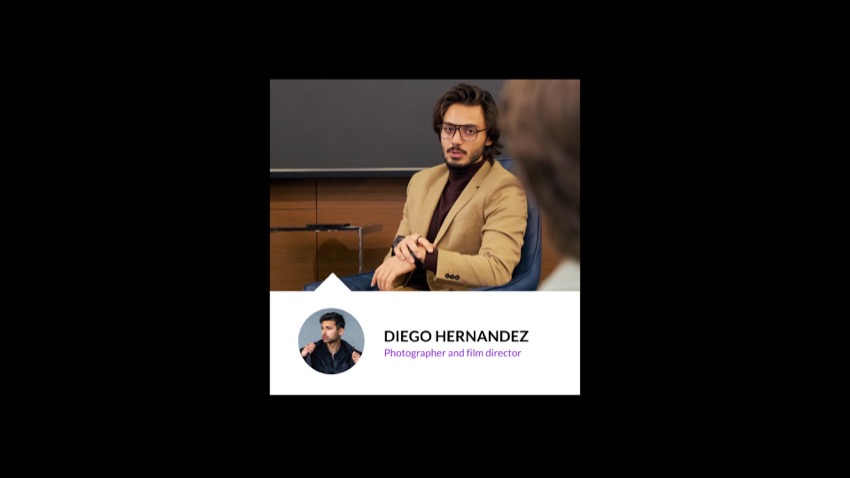
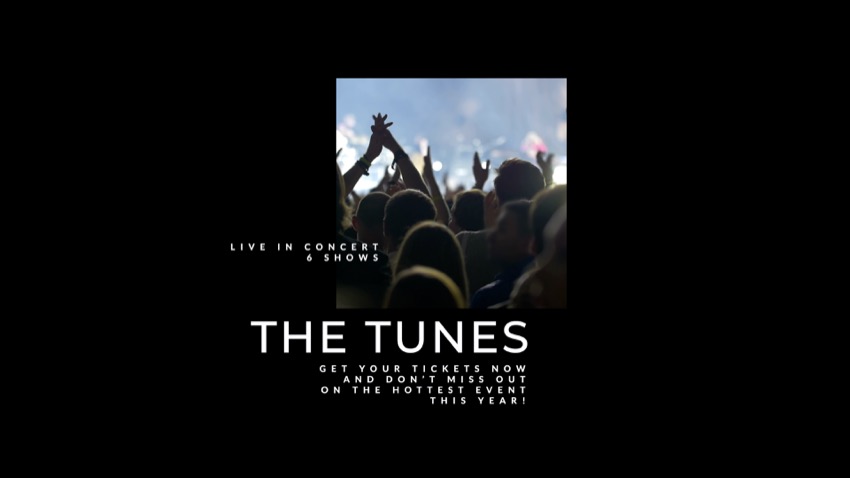

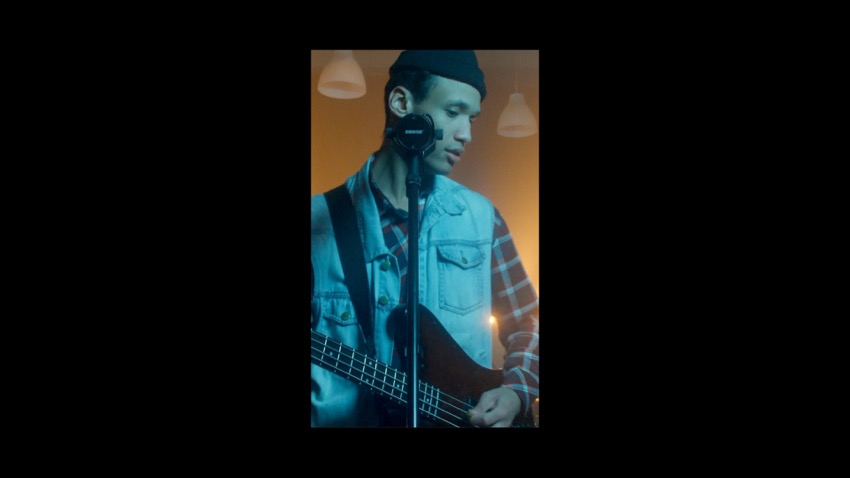
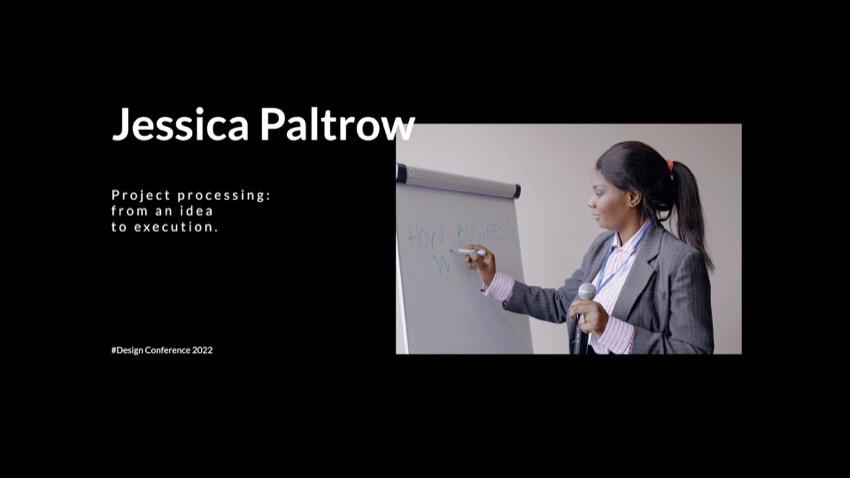

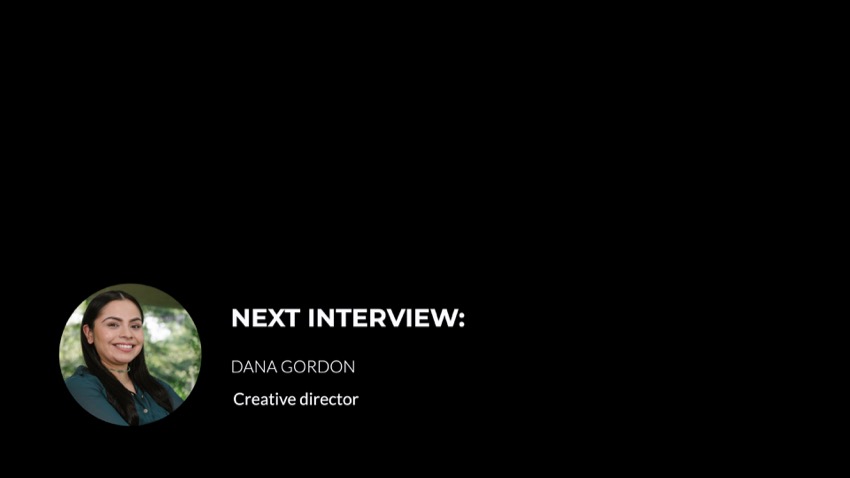

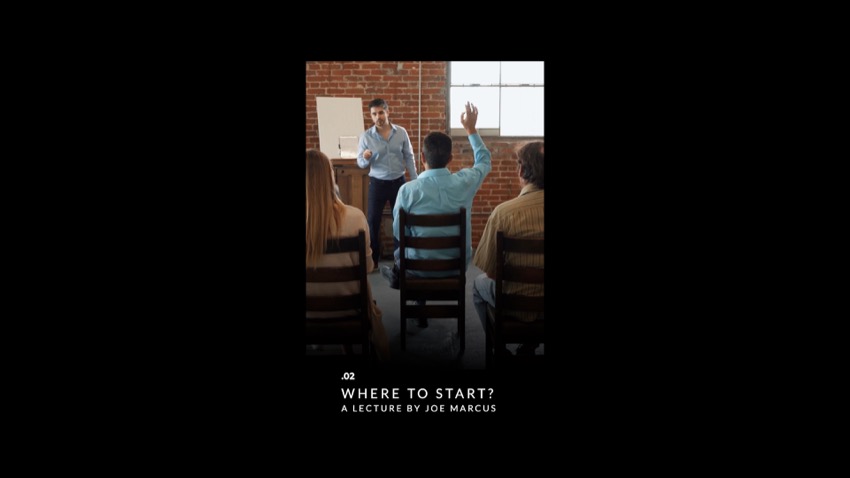

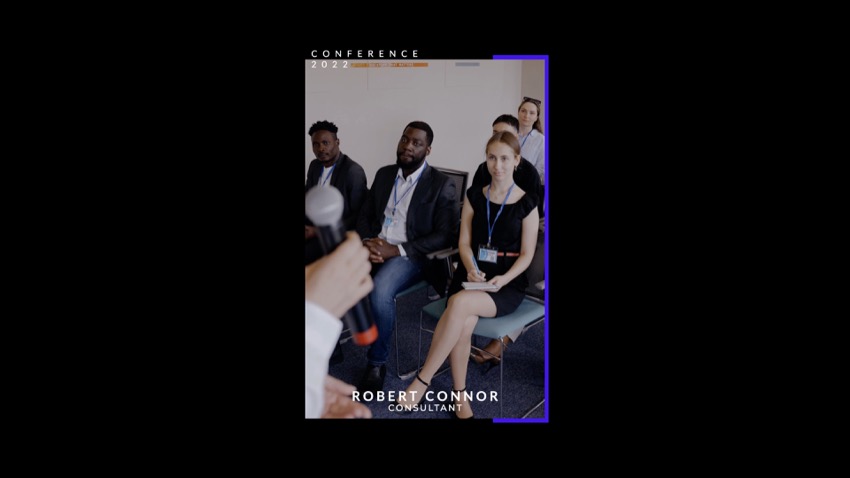

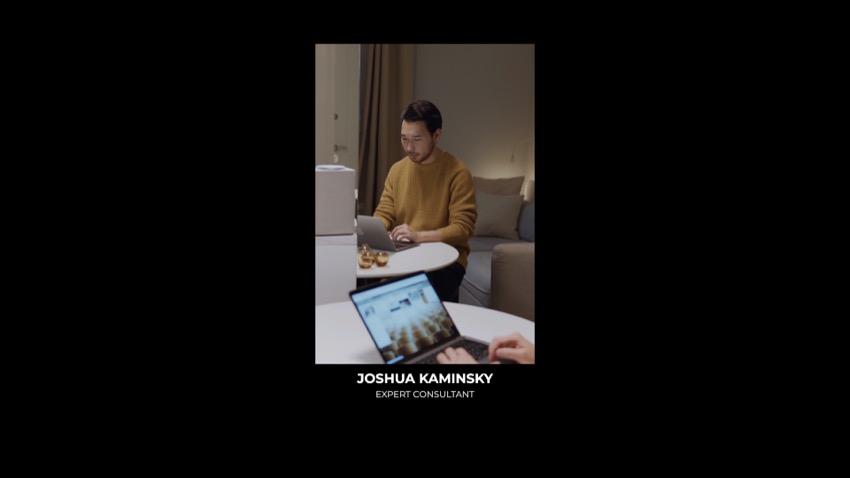

Lineups


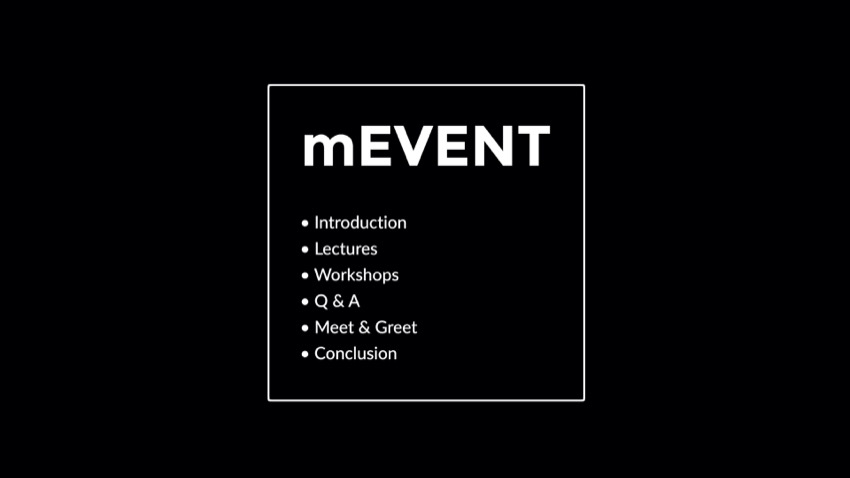


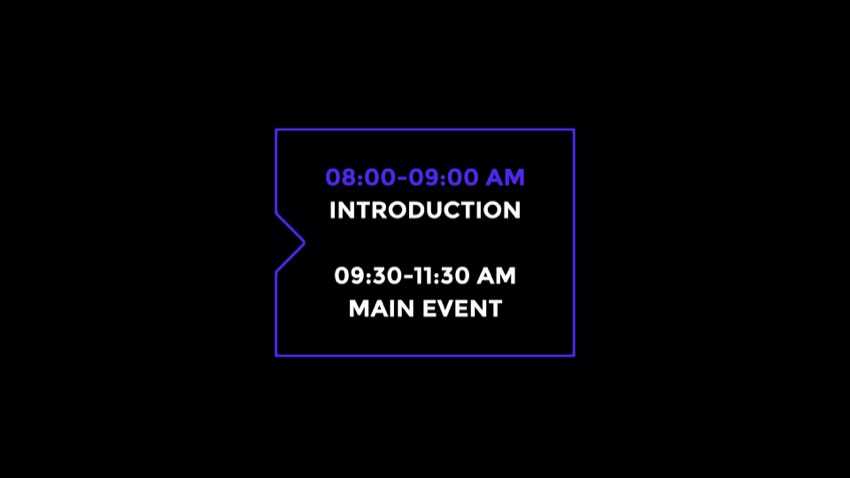

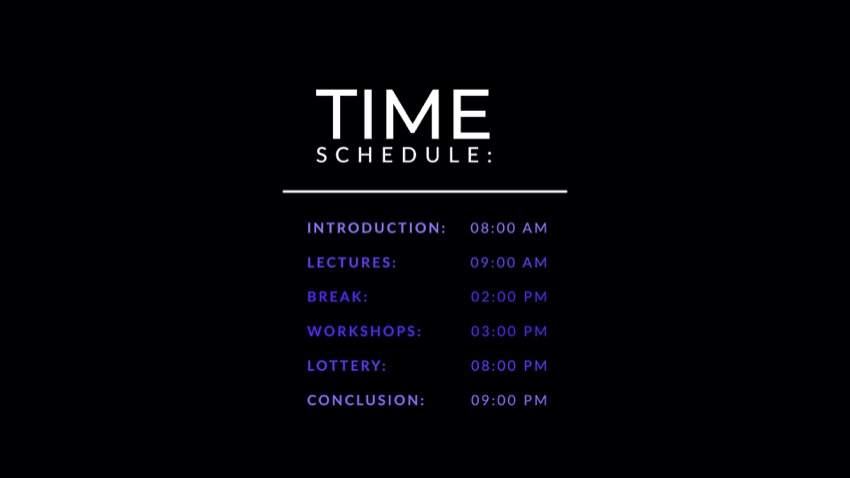

Backgrounds











Titles











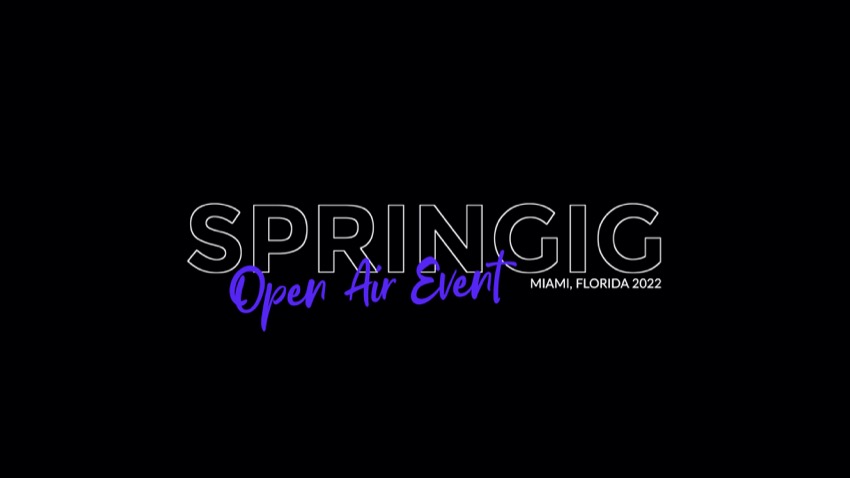


Add-ons










Descriptions







Logos












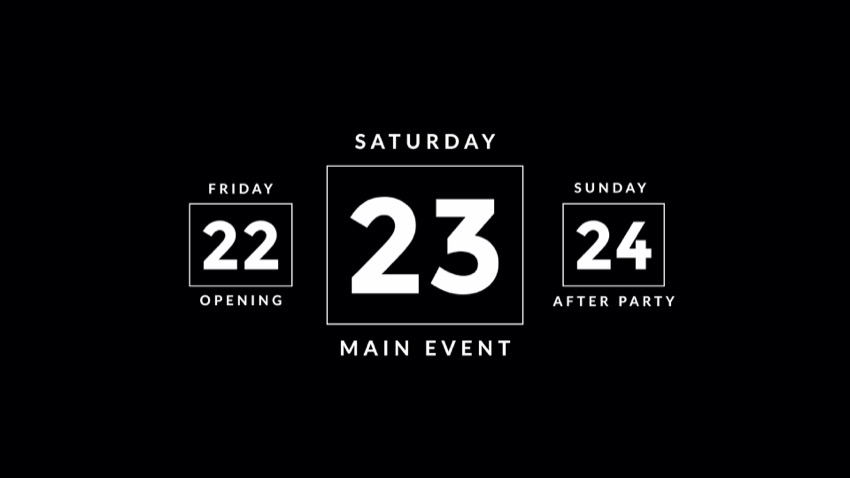
Lower 3rds


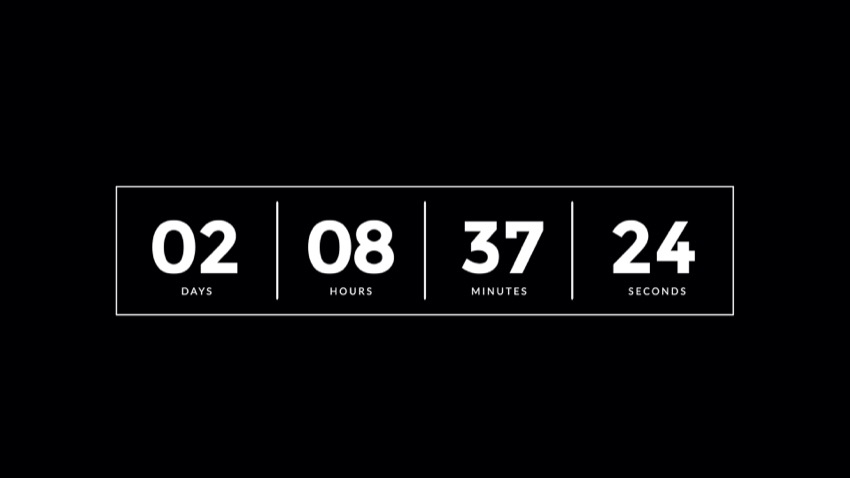
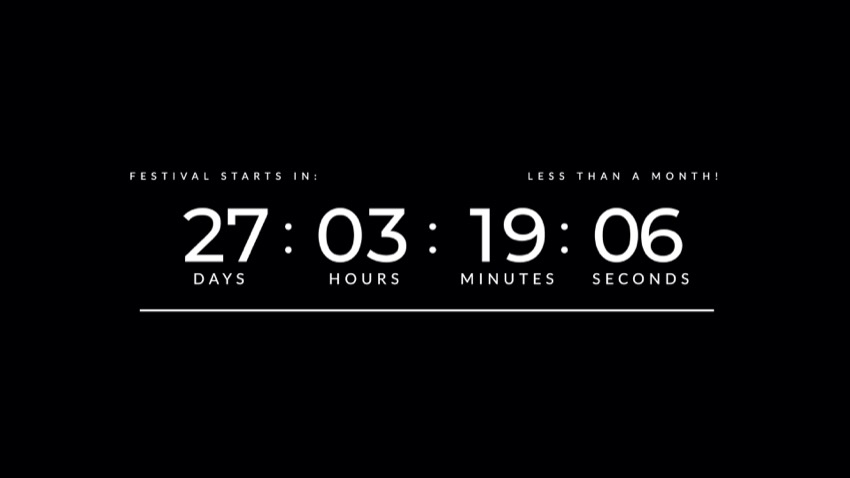
Numbers





Transitions




FCP version
Minimal requirements
macOS Big Sur 11.7.10,
Final Cut Pro 10.6.5
Aspect ratio
Horizontal or vertical
Includes
137 titles and 7 transitions for Final Cut Pro
Size
33.8 MB
Music used in trailer
premiumbeat.com — Dancing Spoons
Music used in tutorial
premiumbeat.com — Pulse of the Future
DVR version
Minimal requirements
macOS or Windows,
DaVinci Resolve 18,
16GB system memory,
4GB VRAM
Aspect ratio
Horizontal or vertical
Includes
137 titles and 7 transitions for DaVinci Resolve
Size
18.7 MB
mExtension
Reviews
There are no reviews yet.