
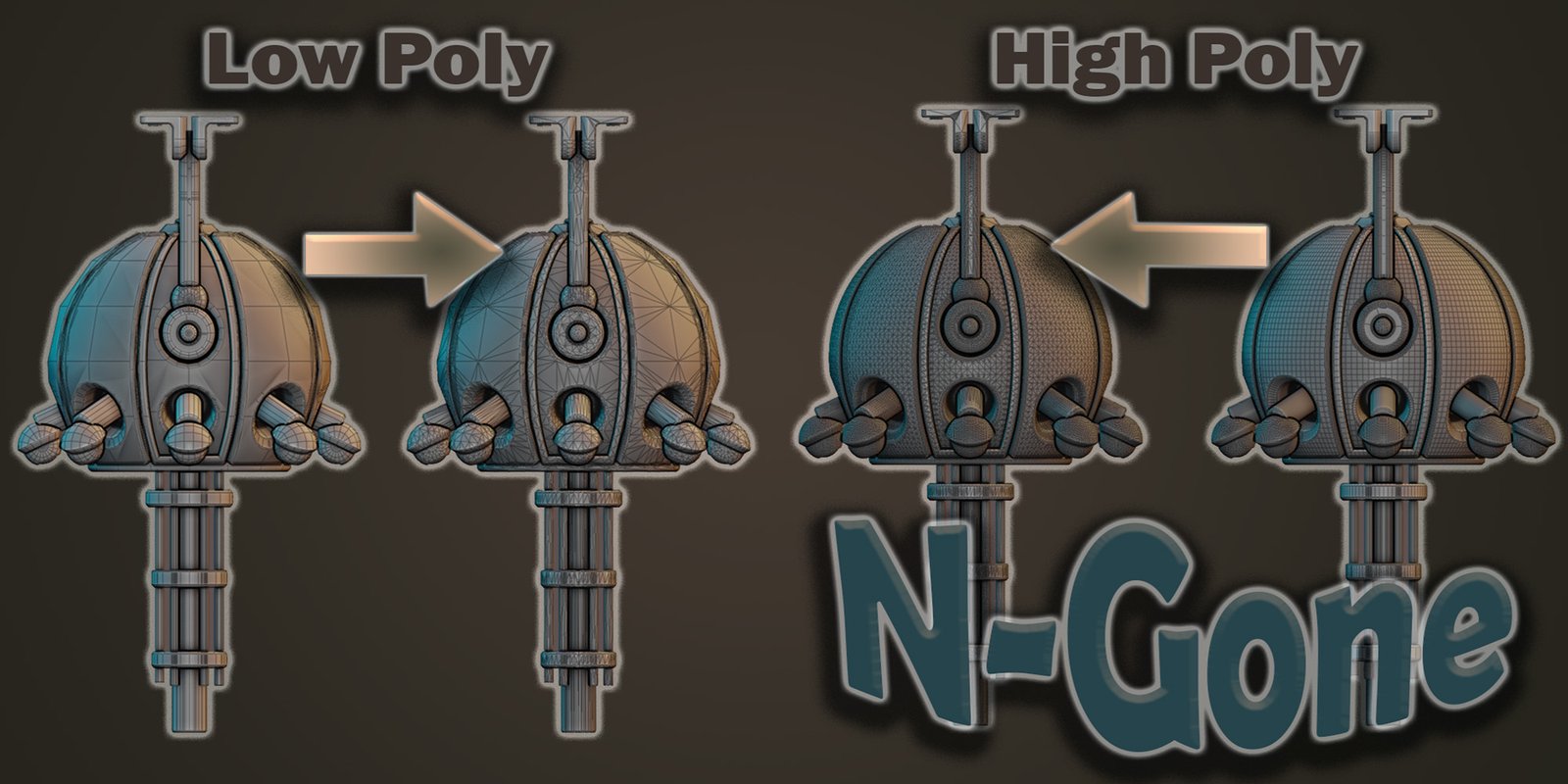
N Gone Pro for Blender
n gone pro addon
N Gone Pro v1.35 for Blender – Advanced NGon & Mesh Cleanup Toolkit
Version: V1.35
File Size:10 MB
Download N Gone Pro v1.35 for Blender on Windows, Mac, and Linux, a professional toolkit for detecting, visualizing, and cleaning up NGons, triangles, and complex mesh topology. Perfect for game developers, 3D artists, and anyone preparing models for animation, subdivision, or export—ensure clean, production-ready geometry with intelligent detection and automated repair tools .
Key Features of N Gone Pro v1.35:
- NGon Detection & Visualization: Instantly identify all NGons in your mesh with color-coded highlighting—see problem areas at a glance
- Triangulation Management: Intelligent triangulation that follows curvature and preserves detail for normal map baking
- Quad Conversion: Convert triangulated meshes back to clean quads where possible while maintaining shape
- Pole Detection: Identify and mark vertices with too many or too few connecting edges
- Edge Flow Visualization: Visualize edge flow quality with color gradients showing distortion and pinching
- Automated Repair Tools: One-click fixing of common topology issues—concave NGons, bow-tie faces, and degenerate geometry
- Batch Processing: Scan and fix multiple objects simultaneously
- Real-Time Preview: See topology issues update instantly as you model
- Export Validation: Check models against engine-specific requirements before export
- v1.35 Updates: Enhanced detection algorithms, faster performance, and compatibility with Blender 4.0+
Perfect For:
- Game developers ensuring clean topology for real-time engines
- 3D artists preparing models for subdivision and high-res sculpting
- Technical artists validating assets for animation pipelines
- Anyone receiving models from external sources that need cleaning
- Professionals needing production-ready mesh validation tools
System Requirements:
- Blender 3.0, 3.1, 3.2, 3.3, 3.4, 3.5, 3.6, 4.0, 4.1, 4.2, 4.3
- Windows 10/11 (64-bit), macOS, or Linux
- 4GB RAM minimum (8GB+ recommended)
- 10MB available disk space
Installation:
- Download the add-on zip file
- In Blender, go to Edit > Preferences > Add-ons
- Click “Install” and select the downloaded zip file
- Enable the add-on by checking the box next to “N Gone Pro”
Note: N Gone Pro is the definitive topology analysis and cleanup toolkit for Blender, used by professionals in game development and asset production . The intelligent detection and repair tools make it essential for ensuring clean, production-ready geometry . Version 1.35 includes full compatibility with Blender 4.0 and above . Designed for Blender 3.0 and above . Perfect for game developers, 3D artists, and technical artists . Essential for any production pipeline requiring clean topology .
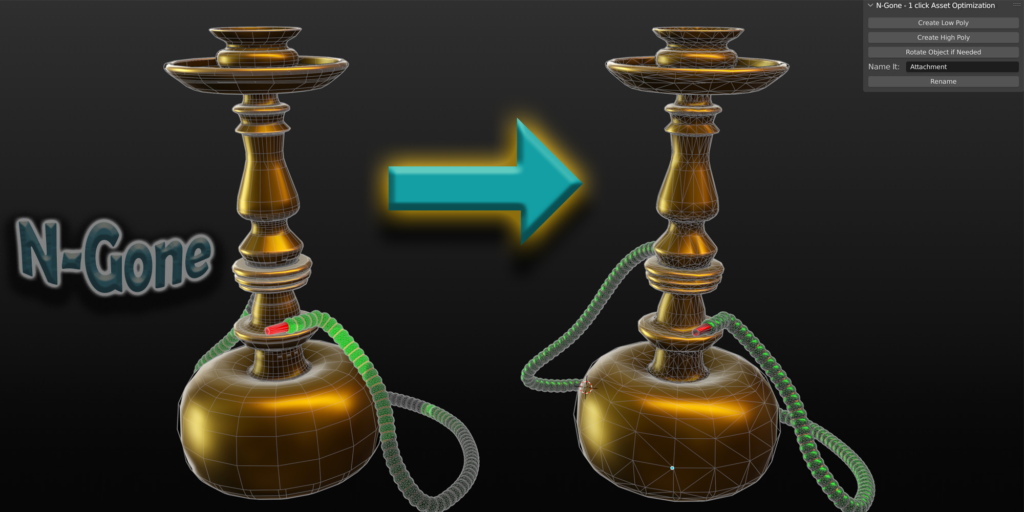
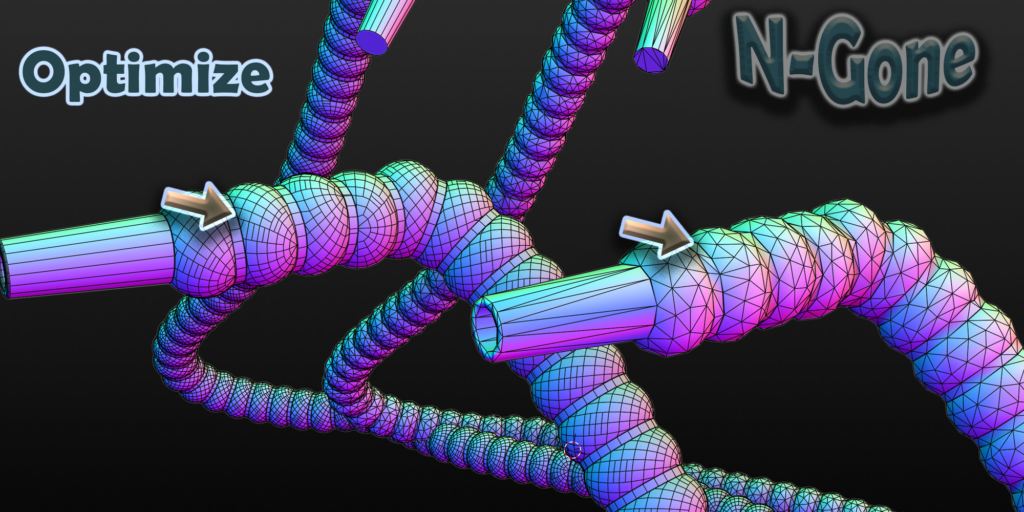
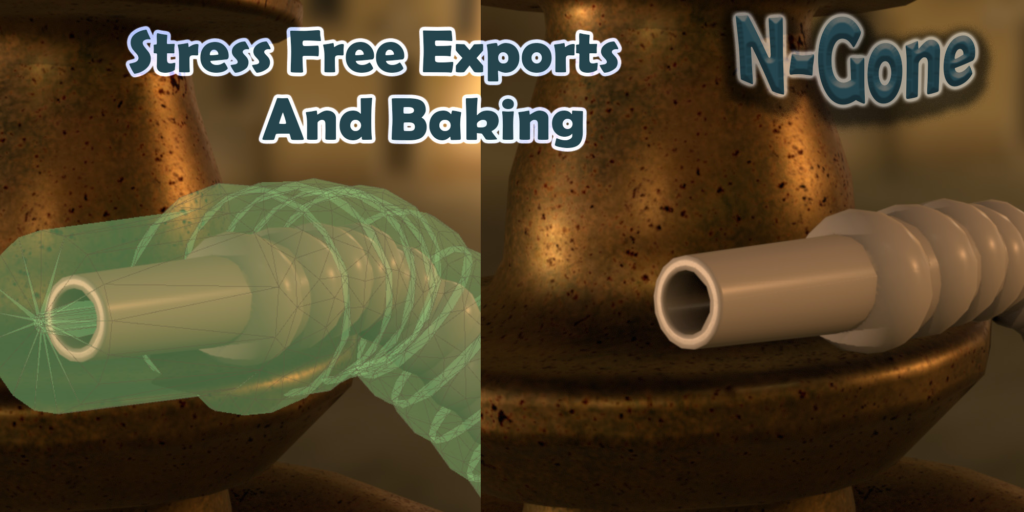
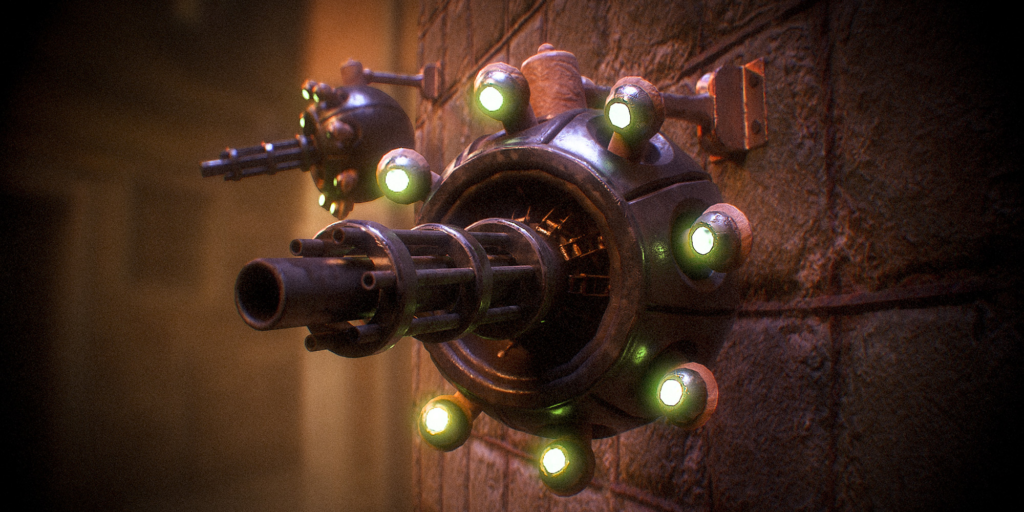
With N-Gone Pro, what used to take hours of tedious work can now be achieved with just a few clicks, letting you focus on creativity instead of getting lost in the technical details.
Key Features:
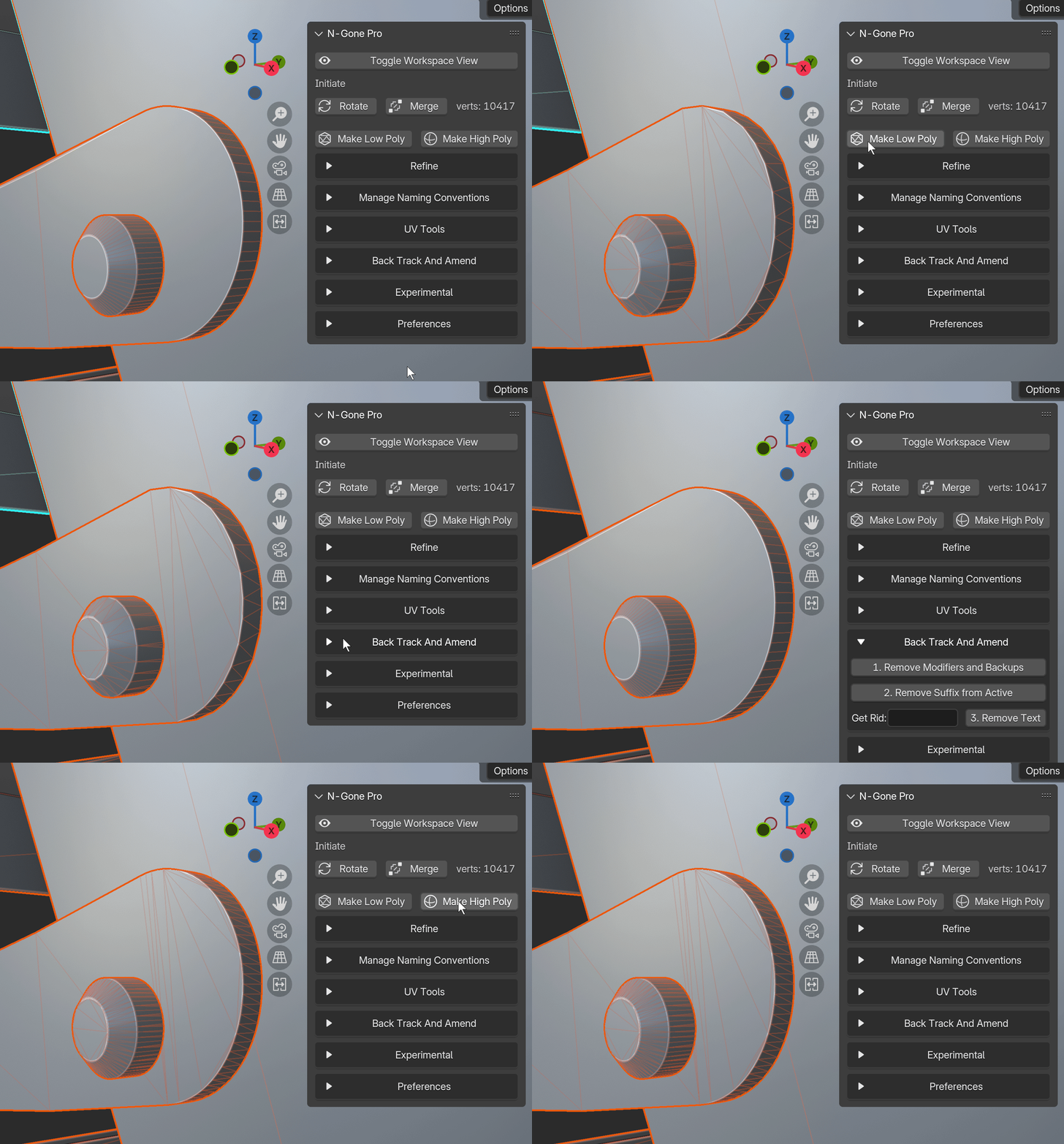
- Batch Creation of High and Low Poly Models: Optimize multiple objects at once, perfect for baking or game-ready assets.
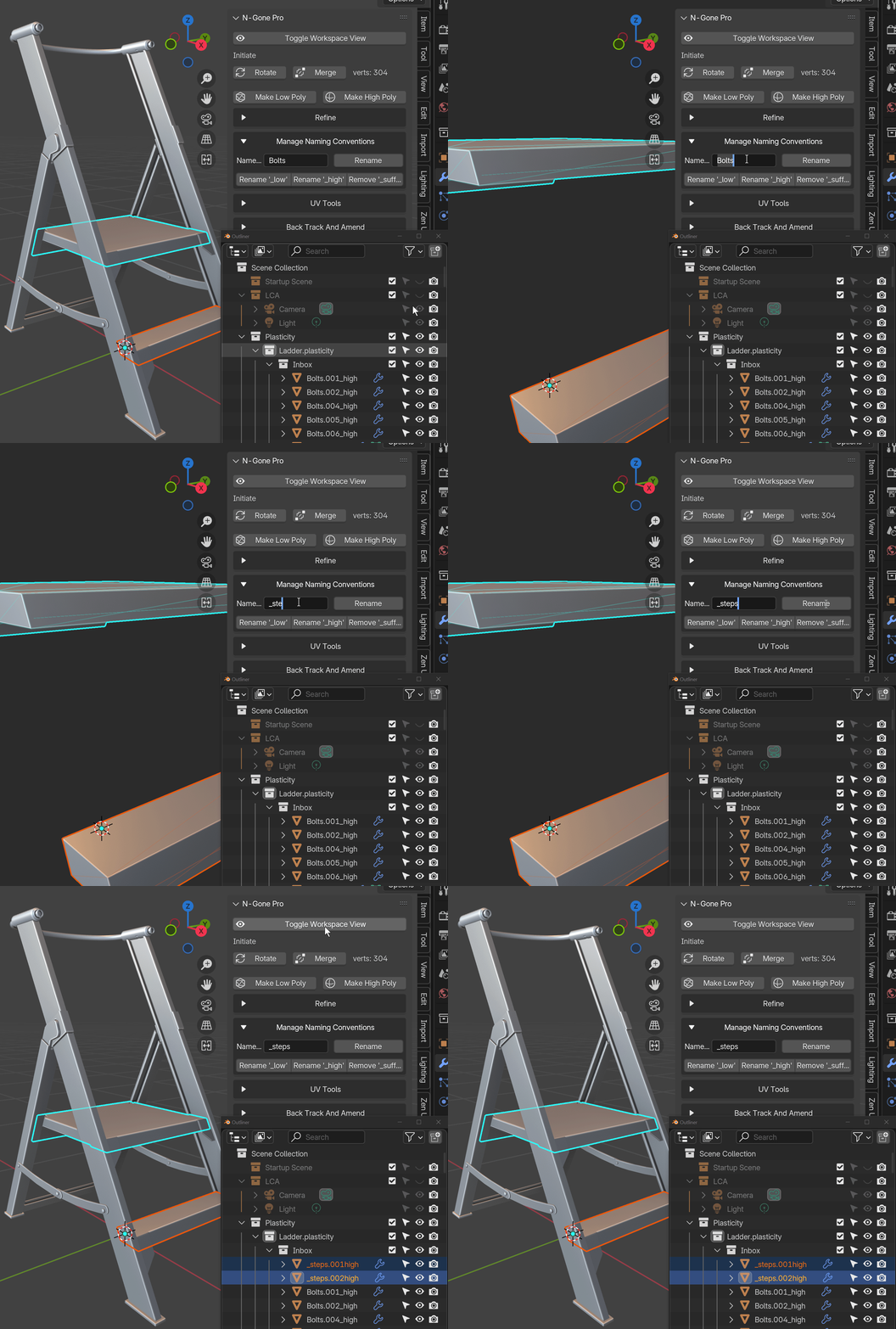
- Smart Naming Management: Standardize names for texture baking in other software (Substance Painter, Marmoset Toolbag, InstaMAT Studio) in a single click, reducing manual errors.
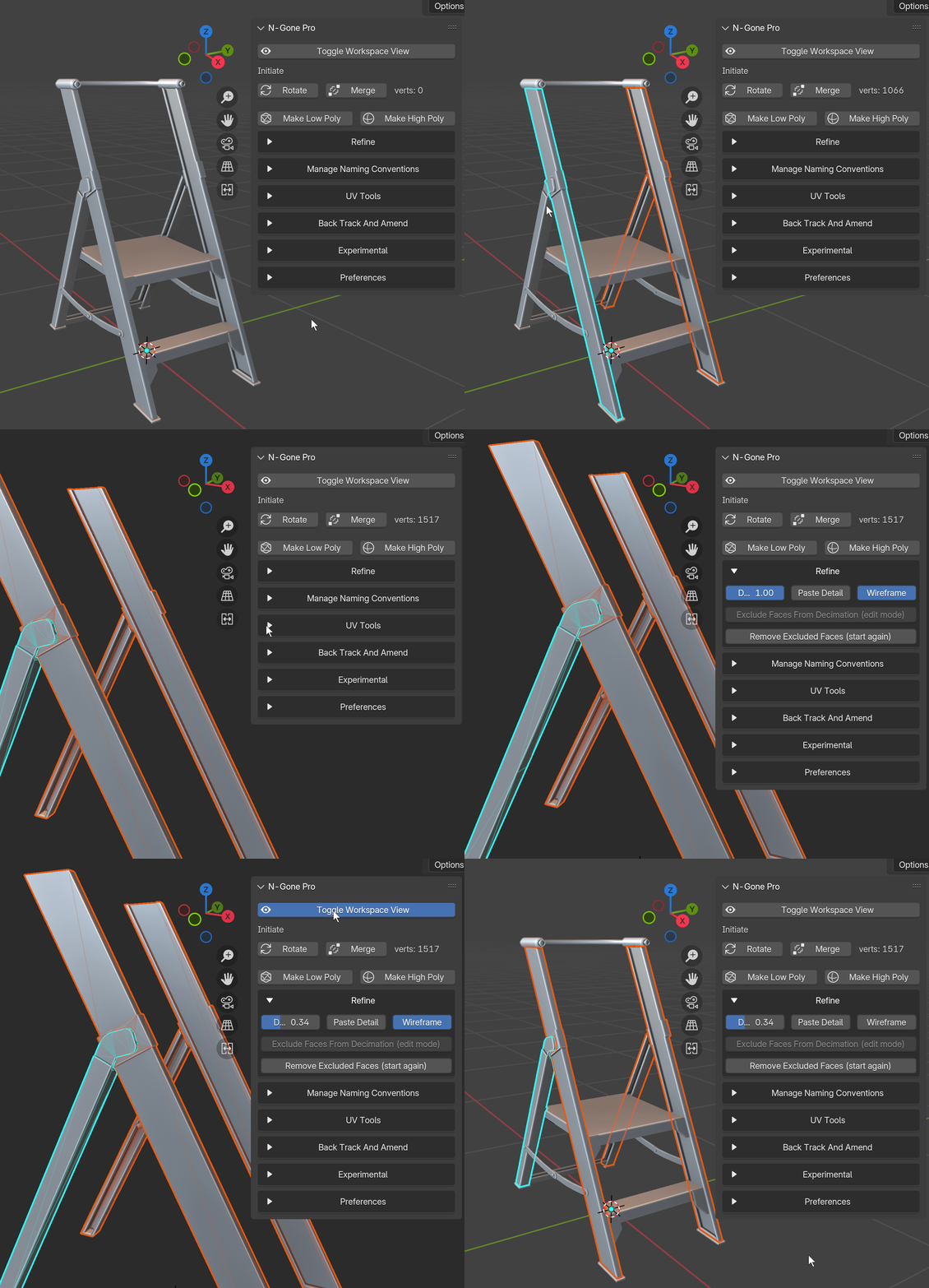
- Low Poly Detail Refinement: Easily reduce polygon count on multiple objects simultaneously while maintaining model detail, ideal for creating efficient low-poly versions for real-time applications and texturing software. Refine detail on multiple objects at once with live feedback in the viewport.
Dynamically control Detail level with the Hot Key “D” or change it in preferences tab.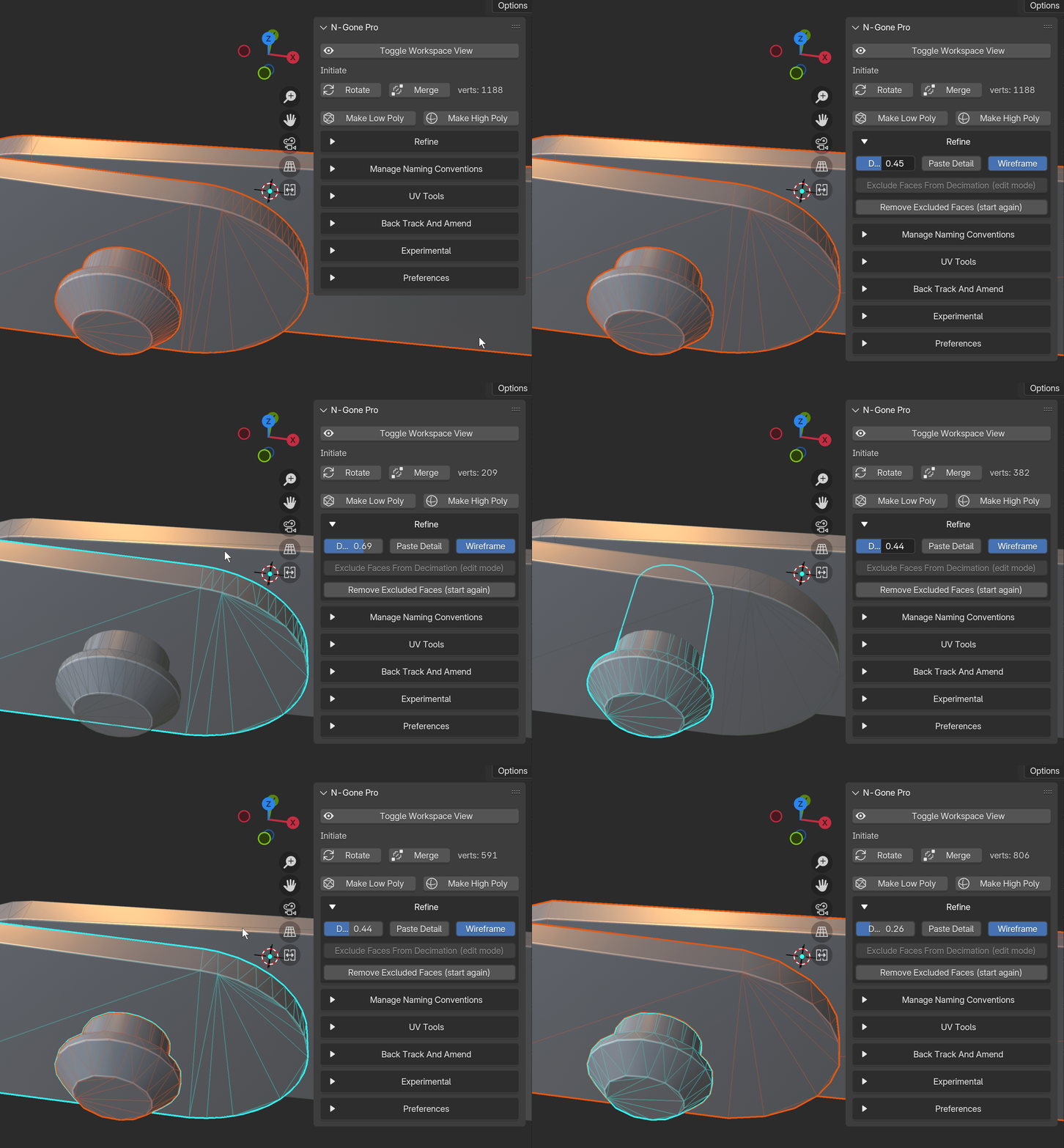
- Smart UV Unwrap or Cube Projection: With just one click, unwrap, combine, and pack UVs for multiple selected objects, saving you from repetitive UV editing and streamlining your workflow.
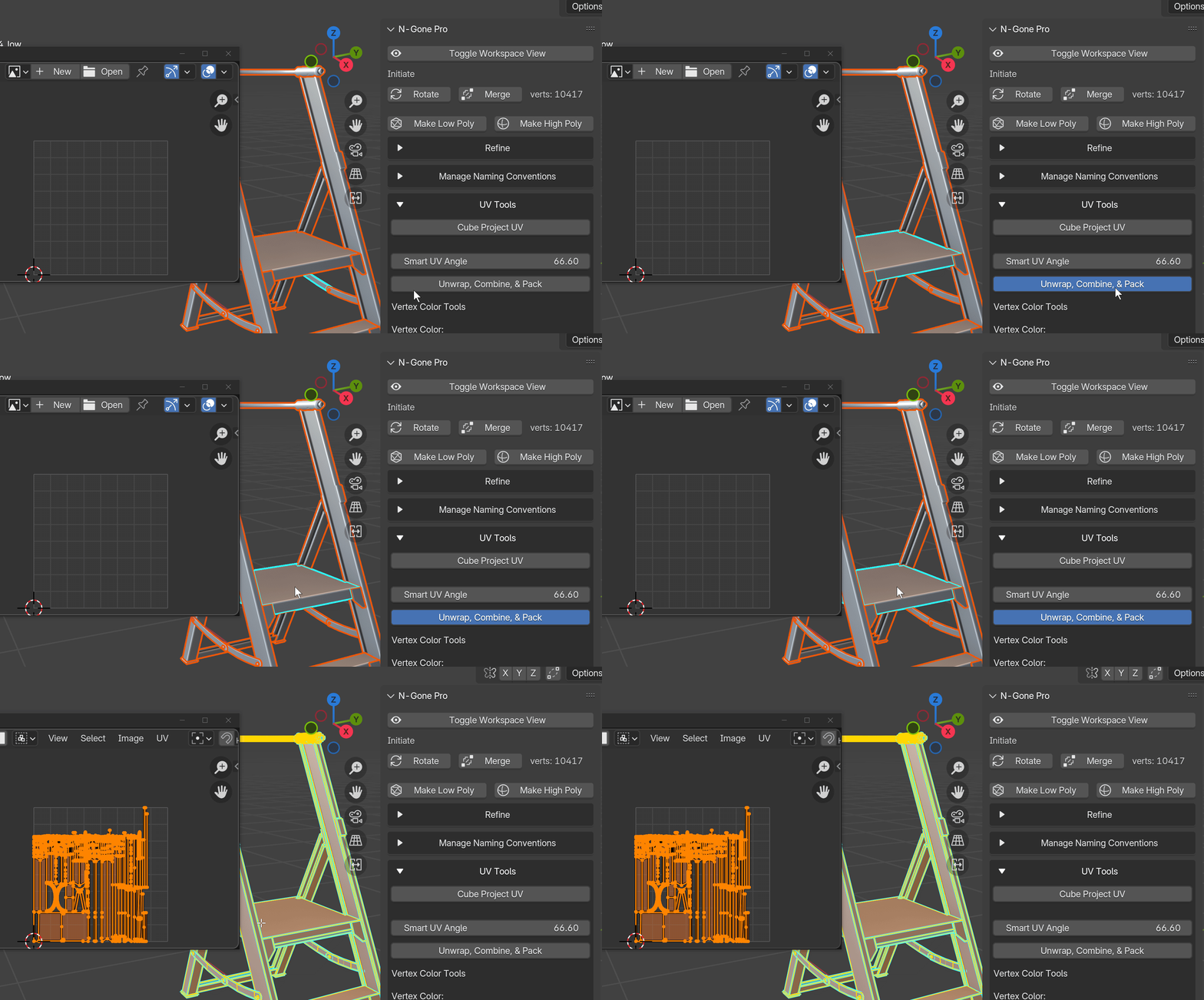
- Focused Workspace: A specialized workspace for focusing on the finer details in N-Gone Pro, allowing precise control over intricate model adjustments.
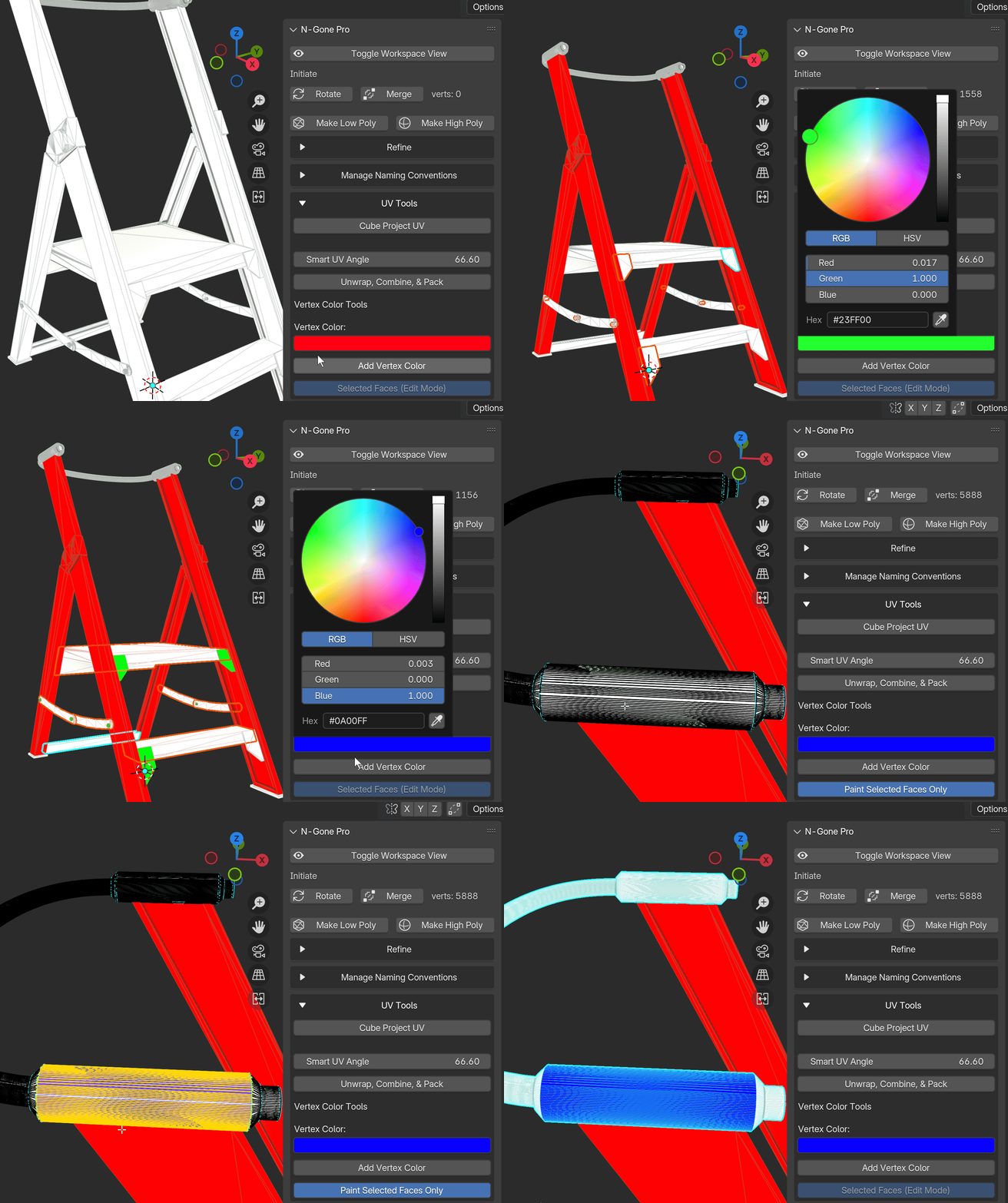
- Vertex Colors: Apply vertex colors across multiple objects or individual faces easily for greater creative control.
POLY FILLETS: Apply Polygon Fillets Across your Models for reduced Poly count on NGon models.
The Pro version gives you all the tools you need, and it’s regularly updated with new features and improvements to make sure you’re always working with the best.
Why N-Gone Pro?
With N-Gone Pro, you can eliminate the manual, error-prone optimization steps that slow down your workflow. From CAD-based models to sculpts and Boolean-heavy projects, N-Gone Pro aims to be the all-in-one solution that allows you to create, optimize, and export with confidence.
Get Started Today
Transform your Blender workflow with N-Gone Pro—available now. Take the hassle out of optimization and focus on what you do best: creating. Get started today and experience the power of N-Gone Pro for yourself.
Tutorial:
Older Tutorials:
Supercharge your 3D creation workflow with premium selection of Blender Add-ons. Whether you are modeling intricate characters, sculpting realistic environments, or animating cinematic sequences, the right add-on can transform how you work inside Blender. Our curated collection includes powerful tools for UV unwrapping, procedural texture generation, rigging automation, rendering optimization, and more—each rigorously tested for compatibility with the latest Blender versions. Eliminate tedious manual processes and unlock advanced functionality that lets you focus on what matters most: bringing your creative vision to life. Explore our full range of professional Blender plugins today and take your 3D projects to the next level.
➡️ ➡️ For more Blender Plugins 😀 😀
Reviews
There are no reviews yet.