
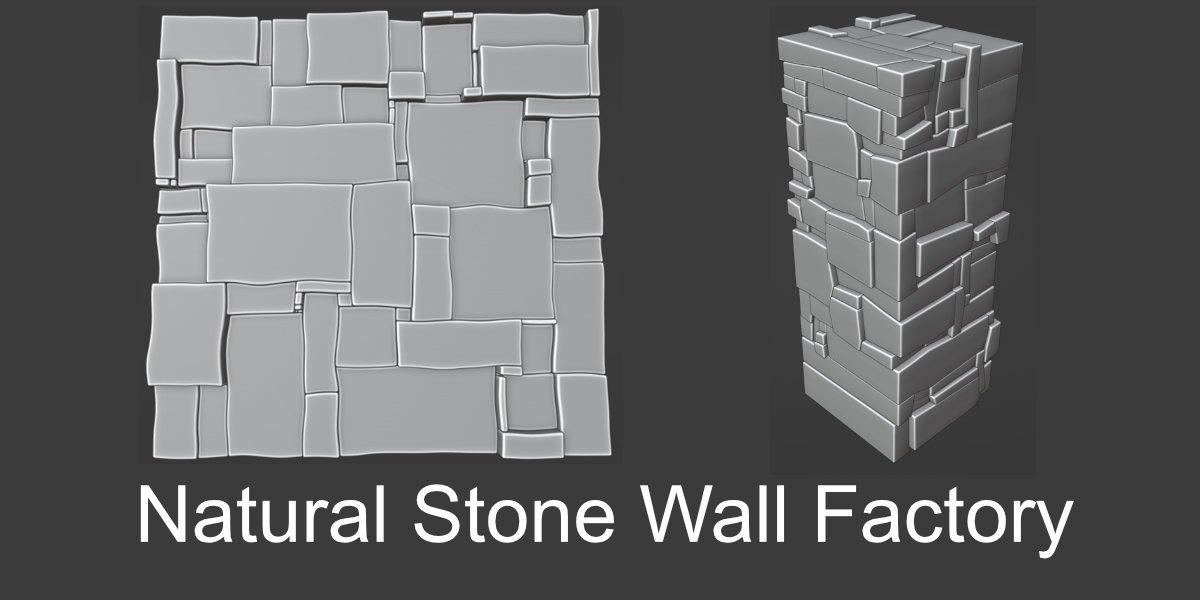
Natural Stone Wall Factory for Blender
Natural Stone Wall Factory v1.1 for Blender – The Ultimate Procedural Masonry & Dry-Stone Generator
Versions: v1.1
File Size: 17 KB
Download Natural Stone Wall Factory v1.1 for Blender on Windows and Mac, a specialized Geometry Nodes-based addon designed to instantly generate realistic, varied, and structurally plausible stone walls for environments, architecture, and game assets. From rustic dry-stone fences and medieval castle fortifications to modern retaining walls and garden borders, this tool eliminates the tedious manual placement of individual stones and the repetitive tiling of texture maps, allowing artists to create infinite variations of masonry with full procedural control and non-destructive flexibility.
Key Features of Natural Stone Wall Factory v1.1:
- Procedural Stone Generation: Automatically creates unique, irregular stone shapes with realistic variation in size, rotation, and depth—no two stones are identical, ensuring natural, non-repetitive results even across massive walls.
- Smart Mortar Joint System: Generates accurate mortar gaps between stones with adjustable thickness, depth, and erosion, plus options for dry-stone (no mortar) or lime-wash finishes for historical authenticity.
- Pattern Preset Library: Choose from 15+ pre-configured laying patterns including Random Rubble, Ashlar, Coursed, Herringbone, Dry-Stone, Cobbled, and Cyclopean, each fully parametric and customizable.
- Material Variation Engine: Automatically assigns varied PBR materials to individual stones (granite, limestone, sandstone, fieldstone) with randomized color, roughness, and normal details, mimicking real-world sourcing from local quarries.
- Weathering & Aging Controls: Procedurally add moss growth in shaded crevices, lichen patches, water staining, cracks, and chipped edges based on wall orientation and exposure, adding instant storytelling and age.
- Curved & Sloped Adaptation: Walls automatically conform to curved paths, sloped terrain, or uneven foundations while maintaining structural logic—stones rotate and scale to fit the surface naturally.
- Modular Section System: Build walls in repeatable, tileable sections for game engines, with seamless edge matching and optional “capstone” or “foundation” modules for complete assemblies.
- Animation Ready: Parameters for construction growth (stones appearing layer by layer) or destruction (crumbling, collapse) are keyframe-ready, perfect for time-lapse or VFX sequences.
- LOD & Optimization: Generate high-poly hero walls for cinematic renders or simplified low-poly versions with baked normal maps for real-time game engines, all from the same procedural setup.
- Non-Destructive Workflow: Every parameter (stone size, mortar width, pattern type, weathering intensity) remains editable at any time; change the wall path or style without rebuilding from scratch.
Perfect For:
- Environment Artists creating medieval villages, fantasy ruins, rustic farms, and historical reconstructions with authentic masonry.
- Architectural Visualizers adding realistic stone walls, retaining structures, and garden features to exterior renders.
- Game Developers generating modular, tileable wall assets with optimized geometry and baked textures for Unity, Unreal, or Godot.
- VFX Studios simulating wall construction, erosion over time, or destruction sequences for film and animation.
- Concept Artists rapidly blocking out environment designs with varied stone styles to establish mood and setting.
- Anyone who needs believable stone walls faster than modeling by hand but with more control than scatter tools or texture tricks.
System Requirements:
- Blender: 3.6, 4.0, 4.1, 4.2, 4.3, 4.4+ (Geometry Nodes required; optimized for Blender 4.x).
- OS: Windows 10/11 (64-bit) or macOS 10.15+.
- RAM: 8GB minimum (16GB+ recommended for high-density walls with weathering details).
- Render Engine: Fully compatible with Cycles (for accurate displacement and material variation) and Eevee.
Installation:
- Download the Natural Stone Wall Factory v1.1
.zipfile. - Open Blender and go to Edit > Preferences > Add-ons.
- Click Install…, select the downloaded file, and enable the checkbox next to Geometry Nodes: Natural Stone Wall Factory.
- Access via the Add Menu > Mesh > Stone Wall or the dedicated panel in the 3D Viewport Sidebar (N-panel) under the Architecture tab.
What’s New in v1.1?
- Improved Stone Packing Algorithm: Rewritten logic for stone placement reduces unnatural gaps and overlaps, creating more structurally plausible walls with better visual flow.
- New “Moss & Lichen” Module: Added procedural biological growth that accumulates in shaded, moist areas of the wall, with controls for density, color, and spread pattern.
- Capstone & Foundation Presets: Expanded library of top and bottom wall modules for complete, finished-looking assemblies without manual modeling.
- Slope Adaptation Fix: Resolved an issue where stones would float or intersect on steep terrain; now stones automatically rotate and embed correctly into sloped surfaces.
- Performance Boost: Optimized node evaluation reduces generation time by 35% for long wall segments, enabling faster iteration.
- Blender 4.4 Support: Full compatibility with the latest Geometry Nodes features and attribute handling in Blender 4.4.
Note:
Natural Stone Wall Factory v1.1 is designed to be historically informed and artistically flexible. Unlike generic scatter tools, it understands the logic of masonry: stones are laid in courses (or intentionally irregularly for dry-stone), mortar follows consistent joints, and weathering respects gravity and exposure. The addon includes a “Region Preset” system that automatically adjusts stone type, size, and laying style based on real-world architectural traditions (e.g., Cotswold limestone, Irish dry-stone, Japanese castle stone), adding authenticity to period projects. Whether you need a simple garden border or a massive fortress wall, this tool provides the procedural power to build it with realism and efficiency.
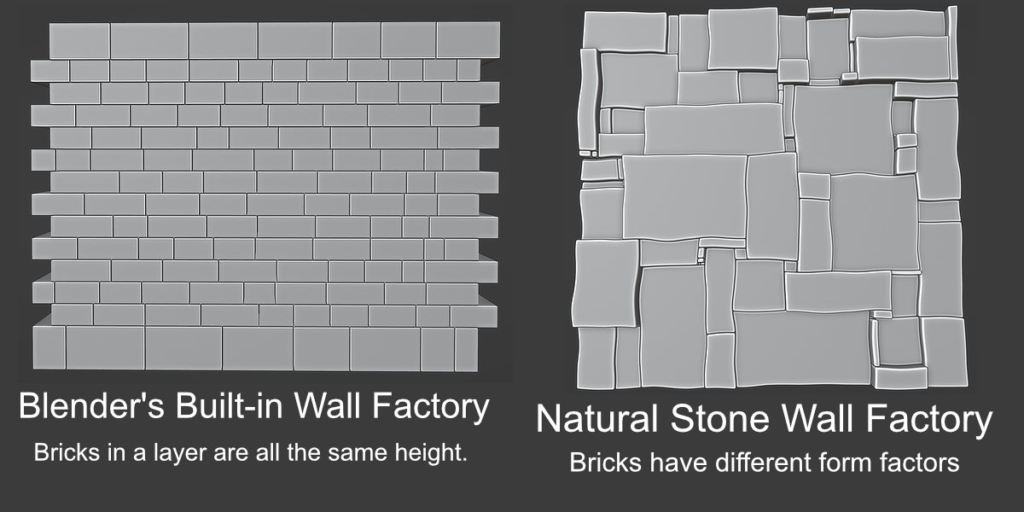
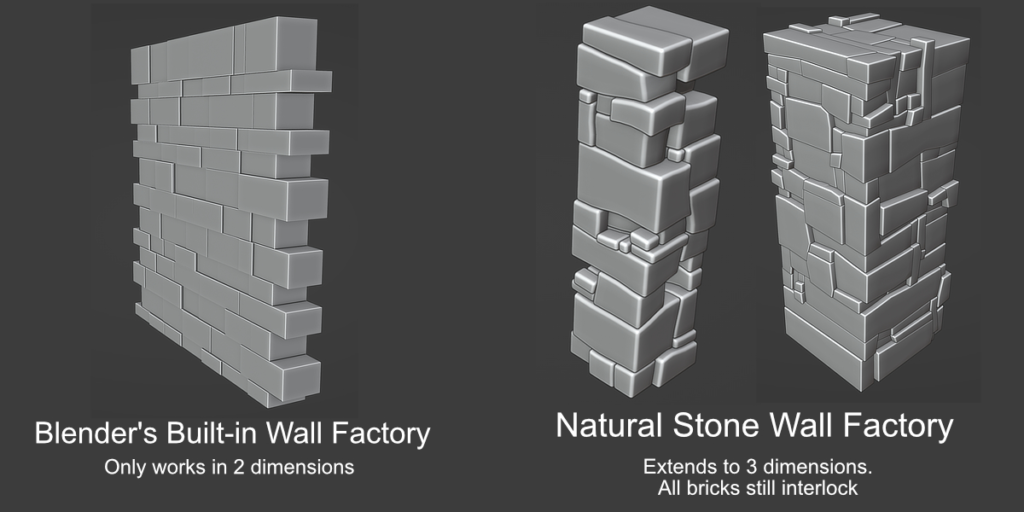
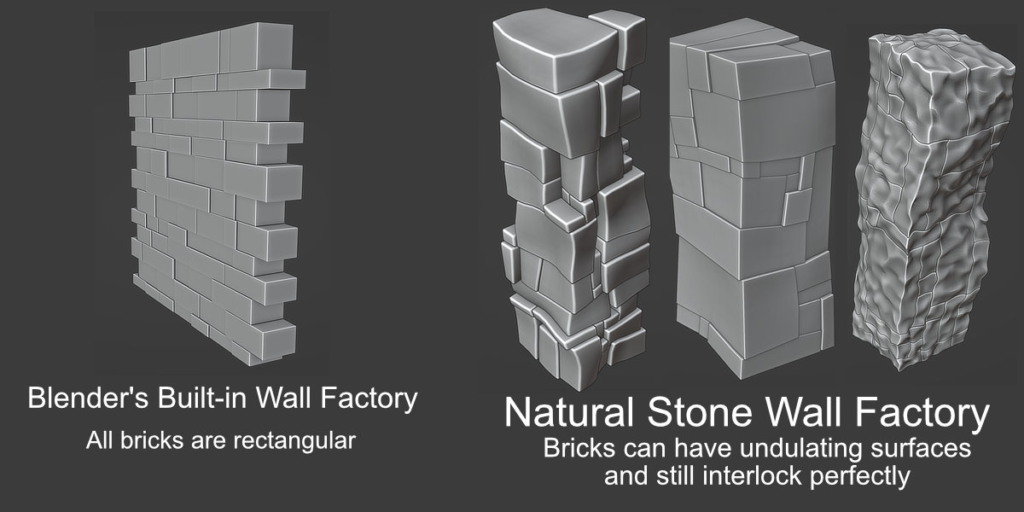
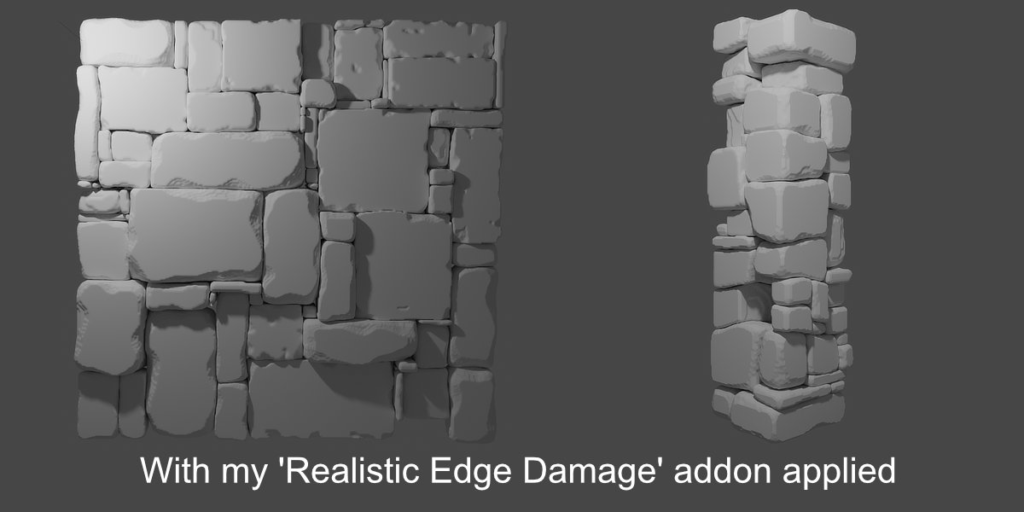
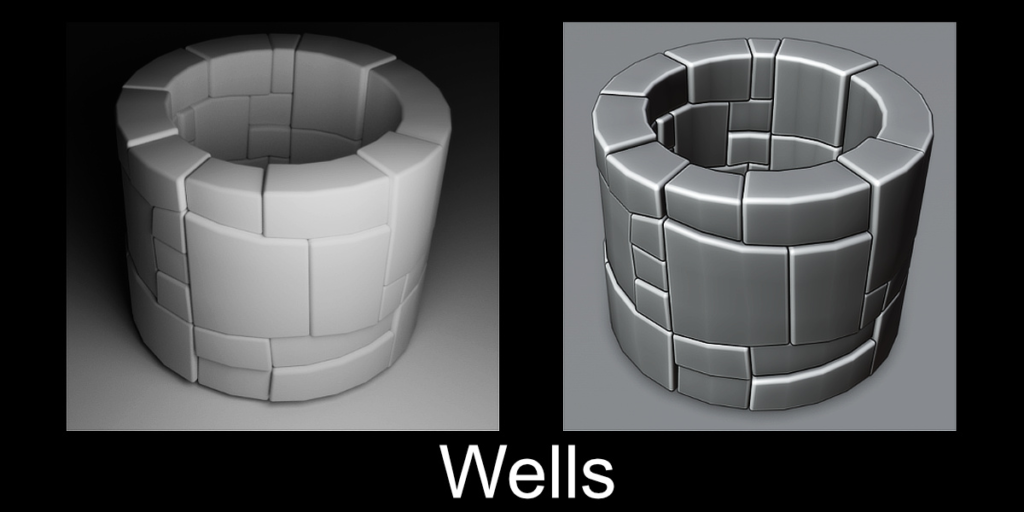
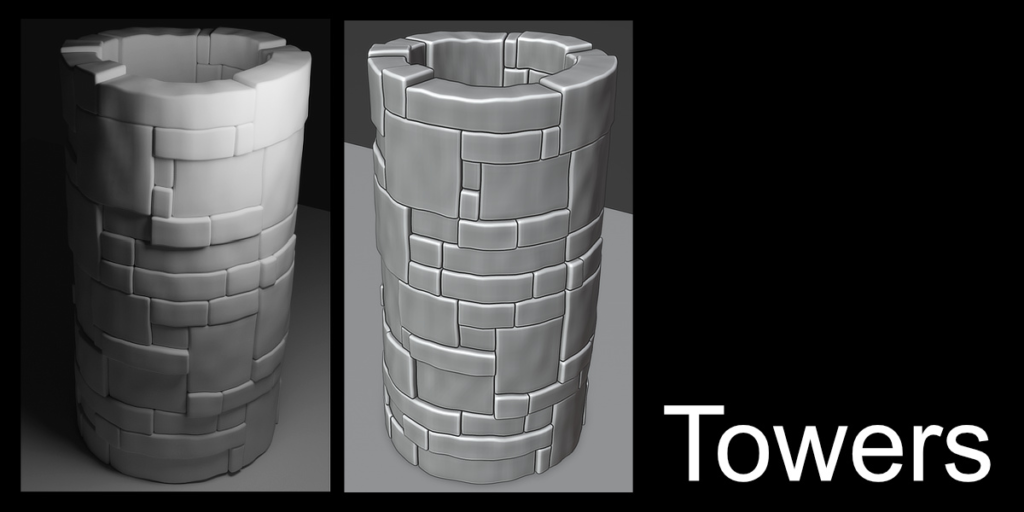
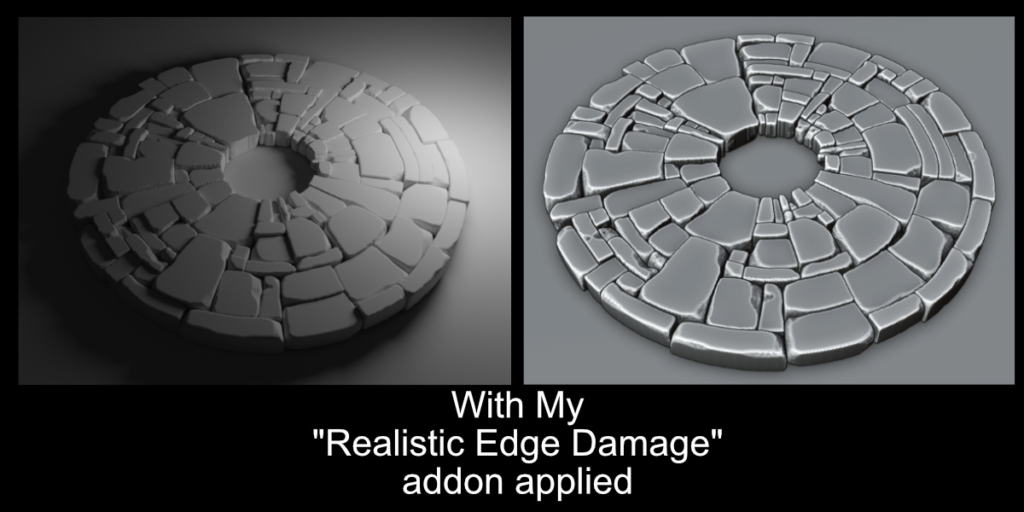
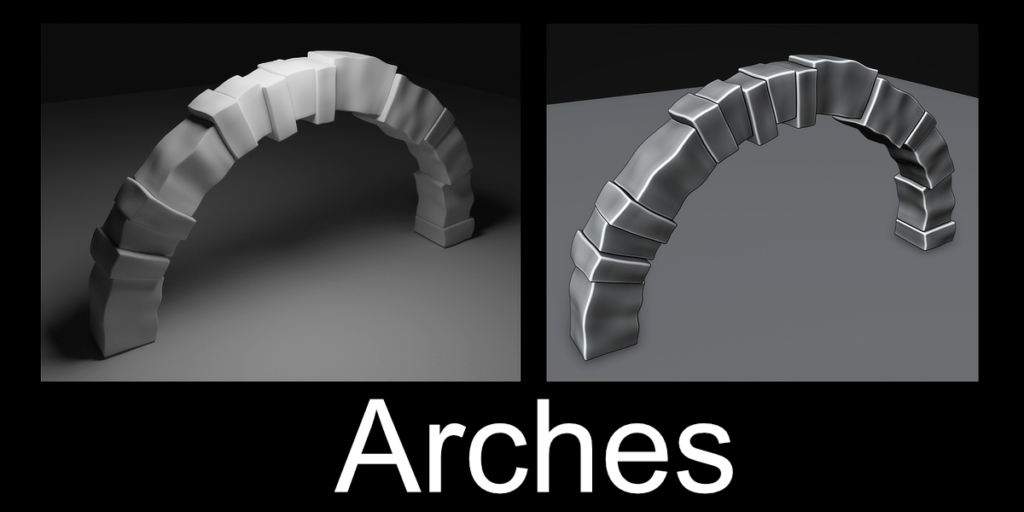
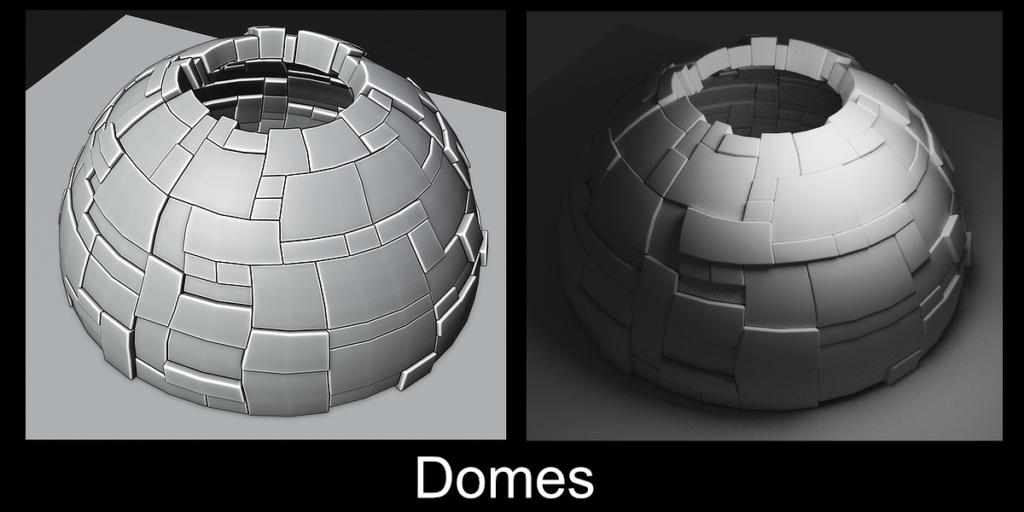
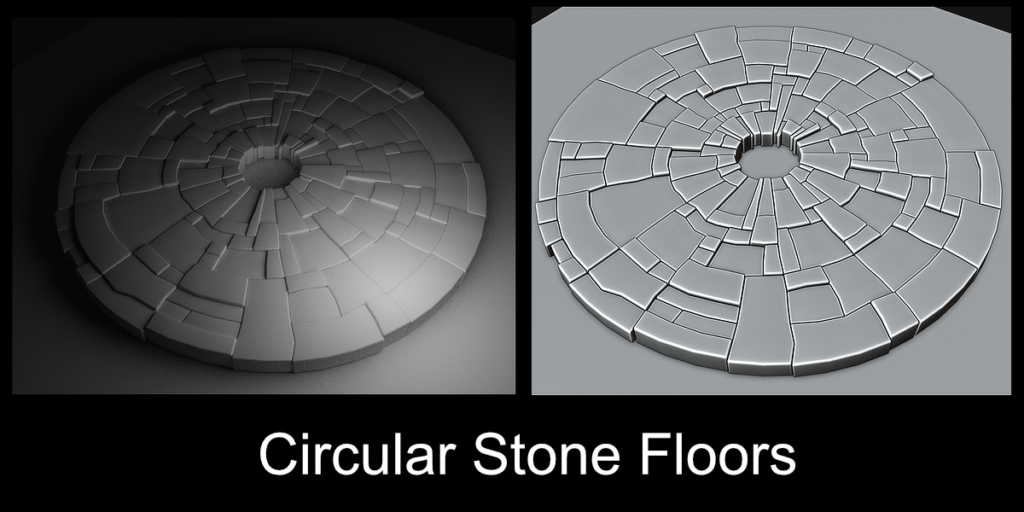
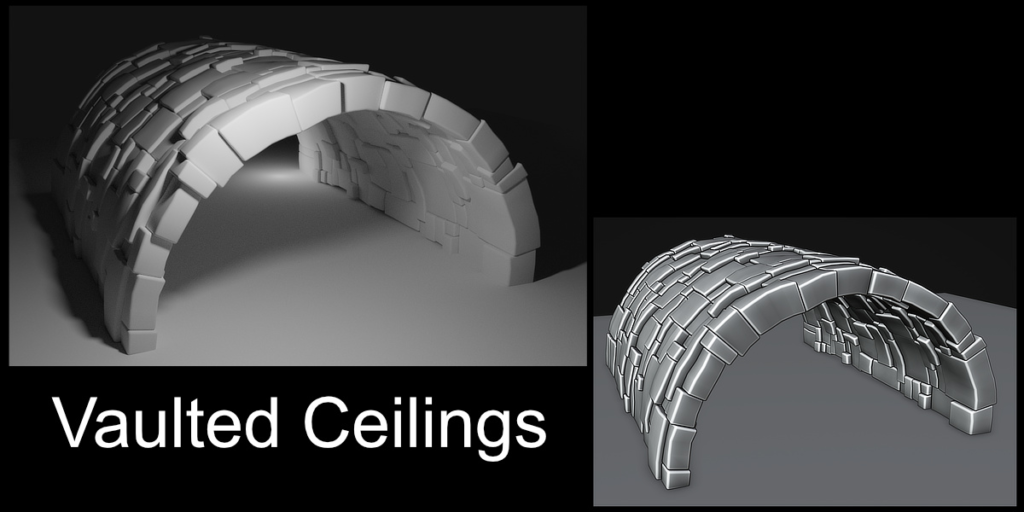
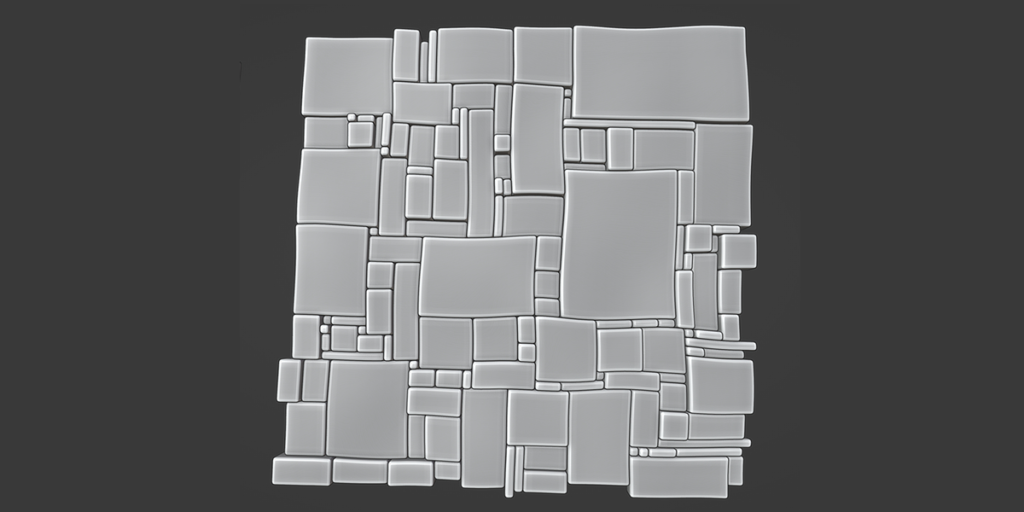
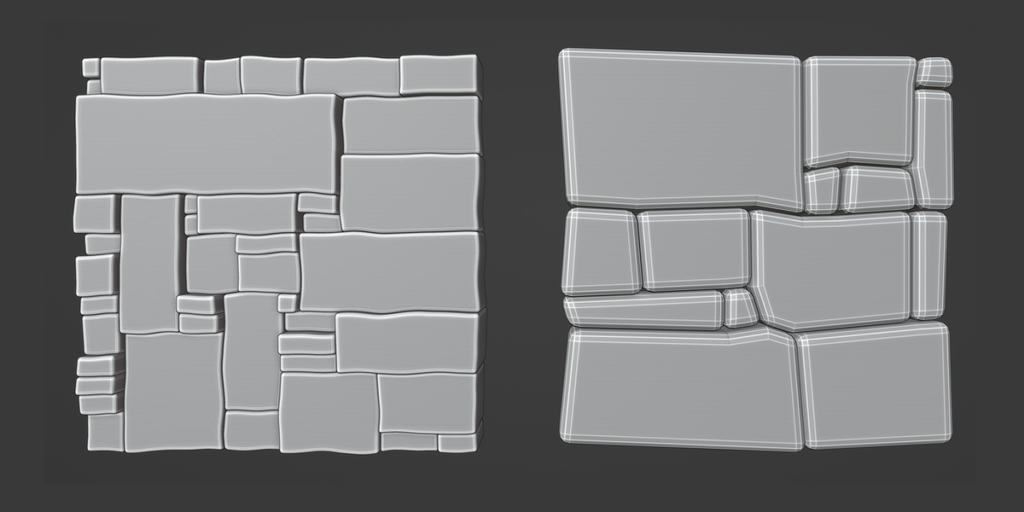
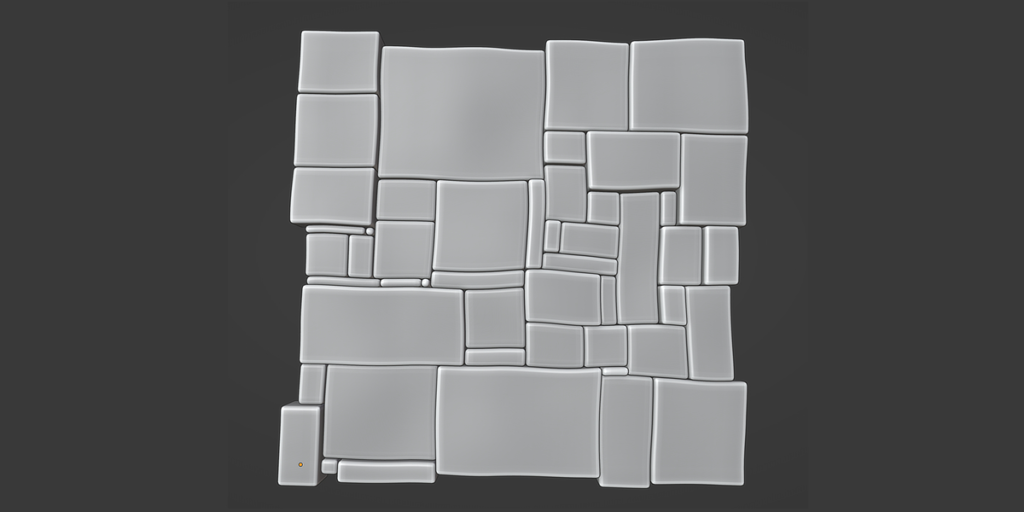
Stop manually pulling verts to create stones that interlock. Use this add-on to automatically create stone floors, walls, and columns with bricks that interlock perfectly even in three dimensions.
Supercharge your 3D creation workflow with premium selection of Blender Add-ons. Whether you are modeling intricate characters, sculpting realistic environments, or animating cinematic sequences, the right add-on can transform how you work inside Blender. Our curated collection includes powerful tools for UV unwrapping, procedural texture generation, rigging automation, rendering optimization, and more—each rigorously tested for compatibility with the latest Blender versions. Eliminate tedious manual processes and unlock advanced functionality that lets you focus on what matters most: bringing your creative vision to life. Explore our full range of professional Blender plugins today and take your 3D projects to the next level.
➡️ ➡️ For more Blender Plugins 😀 😀
Reviews
There are no reviews yet.