
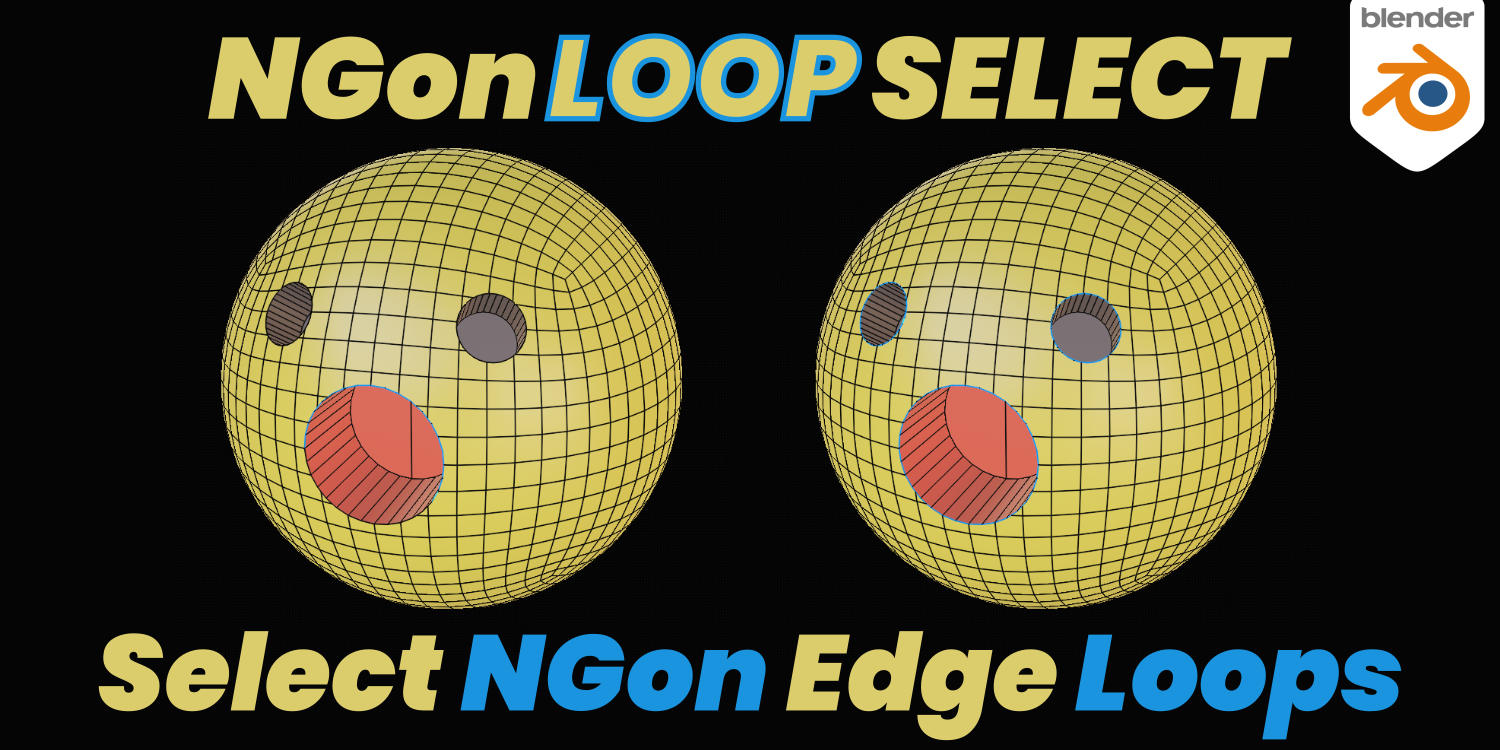
NGon Loop Select for Blender
NGon Loop Select v3.1.0 for Blender – The Ultimate Topology-Aware Selection Utility
Version: V3.1.0
File Size: 37 KB
Download NGon Loop Select v3.1.0 for Blender on Windows and Mac, a specialized modeling addon designed to solve one of the most persistent frustrations in polygon modeling: selecting edge and face loops on non-quad topology. While Blender’s native loop select tools work flawlessly on quads, they often fail or behave unpredictably when encountering N-gons (faces with 5+ vertices) or triangles. NGon Loop Select intelligently analyzes mesh flow to extend selections logically across complex topology, transforming how modelers navigate dense meshes, eliminating the need for manual click-by-click selection or temporary retopology just to select a row of faces.
Key Features of NGon Loop Select v3.1.0:
- Smart N-Gon Loop Detection: Automatically identifies the logical “flow” of edges and faces across N-gons, allowing you to select continuous loops even when the geometry isn’t perfectly quad-based.
- Boundary Loop Select: Instantly select the outer boundary edges of any mesh or selected region, perfect for identifying open edges, caps, or mesh holes before 3D printing or subdivision.
- Ring Selection Support: Extends ring selection logic to work across N-gons and triangles, enabling rapid selection of parallel edge loops for beveling, creasing, or detailing.
- Selection Expansion & Contraction: Grow or shrink your current selection by logical topological steps rather than just adjacent elements, maintaining the shape and flow of the selected region.
- Ignore Triangles Mode: Option to skip over triangular faces when selecting loops, preventing selection paths from diverting unexpectedly in hard-surface models with mixed topology.
- Face Loop Selection: Not limited to edges; select continuous loops of faces across complex geometry for material assignment, UV unwrapping, or modular texturing.
- Customizable Hotkeys: Assign dedicated keys for “Select N-Gon Loop,” “Select Boundary,” and “Select Ring” to streamline your modeling workflow without digging through menus.
- Edit Mode Integration: Seamlessly integrates into Blender’s native Edit Mode selection tools, working alongside standard Select Linked, Select Similar, and Lasso tools.
- Performance Optimized: Written in efficient Python/C++ hybrid code to handle high-poly meshes (1M+ vertices) without lagging during selection operations.
- Visual Feedback: Highlights the predicted selection path before committing, allowing you to verify the loop direction and scope before executing the command.
Perfect For:
- Hard-Surface Modelers working with complex mechanical meshes that often require N-gons for clean shading and boolean workflows.
- Retopology Artists quickly selecting edge loops on base meshes to guide new topology flow.
- Character Modelers navigating dense sculpt bases or clothing meshes with mixed quad/tri/N-gon topology.
- 3D Printing Enthusiasts identifying non-manifold edges and boundary loops to ensure watertight meshes.
- UV Artists selecting logical face loops for efficient UV unwrapping and packing.
- Beginners who find Blender’s default selection behavior on non-quad meshes confusing and inconsistent.
System Requirements:
- Blender: 3.6, 4.0, 4.1, 4.2, 4.3, 4.4, 5.0, 5.1+ (Latest LTS recommended).
- OS: Windows 10/11 (64-bit) or macOS 10.15+.
- RAM: 4GB minimum (8GB+ recommended for high-poly mesh selection).
- No external dependencies required.
Installation:
- Download the NGon Loop Select v3.1.0
.zipfile. - Open Blender and go to Edit > Preferences > Add-ons.
- Click Install…, select the downloaded file, and enable the checkbox next to Mesh: NGon Loop Select.
- Access via the Select Menu in Edit Mode, the Right-Click Context Menu, or via custom hotkeys (configurable in Preferences > Keymap).
What’s New in v3.1.0?
- Blender 5.0/5.1 Compatibility: Updated API calls to ensure full stability with the latest Blender 5.x selection engine changes.
- Improved Triangle Handling: Refined algorithm for selecting loops across triangular regions, reducing unwanted path deviations in mixed-topology meshes.
- Face Loop Mode: Added new capability to select loops of faces (not just edges), expanding utility for material ID and UV workflows.
- Selection Preview: Added a dashed-line preview overlay showing where the loop will select before you click, preventing accidental wrong selections.
- Performance Boost: Optimized selection calculation for meshes over 500k vertices, reducing latency by 50% compared to v3.0.
- Bug Fix: Resolved an issue where boundary selection would occasionally miss edges on non-manifold geometry.
Note:
NGon Loop Select v3.1.0 is a workflow enhancer that respects Blender’s native behavior while filling critical gaps. It does not modify your mesh geometry; it simply makes navigating existing topology faster and more predictable. The addon includes a “Strict Quad Mode” toggle that reverts to Blender’s default behavior if you prefer standard loop select on clean quad meshes, giving you the best of both worlds. Whether you are cleaning up a boolean mess or selecting edge loops for a complex subdivision surface model, NGon Loop Select ensures your selection tools work as intuitively as you expect them to.
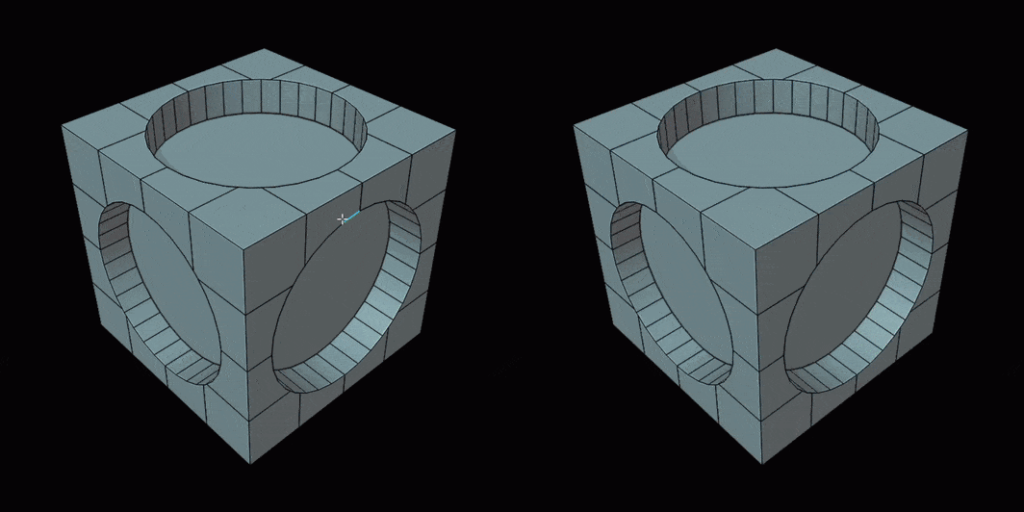
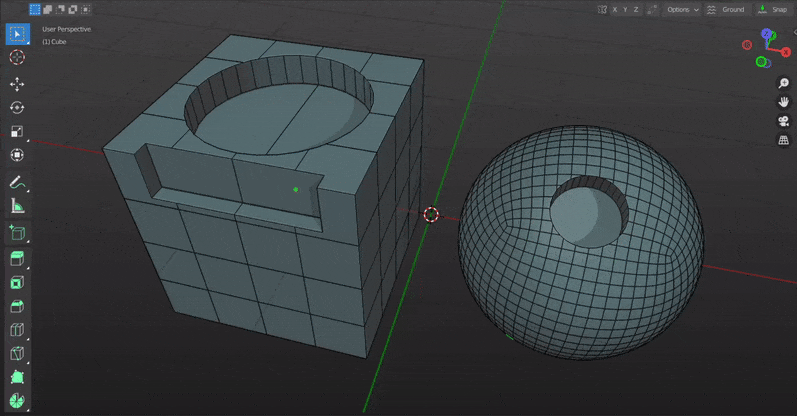
NGon Loop Select is a Blender addon that allows you to select edge loops around Ngons in just one step.
Usage:
Simply install the addon and you are all set to go.
Just double click on any edge to select the loop or select an edge(it should be active) and press ‘D’.
Hold down shift to select more loops.
Comparison(Without the addon vs With the addon) :

New with V3.0:
If you don’t get the right selection in the first attempt please try double clicking again on the same edge. The addon will automatically try again with a larger threshold of face angle.

Hold down Shift+Ctrl and double-click to select the boundary loop of all the coplanar faces.

Supercharge your 3D creation workflow with premium selection of Blender Add-ons. Whether you are modeling intricate characters, sculpting realistic environments, or animating cinematic sequences, the right add-on can transform how you work inside Blender. Our curated collection includes powerful tools for UV unwrapping, procedural texture generation, rigging automation, rendering optimization, and more—each rigorously tested for compatibility with the latest Blender versions. Eliminate tedious manual processes and unlock advanced functionality that lets you focus on what matters most: bringing your creative vision to life. Explore our full range of professional Blender plugins today and take your 3D projects to the next level.
➡️ ➡️ For more Blender Plugins 😀 😀
Reviews
There are no reviews yet.