
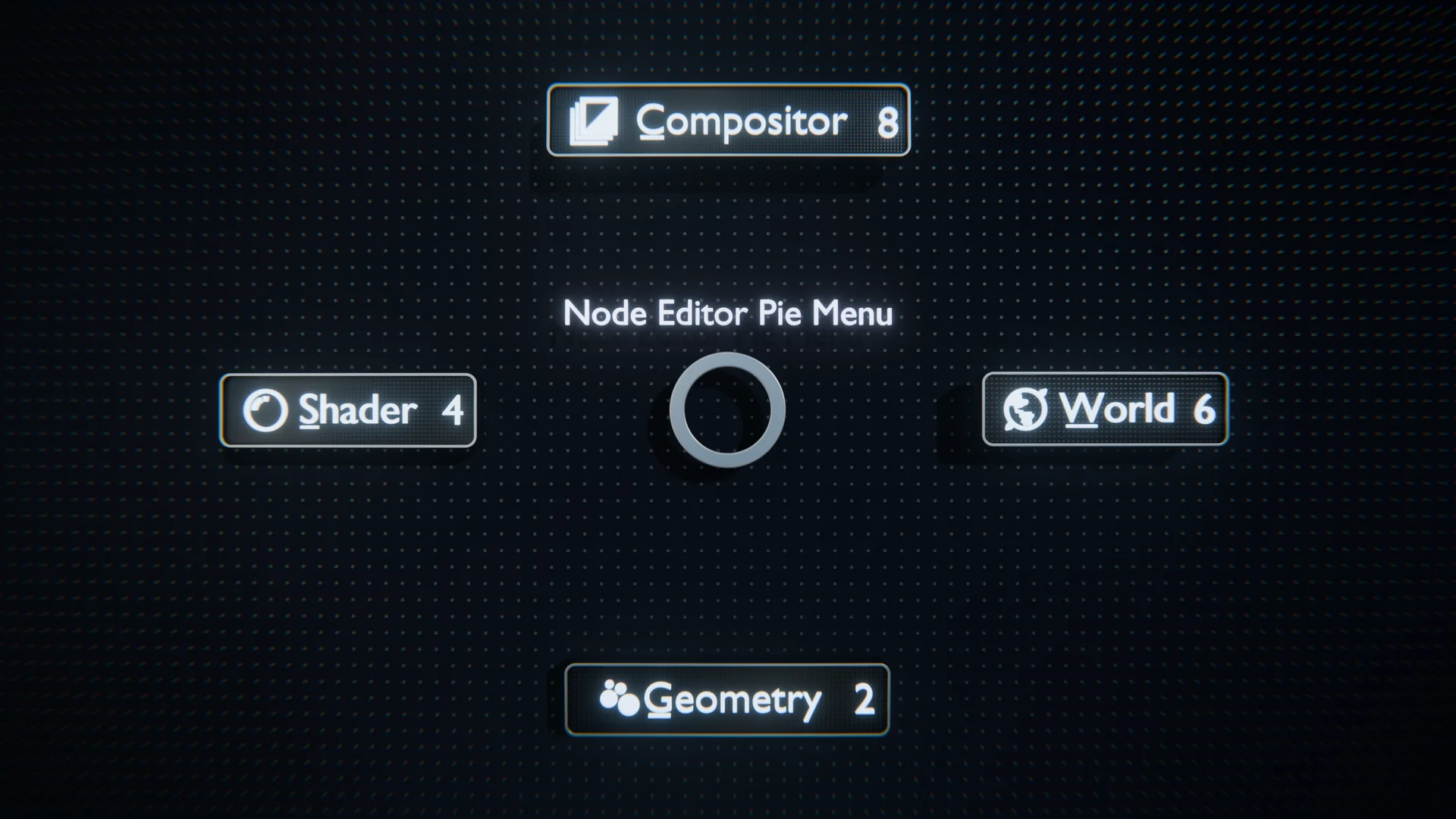
Node editor switcher for Blender
node editor switcher addon
Node Editor Switcher v1.0.3 for Blender – Quick Node Editor Navigation Tool
Download Node Editor Switcher v1.0.3 for Blender on Windows, Mac, and Linux, a simple but powerful add-on that lets you instantly switch between different node editors and node trees with customizable hotkeys. Perfect for material artists, geometry nodes users, and compositors who frequently work with multiple node groups and need faster navigation between them .
Key Features of Node Editor Switcher v1.0.3:
- Quick Node Editor Switching: Instantly switch between Shader Editor, Geometry Nodes Editor, Compositor, and Texture Node Editor with customizable hotkeys
- Tree Navigation: Jump quickly between different node trees—different materials, geometry nodes modifiers, and compositing trees
- Customizable Hotkeys: Assign your own keyboard shortcuts for switching between node editor types
- Last Used Navigation: Quickly return to previously edited node trees
- Active Node Tracking: See which node editor and tree is currently active
- Minimal UI: Simple panel that integrates into Blender’s node editor sidebar
- Performance Optimized: Fast switching with no lag or interface reload issues
- v1.0.3 Updates: Enhanced hotkey customization and compatibility with Blender 4.0+
Perfect For:
- Material artists working with multiple shaders across different objects
- Geometry nodes users building complex node group networks
- Compositors switching between compositing trees frequently
- Technical artists managing node-based workflows
- Anyone who works across multiple node editor types
System Requirements:
- Blender 3.6, 4.0, 4.1, 4.2, 4.3
- Windows 10/11 (64-bit), macOS, or Linux
- 4GB RAM minimum (8GB+ recommended)
- 5MB available disk space
Installation:
- Download the add-on zip file
- In Blender, go to Edit > Preferences > Add-ons
- Click “Install” and select the downloaded zip file
- Enable the add-on by checking the box next to “Node Editor Switcher”
Note: Node Editor Switcher solves a common workflow frustration—slow navigation between different node editor types in Blender . The customizable hotkeys and quick switching dramatically speed up work for material artists, geometry nodes users, and compositors . Version 1.0.3 includes full compatibility with Blender 4.0 and above . Designed for Blender 3.6 and above . Perfect for any node-based workflow in Blender . Essential for artists working across multiple node editor types .
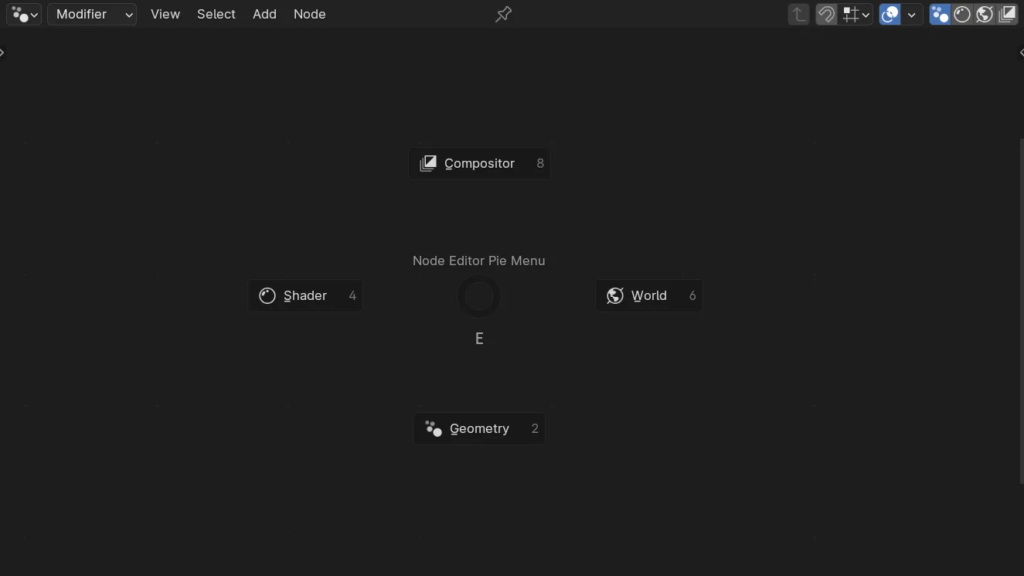

Add a pie menu, quick buttons, and shortcuts for switching between the different node editors.
Documentation
Pie Menu:
Accessible in the Node Editor, the pie menu is an easy way to switch between different node editors with a single click.
- Default keyboard shortcuts:
E - You can customize these shortcuts in Blender’s keymap settings.
Quick Access Buttons:
The Quick Access Buttons are available at the top right of the Node Editor header and can be enabled in the addon preferences.
Keyboard Shortcuts:
- Default keyboard shortcuts:
1: Geometry Node Editor2: Shader Node Editor3: World Node Editor4: Compositor Node Editor
- You can customize these shortcuts in Blender’s keymap settings.
Supercharge your 3D creation workflow with premium selection of Blender Add-ons. Whether you are modeling intricate characters, sculpting realistic environments, or animating cinematic sequences, the right add-on can transform how you work inside Blender. Our curated collection includes powerful tools for UV unwrapping, procedural texture generation, rigging automation, rendering optimization, and more—each rigorously tested for compatibility with the latest Blender versions. Eliminate tedious manual processes and unlock advanced functionality that lets you focus on what matters most: bringing your creative vision to life. Explore our full range of professional Blender plugins today and take your 3D projects to the next level.
➡️ ➡️ For more Blender Plugins 😀 😀
Reviews
There are no reviews yet.