
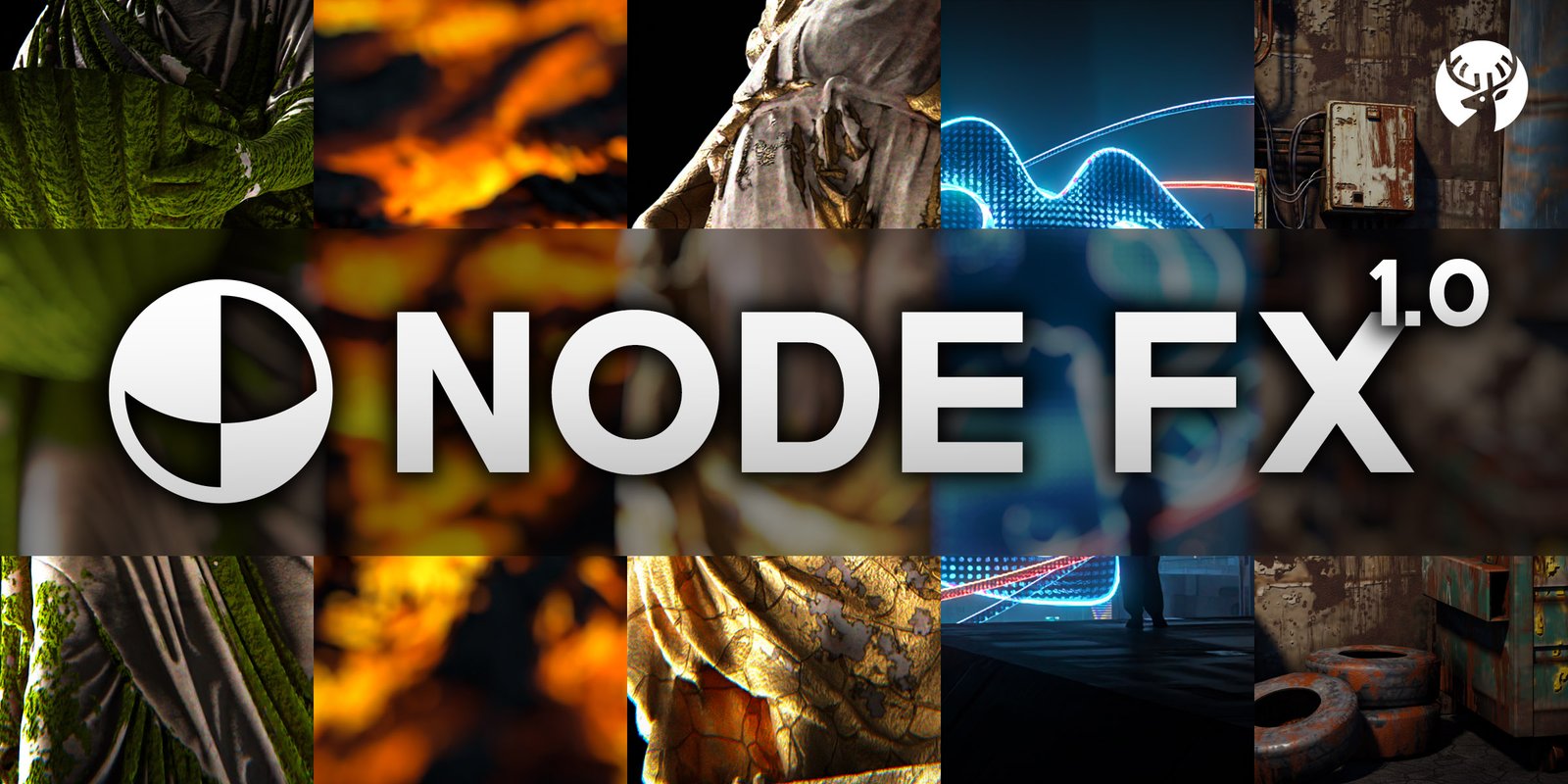
Node FX for Blender
Node FX v1.0 for Blender – The Ultimate Cinematic Post-Processing & Shader Effects Suite
Versions: v1.0
File Size: 22.8 MB
Download Node FX v1.0 for Blender on Windows and Mac, a comprehensive visual effects and post-processing toolkit designed to bridge the gap between raw 3D renders and polished, cinematic final frames. By providing a massive library of pre-built, highly customizable node groups for both the Compositor and the Shader Editor, Node FX eliminates the need to manually wire complex node trees for lens effects, film emulation, stylized overlays, and color grading. Whether you are finishing an architectural visualization, creating an anime-style short, or editing a high-energy game trailer, Node FX delivers Hollywood-quality polish with a single click.
Key Features of Node FX v1.0:
- Cinematic Color Grading Library: Instantly apply 50+ professional color science setups, including Teal & Orange, Bleach Bypass, Cross-Process, Cyberpunk Neon, and Vintage Film looks, all driven by intuitive sliders rather than complex curve nodes.
- Advanced Lens & Optical Effects: Add physically accurate Chromatic Aberration, Lens Distortion, Vignetting, and Anamorphic Flares that react dynamically to bright light sources in your scene.
- Realistic Film Emulation: Simulate the organic imperfections of analog film with procedural 35mm/16mm Grain, Dust, Scratches, and Light Leaks, complete with animated jitter to prevent static “boiling” artifacts.
- Stylized & Anime FX: A dedicated module for 2D/3D hybrid styles, featuring Speed Lines, Impact Flashes, Halftone Patterns, Screen Tones, and Cel-Shading Overlays perfect for manga-inspired renders.
- Dynamic Glitch & Datamosh: Procedural screen tearing, RGB channel shifting, pixel sorting, and digital corruption effects that can be animated or triggered by audio frequencies.
- Smart Depth of Field & Bokeh: Enhances Blender’s native DoF with custom, physically shaped bokeh highlights (Hexagonal, Anamorphic, Heart, Star) and foreground/background blur falloff controls.
- Atmospheric Screen-Space Overlays: Add volumetric-looking God Rays, Screen-Space Fog, Dust Motes, and Raindrops on Lens that automatically respect your scene’s depth buffer (Z-Depth) without requiring heavy volumetric renders.
- Transition & Motion Graphics: Built-in compositor setups for seamless video transitions, including Zoom Blurs, Glitch Wipes, Light Leaks, and Ink Drops, ideal for editing directly in Blender’s Video Sequence Editor (VSE).
- Dual-Workflow Integration: Effects are available as Compositor Nodes (for post-render finishing) and Shader Nodes (for real-time viewport feedback and direct material integration).
- Non-Destructive Stacking: Layer multiple effects on top of each other using a unified “FX Stack” panel, adjusting the opacity, blend mode, and intensity of each effect independently.
Perfect For:
- Motion Designers adding high-energy transitions, glitches, and stylized overlays to commercials and social media content.
- Indie Filmmakers & Animators giving their 3D renders a cinematic, “finished” look without needing DaVinci Resolve or After Effects.
- Anime & NPR Artists applying authentic manga speed lines, screen tones, and impact frames directly in the 3D pipeline.
- Architectural Visualizers enhancing daylight renders with realistic lens flares, atmospheric haze, and professional color grading.
- Game Trailer Editors creating fast-paced, glitch-heavy montage sequences using Blender’s native VSE.
- Generalists who want access to professional post-production tools without spending weeks learning node-based compositing math.
System Requirements:
- Blender: 3.6, 4.0, 4.1, 4.2, 4.3, 4.4+ (Latest LTS recommended).
- OS: Windows 10/11 (64-bit) or macOS 10.15+.
- RAM: 8GB minimum (16GB+ recommended for 4K compositor stacking).
- Render Engine: Fully compatible with Cycles and Eevee (Compositor effects work on the final rendered image regardless of engine).
Installation:
- Download the Node FX v1.0
.zipfile. - Open Blender and go to Edit > Preferences > Add-ons.
- Click Install…, select the downloaded file, and enable the checkbox next to Compositor: Node FX.
- Access via the Compositor Sidebar (N-panel) under the Node FX tab, or the Shader Editor Add Menu > Group > Node FX.
Key Highlights of the v1.0 Release:
- Unified FX Panel: A brand-new sidebar interface that lets you toggle, stack, and adjust all Compositor and Shader effects from one centralized location, hiding the messy node wires.
- Audio-Reactive Drivers: The Glitch and Flash modules include built-in audio baking tools, allowing effects to pulse and trigger in perfect sync with your soundtrack.
- Z-Depth Aware Overlays: The atmospheric overlays (fog, dust, rain) now automatically read the render passes to ensure effects only appear at correct physical distances.
- Real-Time Viewport Preview: Shader-based versions of the lens flares, grain, and color grades are optimized to run smoothly in Eevee, allowing you to see the final “look” while working.
- Preset Manager: Save your custom combinations of stacked effects as new presets for quick recall on future projects.
Note:
Node FX v1.0 is designed to be the final step in your rendering pipeline. While it offers incredible power, its true value lies in its simplicity and speed. Instead of spending an hour wiring up a node tree to get a subtle film grain and lens distortion effect, Node FX gives you a single “Cinematic Film” checkbox with sliders for Grain Size, Distortion Amount, and Flare Intensity. All effects are fully resolution-independent and non-destructive, meaning you can change your mind about the color grade or lens flare shape right up until the final frame is exported. Whether you are going for a gritty documentary feel or a hyper-stylized anime aesthetic, Node FX provides the digital darkroom tools to make it happen.
Key Features
Procedural Shaders
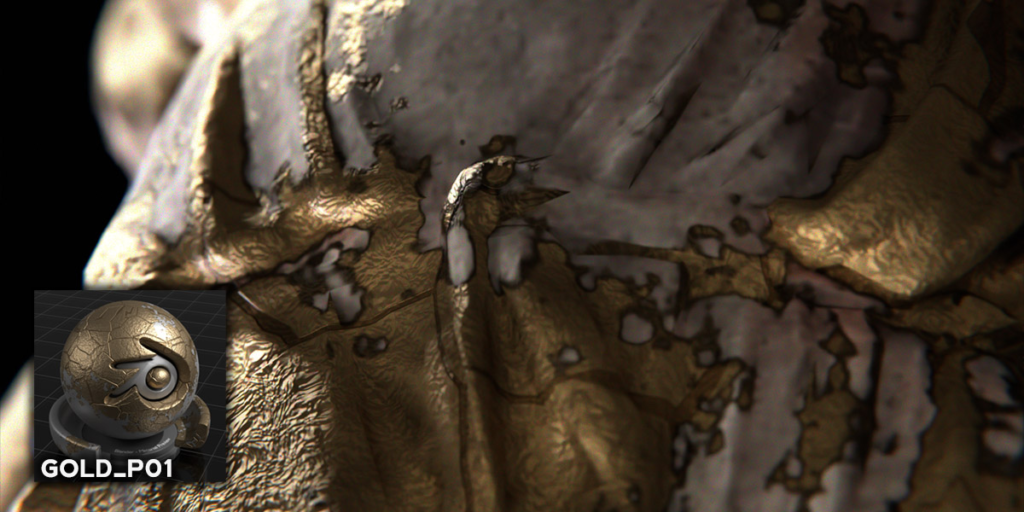
NodeFX comes with 35+ meticulously designed procedural shader presets, allowing you to quickly add incredible effects to your models!
Animation by. Casey_Sheep
One-click Effect Addition!
With the NodeFX Addon, you can quickly add effects to your models with just one click.
Highly Customizable
If you want to add multiple effects to your materials simultaneously, simply use the NodeFX Assets Browser. You’ll be able to add effects to your materials in the way you desire!
Assets Browser
Layer multiple effects
If you want to add multiple effects to your materials simultaneously, simply use the NodeFX Assets Browser. You’ll be able to add effects to your materials in the way you desire!
KeyFrames Animate
Animate parameters using KeyFrames to create incredible effects!
Presets Library
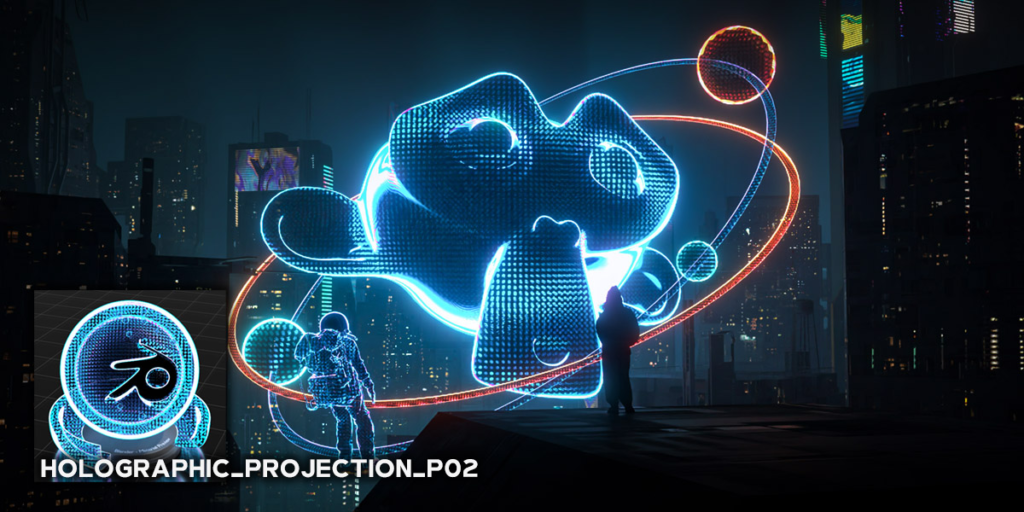
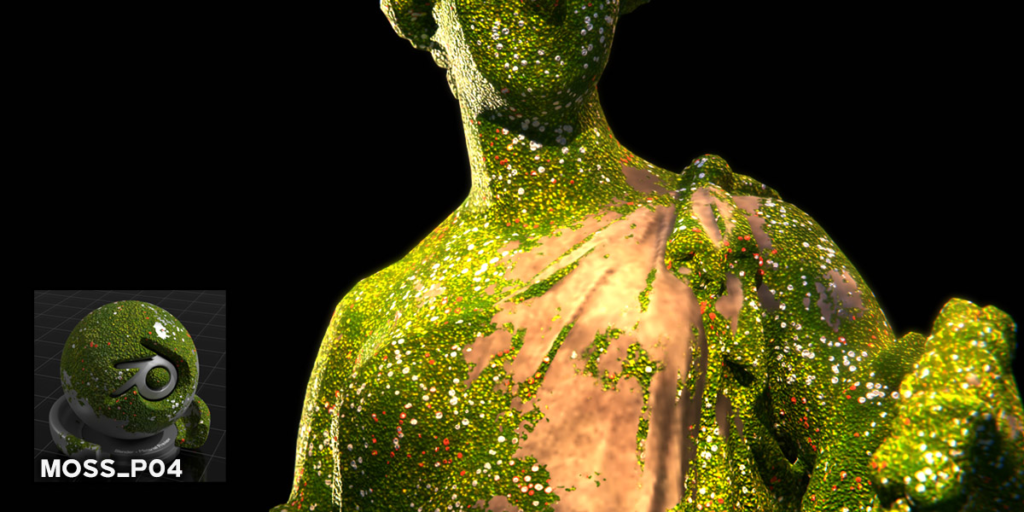
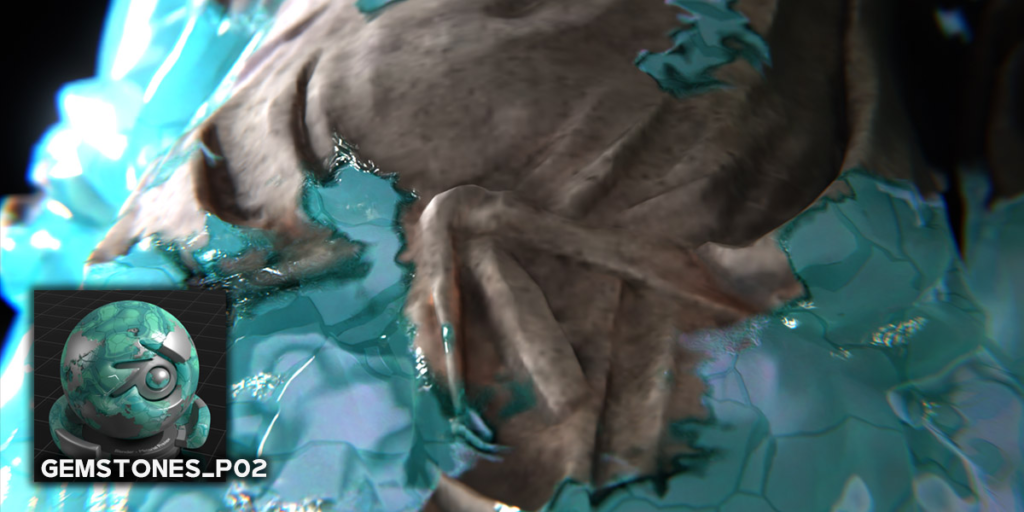
NodeFX includes various effects such as Rust, Moss, Dust, Holographic Projection, Fire, Lava, and Gemstones….
– Compatibility -Cycles and Eevee
Win10 / Win11 / MacOS / Linux
Blender 3.4 ~ 4.1
Supercharge your 3D creation workflow with premium selection of Blender Add-ons. Whether you are modeling intricate characters, sculpting realistic environments, or animating cinematic sequences, the right add-on can transform how you work inside Blender. Our curated collection includes powerful tools for UV unwrapping, procedural texture generation, rigging automation, rendering optimization, and more—each rigorously tested for compatibility with the latest Blender versions. Eliminate tedious manual processes and unlock advanced functionality that lets you focus on what matters most: bringing your creative vision to life. Explore our full range of professional Blender plugins today and take your 3D projects to the next level.
➡️ ➡️ For more Blender Plugins 😀 😀
Reviews
There are no reviews yet.