
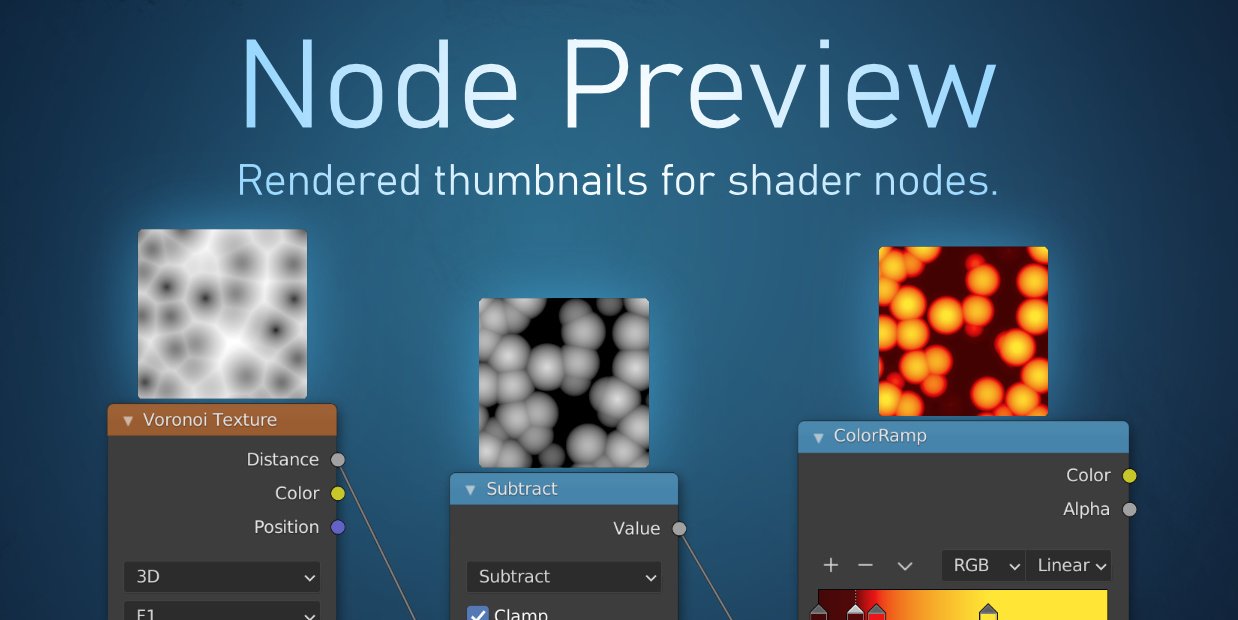
Node Preview for Blender
Real-Time Shader Node Preview System
Download Node Preview for Blender on Windows, Mac, and Linux, a powerful shader node preview add-on that displays real-time thumbnails of each node in your shader graph. This tool is essential for material artists, texture designers, and anyone working with complex node setups who needs instant visual feedback.
Key Features of Node Preview:
- Node Thumbnails: Real-time preview images for each shader node in the node editor
- Automatic Updates: Thumbnails update automatically when node parameters change
- Texture Preview: Preview texture, noise, and image nodes directly in the editor
- Color Preview: See color node outputs as visual swatches
- Group Preview: Preview node group outputs for easier debugging
- Performance Optimized: Efficient thumbnail generation for complex node trees
- Customizable Size: Adjust thumbnail size to match your workspace
- Toggle On/Off: Enable or disable previews for specific nodes
Perfect For:
- Material artists building complex shader node trees
- Texture designers previewing procedural textures
- Technical artists debugging node networks
- Anyone wanting visual feedback in the shader editor
System Requirements:
- Blender 3.6, 4.0, 4.1, 4.2, 4.3
- Windows 10/11 (64-bit), macOS, or Linux
- 4GB RAM minimum (8GB+ recommended)
- 10MB available disk space
Installation:
- Download the add-on zip file
- In Blender, go to Edit > Preferences > Add-ons
- Click “Install” and select the downloaded zip file
- Enable the add-on by checking the box next to “Node Preview”
Note: Node Preview provides real-time thumbnails for shader nodes in Blender, making node-based material creation faster and more intuitive. Designed for Blender 3.6 and above.
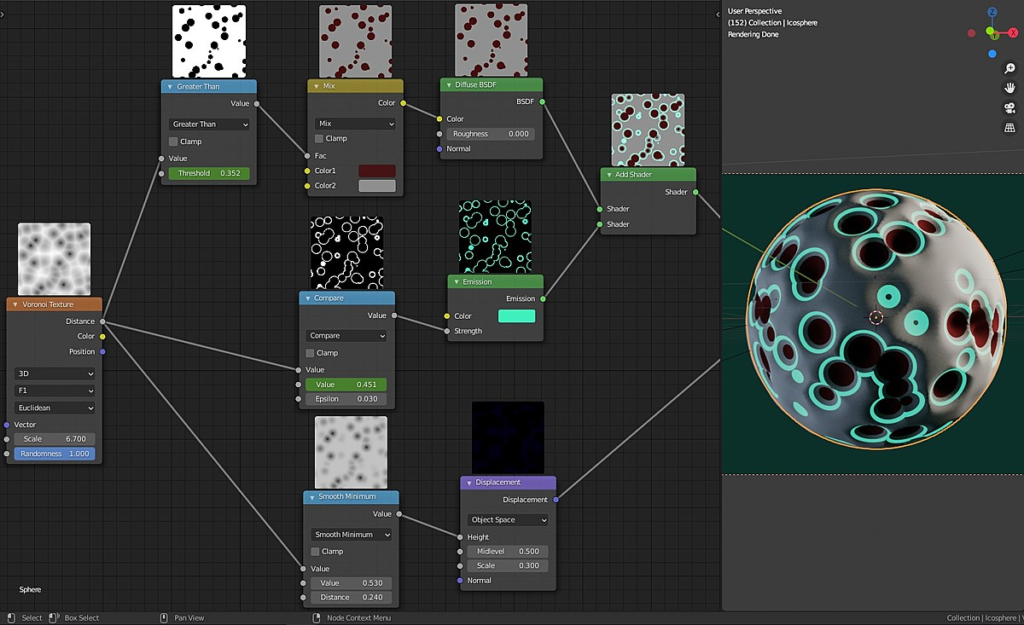
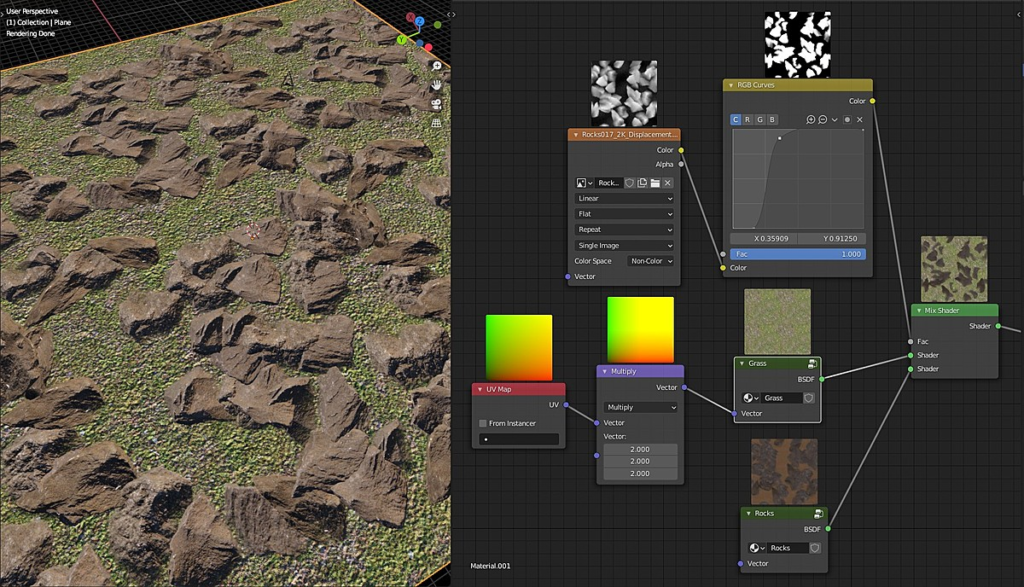
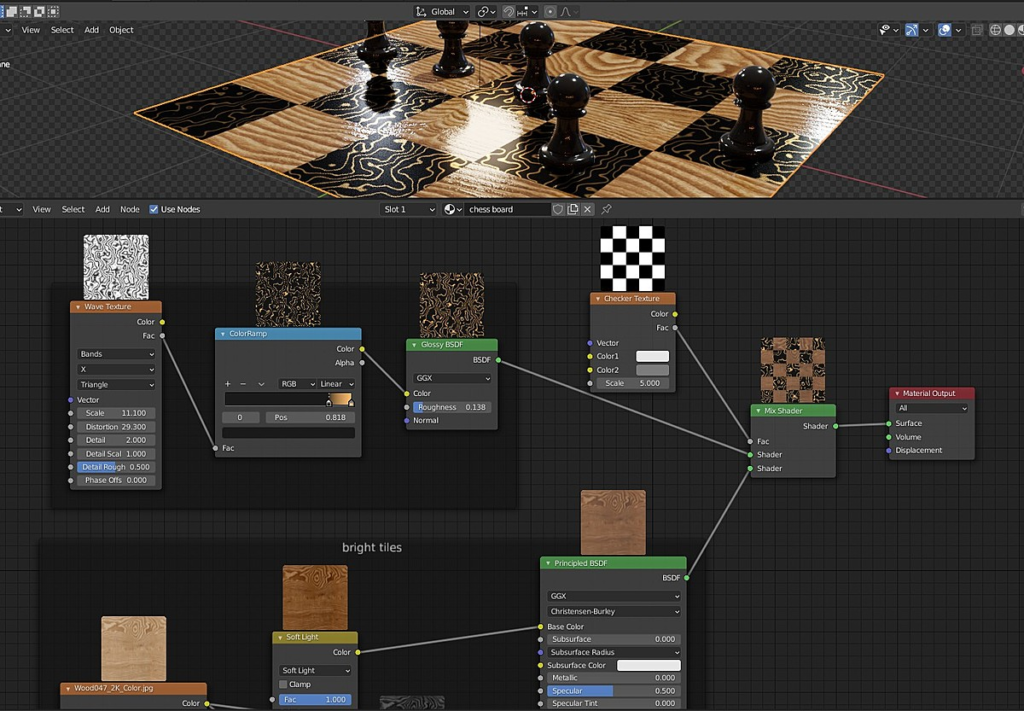
- For each node, a preview thumbnail is rendered
- On edits, all affected nodes are automatically updated
- Previews are rendered in a background process to keep the Blender interface fluid and responsive
- No changes are made to the .blend, others without the addon can still open your scenes without problems
- High-resolution displays supported (works with Blender’s resolution scale feature)
Supercharge your 3D creation workflow with premium selection of Blender Add-ons. Whether you are modeling intricate characters, sculpting realistic environments, or animating cinematic sequences, the right add-on can transform how you work inside Blender. Our curated collection includes powerful tools for UV unwrapping, procedural texture generation, rigging automation, rendering optimization, and more—each rigorously tested for compatibility with the latest Blender versions. Eliminate tedious manual processes and unlock advanced functionality that lets you focus on what matters most: bringing your creative vision to life. Explore our full range of professional Blender plugins today and take your 3D projects to the next level.
➡️ ➡️ For more Blender Plugins 😀 😀
Reviews
There are no reviews yet.