
oh my graph for Blender
Oh My Graph v2.1.0 for Blender
The Ultimate Node-Based Parameter Control and Visualization Tool
Download the Oh My Graph v2.1.0 addon today. Therefore, you can create interactive node-based graphs to control any parameter in Blender instantly. Because advanced 3D workflows require dynamic parameter relationships, you need proper tools. However, manually connecting drivers or writing expressions takes many frustrating hours. Consequently, this powerful addon solves that problem completely. Furthermore, it provides a visual node-based interface for parameter control. Thus, you can create complex driver systems and parameter relationships in seconds.
Fast Node-Based Parameter Control
First, the core of this addon is visual parameter mapping. Specifically, it allows you to connect any Blender property to a node-based graph system instantly. Furthermore, you can link object transforms, modifiers, geometry nodes, and shader parameters easily. Additionally, the tool supports real-time value mapping and curve editing seamlessly. Thus, you can create sophisticated control systems quickly. Moreover, you can customize every parameter relationship perfectly. Consequently, your Blender scenes will feature highly dynamic and interactive parameter controls.
Advanced Graph Management Features
Ultimately, complex parameter systems require intelligent control tools. Therefore, this addon includes advanced graph management features. Specifically, you get support for multiple input values, math operations, and conditional logic. Furthermore, the algorithms preserve real-time updates and animation curves perfectly. Additionally, the tools support custom node groups and reusable graph templates. Consequently, your parameter controls will remain fully functional and editable. Thus, the workflow reacts beautifully to your creative input.
Real-Time Visualization and Feedback
However, complex parameter relationships can be difficult to understand without visualization. Therefore, the addon includes a powerful real-time graph viewer. Specifically, it displays live value updates and curve previews instantly. Consequently, you can see exactly how your parameters interact as you adjust them. Meanwhile, your viewport performance remains completely stable. Ultimately, this ensures a clear and intuitive control experience.
Perfect for Technical Artists and Animators
Additionally, this addon is ideal for technical artists and riggers. Furthermore, it suits animators and VFX artists perfectly. Moreover, anyone working with complex driver systems will love the visual node interface. Ultimately, it accelerates your entire animation and control pipeline.
System Requirements and Formats
Specifically, the addon requires Blender 3.6 or newer. Furthermore, it supports all Blender properties including transforms, modifiers, and shader inputs. Additionally, you get regular free updates from the developer. Therefore, it works across all major operating systems. Moreover, you will need a standard workstation. Thus, 8GB of RAM is highly recommended. Consequently, a modern GPU ensures smooth real-time visualization.
Installation and Usage Guide
First, download the zip file from your library. Next, open Blender and go to Edit Preferences. Then, select Add-ons and click Install. After that, enable the Oh My Graph addon. Finally, open the Graph Editor, create your node network, connect your Blender properties, and watch the real-time updates. Thus, your advanced parameter control system will be ready instantly.
What is Included Inside?
Specifically, the pack contains multiple node types and graph presets. Furthermore, it includes mathematical operations, logic gates, and value mapping nodes. Additionally, you get several pre-built graph templates for common use cases. Moreover, there are detailed video tutorial guides. Ultimately, you receive everything for professional parameter control.
Final Thoughts on the Addon
Ultimately, visual parameter control evokes profound creative freedom. Therefore, this addon provides the ultimate animation foundation. Furthermore, you can build detailed driver systems and interactive controls. Alternatively, you can create complex automated animations instantly. Consequently, your control vision becomes a stunning reality.
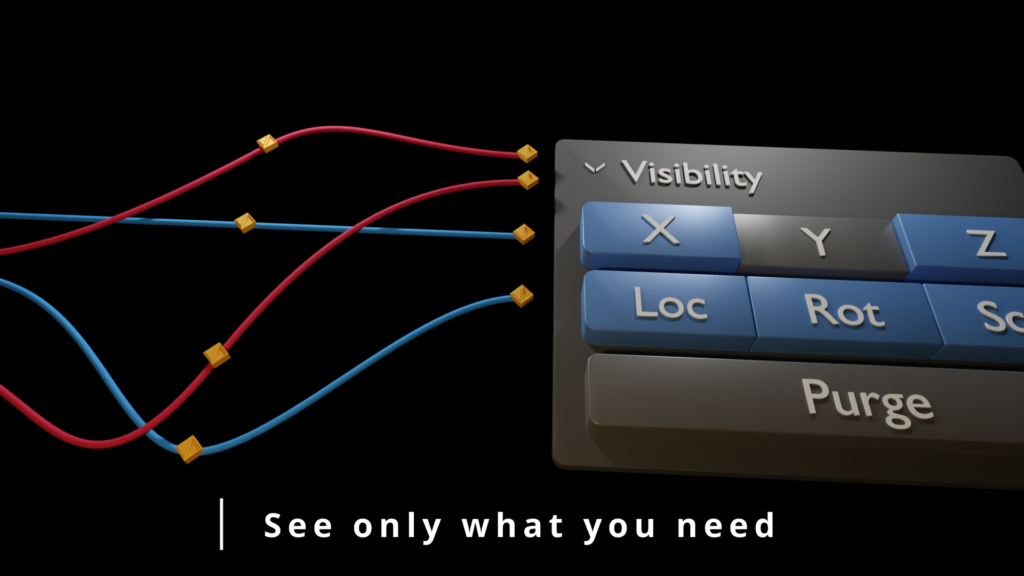
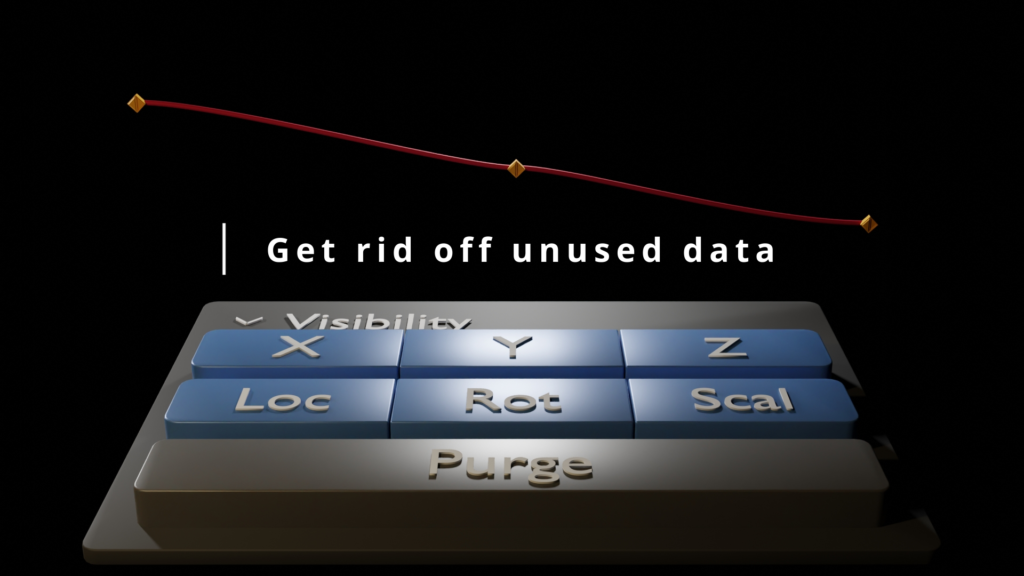
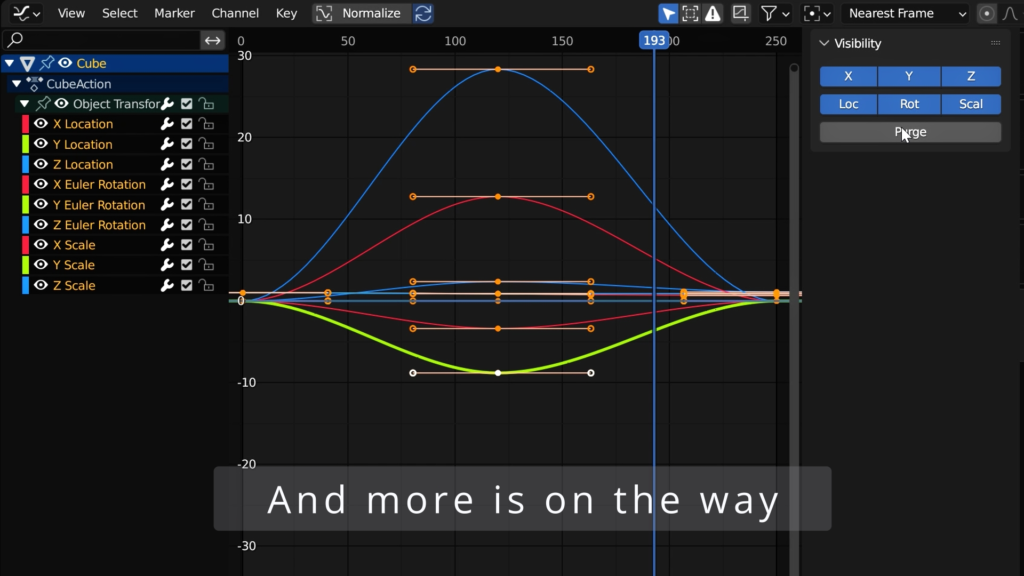
With this simple addon, you have complete control over the graph editor, allowing you to choose which axes to display and easily purge unused data. This saves you time and makes your animation process smoother and more efficient.
But that’s not all! Oh My Graph is constantly being updated with new features, including the ability to lock axes and use the addon on armatures. Plus, we’ve included some top community requests to ensure that you have all the tools you need to create stunning animations.
Oh My Graph – the ultimate solution for streamlining your animation workflow in blender.
Default Interpolation & Default handle type at headers

PIE ON BOARD:

Current features:
- Easily purge unused data
- Choose which axes to display in the graph editor
- Armatures support
- Pie Menu with fast control
- Default Interpolation at header
- Default handle type at header
- Preferences Customization
Upcoming updates Routemap:
- Bug fixes
- Lock axes
- Distribute keyframes
- Dumping animation
- Random Keyframes
- Full Control of keyframes
- Copying animations and offset
- Additional features and improvements based on user feedback
With Oh My Graph, you have complete control over the graph editor, saving you time and making your animation process smoother and more efficient. Plus, with the constant updates and new features in the works, you can trust that Oh My Graph will continue to be a valuable asset to your workflow. Try it out today and see the difference it can make in your animation process.
Supercharge your 3D creation workflow with premium selection of Blender Add-ons. Whether you are modeling intricate characters, sculpting realistic environments, or animating cinematic sequences, the right add-on can transform how you work inside Blender. Our curated collection includes powerful tools for UV unwrapping, procedural texture generation, rigging automation, rendering optimization, and more—each rigorously tested for compatibility with the latest Blender versions. Eliminate tedious manual processes and unlock advanced functionality that lets you focus on what matters most: bringing your creative vision to life. Explore our full range of professional Blender plugins today and take your 3D projects to the next level.
➡️ ➡️ For more Blender Plugins 😀 😀
Reviews
There are no reviews yet.