
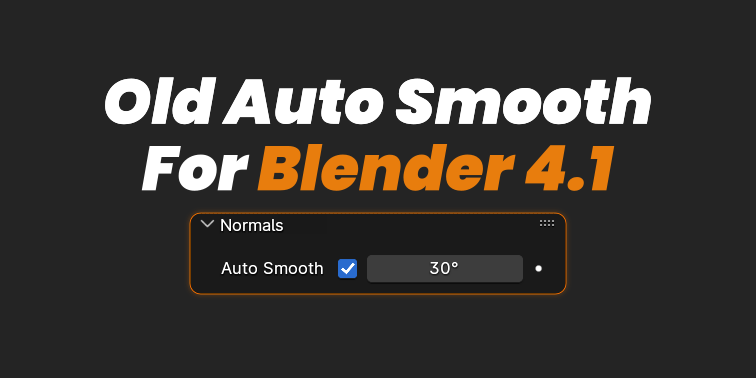
Old Auto Smooth for Blender
old auto smooth addon
Old Auto Smooth v1.0.2 for Blender – Legacy Auto Smooth Workflow Restoration
Download Old Auto Smooth v1.0.2 for Blender on Windows, Mac, and Linux, a restoration add-on that brings back Blender’s classic Auto Smooth workflow removed in version 4.1. Perfect for artists and studios who rely on the familiar edge-based smoothing behavior—maintain compatibility with legacy projects and preserve established workflows .
Key Features of Old Auto Smooth v1.0.2:
- Classic Auto Smooth Restoration: Restores the familiar Auto Smooth workflow removed in Blender 4.1—edge-based angle control for smooth shading
- Edge Angle Control: Set custom smoothing angles to control which edges appear sharp or smooth
- Legacy Project Compatibility: Open and edit projects created in Blender 4.0 and earlier without losing Auto Smooth settings
- Non-Destructive Workflow: Maintains original smoothing behavior while preserving edge data
- Simple Interface: One-click Auto Smooth activation with familiar angle controls
- Multiple Objects: Apply Auto Smooth settings to multiple objects simultaneously
- Shader Integration: Works seamlessly with Blender’s material and shader systems
- v1.0.2 Updates: Enhanced compatibility with Blender 4.2 and above
Perfect For:
- Artists who prefer Blender’s classic Auto Smooth workflow
- Studios with established pipelines that rely on legacy smoothing
- Anyone needing to maintain compatibility with pre-4.1 projects
- Technical artists managing large asset libraries with Auto Smooth
- Users who find Blender 4.1’s new smooth/sharp workflow disruptive
System Requirements:
- Blender 4.1, 4.2, 4.3
- Windows 10/11 (64-bit), macOS, or Linux
- 4GB RAM minimum (8GB+ recommended)
- 5MB available disk space
Installation:
- Download the add-on zip file
- In Blender, go to Edit > Preferences > Add-ons
- Click “Install” and select the downloaded zip file
- Enable the add-on by checking the box next to “Old Auto Smooth”
Note: Old Auto Smooth restores the familiar Auto Smooth workflow that many artists prefer, removed in Blender 4.1 . This add-on is essential for studios and artists who need to maintain compatibility with legacy projects or prefer the classic edge-angle smoothing behavior . Version 1.0.2 includes full compatibility with Blender 4.2 and above . Designed for Blender 4.1 and above . Perfect for preserving established workflows and maintaining project compatibility . Essential for any artist who misses classic Auto Smooth .
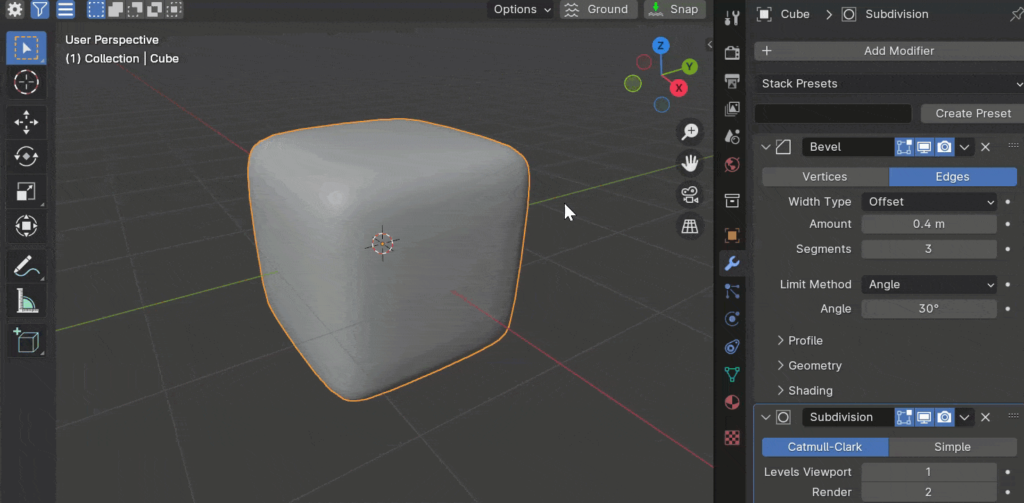
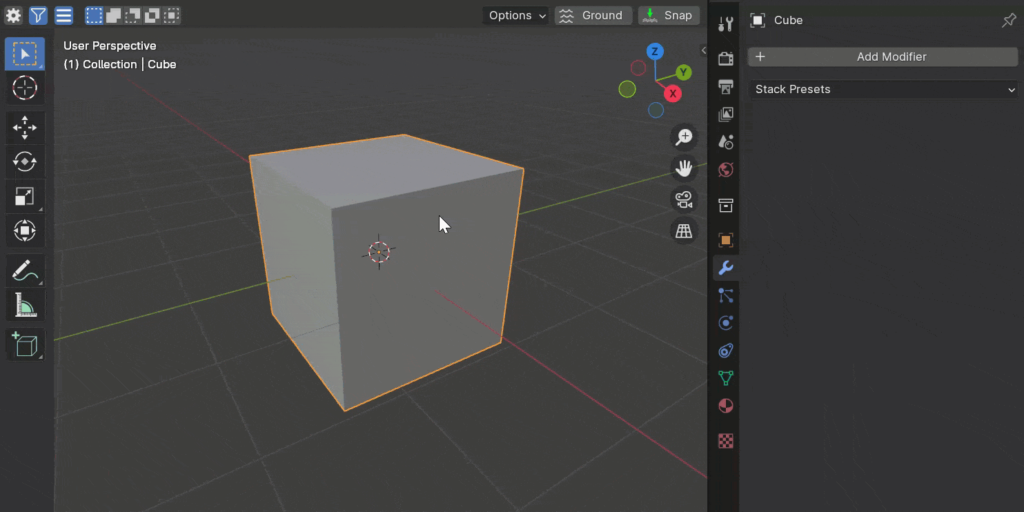
Are you frustrated by the recent changes to how Auto Smooth operates in Blender 4.1? If so, you’re not alone. Personally, I found the new system lacking, which prompted me to create a solution.
Introducing the Old Auto Smooth Add-On for Blender. Made to mimic the behavior of previous Blender versions, this add-on presents a familiar interface and ensures the new auto smooth modifier automatically stays at the bottom of the stack at all times.
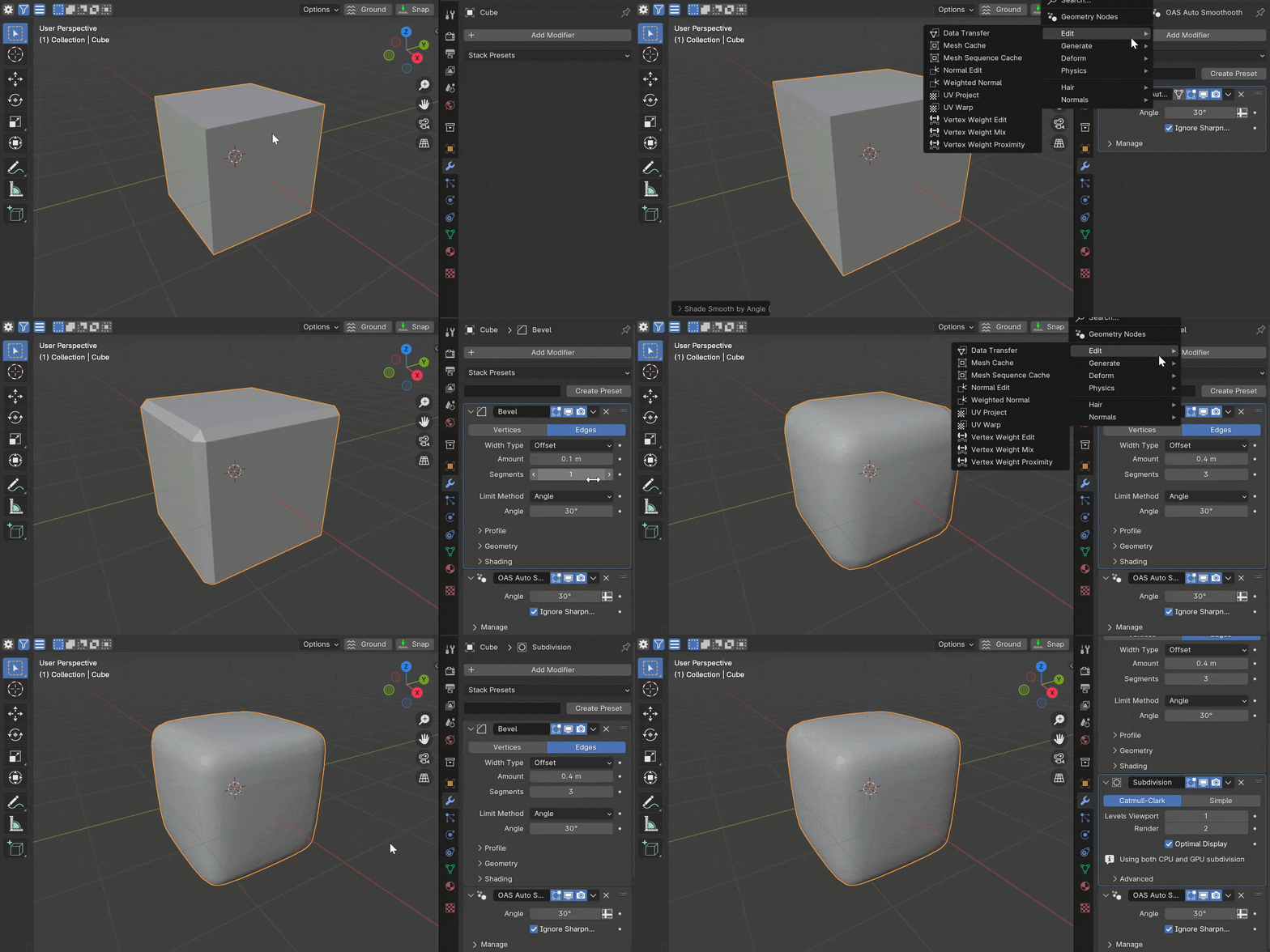
Please note that this add-on is considered experimental (Alpha-Beta, or whatever term you prefer) as I haven’t had extensive time for testing. However, I’m eager to share what I’ve developed. If you encounter any issues, don’t hesitate to contact me via Discord or email.
Here’s how to use the add-on:
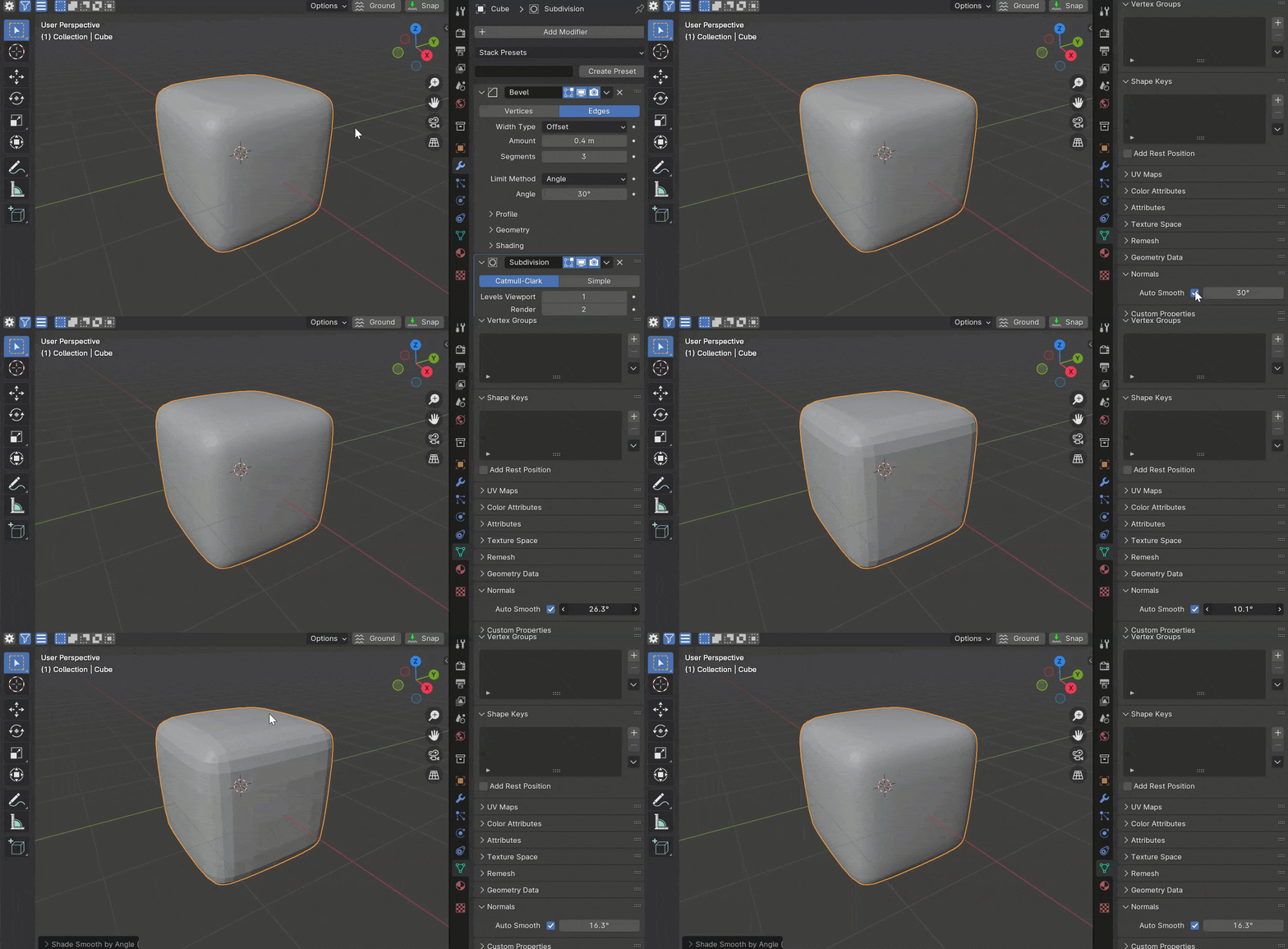
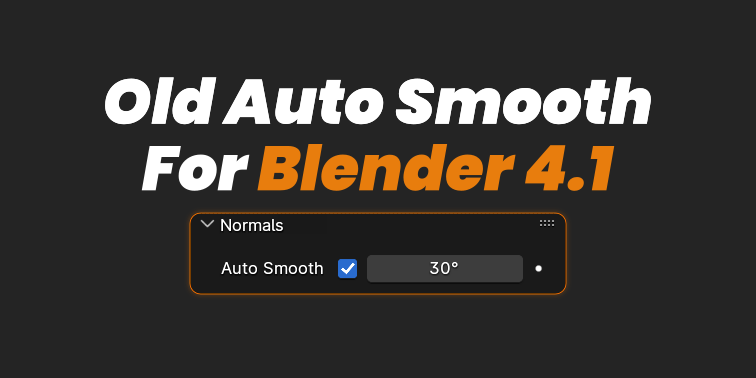
1. After installing the add-on, locate the old ‘Normals’ panel in the Object Data tab within the Properties area.
2. Here, you can toggle auto smooth ON/OFF and adjust the auto smooth angle. The add-on will manage the auto smooth modifier in the background automatically.
3. Alternatively, you can right-click in the viewport and select “Shade Smooth by Angle (OAS)” to achieve the same effect, akin to using Shade Smooth or Shade Flat.
Supercharge your 3D creation workflow with premium selection of Blender Add-ons. Whether you are modeling intricate characters, sculpting realistic environments, or animating cinematic sequences, the right add-on can transform how you work inside Blender. Our curated collection includes powerful tools for UV unwrapping, procedural texture generation, rigging automation, rendering optimization, and more—each rigorously tested for compatibility with the latest Blender versions. Eliminate tedious manual processes and unlock advanced functionality that lets you focus on what matters most: bringing your creative vision to life. Explore our full range of professional Blender plugins today and take your 3D projects to the next level.
➡️ ➡️ For more Blender Plugins 😀 😀
Reviews
There are no reviews yet.