

One Click Puddle Pro for Blender
One Click Puddle Pro v4.2 for Blender – The Ultimate Realistic Water Accumulation & Wet Surface Generator
Versions: v4.2
File Size: 41 MB
Download One Click Puddle Pro v4.2 for Blender on Windows and Mac, the definitive Geometry Nodes and Shader-based toolkit for creating hyper-realistic puddles, water pools, and wet ground effects. Transforming dry, flat surfaces into rain-slicked, atmospheric environments has never been easier. By automating the complex physics of water accumulation, edge meniscus, and surface wetness, One Click Puddle Pro eliminates the need for manual sculpting, complex fluid simulations, or tedious shader node wiring to achieve photorealistic ground reflections.
Key Features of One Click Puddle Pro v4.2:
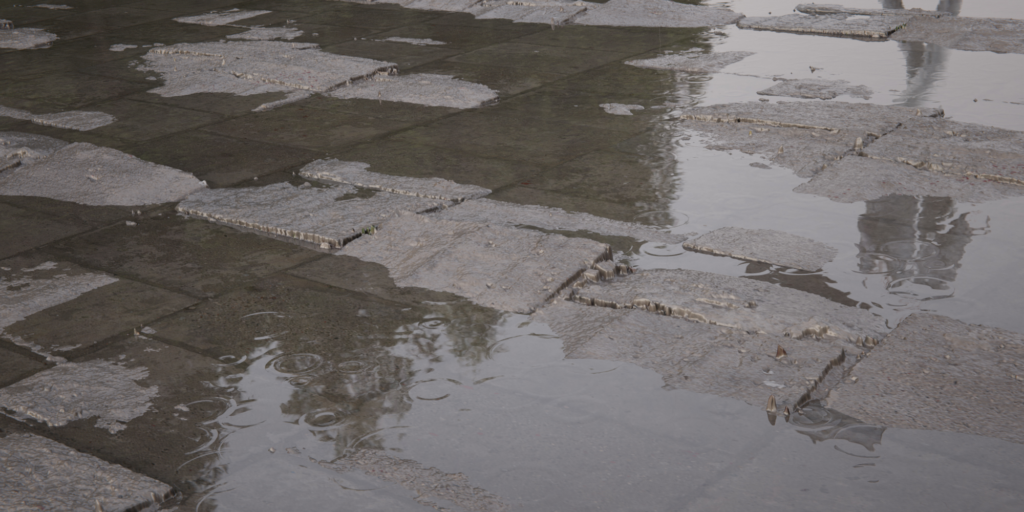
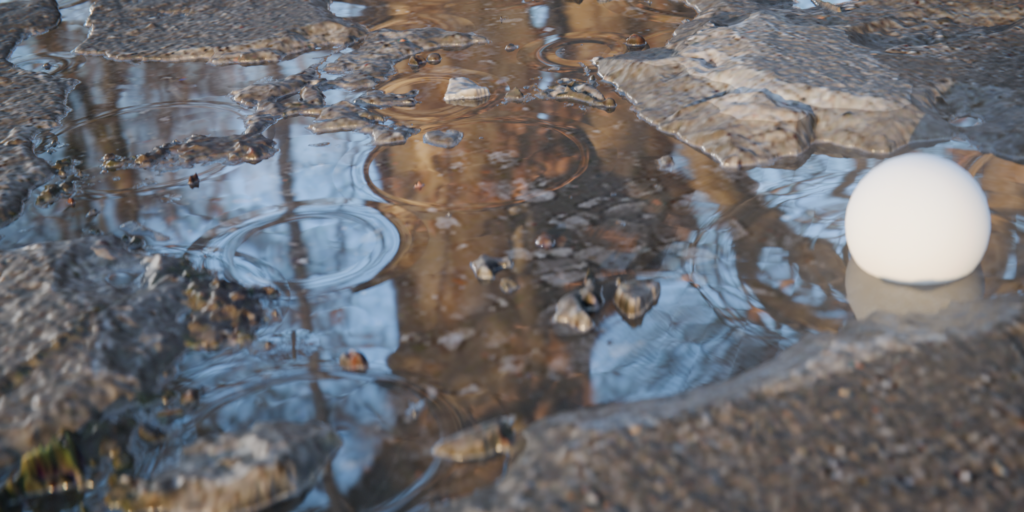
- True Meniscus Edge Generation: Unlike flat decal puddles, this tool generates actual geometry that simulates the physical “meniscus” effect—where water naturally curves and climbs up slightly at the edges against the ground, catching light perfectly.
- Smart Gravity & Slope Logic: Automatically analyzes your mesh topology to pool water in the lowest vertices and depressions. It respects surface angles, ensuring water flows naturally and doesn’t stick to vertical walls.
- Dynamic Ripple & Raindrop Engine: Fully procedural, animated ripple systems driven by Geometry Nodes. Simulate gentle wind ripples, chaotic raindrop impacts, or concentric rings from a dripping faucet, all without heavy physics caches.
- Underlying Surface Wetness (Darkening): Automatically generates a “wetness mask” that darkens and increases the saturation of the underlying asphalt, concrete, or dirt surrounding the puddle, mimicking how porous materials absorb water.
- Real-Time Caustics Projection: Built-in shader nodes project realistic, animated water caustics (light refractions) directly onto the ground beneath and around the puddle, adding immense depth to your lighting.
- Dirt, Oil & Iridescence Layers: Procedurally blend realistic surface contaminants into the water. Add swirling oil slicks with accurate thin-film iridescence, or muddy sediment that settles at the bottom of the puddle.
- Decal vs. Geometry Modes: Choose between ultra-optimized flat shader decals for background game assets, or fully displaced 3D geometry with meniscus edges for cinematic close-ups.
- Vertex Paint Control: Use vertex colors to manually “paint” where puddles are allowed to form, preventing water from appearing on elevated curbs or inside building footprints.
- Animation & Drying Effects: Keyframe the water level to animate puddles forming during a rainstorm, or slowly evaporating and shrinking as the sun comes out.
- Non-Destructive Workflow: Every parameter (water clarity, depth, ripple intensity, dirt amount) is fully adjustable via a clean UI panel. Change the underlying terrain, and the puddles adapt instantly.
Perfect For:
- Architectural Visualizers creating moody, post-rain exterior renders, wet streets, and reflective plaza grounds.
- Environment Artists adding atmospheric realism to cyberpunk city streets, forest floors, and post-apocalyptic ruins.
- Game Developers generating optimized, baked wetness maps and puddle decals for real-time engines like Unreal and Unity.
- VFX Studios simulating flooding, leaking pipes, and dynamic weather interactions on set.
- Automotive Visualizers creating realistic wet tarmac for dramatic car commercials and reflective ground planes.
- Anyone who wants physically accurate water accumulation without the nightmare of manual fluid simulations.
System Requirements:
- Blender: 3.6, 4.0, 4.1, 4.2, 4.3, 4.4+ (Geometry Nodes required; optimized for Blender 4.x).
- OS: Windows 10/11 (64-bit) or macOS 10.15+.
- RAM: 8GB minimum (16GB+ recommended for scenes with hundreds of animated puddles).
- Render Engine: Fully compatible with Cycles (for accurate caustics and refraction) and Eevee (with Screen Space Reflections and Refraction enabled).
Installation:
- Download the One Click Puddle Pro v4.2
.zipfile. - Open Blender and go to Edit > Preferences > Add-ons.
- Click Install…, select the downloaded file, and enable the checkbox next to Material: One Click Puddle Pro.
- Access via the Material Properties panel > Puddle Pro tab, or the dedicated panel in the 3D Viewport Sidebar (N-panel) under the Environment tab.
What’s New in v4.2?
- Interactive Raindrop Simulation: A completely rewritten Geometry Nodes field system that allows raindrops to physically interact with puddle edges, creating realistic splashes and secondary ripples.
- Advanced Thin-Film Iridescence: Upgraded oil slick shader with physically accurate wavelength interference, creating stunning, realistic rainbow reflections on dirty street puddles.
- Slope Threshold Slider: New control to define the exact maximum angle (e.g., 15 degrees) where water can accumulate, preventing unnatural puddles on slight inclines.
- Caustics Blur & Scale: Added dedicated controls to tweak the softness and size of the projected caustics, allowing for both sharp, shallow water and soft, deep pool refractions.
- Blender 4.4/5.0 Support: Full compatibility with the latest Geometry Nodes simulation zones and AgX color management updates.
- Performance Optimization: Instancing logic for ripple centers reduced viewport lag by 60% when generating massive areas of rain-affected ground.
Note:
One Click Puddle Pro v4.2 is the secret weapon for atmospheric storytelling. The difference between a “good” render and a “great” render often lies in the micro-details, and nothing grounds a scene in reality quite like a perfectly reflective, rain-slicked street. The addon’s Meniscus Engine is its crown jewel—solving the “floating flat circle” problem that plagues basic puddle decals. Combined with the automatic surface darkening and caustics, your ground planes will instantly look like they’ve been rained on for hours. Whether you are building a neon-lit noir alleyway or a muddy construction site, One Click Puddle Pro delivers instant, breathtaking realism.
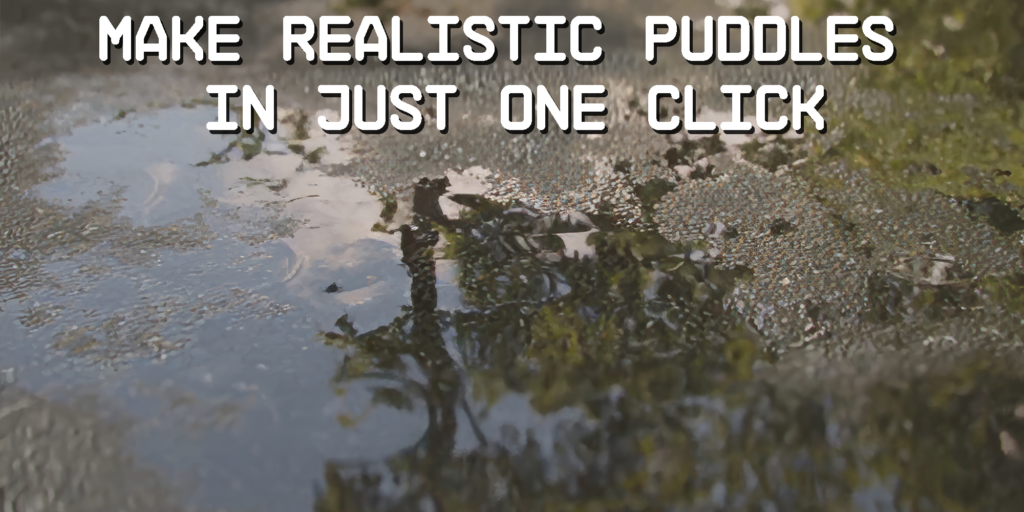
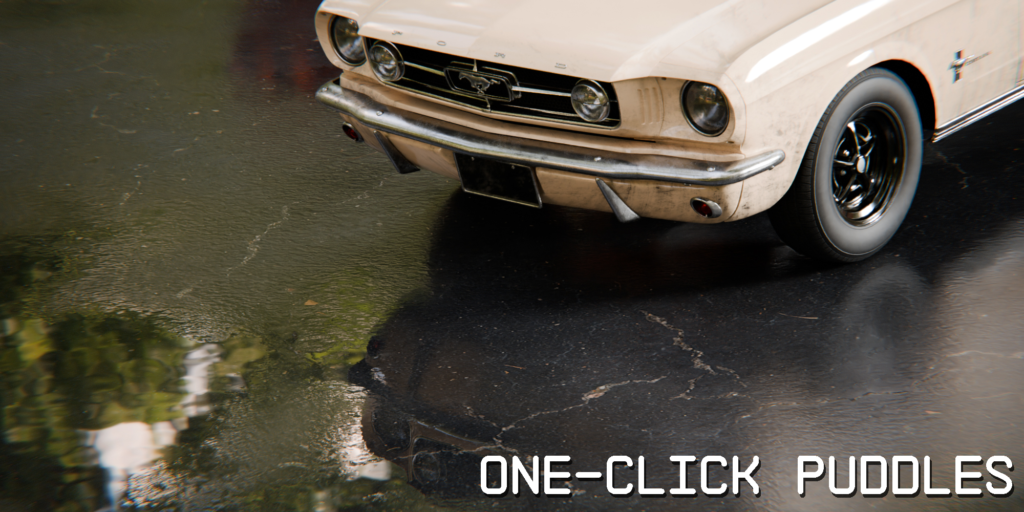
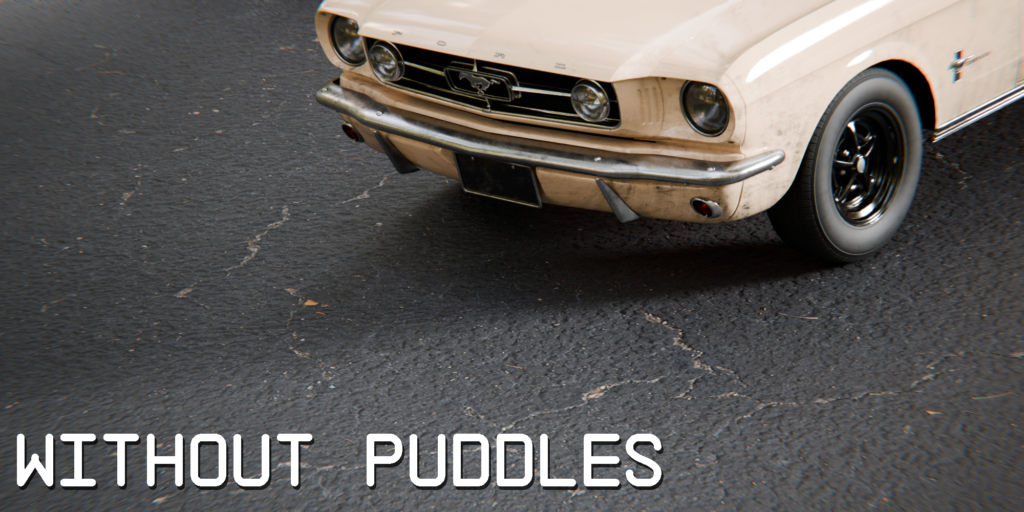
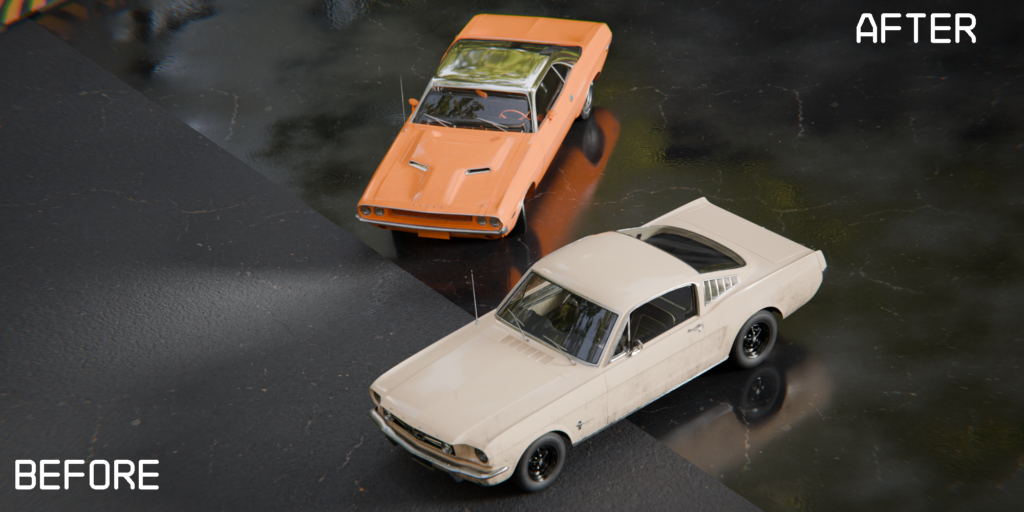
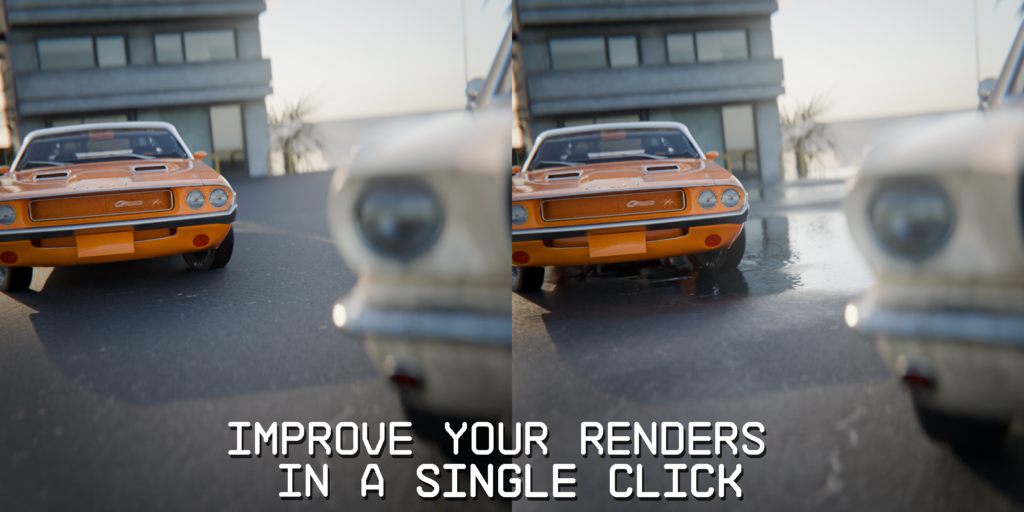
Introducing Physical Puddles Pro 2.0, the ultimate Blender addon that revolutionizes how you create wet, rainy scenes. With just one click on your chosen material, this tool breathes life into your projects — generating realistic puddles with true water physics. From subtle dew to storm-soaked streets, achieving immersive realism has never been this easy.
✨ Key Features
Achieve Immersive Realism in Just One Click
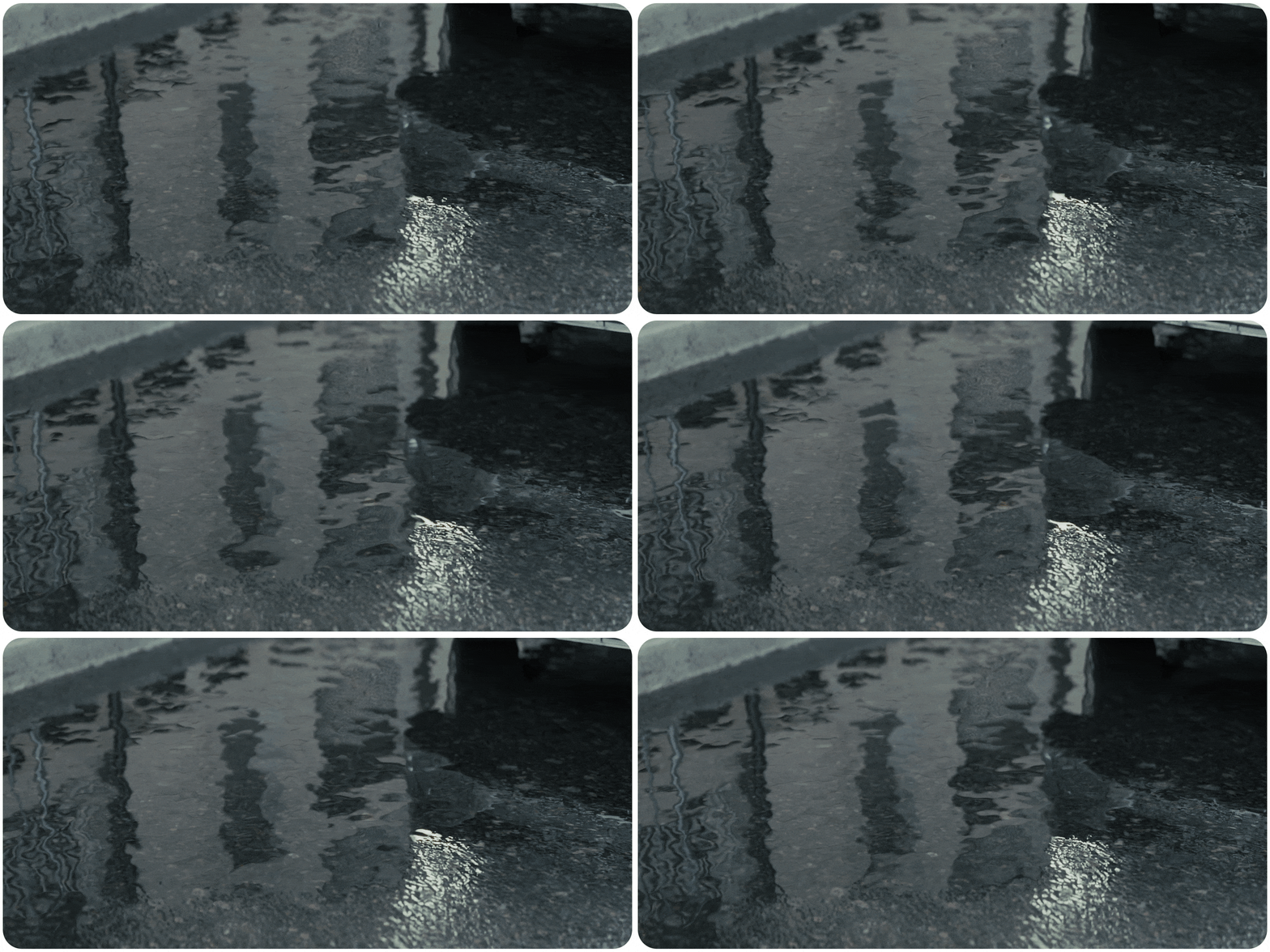
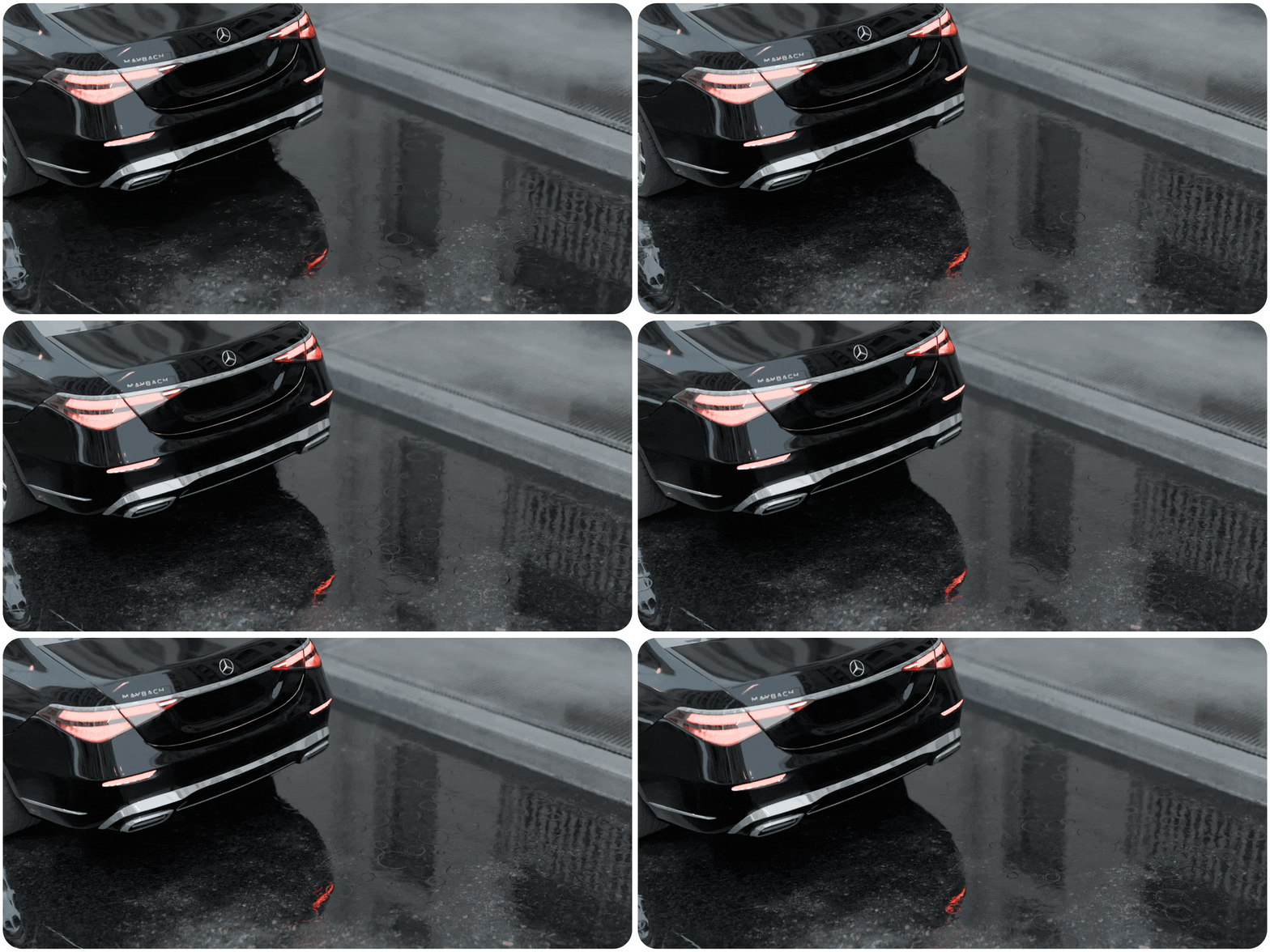
Instantly transform dry surfaces into wet, reflective puddles with lifelike depth and refraction. This system saves time while adding cinematic realism to any environment.
Flexibility
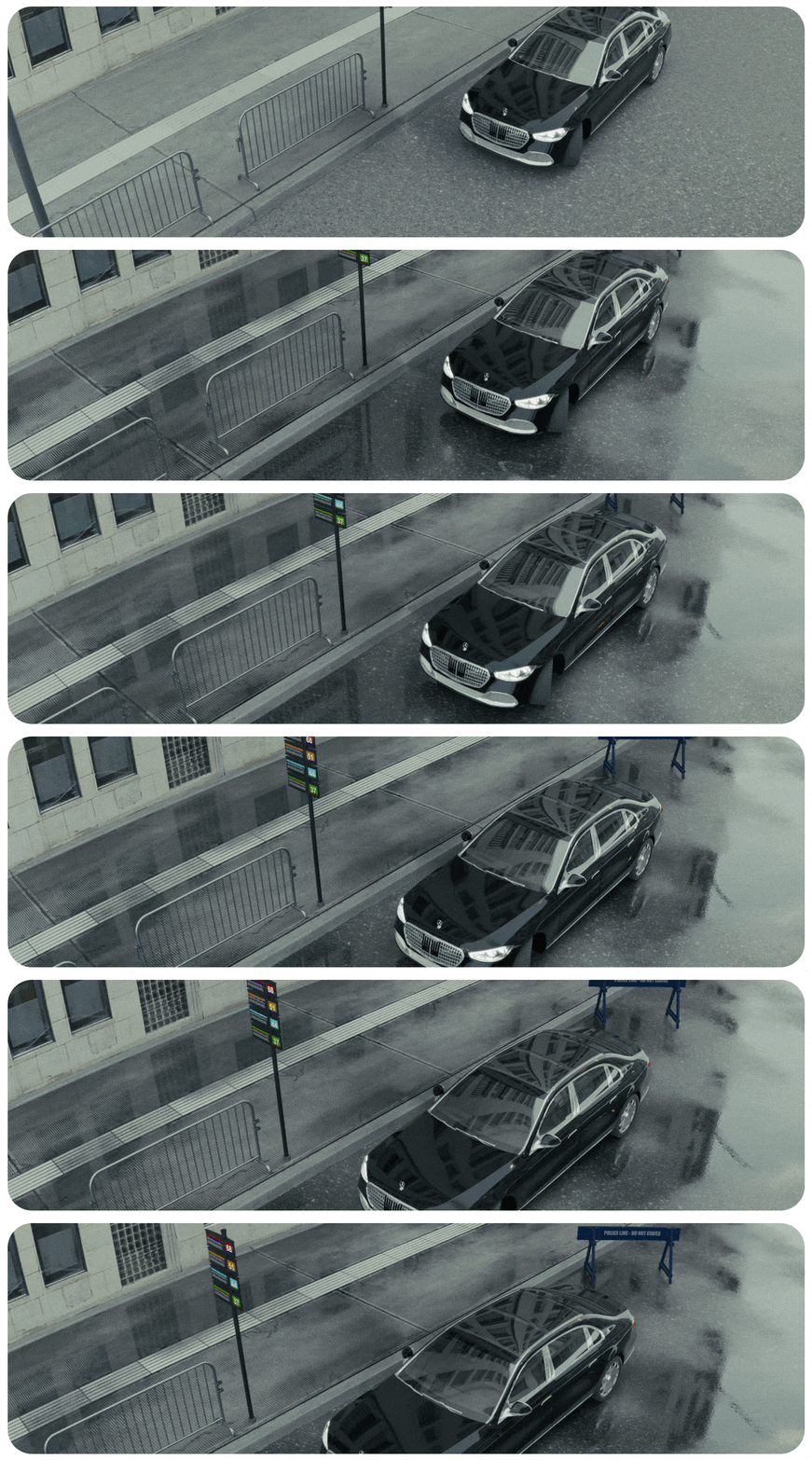
Tailor puddles to your scene’s needs — size, depth, spread, and ripple intensity — all controlled through an intuitive UI for full creative freedom.
Procedural Collision Ripples Generator
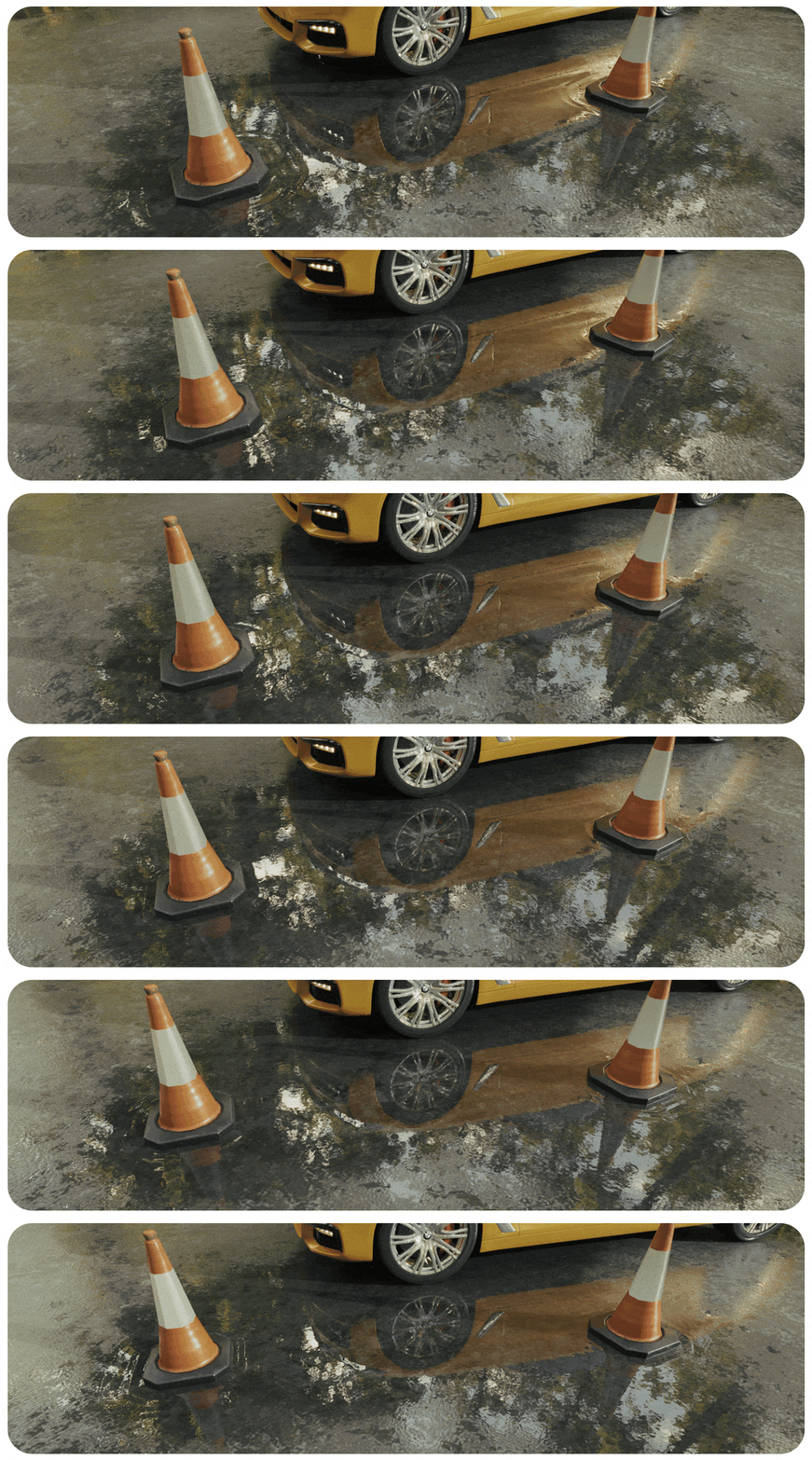
Automatically generate dynamic ripples when objects intersect with puddles — adding subtle realism to motion and impact.
Procedural Rain Splashes
Simulate realistic rain splashes with adjustable size, intensity, and randomness — perfect for creating cinematic weather scenes in real-time.
Advanced PBR Algorithms with Displacement [PRO]
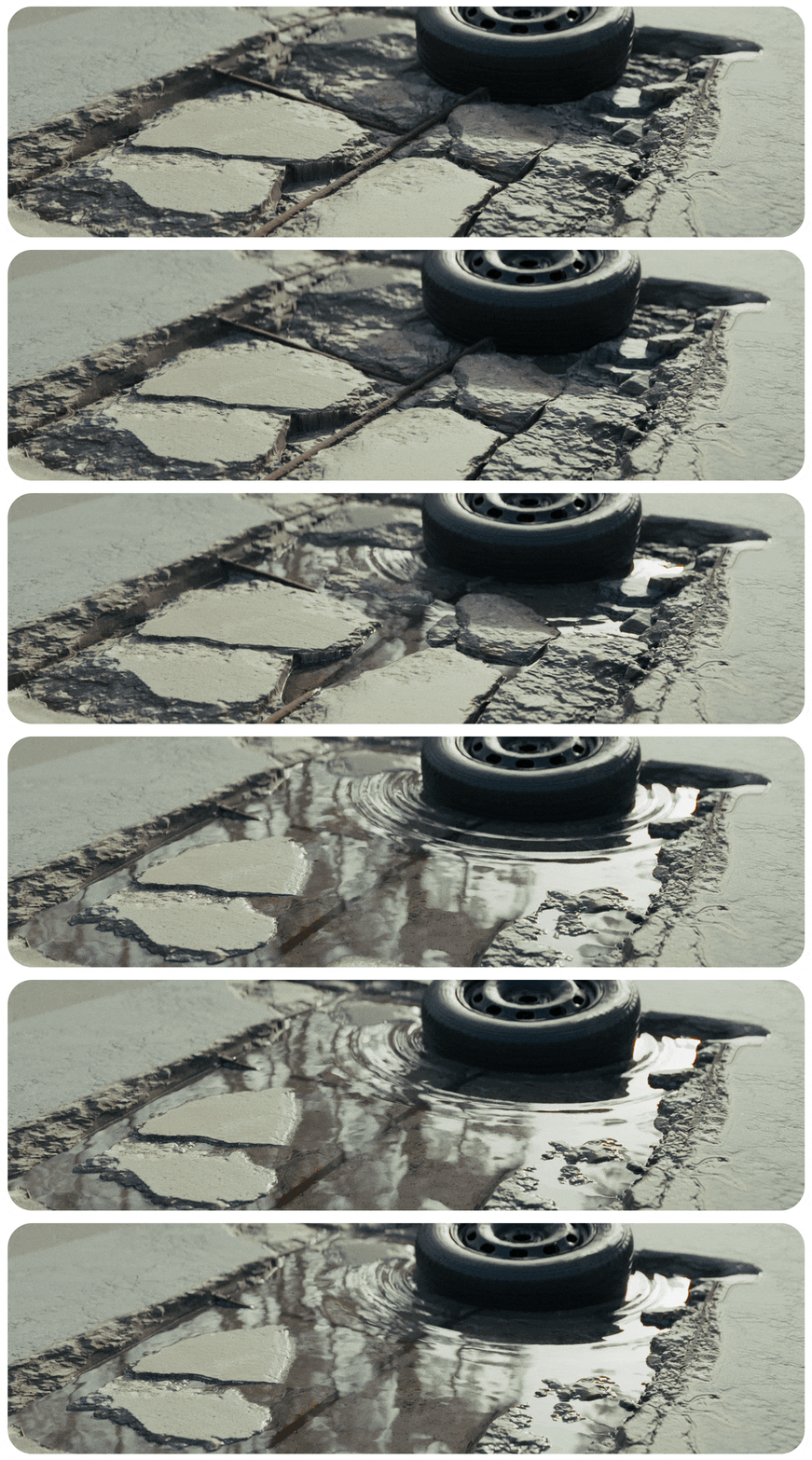
Leverage advanced displacement-based PBR algorithms for physically accurate reflections and surface deformations — for ultra-detailed wet surfaces.
[New+Pro] Object Puddles
Easily create puddles anywhere with a dedicated 3D mesh puddle generator. Control shape, size, and interaction with geometry, including advanced edge ripples and blending.
[New+Pro] Automatic Ground Wet Shader
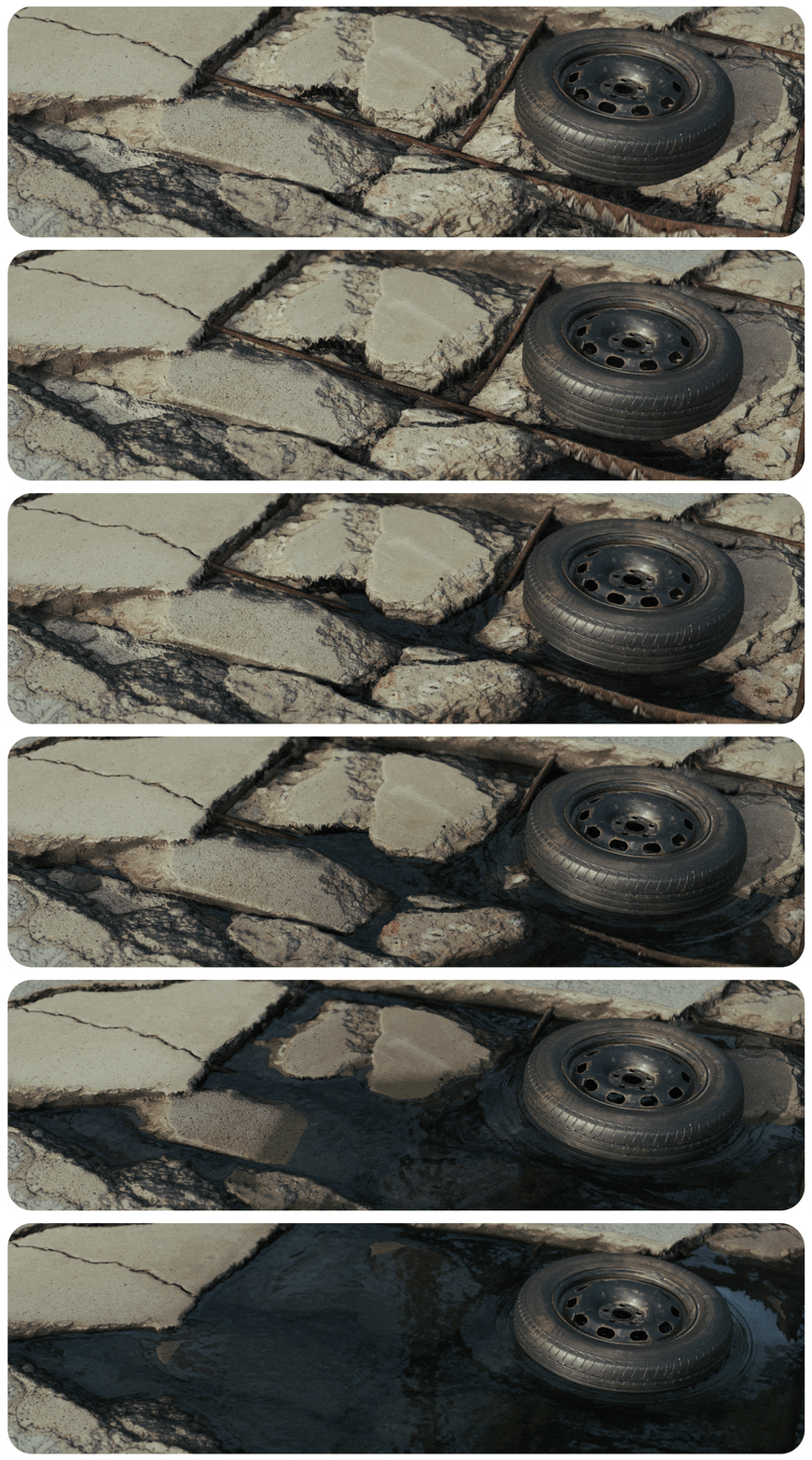
Automatically blend wetness into ground materials — dynamically detecting puddle zones for seamless transitions across surfaces.
[New+Pro] Procedural Water Rims
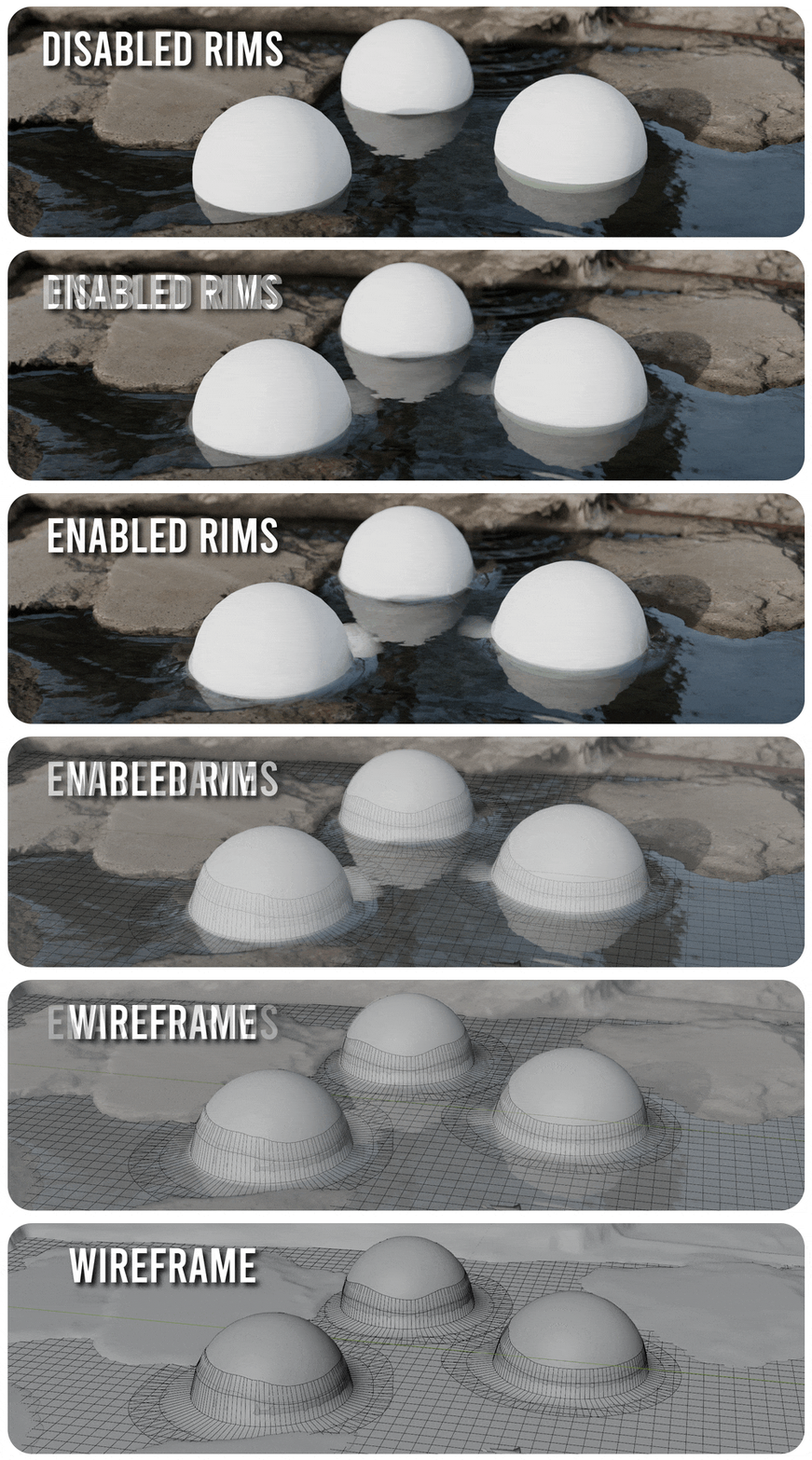
Generate realistic water rims along puddle edges, mimicking how moisture accumulates naturally — fully procedural and customizable.
Puddles From Proximity & Draw [PRO]
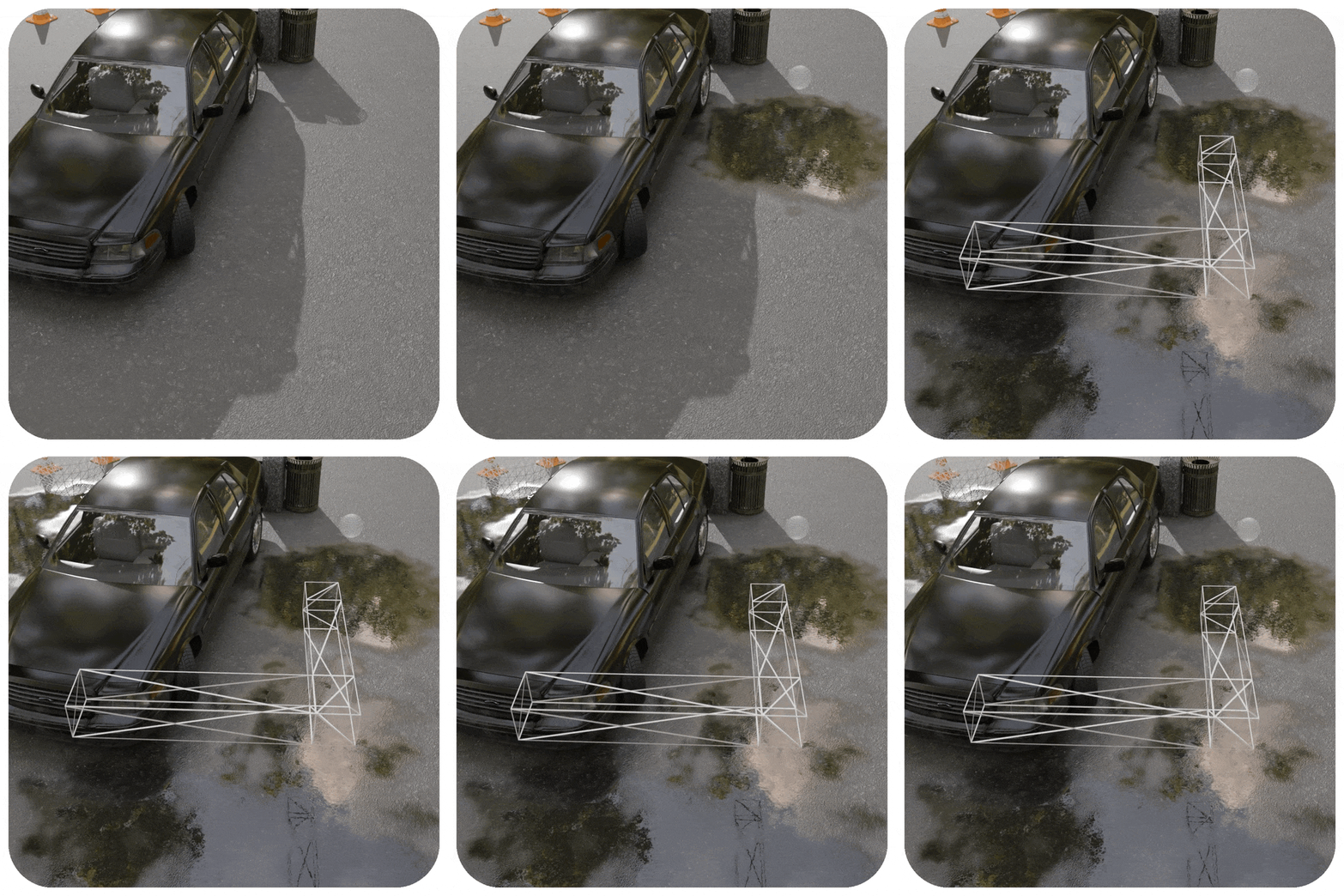
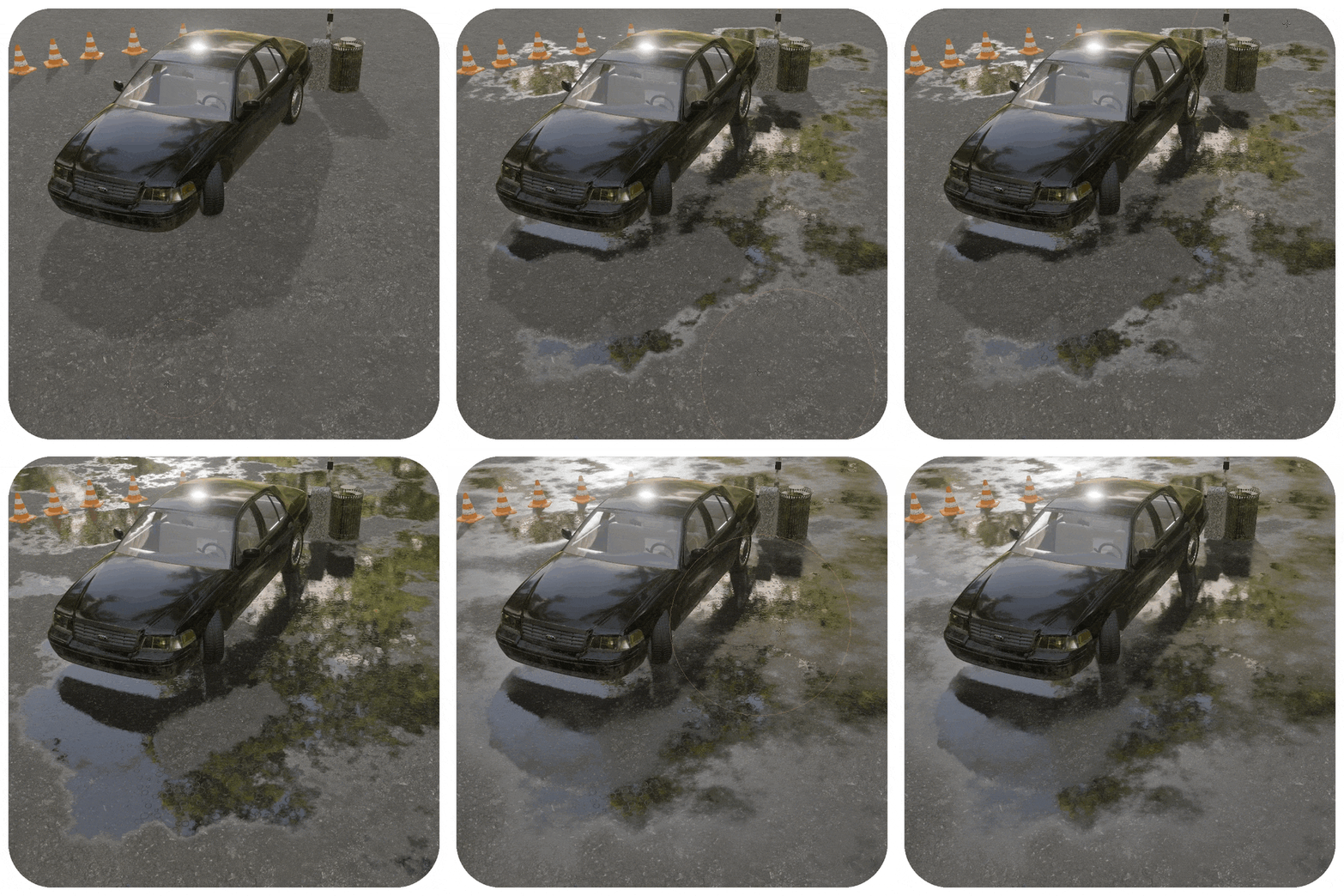
Create puddles that form naturally near objects or draw them manually with curves for perfect control and speed.
🌧️ Procedural Rain & Drips Shader [PRO]
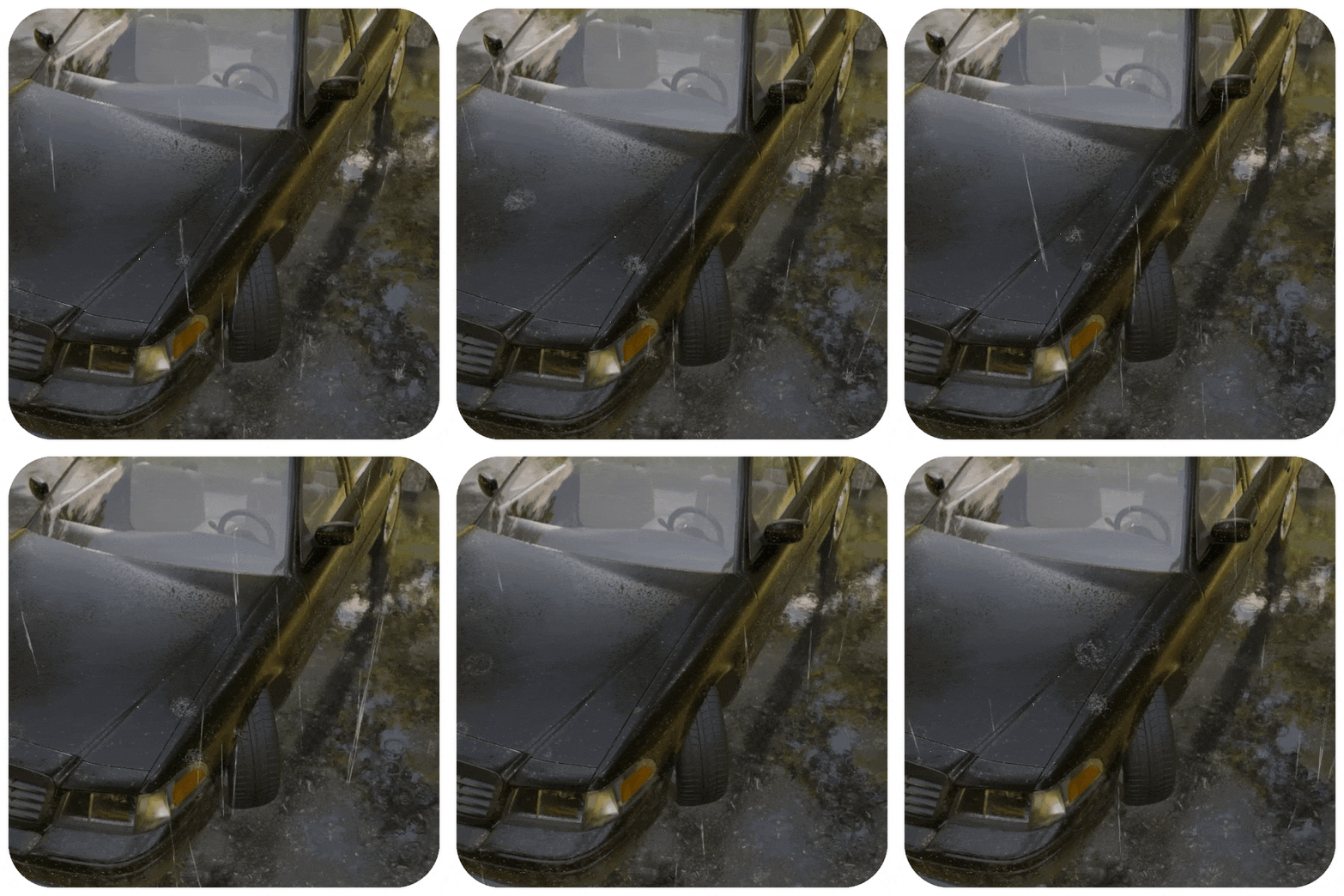
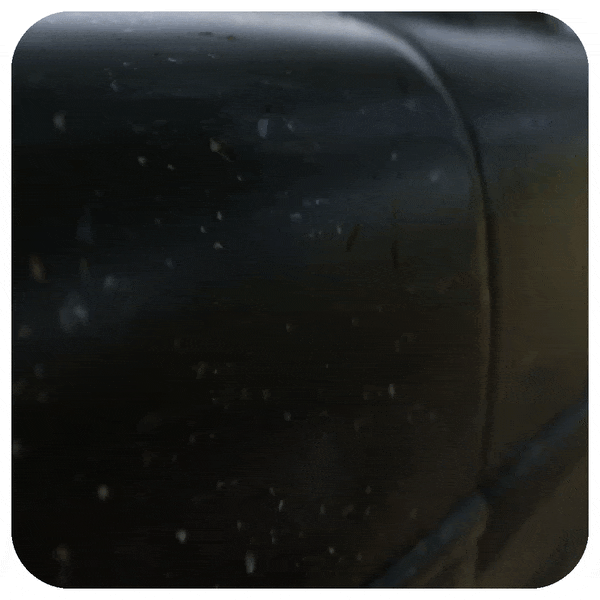
Simulate rainfall interacting with surfaces, adding dripping trails and dynamic wet streaks with full procedural control.
🖌️ Paint Water Flow Direction [PRO]
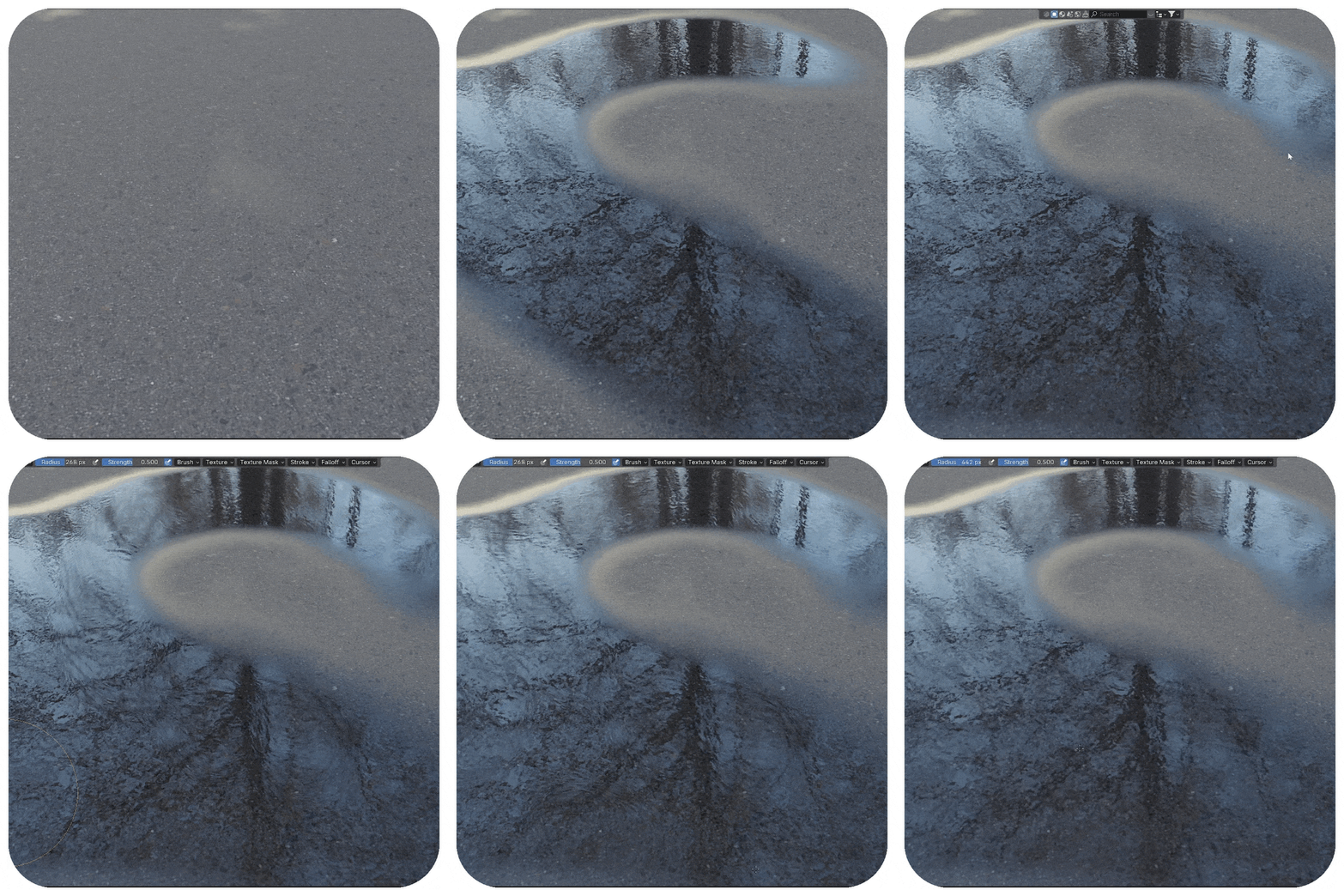
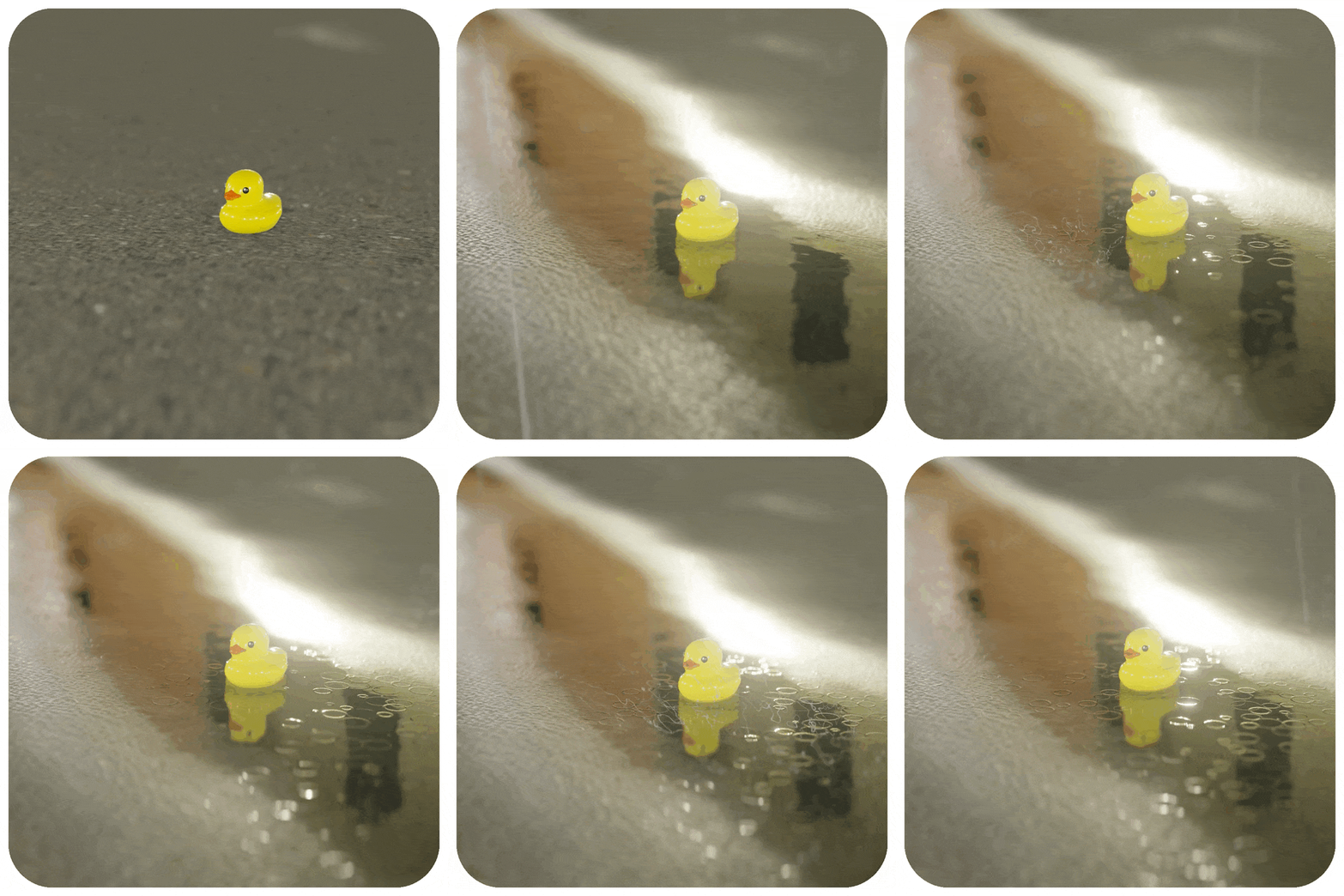
Control the direction of water flow using painted flowmaps to simulate realistic runoff along surfaces and slopes. Use with the free Flowmap Painter addon.
⚠️ Limitations
The one-click feature only works with PBR materials that use Principled BSDF and texture filenames containing “color,” “albedo,” etc. Otherwise, connect manually.
⚡ Performance Overview
Tested on RTX 3060 (12GB), i5 12th Gen, 16GB RAM, 4K viewport
- OCP Eevee – Real-time, 30+ FPS (1m+ distance), ~15 FPS close-ups
- OCP Cycles – Medium impact, 12–15 FPS
- OCP Geonodes Universal – 8–15 FPS
- OCP Extreme – 15–17 FPS
- Rain & Vertical Wetness – Real-time, 30+ FPS
🆕 What’s New in 2.0 Update
- Full addon UI for all puddle types
- Reworked EEVEE & Cycles nodes
- Improved static ripple realism
- New 3D mesh puddles with edge ripples
- New ground wetness & water rim systems
Supercharge your 3D creation workflow with premium selection of Blender Add-ons. Whether you are modeling intricate characters, sculpting realistic environments, or animating cinematic sequences, the right add-on can transform how you work inside Blender. Our curated collection includes powerful tools for UV unwrapping, procedural texture generation, rigging automation, rendering optimization, and more—each rigorously tested for compatibility with the latest Blender versions. Eliminate tedious manual processes and unlock advanced functionality that lets you focus on what matters most: bringing your creative vision to life. Explore our full range of professional Blender plugins today and take your 3D projects to the next level.
➡️ ➡️ For more Blender Plugins 😀 😀
Reviews
There are no reviews yet.