
onedeck for Blender
OneDeck v1.0.0 for Blender – The Ultimate Environment Artist Workflow & Scene Building Suite
Versions: v1.0
File Size: 80 MB
Download OneDeck v1.0.0 for Blender on Windows and Mac, a comprehensive workflow optimization addon designed specifically with 3D environment artists in mind [[4]]. By compiling a massive suite of custom scene-building tools into a single, unified search menu, OneDeck transforms how you populate and construct worlds, allowing you to access essential utilities with just one click or a quick search [[2]]. From scattering assets and generating roads to simulating natural plant growth and blending terrain textures, this all-in-one toolkit eliminates the need to juggle multiple disconnected scripts, streamlining your pipeline from blockout to final detail.
Key Features of OneDeck v1.0.0:
- Unified Search & Quick Access Menu: Access every tool instantly through a centralized, searchable command menu, drastically reducing the time spent digging through Blender’s native menus or pie menus.
- Instant Scatter Tool: Effortlessly distribute objects, props, and vegetation across any surface with intuitive controls for density, randomization, and alignment to normals [[19]].
- Interactive Road Tool: Easily create and customize roads, paths, and trails using a highly responsive, interactive pen tool that extrudes and shapes curves directly in the viewport [[19]].
- Natural Growth Tool: Simulate realistic, organic growth patterns for elements like ivy, vines, and creeping plants, allowing them to naturally crawl across walls, ruins, and trees [[18]].
- DrawTerrain & TextureBlender: Dedicated tools for quickly sculpting, drawing, and painting directly onto terrain meshes, including seamless texture blending for realistic ground transitions [[18]].
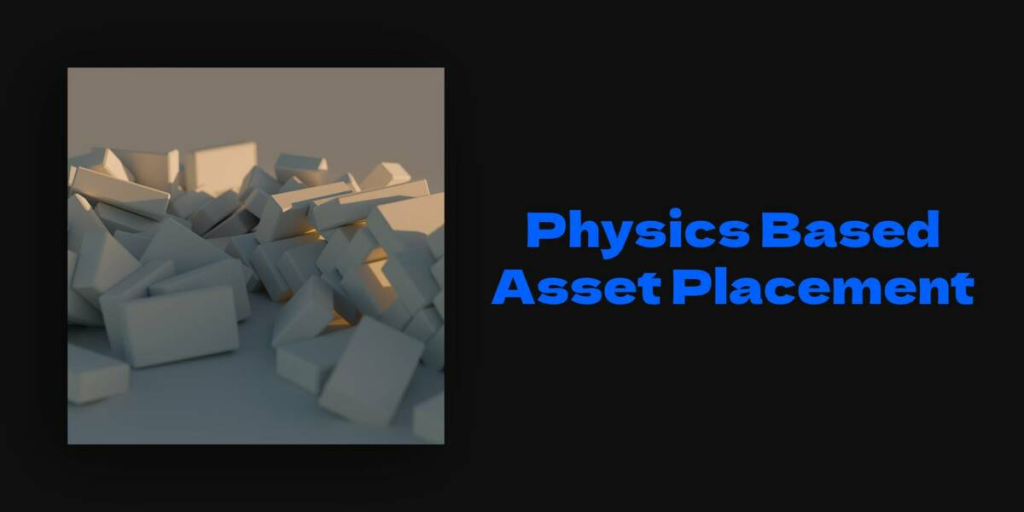
- Physics-Based Asset Placement: Utilize specialized physics tools to drop and settle assets naturally into your scene, letting gravity and collisions do the work of arranging rocks, debris, and clutter [[26]].
- Surface Curve Drawing: Draw and snap curves directly onto complex 3D surfaces, perfect for creating custom paths, pipes, or wire routes that perfectly follow the underlying topology [[26]].
- Integrated Online Asset Search: Seamlessly opens a dedicated 3D asset search engine (3dassets.one) directly from the addon, letting you find and grab missing props without losing your workflow context [[19]].
- Lighting & Asset Utilities: Quickly add and adjust scene lighting, or pop out the Asset Browser into a streamlined new window for faster library management [[26]].
- Non-Destructive & Modular: Tools are designed to work harmoniously with Blender’s native Geometry Nodes and modifiers, ensuring your scene remains editable and optimized.
Perfect For:
- Environment Artists looking to speed up scene population, terrain detailing, and asset scattering.
- Level Designers needing rapid tools for road creation, prop placement, and blockout phases.
- Architectural Visualizers blending textures and placing contextual foliage or debris realistically.
- Game Developers prototyping outdoor levels, forests, and ruined structures with natural growth and scatter tools.
- Freelancers & Generalists who need a “Swiss Army Knife” of environment tools without buying five separate specialized addons.
System Requirements:
- Blender: 4.3+ (Optimized for the latest Blender versions) [[20]].
- OS: Windows 10/11 (64-bit) or macOS 10.15+.
- RAM: 8GB minimum (16GB+ recommended for heavy scattering and physics placement).
- No external dependencies required.
Installation:
- Download the OneDeck v1.0.0
.zipfile. - Open Blender and go to Edit > Preferences > Add-ons.
- Click Install…, select the downloaded file, and enable the checkbox next to 3D View: OneDeck.
- Access via the 3D Viewport Sidebar (N-panel) under the OneDeck tab, or invoke the unified search menu via the designated hotkey.
Note:
OneDeck v1.0.0 is the ultimate “Swiss Army Knife” for environment creation. What sets it apart is its philosophy of workflow consolidation. Instead of forcing you to learn five different UI panels for scattering, road building, and texture painting, OneDeck puts the exact tool you need right at your fingertips via its smart search menu [[4]]. Whether you are laying down a winding dirt path, making ivy choke an abandoned building, or using physics to naturally scatter rubble across a floor, OneDeck ensures your creative flow is never interrupted by technical friction.
OneDeck
OneDeck is an add-on for workflow optimization in Blender, designed with environment artists in mind. By compiling a lot of custom tools into a single search menu, you can easily access whatever you need with the click of a button. Whether you’re managing large-scale environments or smaller scenes, OneDeck helps you work faster and gives you the control you need.
Why should you choose OneDeck?
Unparalleled Speed
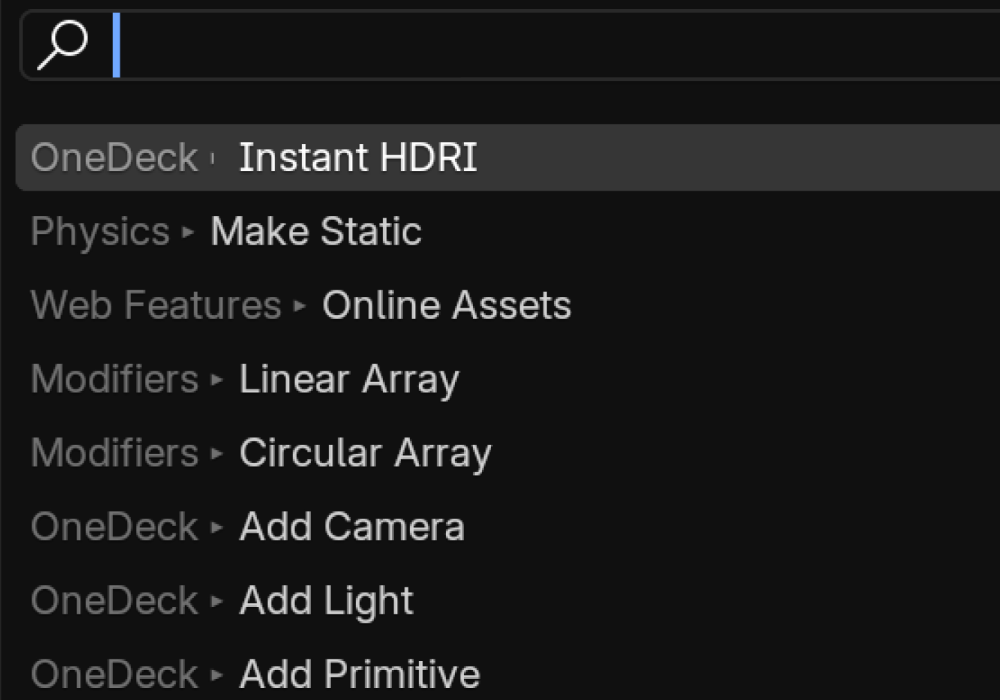
With just a single hotkey, you can instantly access the universal search menu and quickly find exactly what you need.
No more digging through countless Blender menus—everything is now conveniently organized in one place, keeping your workflow smooth and efficient.
Complete Control
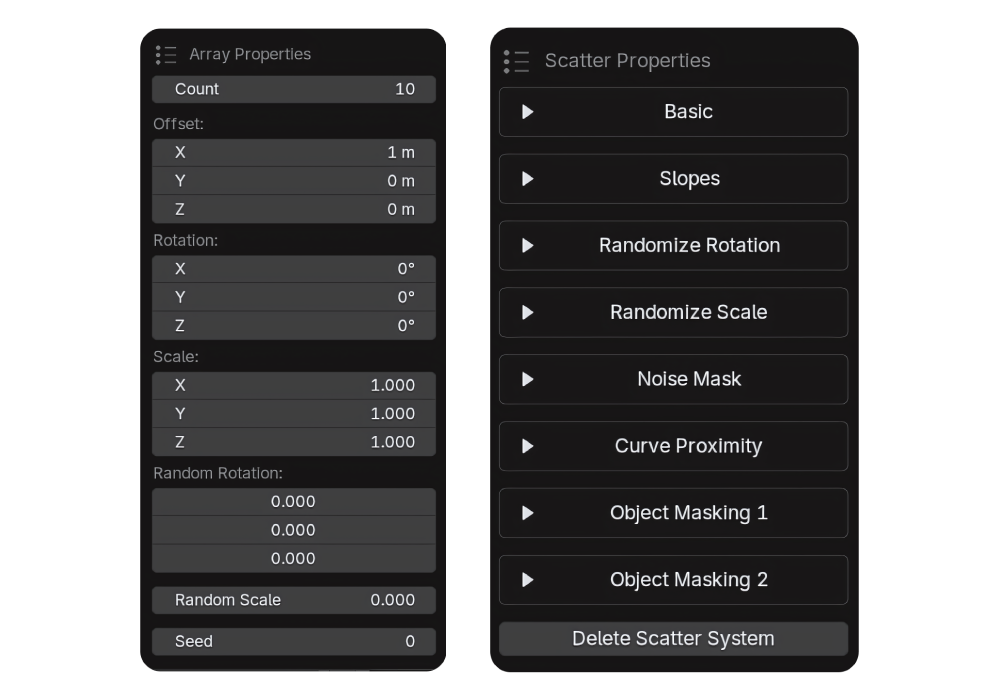
Using a hotkey, you can instantly bring up the controls for your selected object.
Whether you need to adjust some light colors, change some array settings, or adjust your scattering—
It’s just a single click away.
Developed for artists, by artists.
OneDeck is developed by an environment artist with years of experience. It was created out of need, because of this, OneDeck is developed to be as helpful as possible for anyone who’s working as environment artists.
OneDeck is always in development to suit the needs of the users. If the users find that a feature is missing, they can request it, and it’ll go into development. This way we’re always working on creating an add-on that benefits the entire community.
Standout Features:
Circular Array
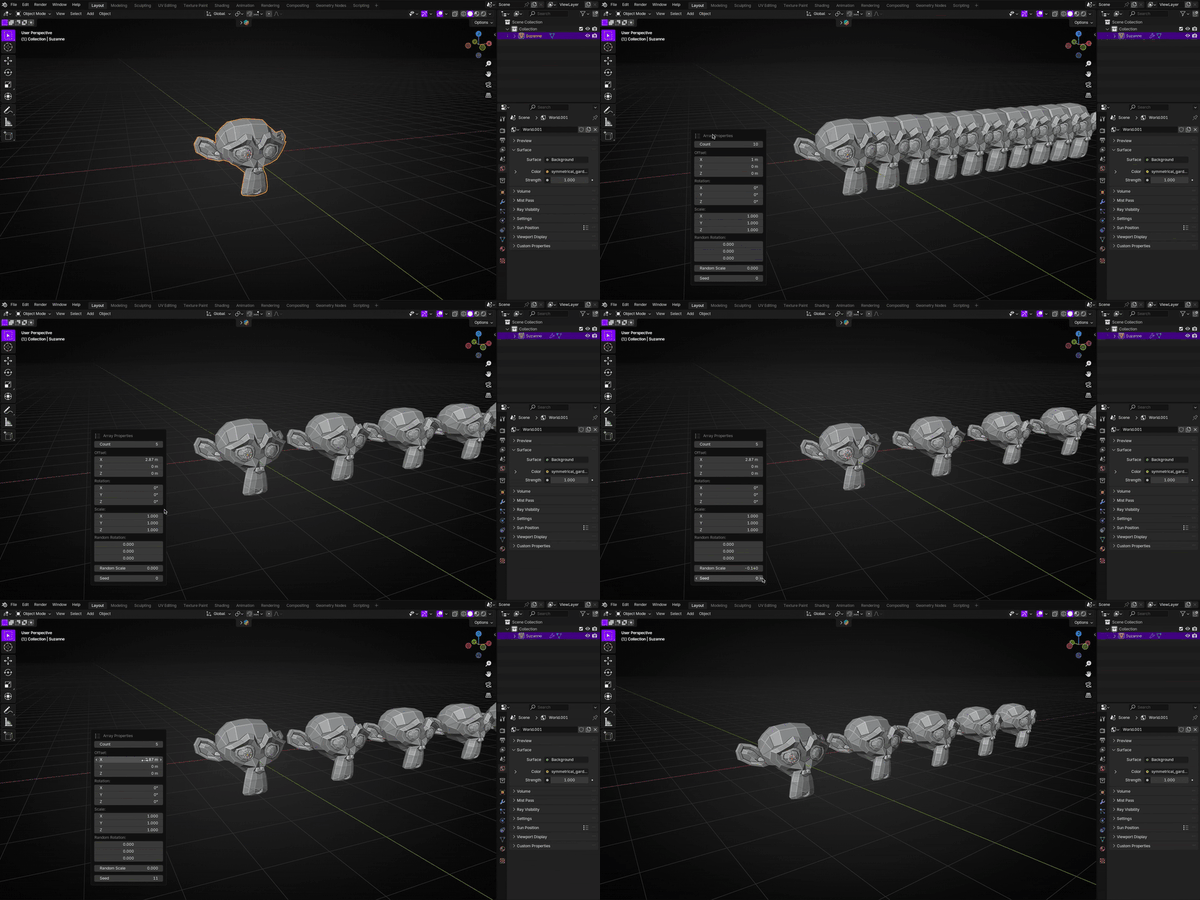
Linear Array
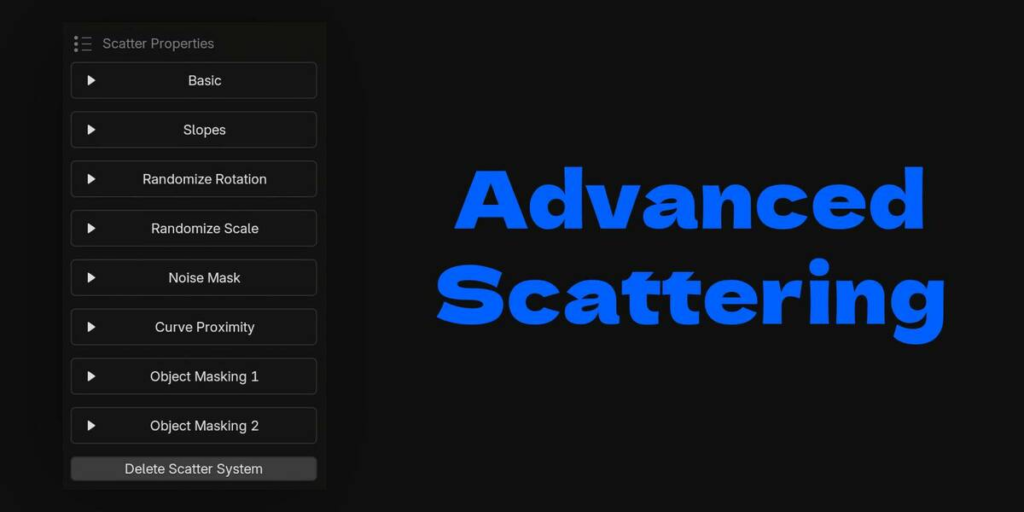
Scattering

Growth

Instant HDRI

All Features:
Add Primitive
Add a primitive to the scene.
Add Camera
Interactive way to add and manipulate camera.
Linear Array
Add a linear array modifier to the active object.
Circular Array
Add a circular array modifier to the active object.
Add Light
Add and adjust lights.
Easy Asset Browser
Open the asset browser in a new window.
Physics Tool
Different physics tools for using physics for easier asset placement.
Draw Curve
Easily draw curves on surfaces.
Draw Primitive
Quickly draw primitive meshes in your scene.
Snap to Surface
Move the active object along mesh surfaces in your scene.
Scatter
Instantly scatter objects on a surface.
Online Assets
Opens a 3D asset search engine (3dassets.one) in the browser.
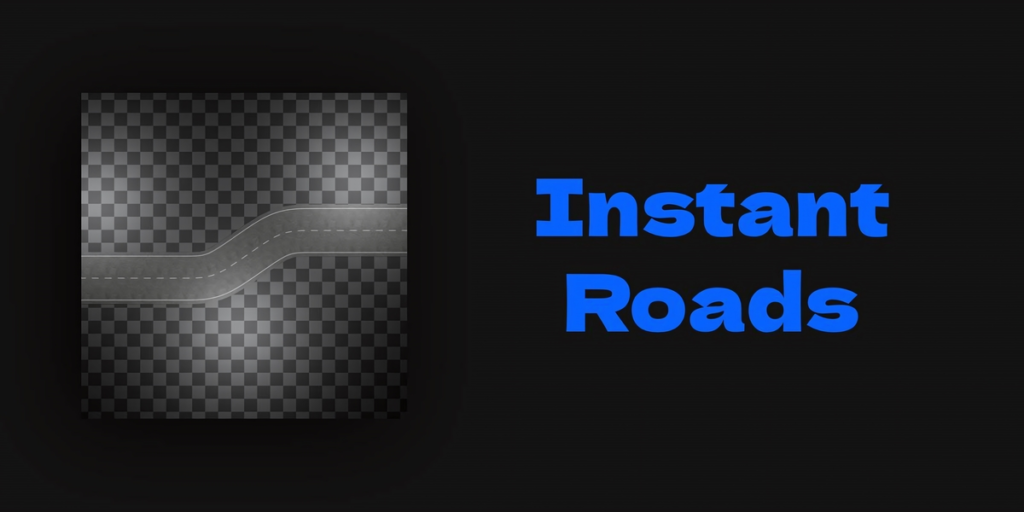
Road Tool
Easily create roads using an interactive pen tool.
Growth Tool
A tool for simulating natural particles for things like ivy scattering.
Terrain Tool
A tool to create simple terrains using procedural noise.
Fog Tool
Instantly create volumetric fog in your scene.
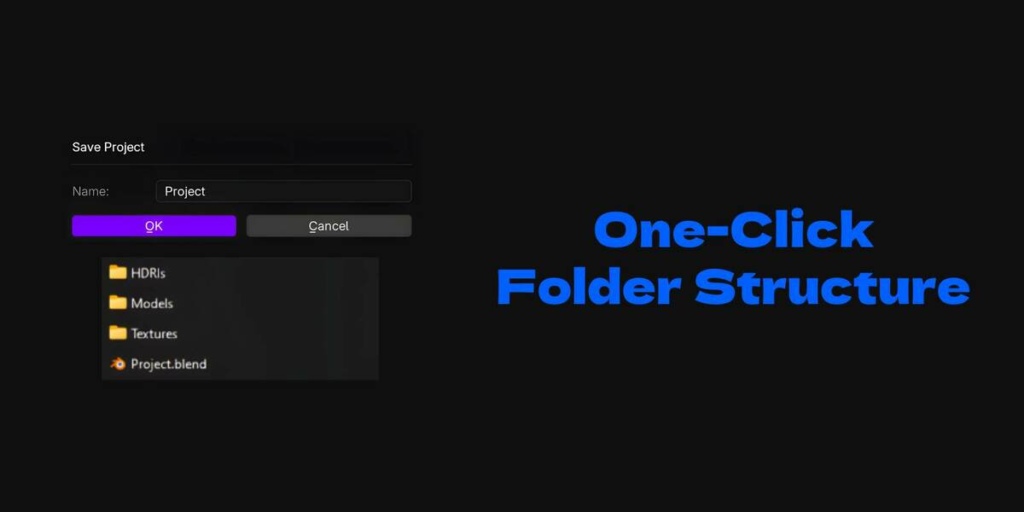
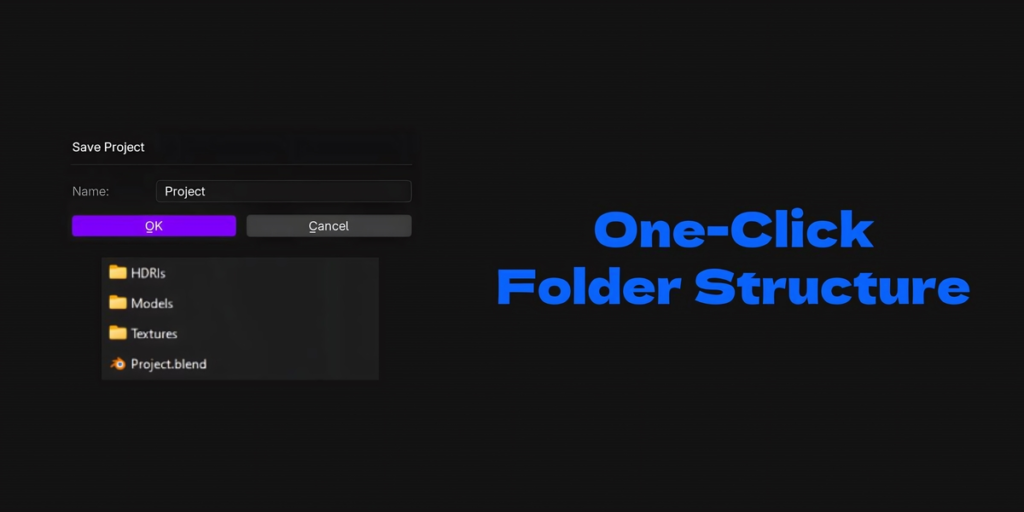
Project Tool
Save your project and create a folder structure with a single click.
Instant HDRI
Select an HDRI file on your PC and OneDeck will set up a shader for it
Supercharge your 3D creation workflow with premium selection of Blender Add-ons. Whether you are modeling intricate characters, sculpting realistic environments, or animating cinematic sequences, the right add-on can transform how you work inside Blender. Our curated collection includes powerful tools for UV unwrapping, procedural texture generation, rigging automation, rendering optimization, and more—each rigorously tested for compatibility with the latest Blender versions. Eliminate tedious manual processes and unlock advanced functionality that lets you focus on what matters most: bringing your creative vision to life. Explore our full range of professional Blender plugins today and take your 3D projects to the next level.
➡️ ➡️ For more Blender Plugins 😀 😀
Reviews
There are no reviews yet.