
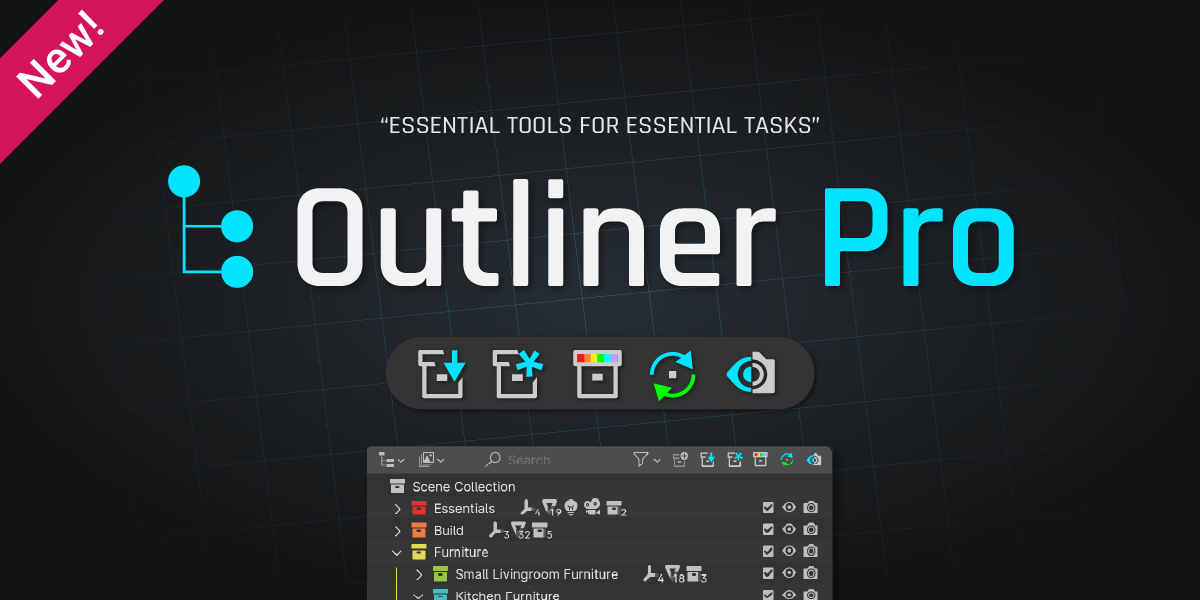
Outliner Pro for Blender
Outliner Pro v0.1.1 for Blender
The Ultimate Outliner Management and Scene Organization Tool
Download the Outliner Pro v0.1.1 addon today. Therefore, you can manage complex scenes with advanced collection and object organization tools instantly. Because professional 3D production requires efficient scene management, you need proper tools. However, manually organizing large scenes with hundreds of objects takes many frustrating hours. Consequently, this powerful addon solves that problem completely. Furthermore, it provides enhanced outliner functionality and smart organization features. Thus, you can manage even the most complex scenes with ease and efficiency.
Advanced Scene Management Features
First, the core of this addon is intelligent scene organization. Specifically, it provides enhanced filtering, searching, and selection tools for objects and collections instantly. Furthermore, you can quickly isolate objects, hide collections, and create custom view layers easily. Additionally, the tool supports batch renaming, hierarchy flattening, and collection nesting seamlessly. Thus, you can maintain clean and organized scenes quickly. Moreover, you can customize every organization parameter perfectly. Consequently, your Blender scenes will remain manageable and efficient.
Smart Selection and Filtering Tools
Ultimately, complex scenes require intelligent selection and filtering capabilities. Therefore, this addon includes advanced selection and filtering features. Specifically, you get object type filtering, name pattern matching, and custom selection sets. Furthermore, the algorithms preserve selection states and visibility settings perfectly. Additionally, the tools support quick search, wildcard filters, and regex pattern matching. Consequently, your object management will remain fast and precise. Thus, the workflow reacts beautifully to your creative input.
Performance Optimization and Workflow
However, large scenes with many objects can slow down outliner performance. Therefore, the addon is perfectly optimized for speed and efficiency. Specifically, it utilizes efficient scene data caching and update algorithms. Consequently, you can navigate and manage massive scenes without lag. Meanwhile, your viewport performance remains completely stable. Ultimately, this ensures a smooth and responsive workflow.
Perfect for Production Artists and Technical Directors
Additionally, this addon is ideal for production artists and scene layout specialists. Furthermore, it suits technical directors and pipeline developers perfectly. Moreover, anyone working with large complex scenes will love the enhanced outliner capabilities. Ultimately, it accelerates your entire production and organization pipeline.
System Requirements and Formats
Specifically, the addon requires Blender 3.6 or newer. Furthermore, it supports all object types, collections, and viewport display settings. Additionally, you get regular free updates from the developer. Therefore, it works across all major operating systems. Moreover, you will need a standard workstation. Thus, 8GB of RAM is highly recommended. Consequently, a modern GPU ensures smooth viewport performance.
Installation and Usage Guide
First, download the zip file from your library. Next, open Blender and go to Edit Preferences. Then, select Add-ons and click Install. After that, enable the Outliner Pro addon. Finally, open the Outliner panel, use the enhanced search, filtering, and organization tools to manage your scene. Thus, your organized and efficient scene will be ready instantly.
What is Included Inside?
Specifically, the pack contains multiple organization tools and filtering presets. Furthermore, it includes batch operators, selection sets, and quick access filters. Additionally, you get several preset workflows for common scene management tasks. Moreover, there are detailed video tutorial guides. Ultimately, you receive everything for professional outliner management.
Final Thoughts on the Addon
Ultimately, efficient scene organization evokes profound creative freedom. Therefore, this addon provides the ultimate production foundation. Furthermore, you can build and manage massive production scenes. Alternatively, you can maintain clean and organized project files instantly. Consequently, your organization vision becomes a stunning reality.
Outliner Pro is a set of tools for Blender’s Outliner that makes managing objects and collections way easier. It helps you organize and visualize models and collections clearly.
This release introduces exciting new features that that will speed up your workflow and there’s even more to come in the future.
Key features:
- Move objects and collections easily. No more endless scrolling and dragging to add objects to faraway collections and having to select all the hierarchy.
- Create and move to active. Similar to the above, but it creates a collection first and then moves the objects into it.
- Sync Colors by Collection. Great for quickly distinguishing objects based on their collections.
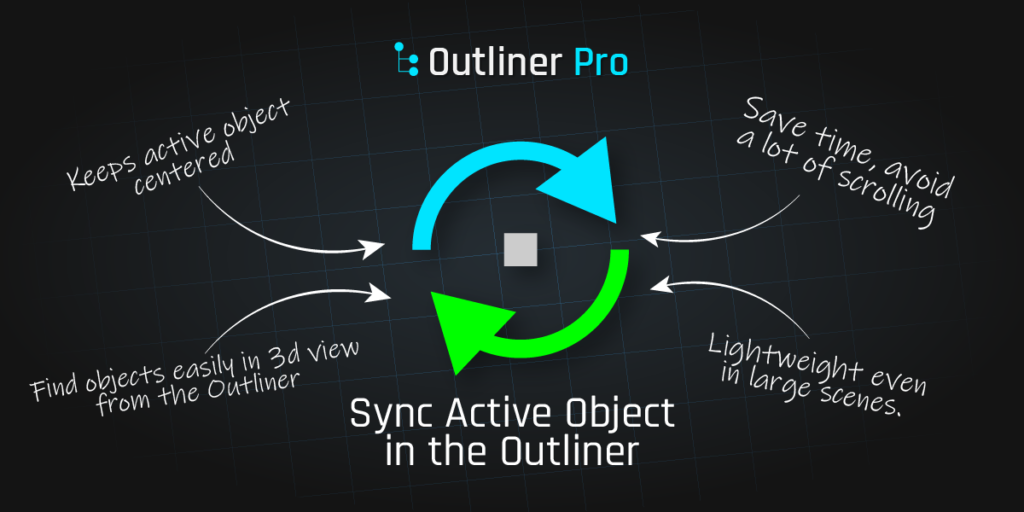
- Sync active object in the outliner. Stop wasting time searching for an object in the Outliner or viewport by keeping it centered automatically.
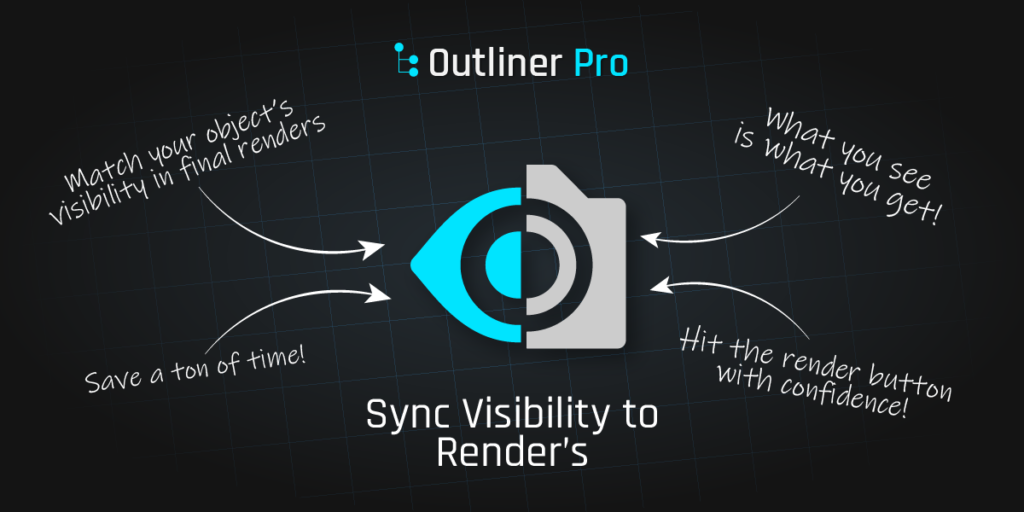
- Match viewport visibility to render’s. Avoid losing time trying to find that elusive object that only shows up in the render.
- Quick rename by collection. Rename a group of objects effortlessly without wasting time (this is only for the lazy)
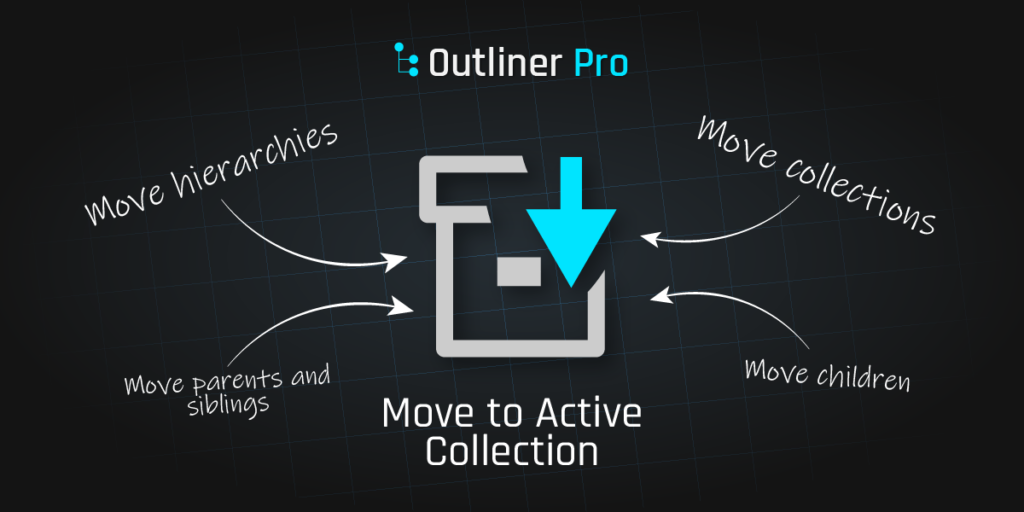
Move to Active Collection Click for Video
Moves objects and collections to the active collection, it works with selections from the outliner and viewport. Its default behavior is to move the objects with all its children and it has more options available too!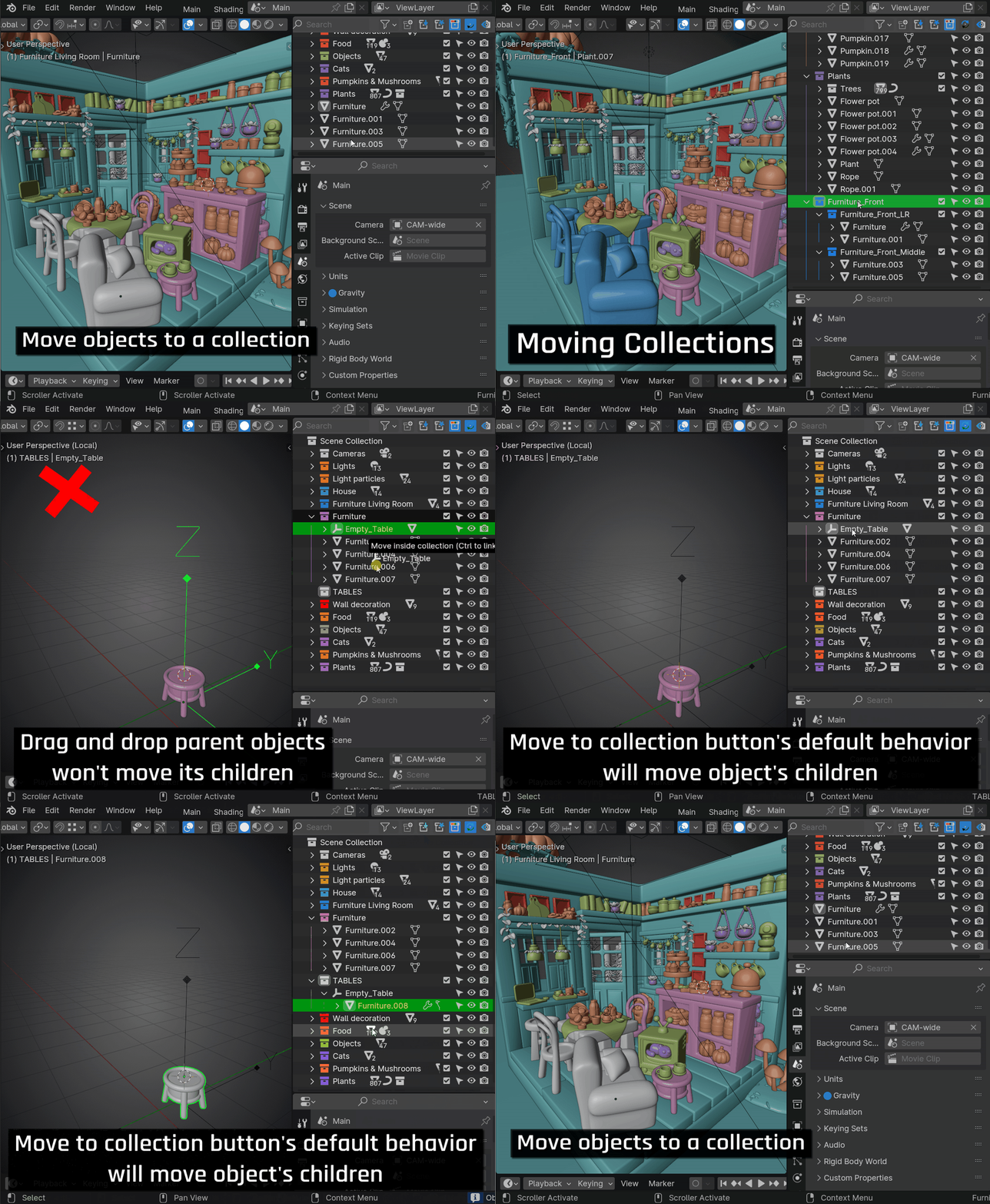
Advantages:
- Alternate behaviors by ALT or CTRL or Shift click over the button. You can send objects and their children, parents and siblings or only selected.
- If you have lots of objects in the outliner, it helps you to reduce the amount of scrolling on the list.
- It works with collections too, this means that you can send entire hierarchies the same way. In blender standard this is only possible by selecting each object.
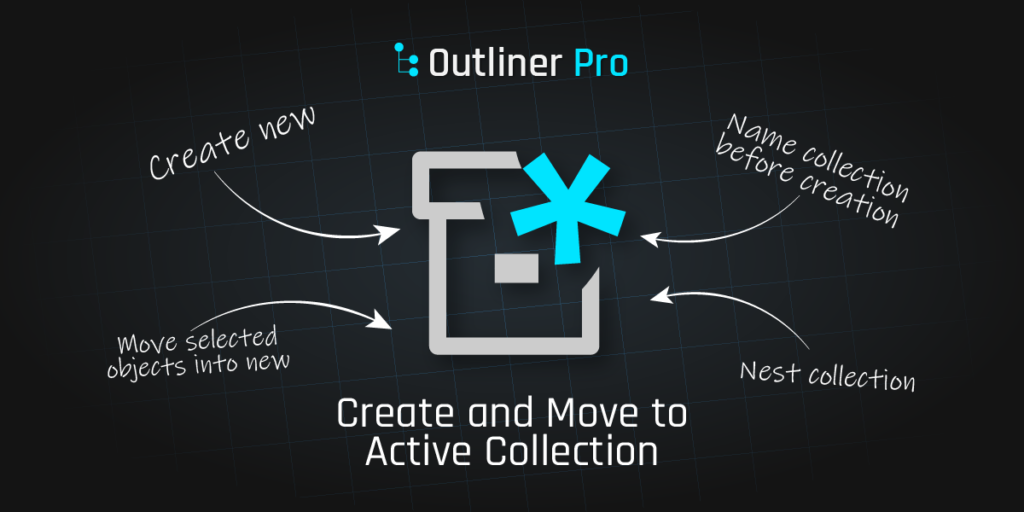
Create and Move to Active Collection Click for Video
Creates objects or collections and moves them to the active collection.
Advantages:
- Inherits all advantages from previous operator
- Alternate behaviors by ALT click over the button it will display a pop up with several options
- Can create a new collection from the viewport and change its parameters right after creation.
- It can create and name a new collection on creation
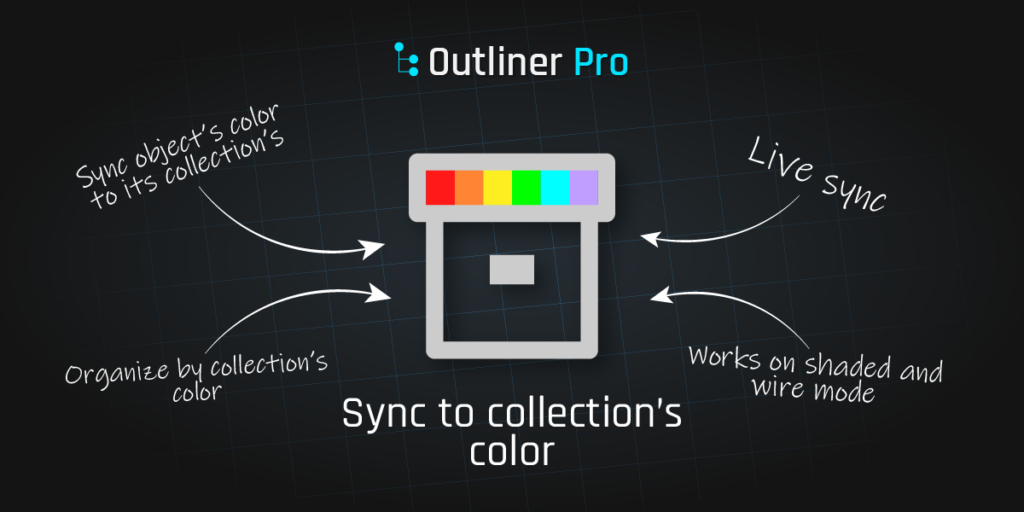
Sync to Collection’s color Click for Video
Matches the colors of the objects to its collection’s color.
Advantages:
- You can organize your scene with ease, your objects are easier to find
- Differentiate you objects by color. This is not the same as using the “random” viewmode, this feature lets you control which color is each object.
- Colors are displayed on shaded and wire mode.
Sync Active Object Click for Video
The active object is always centered in the Outliner
Advantages:
- Saves you from scrolling a lot in the outliner
- It centers an object in the viewport too. This is very handy to find quickly an object in the viewport
- It can be easily turned off by clicking a button
- Alternate behaviors by ALT click over the button, it will display a pop up with several options
Sync Render to Viewport’s visibility Click for Video
Enables you to render exactly as your viewport looks without hidden objects appearing in the final render.
Advantages:
- It saves a lot of time when you have lots of object and don’t know where they are in the outliner.
- It makes you feel safe to click the render button and know that it will render the same as you see in the preview
- Alternate behavior by ALT click over the button, it will copy the render property to the view property. This comes handy sometimes when you don’t know where the object is but you can see it in the render.
Rename by Collection Click for Video
Quick, automatic renaming for objects, based on their collection’s name.
Advantages:
- Save a lot of time on renaming objects. You just need to name your collection.
Supercharge your 3D creation workflow with premium selection of Blender Add-ons. Whether you are modeling intricate characters, sculpting realistic environments, or animating cinematic sequences, the right add-on can transform how you work inside Blender. Our curated collection includes powerful tools for UV unwrapping, procedural texture generation, rigging automation, rendering optimization, and more—each rigorously tested for compatibility with the latest Blender versions. Eliminate tedious manual processes and unlock advanced functionality that lets you focus on what matters most: bringing your creative vision to life. Explore our full range of professional Blender plugins today and take your 3D projects to the next level.
➡️ ➡️ For more Blender Plugins 😀 😀
Reviews
There are no reviews yet.