
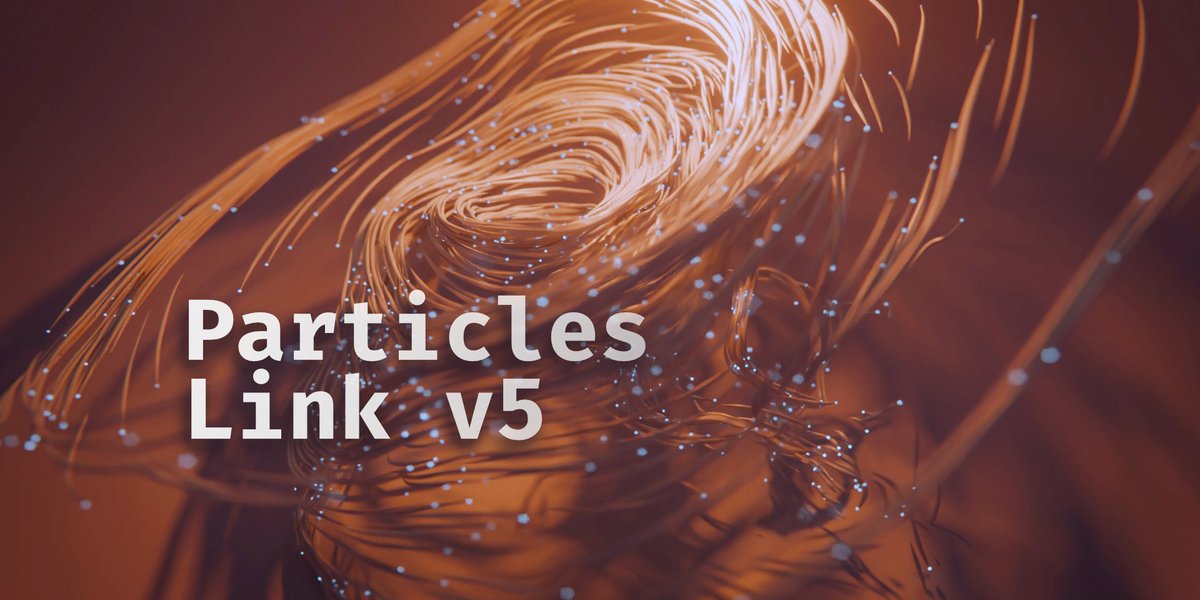
Particles Link for Blender
Particles Link for Blender – The Ultimate Dynamic Connection & Network Generator
Versions: v1.0
File Size: 10 KB
Download Particles Link for Blender on Windows and Mac, a powerful Geometry Nodes and particle-based addon designed to instantly generate dynamic, procedural geometry between moving points, particles, or vertices. Whether you need to create sci-fi energy webs, neural networks, molecular structures, chainmail, or cargo nets, Particles Link automates the complex task of connecting moving elements with clean, customizable geometry, eliminating the need for manual modeling or heavy, cache-dependent cloth simulations.
Key Features of Particles Link:
- Dynamic Distance-Based Linking: Automatically generates connections between particles or points based on a customizable maximum distance threshold. As particles move apart, links stretch; as they exceed the limit, they cleanly snap or fade out.
- Multiple Geometry Profiles: Choose from a variety of connection styles including Cylindrical Tubes, Flat Ribbons, Procedural Chains, Hexagonal Beams, and Tapered Energy Cables, all fully parametric.
- Smart Length & Tapering Control: Dynamically adjust the thickness of the links based on their length, particle velocity, or custom vertex attributes. Create organic, tapering connections that look like stretched slime or snapping rubber bands.
is perfect for creating breaking effects. - Real-Time Animation Support: Fully compatible with Blender’s native Particle System, Geometry Nodes point clouds, and animated meshes. The links update dynamically in the viewport frame-by-frame without requiring heavy physics baking.
- Material & Shader Presets: Includes 15+ pre-configured materials optimized for different use cases, such as Emissive Sci-Fi Lasers, Metallic Chains, Organic Tendrils, Glass Fibers, and Holographic Data Streams.
- Collision & Obstacle Avoidance (v2.1+): Advanced ray-casting logic allows links to detect and wrap around simple obstacle objects, preventing unnatural clipping through walls or characters.
- Vertex Group & Weight Masking: Use vertex weights or particle attributes to control link density, thickness, or visibility, allowing for highly specific, localized connection patterns (e.g., denser networks near a character’s core).
and preventing repetitive, uniform looks. - LOD & Optimization: Automatically switches between high-poly geometry for close-up hero shots and simplified, instanced lines or billboards for distant background elements, maintaining high viewport FPS.
- Non-Destructive Workflow: Built entirely on procedural nodes. You can change the linking rules, swap geometry profiles, or adjust material properties at any time before final rendering or exporting.
Perfect For:
- Sci-Fi & VFX Artists creating energy shields, neural networks, hacking visualizations, and force fields.
- Motion Designers generating dynamic, abstract background animations and data visualization graphics.
- Character & Creature Artists rigging organic connections like webbing, sinew, or chainmail armor that deforms naturally with the character.
- Environment Artists building cargo nets, suspension bridges, or dense vine networks that react to wind or character interaction.
- Scientific Visualizers illustrating molecular bonds, atomic structures, and complex data relationships in 3D space.
- Game Developers prototyping dynamic rope physics, grappling hooks, or interactive web mechanics with optimized geometry.
System Requirements:
- Blender: 3.6, 4.0, 4.1, 4.2, 4.3, 4.4+ (Geometry Nodes required; optimized for Blender 4.x).
- OS: Windows 10/11 (64-bit) or macOS 10.15+.
- RAM: 8GB minimum (16GB+ recommended for scenes with thousands of dynamic links).
- Render Engine: Fully compatible with Cycles (for accurate emission and refraction) and Eevee (with Bloom and Screen Space Reflections enabled).
Installation:
- Download the Particles Link
.zipfile. - Open Blender and go to Edit > Preferences > Add-ons.
- Click Install…, select the downloaded file, and enable the checkbox next to Geometry Nodes: Particles Link.
- Access via the Modifier Properties panel > Add Modifier > Geometry Nodes > Particles Link, or the dedicated panel in the 3D Viewport Sidebar (N-panel) under the Network tab.
What’s New in Recent Updates (v2.1.0):
- Geometry Nodes Backend Rewrite: Fully migrated to Blender 4.x native Geometry Nodes, resulting in a 50% performance boost and seamless integration with modern point cloud data.
- Procedural Chain Profile: Added a highly requested, optimized chain link generator that correctly rotates and aligns to the vector between two points without twisting artifacts.
- Dynamic Breaking Animation: New “Snap” parameter that triggers a procedural fracture or retraction animation when a link exceeds its maximum length, perfect for destruction VFX.
- Improved Tapering Logic: Thickness now smoothly interpolates based on customizable curves, allowing for bulbous ends or pinched midsections.
- Blender 4.4/5.0 Compatibility: Full support for the latest attribute handling, simulation zones, and AgX color management updates.
Note:
Particles Link is the ultimate solution for procedural connectivity. Unlike static modeling or heavy soft-body simulations, it calculates connections on the fly, giving you absolute artistic control over the density, style, and behavior of your networks. The addon includes a “Seed Randomizer” that instantly varies the connection patterns, ensuring that no two frames or objects look identically uniform. Whether you are building a microscopic view of a virus or a massive cyberpunk data grid, Particles Link provides the dynamic, scalable tools needed to bring your vision to life efficiently.
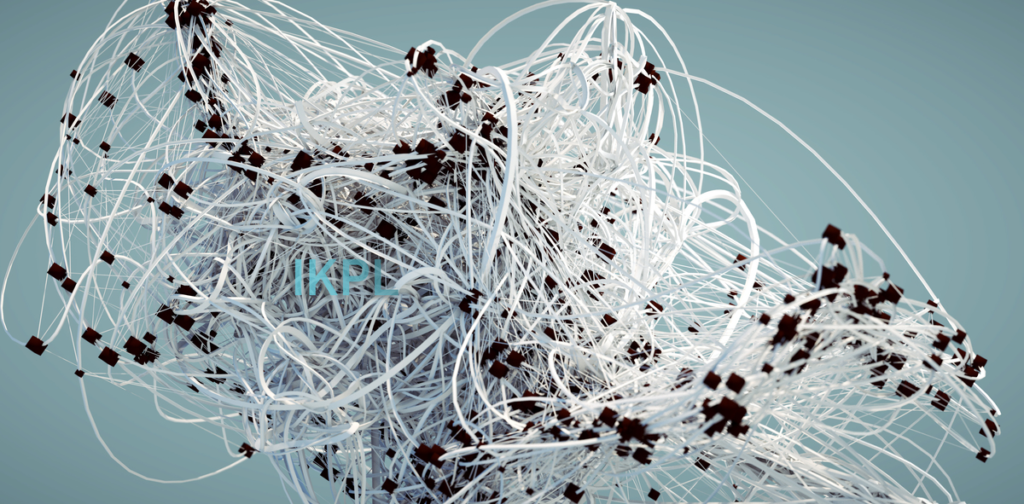
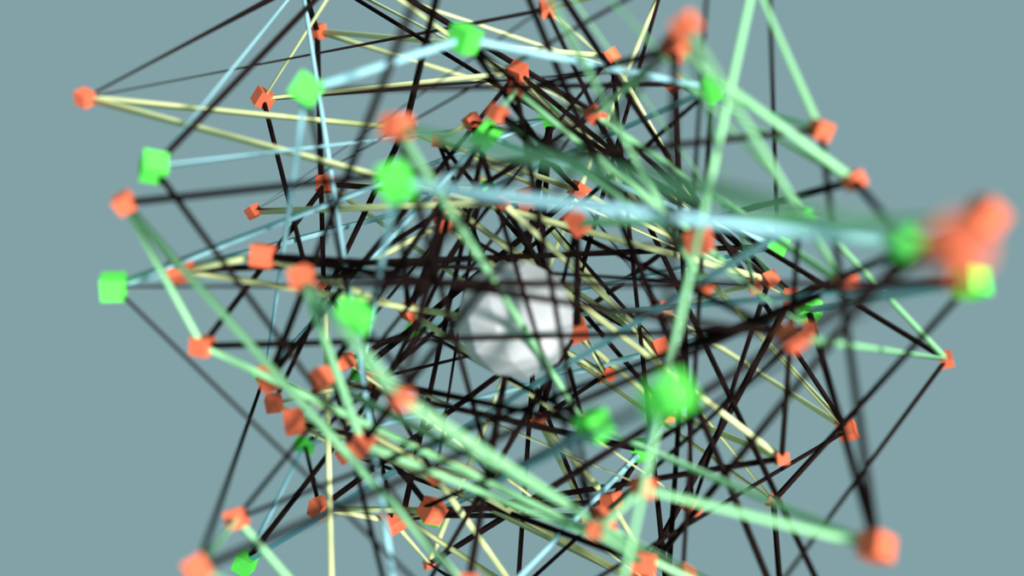
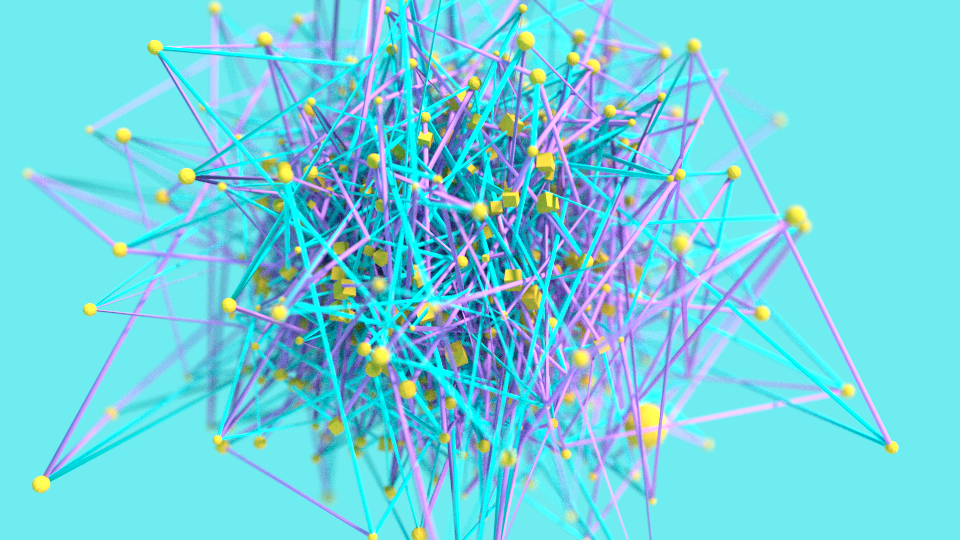
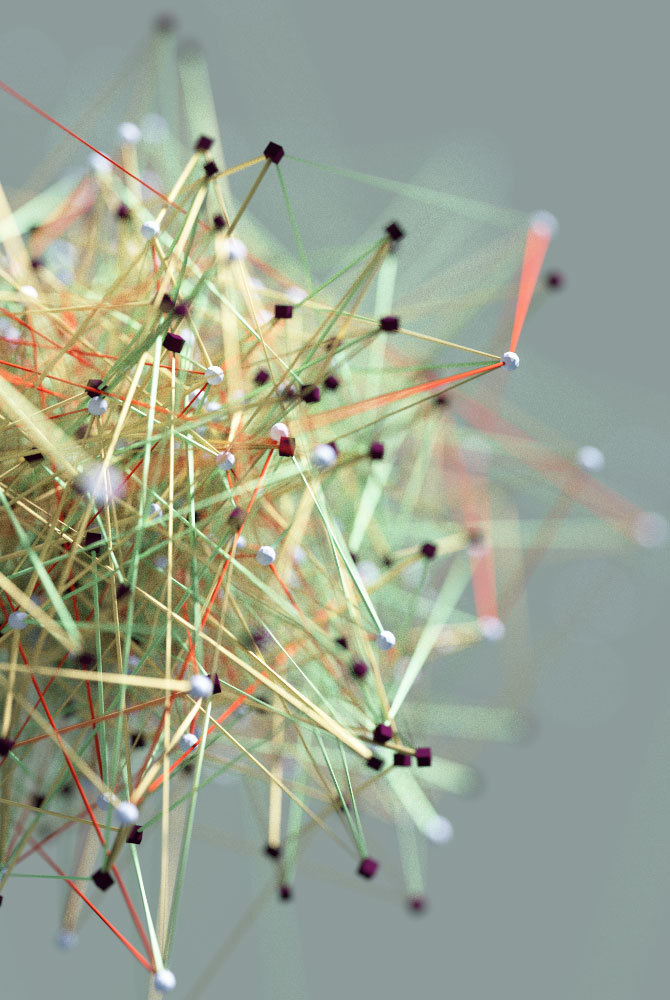
What is Particles Link ?
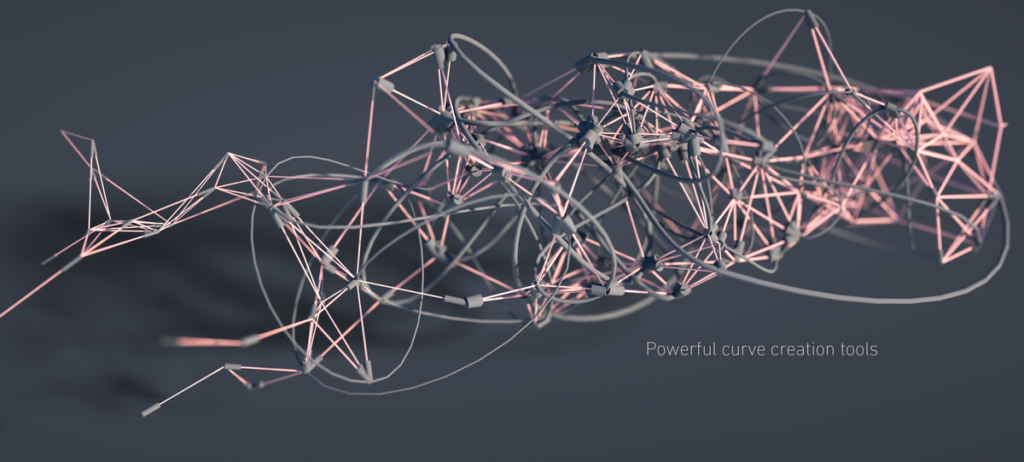
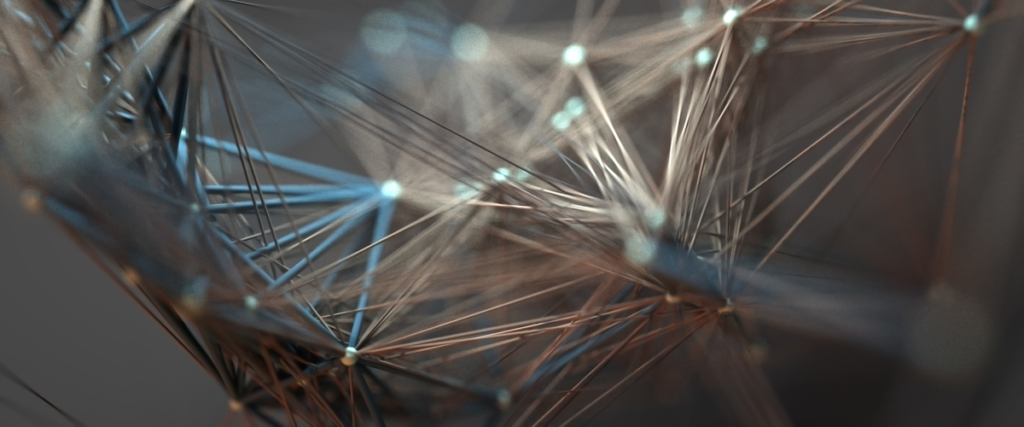
Particles Link is an artist-friendly add-on that turns your particles into beautiful, animated artwork. Pick a style — from clean networks to organic webs, flowing hair and motion trails — and the links are generated live in your viewport. Works with particle systems, point clouds and Geometry Nodes.
What’s new in v5 (Blender 5.x)
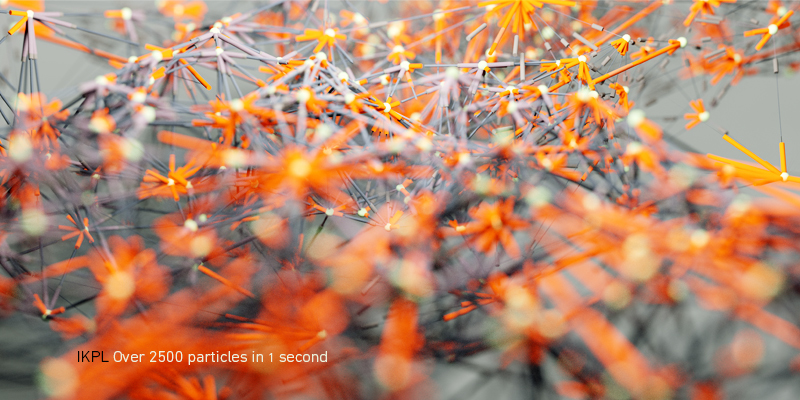
- Brand-new GPU-powered engine — dramatically faster link generation, even on very dense simulations.
- 10 link styles: Flow Line, Network, Tree, Clusters, Hair, Current, Cobweb, Orb Web, Loops and Tracer.
- Tracer mode — particles leave trails built up frame by frame for smooth, organic motion streaks.
- Geometry Nodes & Point Clouds — link points from modern setups, not just classic particle systems.
- Fully interactive — tweak your links live and see the result instantly.
Key features
- 10 connection modes to shape exactly the look you want.
- Live, interactive editing in the viewport.
- Works with particle systems, point clouds and Geometry Nodes.
- Bake to an Alembic cache (.abc) for instant playback, easy sharing and render farms.
- Full curve control: bevel, radius, tension and interpolation.
Supercharge your 3D creation workflow with premium selection of Blender Add-ons. Whether you are modeling intricate characters, sculpting realistic environments, or animating cinematic sequences, the right add-on can transform how you work inside Blender. Our curated collection includes powerful tools for UV unwrapping, procedural texture generation, rigging automation, rendering optimization, and more—each rigorously tested for compatibility with the latest Blender versions. Eliminate tedious manual processes and unlock advanced functionality that lets you focus on what matters most: bringing your creative vision to life. Explore our full range of professional Blender plugins today and take your 3D projects to the next level.
➡️ ➡️ For more Blender Plugins 😀 😀
Reviews
There are no reviews yet.