
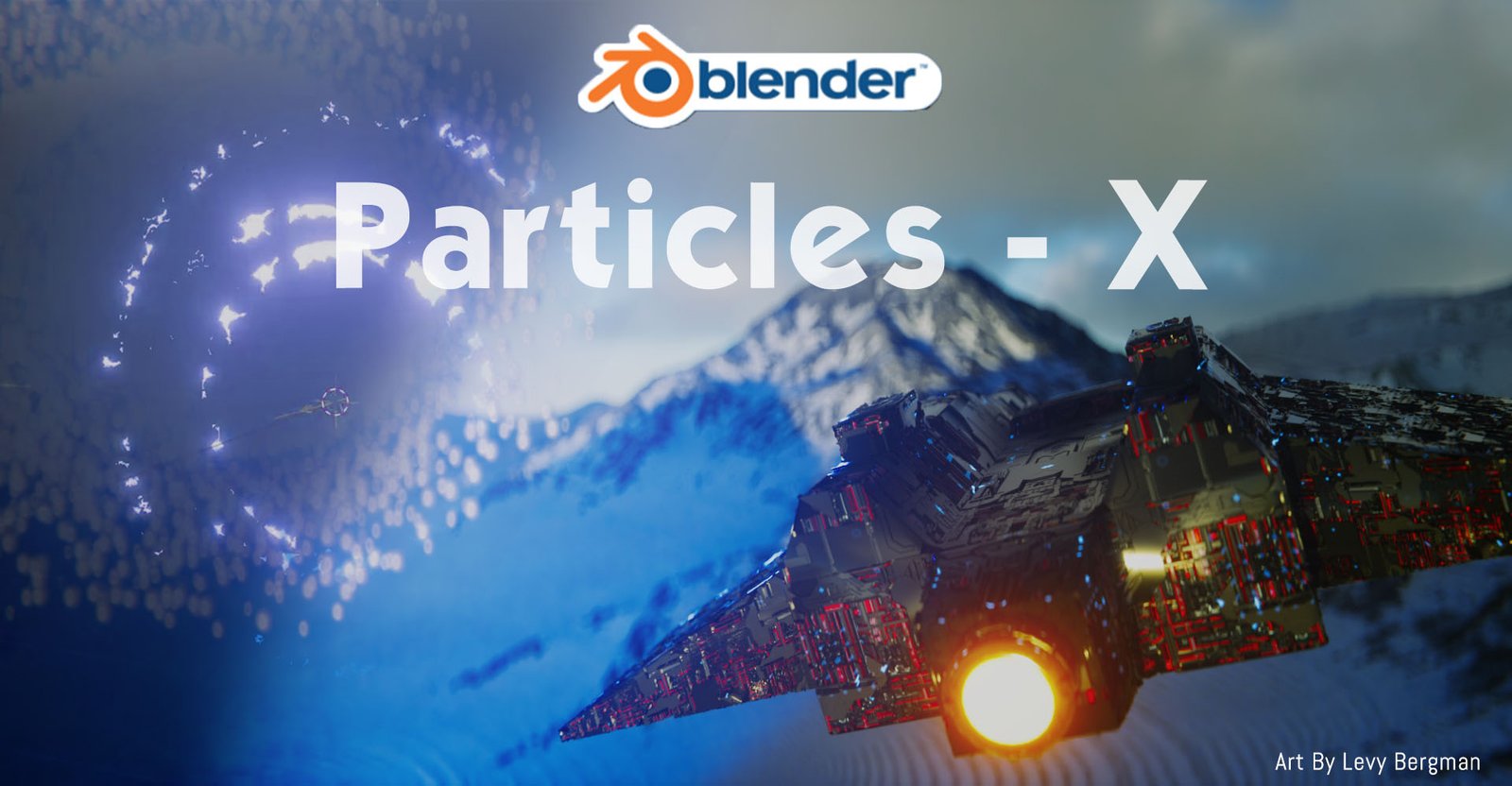
Particles X Pro for Blender
particles x pro addon
Particles X Pro v1.2.1 for Blender – Advanced Particle System & VFX Toolkit
Version : V1.21
File Size: 200 MB
Download Particles X Pro v1.2.1 for Blender on Windows, Mac, and Linux, a comprehensive particle system add-on that dramatically expands Blender’s native particle capabilities. Create stunning particle effects—dust, smoke, sparks, magic, and complex simulations—with intuitive controls, real-time preview, and optimized performance . Perfect for VFX artists, motion designers, and game developers .
Key Features of Particles X Pro v1.2.1:
- Emitter System: Multiple emitter types—point, mesh, volume, curve, and texture-based emission with full control
- Physics Controls: Gravity, turbulence, drag, vortex, attraction/repulsion, and custom force fields
- Collision Handling: Particle collisions with mesh objects with adjustable bounce, friction, and death parameters
- Material System: Built-in particle materials with adjustable color, size, transparency, and emission over lifetime
- Trail Generation: Automatic particle trails for ribbons, smoke, and energy effects
- Instanced Objects: Render particles as instances of custom objects—leaves, debris, sparks, or any mesh
- Animation Baking: Bake particle simulations to keyframes for consistent playback and export
- Real-Time Preview: See particle effects update instantly in the viewport
- Performance Optimized: Efficient particle handling for thousands of particles
- v1.2.1 Updates: Enhanced collision detection, new force field types, and compatibility with Blender 4.0+
Perfect For:
- VFX artists creating dust, smoke, and magical particle effects
- Motion designers adding particle elements to animations
- Game developers prototyping particle effects for real-time engines
- Environmental artists adding atmospheric particles to scenes
- Anyone needing advanced particle system capabilities in Blender
System Requirements:
- Blender 3.6, 4.0, 4.1, 4.2, 4.3
- Windows 10/11 (64-bit), macOS, or Linux
- 4GB RAM minimum (8GB+ recommended)
- 50MB available disk space
Installation:
- Download the add-on zip file
- In Blender, go to Edit > Preferences > Add-ons
- Click “Install” and select the downloaded zip file
- Enable the add-on by checking the box next to “Particles X Pro”
Note: Particles X Pro brings professional particle system capabilities to Blender, with intuitive controls and real-time preview that make complex particle effects accessible to artists of all skill levels . The comprehensive emitter and physics systems make it essential for VFX artists, motion designers, and game developers . Version 1.2.1 includes full compatibility with Blender 4.0 and above . Designed for Blender 3.6 and above . Perfect for creating stunning particle effects for film, games, and motion graphics . Essential for any particle workflow .
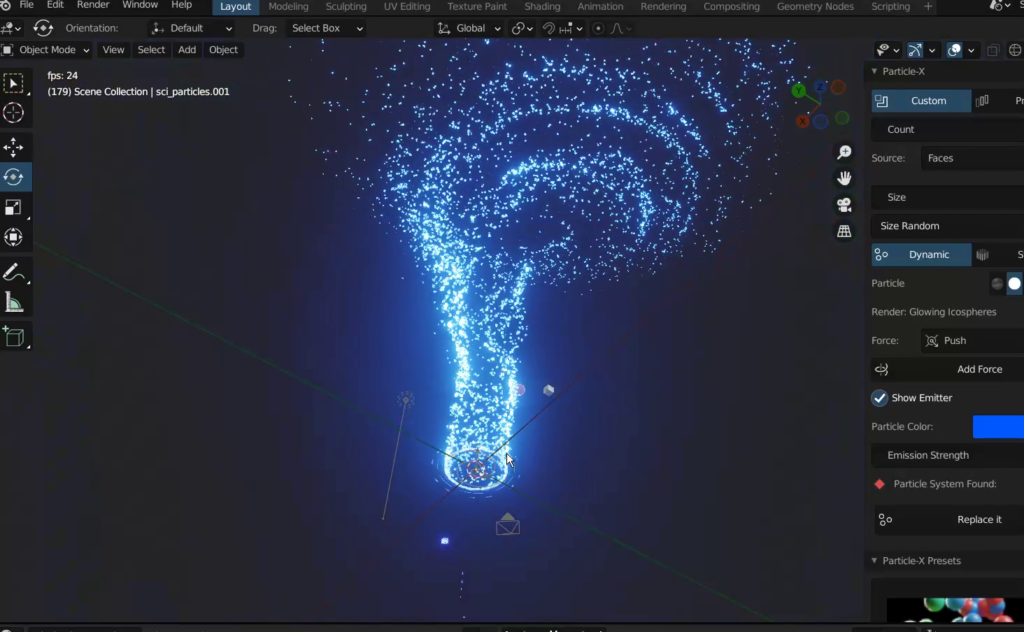
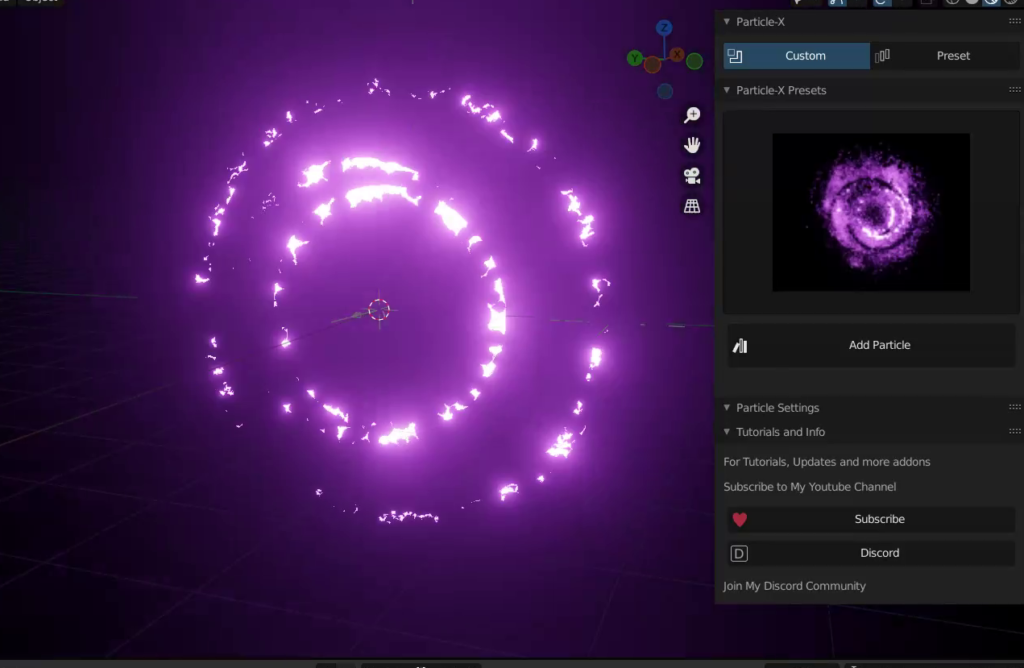
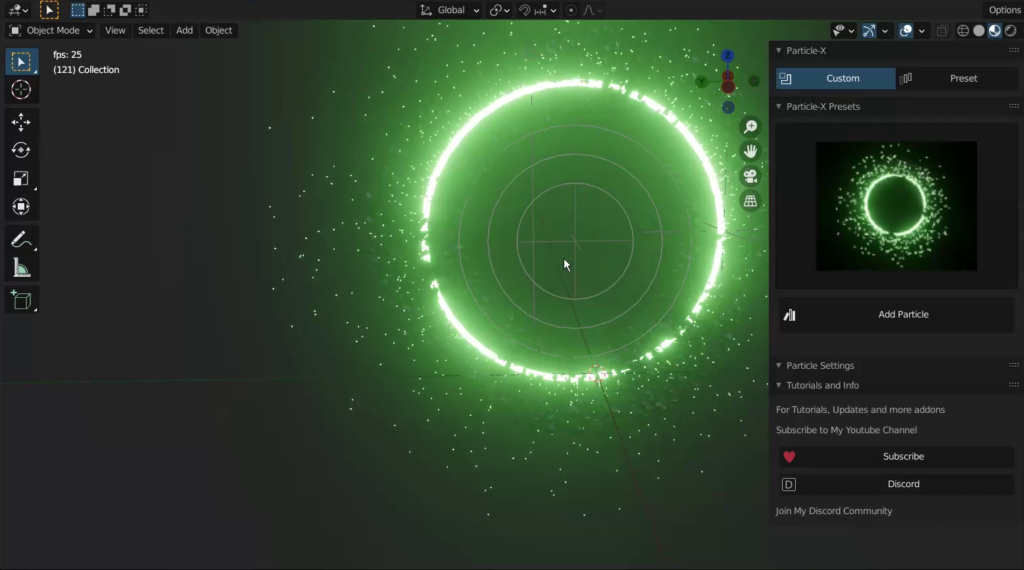
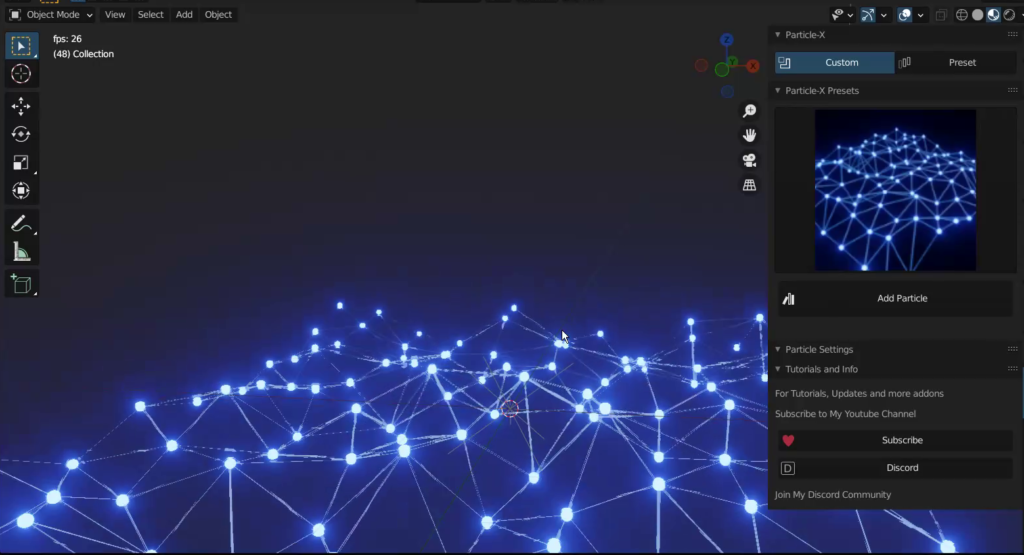
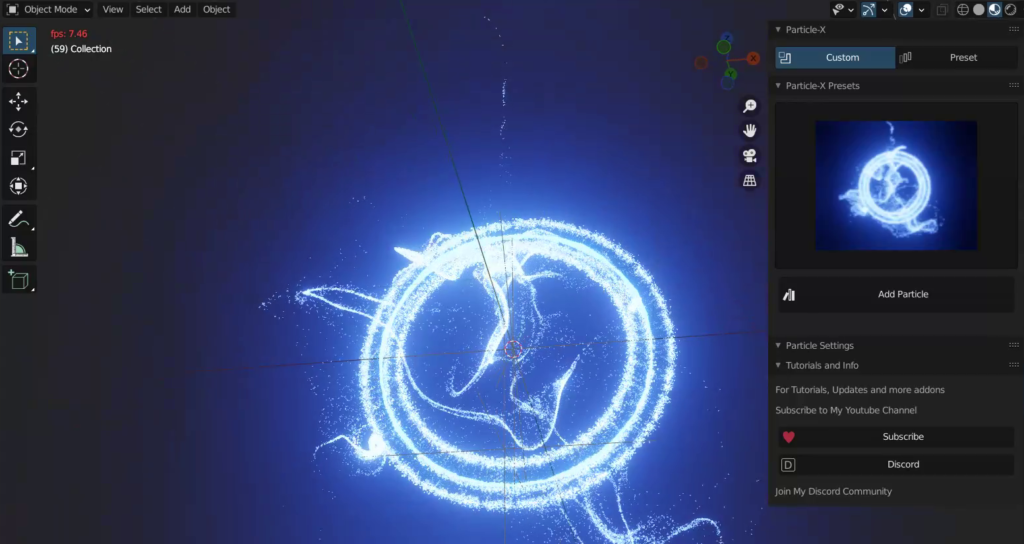
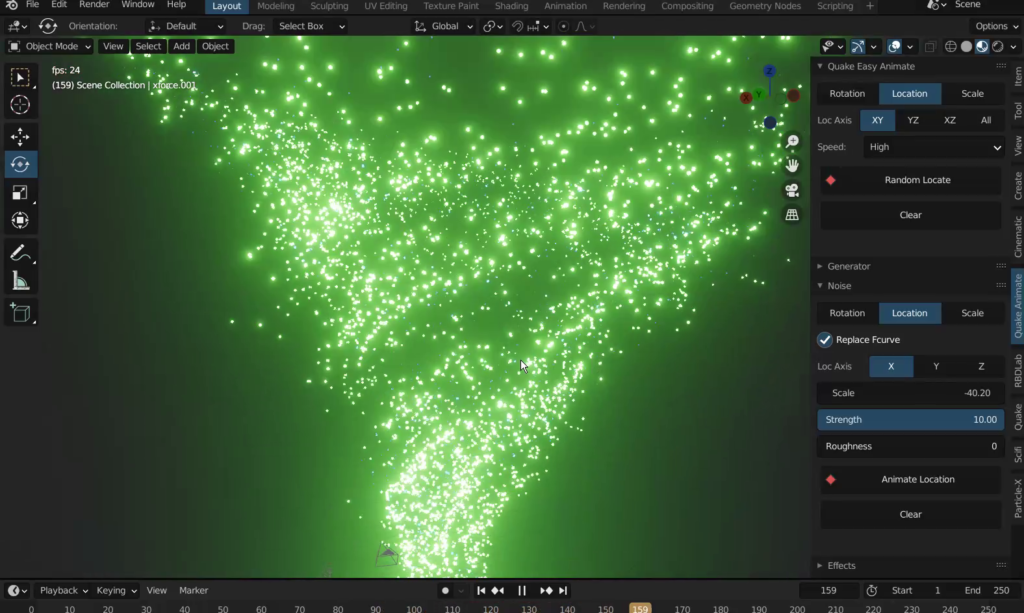
Particles-X is an addon that simplifies the creation of particles in Blender with a few steps and a few tweaks you will have a good looking output in no time,
it was mainly built for the theme of Scifi Environments or Scenes
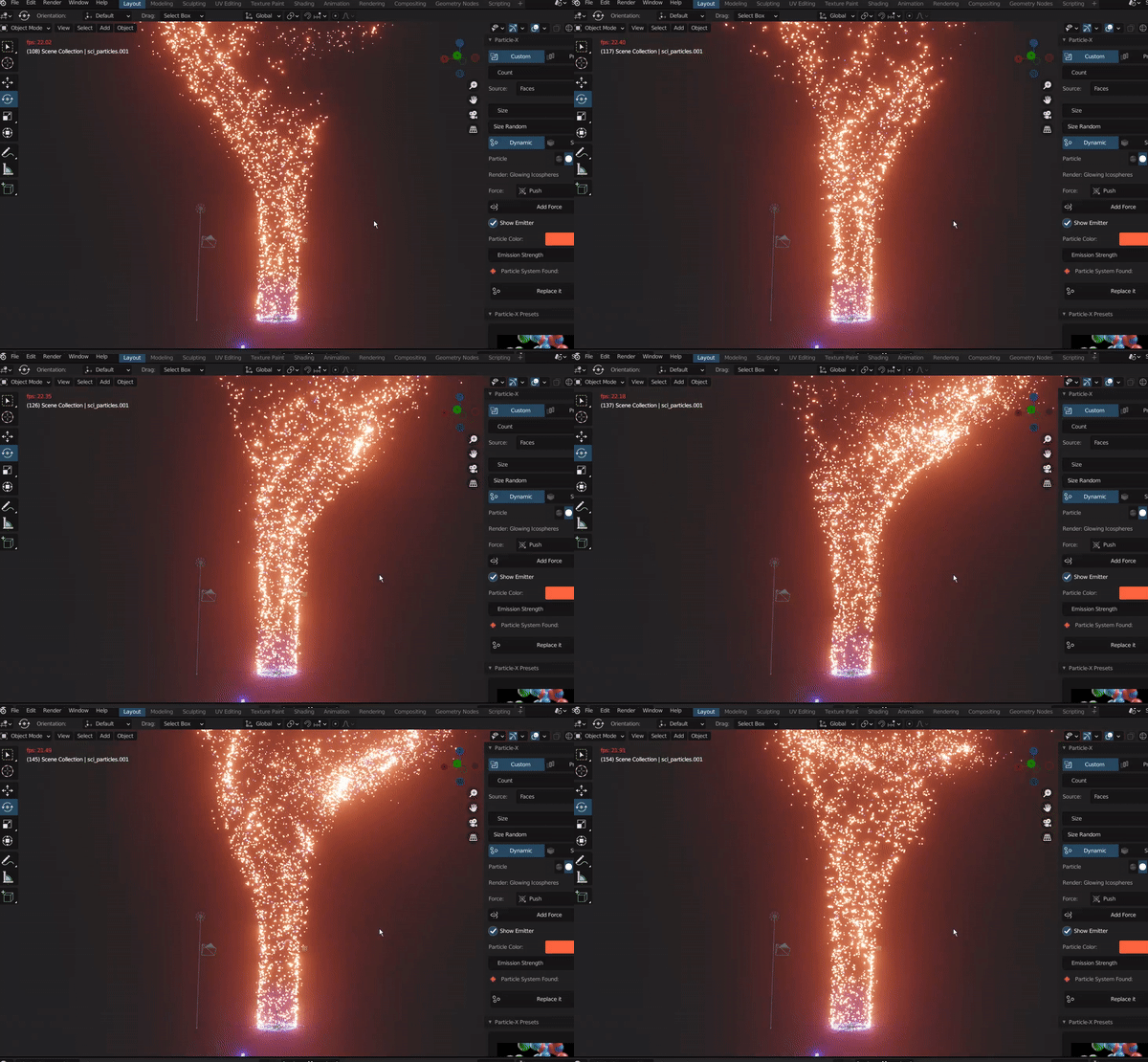
A big Shout out to Levy Bergman, if it was not him, this addon would not be possible, his idea was to simplify the blender particle system, so here we are with Particles-X
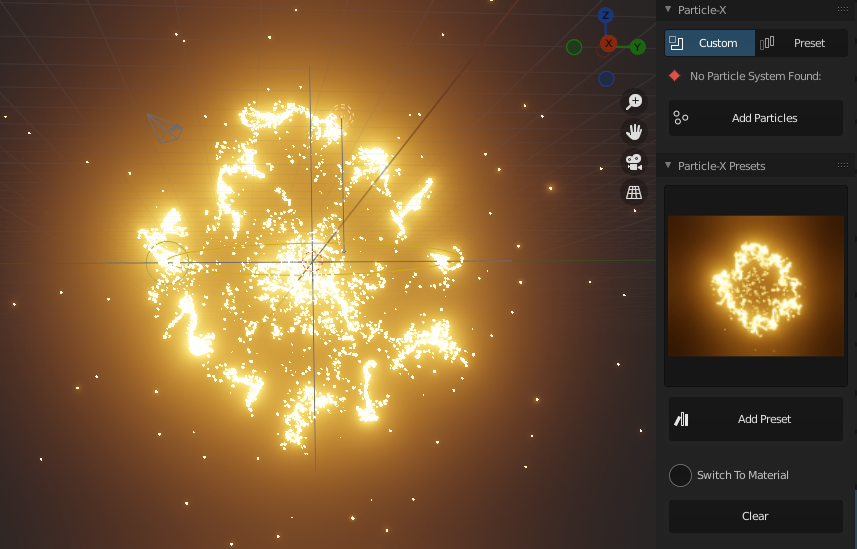
Preset Above is in The Pro Version
Get Started
Particles-X comes with 4 panels, the Particles-X Panel, the Particles-X Settings,
The Particles-X Presets and The info panel which i wont talk about, all those panels are handy in their own way, with options of creating between static and dynamic particles, or particles that emit from the face or Volume or from the the vertices
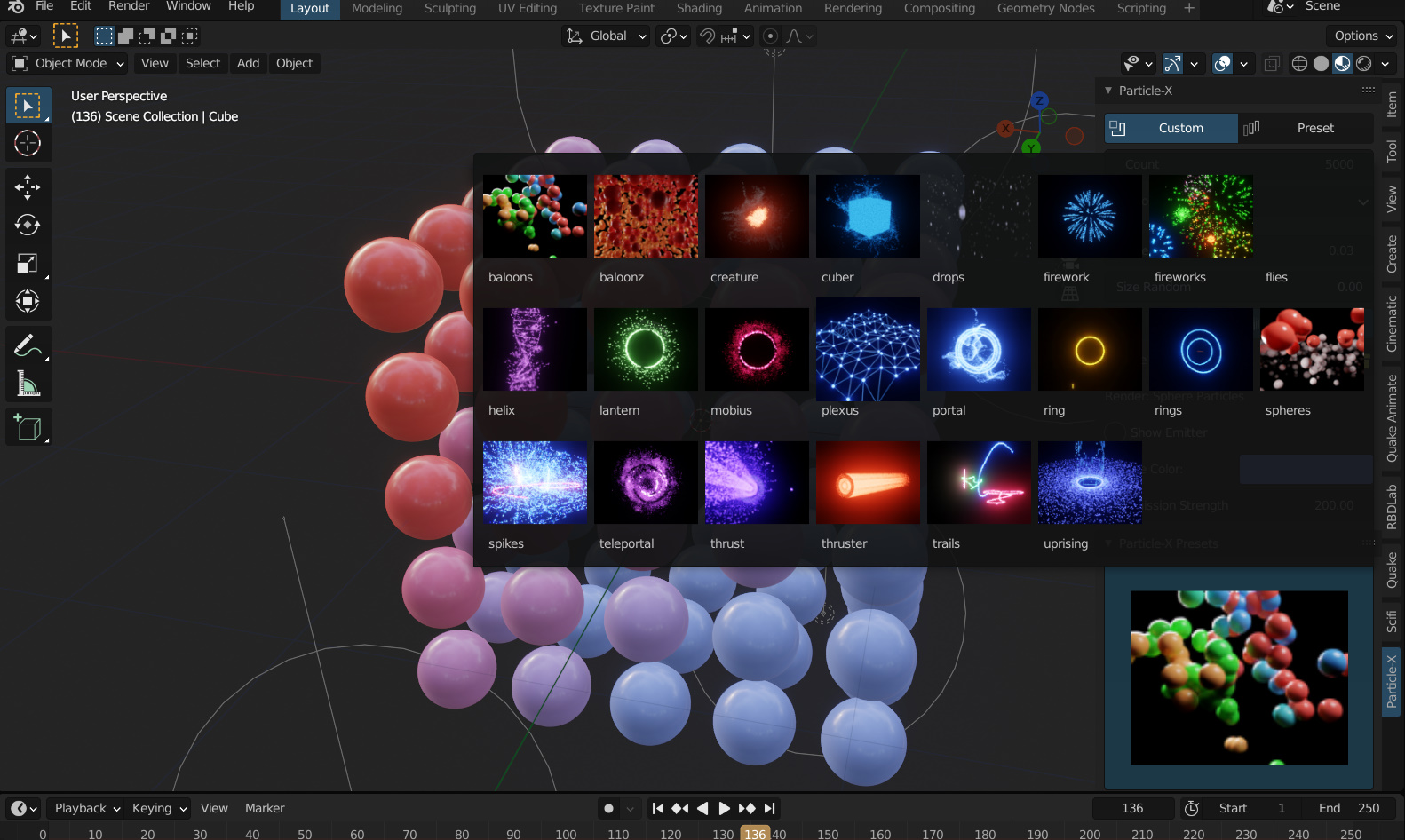
Particles-X Presets
this comes with more than 15 cool amazing Particles-X presets, like fireworks, Black Hole, Thrust and so many others that you can add and tweak to your own liking and desire, By this Now to get free Updates for the Coming Versions,
Particles-X Panel
this is the First Panel of the addon that does most of the creation, it comes with two Tabs, the Custom Tab and the Preset Tab,
Custom Tab: creates particles that you have to tweak for your own liking
Preset Tab: creates a particle effect that you choose on that object like the plexus effect, Trail Effect and more
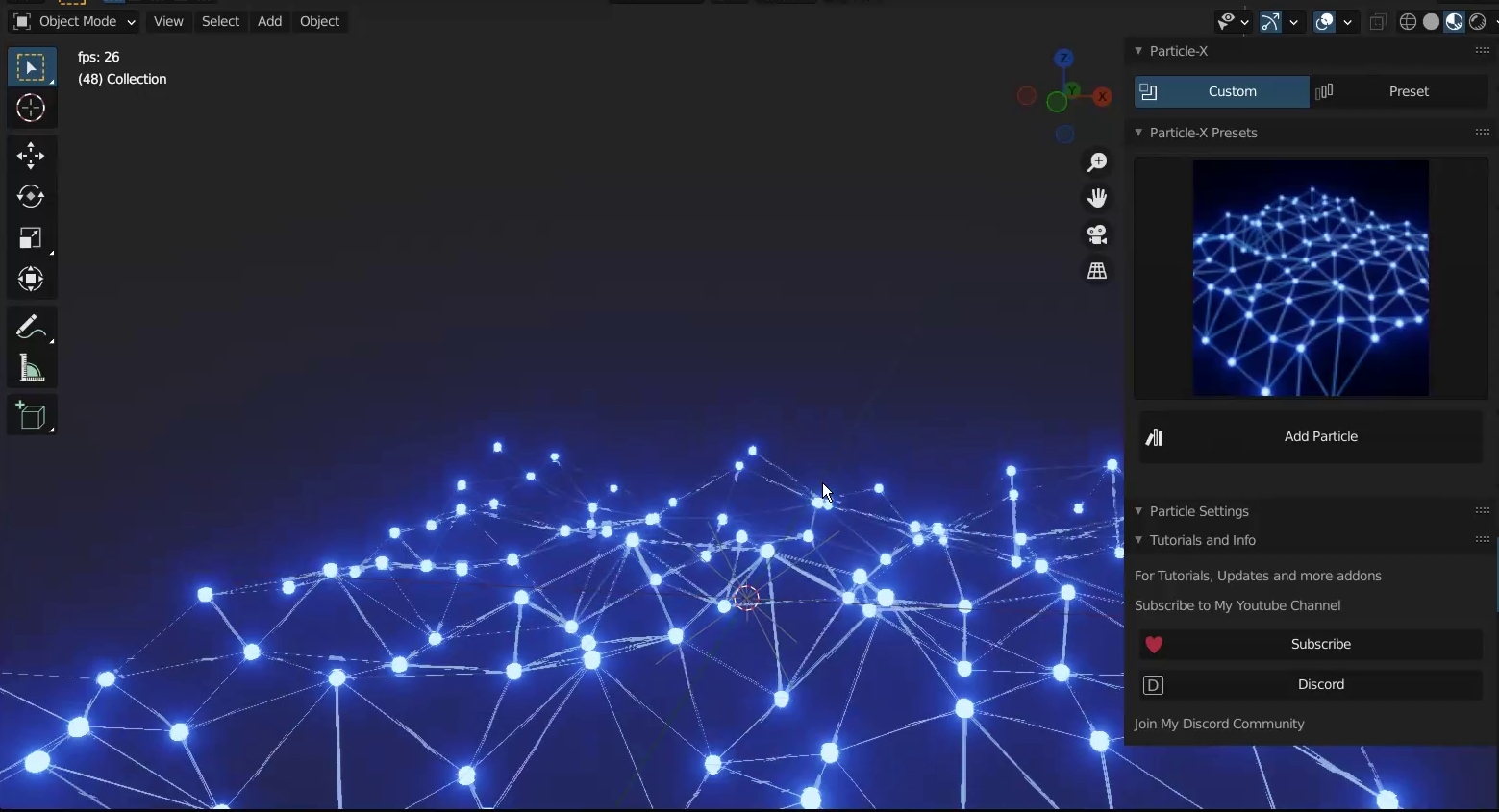
Particles-X comes with Objects that you can assign as particles automatically, you do not need to do the same thing again and again, this addon simplifies everything that has to do with blender particles,
these objects include
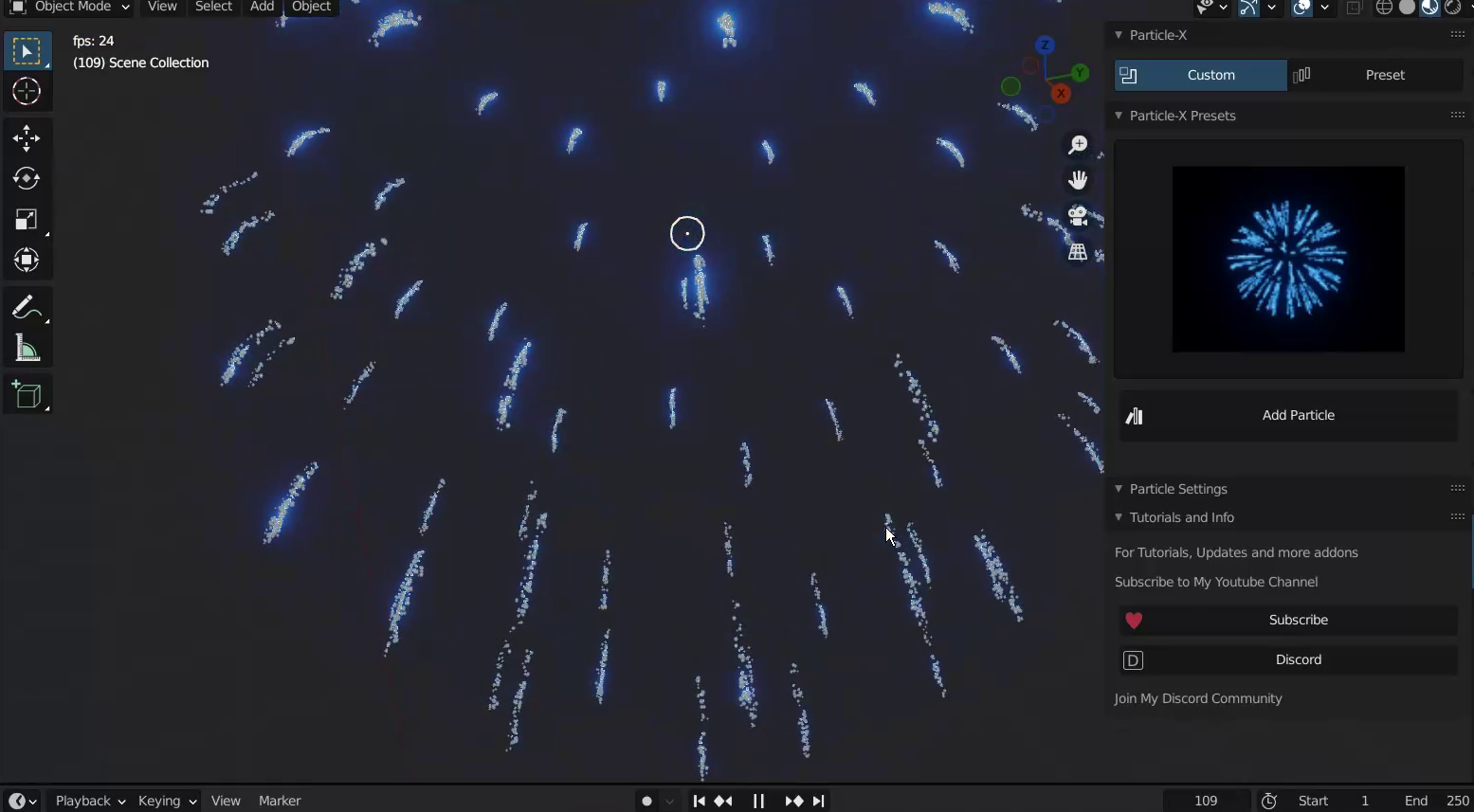
Mirror object: this is an icosphere that has a mirror material which reflects light, so this is good if you add a light source to it and it will create light from that light source giving you a sparkling simulation
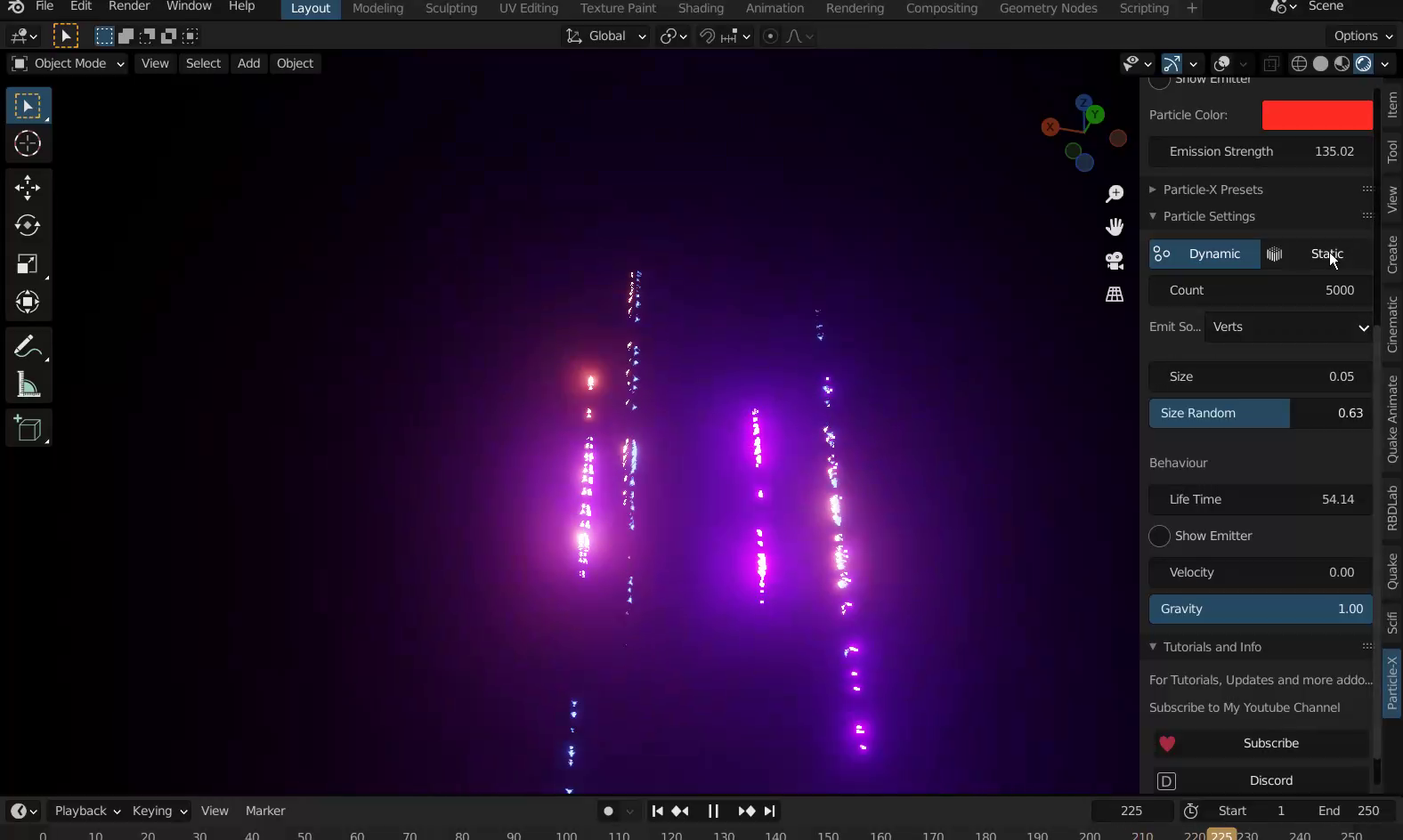
Glow Object: this is a glowing sphere, makes your particles Glow giving you a splendid appearance
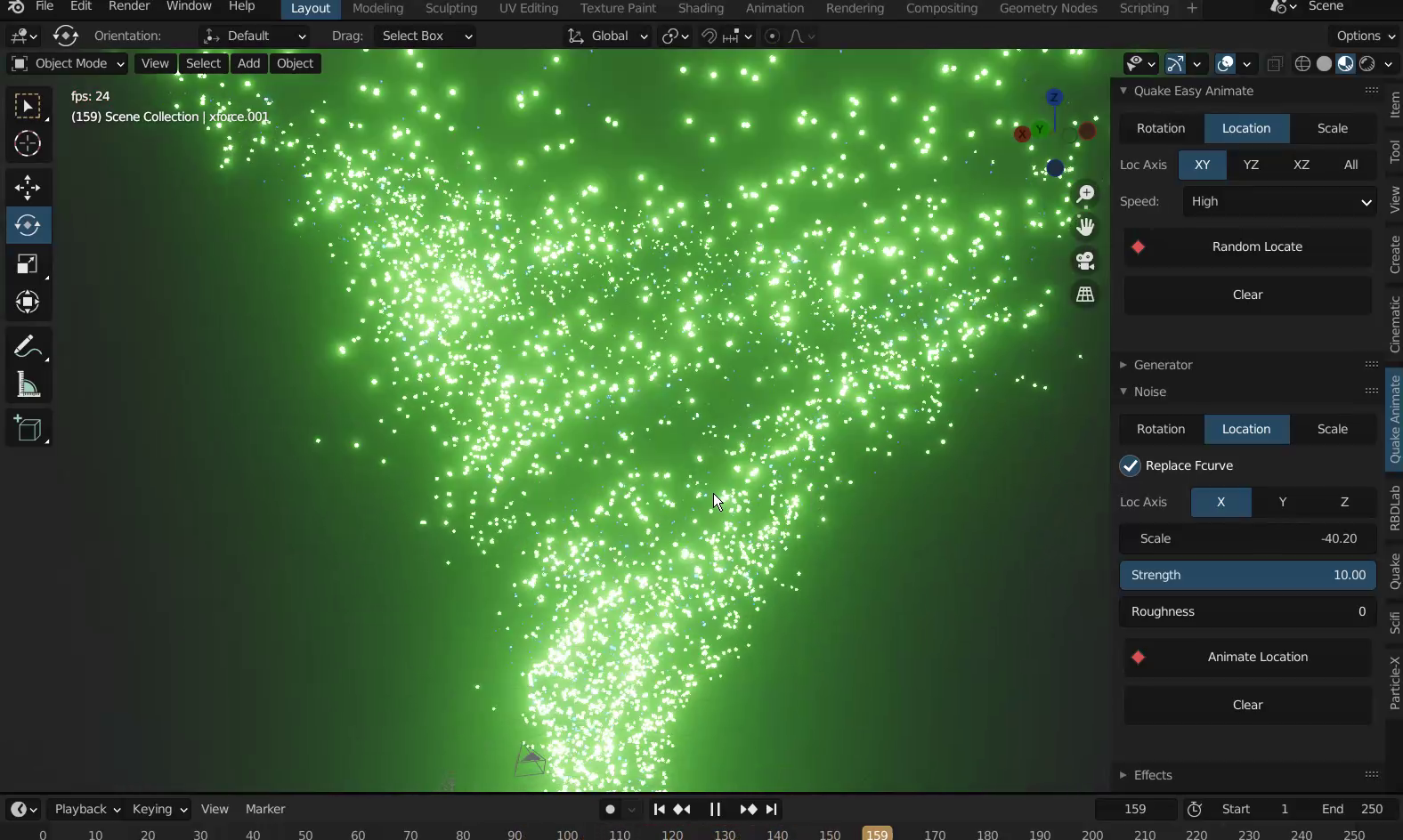
Sphere Object: this turns the particles into spheres that are coloured. with proper lighting and environment, you can make them look good
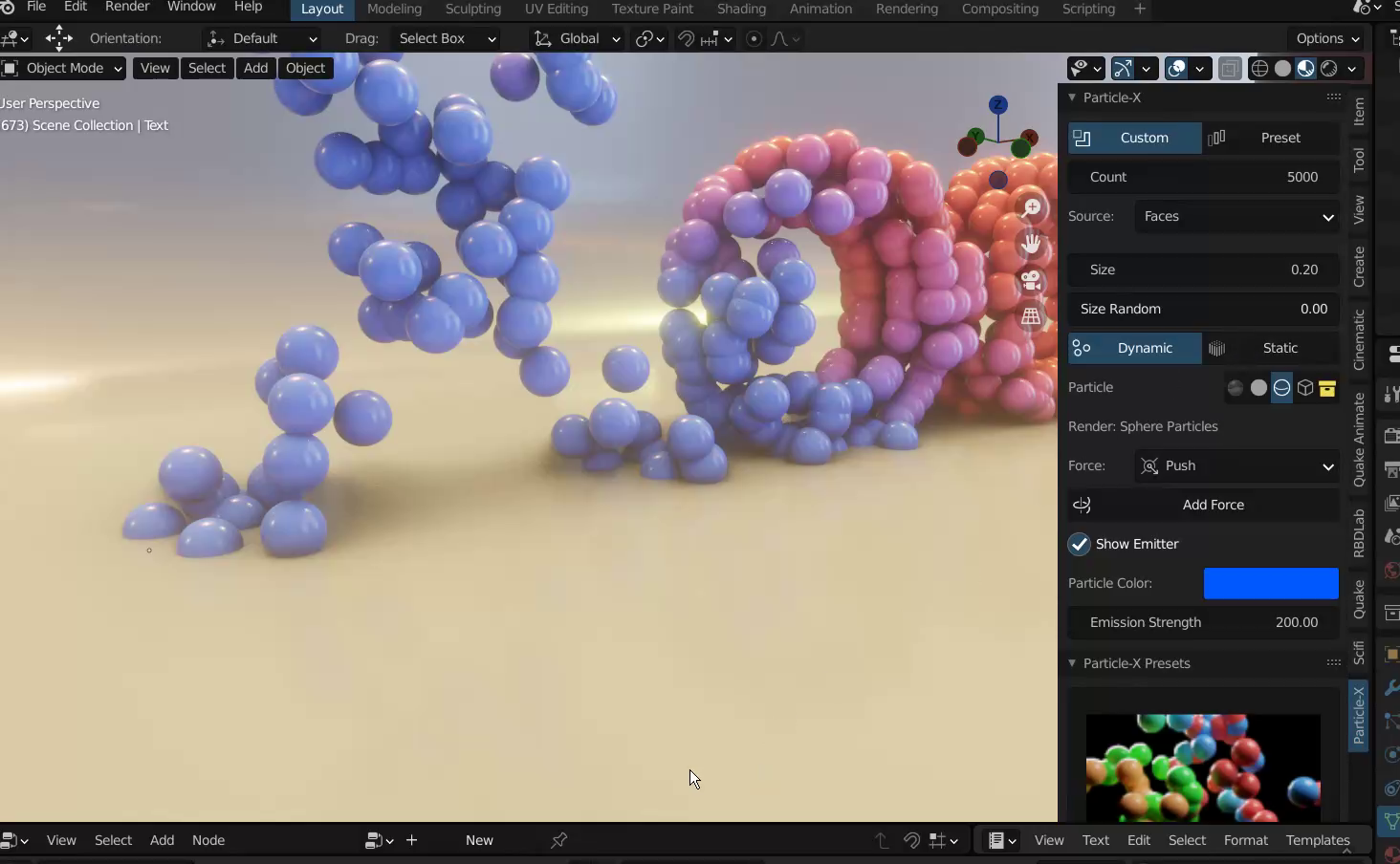
Custom Object: this your own particle Object and Custom Collection is for your own particle collection objects
Particles-X Settings
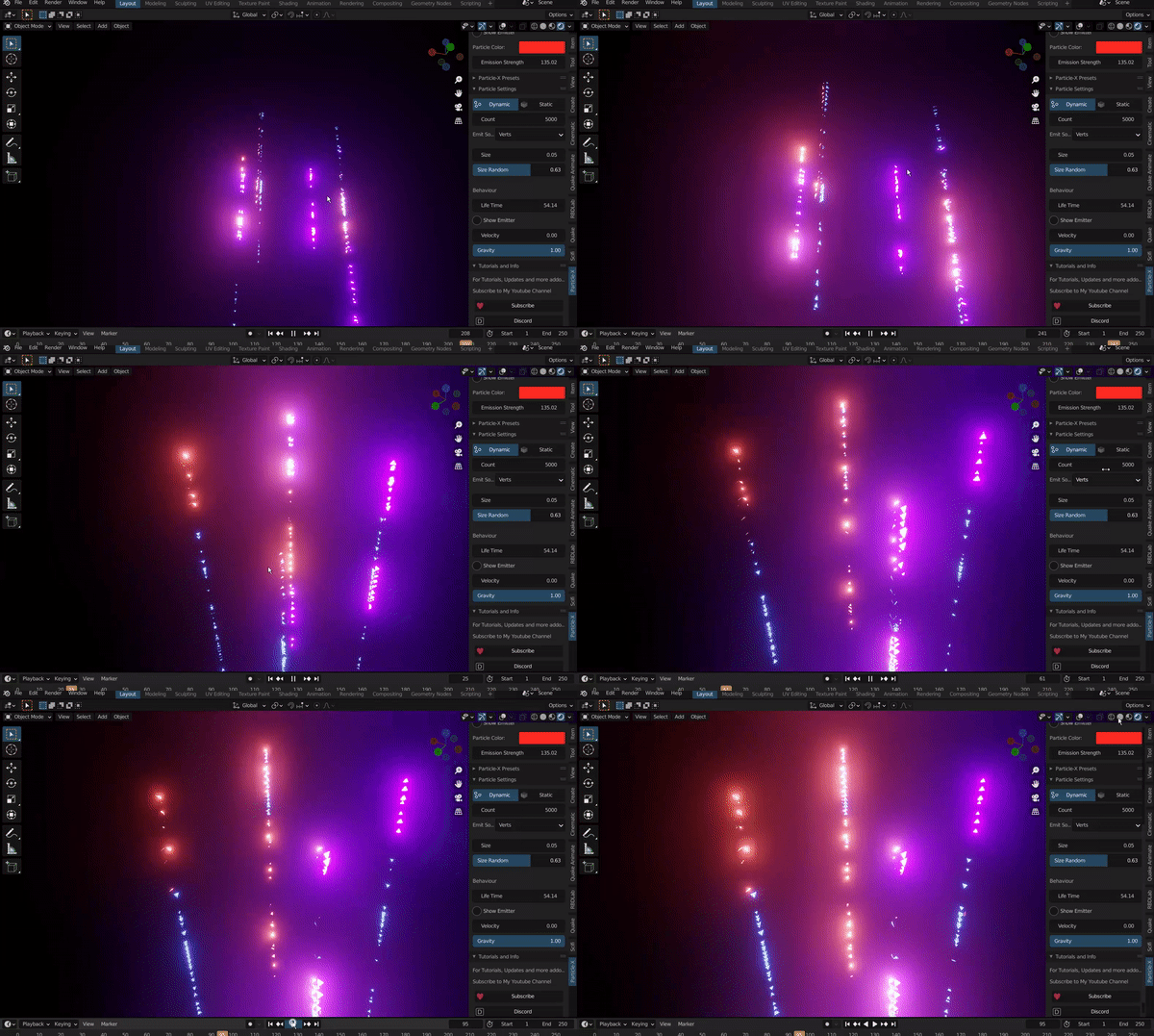
this panel has almost the same properties of the particle-x panel but it adds on with more properties like gravity, velocity, source, type and more that you need,
Particles-X brings out only the most used settings, not every blender’s particle system property is on it, they are few and most used like count, size, randomize, etc
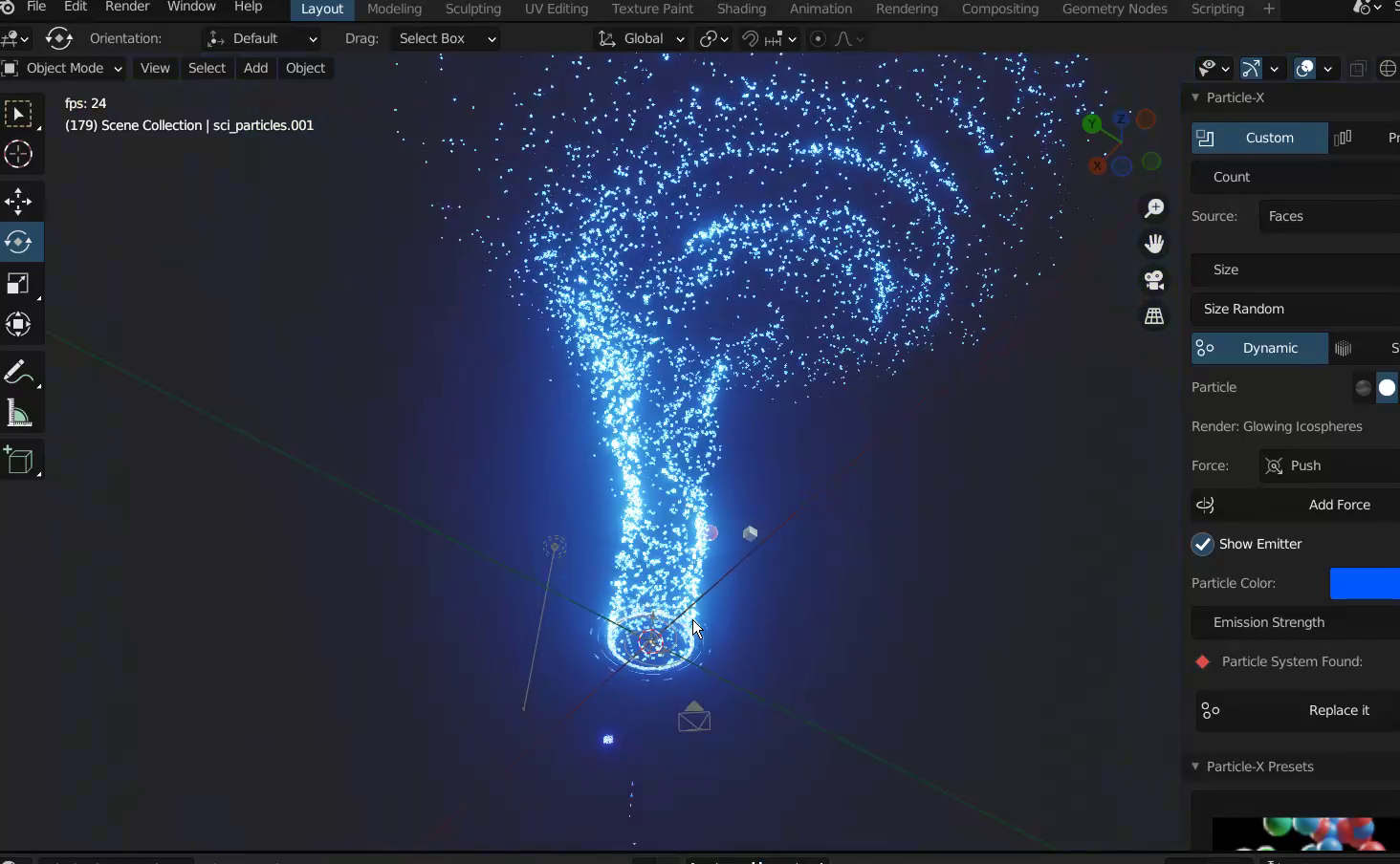
Features
• 40 Plus particle presets and more in updates
• 5 plus Particle Effects and more in updates
• Cool particle Objects, Glowing, Mirror etc
• Force Fields
• Most Blender System Particle Settings
• Amazing Functions
• Easy Creation of particles
• Easily Tweakable
• Easy Animate
• Convert to Keyframe and bake them for other softwares
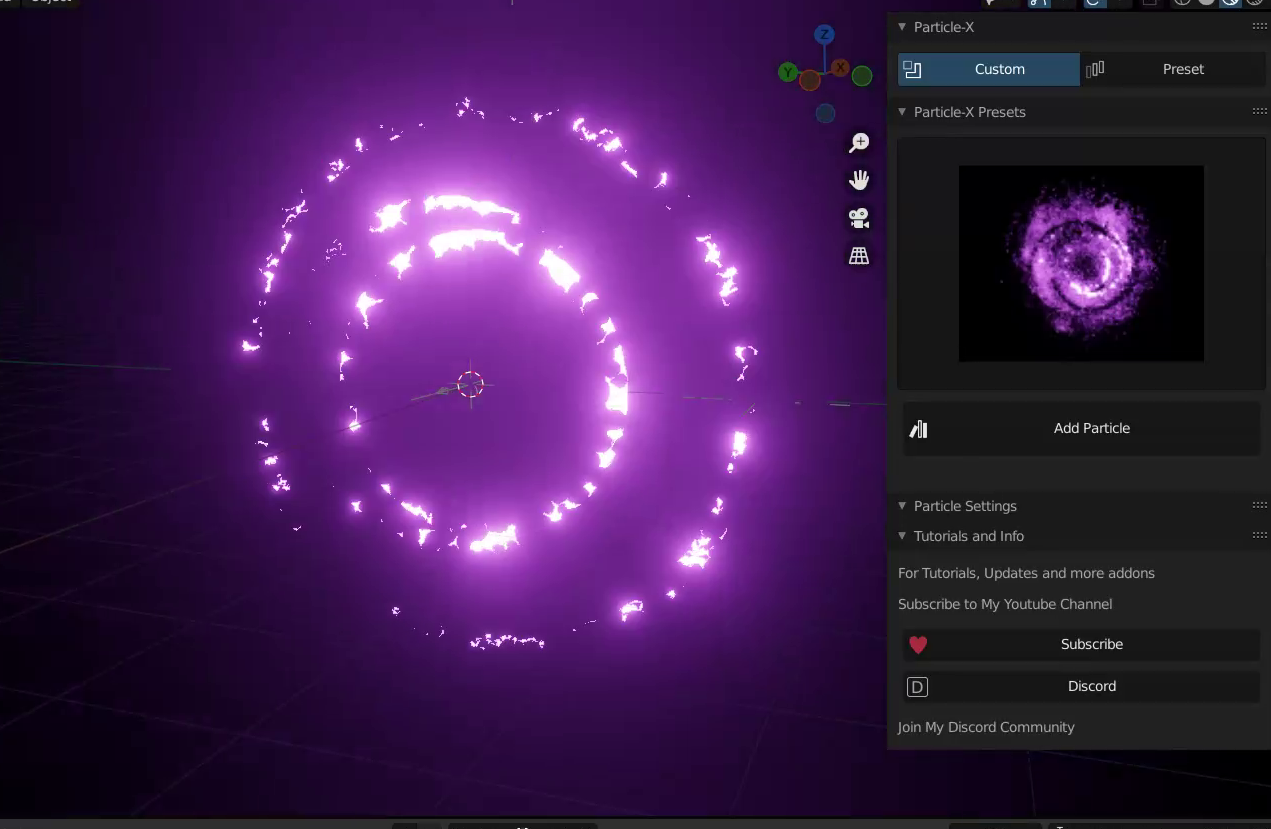
Your First Cool Particle
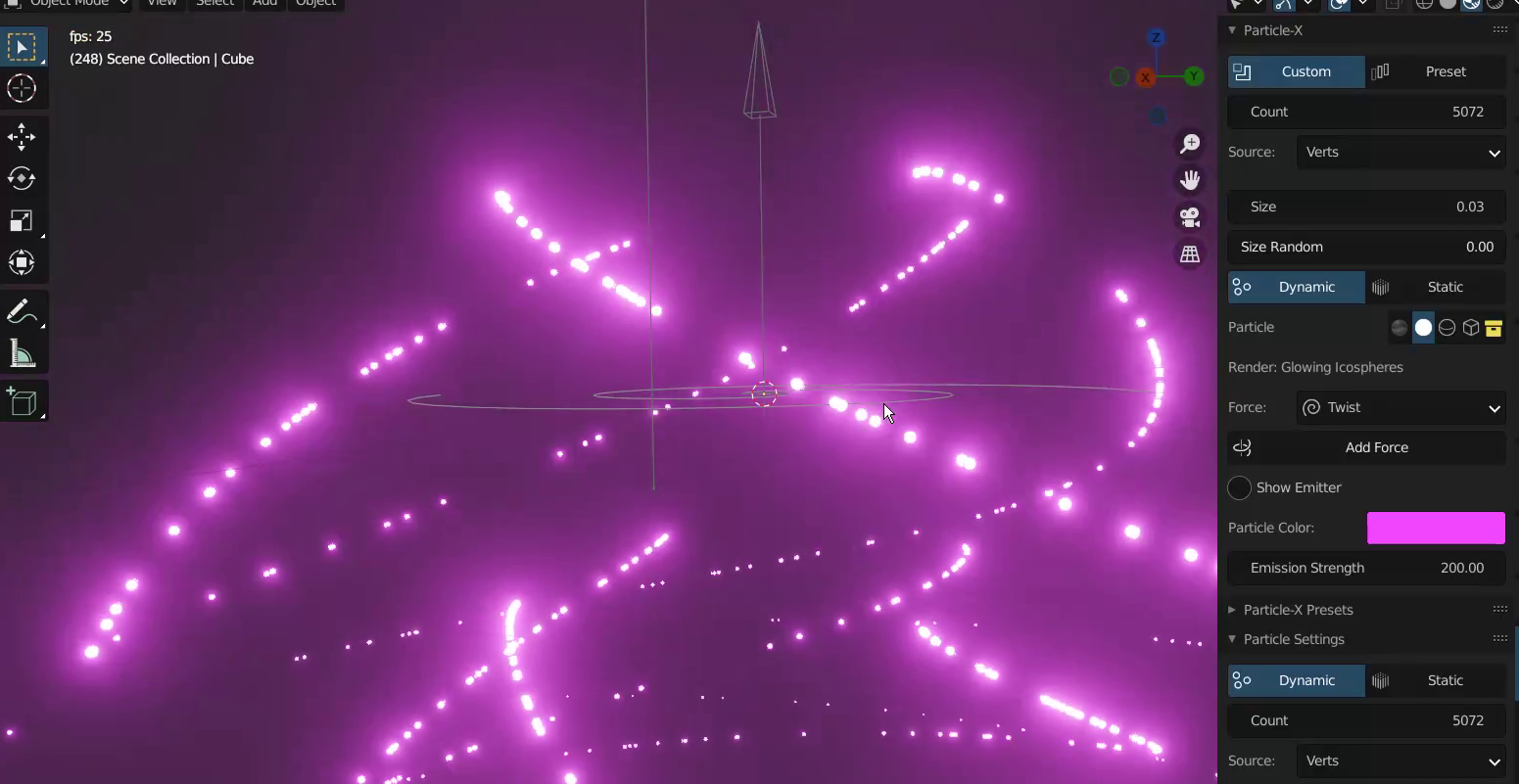
to create your first particle, select a cube, goto custom, and click make particles, when done click play,
reduce size using the particle size, increase number using the count and change colour using the property colour blue you see on the panel
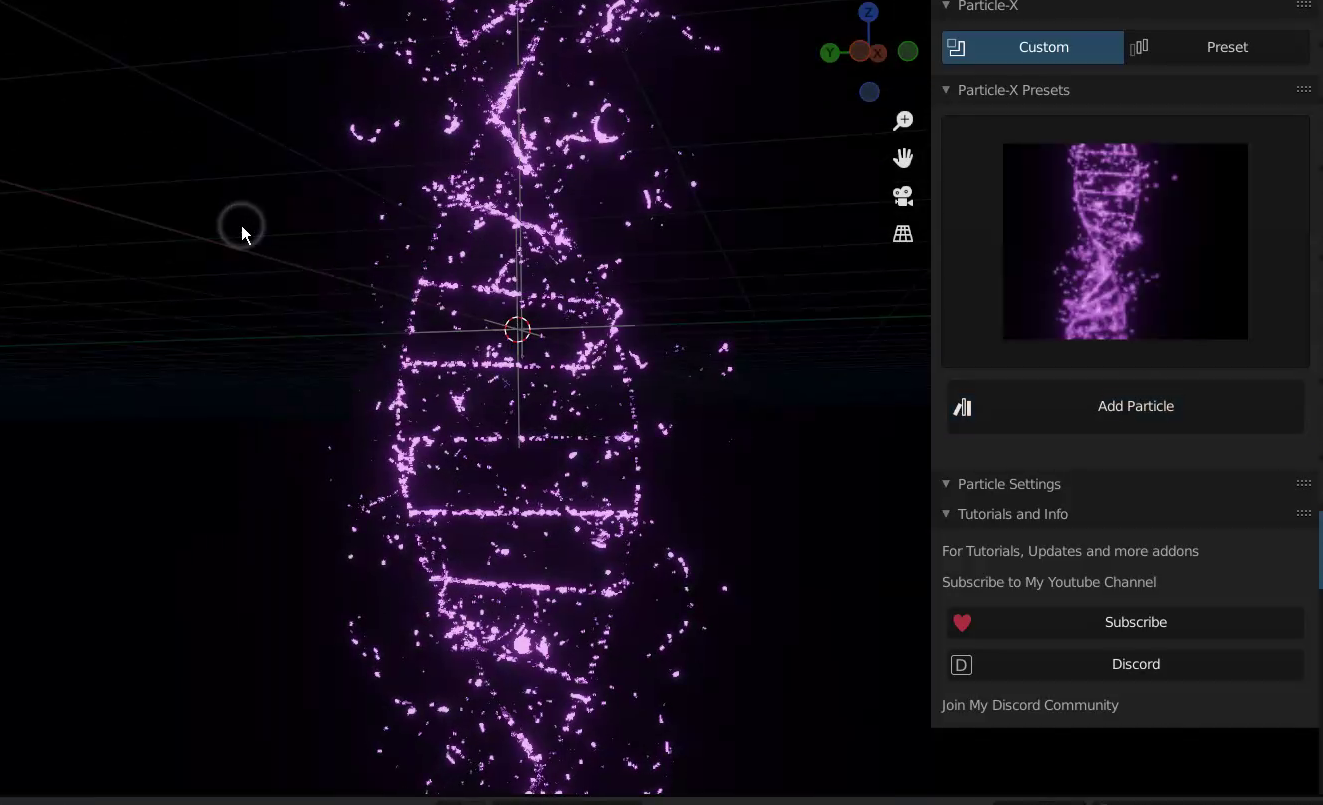
set the source from face to Verts and set the velocity property to 0
and thats it you have a good looking particle flow
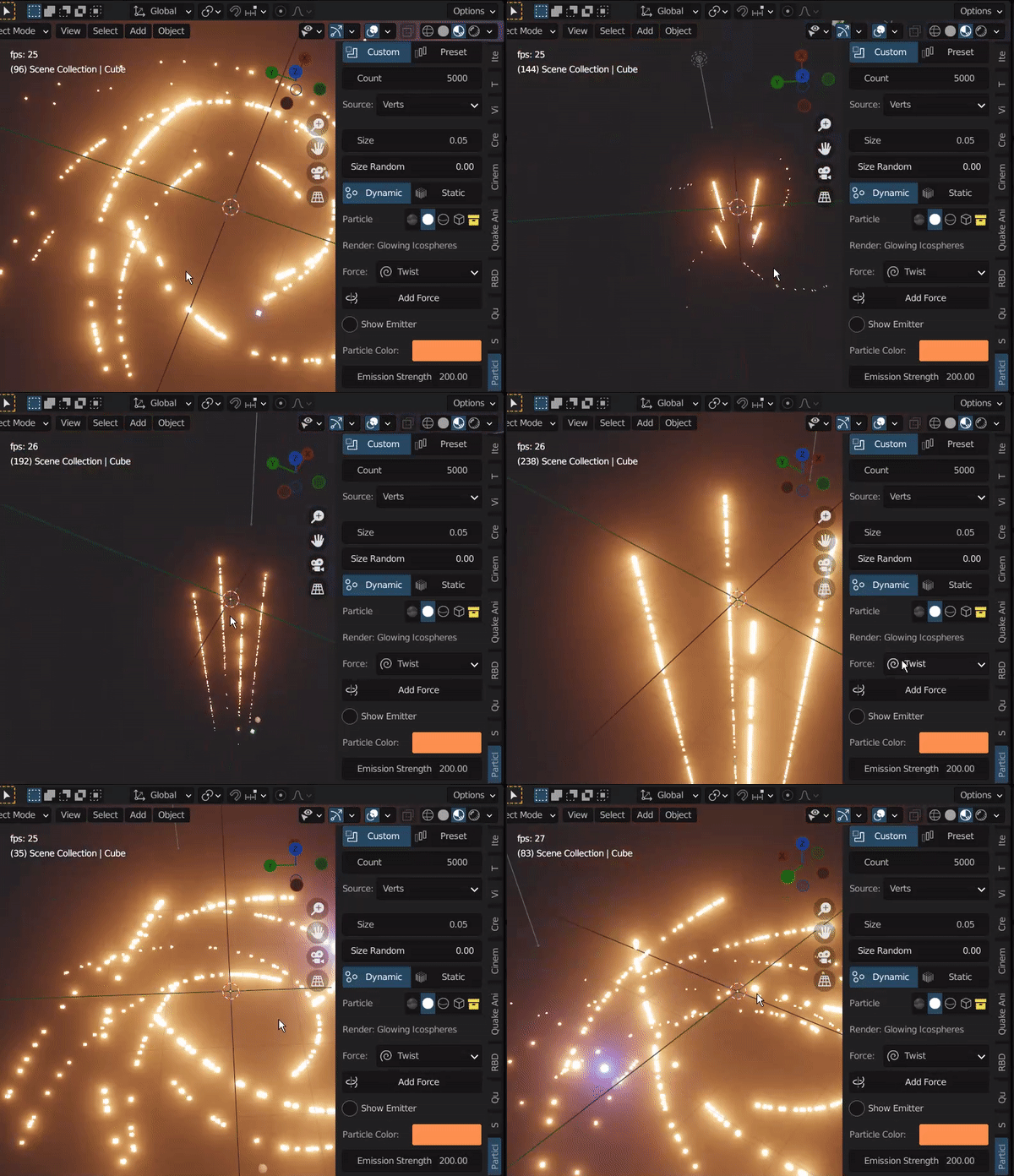
to add more juice to it, add a Particles-X Force, choose between Turbulence, Twist or Push
pick the Twist and you, scale it by pressing S and you will see the particles rotating which will create an amazing effect
Supercharge your 3D creation workflow with premium selection of Blender Add-ons. Whether you are modeling intricate characters, sculpting realistic environments, or animating cinematic sequences, the right add-on can transform how you work inside Blender. Our curated collection includes powerful tools for UV unwrapping, procedural texture generation, rigging automation, rendering optimization, and more—each rigorously tested for compatibility with the latest Blender versions. Eliminate tedious manual processes and unlock advanced functionality that lets you focus on what matters most: bringing your creative vision to life. Explore our full range of professional Blender plugins today and take your 3D projects to the next level.
➡️ ➡️ For more Blender Plugins 😀 😀
Reviews
There are no reviews yet.